


 UK


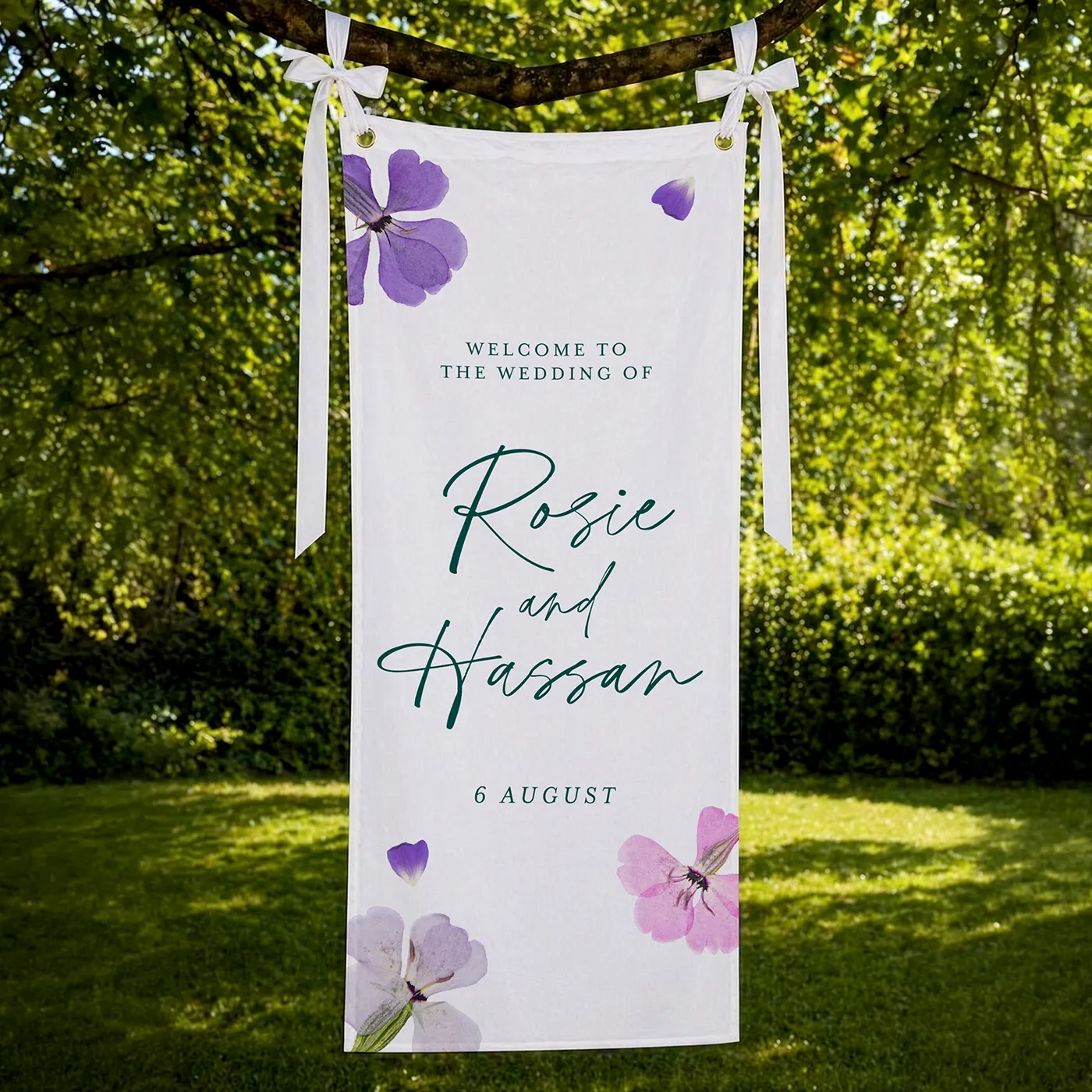
Fabric Wedding Signs
From £ 51.50 (ex VAT)

 4.6
- Custom size available
- Supplied without hardware
- Add eyelets or a pole pocket for easy hanging
Customise your product to your exact specification. We’ve got all the options you need to bring your print to life. Let’s make it real!

Most Popular
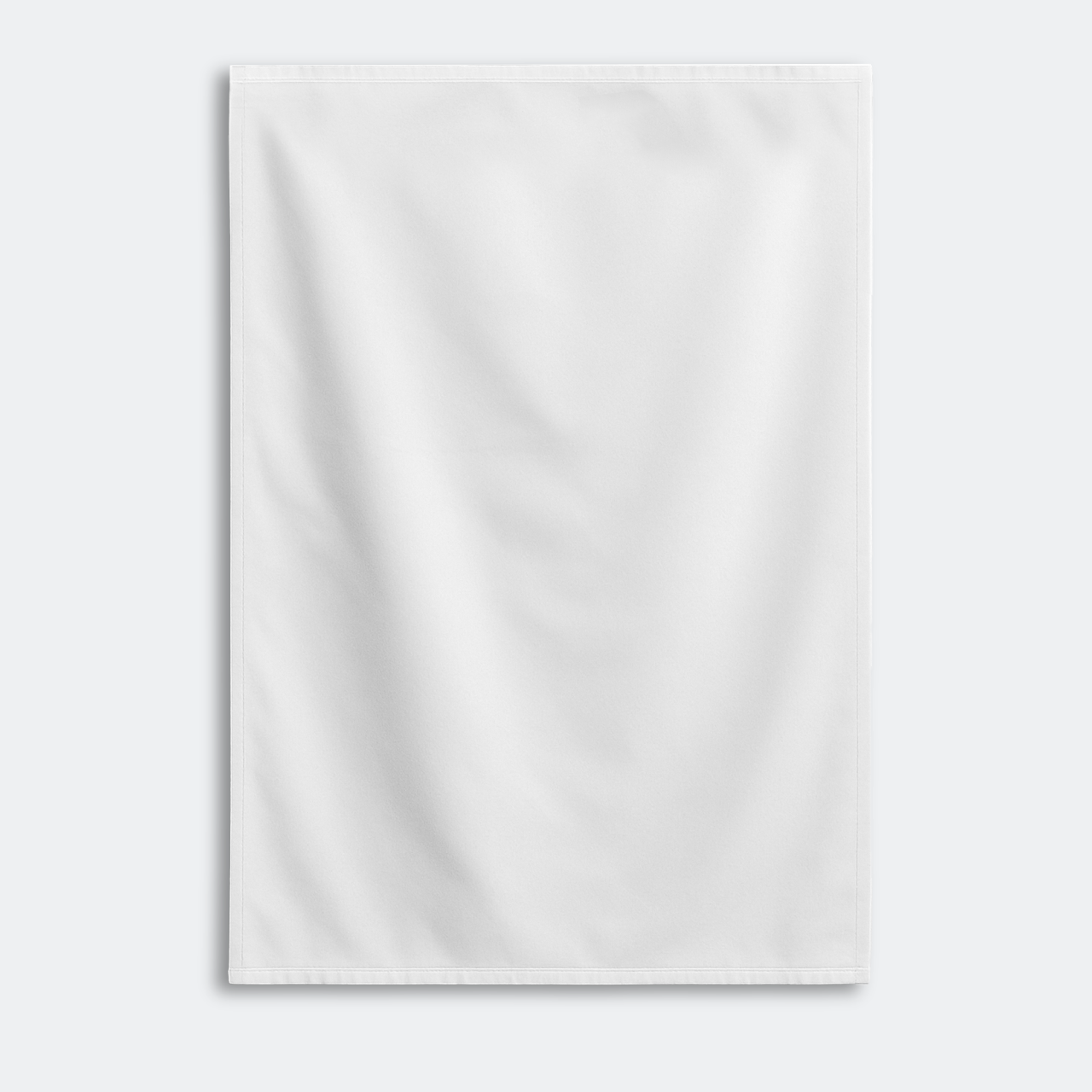
1500mm x 2410mm portrait Wedding Fabric Signs printed on one side. Including eyelets in the top corners.
Pole Pockets
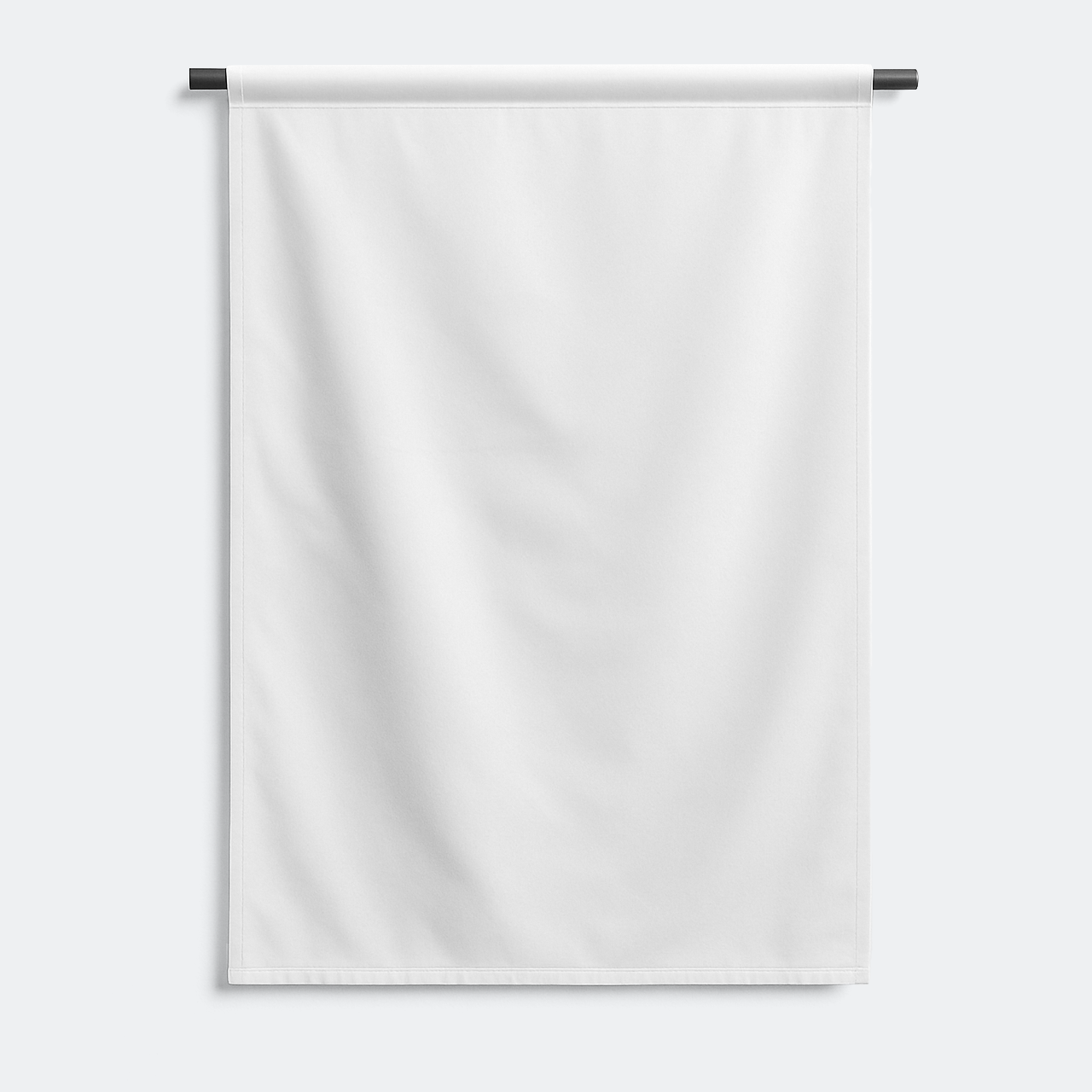
1500mm x 2410mm portrait Wedding Fabric Signs printed on one side. Including top edge pole pockets.
Our stocks
Find your perfect match

Recycled Polyester
Our Recycled Polyester is made from 100% recovered ocean waste and is a smooth, woven fabric suited to both indoor and outdoor environments. It delivers a clean, professional finish and is machine washable on a cold cycle.


Recycled Polyester
Our Recycled Polyester is made from 100% recovered ocean waste and is a smooth, woven fabric suited to both indoor and outdoor environments. It delivers a clean, professional finish and is machine washable on a cold cycle.
Available weights
- 210gsm
Best for
- Sustainable textile printing
- Reusable marketing materials
- Indoor use
Credentials
- 100% recycled material from recovered ocean waste
- Washable and wrinkle resistant
- PVC free
Guide to perfect print
Get your print to the presses perfectly with everything you need to get set up
Sample Packs
Get a feel for our range of quality products, papers and special finishes in our free Sample Packs.
Downloadable Templates
Use our free templates to create your artwork and make sure your print is set up perfectly for the presses.
Bespoke Service
Can’t find the print you’re looking for? From unique papers to custom sizes and finishes, our Bespoke Team can help with your request.
Safe area
Templates
- Wedding Fabric Signs
- No elements found. Consider changing the search query.
- List is empty.
- 1.5m Wedding Fabric Banner (Eyelets)
- 2m Wedding Fabric Banner (Eyelets)
- 2.4m Wedding Fabric Banner (Eyelets)
- 1.5m Wedding Fabric Banner (Pole Pocket)
- 2m Wedding Fabric Banner (Pole Pocket)
- 2.4m Wedding Fabric Banner (Pole Pocket)
- No elements found. Consider changing the search query.
- List is empty.
- Illustrator
- InDesign
- No elements found. Consider changing the search query.
- List is empty.
Quick tips to print perfection

Sustainable print
At Printed.com, we want to help you reduce your environmental impact. From using innovative packaging and sourcing eco-friendly papers, to minimising waste and promoting recycling, we’re dedicated to giving you more sustainable choices across our range.
Find Out More
More information
Elevate your special day with our elegant Wedding Fabric Signs, crafted from eco-friendly Recycled Polyester. Perfect for any venue, these custom-sized wedding banners can be tailored to fit your unique theme. Our fabric welcome signs for weddings are supplied without hardware, allowing you to add your own personal touch with eyelets or a pole pocket for effortless hanging. Whether you're looking for a classic Wedding Fabric Sign or a bespoke wedding banner, our sustainable options provide a stylish and environmentally conscious choice for your celebrations.
Frequently asked questions
Got a question? We might have answered it here. If not, feel free to get in touch with The Team, we’re here to help!
- How long will my print take to arrive?
- What should I know before preparing artwork for print?
- What is a Professional File Check?
- How do I print with Canva?
- Why choose a Fabric Welcome Sign for your wedding?
- What is the size of the pole pocket?
- What material is used for Fabric Wedding Signs?
- What is the technical information for Wedding Fabric Signs?
How long will my print take to arrive?
Find out how quickly you can get your print by filling in your selected options in the product builder, and check out the delivery options at the bottom. You can also explore the available delivery options from your basket once you’ve added a product.
What should I know before preparing artwork for print?
What is a Professional File Check?
For a small fee, an expert member of our technical team will manually review your artwork before it goes to print so you can press 'go' with complete confidence.
- Image resolution for print quality
- Bleed and safe areas
- Page count and page order on folded products
- Corrupt, blank or password-protected files
- Templates left on artwork
- Folds, cut lines, drill holes and binding areas (where applicable)
- Foil alignment and minimum line widths (where applicable)
- Personalisation files and version quantities (where applicable)
- Spelling, grammar or proofreading
- Design, layout or text sizing advice
- Colour accuracy or colour mode checks (RGB/CMYK)
- QR code testing
- Calendar date checks
- Post-print quality inspection beyond our standard production processes
How do I print with Canva?
Why choose a Fabric Welcome Sign for your wedding?
Fabric Wedding Welcome Signs add a lovely touch of elegance to your special day. With customisable sizes and various hanging options, these signs can blend seamlessly with your venue's décor. Their versatility makes them perfect for any location and easy to transport for destination weddings. Plus, their durability means they can be cherished keepsakes or reused for future events, whether it’s a home ceremony or a final celebration party.
What is the size of the pole pocket?
The pole pocket of our Fabric Banners is 75mm. Designed with ease of use in mind, these banners are perfect for event planners, marketing professionals, and trade show organisers who require a reliable and versatile display solution.
What material is used for Fabric Wedding Signs?
Our Fabric Banners are made from 100% recycled polyester sourced from ocean waste, are eco-friendly and versatile for indoor and outdoor use. They are machine washable, durable, and wrinkle-free. Perfect for events, sustainable businesses, or weddings, these banners provide a quality, green alternative without compromising aesthetics.
What is the technical information for Wedding Fabric Signs?
Material: 210gsm Recycled Polyester.
More products you might like


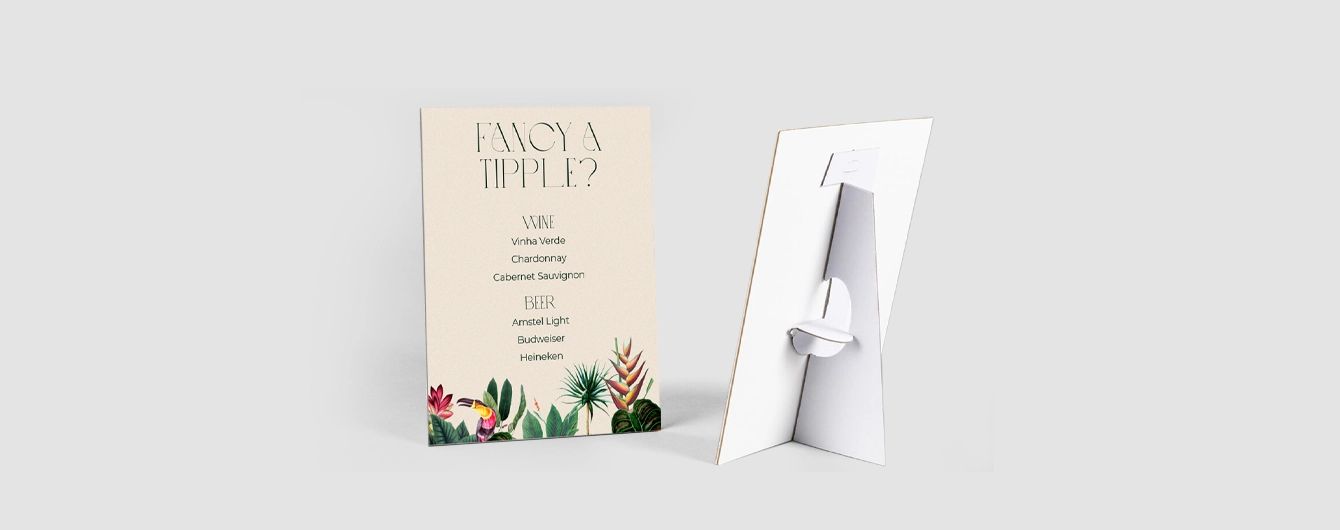

Wedding Fabric Signs
Our product presets
Our product presets
Build your own or choose from one of our preset options
Size
Size
Printed sides
One side: Print your design on one side of the product only. The reverse side will remain unprinted.
Both sides: Print your design on both sides of the product. Choose this option when you want to apply a design on both the front and back.
Printed sides
One side: Print your design on one side of the product only. The reverse side will remain unprinted.
Both sides: Print your design on both sides of the product. Choose this option when you want to apply a design on both the front and back.
Material
Paper
Quantity
If there is a paper stock, size, quantity or finish you want but can't find, fill in our bespoke order form or contact our team .
The options you have chosen mean that your leaflets will be delivered creased but not folded. If you'd like your print to arrive already folded, please enter a lower quantity or a lighter paper weight.
Extras
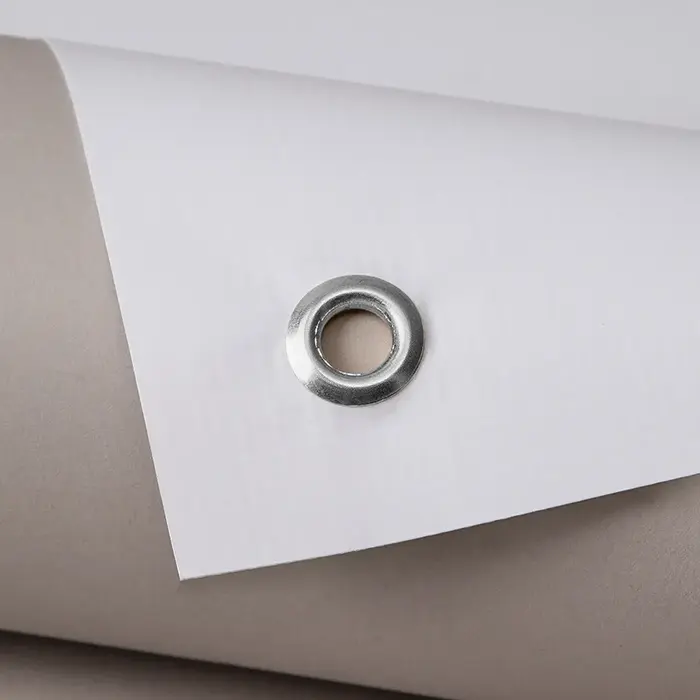
Eyelets
What does it mean?
Eyelets will be placed in each corner of your banner. Banners over 1m will have an eyelet every 500mm or so.
Eyelets
What does it mean?
Eyelets will be placed in each corner of your banner. Banners over 1m will have an eyelet every 500mm or so.

Pole Pockets
Choose this option if you'd like a pocket at the top of your Banner to insert a pole or hardware.
Pole Pockets
Choose this option if you'd like a pocket at the top of your Banner to insert a pole or hardware.
Select your Delivery options
Delivery type
As you have previously selected a delivery option for a previous product we have grouped these items to lower your delivery costs. Due to the items added to your basket we are no longer able to offer your selected delivery option. Please reselect your delivery from the options below. If you are sending to multiple addresses you can ungroup your items.
Delivery type
The paper you have chosen is not available at this quantity.
To keep your paper choice please enter a quantity than .
- Recycled Polyester - 210gsm
For documents with this number of pages, the maximum quantity available is units.
If you require a larger quantity, please reduce your number of pages to less than 1 or get in touch with our Bespoke Team.
This reorder job does not allow editing the original artwork. You may still upload a new piece of artwork but doing so will remove the original artwork. Do you want to continue?