


 UK
Teardrop Flag Replacement Graphics
From £ 60.00 (ex VAT)

 4.6
- Supplied without hardware
- Designed to fit our Teardrop Flag hardware
- Weatherproof graphic material
Customise your product to your exact specification. We’ve got all the options you need to bring your print to life. Let’s make it real!


Most Popular
2m portrait Flags, printed on both sides of 115gsm Knitted Polyester.
Our stocks
Find your perfect match

Knitted Polyester
Knitted Polyester is the quality choice for your large format print. Semi-transparent and specially designed to allow air to flow through, it'll let your message fly whether indoors or out.


Knitted Polyester
Knitted Polyester is the quality choice for your large format print. Semi-transparent and specially designed to allow air to flow through, it'll let your message fly whether indoors or out.
Available weights
- 115gsm
Best for
- Feather Flags
- Teardrop Flags
- Indoors and outdoors
Credentials
- Air-Flow material
- Machine washable
Guide to perfect print
Get your print to the presses perfectly with everything you need to get set up
Sample Packs
Get a feel for our range of quality products, papers and special finishes in our free Sample Packs.
Downloadable Templates
Use our free templates to create your artwork and make sure your print is set up perfectly for the presses.
Bespoke Service
Can’t find the print you’re looking for? From unique papers to custom sizes and finishes, our Bespoke Team can help with your request.
Safe area
Templates
- Teardrop Flag Replacement Graphics
- No elements found. Consider changing the search query.
- List is empty.
- Teardrop flag 3.2m - Double sided
- Teardrop flag 2m - Double sided
- Teardrop flag 2.6m - Double sided
- Teardrop Flag 4.8m - Single Sided
- Teardrop flag 2m - Single sided
- Teardrop flag 2.6m - Single sided
- Teardrop flag 3.2m - Single sided
- No elements found. Consider changing the search query.
- List is empty.
- Illustrator
- InDesign
- No elements found. Consider changing the search query.
- List is empty.
Quick tips to print perfection






Where large format comes to life
Behind every order is a dedicated facility run by a team that lives and breathes large format print. Years of experience, market leading equipment, and a process refined to give you consistent high quality — so you can hand over your project and know it's in professional hands.
Explore More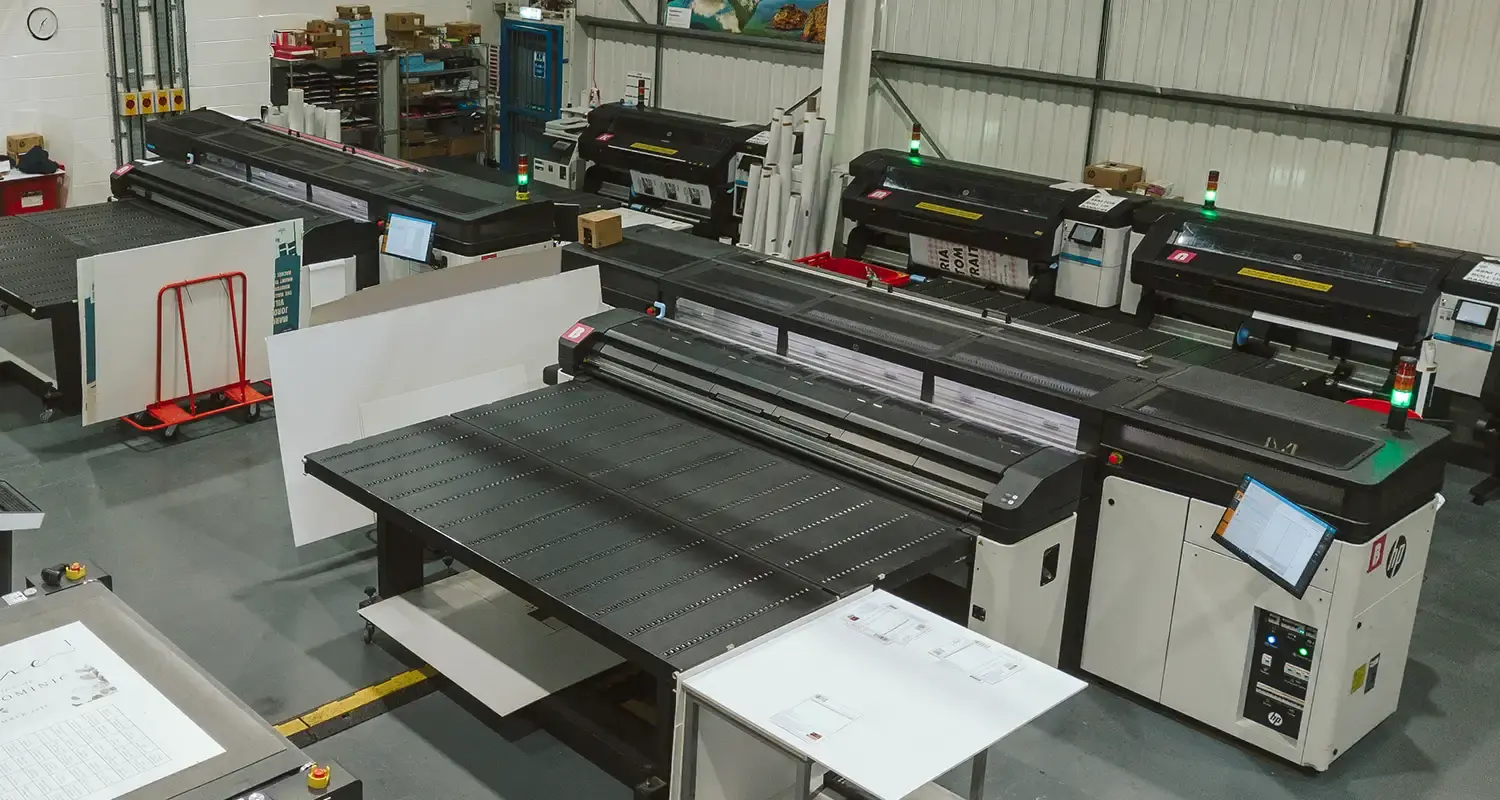
More information
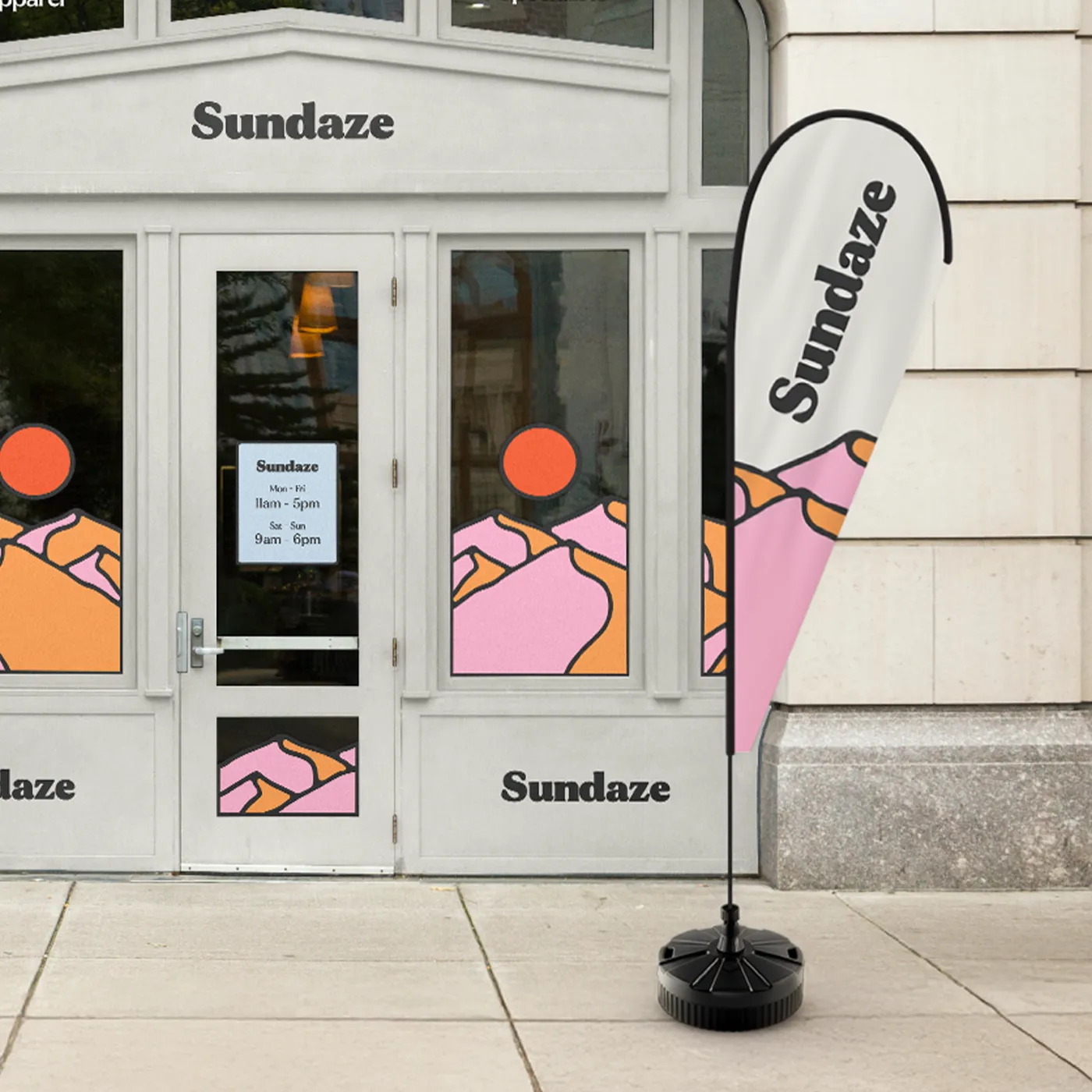
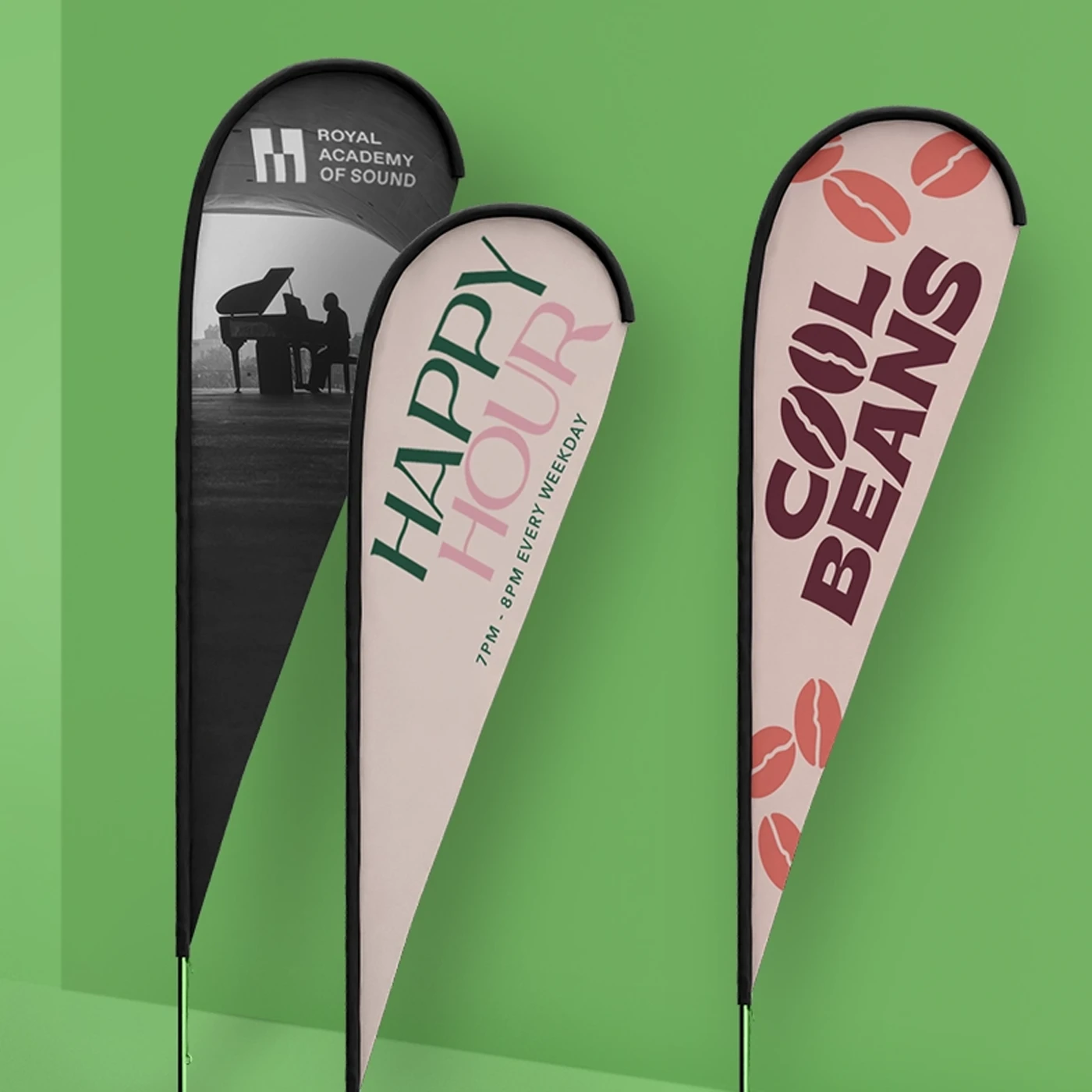
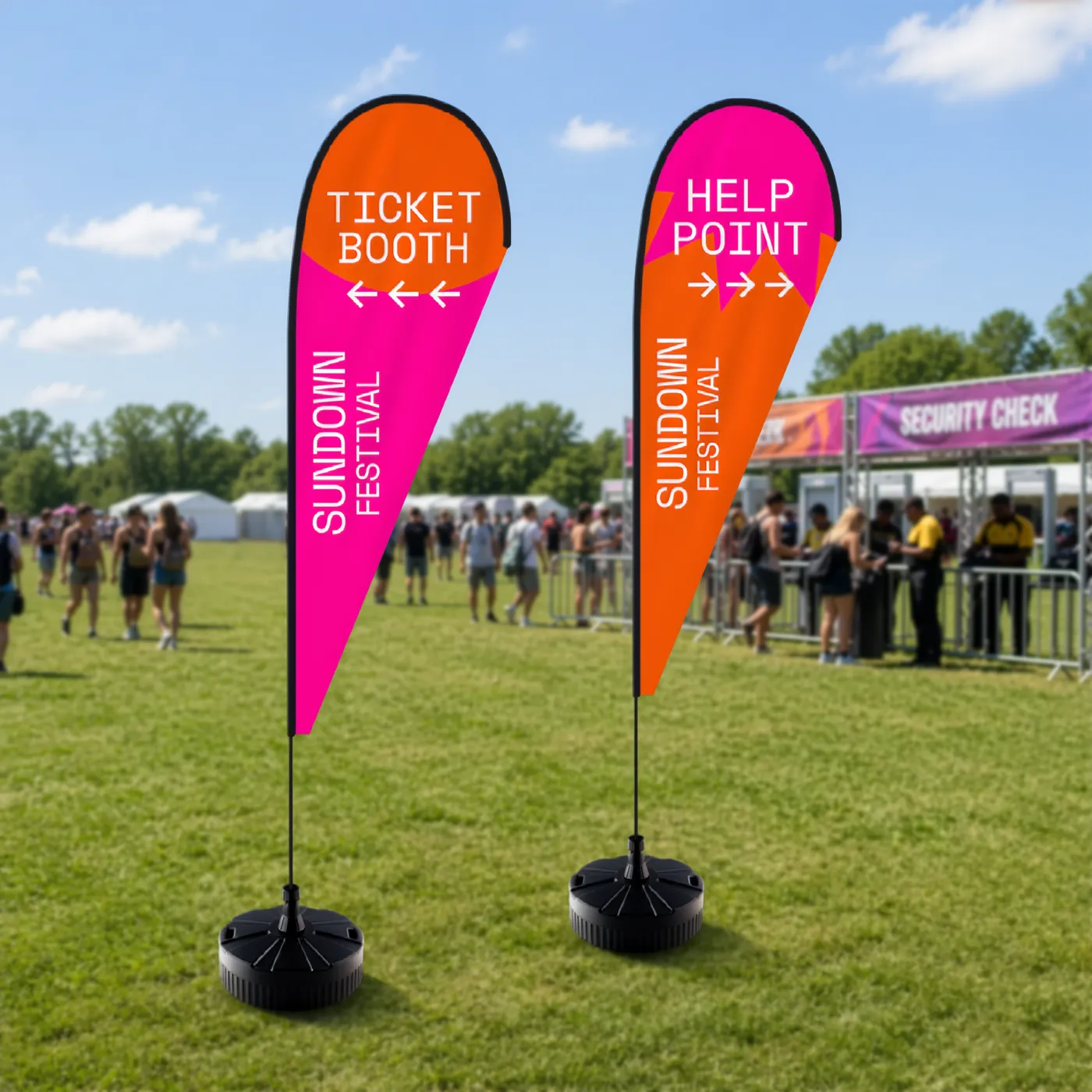
Our Teardrop Flag Replacement Graphics offer a vibrant and eye-catching solution for brands looking to refresh their outdoor advertising displays. Designed for use with existing Teardrop Flag hardware, these Replacement Graphics are printed with high-quality inks, ensuring bold and vivid colours that are resistant to fading. Available in a range of sizes and customisable with your unique design, these Flags are made from durable, weatherproof materials that stand up to wind and rain, making them perfect for events, fairs, promotions, and other outdoor settings. With easy installation, these Teardrop Flag Graphics are an ideal way to update your marketing message and maintain your branding's visual appeal. Whether you’re launching a new product, announcing a sale, or simply looking to enhance your outdoor presence, these Replacement Graphics provide a cost-effective and impactful advertising solution.
Frequently asked questions
Got a question? We might have answered it here. If not, feel free to get in touch with The Team, we’re here to help!
How long will my print take to arrive?
Find out how quickly you can get your print by filling in your selected options in the product builder, and check out the delivery options at the bottom. You can also explore the available delivery options from your basket once you’ve added a product.
What should I know before preparing artwork for print?
What is a Professional File Check?
For a small fee, an expert member of our technical team will manually review your artwork before it goes to print so you can press 'go' with complete confidence.
- Image resolution for print quality
- Bleed and safe areas
- Page count and page order on folded products
- Corrupt, blank or password-protected files
- Templates left on artwork
- Folds, cut lines, drill holes and binding areas (where applicable)
- Foil alignment and minimum line widths (where applicable)
- Personalisation files and version quantities (where applicable)
- Spelling, grammar or proofreading
- Design, layout or text sizing advice
- Colour accuracy or colour mode checks (RGB/CMYK)
- QR code testing
- Calendar date checks
- Post-print quality inspection beyond our standard production processes
What material is used?
Our Knitted Polyester material is perfect for large format printing, offering durability and vibrant print quality. Lightweight at 115gsm and semi-transparent, they allow air flow, making them ideal for both indoor and outdoor use. They are machine washable and great for small businesses, event planners, and marketers looking to promote effectively.
How do I replace my Flag graphics?
To replace your Teardrop Flag graphics using your existing hardware, simply slide the old Flag graphic off the pole system and carefully thread the pole into the sleeve of your new replacement graphic, ensuring it pushes all the way to the top to match the Flag's shape. Once the graphic is fully on the pole, secure the bottom and place the assembly back onto your existing base. When your event is finished, be sure to store your Flag in your protective carry bag to prevent damage and keep it ready for next time!
How long do Replacement Graphics last?
The lifespan of Teardrop Flag Replacement Graphics depends on environmental conditions and frequency of use. They’re ideal for temporary outdoor use and are designed to last for months under normal conditions.
What is the technical information for Teardrop Flag Replacement Graphics?
- Flag Material: High quality 115gsm Knitted Polyester.
- Fire Rated: Yes.
- Material - Fire Rating: DIN4102- B1.
- Assembly: Tool-free.
- Usage: Indoor and outdoor.
- Printing Options: Single-sided (mirror image on reverse) or double-sided (two graphics sewn together with an interlining in between).
- Max Wind Speed: 18-22mph.
- Pole Pockets: Reinforced elasticated pole pockets in black.
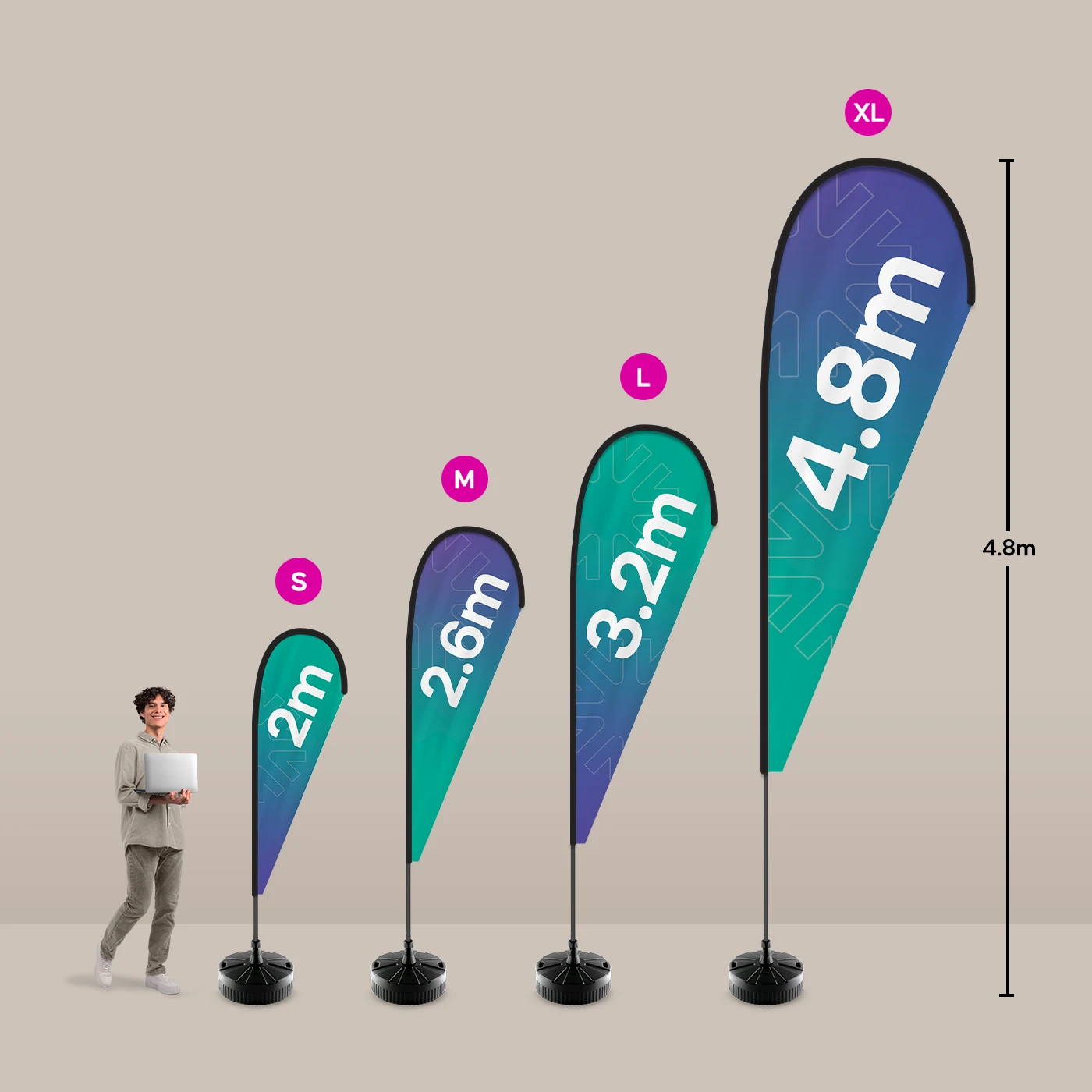
- Flag Package Weights: 2m = 1.9kg, 2.6m = 2.1kg, 3.2m = 2.8kg, 4.8m = 3kg.
- Flag Package Dimension: 1190 x 230 x 90mm.
- Warranty: 1 year on the hardware. The printed graphic includes a 6-month colour warranty, which excludes wear and tear.
- Replacement Graphic Sizes: 2m, 2.6m, 3.2m, 4.8m.


Teardrop Flag Replacement Graphics
Our product presets
Our product presets
Build your own or choose from one of our preset options
Product
Product
Size
Size
Orientation
Orientation
Printed sides
One side: Print your design on one side of the product only. The reverse side will remain unprinted.
Both sides: Print your design on both sides of the product. Choose this option when you want to apply a design on both the front and back.
Printed sides
One side: Print your design on one side of the product only. The reverse side will remain unprinted.
Both sides: Print your design on both sides of the product. Choose this option when you want to apply a design on both the front and back.
Material
Paper
Quantity
If there is a paper stock, size, quantity or finish you want but can't find, fill in our bespoke order form or contact our team .
The options you have chosen mean that your leaflets will be delivered creased but not folded. If you'd like your print to arrive already folded, please enter a lower quantity or a lighter paper weight.
Extras
Flag Base Type
No base: If you already have a base for your Flag and just require the material and pole, this is the option for you.
Ground spike base: Ideal for soft ground like grass or sand. It's 90mm (L) x 90mm (W) x 600mm (H), made of steel with a chrome plate, and weighs 0.85kg.
Cross foot with weighted ring: Best for outdoors, supplied with ground pegs to keep your Flag standing tall when it's windy. Made from strong steel with a powder coat and weighs 3.95kg. It's 610mm (L) x 610mm (W) x 200mm (H) and is best for Flags under 4m tall. Supplied with a weighted water ring for extra stability, which weighs 2kg when filled with water.
Small water fillable base: Great for both indoor and outdoor use - fill with water or sand. It's 430mm (L) x 430mm (W) x 135mm (H) and weighs 2.5kg, with a 26L capacity. It's ideal for small and medium Flags as larger Flags will need a large water fillable base.
Large water fillable base: Great for both indoor and outdoor use - fill with water or sand. It's 500mm (L) x 500mm (W) x 400mm (H) and weighs 3kg, with a 33L capacity. Use with Flags of any size.
Square base plate: The heaviest and most robust of the bases and only suited for use on flat surfaces. It comes with drill holes and can be strongly secured to wooden and concrete floors for semi-permanent displays - indoors and out. Made of strong, powder coated steel, weighs 10.5kg, and is 400mm (L) x 400mm (W) x 230mm (H).
Flag Base Type
No base: If you already have a base for your Flag and just require the material and pole, this is the option for you.
Ground spike base: Ideal for soft ground like grass or sand. It's 90mm (L) x 90mm (W) x 600mm (H), made of steel with a chrome plate, and weighs 0.85kg.
Cross foot with weighted ring: Best for outdoors, supplied with ground pegs to keep your Flag standing tall when it's windy. Made from strong steel with a powder coat and weighs 3.95kg. It's 610mm (L) x 610mm (W) x 200mm (H) and is best for Flags under 4m tall. Supplied with a weighted water ring for extra stability, which weighs 2kg when filled with water.
Small water fillable base: Great for both indoor and outdoor use - fill with water or sand. It's 430mm (L) x 430mm (W) x 135mm (H) and weighs 2.5kg, with a 26L capacity. It's ideal for small and medium Flags as larger Flags will need a large water fillable base.
Large water fillable base: Great for both indoor and outdoor use - fill with water or sand. It's 500mm (L) x 500mm (W) x 400mm (H) and weighs 3kg, with a 33L capacity. Use with Flags of any size.
Square base plate: The heaviest and most robust of the bases and only suited for use on flat surfaces. It comes with drill holes and can be strongly secured to wooden and concrete floors for semi-permanent displays - indoors and out. Made of strong, powder coated steel, weighs 10.5kg, and is 400mm (L) x 400mm (W) x 230mm (H).

Select your Delivery options
Delivery type
As you have previously selected a delivery option for a previous product we have grouped these items to lower your delivery costs. Due to the items added to your basket we are no longer able to offer your selected delivery option. Please reselect your delivery from the options below. If you are sending to multiple addresses you can ungroup your items.
Delivery type
The paper you have chosen is not available at this quantity.
To keep your paper choice please enter a quantity than .
- Knitted Polyester - 115gsm
For documents with this number of pages, the maximum quantity available is units.
If you require a larger quantity, please reduce your number of pages to less than 1 or get in touch with our Bespoke Team.
This reorder job does not allow editing the original artwork. You may still upload a new piece of artwork but doing so will remove the original artwork. Do you want to continue?