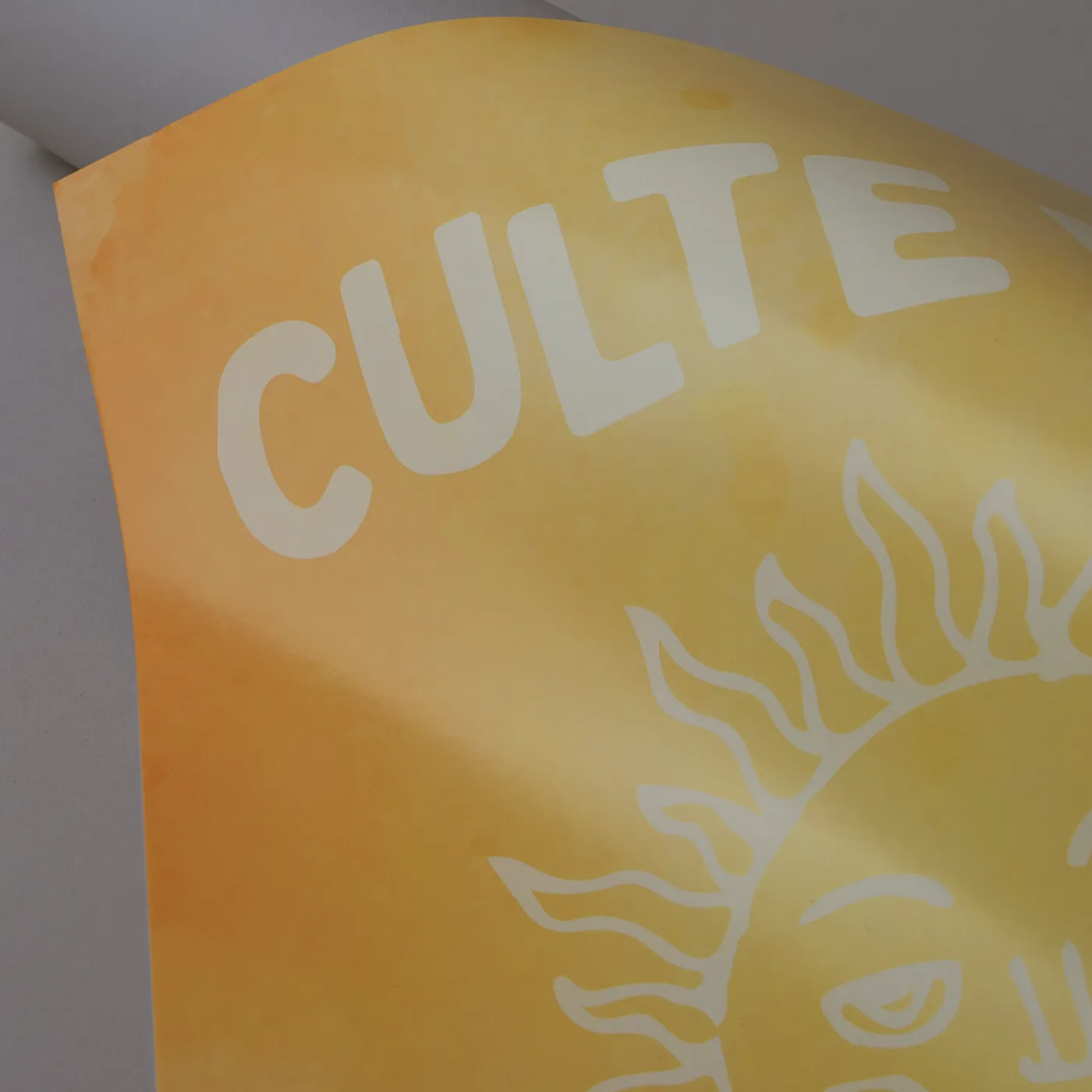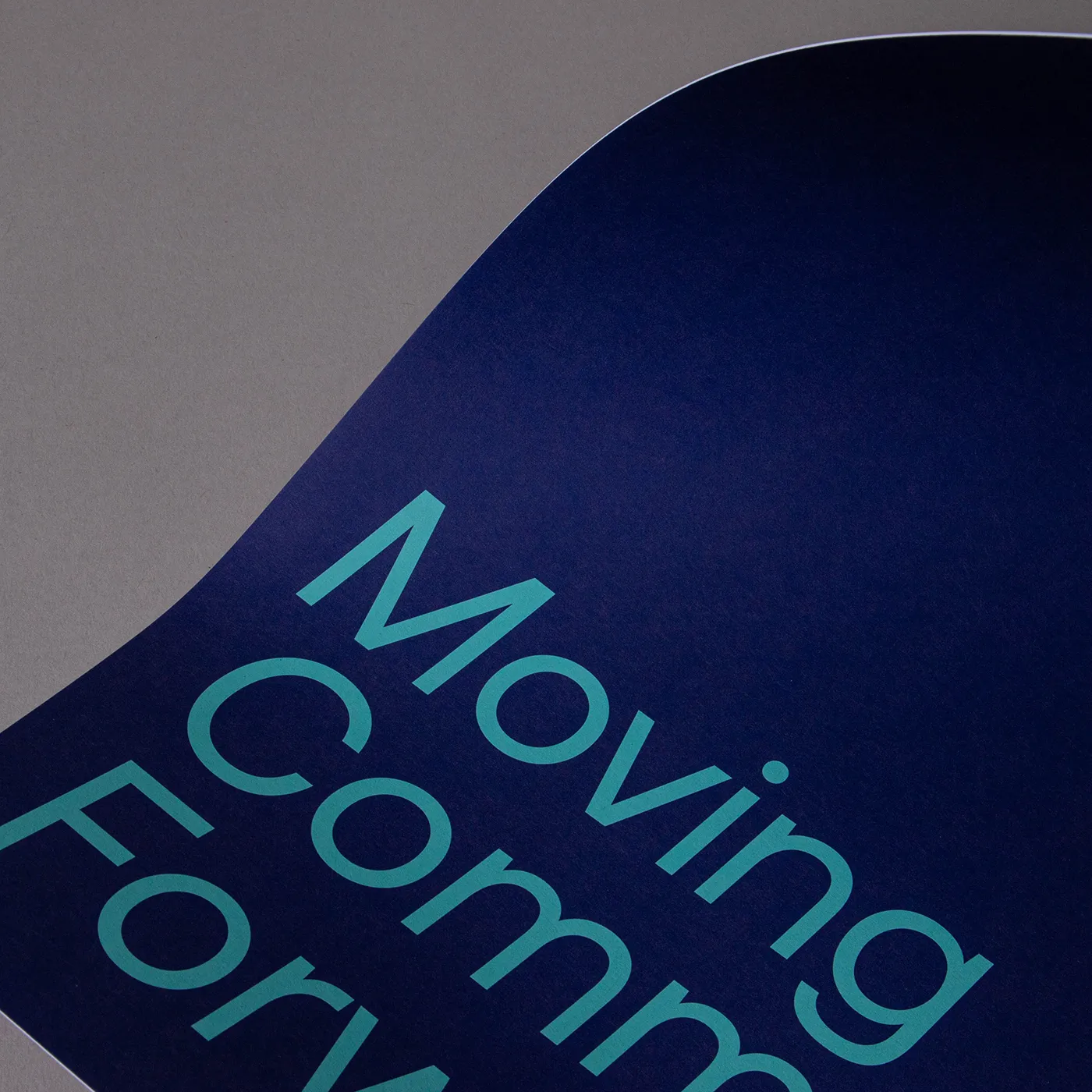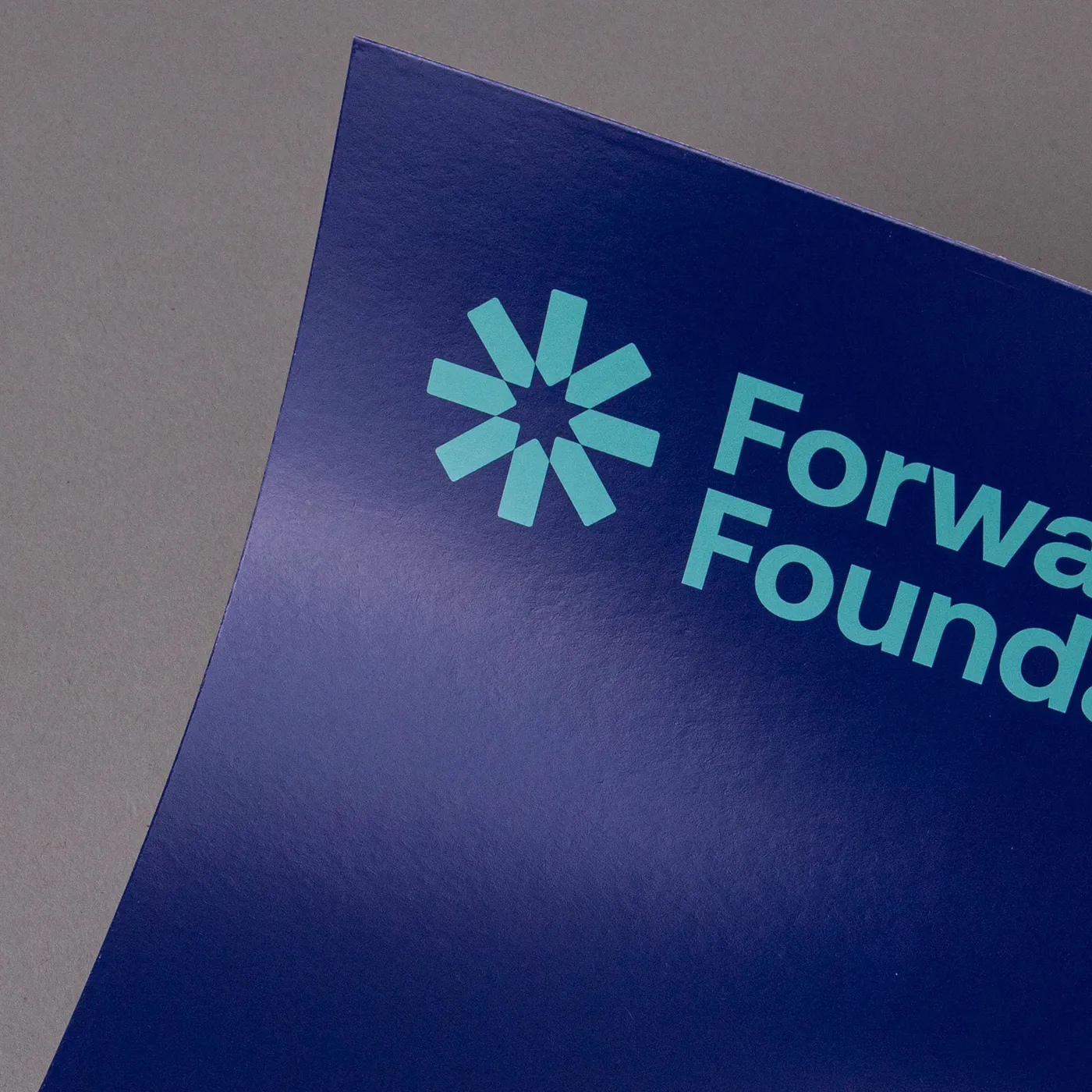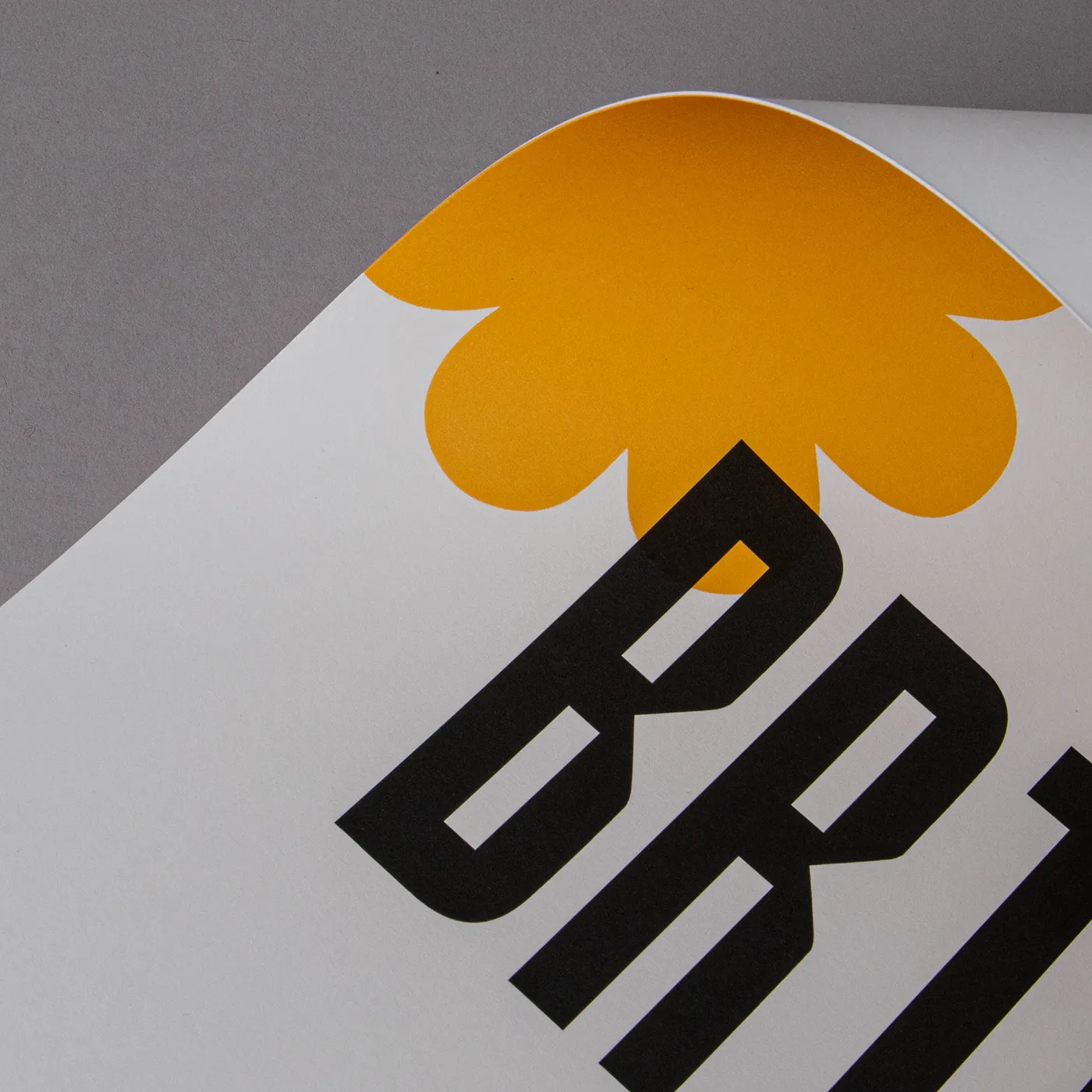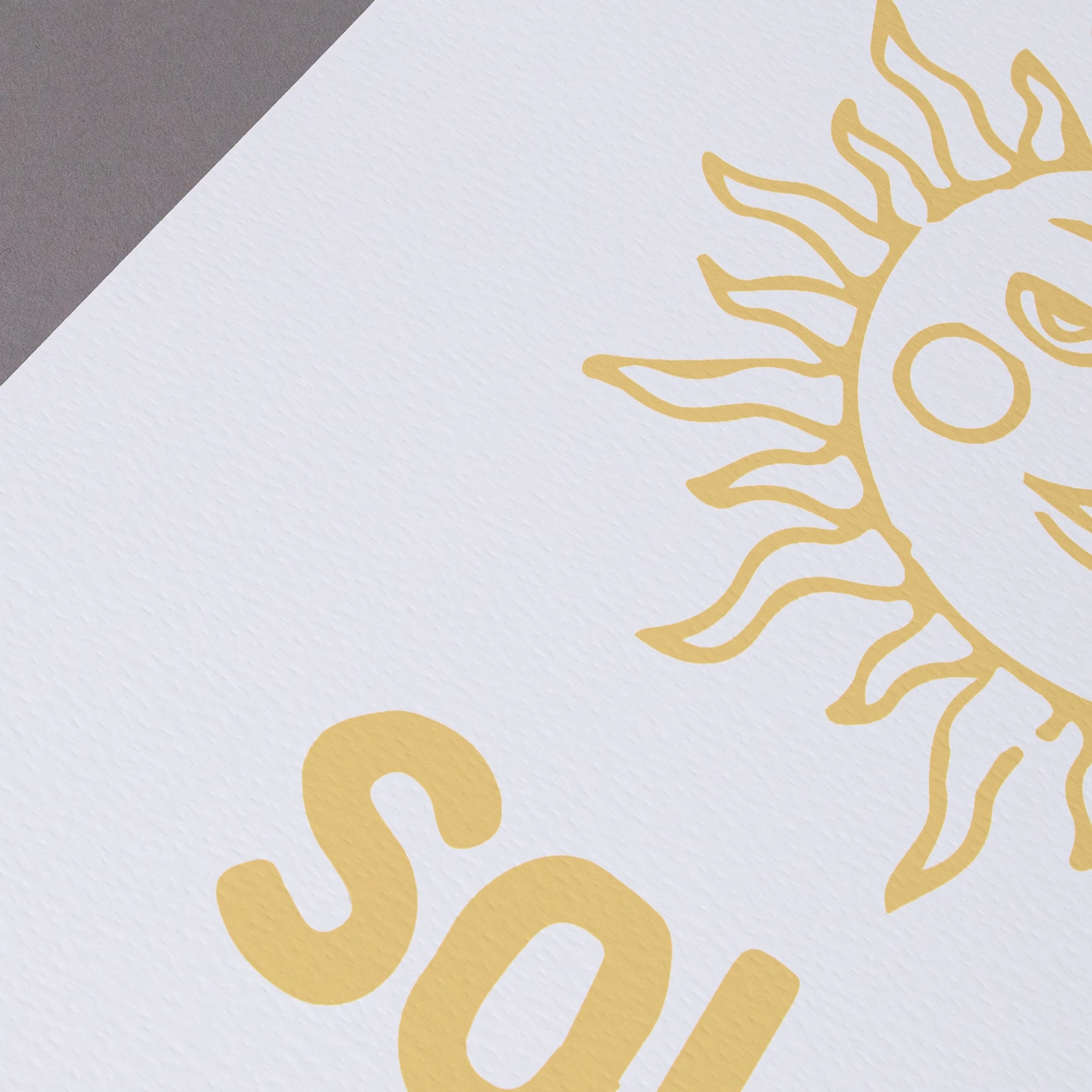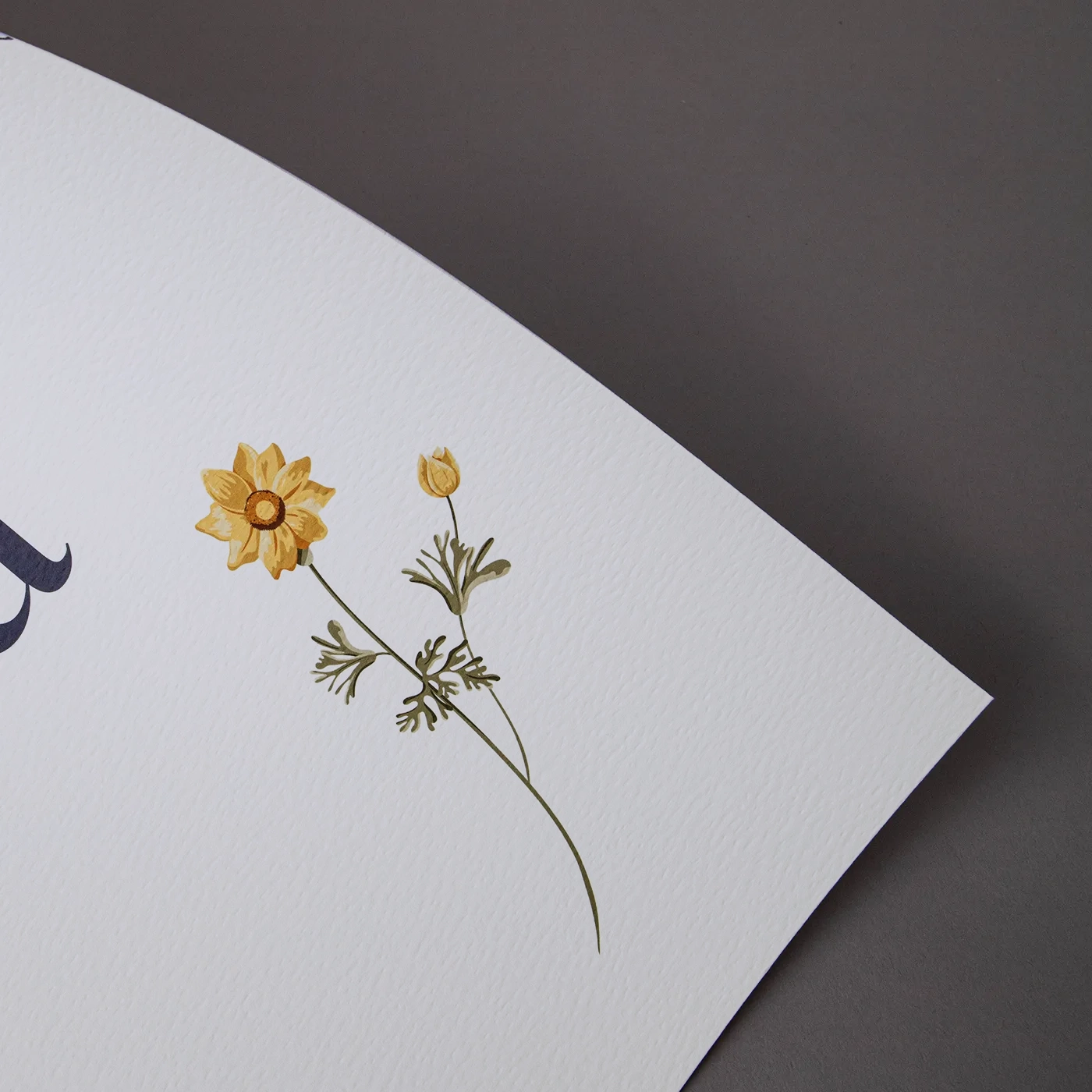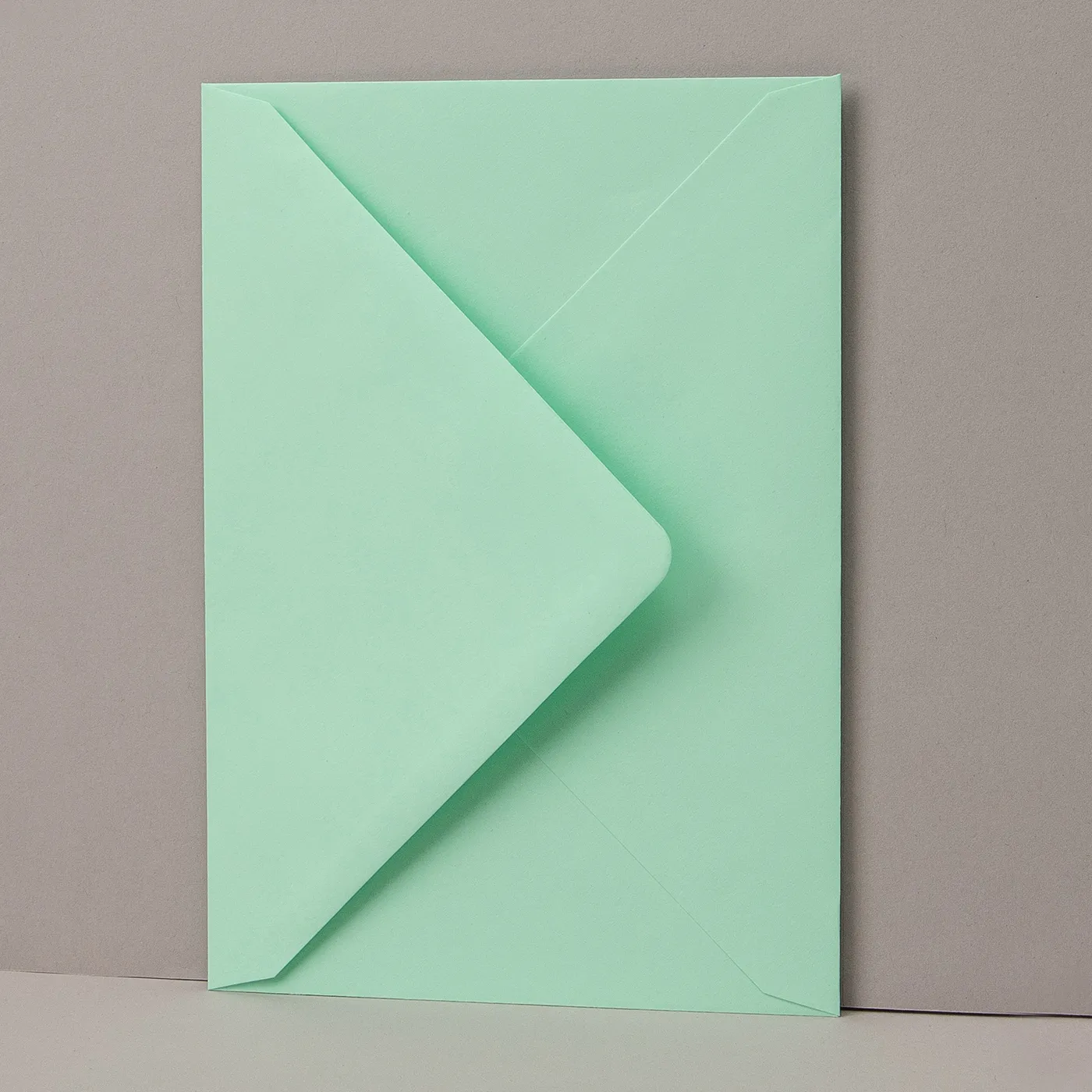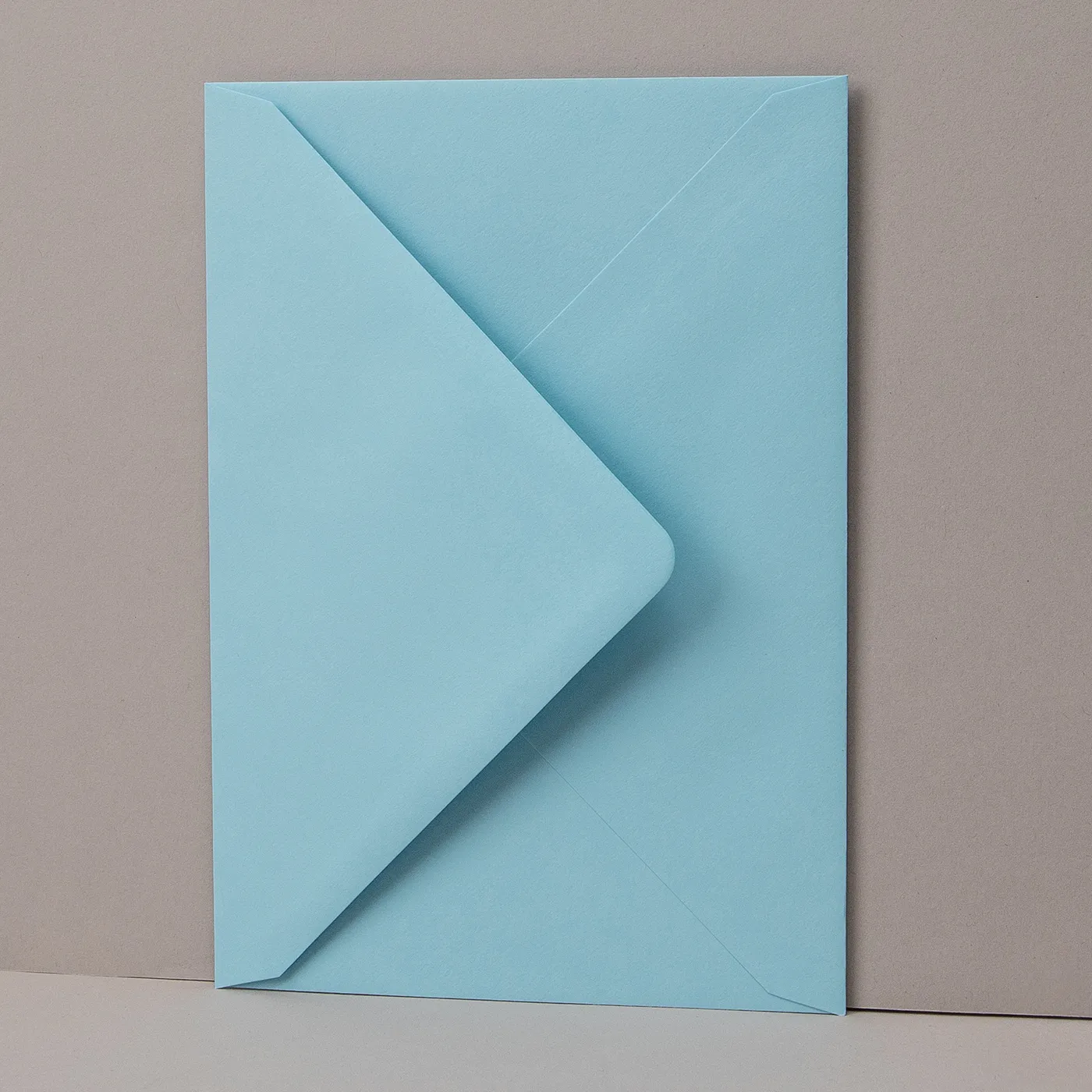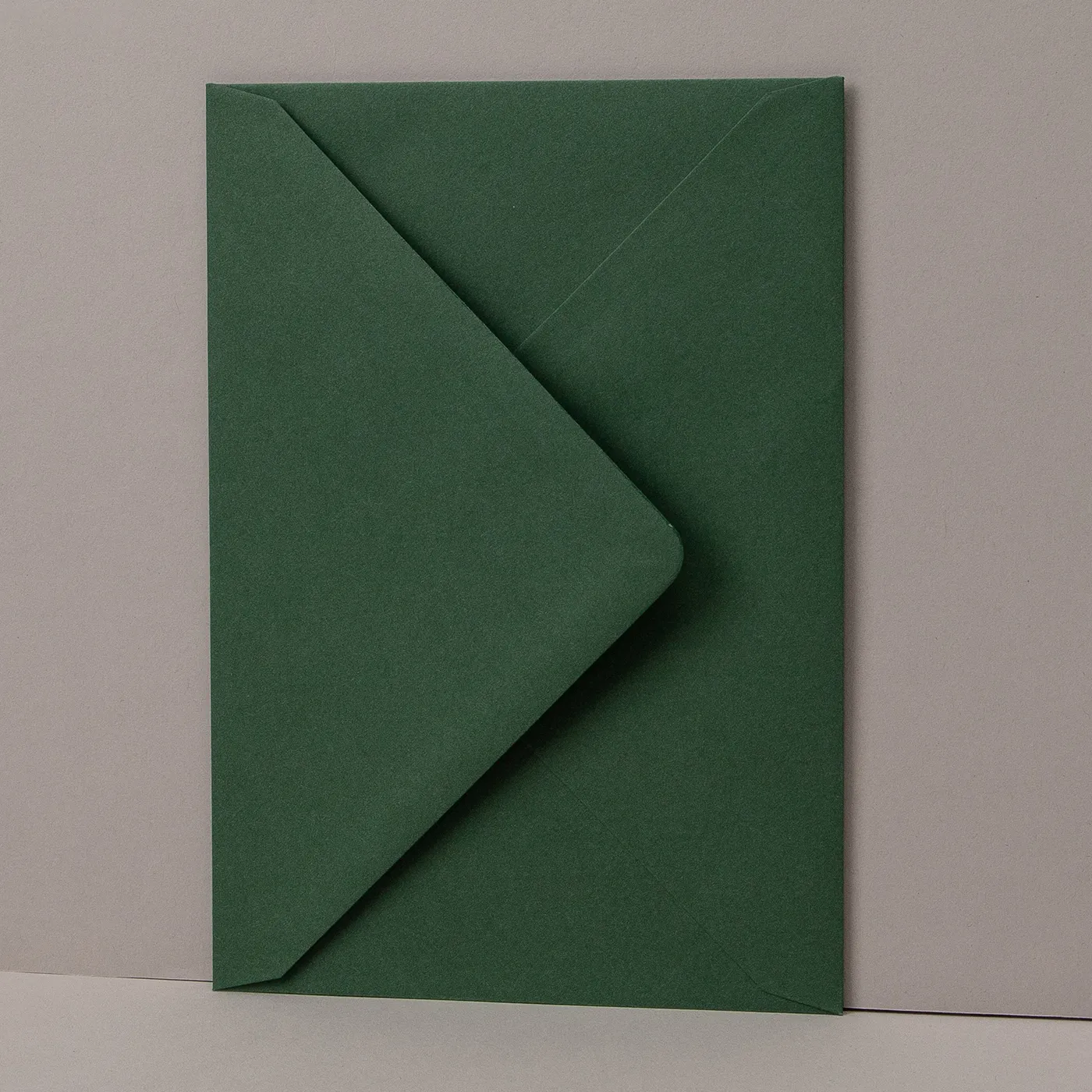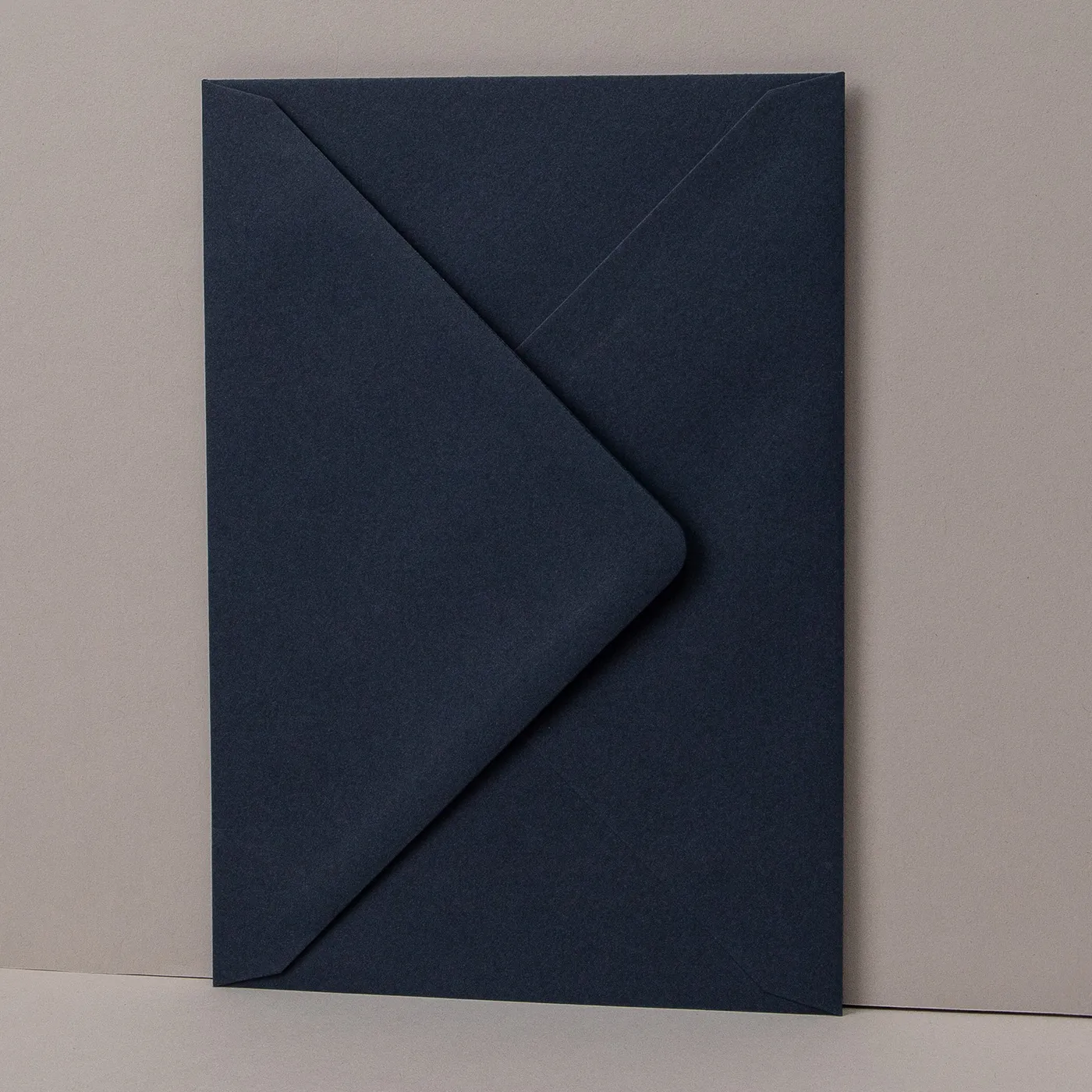
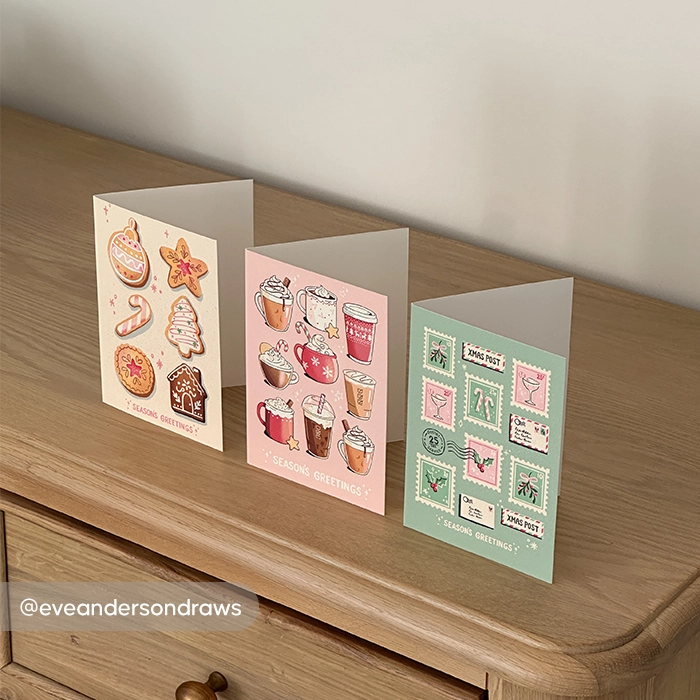
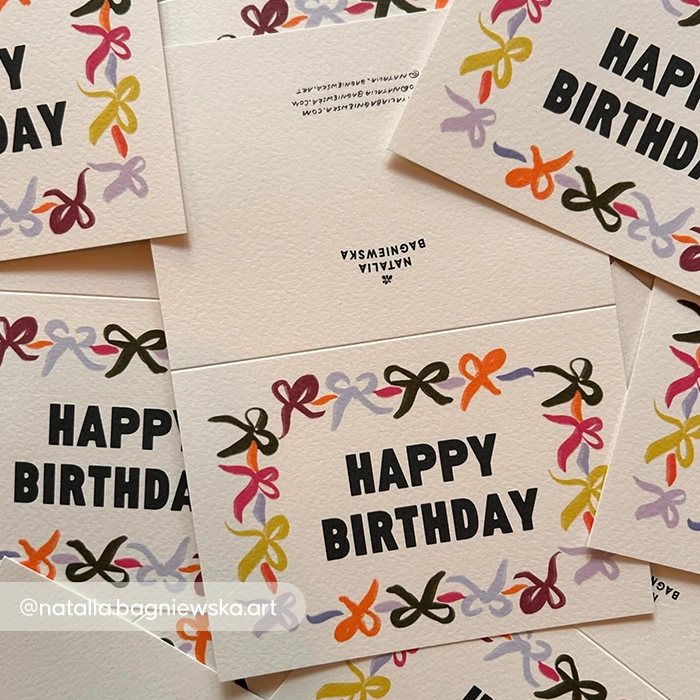
Next Day Greeting Card Printing

From  £ 12.50 (ex VAT)

Excellent 4.6
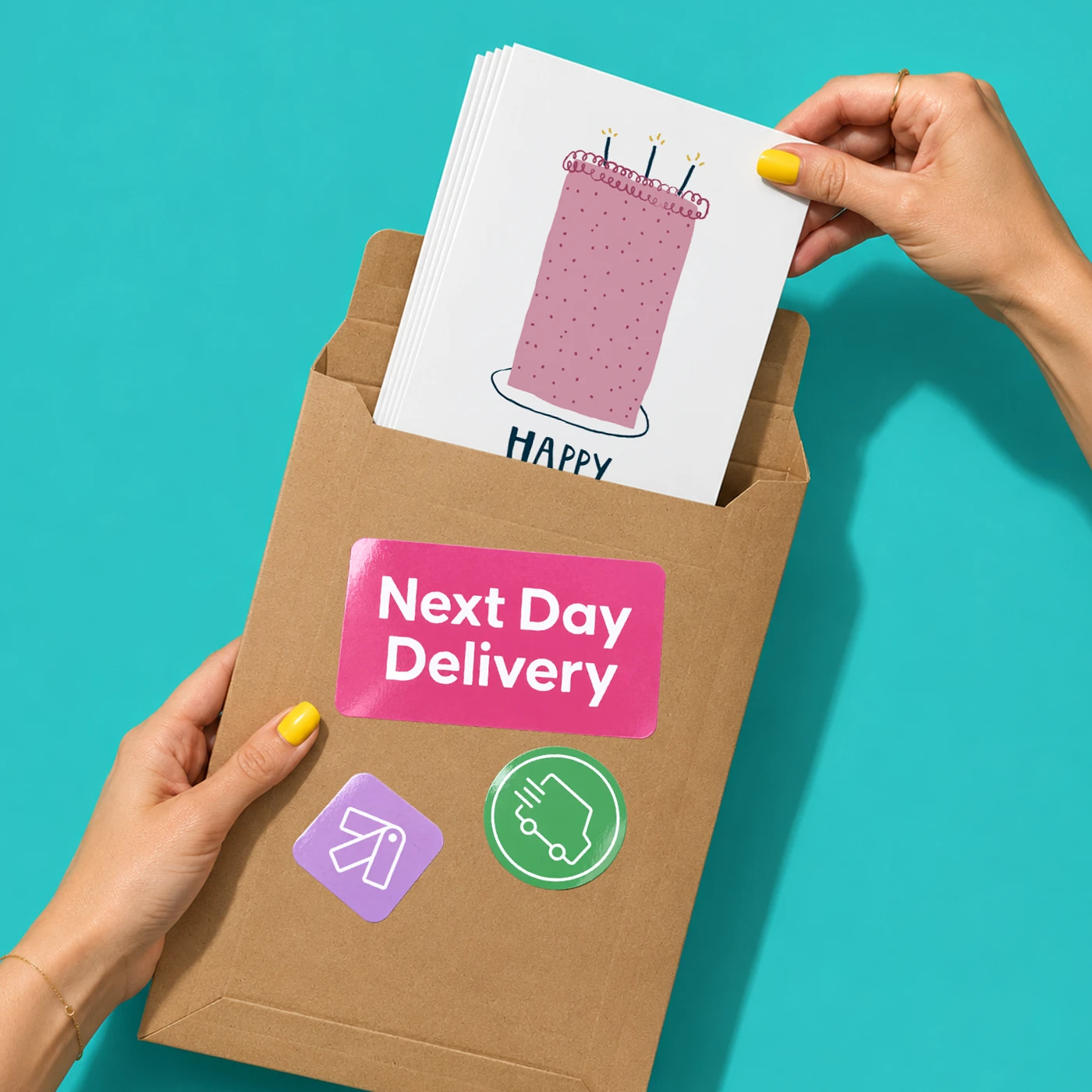
Order by 12 noon for Greeting Cards delivered the next working day. 

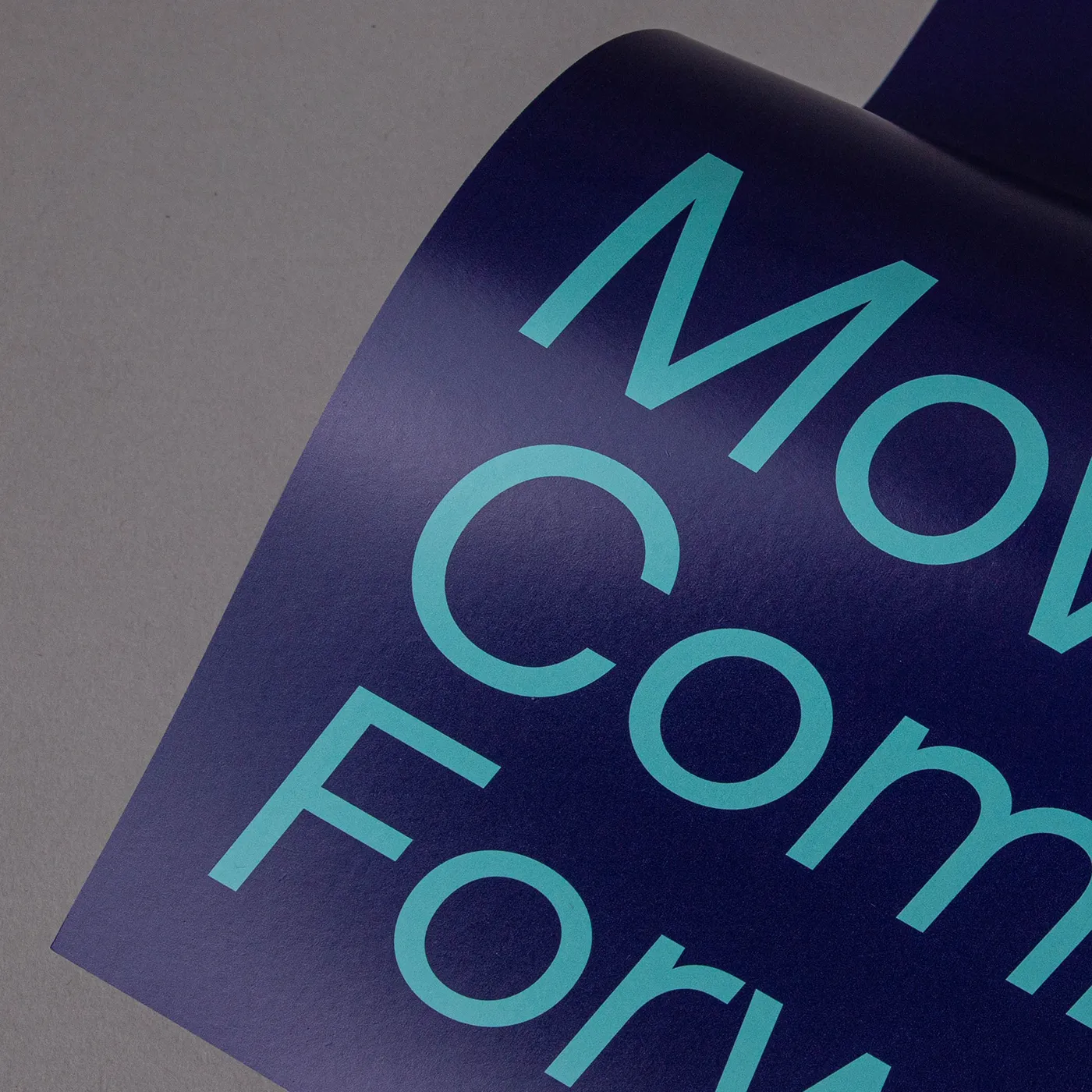
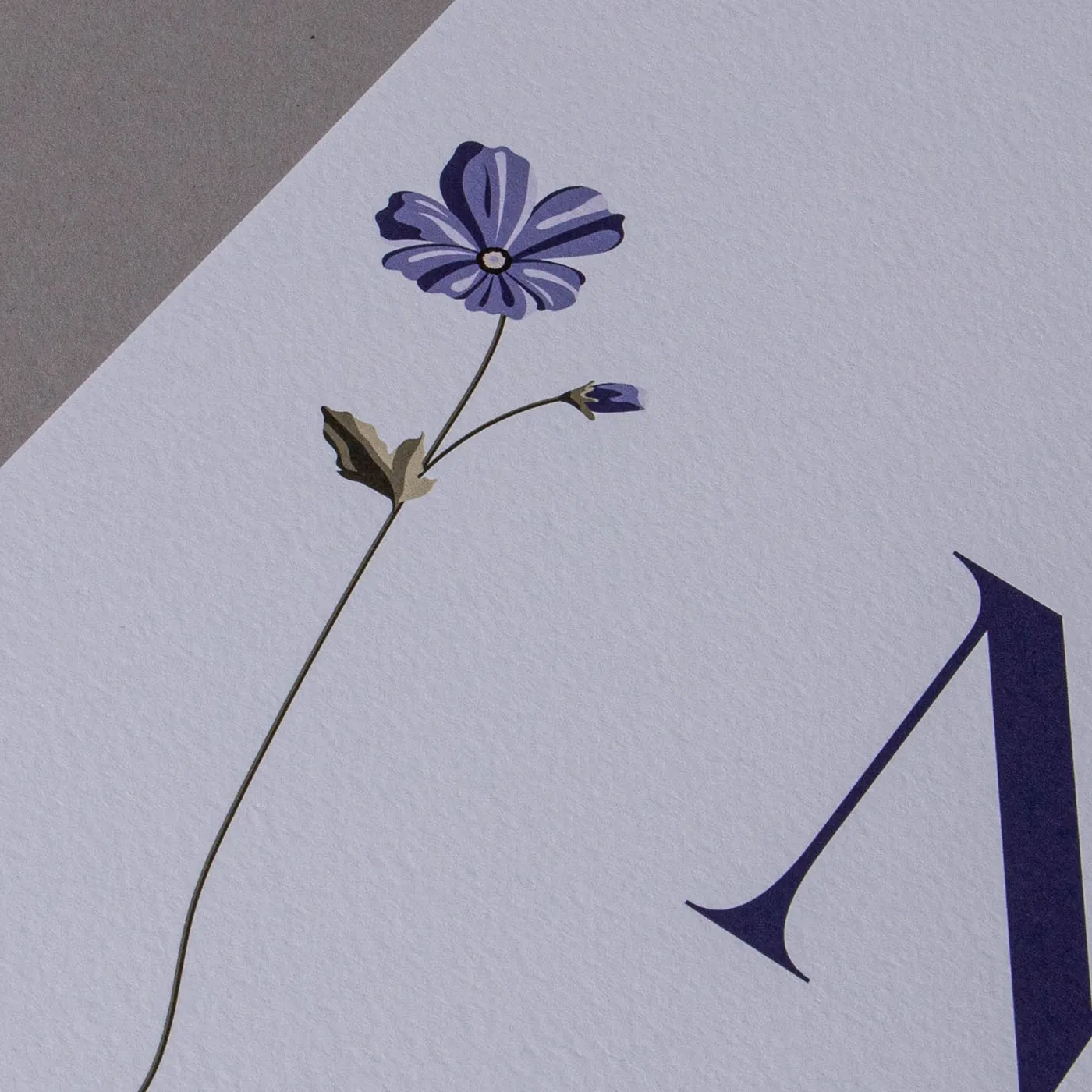
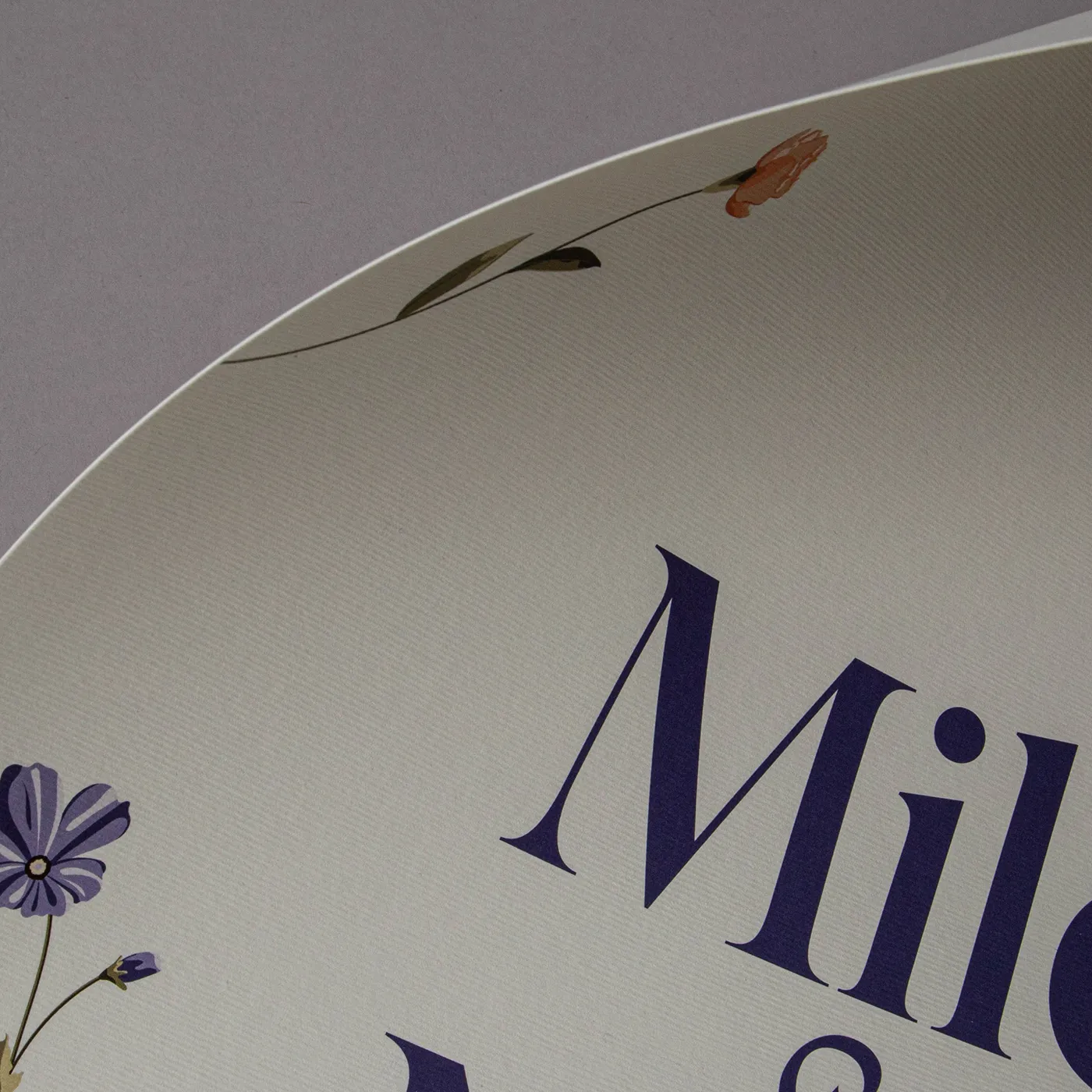
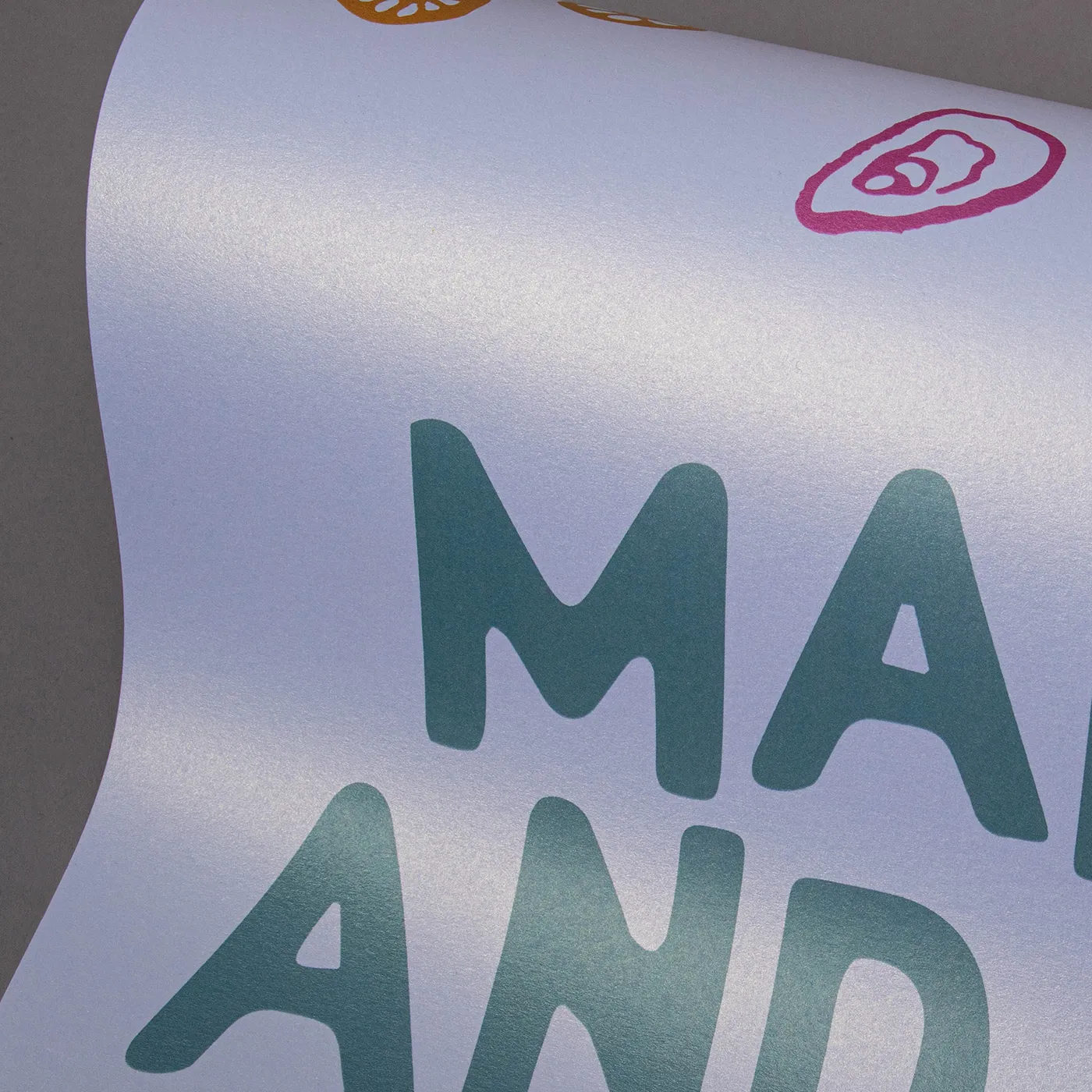
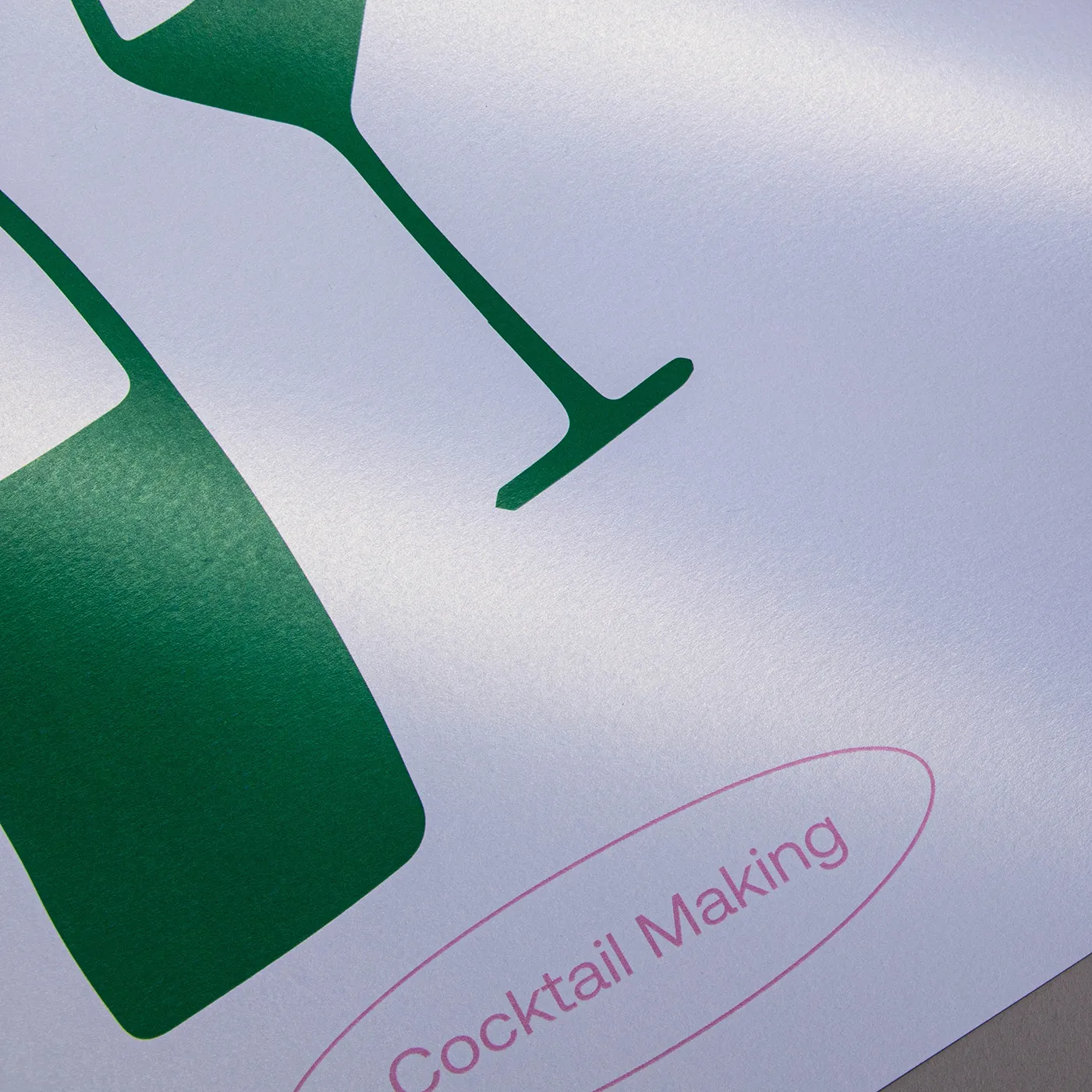
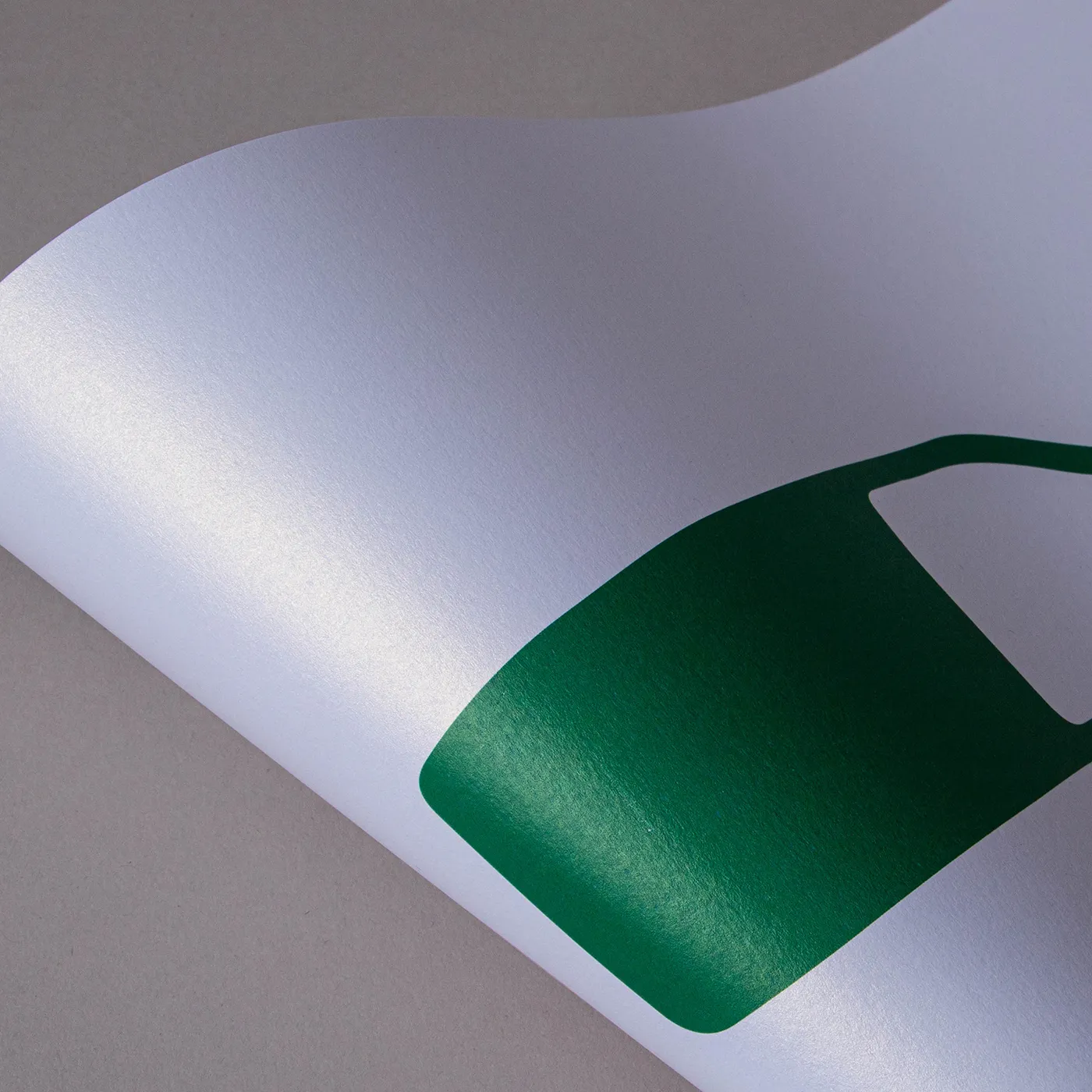
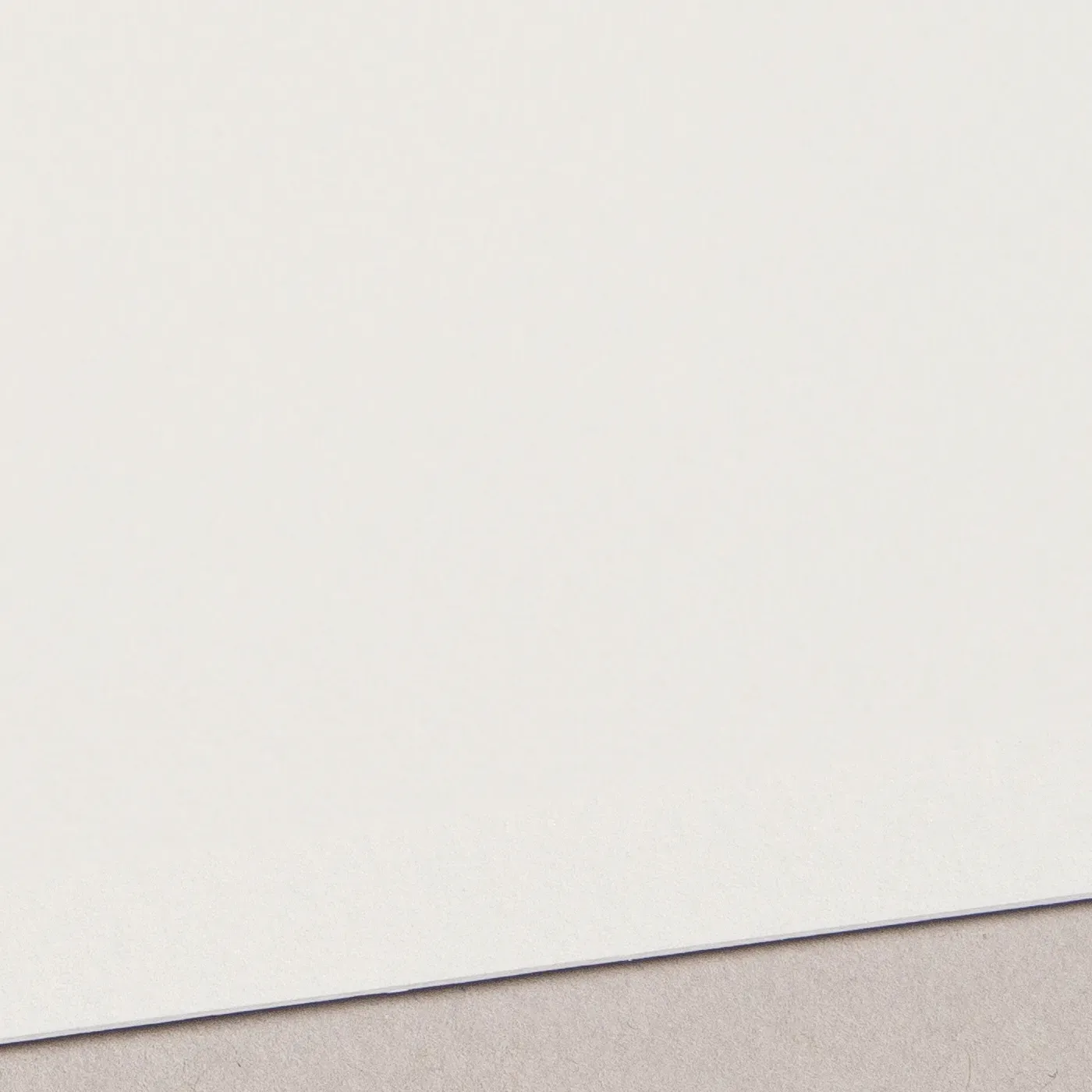
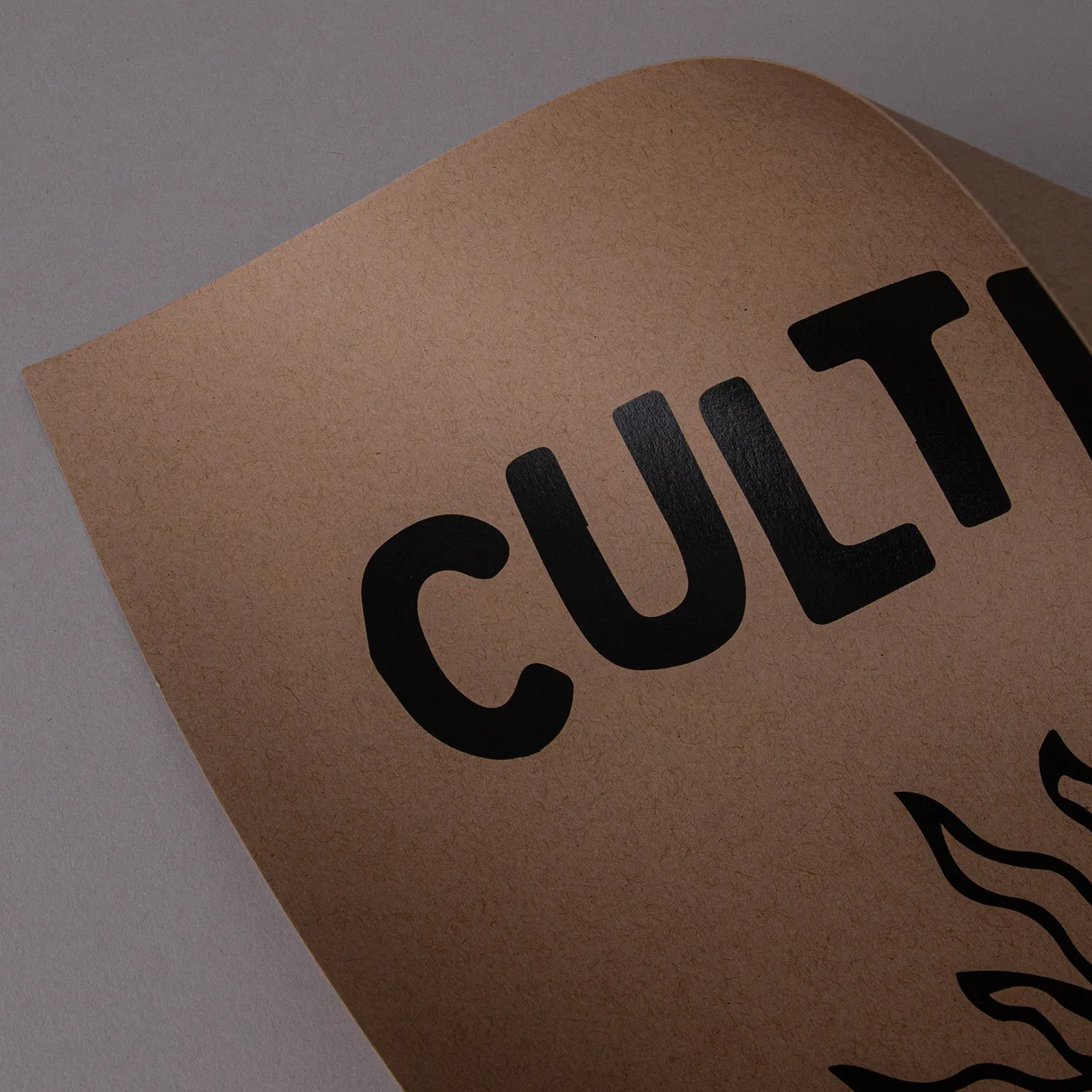
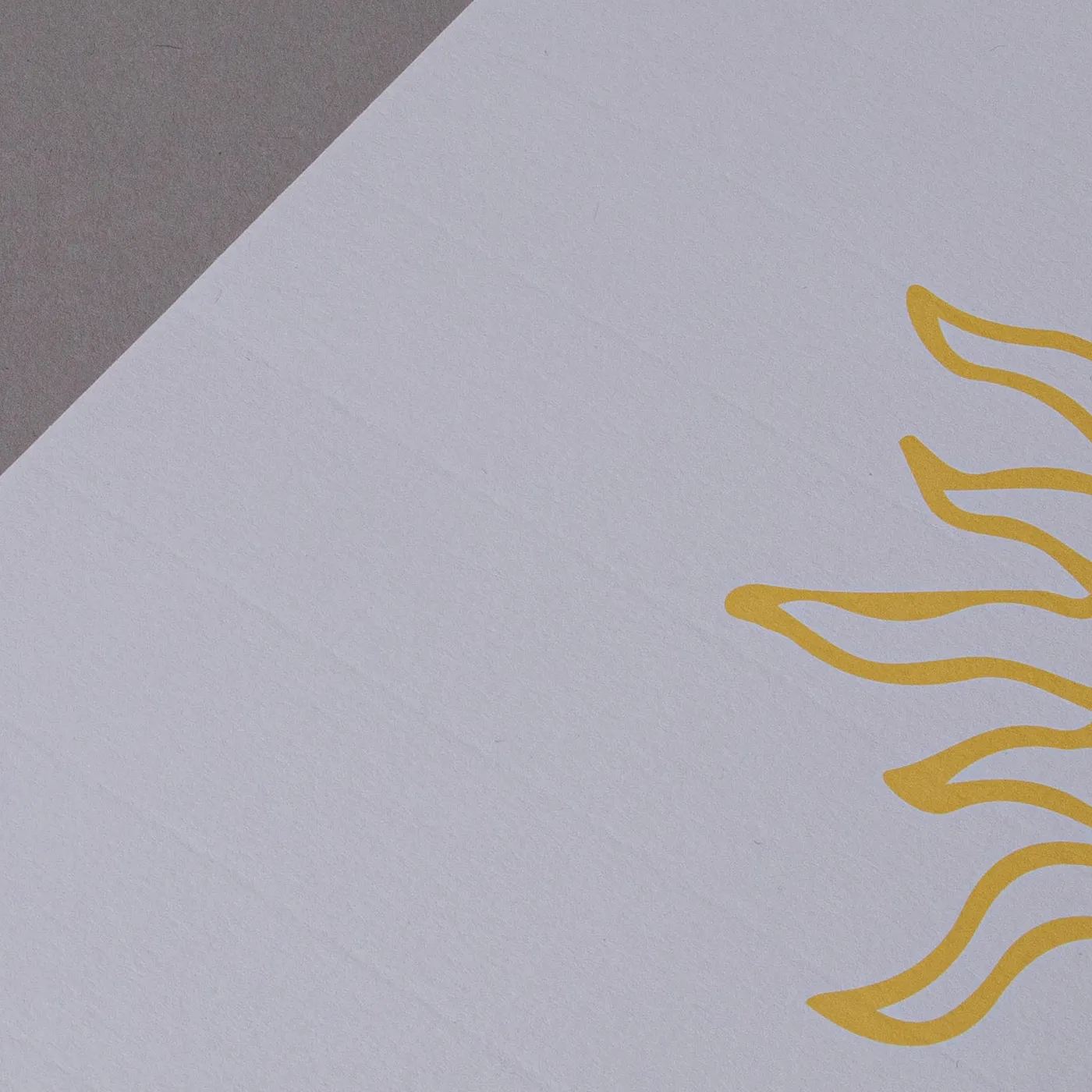
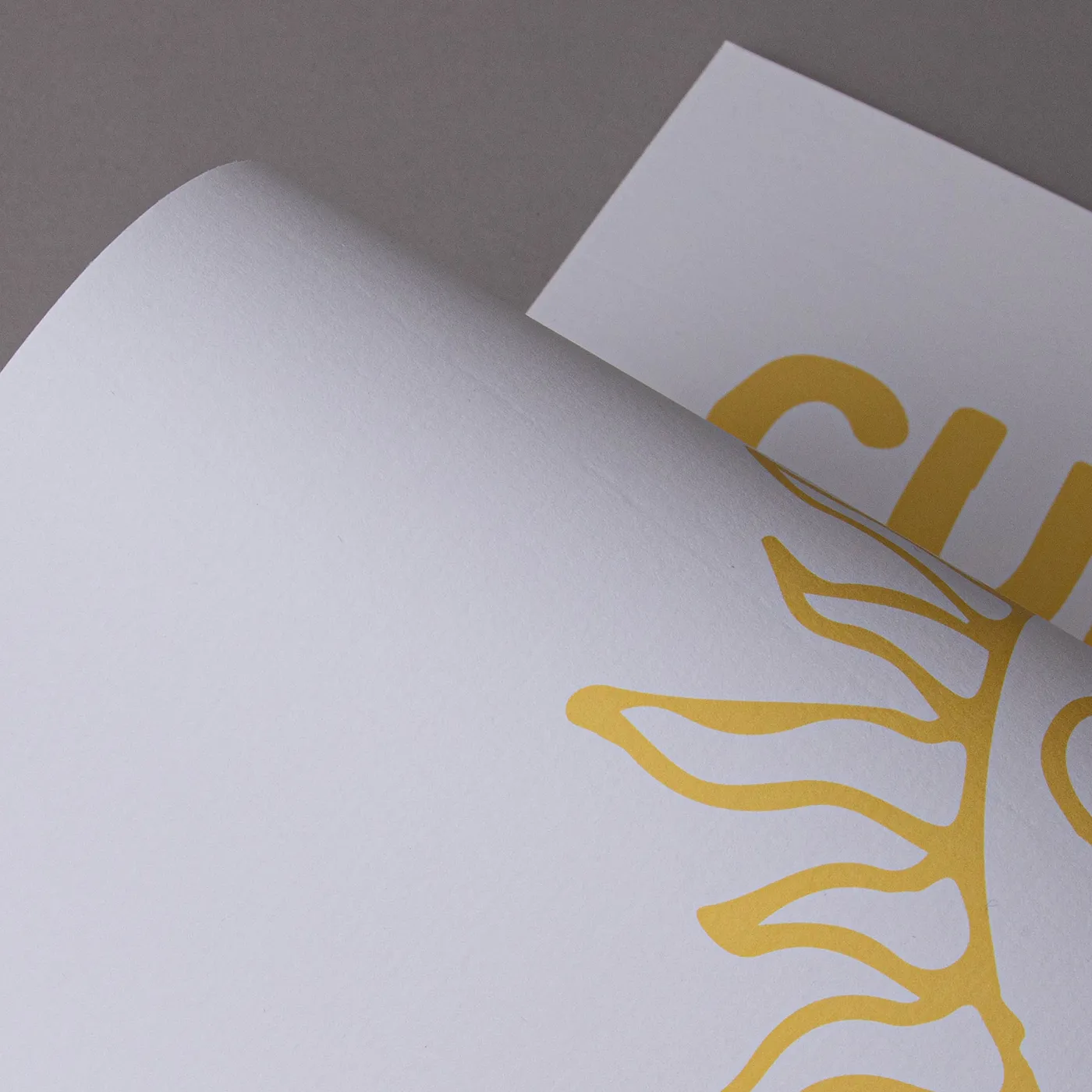
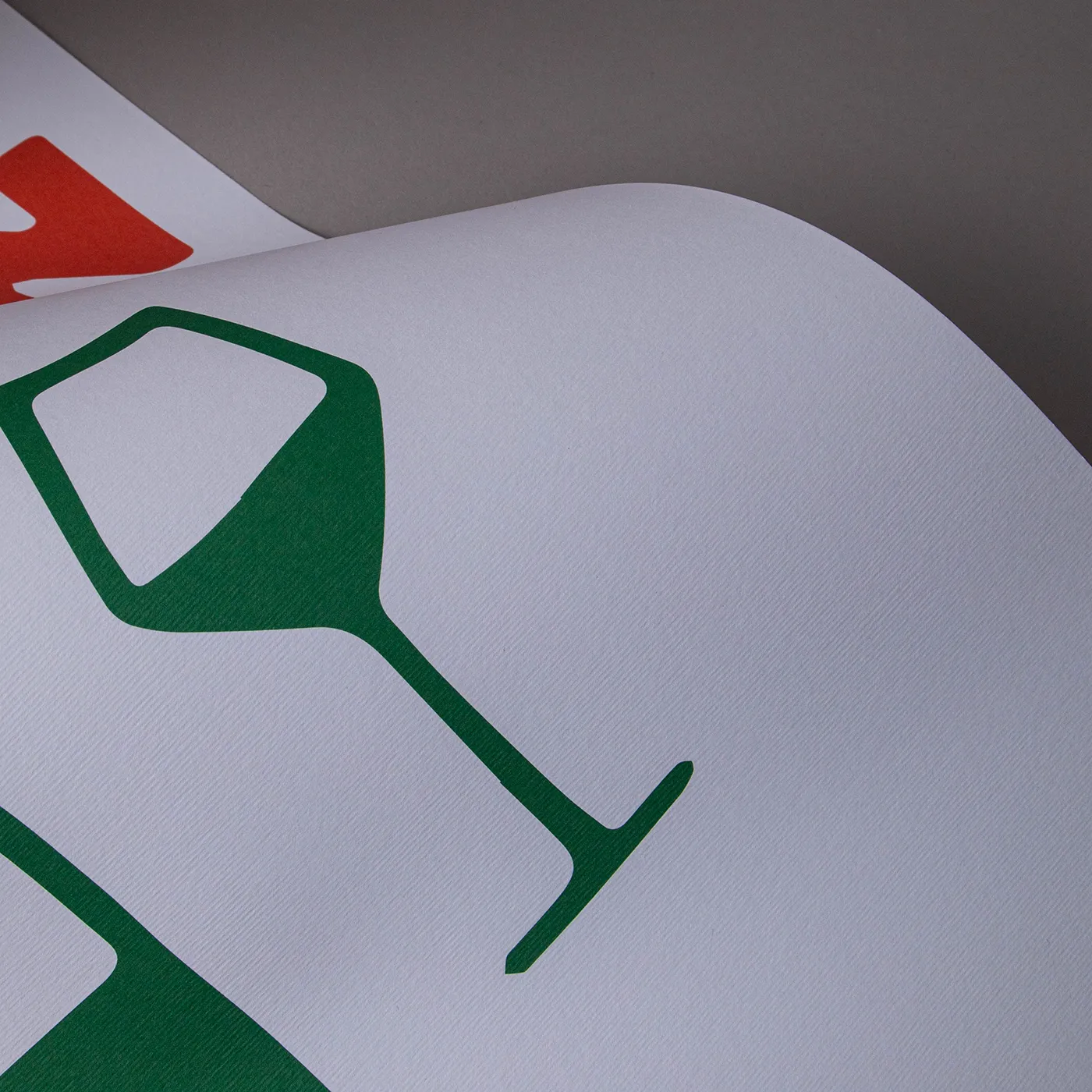
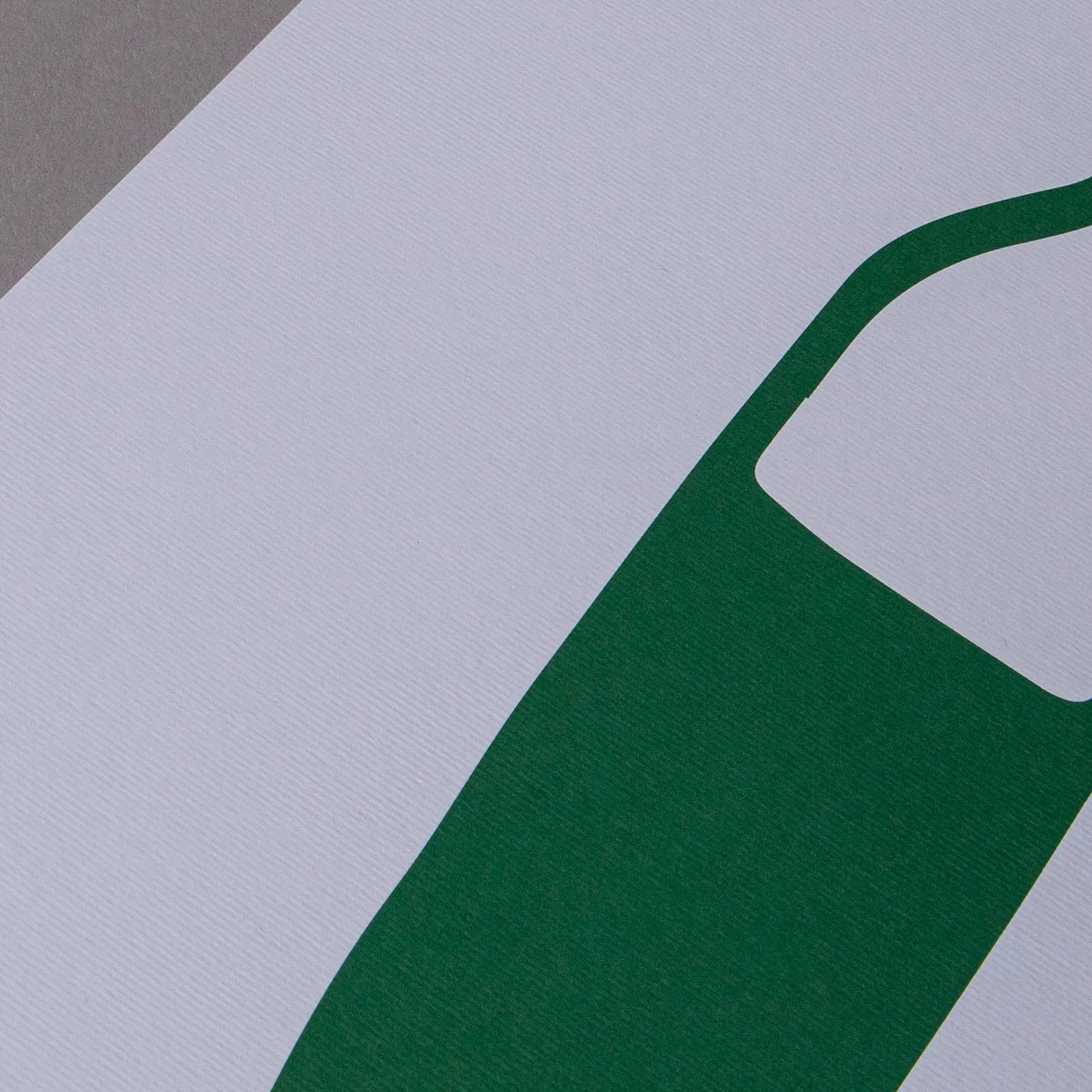
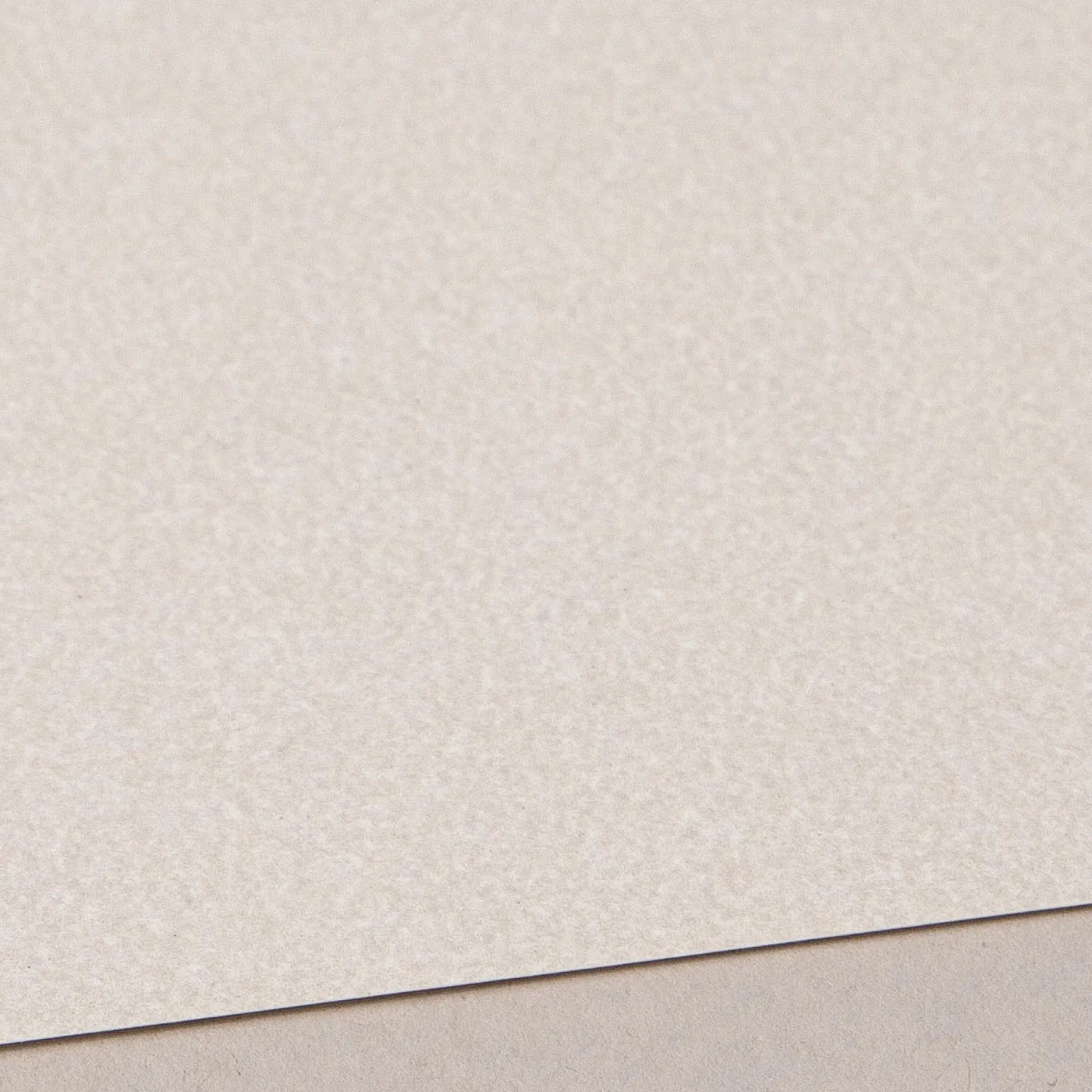
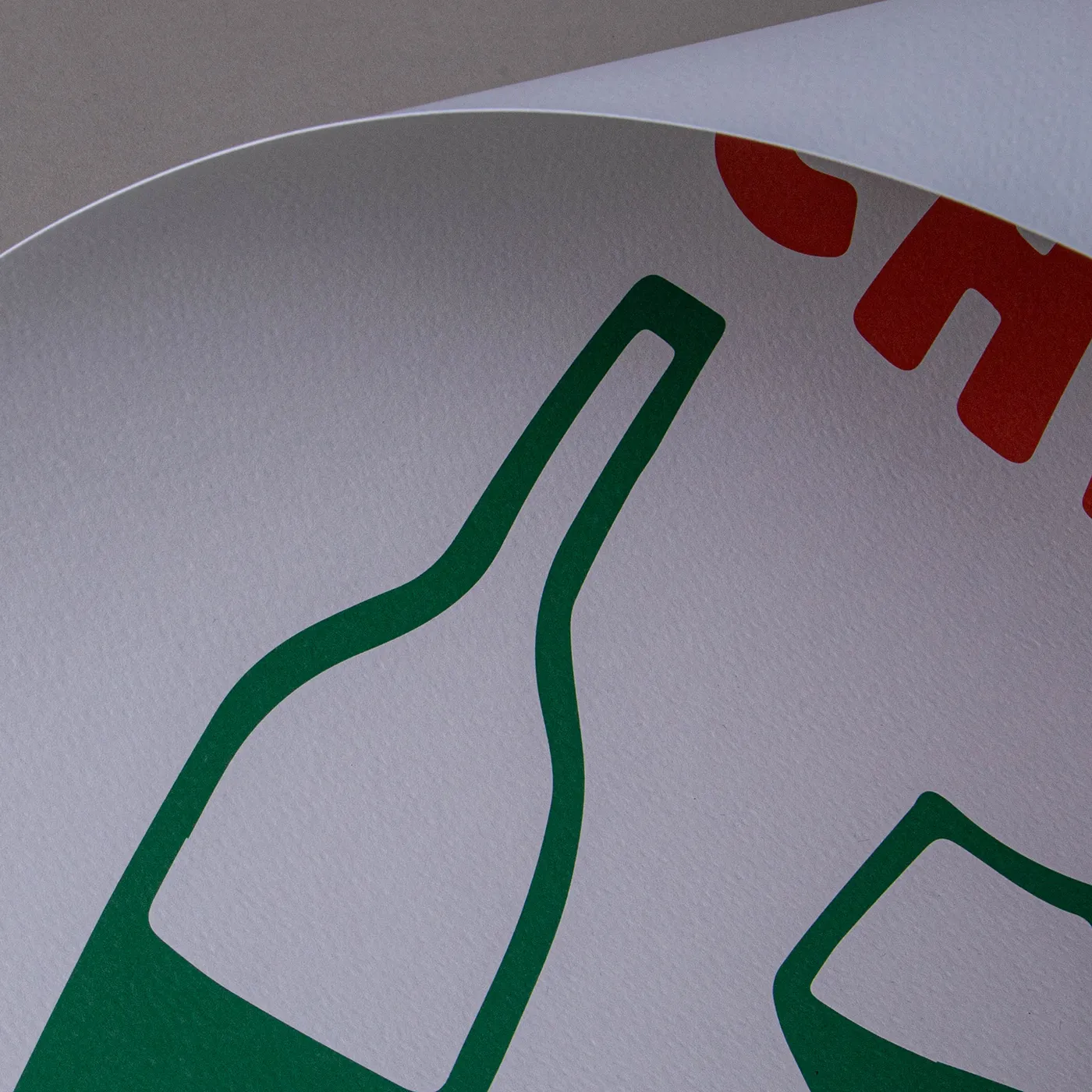
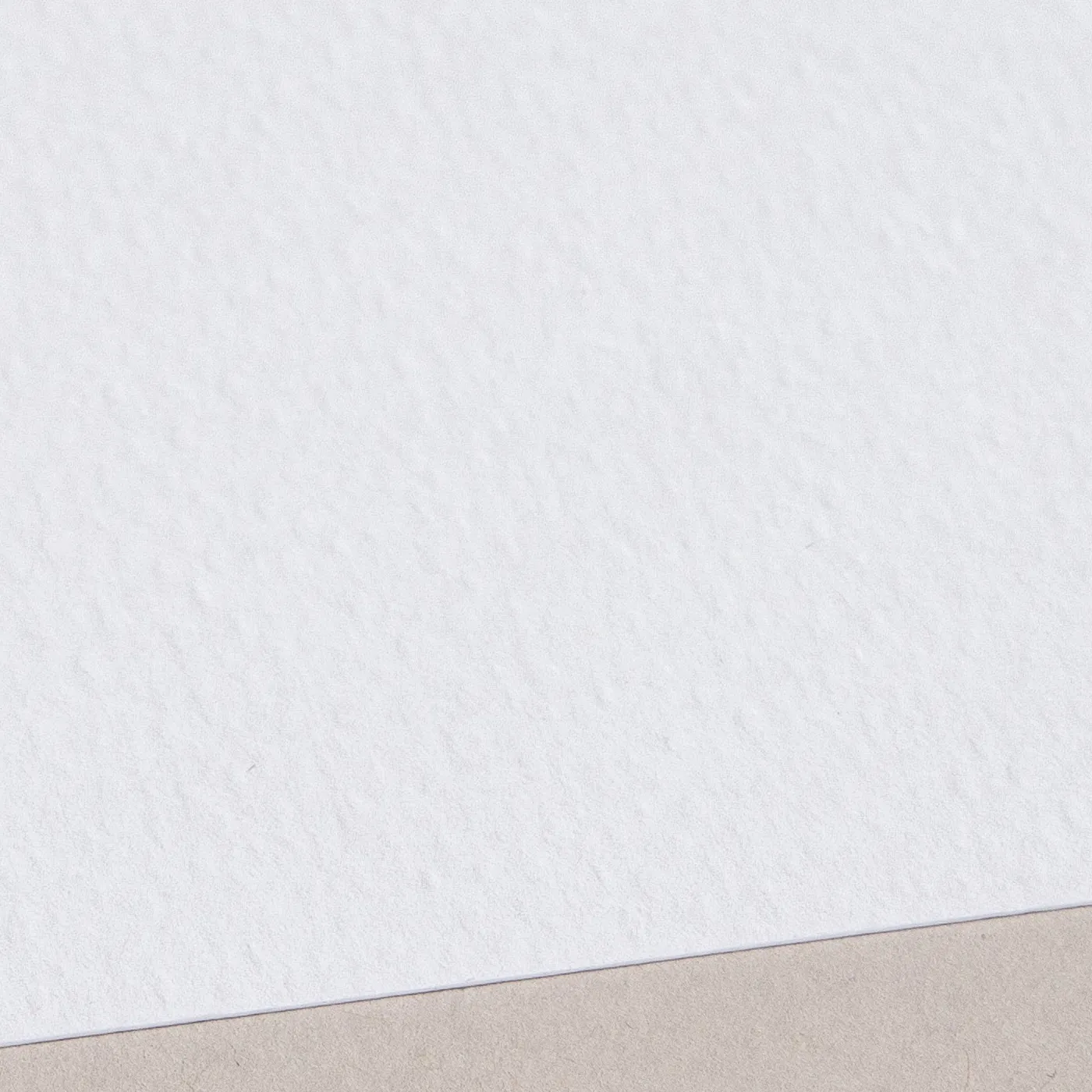
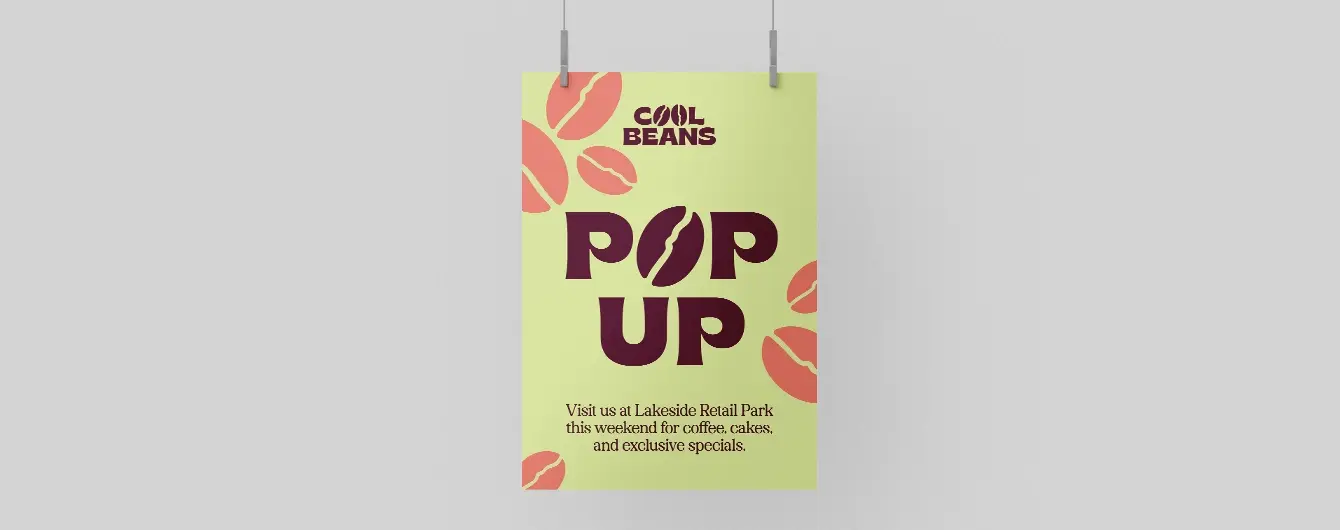
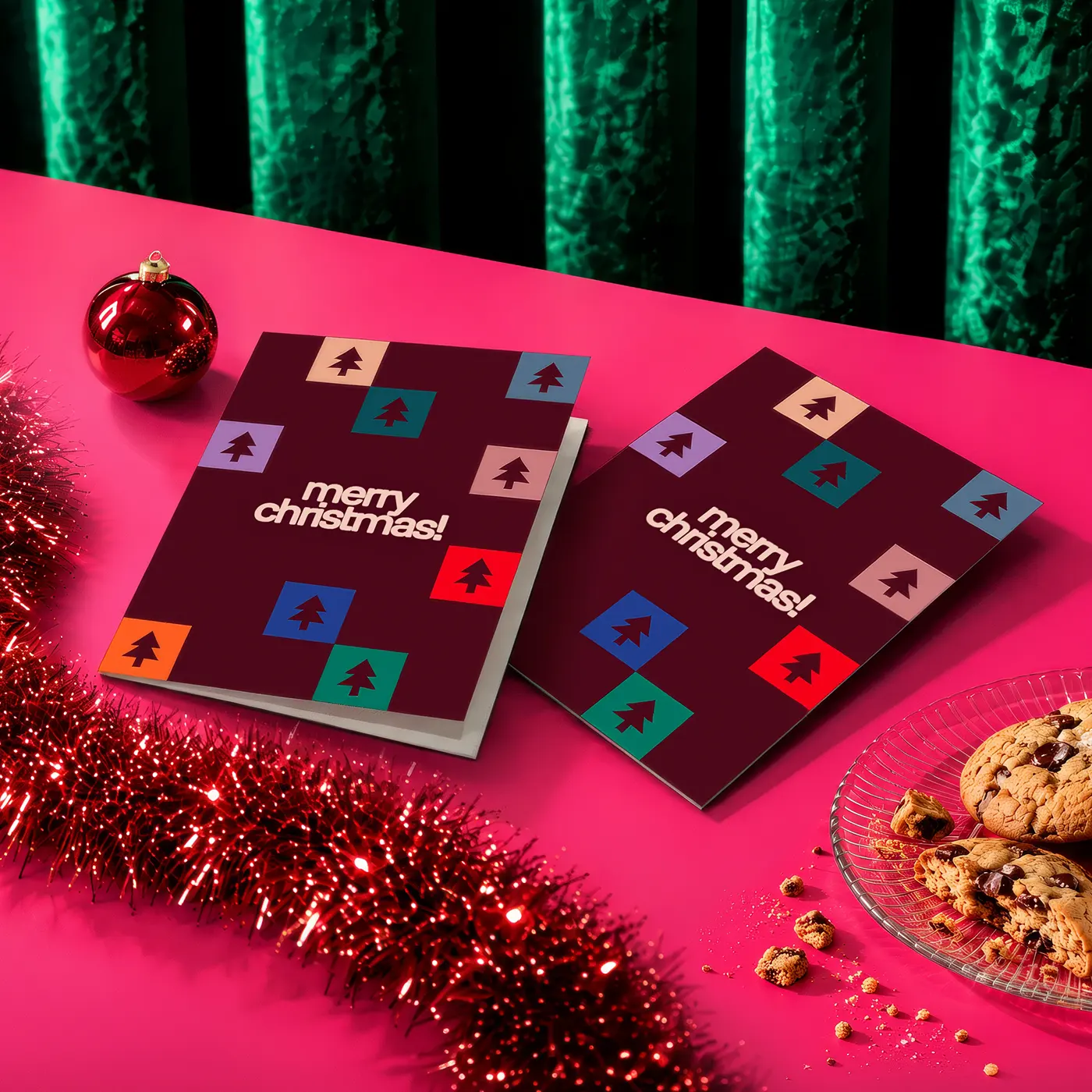
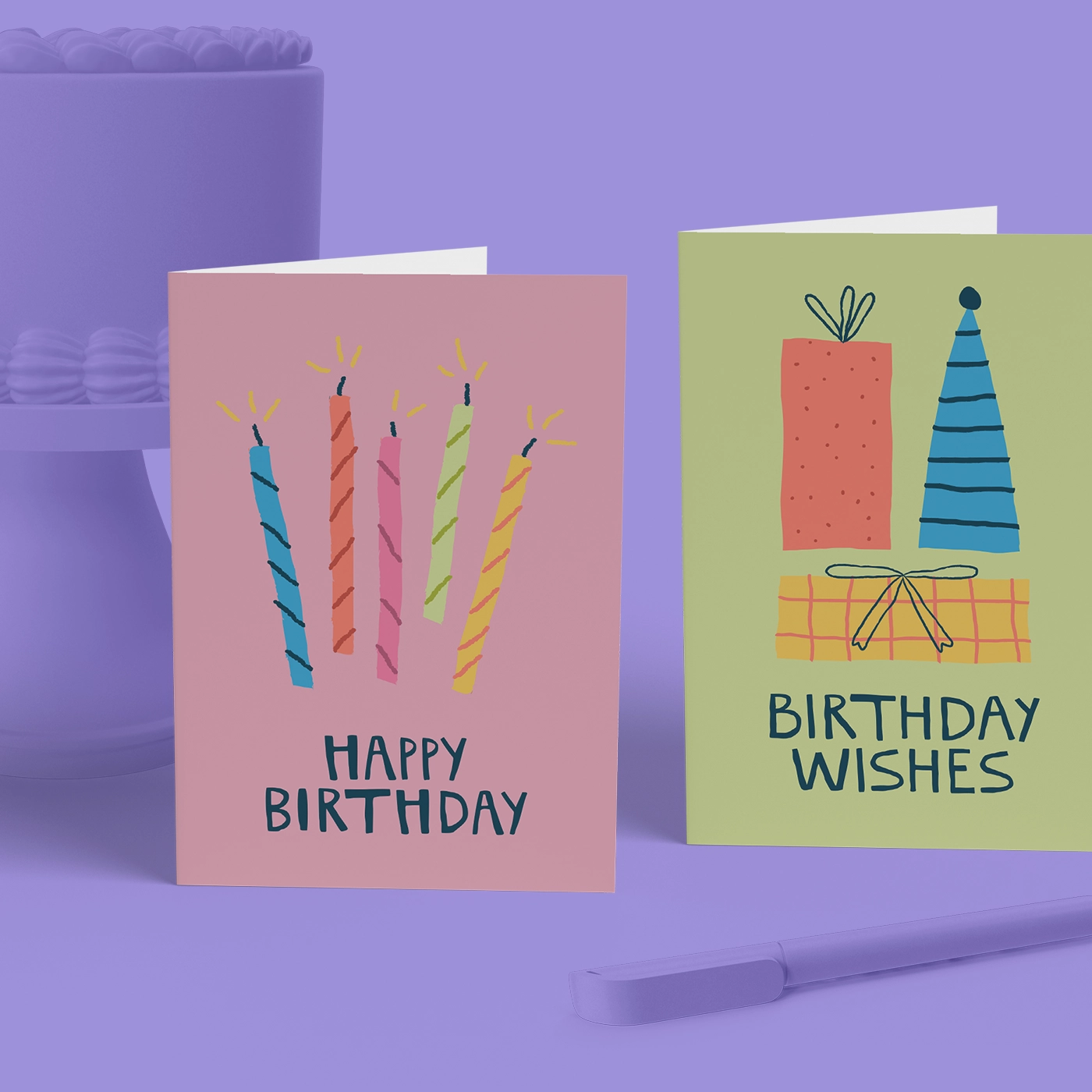
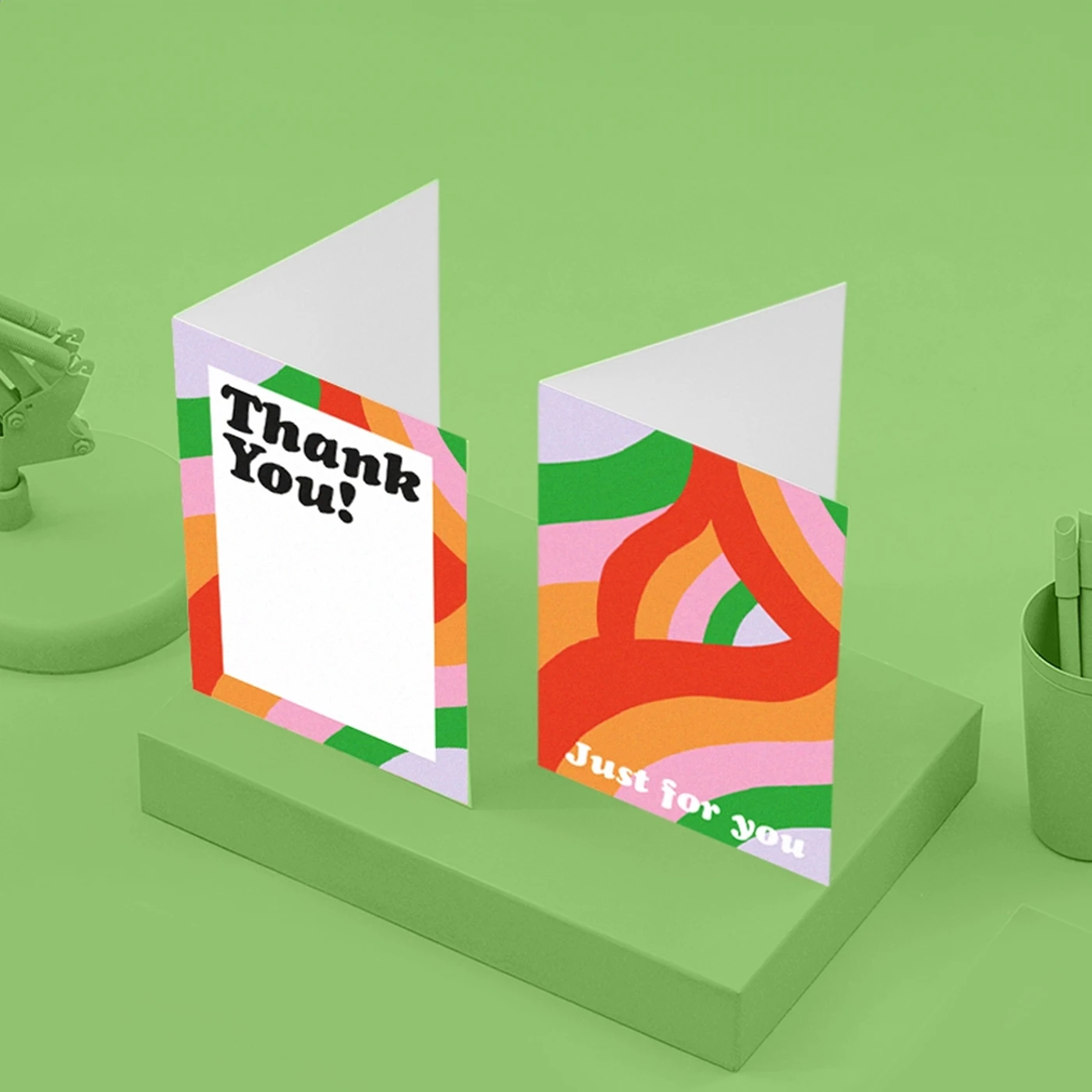
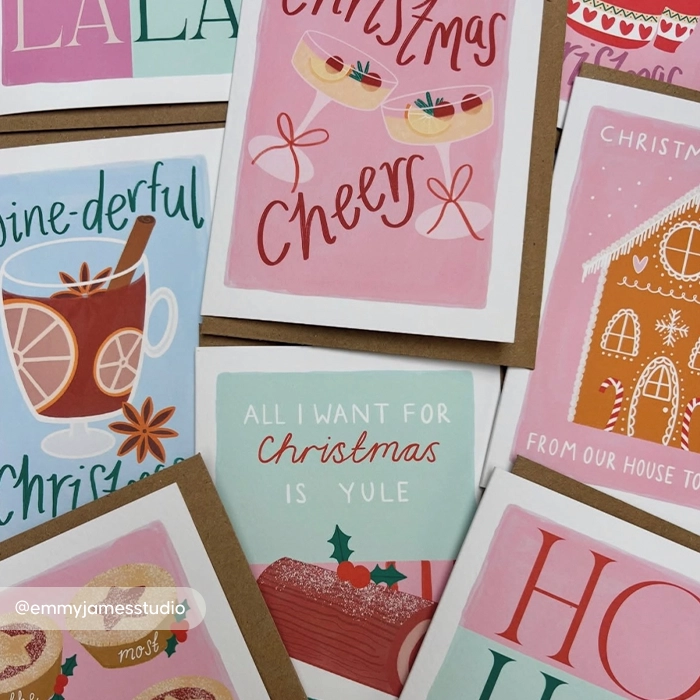
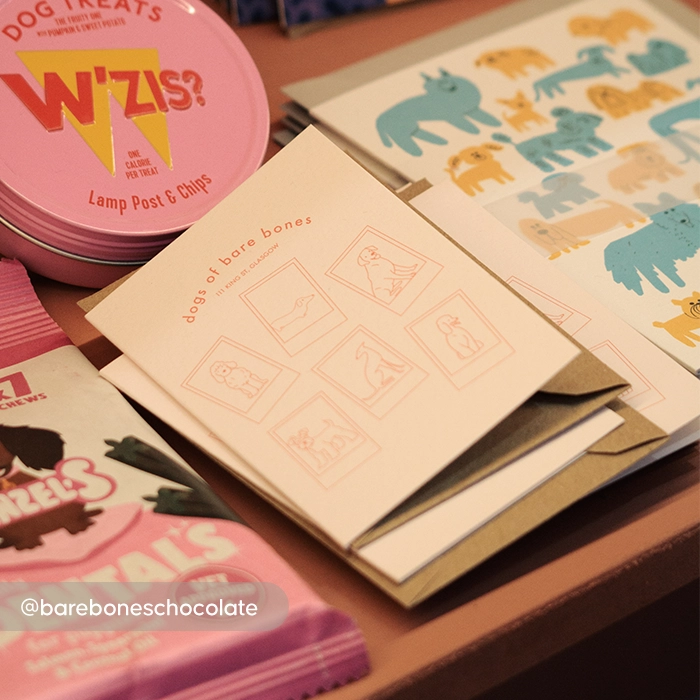
Need Greeting Cards fast? Our Next Day Greeting Card printing makes it easy to create and receive professionally printed cards in no time. Perfect for fast retail restocking, urgent business communications and last-minute celebrations, you can enjoy fast turnaround without compromising on quality. Choose from premium paper stocks, including eco-friendly Kraft and textured Tintoretto Gesso. More information 

  • See here for full details on how to qualify for next day delivery
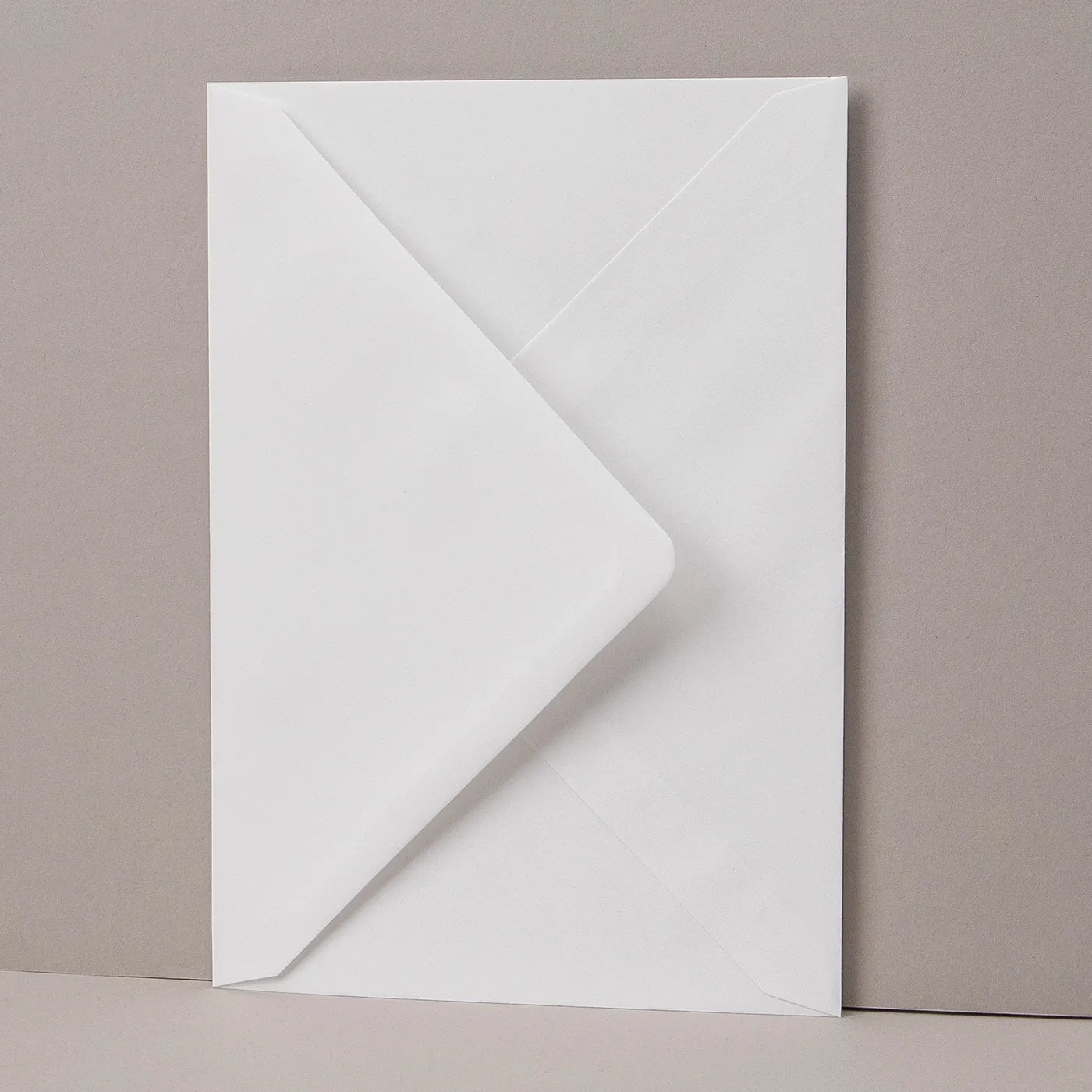
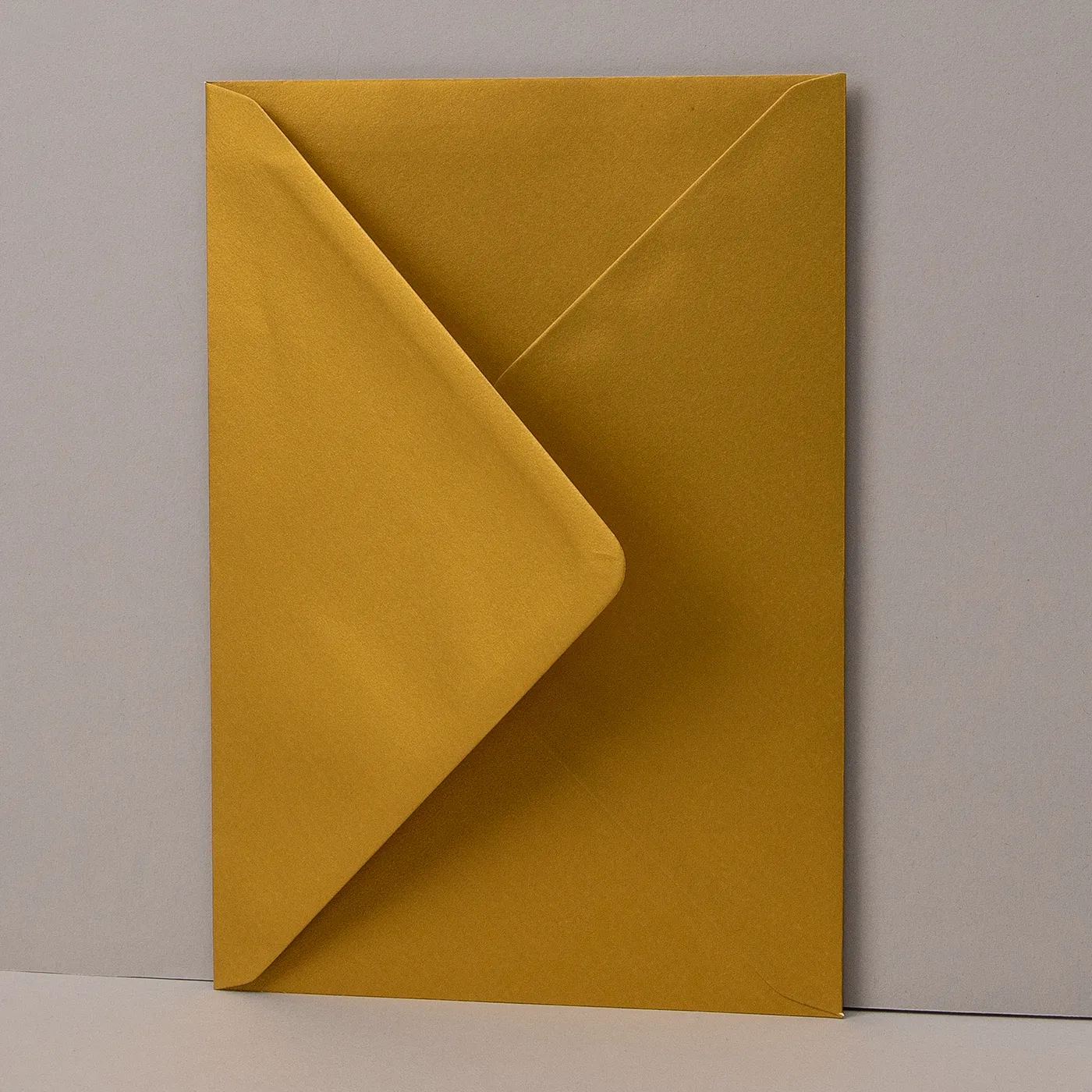
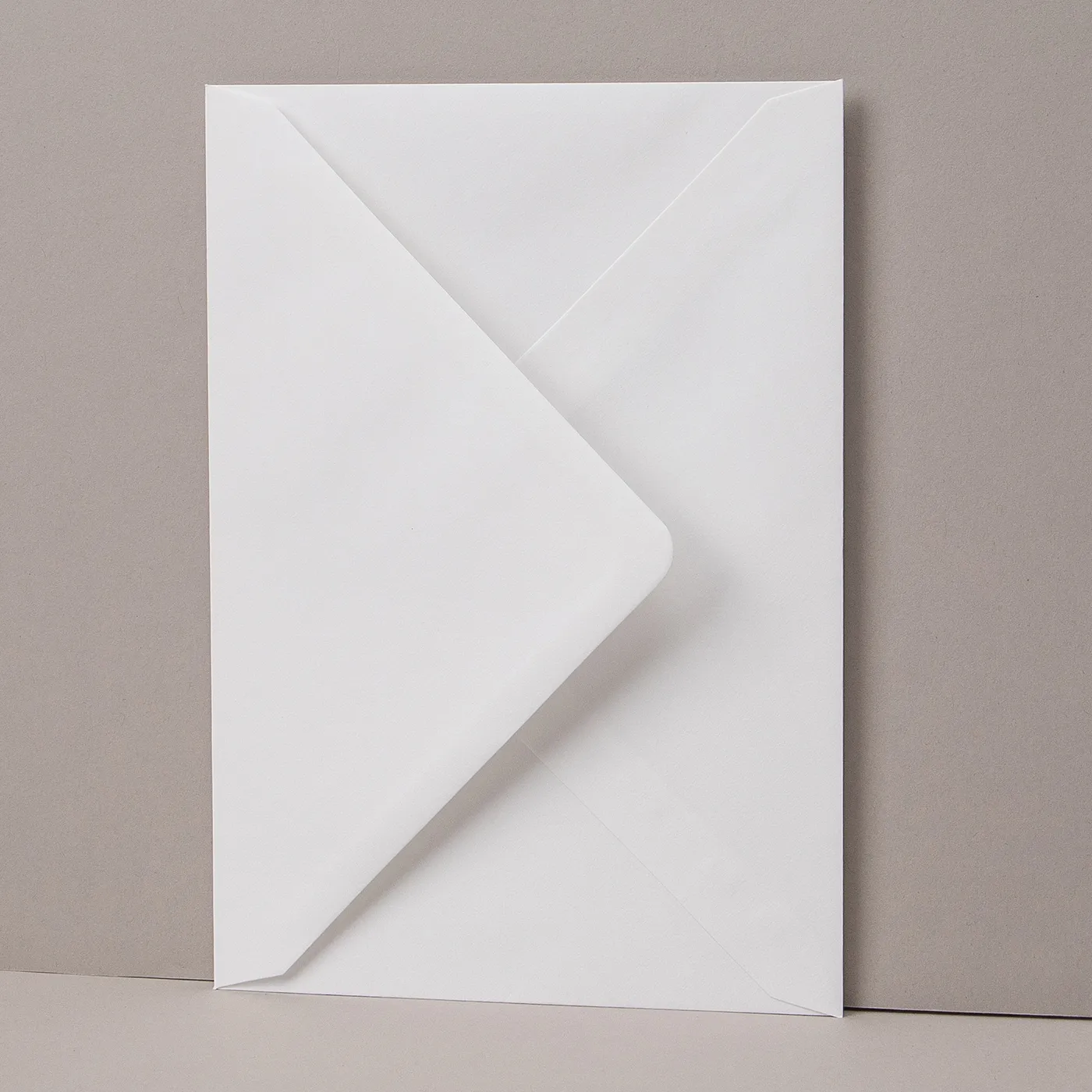
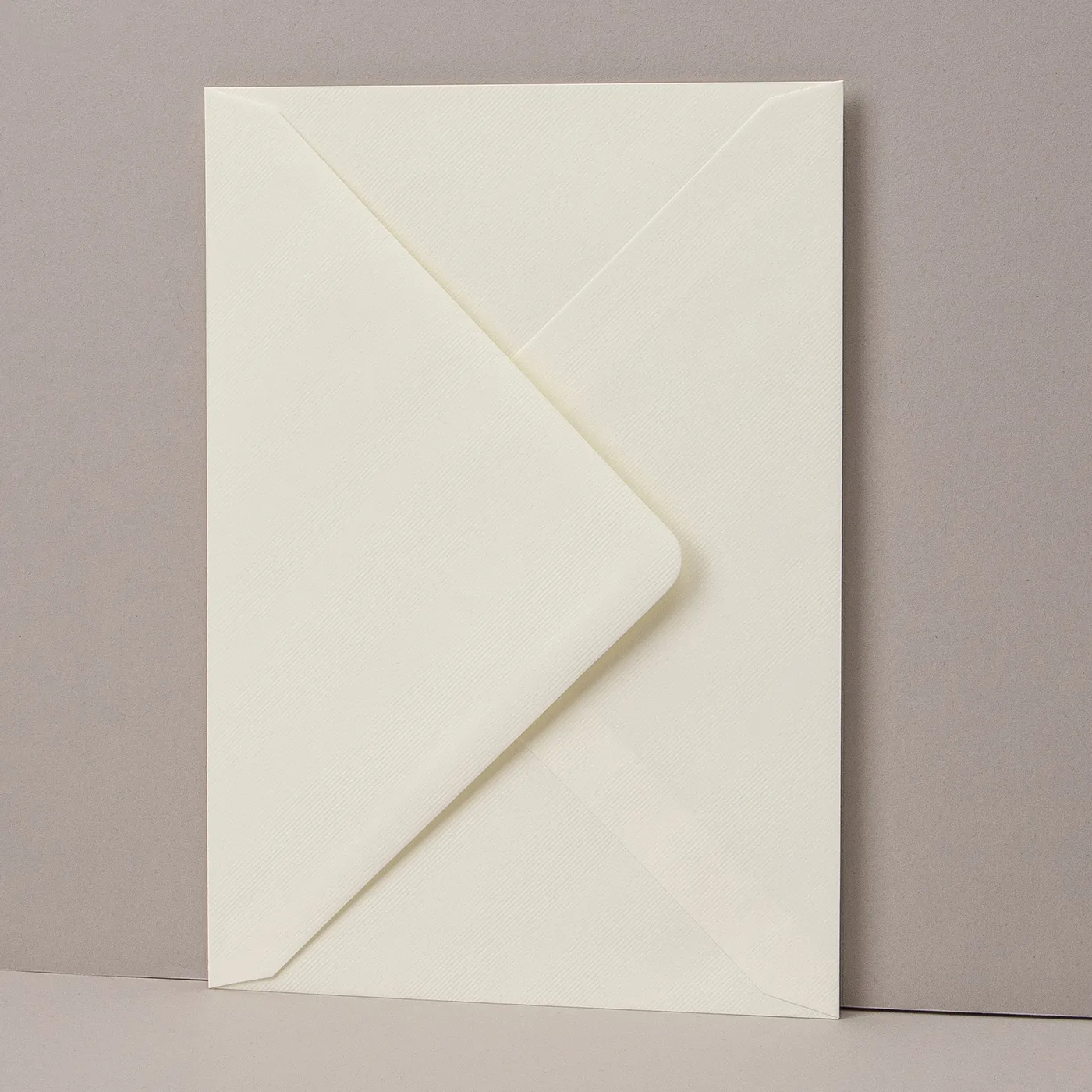
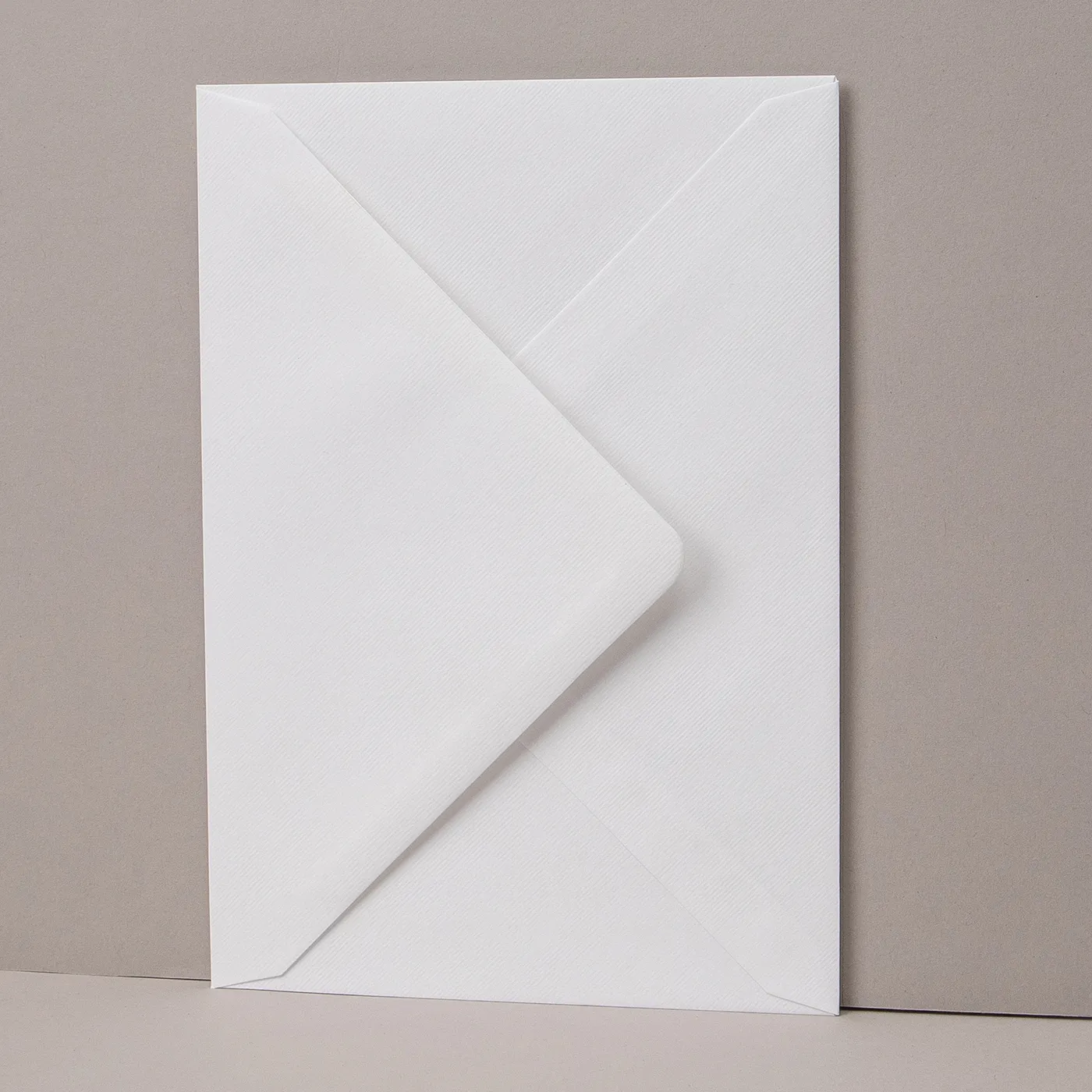
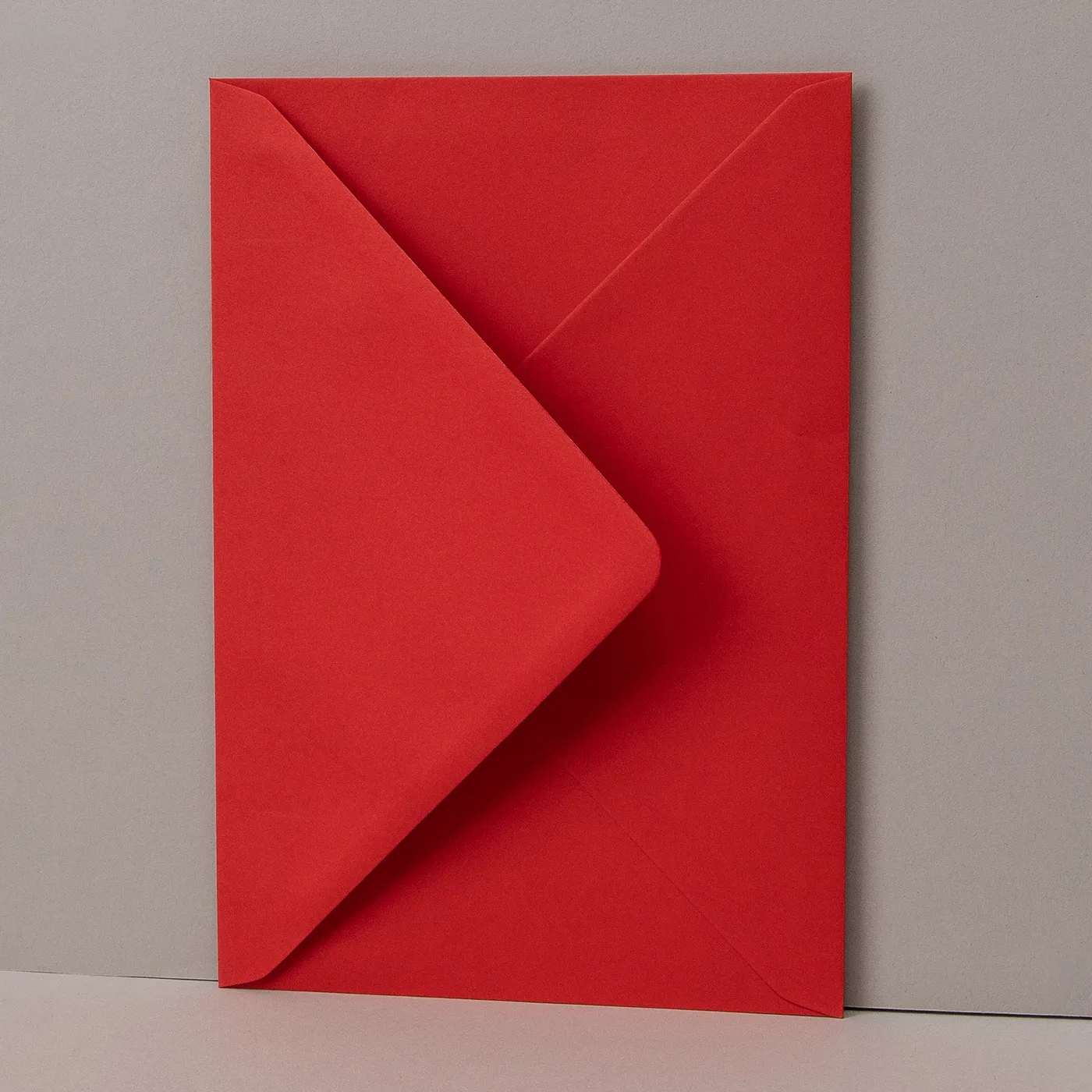
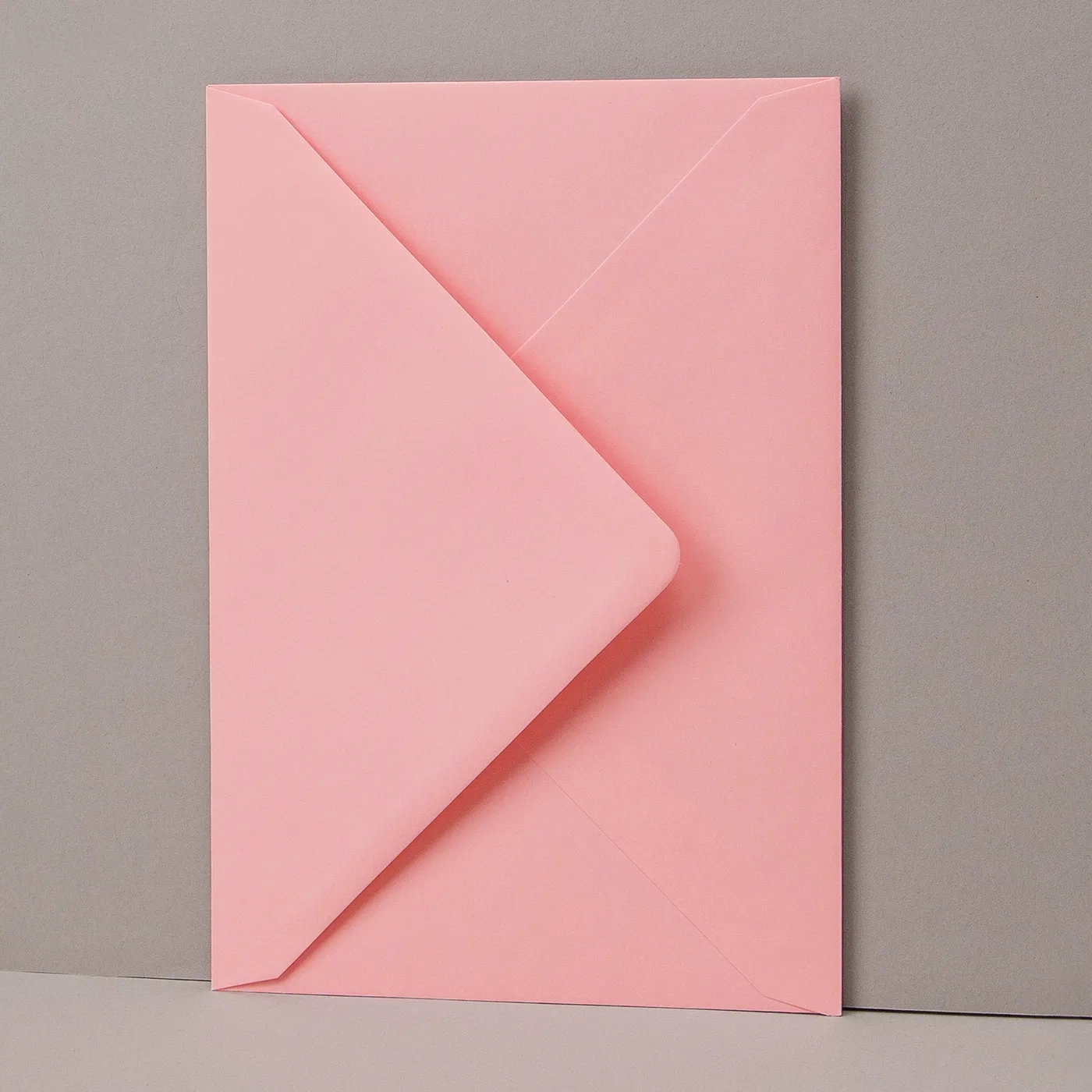
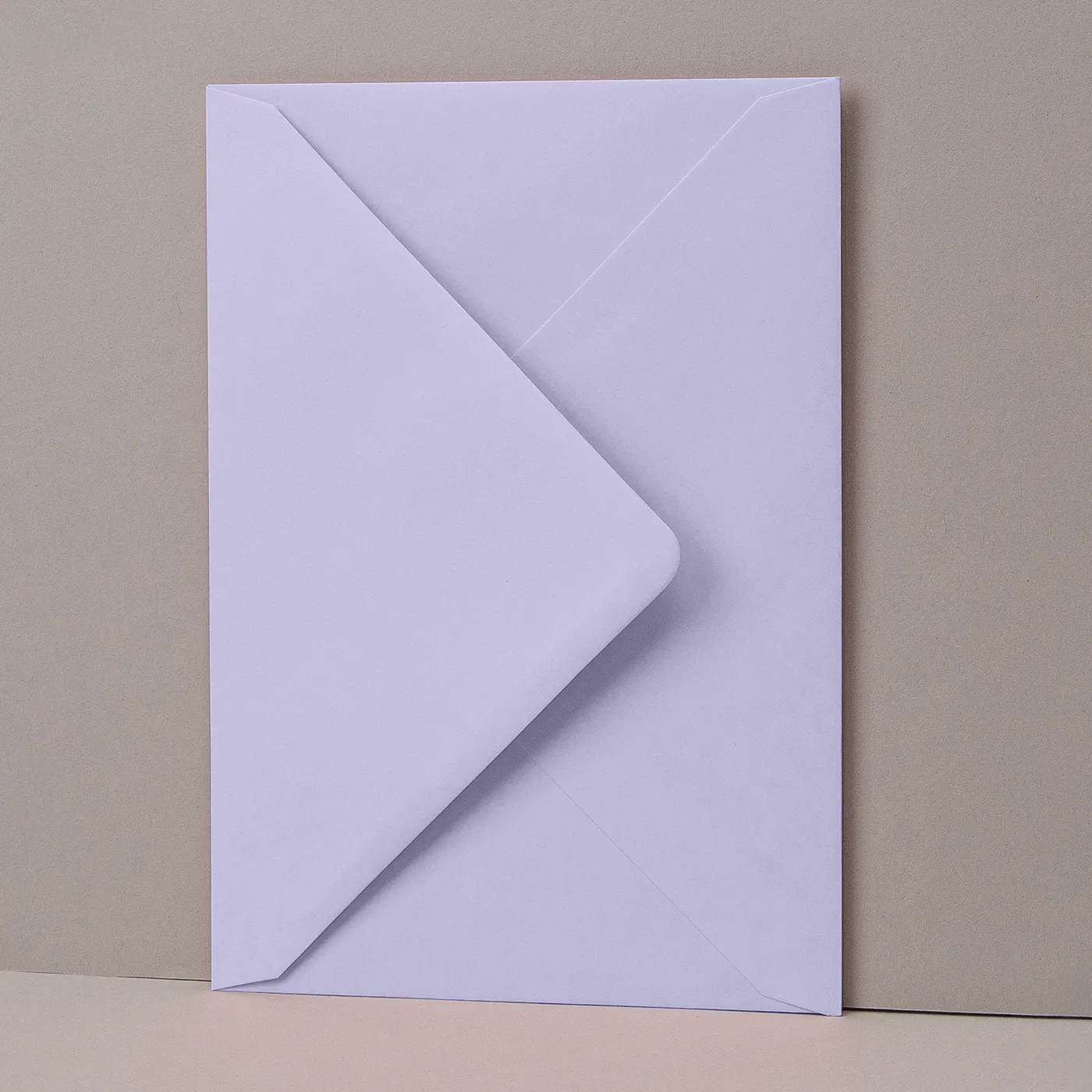
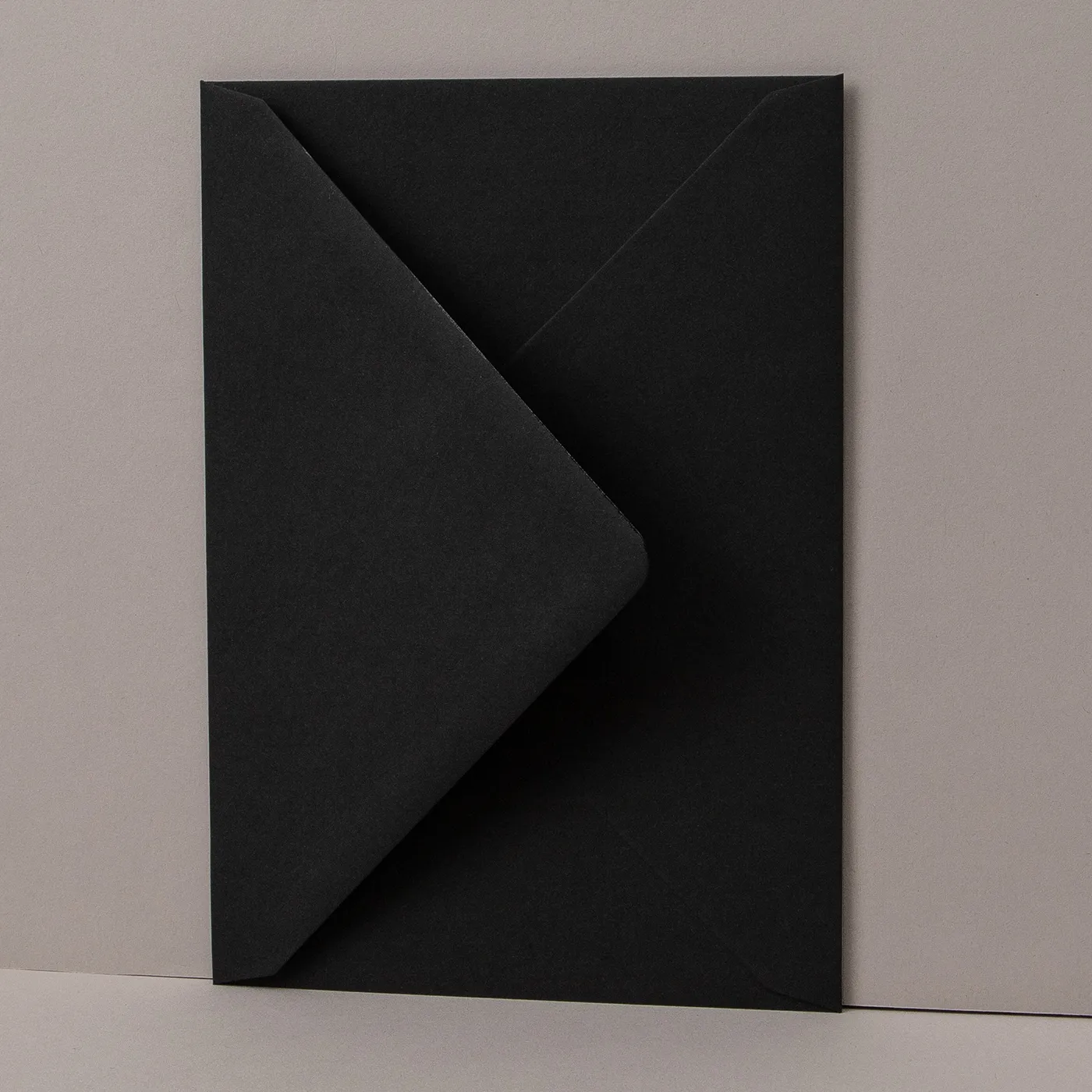
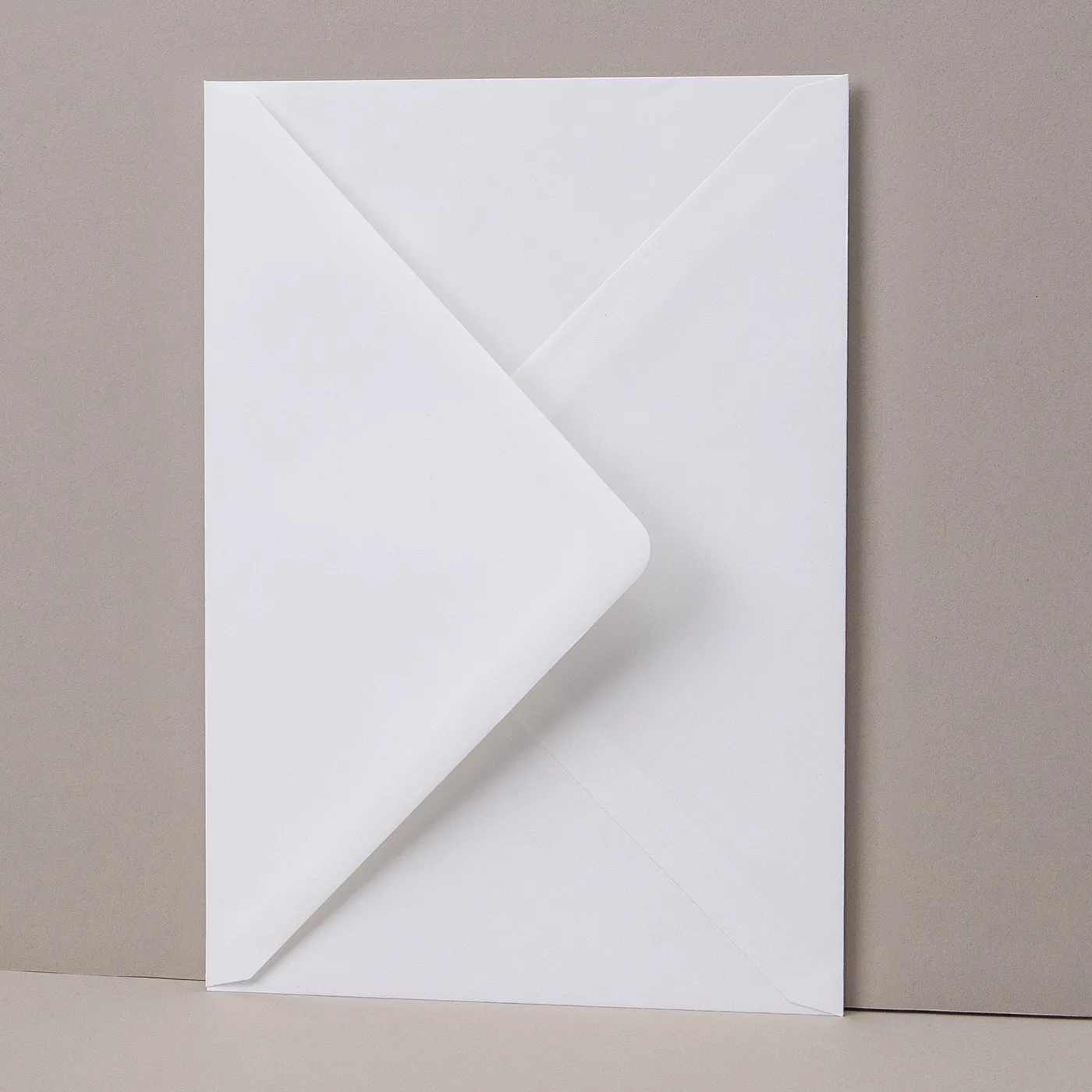
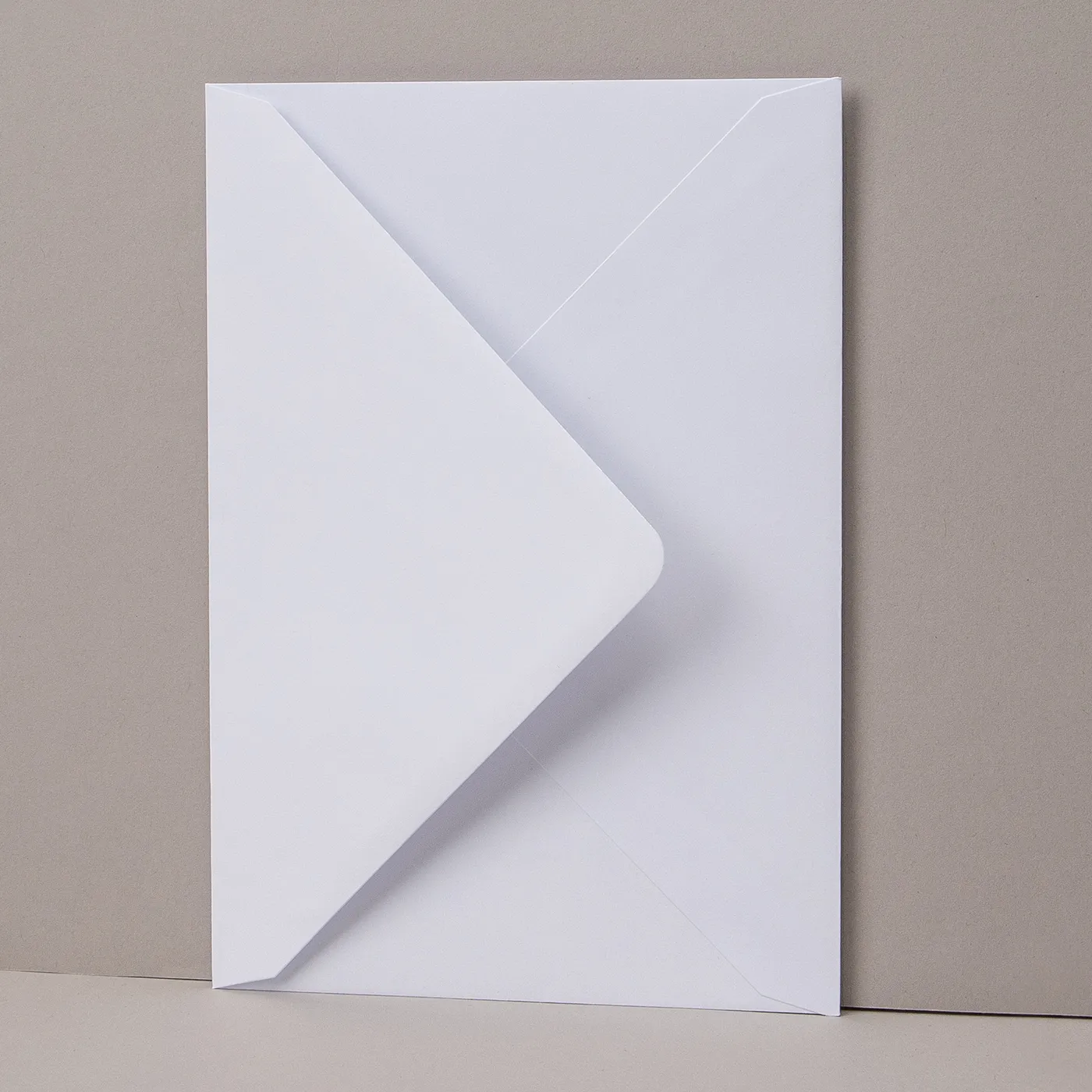
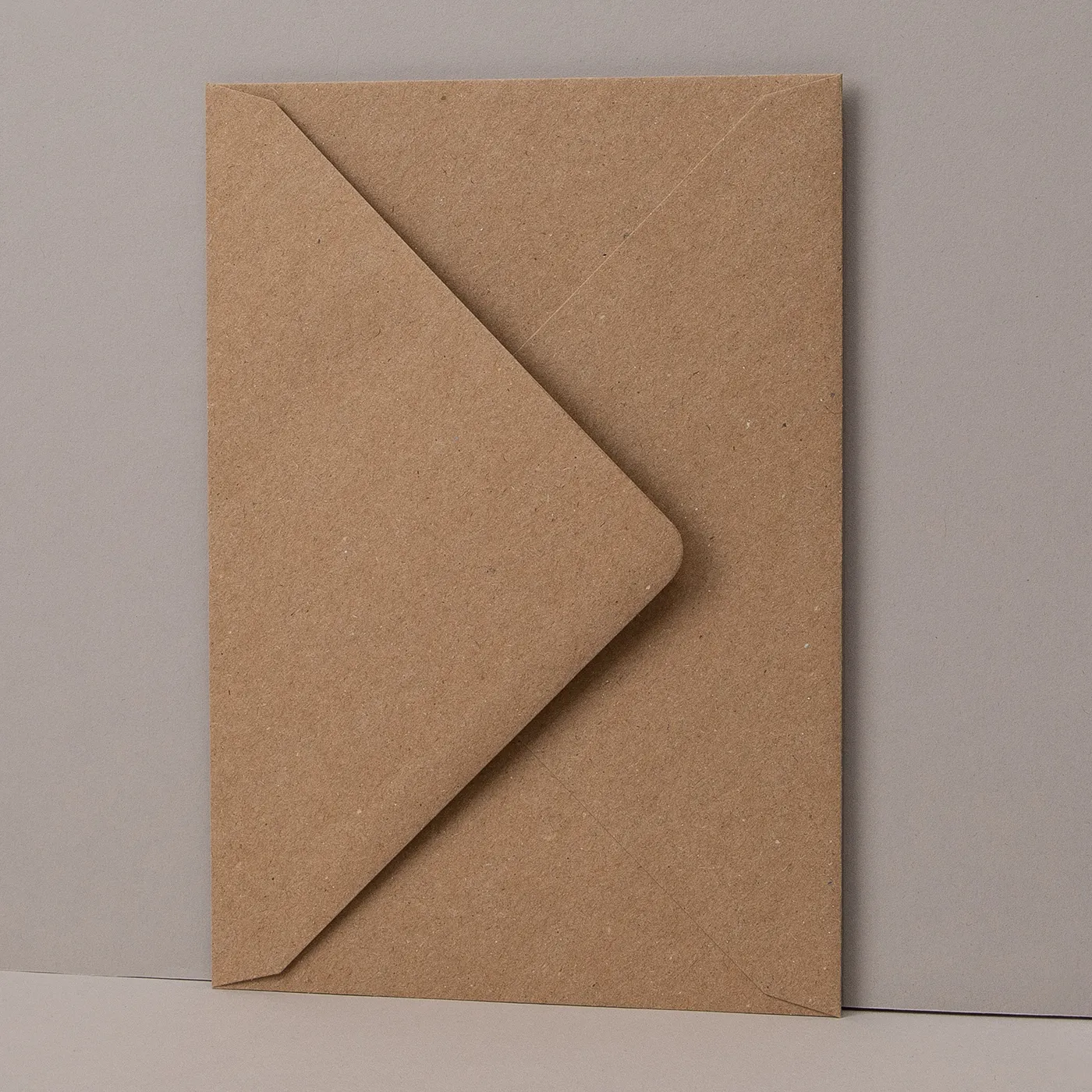
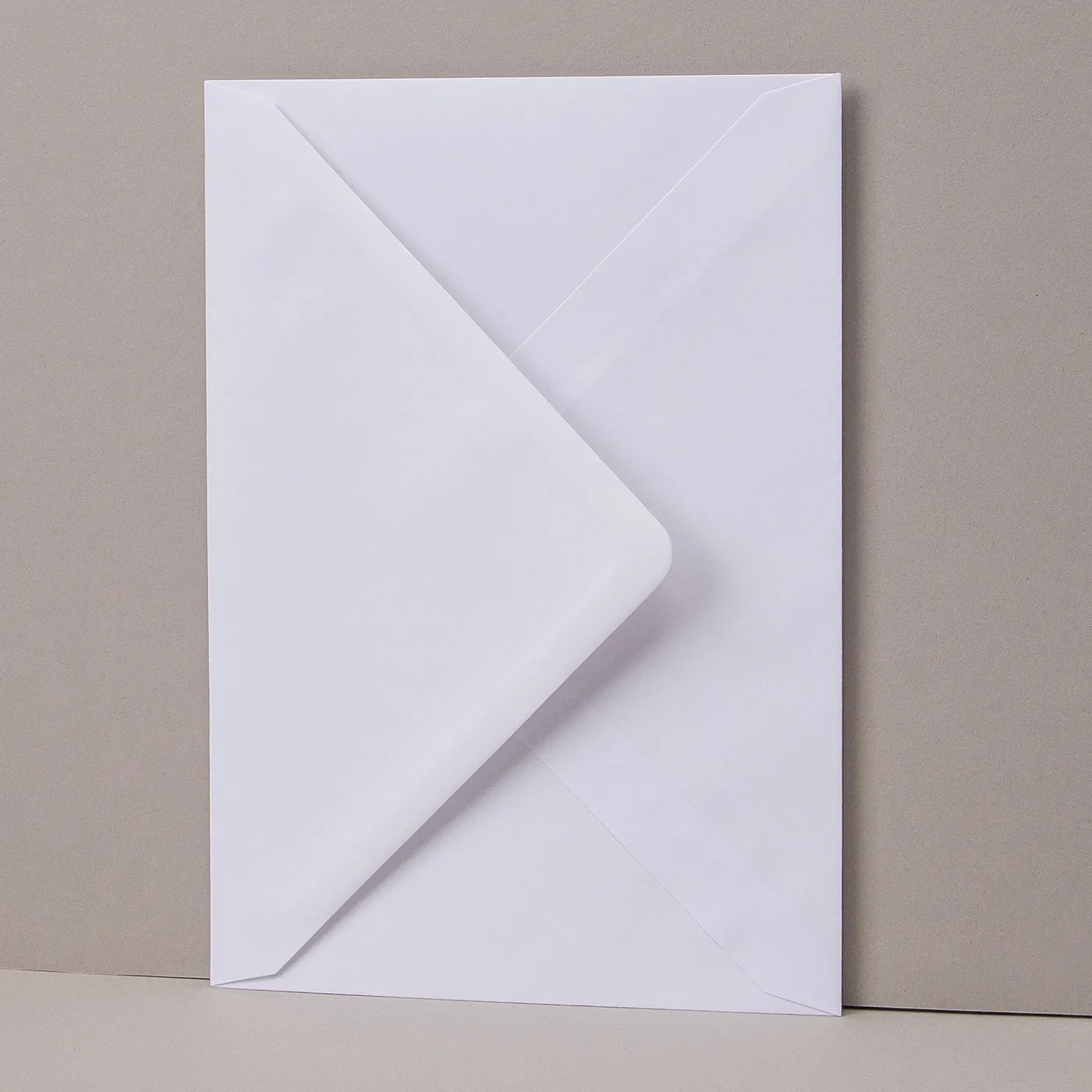
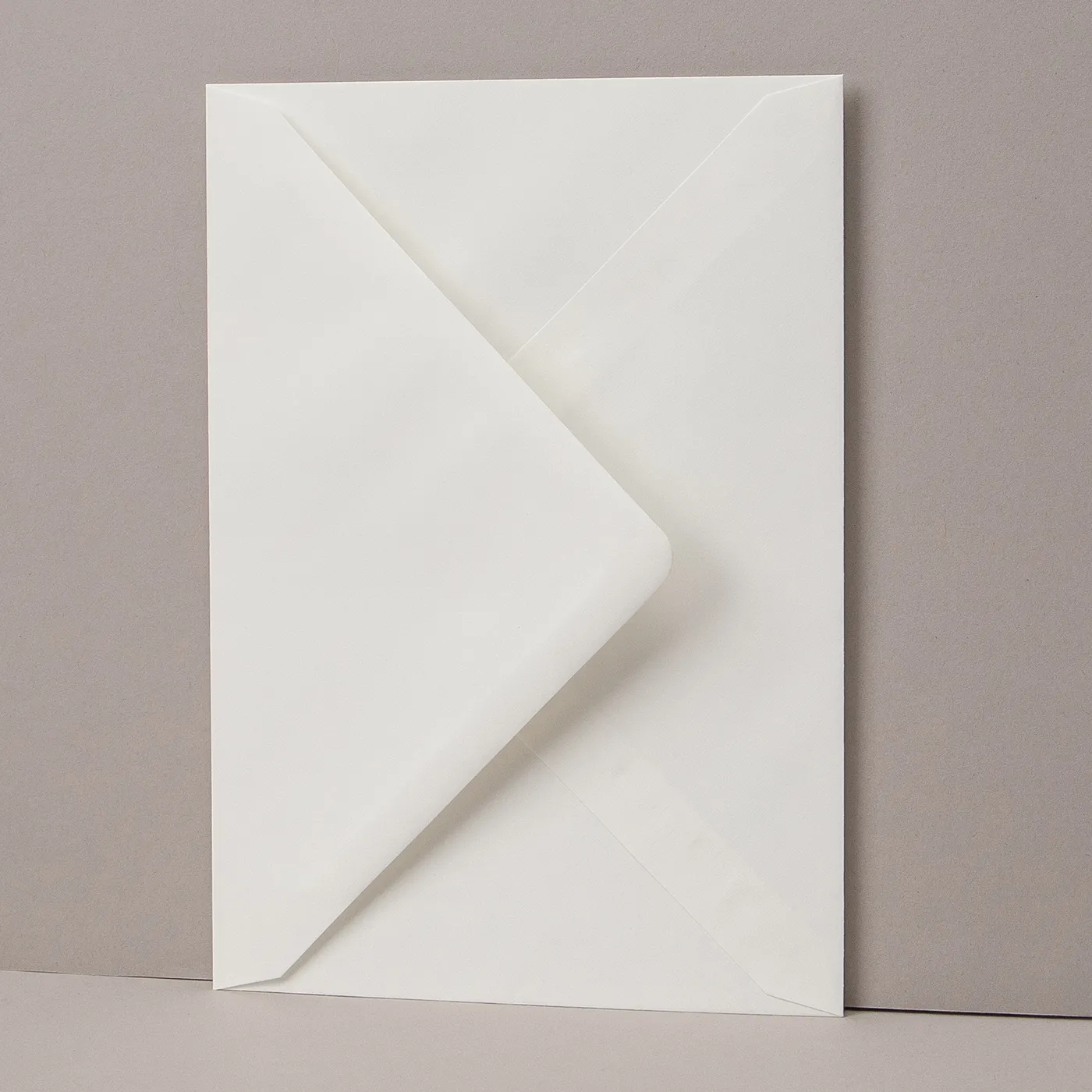
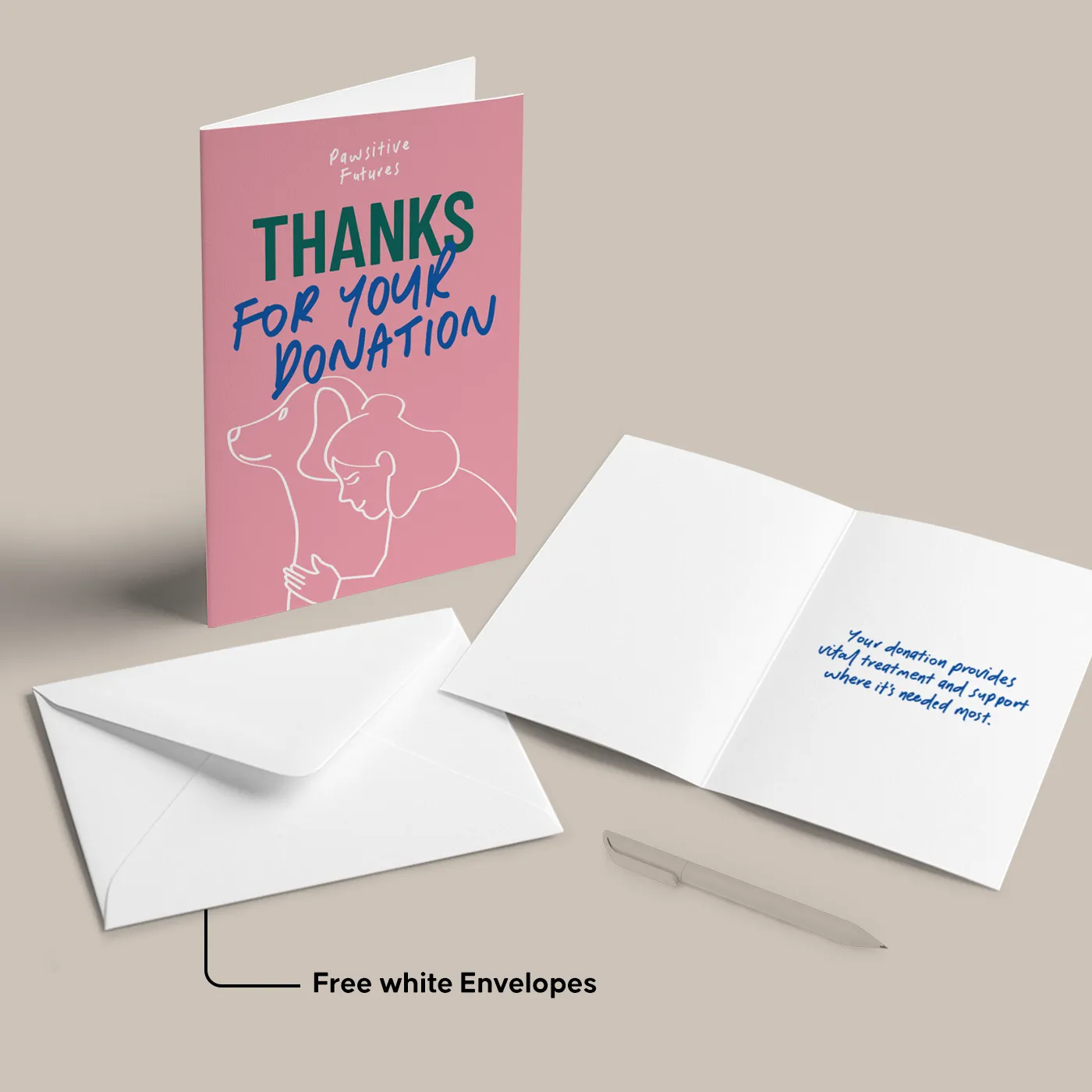
  • Add on Envelopes in a range of papers and colours. Our White Envelopes are free! 
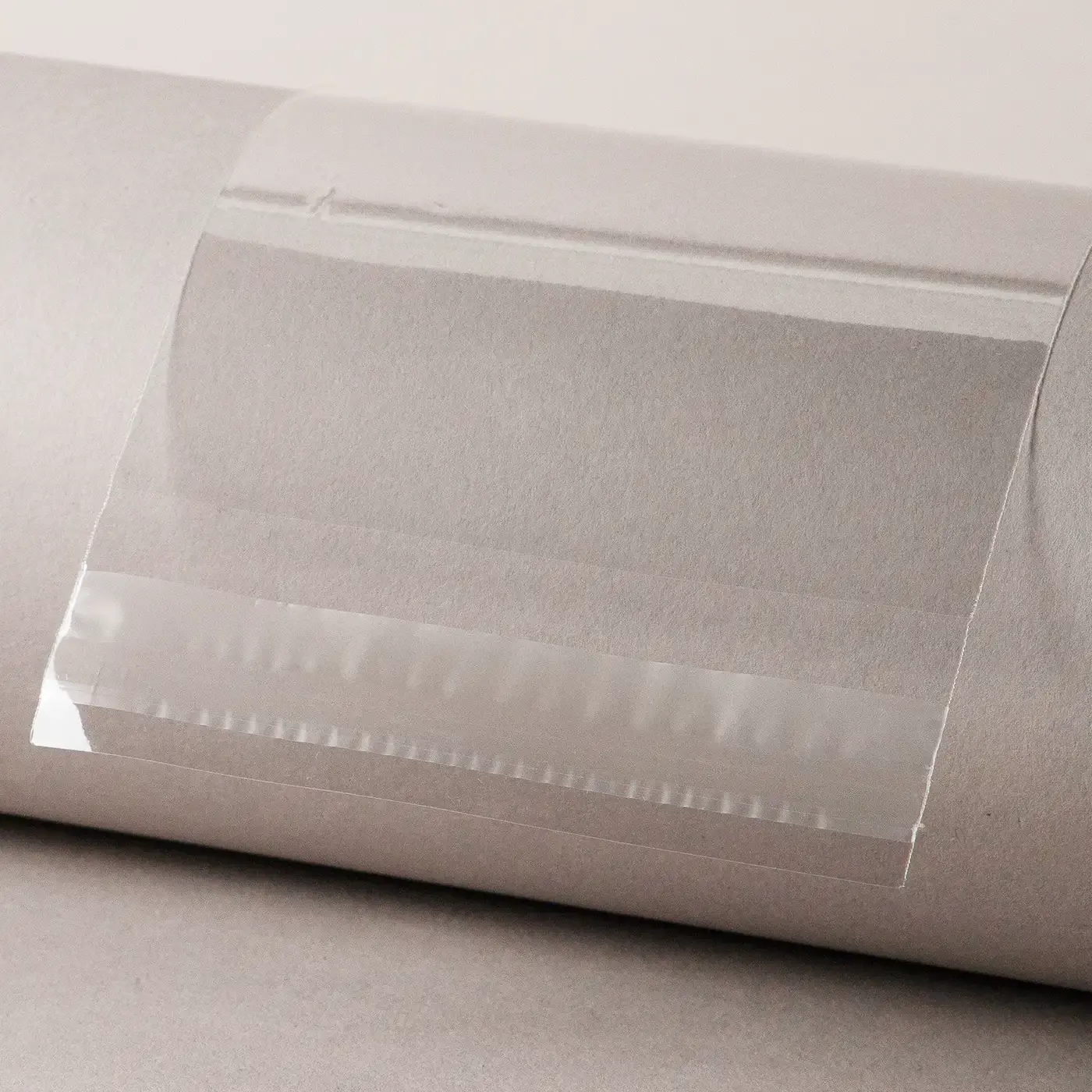
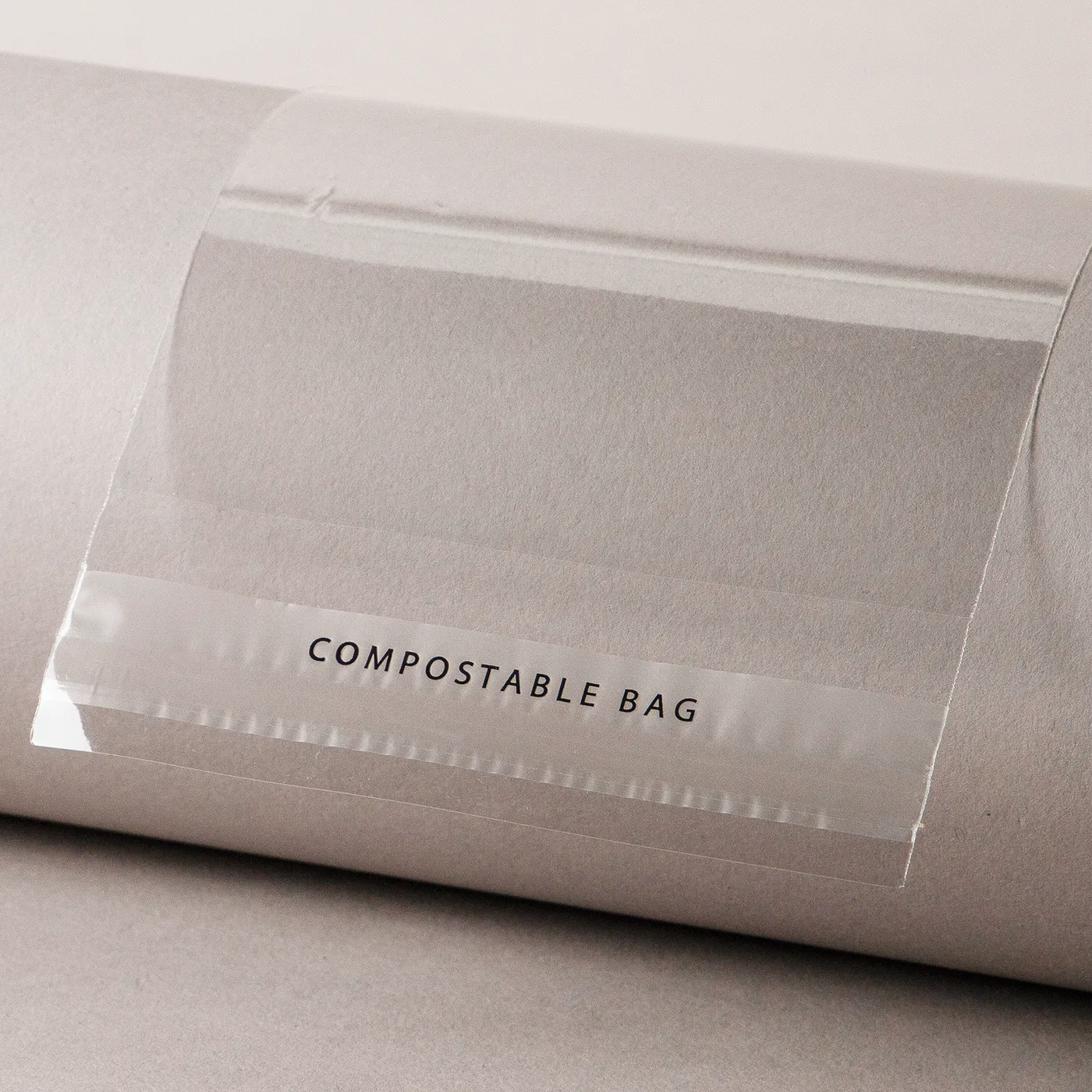
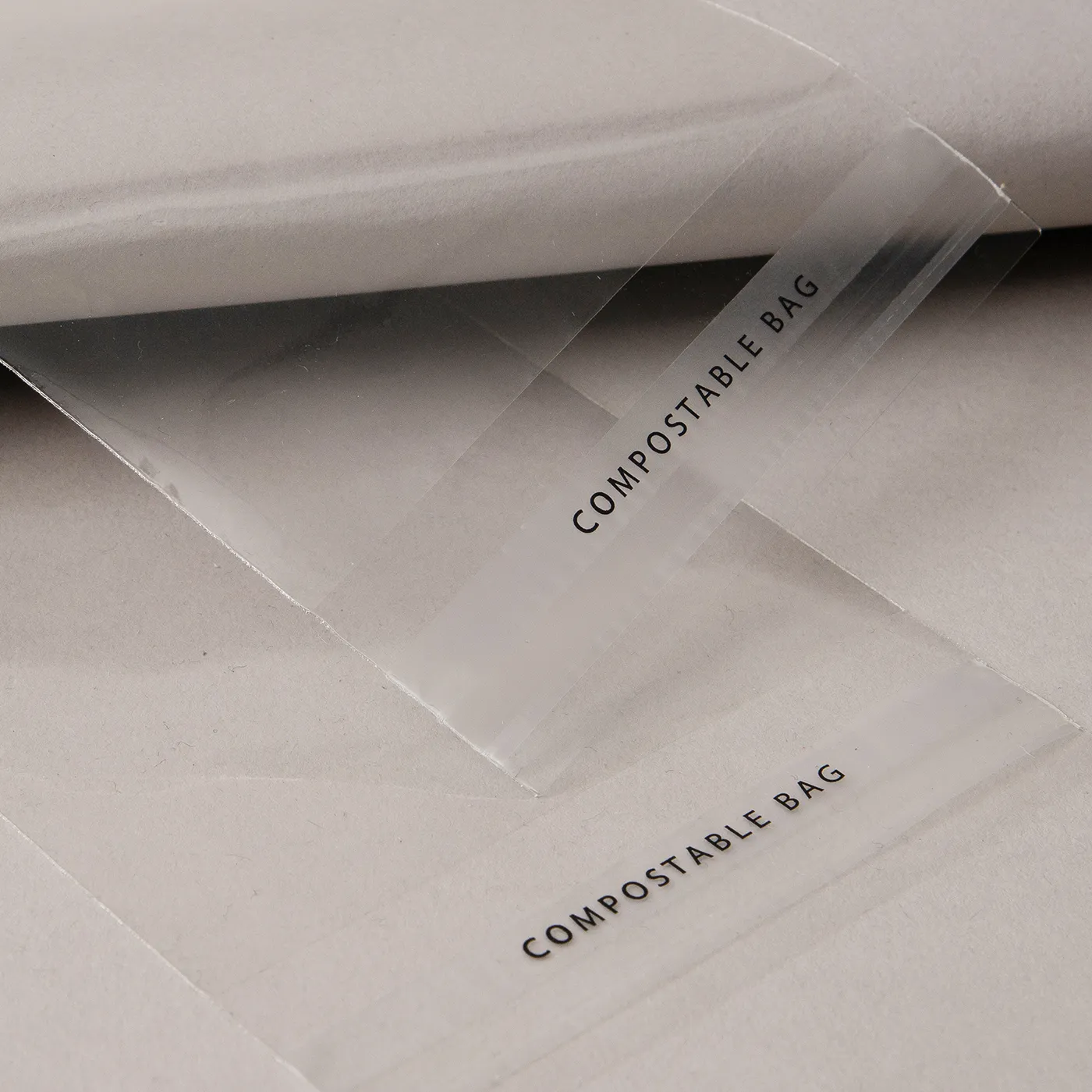
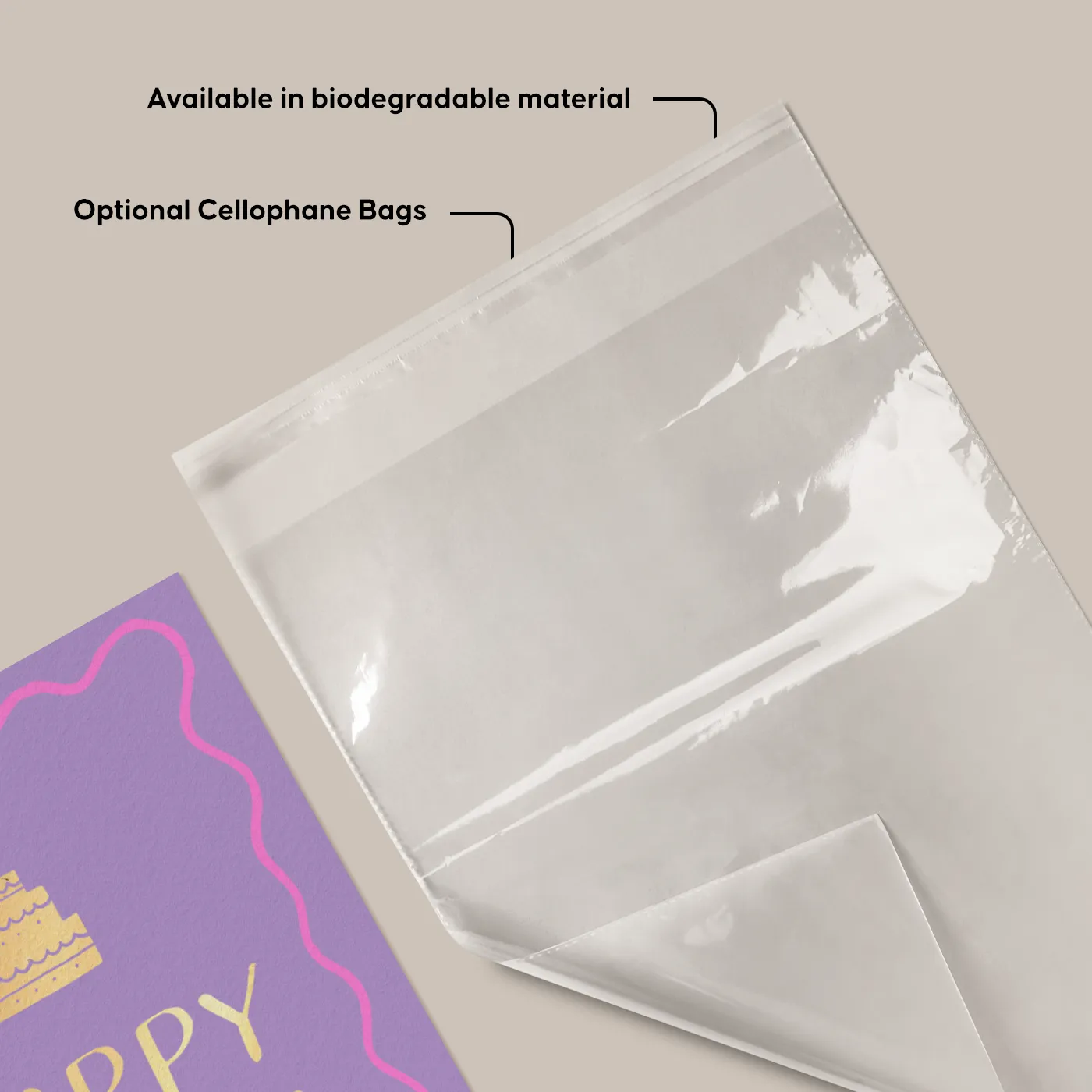
  • Keep Cards & Envelopes neat with optional Cellophane Bags
Build Your Own

Customise your product to your exact specification. We’ve got all the options you need to bring your print to life. Let’s make it real!

Get a quick quote with our product presets

Most Popular

A6 finished size long edge folded Cards, printed on the outside of 300gsm TruCard paper. Supplied with White Envelopes.

Choose quantity

Luxury

A6 finished size long edge folded Cards, printed on the outside of 300gsm Tintoretto Gesso paper. Supplied with White Envelopes.

Choose quantity

Eco

A6 finished size long edge folded Cards, printed on both sides of 350gsm Recycled Uncoated paper. Supplied with White Envelopes.

Choose quantity

Our stocks

Find your perfect match

Showing 1-61-4 of 16Showing 7-125-8 of 16Showing 11-169-12 of 16

TruCard

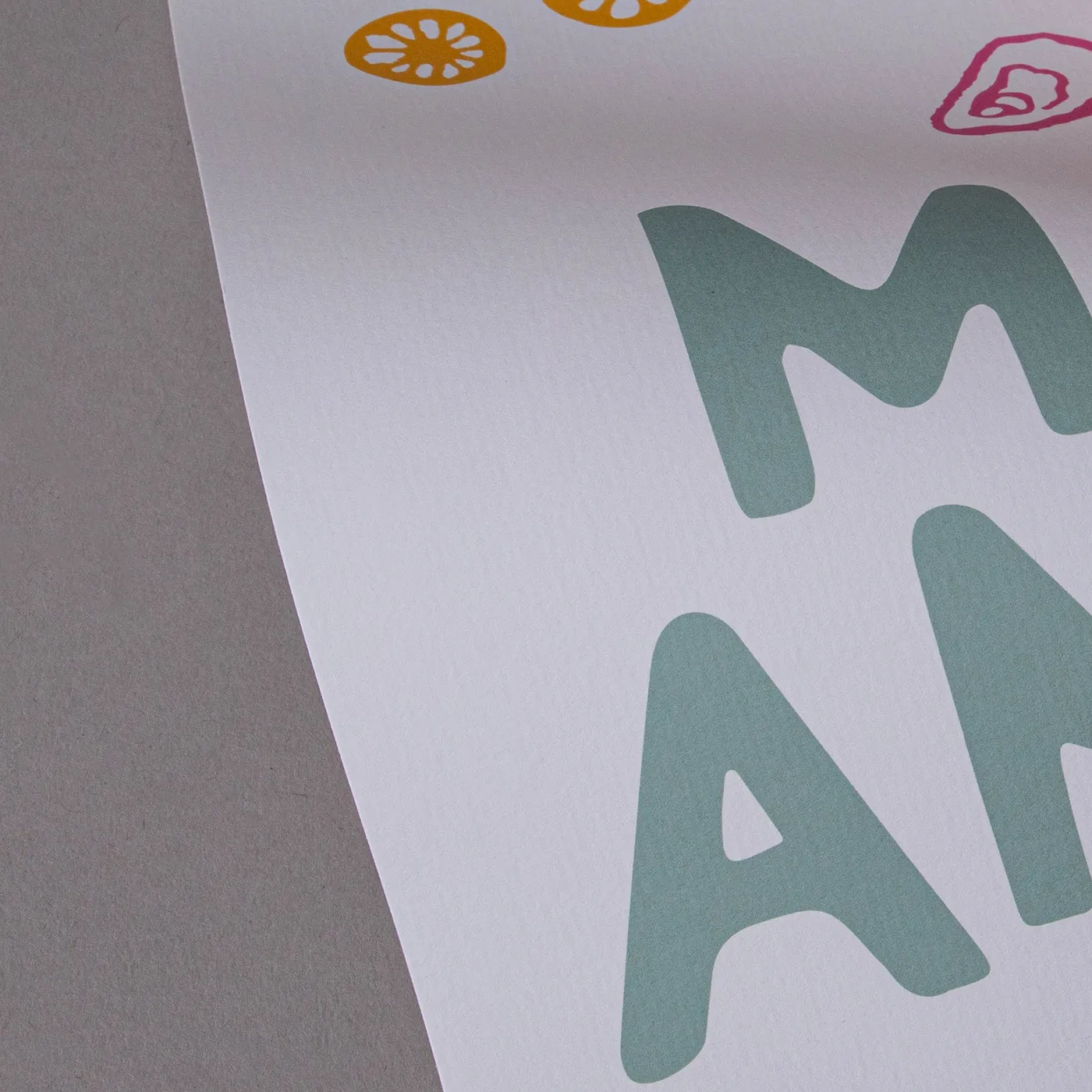
TruCard is glossy and scratchproof on one side with an off-white hue, giving a vibrant print. It's bright-white and uncoated on the other side, so you can easily write on it.

Uncoated

For a flat modern finish with no surface coating, Uncoated paper offers a soft, touchable texture that's ideal for writing on. It gives print colours a sophisticated feel and a muted finish.
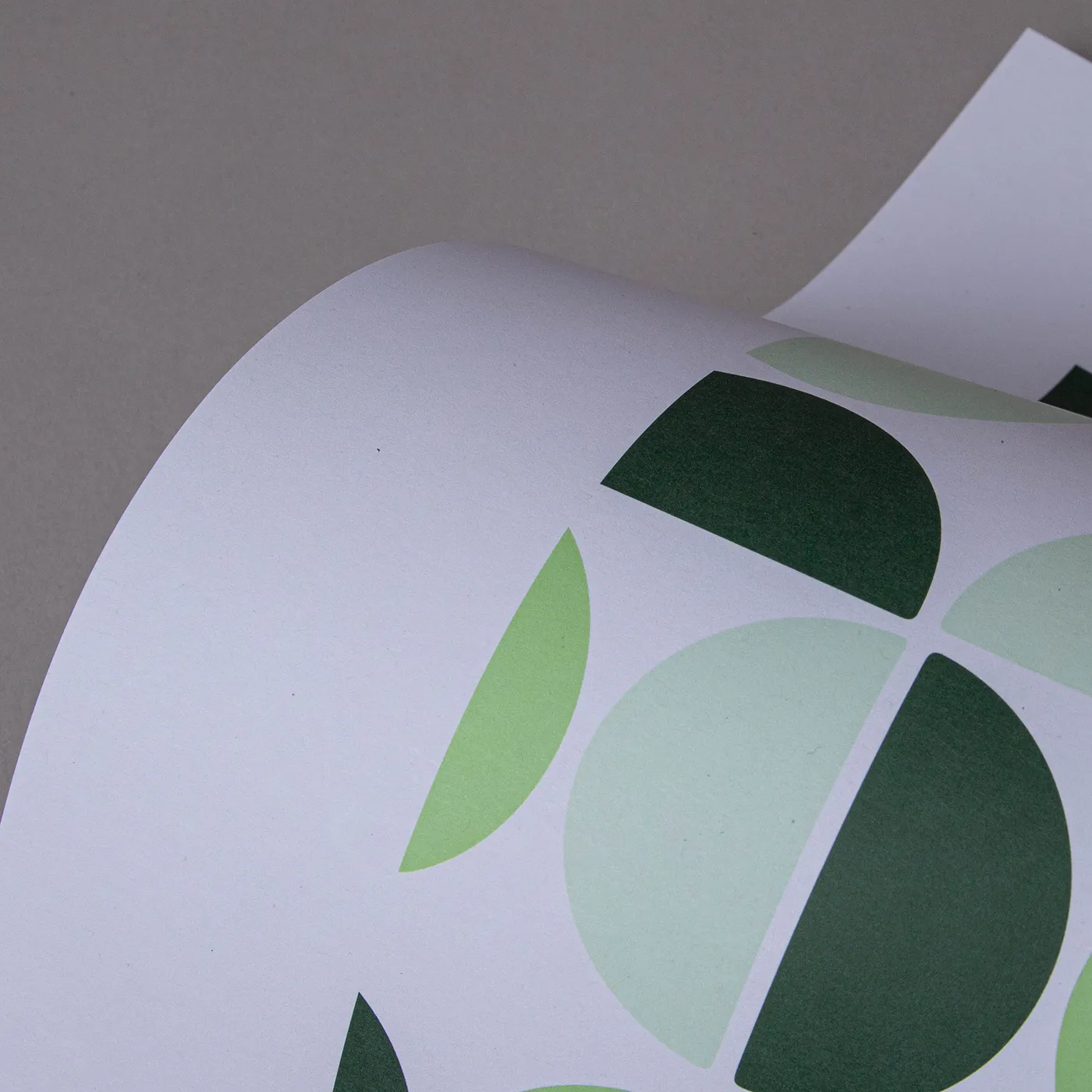
Recycled Uncoated

Recycled Uncoated is off-white, with a coarse texture and rustic flecks throughout. It's uncoated surface gives print colours a sophisticated feel and a slightly muted finish.
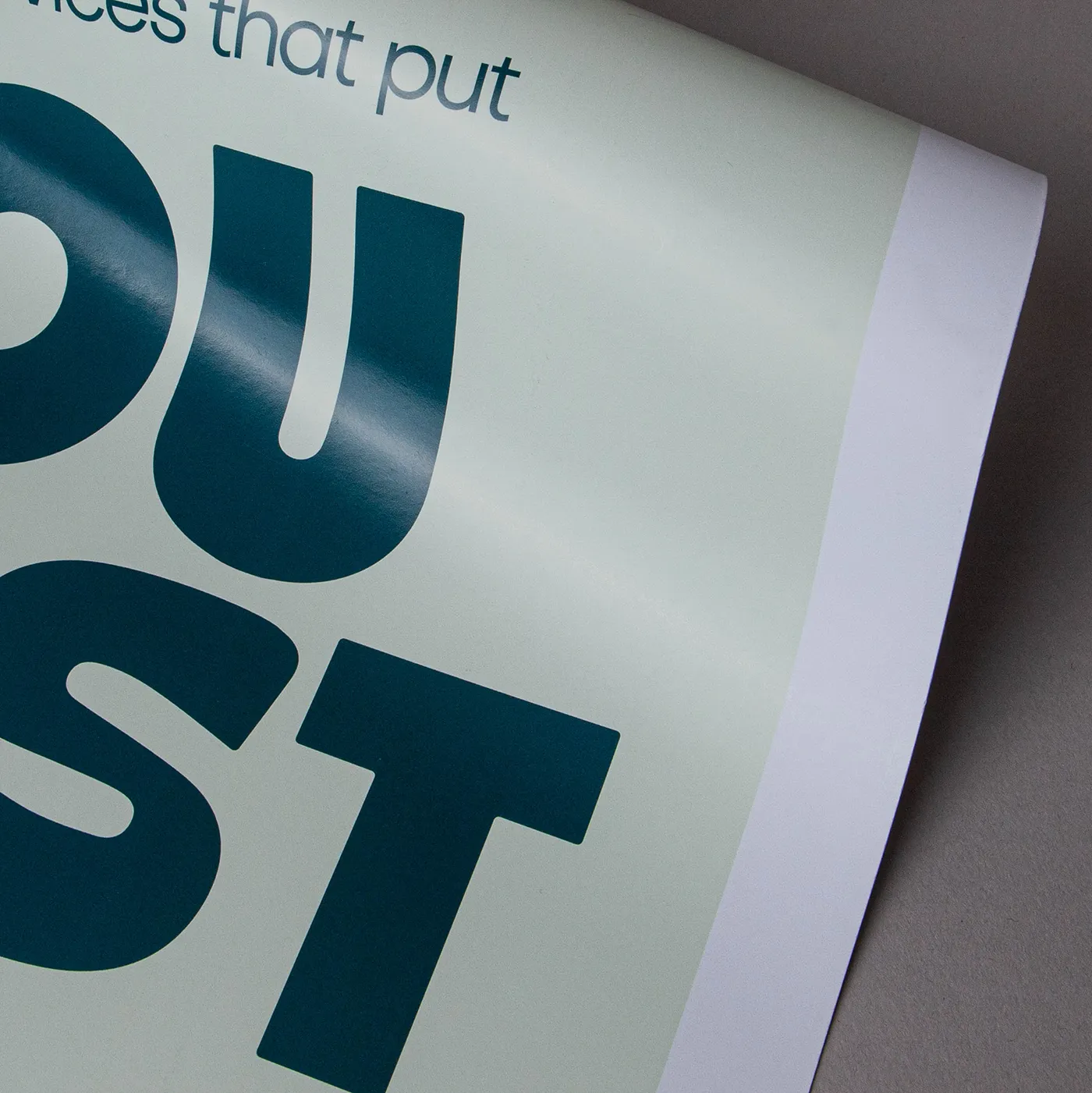
Silk

Our most popular paper choice, the clean and crisp finish of Silk paper gives a sharp, defined finish to printed colours and designs.
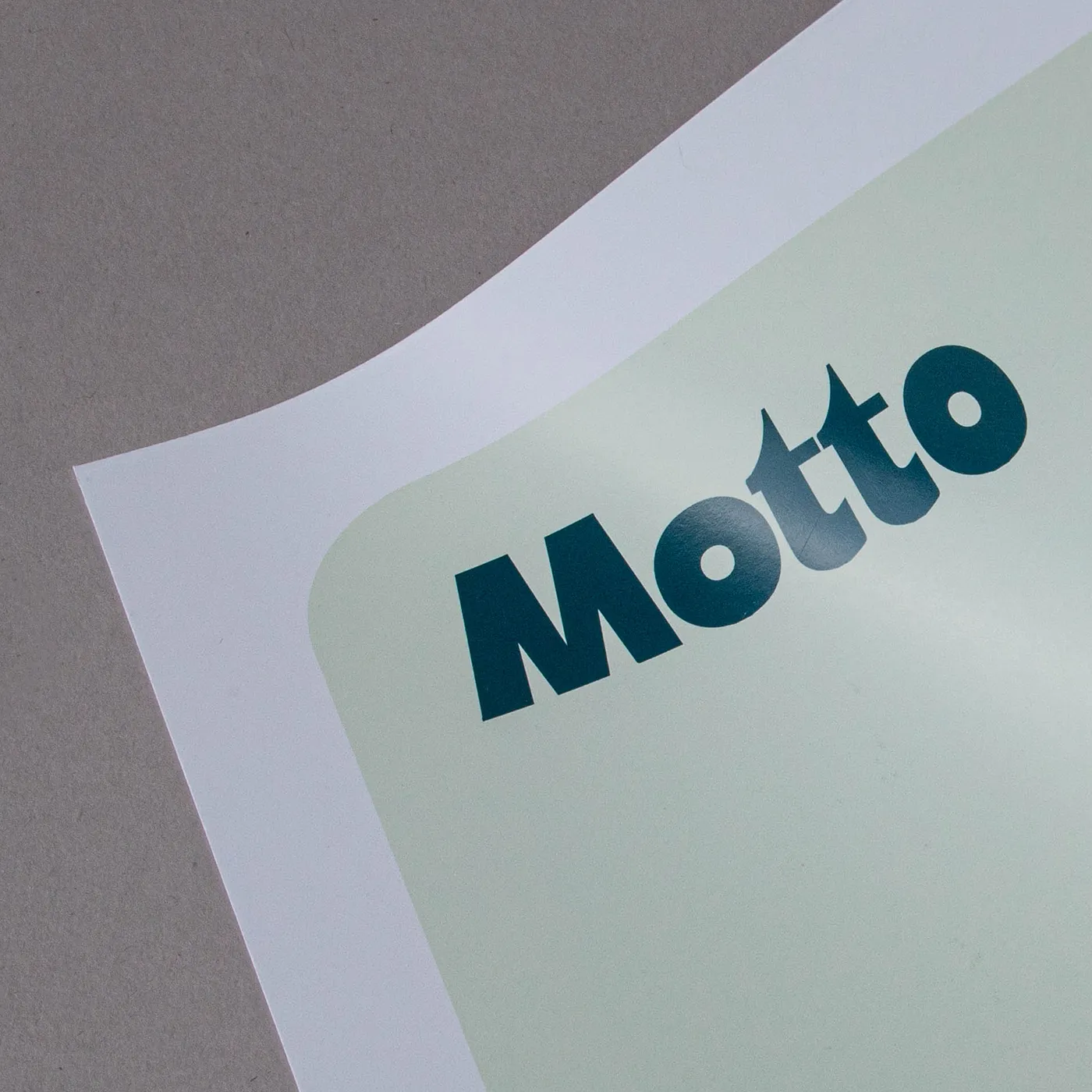
Recycled Silk

Our most popular paper just got an eco-upgrade! Discover all the features of your favourite stock, now manufactured sustainably with 100% recycled fibres.
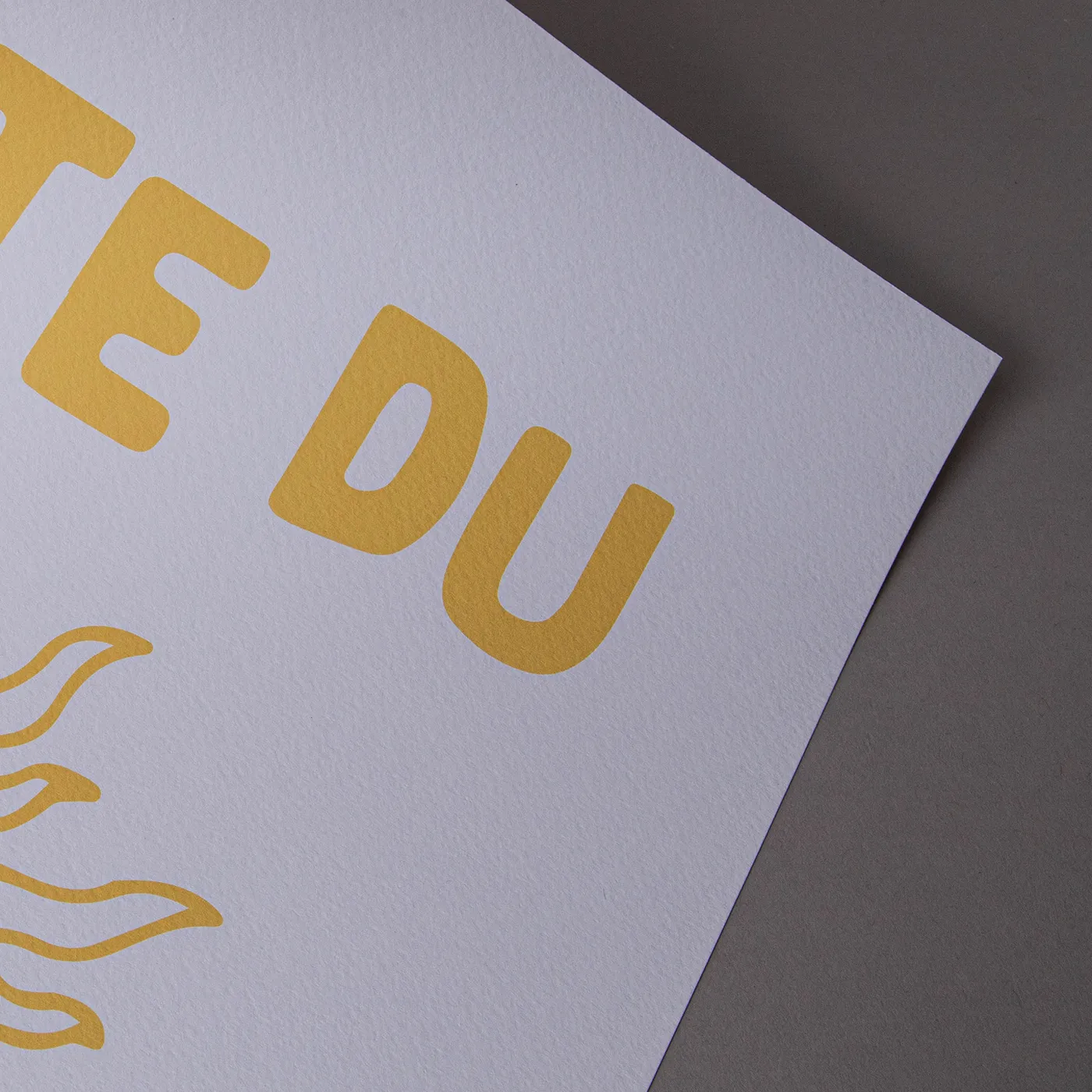
Tintoretto Gesso

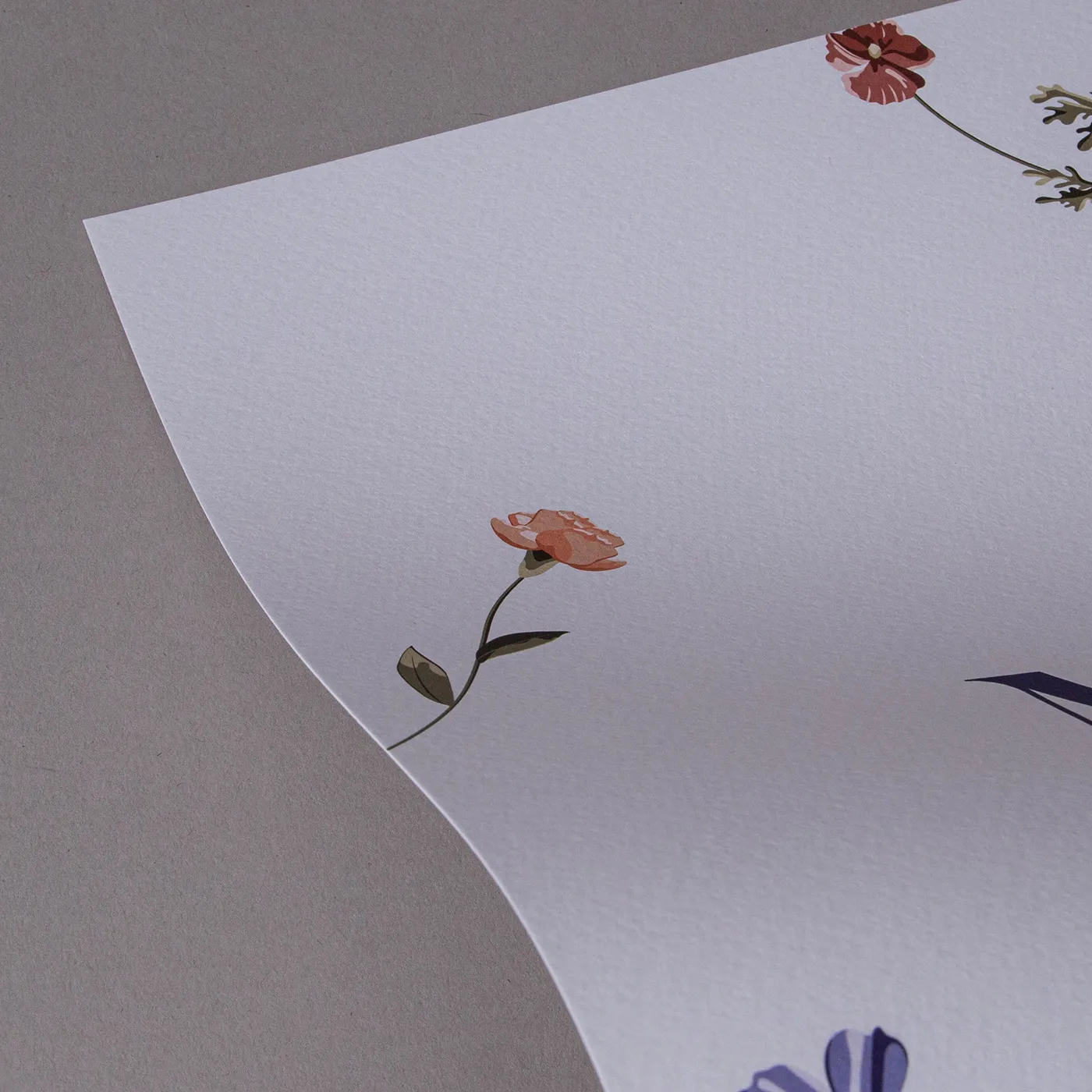
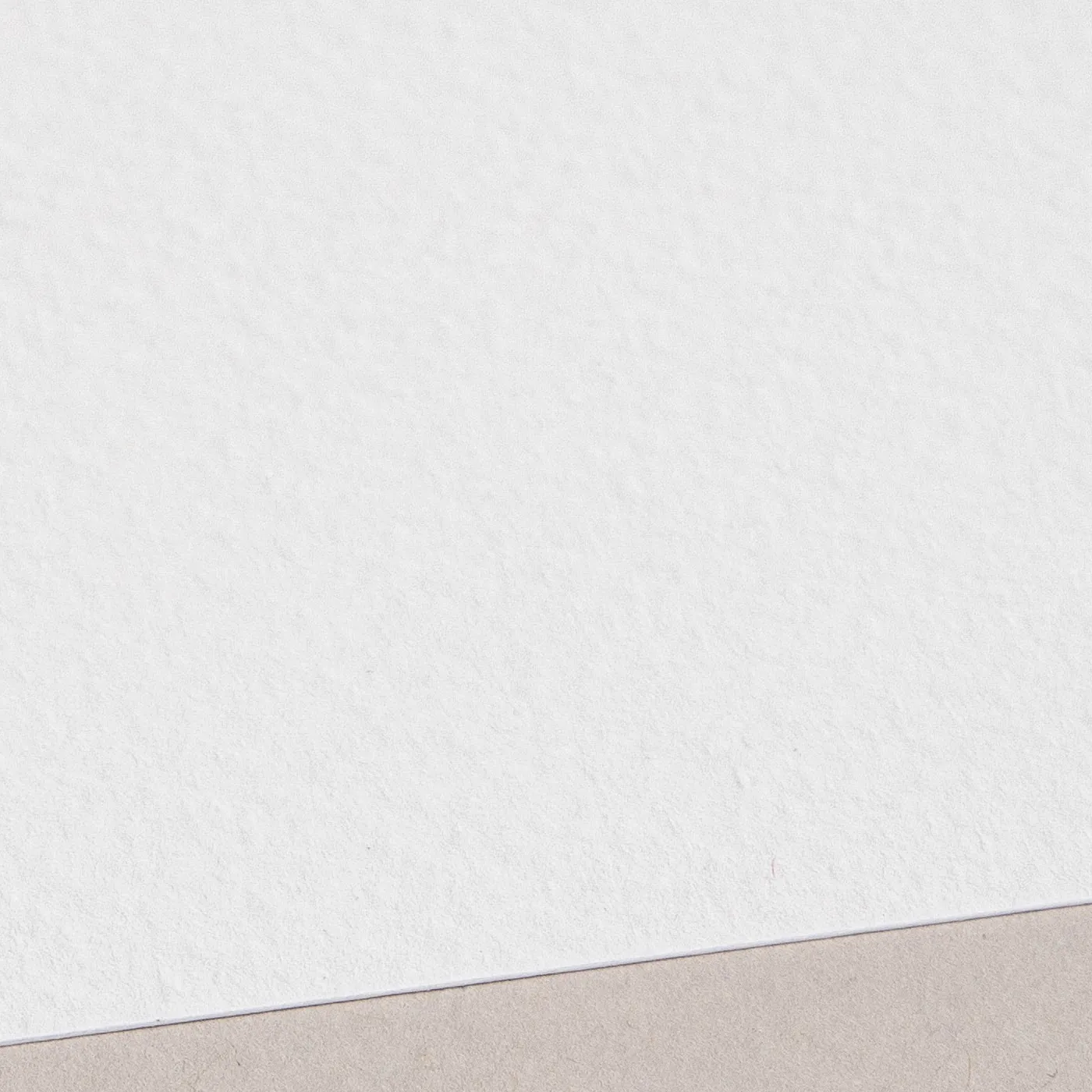
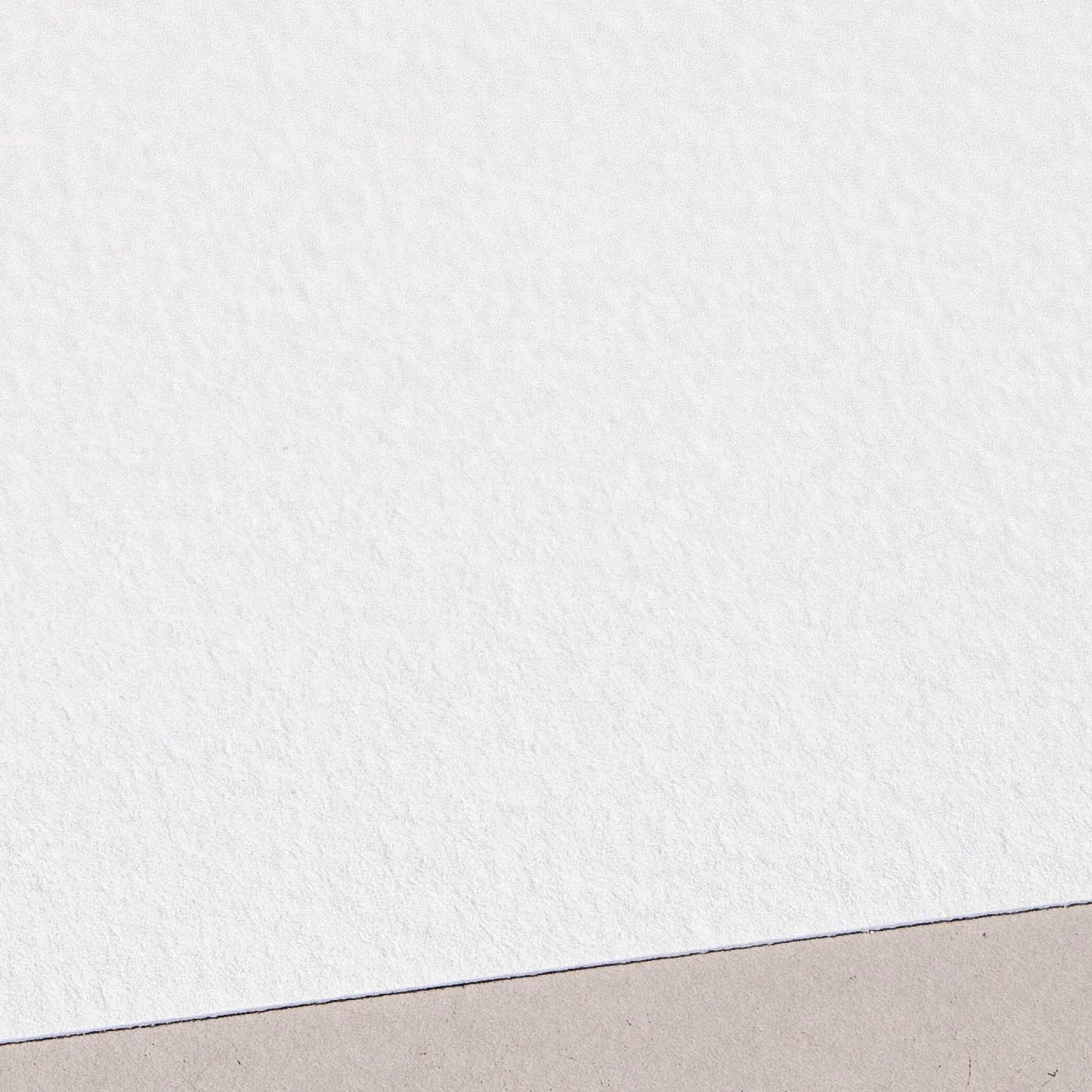
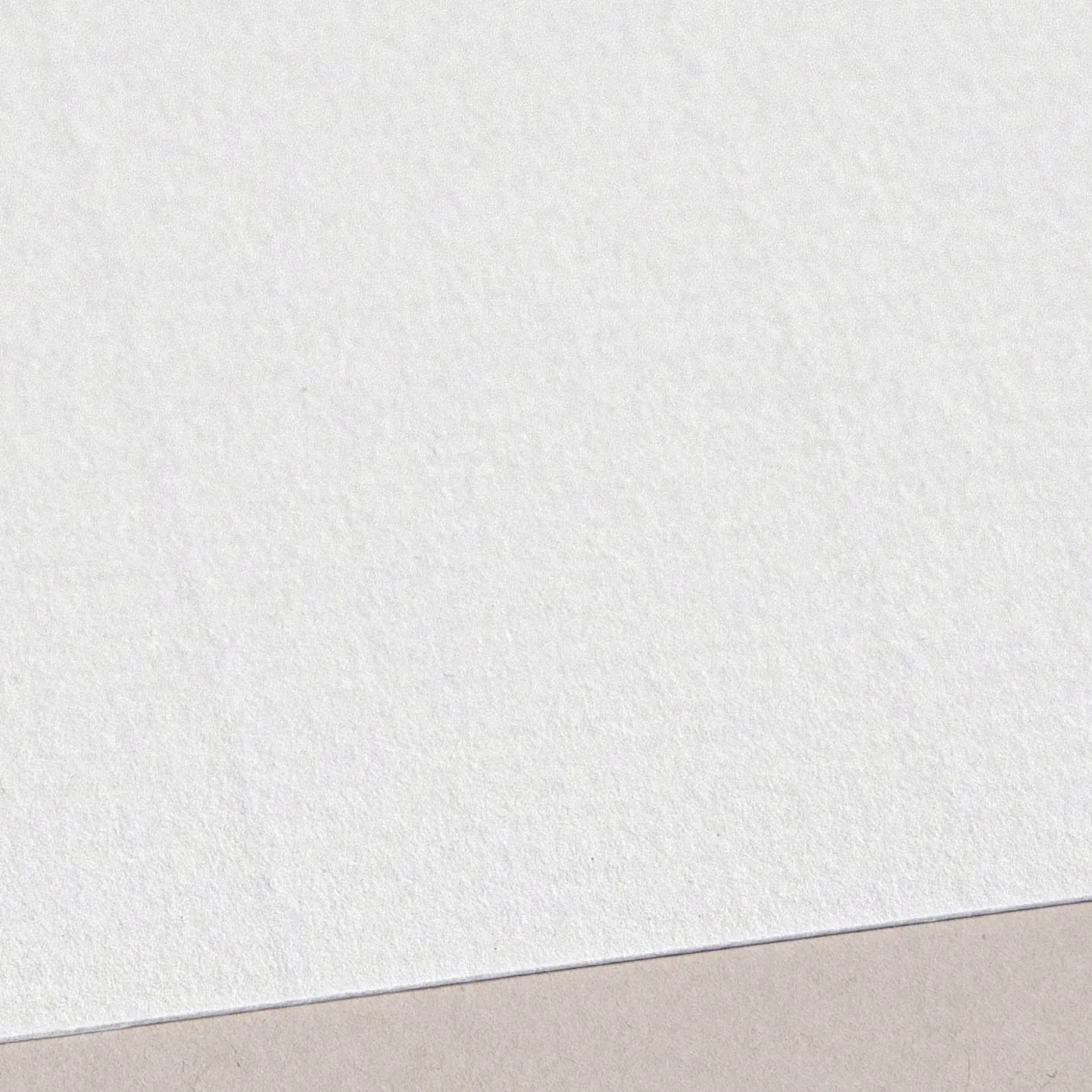
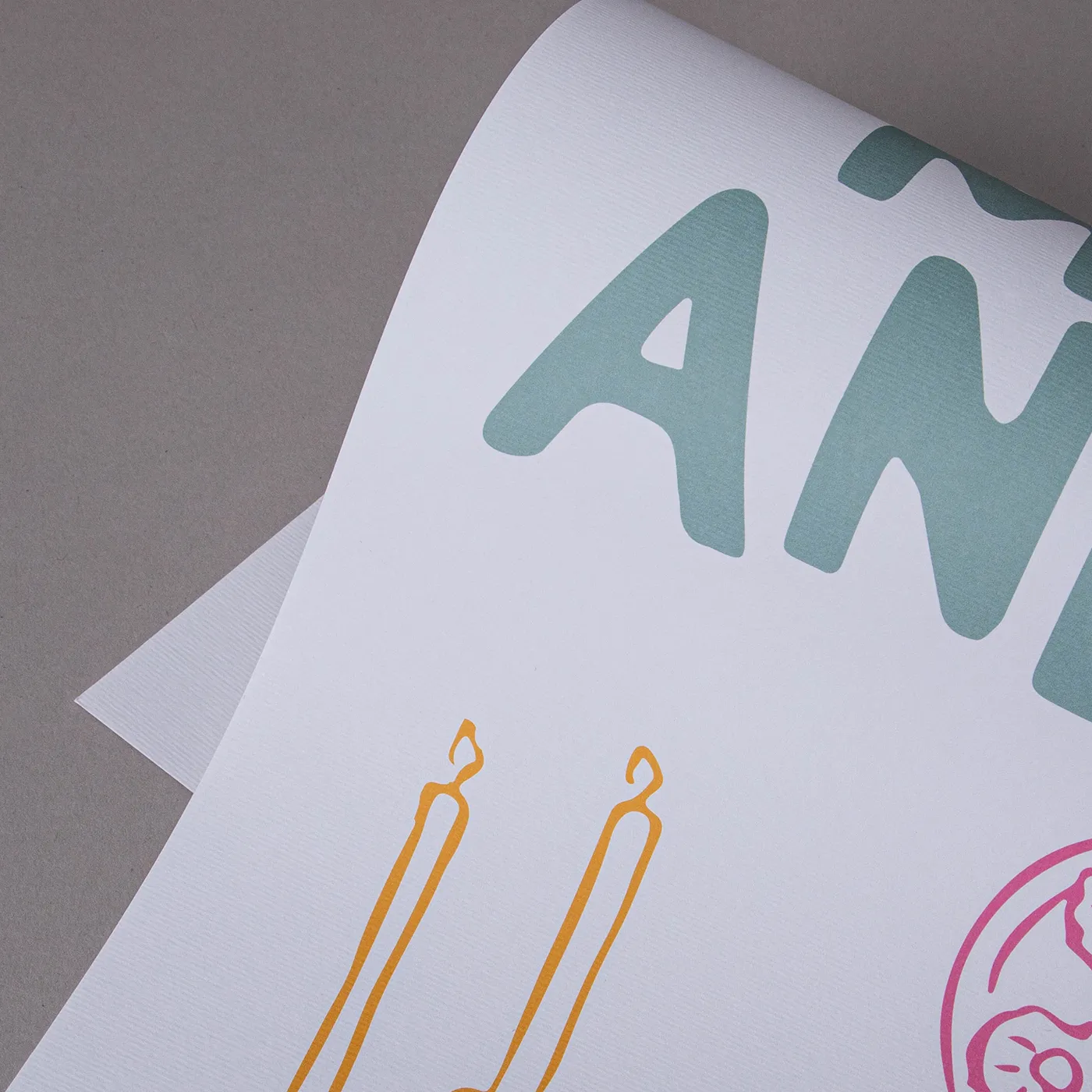
Meet our finest Italian paper. With a warm off-white hue and a hammered finish, Tintoretto Gesso brings a layer of prestige to your print. It's ideal for luxury designs.
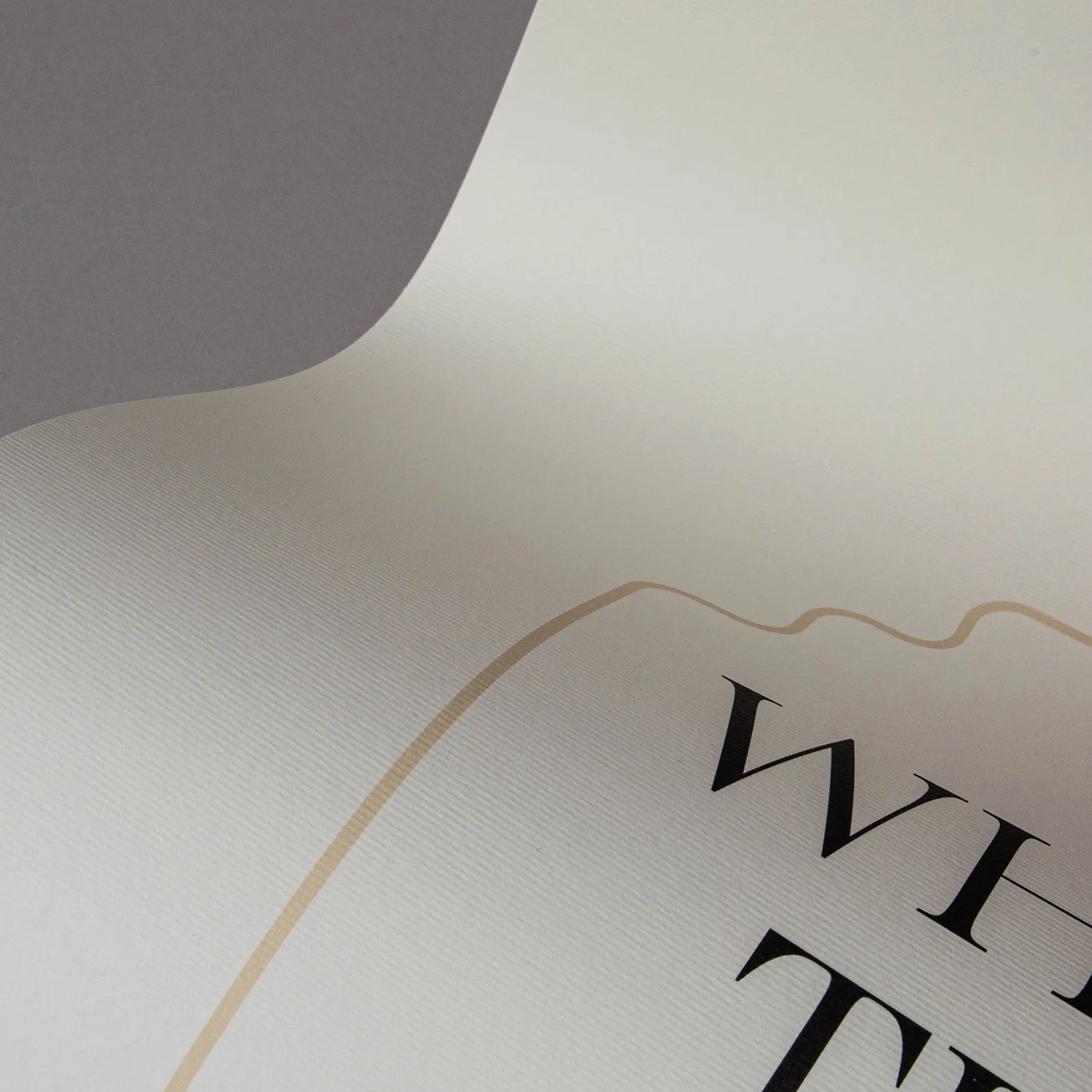
Acquerello

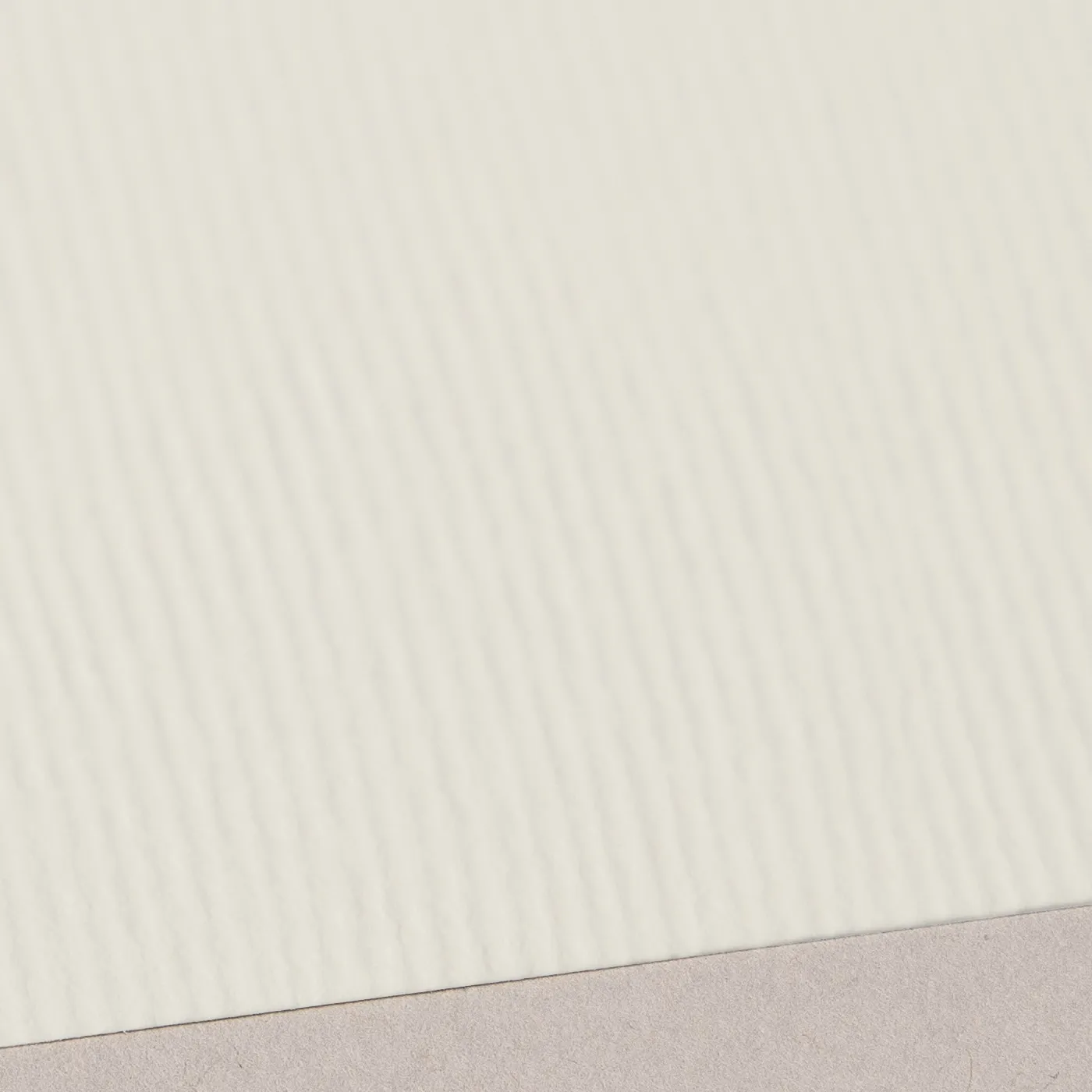
With a rich cream colour and fine textured lines impressed on both sides, Acquerello evokes an old world warmth that’s ideal for both retro and elegant modern designs.
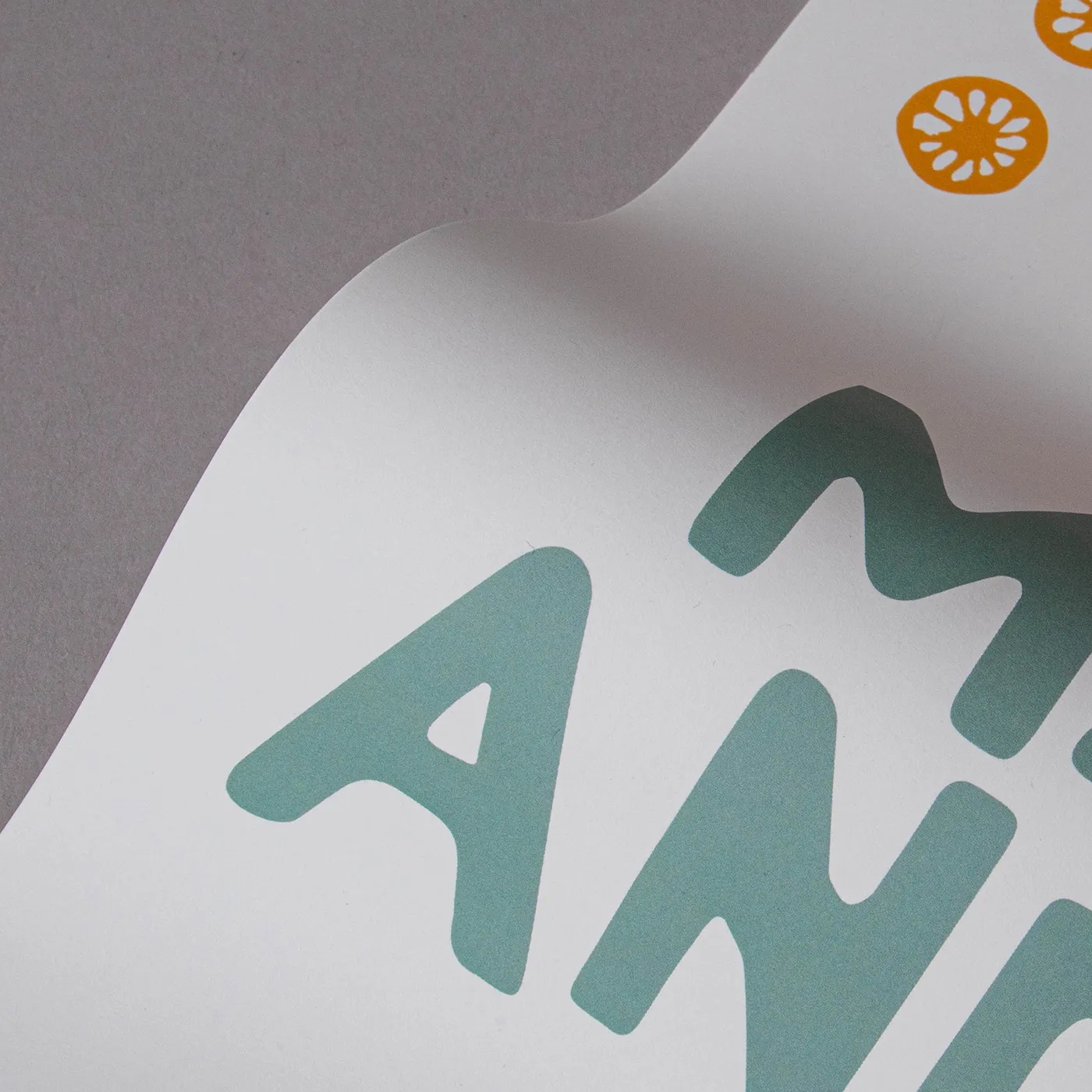
Cream

The soft warmth of Cream paper gives a premium feel to any design. With a light uncoated texture, inks are absorbed leaving a flatter, muted finish.
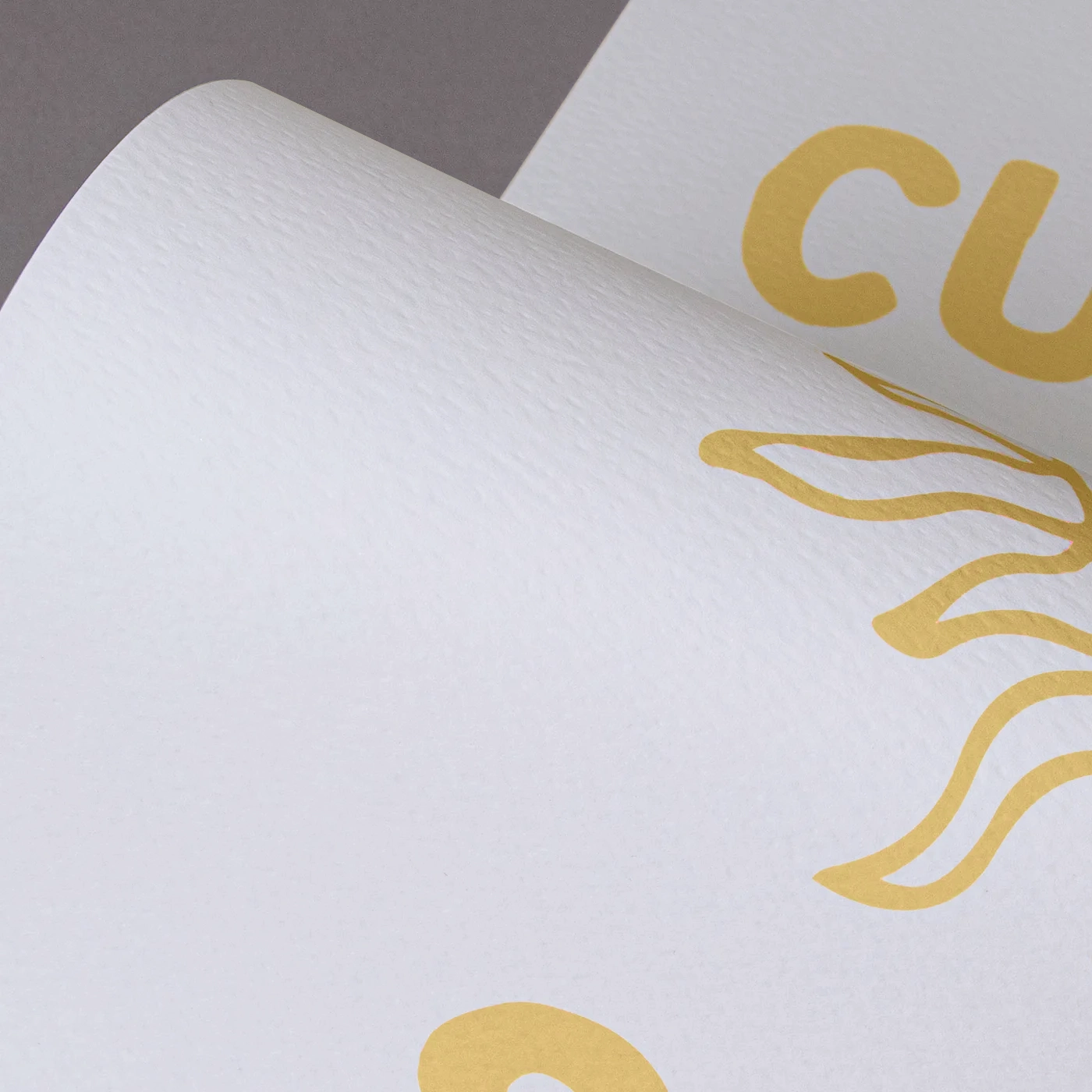
Fresco Gesso

This paper delivers the same luxury and textured finish of Tintoretto Gesso, but with a brighter white finish. Perfect for extra-special print.
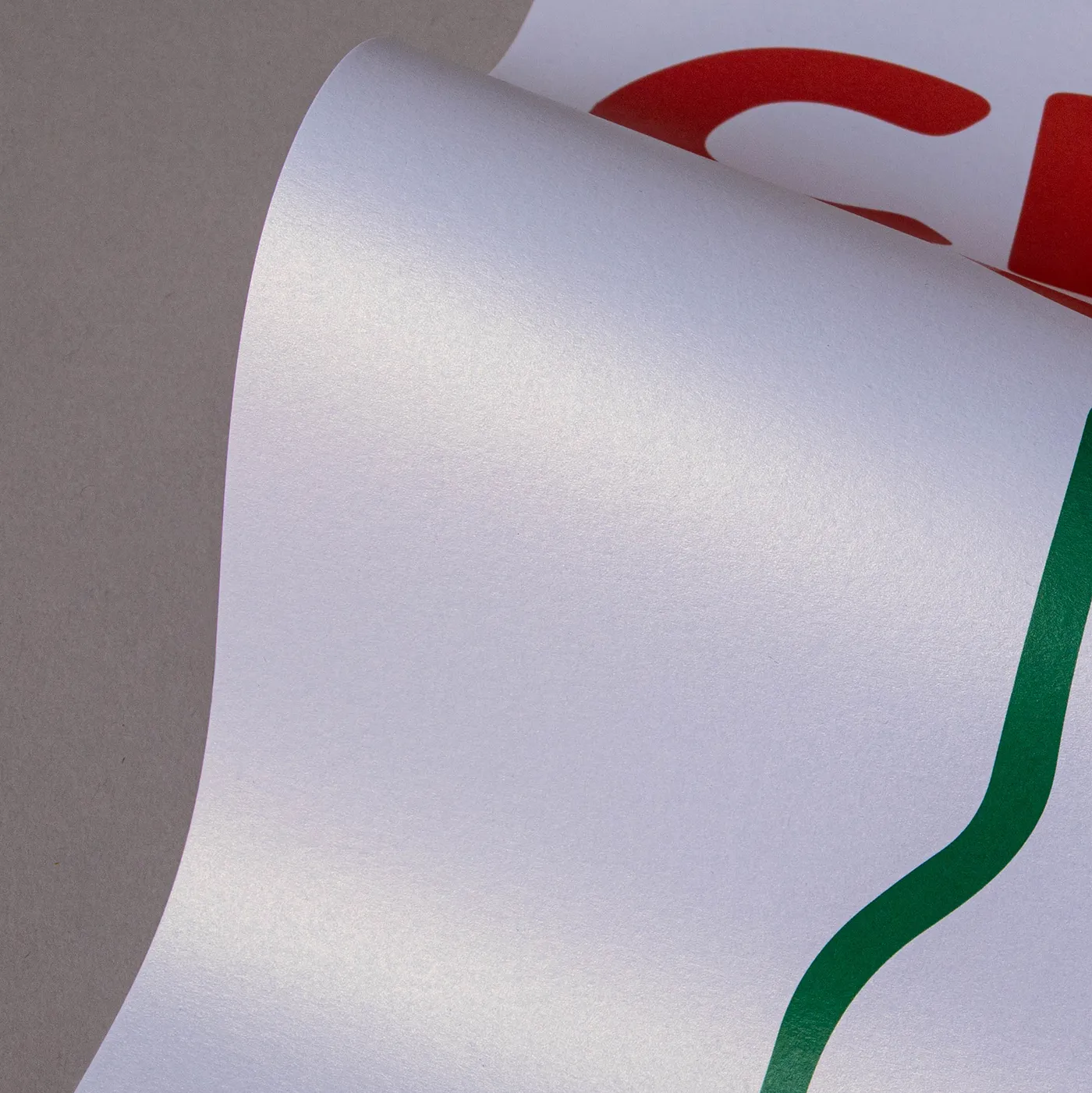
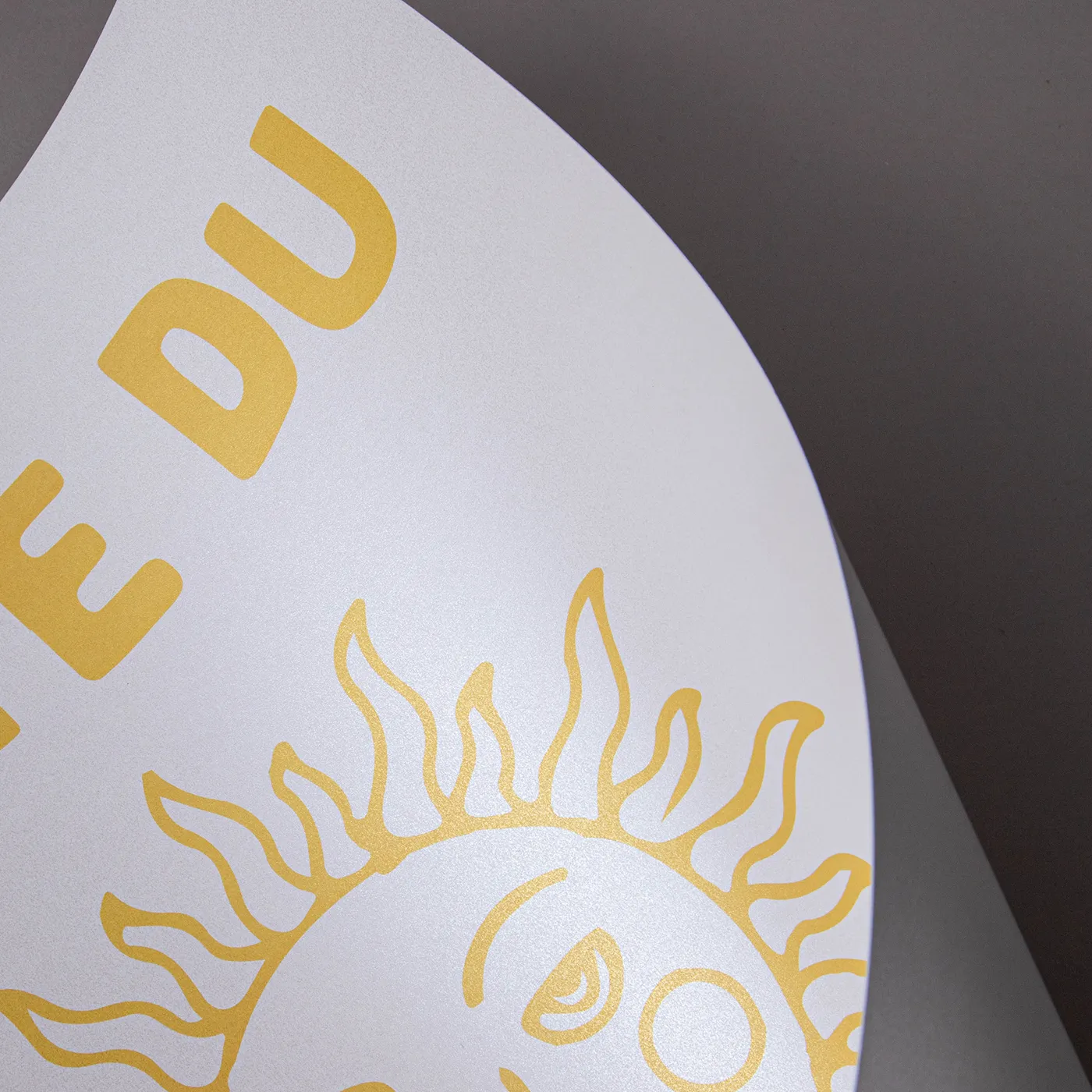
Ice Gold

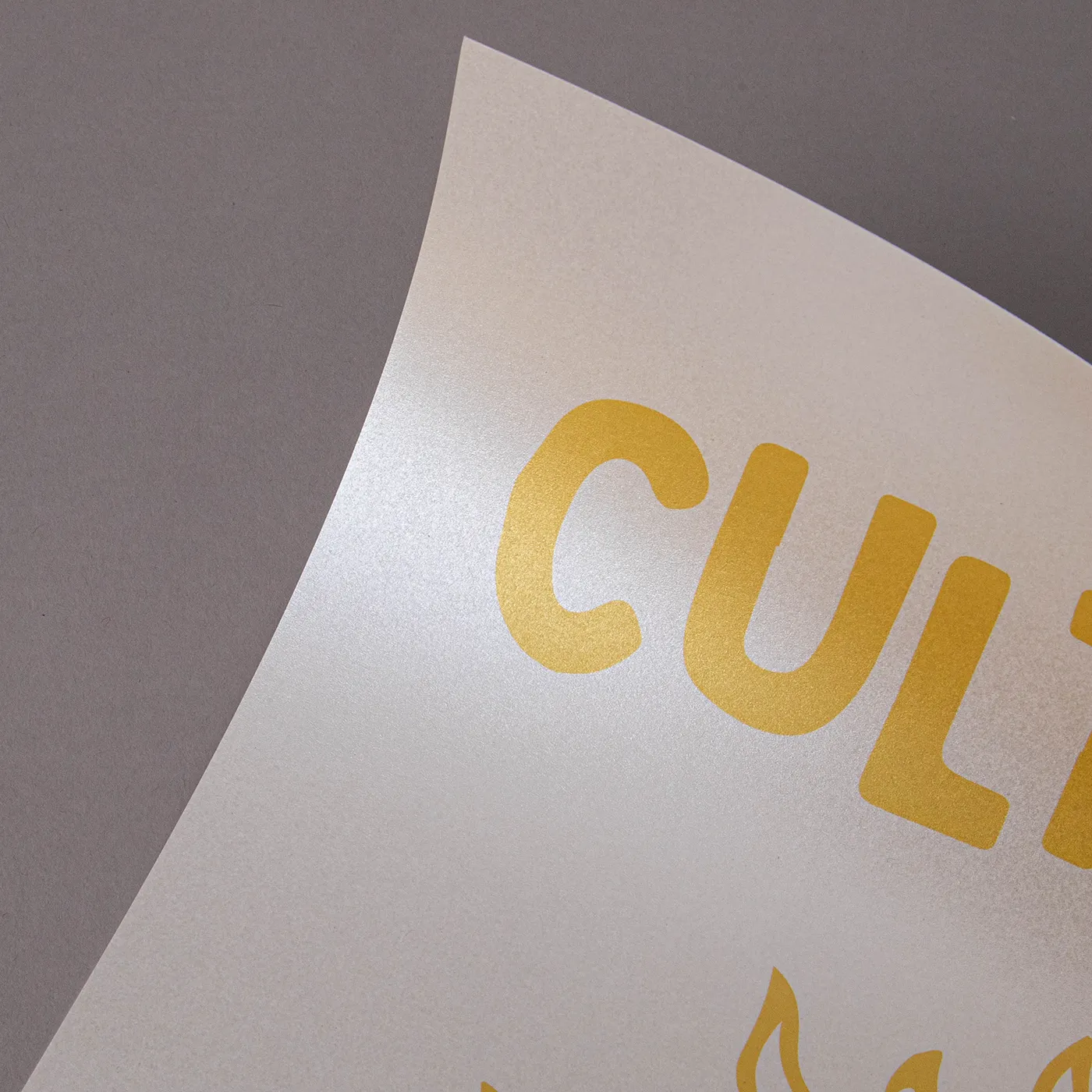
Warm gold tones lace through the surface of Ice Gold paper, offering a shimmering coated surface which gives printed designs intricate depth and delicate detail.
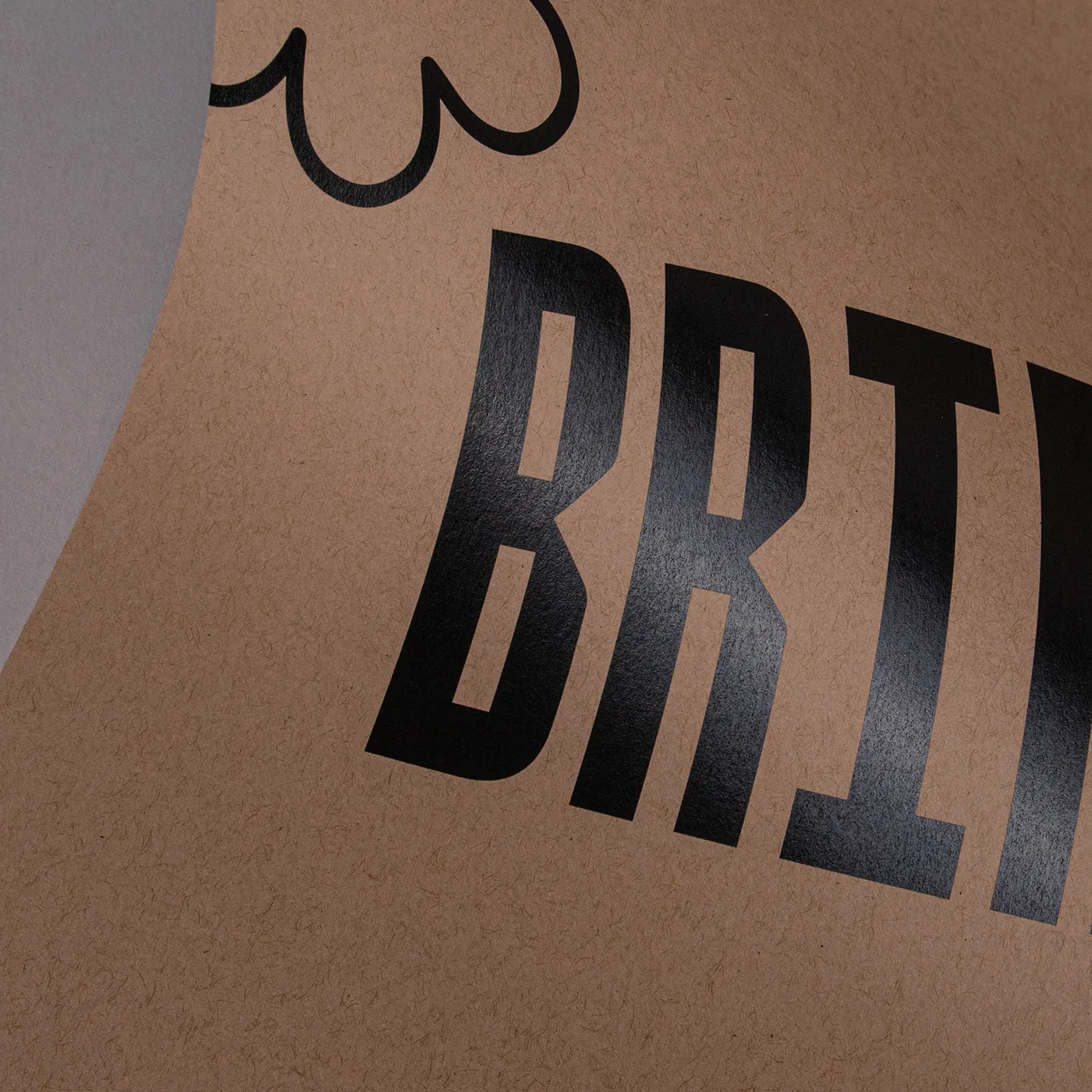
Kraft

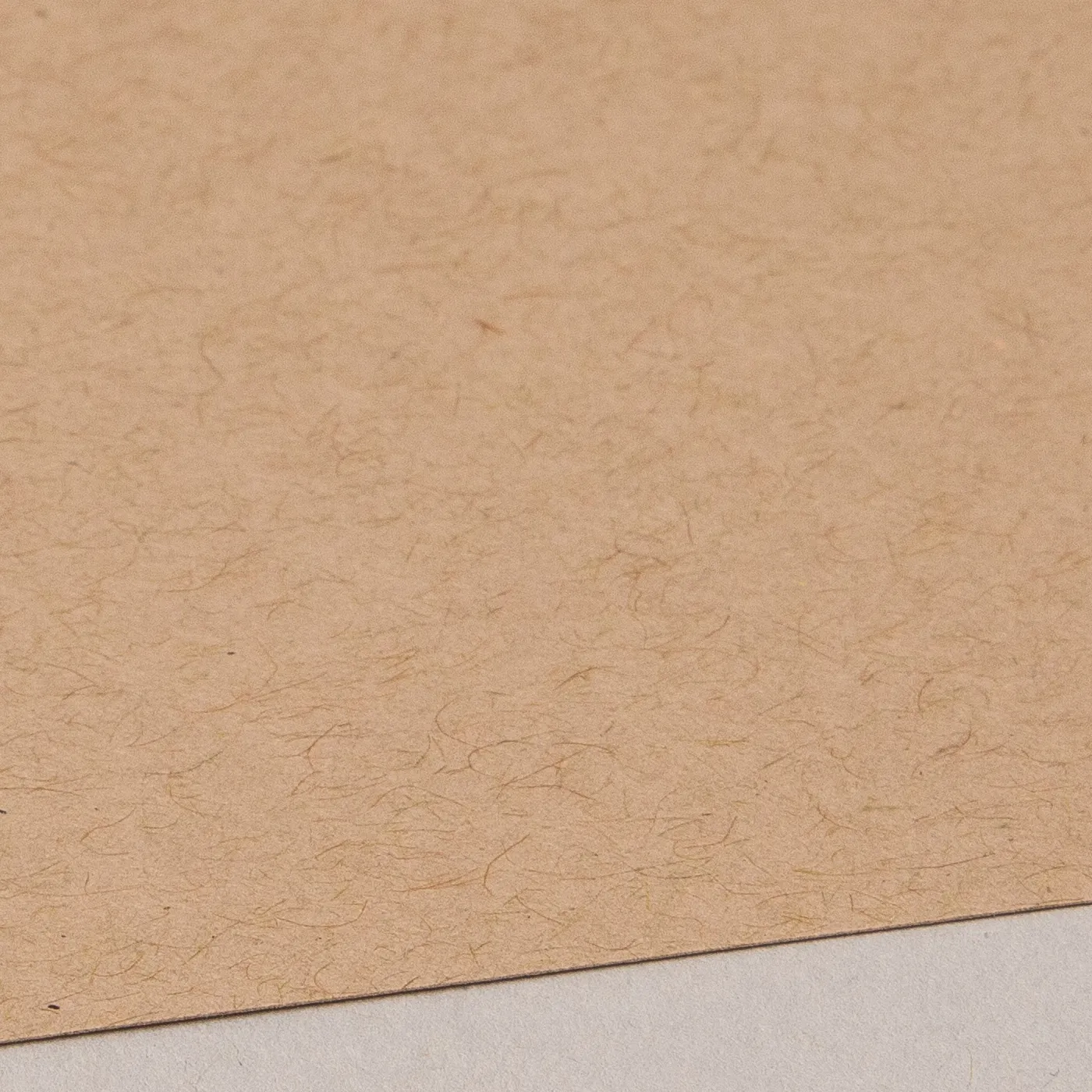
Get a rustic feel with the earthy tones of Kraft paper, made entirely from post-consumer waste. White areas of your design won't be printed, unless you've chosen our white ink finish.
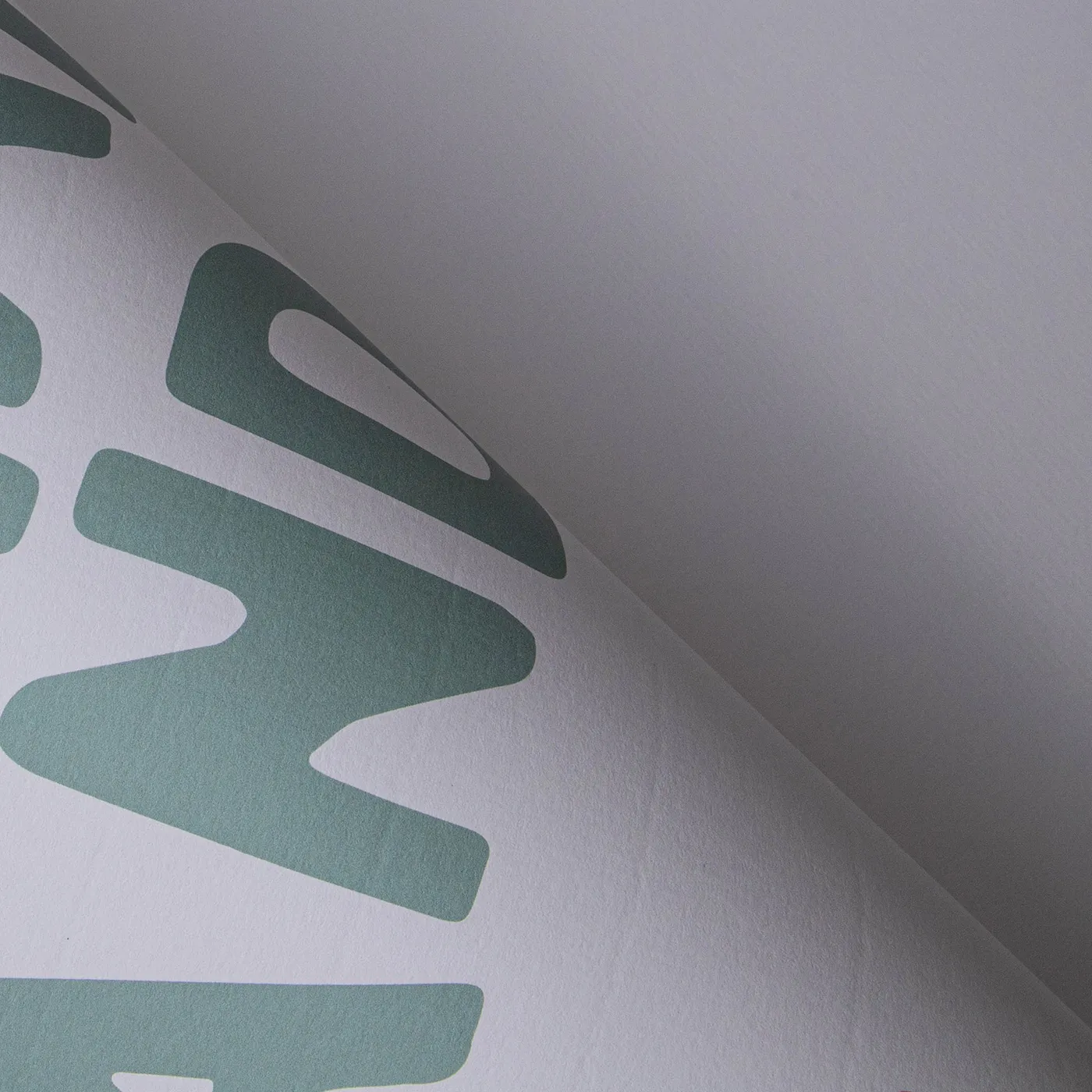
Laid

Add a touch of texture with the subtle, fine-lined finish of Laid paper. With an off-white hue, it's uncoated for a soft feel and is made from 10% cotton fibres.
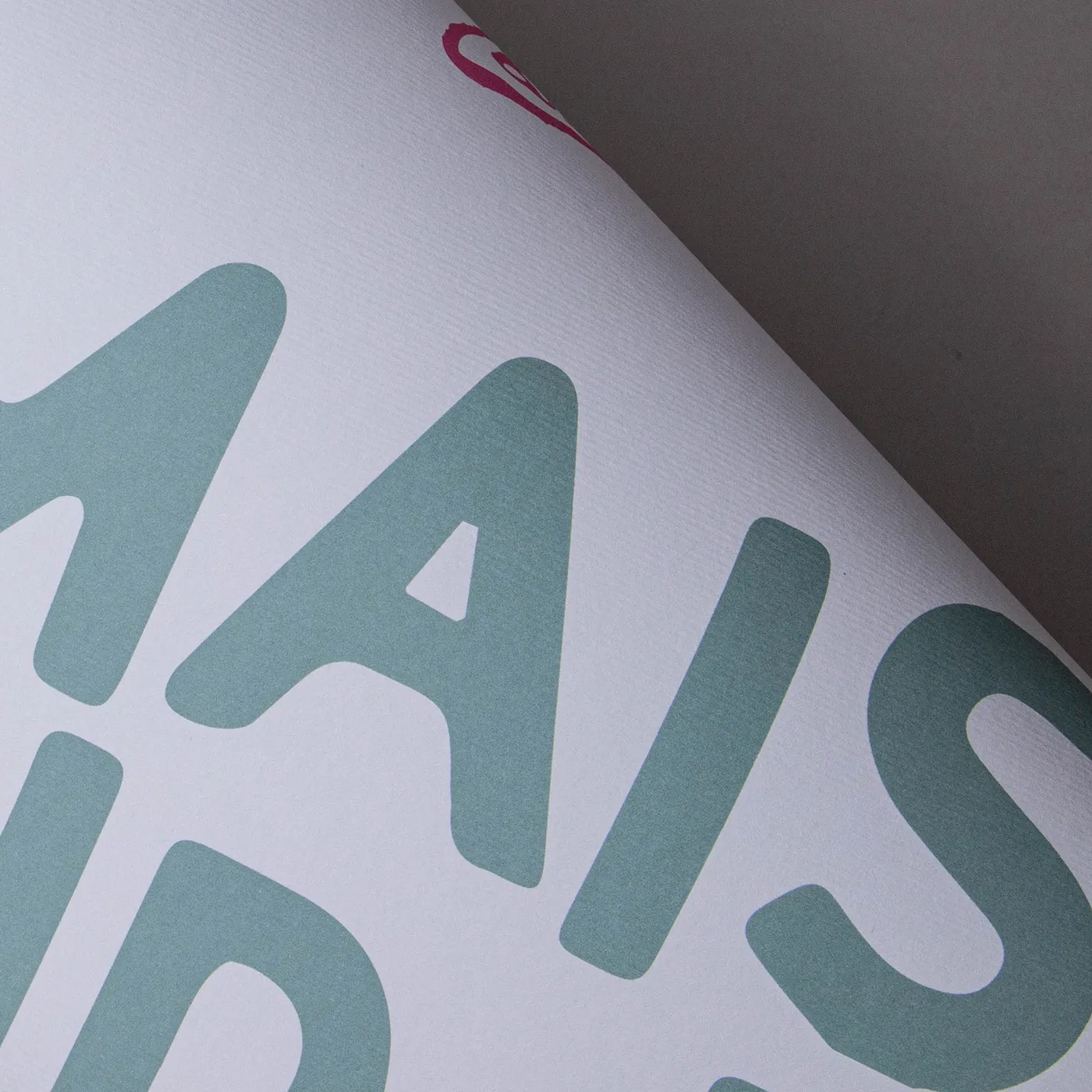
Nettuno

Add a touch of class with Nettuno. Featuring a fine-lined texture, it has an understated simplicity that brings print to life with a retro feel.
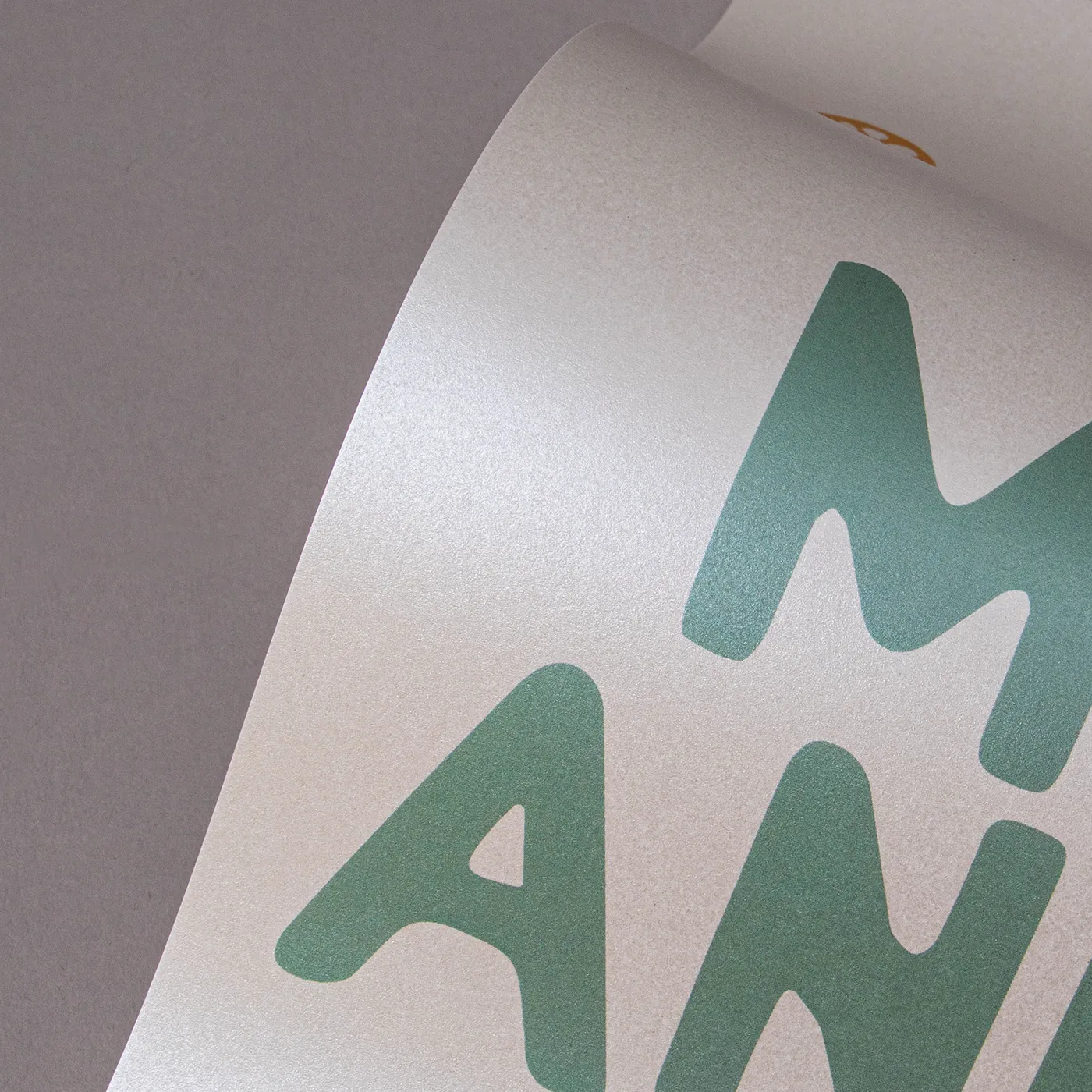
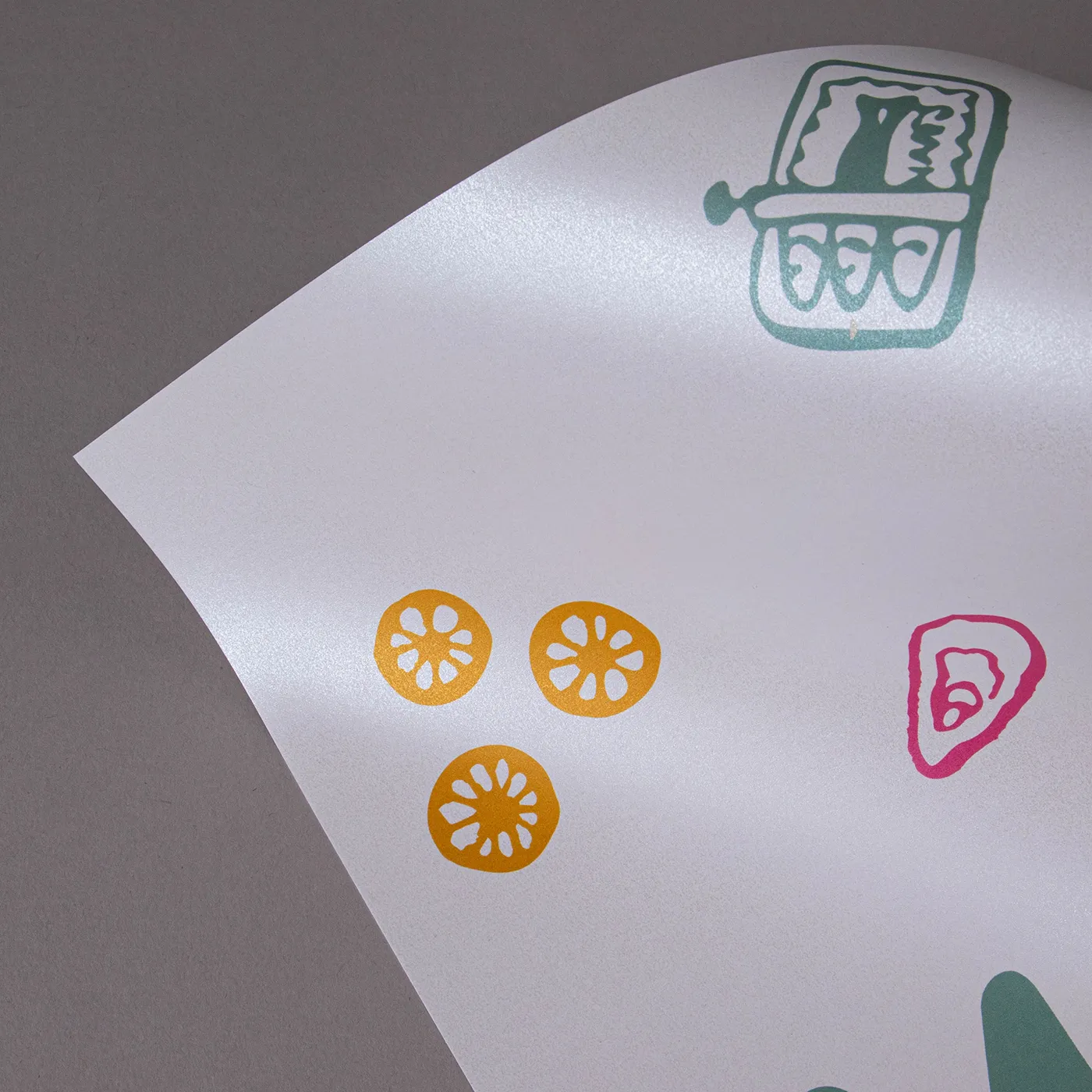
Pearl Oyster

Sparkling with cool icy tones, this pearlescent paper brings an extra dimension to printed designs with a subtle, yet standout shine.
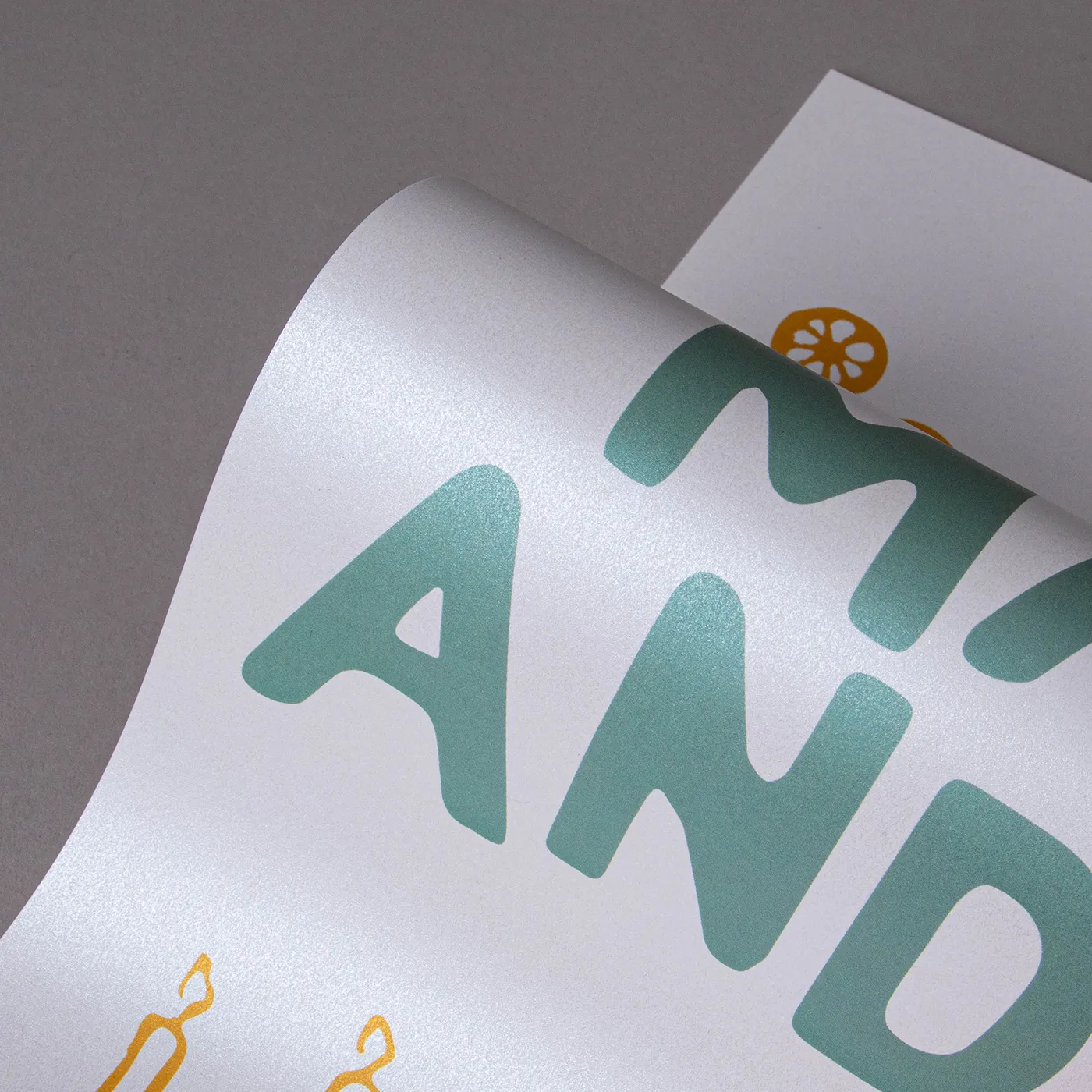
Pearl Polar

Featuring a cool pearlescent sheen, this paper weaves a shimmering tone throughout its surface for a subtle, yet eye-catching finish.
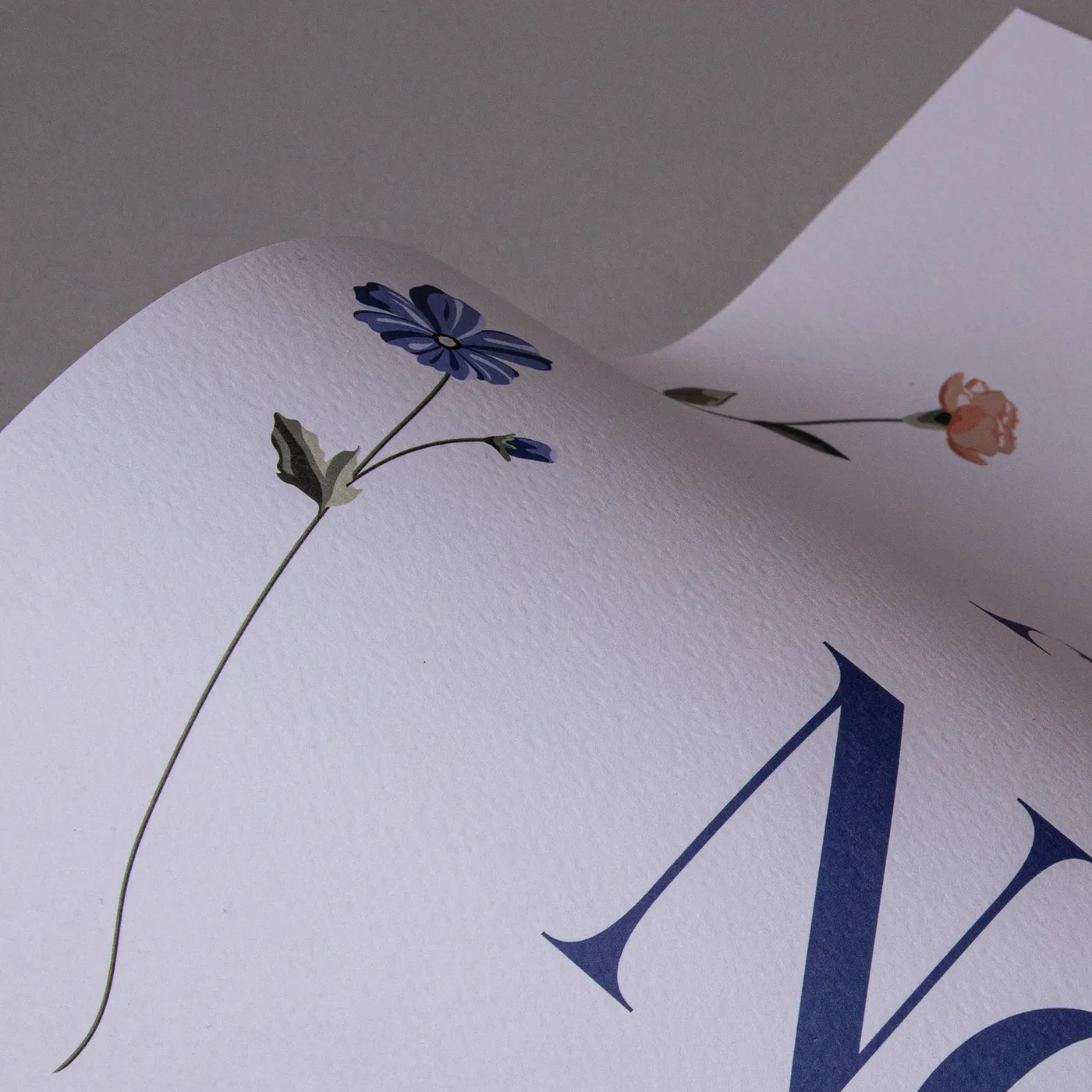
Rives Shetland

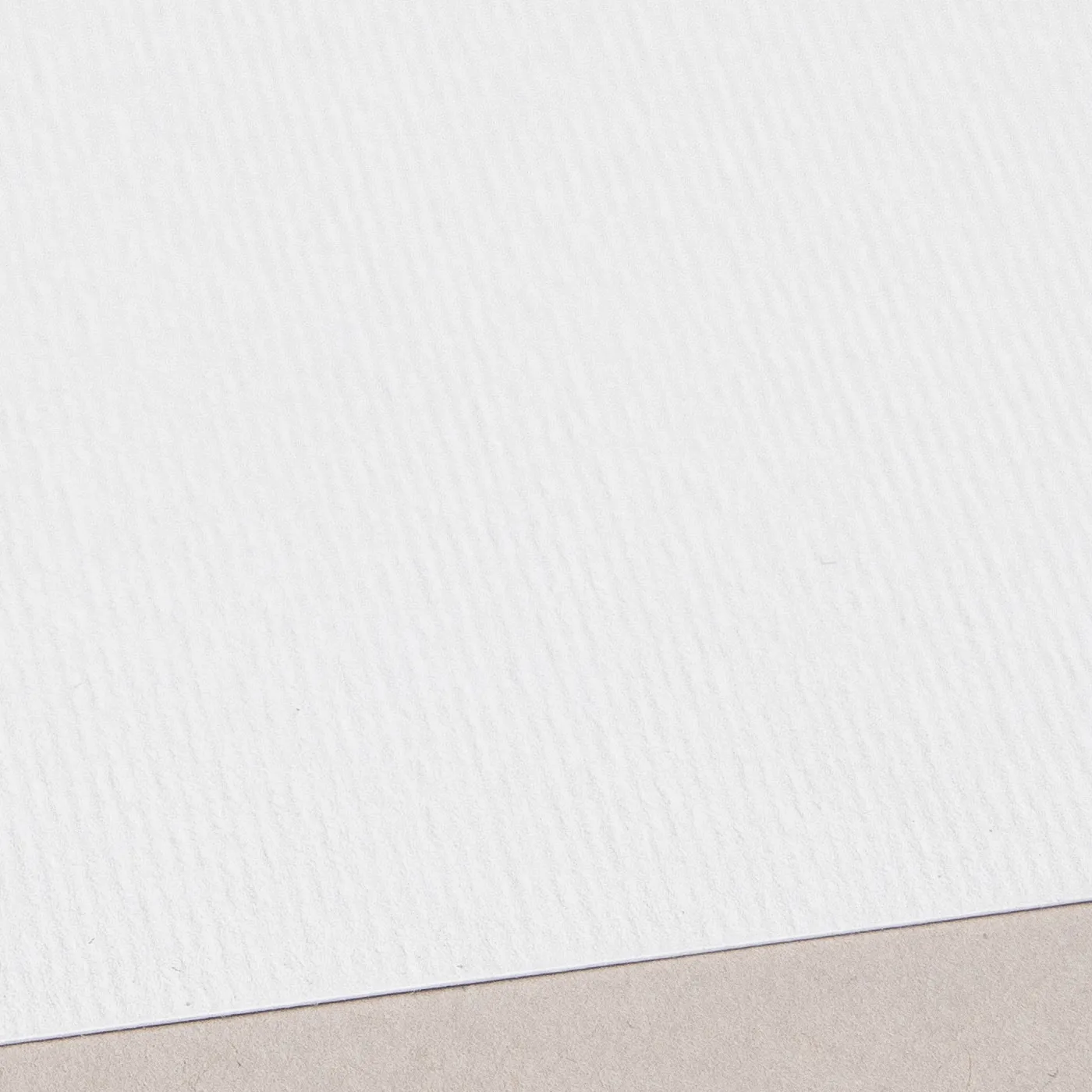
Featuring a weave-like texture across its bright white surface, the stylish uncoated finish of Rives Shetland adds a tactile element to contemporary print designs.
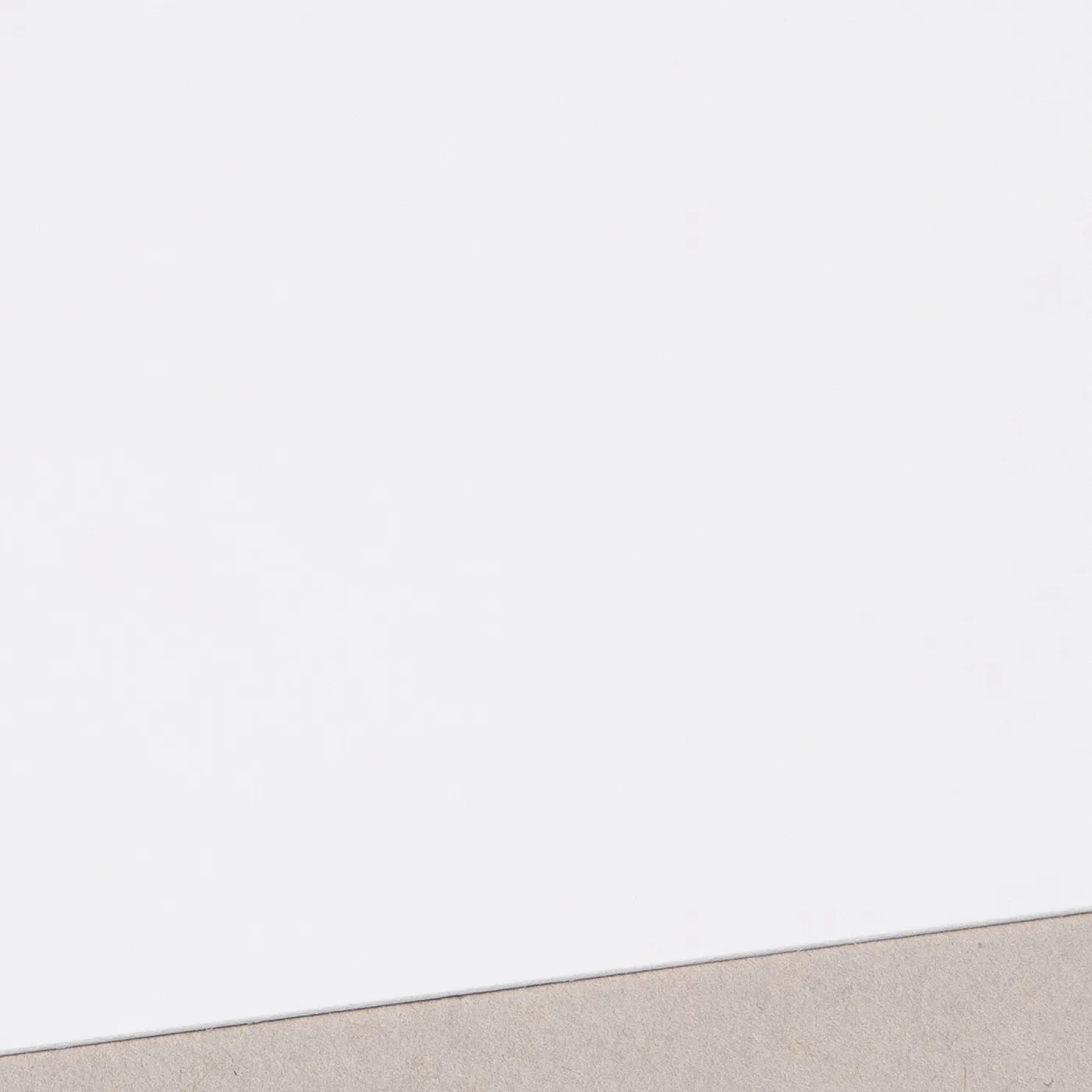
TruCard

TruCard is glossy and scratchproof on one side with an off-white hue, giving a vibrant print. It's bright-white and uncoated on the other side, so you can easily write on it.

Available weights

  • 300gsm

Best for

  • Greeting Cards
  • Postcards
  • Writing on one side

Credentials

  • Recyclable
  • FSC certified
  • Sustainably sourced
  • Chlorine-free

Uncoated

For a flat modern finish with no surface coating, Uncoated paper offers a soft, touchable texture that's ideal for writing on. It gives print colours a sophisticated feel and a muted finish.

Available weights

  • 350gsm

Best for

  • Versatile print
  • Affordable print
  • A matt finish

Credentials

  • Recyclable
  • FSC certified
  • Chlorine-free

Recycled Uncoated

Recycled Uncoated is off-white, with a coarse texture and rustic flecks throughout. It's uncoated surface gives print colours a sophisticated feel and a slightly muted finish.

Available weights

  • 350gsm

Best for

  • Eco-conscious branding
  • Recycled product packaging
  • Natural product labelling

Credentials

  • Recyclable
  • 100% post consumer waste
  • FSC® certified
  • Chlorine-free
  • Vegan-friendly inks

Silk

Our most popular paper choice, the clean and crisp finish of Silk paper gives a sharp, defined finish to printed colours and designs.

Available weights

  • 300gsm
  • 350gsm

Best for

  • Vibrant designs
  • Affordable print
  • Versatile print

Credentials

  • Recyclable
  • Biodegradable
  • FSC certified
  • Chlorine-free

Recycled Silk

Our most popular paper just got an eco-upgrade! Discover all the features of your favourite stock, now manufactured sustainably with 100% recycled fibres.

Available weights

  • 350gsm

Best for

  • An eco upgrade
  • Versatile print
  • A sharp and vibrant finish

Credentials

  • Recyclable
  • Recycled
  • FSC certified
  • Chlorine-free

Tintoretto Gesso

Meet our finest Italian paper. With a warm off-white hue and a hammered finish, Tintoretto Gesso brings a layer of prestige to your print. It's ideal for luxury designs.

Available weights

  • 250gsm
  • 300gsm

Best for

  • Watercolours
  • Illustrated designs
  • Wedding Stationery
  • Business Stationery

Credentials

  • Recyclable
  • FSC certified
  • Sustainably sourced
  • Chlorine-free

Acquerello

With a rich cream colour and fine textured lines impressed on both sides, Acquerello evokes an old world warmth that’s ideal for both retro and elegant modern designs.

Available weights

  • 280gsm

Best for

  • Business Stationery
  • Wedding Stationery
  • Greeting Cards
  • Postcards

Credentials

  • Recyclable
  • FSC certified
  • Sustainably sourced
  • Chlorine-free

Cream

The soft warmth of Cream paper gives a premium feel to any design. With a light uncoated texture, inks are absorbed leaving a flatter, muted finish.

Available weights

  • 400gsm

Best for

  • Wedding Stationery
  • Postcards
  • Greeting Cards

Credentials

  • Recyclable
  • FSC certified
  • Sustainably sourced
  • Chlorine-free

Fresco Gesso

This paper delivers the same luxury and textured finish of Tintoretto Gesso, but with a brighter white finish. Perfect for extra-special print.

Available weights

  • 300gsm

Best for

  • Watercolours or illustrations
  • Wedding Stationery
  • Luxury Postcards

Credentials

  • Recyclable
  • FSC certified
  • Sustainably sourced
  • Chlorine-free

Ice Gold

Warm gold tones lace through the surface of Ice Gold paper, offering a shimmering coated surface which gives printed designs intricate depth and delicate detail.

Available weights

  • 300gsm

Best for

  • Christmas Cards
  • Wedding Stationery
  • Invitations

Credentials

  • Recyclable
  • FSC certified
  • Chlorine-free
  • Wood-free

Kraft

Get a rustic feel with the earthy tones of Kraft paper, made entirely from post-consumer waste. White areas of your design won't be printed, unless you've chosen our white ink finish.

Available weights

  • 300gsm

Best for

  • Eco-conscious products
  • Rustic and handmade look
  • Simple black or dark-colour designs

Credentials

  • Recyclable
  • 100% post-consumer waste
  • Chlorine free
  • Carbon neutral
  • Vegan-friendly inks

Laid

Add a touch of texture with the subtle, fine-lined finish of Laid paper. With an off-white hue, it's uncoated for a soft feel and is made from 10% cotton fibres.

Available weights

  • 300gsm

Best for

  • Invitations
  • Greeting Cards
  • Luxury Postcards

Credentials

  • Recyclable
  • FSC certified
  • Chlorine-free
  • Lines appear approx. 1 inch apart 

Nettuno

Add a touch of class with Nettuno. Featuring a fine-lined texture, it has an understated simplicity that brings print to life with a retro feel.

Available weights

  • 280gsm

Best for

  • Luxury Business Stationery
  • Wedding Stationery
  • Greeting Cards

Credentials

  • Recyclable
  • FSC certified
  • Sustainably sourced
  • Chlorine-free

Pearl Oyster

Sparkling with cool icy tones, this pearlescent paper brings an extra dimension to printed designs with a subtle, yet standout shine.

Available weights

  • 300gsm

Best for

  • Wedding Stationery
  • Greeting Cards
  • Invitations

Credentials

  • Recyclable
  • FSC certified
  • Sustainably sourced
  • Chlorine-free

Pearl Polar

Featuring a cool pearlescent sheen, this paper weaves a shimmering tone throughout its surface for a subtle, yet eye-catching finish.

Available weights

  • 300gsm

Best for

  • Wedding Stationery
  • Greeting Cards
  • Invitations

Credentials

  • Recyclable
  • FSC certified
  • Sustainably sourced
  • Chlorine-free

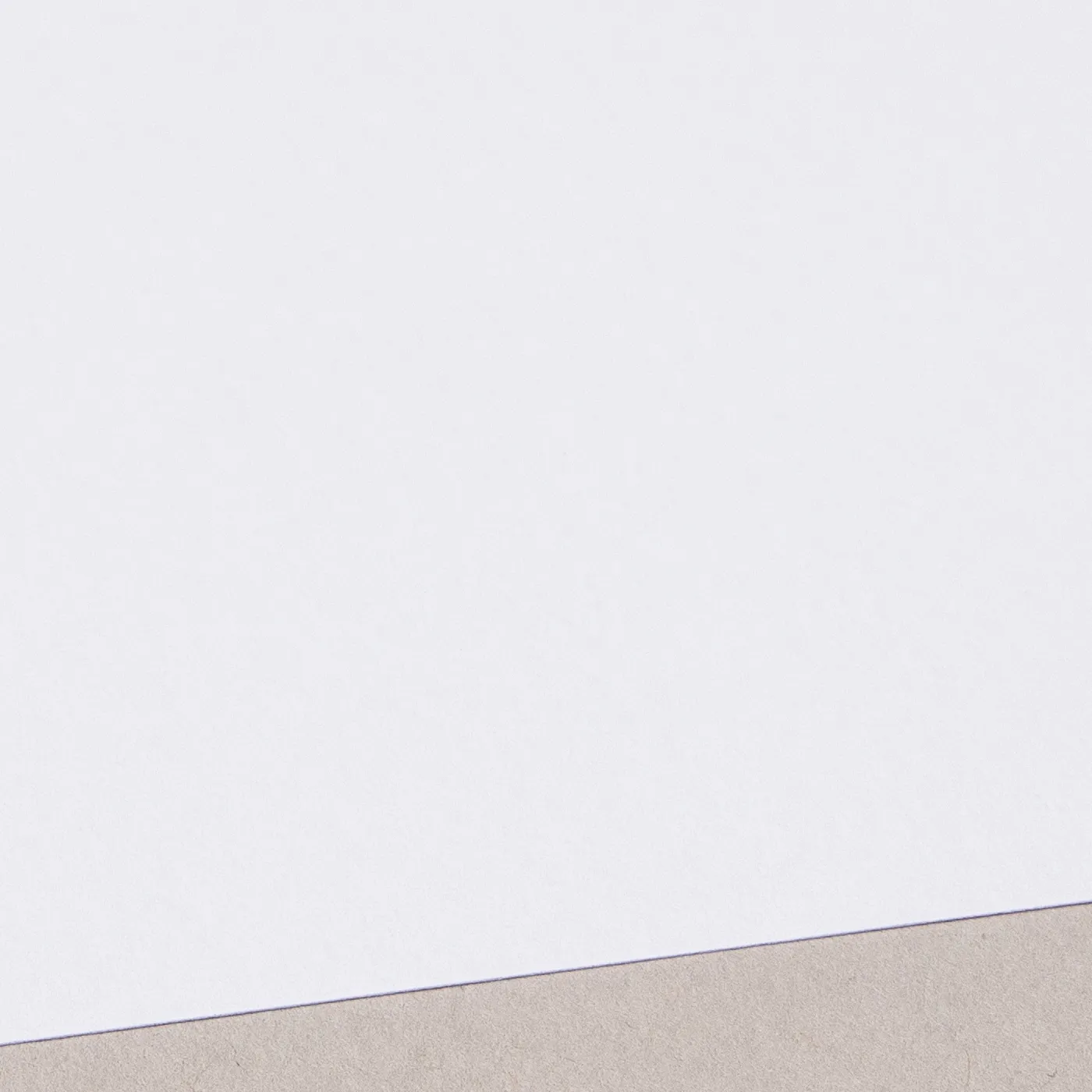
Rives Shetland

Featuring a weave-like texture across its bright white surface, the stylish uncoated finish of Rives Shetland adds a tactile element to contemporary print designs.
Available weights

  • 250gsm

Best for

  • Greeting Cards
  • Postcards
  • Wedding Stationery

Credentials

  • Recyclable
  • FSC certified
  • Chlorine-free
  • Wood-free

Guide to perfect print

Get your print to the presses perfectly with everything you need to get set up

Sample Packs

Get a feel for our range of quality products, papers and special finishes in our free Sample Packs.

Order Now

Downloadable Templates

Use our free templates to create your artwork and make sure your print is set up perfectly for the presses.

Find A Template

Bespoke Service

Can’t find the print you’re looking for? From unique papers to custom sizes and finishes, our Bespoke Team can help with your request.

Get A Quote

Safe area

Templates

Template Size
File type

Quick tips to print perfection

Which file types can I use? arrow
We like to be as flexible as possible, so you can upload your files as PDF, JPEG, TIFF and PNG. PDF's and JPEGs are the most accepted file type across all our products, so we recommend using those wherever possible.
What is bleed? arrow
Bleed is an area of print outside the document that must be added to your artwork before it’s sent off for print. By adding the all-important bleed (a minimum of 3mm on all edges), there’ll be no risk of white space left on your document and it'll be trimmed correctly without cutting into any design. Some products require a different amount of bleed, so be sure to check our downloadable templates to find out the correct amount.
What is safe area? arrow
The safe area is the space inside where your print will be trimmed. Keeping any important parts of your design away from this area will make sure that they aren’t accidentally trimmed off due to the natural movement while your print gets finished. Our downloadable templates will indicate the recommended amount of safe area for your print.
What’s the difference between RGB and CMYK? arrow
​​RGB is the colour gamut used to display images on a computer screen, and stands for Red, Green and Blue. CMYK is the colour gamut used for conventional printing, and stands for Cyan, Magenta, Yellow and Black. Unless you’re printing Giclée Fine Art Prints or Photographic Prints, please set up your artwork in CMYK.
What are Versions? arrow
Our Versions service lets you print multiple designs using the same product specifications. For instance, if you have five different designs that share the same size, orientation, and paper stock, you can print them all at once using this service. By opting for Versions, you're increasing your overall quantity, which means you'll enjoy a lower cost per unit. To use Versions, simply select "yes" in the product builder when prompted with "Do you want to print more than one design?". When using Versions, the quantity you enter in the product builder applies to each design. For example, if you choose a quantity of 10 with 5 Versions, you'll receive a total of 50 prints.
What is personalisation? arrow
Personalisation is a simple, cost-effective way to tailor each of your individual prints. You can use personalisation for different text elements like names, addresses, and even personalised messages. However, if the text content on your design is the same for all prints, you don't need personalisation. There are two main options for personalising your print - you can either choose to add the personalised elements to your artwork yourself, or send us your artwork with a placeholder and a CSV containing a list of all the names/ personalised elements, and we’ll merge the two for you.
Why do I need to embed fonts? arrow
If you don’t embed fonts and your document is opened on another computer system that doesn’t have access to the original fonts, different fonts will be substituted instead. This could really affect the look of your finished print. Embedding fonts into your original design will stop them from changing.
Everything you need to know about resolution arrow
Remember to save your artwork out at a minimum of 300dpi resolution. This will ensure that when printed, your artwork quality is as crisp as possible.
Where can I find templates for shapes? arrow
If you've chosen a shape for your print (such as arch, wavy, circle or pebble where available), you'll find templates for these shapes on additional layers within the standard square or rectangular template. Download the template for the correct size, then delete the layers you don't need, leaving the layer for your chosen shape as a guide while creating your artwork. Delete all template layers before saving and uploading your artwork. This will prevent the template from being printed on top of your design.

Sustainable print

At Printed.com, we want to help you reduce your environmental impact. From using innovative packaging and sourcing eco-friendly papers, to minimising waste and promoting recycling, we’re dedicated to giving you more sustainable choices across our range.

Find Out More
Banner image

More information

Whatever the occasion, our Next Day Greeting Cards make it easy to create professional print when time is short. Whether you're preparing for a special occasion, working to an event deadline or making the most of a last-minute sales opportunity, our next day card printing service helps you stay one step ahead. From urgent corporate greetings and birthday cards with next day delivery, to last-minute event stationery or topping up stock ahead of a busy weekend market, our fast turnaround means they arrive when you need them most. 


Choose from a wide range of premium card stocks, including bestselling TruCard, beautifully textured Tintoretto Gesso and eco-friendly recycled papers that reflect your values. Customise your cards with popular A5, A6, and A7 size options. Then finish the look with free White Envelopes, or upgrade to matching paper stocks or eye-catching coloured Envelopes that complement your design. For a professional, retail-ready finish, explore optional extras like biodegradable Cellophane Bags.

Simply place your order before 12:00 PM, select an eligible specification, and you'll get same day card printing for next day delivery cards. Plus, with easy reordering from your account after you’ve placed your first order, our cards with next day delivery help you craft beautiful greetings with ease.

Frequently asked questions

Got a question? We might have answered it here. If not, feel free to get in touch with The Team, we’re here to help! 

How long will my print take to arrive?

Find out how quickly you can get your print by filling in your selected options in the product builder, and check out the delivery options at the bottom. You can also explore the available delivery options from your basket once you’ve added a product. 


You’ll notice that if you put multiple items into your basket, they may be sorted into “delivery groups” based on delivery days, in order to help us ship your items as quickly and efficiently as possible. Find out more about delivery groups here.

Once your order has been dispatched you’ll get an email from us which includes a tracking code. You can also easily track the status of your delivery at any time by logging into your Account and checking the Orders page. 

Find out more about our delivery services here, including details of delivery options based on your region. 

What should I know before preparing artwork for print?

Here are the 7 key things you need to know before preparing your artwork to be printed with us:

1. We provide downloadable templates:
On most of our product pages, you can find free downloadable templates to help you set up your artwork for print. They’re available in AI, IDML and PDF formats to suit the design software you’re working in. Our downloadable templates include key information on creating artwork as well as instructions on how to save out your print-ready PDF. 

2. You need to include bleed:
Bleed is an area of print outside the document that must be added to your artwork before it’s sent off for print. By adding the all-important bleed (a minimum of 3mm on all edges), there’ll be no risk of white space left on your document and it'll be trimmed correctly without cutting into any design. Some products require a different amount of bleed, so be sure to check our downloadable templates to find out the correct amount. 

3. Keep in mind the safe area:
The safe area is the space inside where your print will be trimmed. Keeping any important parts of your design away from this area will make sure that they aren’t accidentally trimmed off due to the natural movement while your print gets finished. Our downloadable templates will indicate the recommended amount of safe area for your print. 

4. The difference between RGB and CMYK:
​​RGB is the colour gamut used to display images on a computer screen, and stands for Red, Green and Blue. CMYK is the colour gamut used for conventional printing, and stands for Cyan, Magenta, Yellow and Black. Unless you’re printing Giclée Fine Art Prints or Photographic Prints, please set up your artwork in CMYK. 

5. Embed your fonts:
If you don’t embed fonts and your document is opened on another computer system that doesn’t have access to the original fonts, different fonts will be substituted instead. This could really affect the look of your finished print. Embedding fonts into your original design will stop them from changing. Find out how to embed your fonts here.

6. Check your image resolution:
For the best print results, all artwork files should be at least 300dpi (dots per inch) when saved at the actual size they will appear in your design. This ensures that your final printed project is sharp and clear, not blurry or pixelated.

7. How to export a PDF:
Exporting your design into a print-ready PDF is easy. We’ve created some handy video guides which will take you through the process which you can find here.

Find lots more artwork tips here, including if you’re printing any special finishes such as foiling. For products with multiple pages, such as Brochures or Booklets, explore our book printing guide here. 

What is a Professional File Check?

For a small fee, an expert member of our technical team will manually review your artwork before it goes to print so you can press 'go' with complete confidence. 


If you've ordered multiple products, you can choose to add a Professional File Check to individual jobs or your entire order. We'll check your file for common print setup issues and, where possible, fix them before production. If we find anything that needs your attention, we'll contact you and place your order on hold until you've updated and re-uploaded your artwork. 

We'll check things like: 
  • Image resolution for print quality 
  • Bleed and safe areas 
  • Page count and page order on folded products
  • Corrupt, blank or password-protected files 
  • Templates left on artwork 
  • Folds, cut lines, drill holes and binding areas (where applicable) 
  • Foil alignment and minimum line widths (where applicable) 
  • Personalisation files and version quantities (where applicable) 

A Professional File Check doesn't include: 
  • Spelling, grammar or proofreading 
  • Design, layout or text sizing advice 
  • Colour accuracy or colour mode checks (RGB/CMYK) 
  • QR code testing 
  • Calendar date checks 
  • Post-print quality inspection beyond our standard production processes 
Explore more information about the service here and see a full list of what's included here.

Adding a Professional File Check won't delay your estimated delivery date, unless we need you to amend and re-upload your artwork after we've reviewed it.

To upgrade to a Professional File Check, simply select the option when you upload your artwork. We'll take care of the rest and let you know if we spot anything that needs your attention before your job goes to print.

How do I print with Canva?

Printing with Canva is quick and easy with Printed.com. Select your product, create your artwork in Canva, and export it as a print-ready PDF. Once uploaded to Printed.com, we handle the rest! 

For help with accurate sizing, bleed and export settings, please visit our Canva Support page for step-by-step guides and video tutorials. Plus, you can explore our library of free pre-formatted Canva templates to get started.

Are Greeting Cards recyclable?

Yes, most Greeting Cards are recyclable! Cards that are made from paper without any embellishments such as glitter, foil, or plastic attachments can be easily recycled. To ensure your cards are as eco-friendly as possible, opt for printing on our Recycled Uncoated paper, or explore the credentials of our paper range on the product page to make the right choice for you or your brand. You can explore more about our eco papers here.

Should I set up my artwork as spreads or single pages?

Ready to print your Greeting Cards? Setting up your cards for print might seem tricky, but don't worry—we’re here to help. Follow these simple steps, and your designs will be ready in no time. 


Preparing Your Artwork 
All Greeting Cards have four printable sides. Your artwork can either be: 
  • Two separate pages split down the middle (this is where the fold will be) 
  • Four separate pages (making up the outer and inner sides of your card) 

Choose Your Card Size 
If you’re uploading your artwork as two-page spreads, it should be double the width. 
For example, if your card is 148mm x 148mm, the total width when open is 296mm (2 x 148mm). For single pages, make sure each one is the correct size. 
Top Tip: Use our free Greeting Card templates to get started quickly. Each template includes clearly labeled sides, folds, and trim lines in all the sizes above. 

Setting Up Printed Sides 
Arrange your pages correctly so your card looks perfect when folded. 

Short and Long Edge Folds 
For cards folding along the short or long edge: 
  • Page 1: Back Cover, Front Cover 
  • Page 2: Inside Front, Inside Back 
  • Or as four separate pages in this order: Front Cover, Inside Front, Inside Back, Back Cover. 

Tent Folds 
For tent fold cards: 
  • Page 1: Front Cover (upside down), Back Cover 
  • Page 2: Inside Front, Inside Back 
  • Or as four separate pages in this order: Front Cover (upside down), Inside Front, Inside Back, Back Cover. 

 Now your Greeting Cards are ready to hit the press! Happy printing!

Can I order Envelopes with my Greeting Cards?

Yes! We offer free White Envelopes with all Greeting Card orders. You can also upgrade to a range of premium Envelope papers and colours to perfectly complement your design. 

Looking for extra packaging? Add Cellophane Bags, available in standard or biodegradable materials, to keep your Greeting Card and Envelope together. 

For a retail-ready presentation, explore Belly Band Packaging Sleeves. Please note that Belly Band Packaging Sleeves require additional production time therefore are not available with our next day delivery service.

What is a file copy?

A file copy is an extra print from your order for personal reference or record-keeping, making it a great tool for reviewing your work before or after sending the main order to your client. Perfect for creatives, business owners, or anyone needing to keep a record of their prints, it’s ideal for future use, presentations, or archiving.


To select a file copy, simply tick the "File Copy" box at checkout. Please note, the file copy is taken from the total quantity of your order—for example, if you order 100 prints and select a file copy, you’ll receive 99 to the main address and 1 to the file copy address.

Available on select products, the file copy can be shipped to any address of your choice for a small additional fee, offering both flexibility and convenience. While printed simultaneously with your main order, delivery timelines may vary depending on your chosen shipping method. 

What is the difference between single sided and double sided Greeting Cards?

When it comes to Greeting Card printing, the main difference between single sided and double sided cards lies in the amount of printable surface available for your design or message:


  •  Single sided cards: Single sided cards include the front and back outer sides. The inner sides remain blank and unprintable, offering a simpler option if you prefer a focus on the exterior design without additional content inside. 
  •  Double sided cards: Double sided cards provide printable surfaces on all four sides, covering the front and back outer sides, as well as both inner sides. This option is ideal for adding more personalisation, like text, images, or branding inside the card.

What is reordering?

Need to reorder your designs for a restock? We keep all your previous order details and artwork in your account, so you'll be able to bring your previous orders to life again with just a few clicks.


Reordering couldn't be simpler, just follow these simple steps: 

1. Visit 'My Account', and find your recent orders. 
2. From the Past Orders tab, find the order you'd like to add back into your basket. 
3. Click on the "Reorder All Items" button if you'd like to reorder everything in that order, or to choose individual jobs click the pink circular arrow button beside the price of each job.
4. Your chosen items will be added to your basket, ready to checkout! 

How can I order Next Day Greeting Cards?

Getting your Next Day Greeting Cards is quick and easy. To qualify for next day delivery, simply follow these steps: 


  • Place your order before 12pm: Submit your order before the daily cut-off time to give us enough time to print and dispatch it the same working day. Printed Plus members can order until 2pm. 
  • Order one qualifying item: To keep production moving as quickly as possible, next day delivery is typically available when ordering a single product type. If you need multiple products, check that each one qualifies individually and 'ungroup' them at checkout so delivery can be chosen for each.
  • Choose a qualifying specification: Simpler specifications are more likely to be eligible for next day delivery. Premium finishes, laminations, and larger quantities may require additional production time. 
  • Check Next Day Delivery is available: Once you've configured your Greeting Cards, available delivery options will be displayed during the product builder and in your basket. Simply select the next day service if it is offered. 
  • Make sure your artwork is print-ready: Your artwork must pass our pre-print checks to move straight into production. Using our free downloadable templates and following our artwork guidelines can help avoid delays. 
 If your order qualifies, we'll print your Greeting Cards the same day, dispatch them with our courier, and deliver them the next working day so you're ready for last-minute needs. If you need a little extra support, feel free to contact us . 

Can I get next day delivery Greeting Cards on a weekend?

To give our hard-working print team a well-deserved rest, our production line and warehouse close on weekends. Here's how that affects your order schedule: 


  • Friday Orders (Before 12 PM): Earliest delivery available on Monday. 
  • Saturday & Sunday Orders: Earliest delivery available on Tuesday. 
 Need it Monday? Be sure to place your order before 12:00 PM on Friday!

Can I add lamination or foil finishing to my Greeting Cards?

Yes, you can! However, these options are only available when ordering through our standard Greeting Cards product. Premium finishes require additional production time therefore are not eligible for next day delivery. 

Next Day Greeting Cards

1

Our product presets

Build your own or choose from one of our preset options
2

Fold type

3

Size

4

Printed sides

i

One side: Select this if you just want to print on the outside of your card (this includes print on the front and back once the card is folded). The inside of your card will stay blank and the colour of the paper. 

Both sides: Printed designs and text will appear on the front, back, and inside of your card. This is also known as double-sided or duplex.

i

One side: Select this if you just want to print on the outside of your card (this includes print on the front and back once the card is folded). The inside of your card will stay blank and the colour of the paper. 

Both sides: Printed designs and text will appear on the front, back, and inside of your card. This is also known as double-sided or duplex.

5

Paper

i
The kind of paper you choose for your print will determine how your colours look. For example, uncoated papers such as Tintoretto Gesso create a slightly more muted finish than a coated paper such as Silk, which is best for bright colours. Don't forget to consider weight as well. Weight of paper is measured in GSM (Grams per Square Meter). The higher the number you choose, the thicker it is. For example, the paper you find in your home printer is around 80gsm, whereas luxury Business Cards are usually between 300 and 400gsm.'
i
The kind of paper you choose for your print will determine how your colours look. For example, uncoated papers such as Tintoretto Gesso create a slightly more muted finish than a coated paper such as Silk, which is best for bright colours. Don't forget to consider weight as well. Weight of paper is measured in GSM (Grams per Square Meter). The higher the number you choose, the thicker it is. For example, the paper you find in your home printer is around 80gsm, whereas luxury Business Cards are usually between 300 and 400gsm.'

6

Quantity

7

Extras

8

Select your Delivery options

Delivery type

Product Summary

Our product presets

Build Your Own

Fold type

-

Shape

Standard Shape

Size

-

Printed sides

-

Paper

-

Paper weight

-

Quantity

-

Personalisation

No Personalisation

Envelopes

No Envelopes

Cellophane Bags

No Cellophane Bags

Loading...