A person in a purple jumper resting with their feet up on an orange desk, looking at a computer screen displaying an online artwork editor, set against a bright orange background. A person in a purple jumper resting with their feet up on an orange desk, looking at a computer screen displaying an online artwork editor, set against a bright orange background.

Artwork Editor

Print doesn't have to be complicated.
 
Say goodbye to artwork stress and guesswork, and say hello to easier print with Artwork Editor, our free design tool. Upload, edit and preview your design in one intuitive space, with helpful tools that make it simple to get print-ready. From first upload to final order, you'll know exactly what to expect before your artwork hits the press.

How to get started

Start by choosing your product and specifications, then launch Artwork Editor with a click from the "Upload Artwork" button in the product builder.  From there, it's easy to personalise your artwork design, preview your finished print and get everything ready for checkout with confidence.
Want to keep browsing? Add your products to your basket - Artwork Editor will be available from there when you're ready.

Complete control at every step
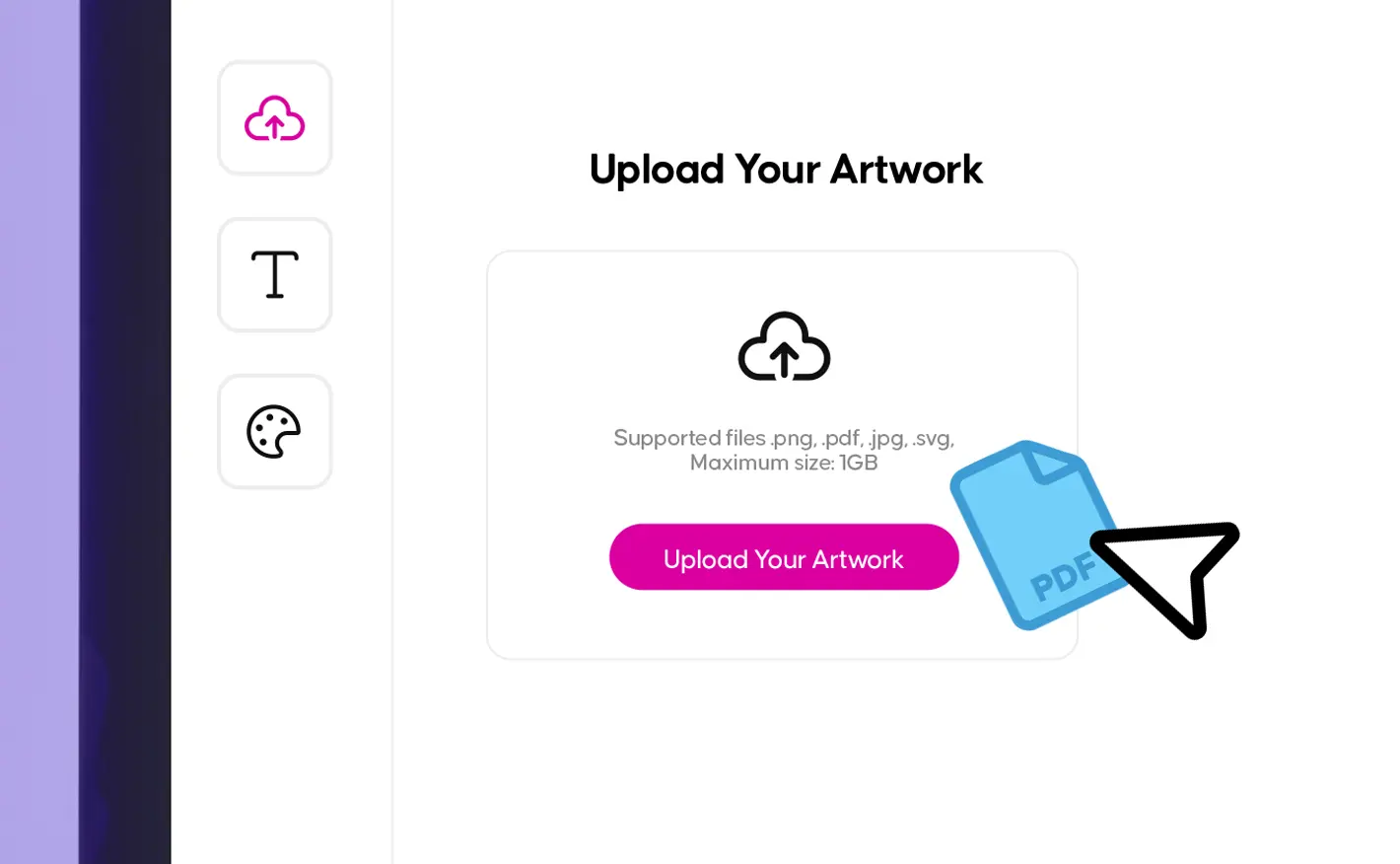
A graphic interface showing an "Upload Your Artwork" modal with a blue PDF icon being pointed to by a cursor. A graphic interface showing an "Upload Your Artwork" modal with a blue PDF icon being pointed to by a cursor.
Upload in seconds

 
Just drag and drop or upload your files and see them appear instantly on the canvas. We support a wide range of file types, so you can use your existing artwork design without extra prep.
 
Upload quickly, preview immediately and  refine your design with confidence.

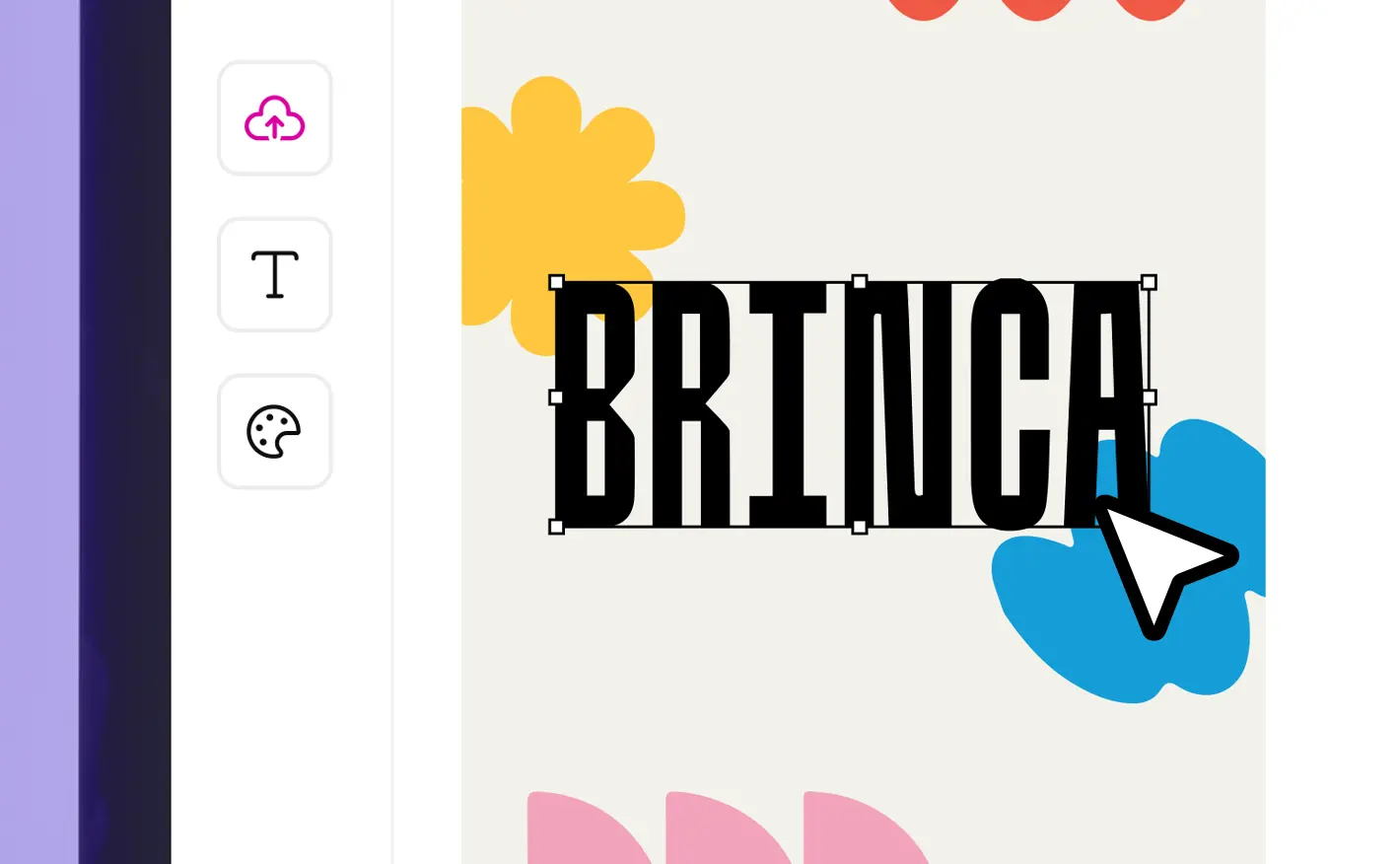
A design tool interface showing a cursor selecting and editing a text box that reads "BRINCA". A design tool interface showing a cursor selecting and editing a text box that reads "BRINCA".
Edit with ease

 
Our built-in free design tools let you perfect your artwork design in moments. Move and position elements precisely, resize, crop or rotate and add text and brand colours.
 
Artwork Editor puts you in the driver’s seat, so every detail looks exactly as it should.

A graphic interface showing an "Upload Your Artwork" modal with a blue PDF icon being pointed to by a cursor. A graphic interface showing an "Upload Your Artwork" modal with a blue PDF icon being pointed to by a cursor.
Upload in seconds

 
Just drag and drop or upload your files and see them appear instantly on the canvas. We support a wide range of file types, so you can use your existing artwork design without extra prep.
 
Upload quickly, preview immediately and  refine your design with confidence.

A design tool interface showing a cursor selecting and editing a text box that reads "BRINCA". A design tool interface showing a cursor selecting and editing a text box that reads "BRINCA".
Edit with ease

 
Our built-in free design tools let you perfect your artwork design in moments. Move and position elements precisely, resize, crop or rotate and add text and brand colours.
 
Artwork Editor puts you in the driver’s seat, so every detail looks exactly as it should.

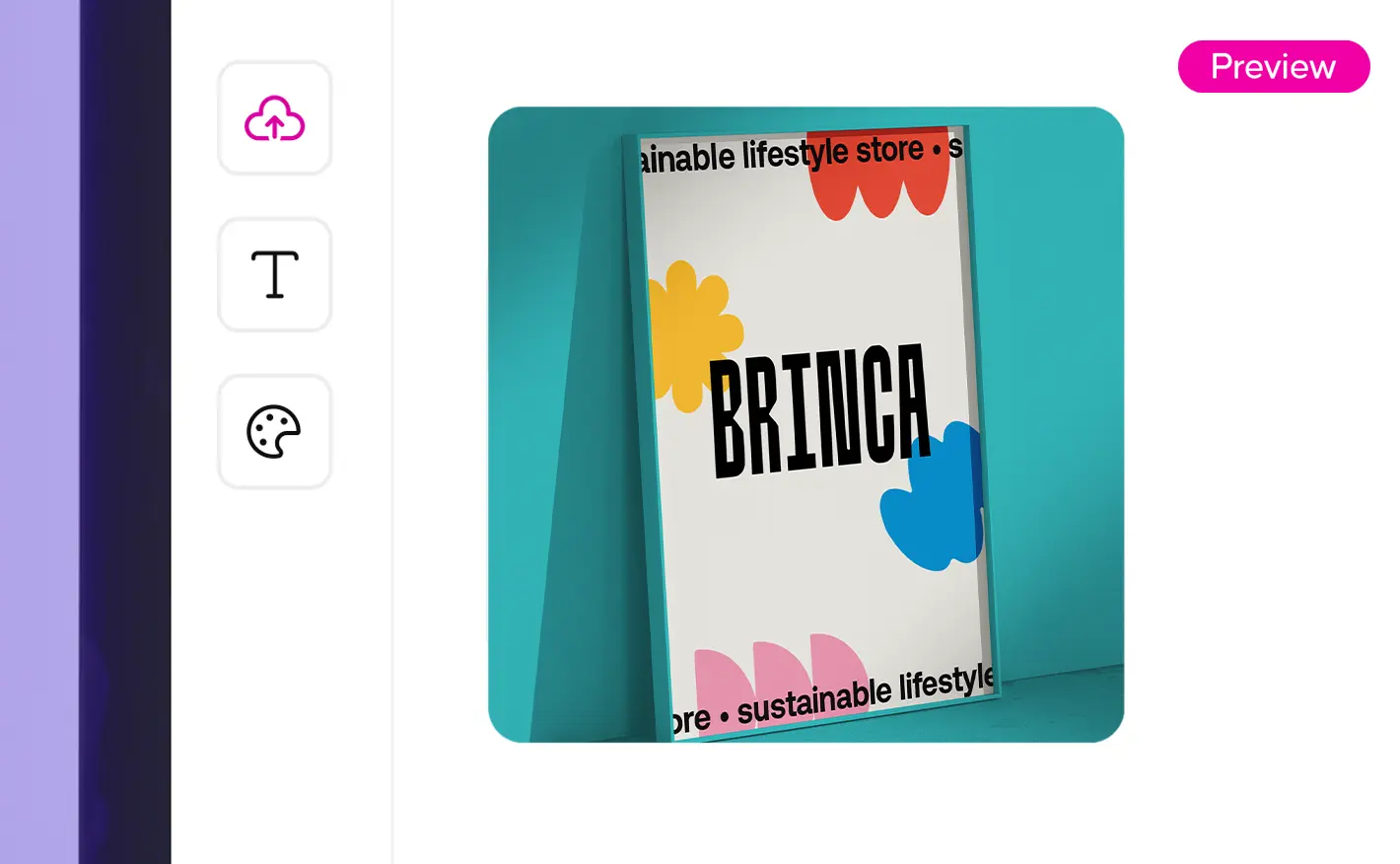
A digital design interface showing a 3D mock-up preview of a framed poster with colourful shapes and the word "BRINCA". A digital design interface showing a 3D mock-up preview of a framed poster with colourful shapes and the word "BRINCA".
Preview every angle

 
See your design exactly as it will print before it hits the press.  Our interactive preview brings your design to life, showing folds, edges and pages in full detail.
 
On selected items, flip your product around, view it from every angle and know that you see on screen is exactly what you’ll receive.

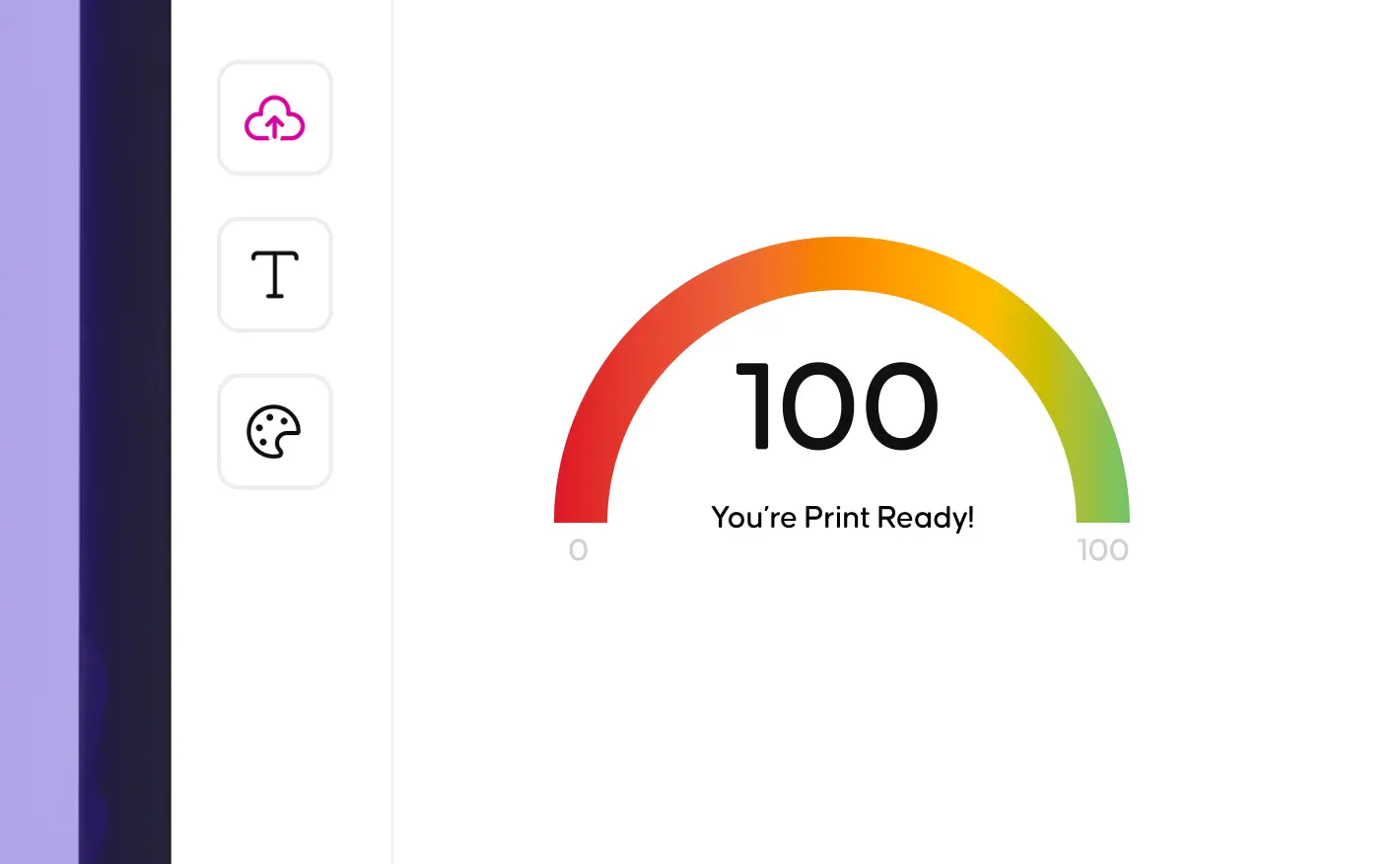
A digital interface showing a rainbow arc gauge displaying a score of 100 with the message "You're Print Ready!" A digital interface showing a rainbow arc gauge displaying a score of 100 with the message "You're Print Ready!"
Check your print's ready

 
Before your design heads to print, our Print Ready Score makes sure everything is spot-on. Hit 100% and you’re ready to print.
 
Need a quick fix? One click of the Auto-Fix button instantly corrects common issues like bleed and margins, so your project prints perfectly every time.

A digital design interface showing a 3D mock-up preview of a framed poster with colourful shapes and the word "BRINCA". A digital design interface showing a 3D mock-up preview of a framed poster with colourful shapes and the word "BRINCA".
Preview every angle

 
See your design exactly as it will print before it hits the press.  Our interactive preview brings your design to life, showing folds, edges and pages in full detail.
 
On selected items, flip your product around, view it from every angle and know that you see on screen is exactly what you’ll receive.

A digital interface showing a rainbow arc gauge displaying a score of 100 with the message "You're Print Ready!" A digital interface showing a rainbow arc gauge displaying a score of 100 with the message "You're Print Ready!"
Check your print's ready

 
Before your design heads to print, our Print Ready Score makes sure everything is spot-on. Hit 100% and you’re ready to print.
 
Need a quick fix? One click of the Auto-Fix button instantly corrects common issues like bleed and margins, so your project prints perfectly every time.

Your favourite products, now available with Artwork Editor

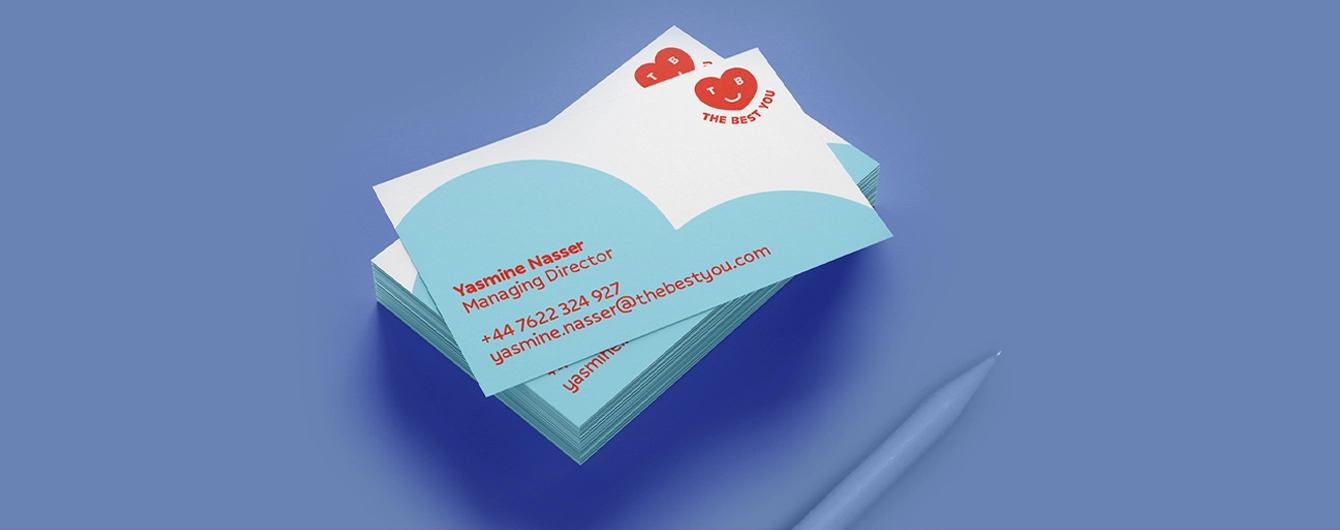
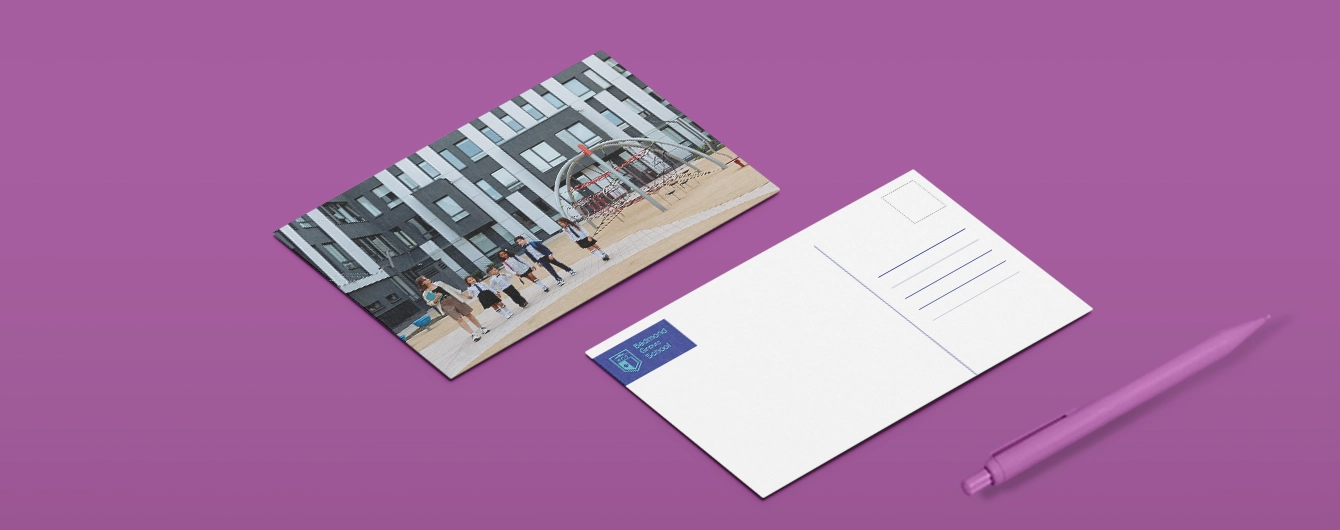
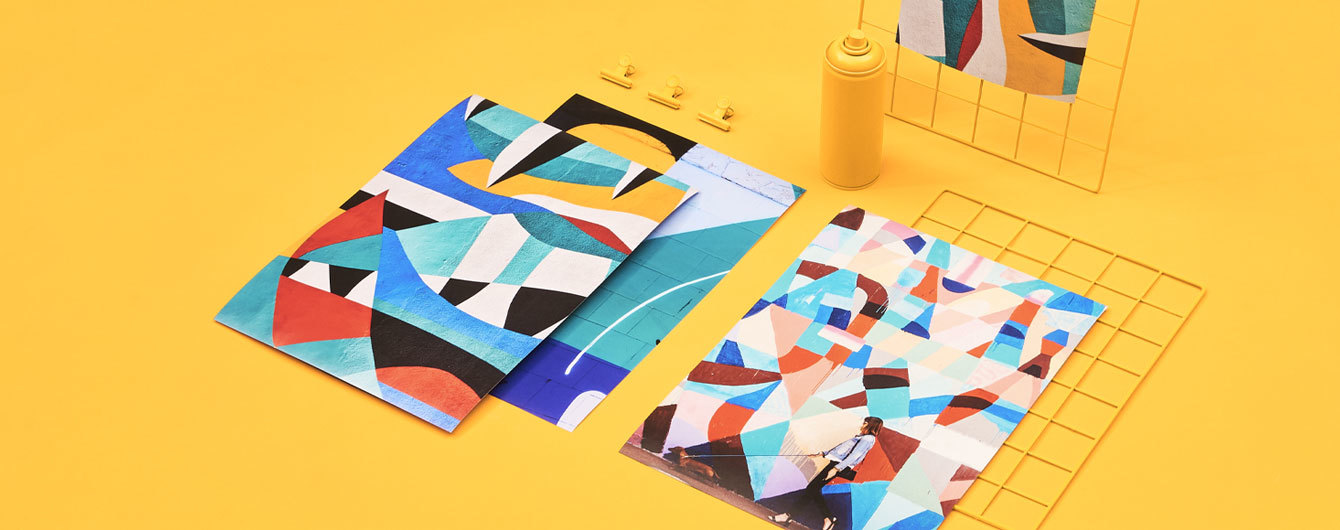
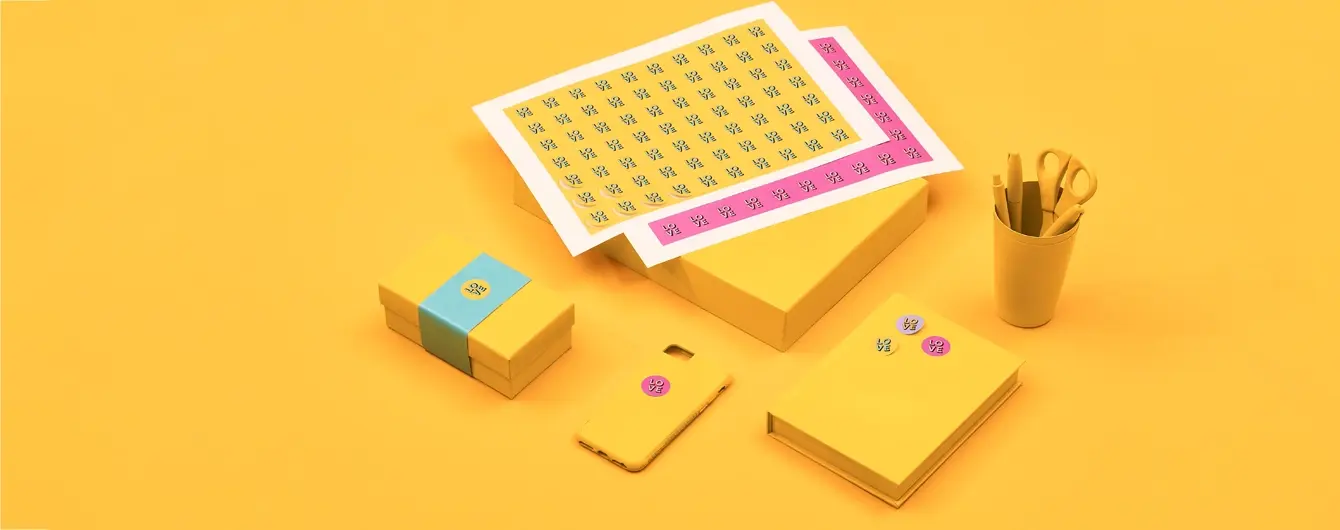
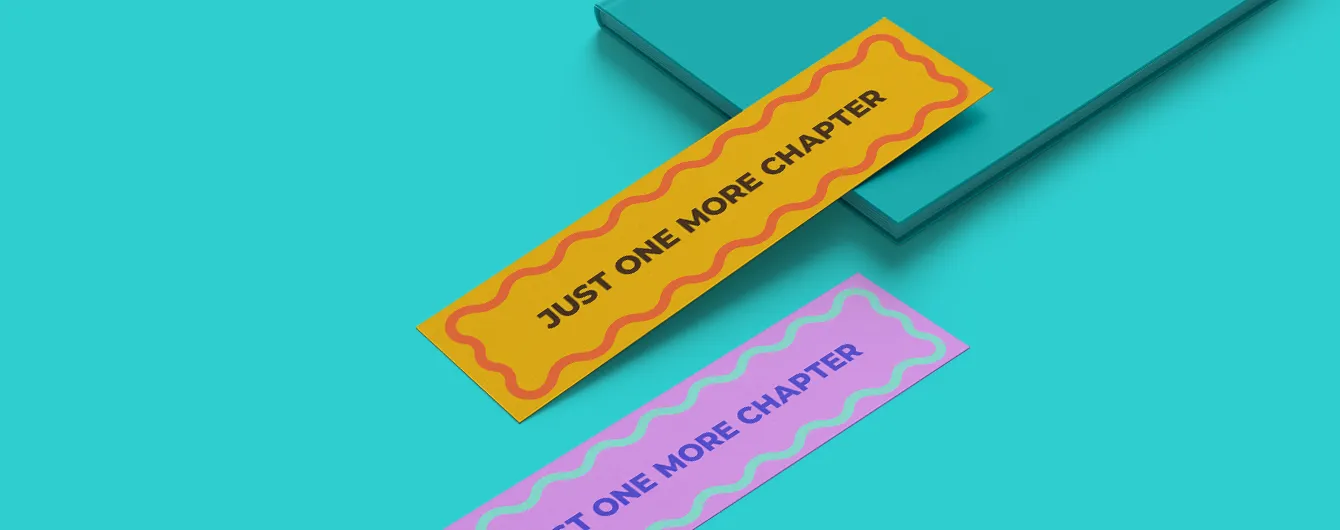
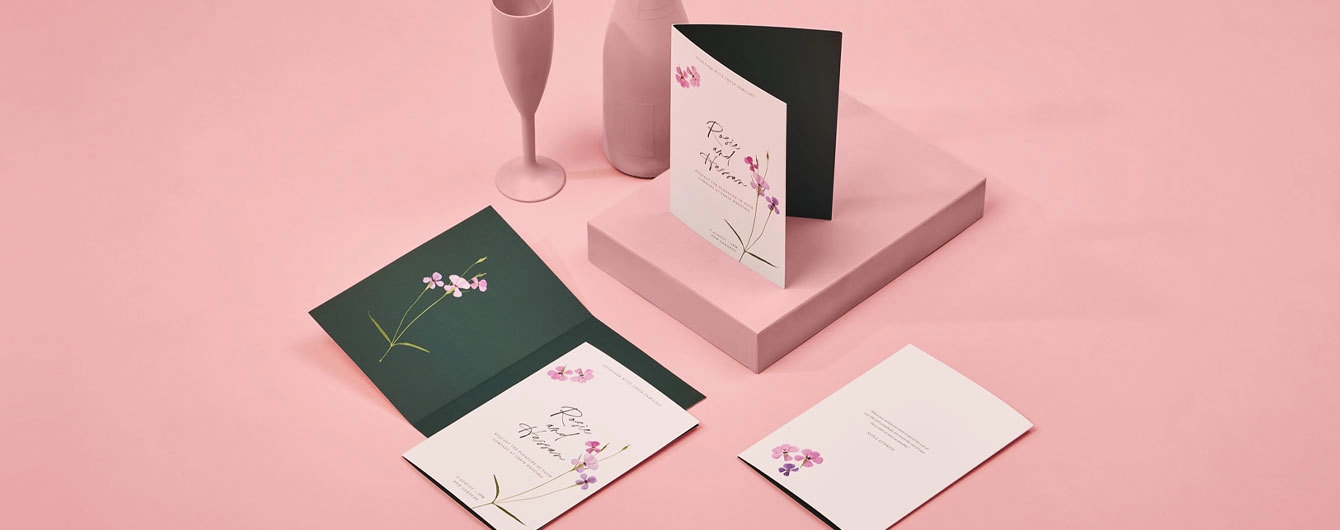
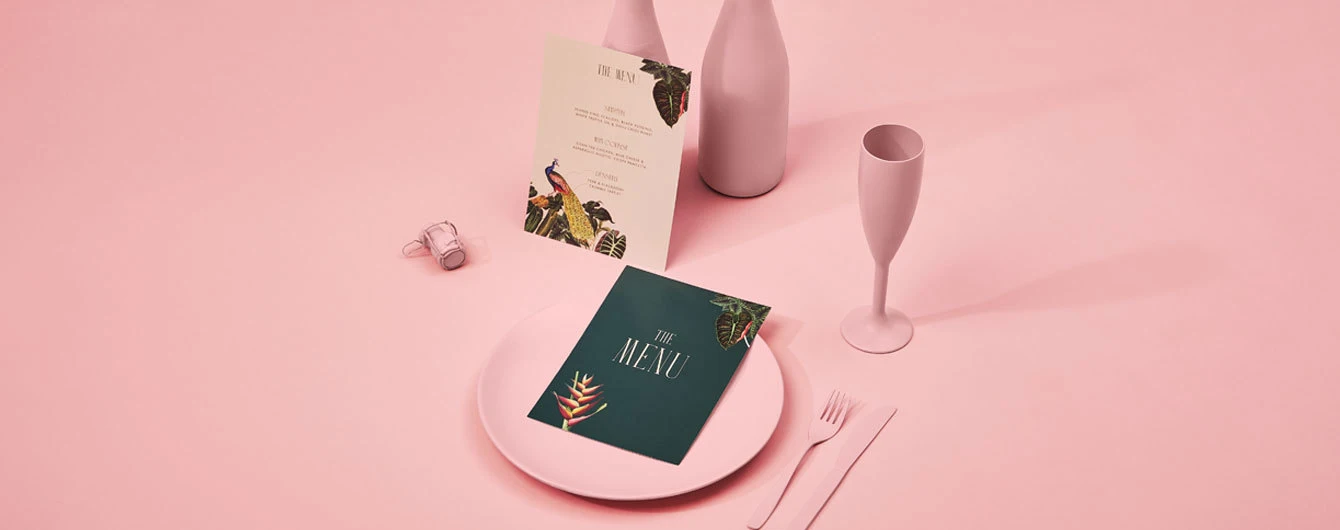
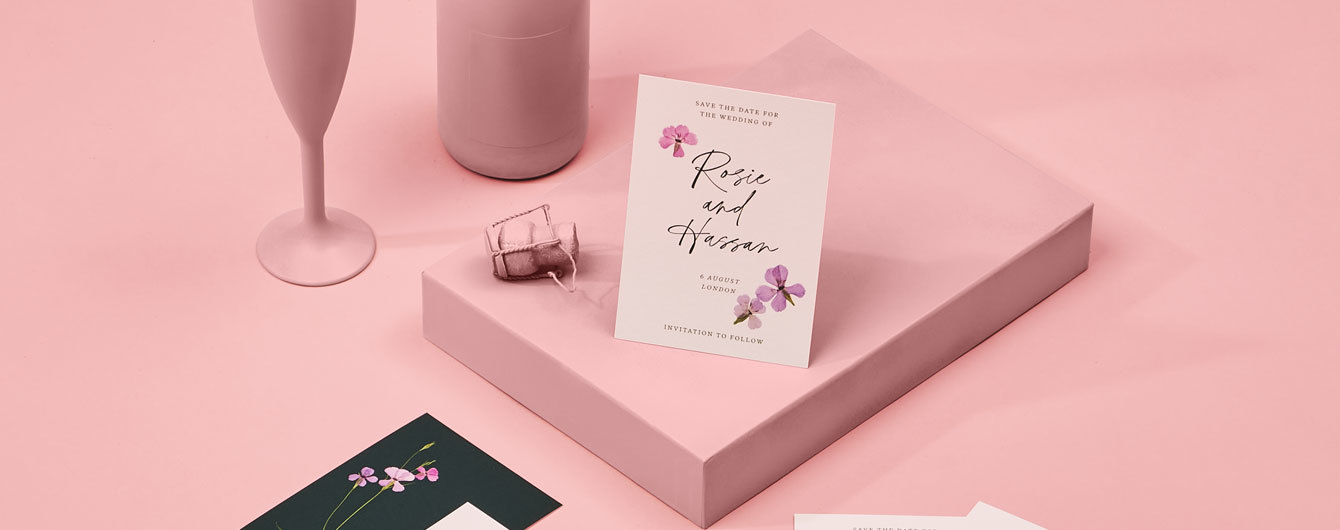
From Business Card designs to Leaflet designs, Artwork Editor is available on a huge selection of products, but here's just few of your everyday top picks.

FAQs
We couldn't find any articles.
How do I get to the Artwork Editor?

Simply click 'Order Now' and select your desired options in the product builder as normal, and click 'Upload Artwork' once you're ready to enter our free design tool.  You can also access the Artwork Editor when you click 'Upload Artwork' from the products in your basket.
You'll then be given the choice to upload a finished PDF, or use the Artwork Editor.

Can I use Artwork Editor with Versions?

Versions aren't available to amend in the Artwork Editor just yet, but we're continuously working on improving our new editing and design tools. 

If you need further help with using our Versions service, find more information here.


Can I use Artwork Editor with Personalisation?

Not yet, but we're continuously working on improving our new editing and design tools. 

If you're creating artwork with Personalisation, the artwork upload process hasn't changed. Find more information on creating artwork with our Personalisation service here.

Can I use Artwork Editor on my mobile?


Our editing tool works best on your desktop, where you've got lots more space to play around and design. 

If you're browsing on mobile, we recommend adding your products to the basket, or 'Save for later', and log in to My Account on your desktop to continue editing. 

Can I use Artwork Editor to design with shapes?

We offer some shapes on the site such as Upper Arch, Wavy and Pebble. These aren't available to design in Artwork Editor just yet but we're working hard to bring these to the feature. 

 
What file formats can I upload to the Artwork Editor?

If you already have a finished PDF, JPG, PNG or SVG design, just upload it and we’ll map it straight onto your chosen product. Prefer to start from scratch? You can build your artwork design right here in the Artwork Editor using our handy layout tools. 

Do I need to worry about margins, folds, or bleed?

We’ve taken the guesswork out of designing! The Artwork Editor screen matches your exact product specifications, showing you clear guidelines for bleed, folds, edges, and hole positions so you can design with total confidence.

Can I add my own text and pick different fonts?

Definitely! You can type your text directly onto your design on the and choose from a huge library of gorgeous fonts. What you see on screen is exactly what you’ll get in print.

How do I make sure my brand colours look right?

Pick your colours however you like! Whether you use our colour picker, type in a Hex code, or use RGB, we handle all the behind-the-scenes magic to make sure your prints look vibrant and true to life. We convert them into CMYK colours behind the scenes which are best for printing.

What if I make a mistake or want to try a new idea?

Experiment away! You can easily undo and redo your changes in our free design tool as you go, making it effortless to test out new designs without losing any of your hard work.

How can I see how my finished product will look?
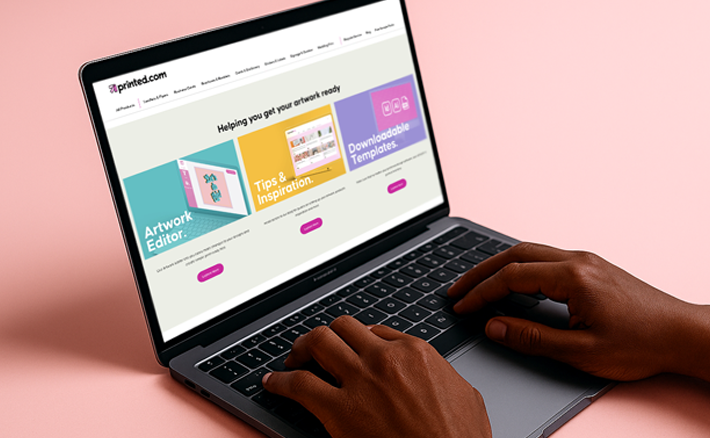
On most products, our interactive 3D preview lets you spin and view your product from every angle as you design! You can flip through pages and check out folds before adding your creation to your basket.

Will you double-check my artwork before I order?

We’ve got your back! The Artwork Editor automatically checks your design for tiny hiccups like low-res images or text too close to the edge, and gives you clear, simple tips to fix them before you check out.
 
If you're still not sure, upgrade to a Professional File Check and have one of our technical experts look over your file. Find out more about Professional File Checks here.

How do I get to the Artwork Editor?

How do I get to the Artwork Editor?

Simply click 'Order Now' and select your desired options in the product builder as normal, and click 'Upload Artwork' once you're ready to enter our free design tool.  You can also access the Artwork Editor when you click 'Upload Artwork' from the products in your basket.
You'll then be given the choice to upload a finished PDF, or use the Artwork Editor.

Can I use Artwork Editor with Versions?

Can I use Artwork Editor with Versions?

Versions aren't available to amend in the Artwork Editor just yet, but we're continuously working on improving our new editing and design tools. 

If you need further help with using our Versions service, find more information here.


Can I use Artwork Editor with Personalisation?

Can I use Artwork Editor with Personalisation?

Not yet, but we're continuously working on improving our new editing and design tools. 

If you're creating artwork with Personalisation, the artwork upload process hasn't changed. Find more information on creating artwork with our Personalisation service here.

Can I use Artwork Editor on my mobile?

Can I use Artwork Editor on my mobile?


Our editing tool works best on your desktop, where you've got lots more space to play around and design. 

If you're browsing on mobile, we recommend adding your products to the basket, or 'Save for later', and log in to My Account on your desktop to continue editing. 

Can I use Artwork Editor to design with shapes?

Can I use Artwork Editor to design with shapes?

We offer some shapes on the site such as Upper Arch, Wavy and Pebble. These aren't available to design in Artwork Editor just yet but we're working hard to bring these to the feature. 

 
What file formats can I upload to the Artwork Editor?

 
What file formats can I upload to the Artwork Editor?

If you already have a finished PDF, JPG, PNG or SVG design, just upload it and we’ll map it straight onto your chosen product. Prefer to start from scratch? You can build your artwork design right here in the Artwork Editor using our handy layout tools. 

Do I need to worry about margins, folds, or bleed?

Do I need to worry about margins, folds, or bleed?

We’ve taken the guesswork out of designing! The Artwork Editor screen matches your exact product specifications, showing you clear guidelines for bleed, folds, edges, and hole positions so you can design with total confidence.

Can I add my own text and pick different fonts?

Can I add my own text and pick different fonts?

Definitely! You can type your text directly onto your design on the and choose from a huge library of gorgeous fonts. What you see on screen is exactly what you’ll get in print.

How do I make sure my brand colours look right?

How do I make sure my brand colours look right?

Pick your colours however you like! Whether you use our colour picker, type in a Hex code, or use RGB, we handle all the behind-the-scenes magic to make sure your prints look vibrant and true to life. We convert them into CMYK colours behind the scenes which are best for printing.

What if I make a mistake or want to try a new idea?

What if I make a mistake or want to try a new idea?

Experiment away! You can easily undo and redo your changes in our free design tool as you go, making it effortless to test out new designs without losing any of your hard work.

How can I see how my finished product will look?
How can I see how my finished product will look?
On most products, our interactive 3D preview lets you spin and view your product from every angle as you design! You can flip through pages and check out folds before adding your creation to your basket.

Will you double-check my artwork before I order?

Will you double-check my artwork before I order?

We’ve got your back! The Artwork Editor automatically checks your design for tiny hiccups like low-res images or text too close to the edge, and gives you clear, simple tips to fix them before you check out.
 
If you're still not sure, upgrade to a Professional File Check and have one of our technical experts look over your file. Find out more about Professional File Checks here.
Here to help

More ways we can support you.

Help centre

Explore the answers to our most frequently asked questions, or get in touch with the team.

Sustainability & print practices

Find out more about our dedication to improving our sustainability and our wider printing practices.

Help centre

Explore the answers to our most frequently asked questions, or get in touch with the team.

Sustainability & print practices

Find out more about our dedication to improving our sustainability and our wider printing practices.

Loading...