


 UK
UK 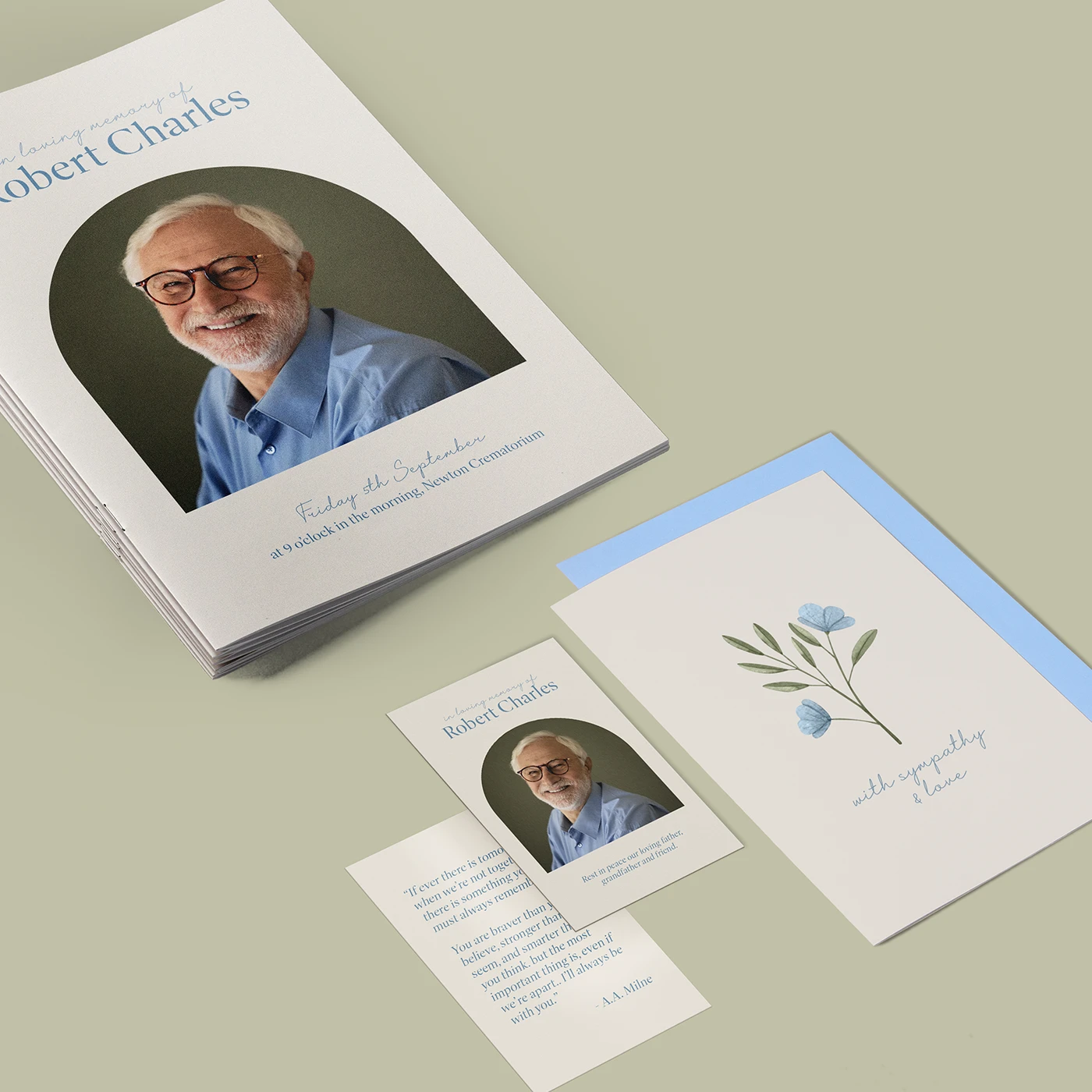
Funeral Printing
From £ 9.00 (ex VAT)

 4.6
4.6
- Wide range of papers, sizes, and finishes
- Free downloadable templates
- Print multiple versions at once
Guide to perfect print
Get your print to the presses perfectly with everything you need to get set up
Free Sample Packs
Get a feel for our range of quality products, papers and special finishes in our free Sample Packs.
Bespoke Service
Can’t find the print you’re looking for? From unique papers to custom sizes and finishes, our Bespoke Team can help with your request.
Safe area
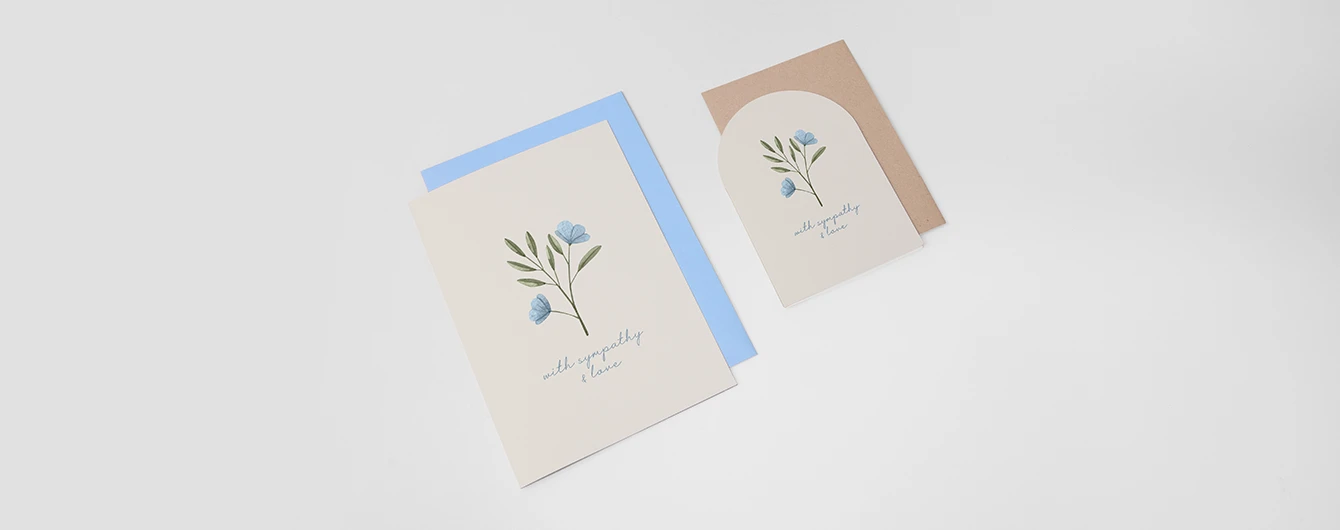
- Sympathy Cards
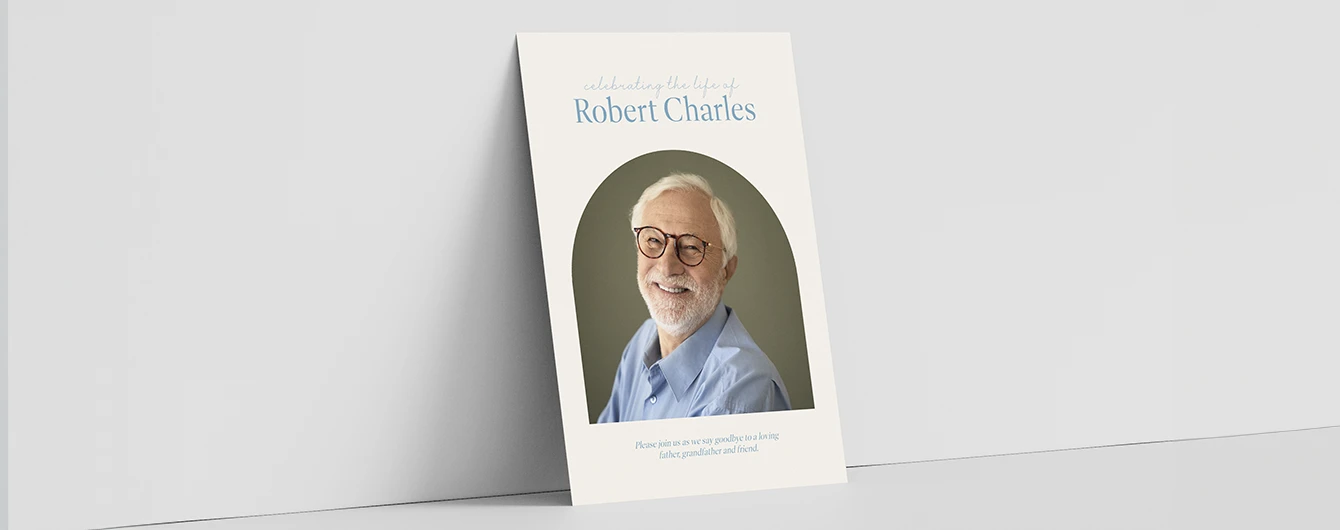
- Funeral Welcome Signs
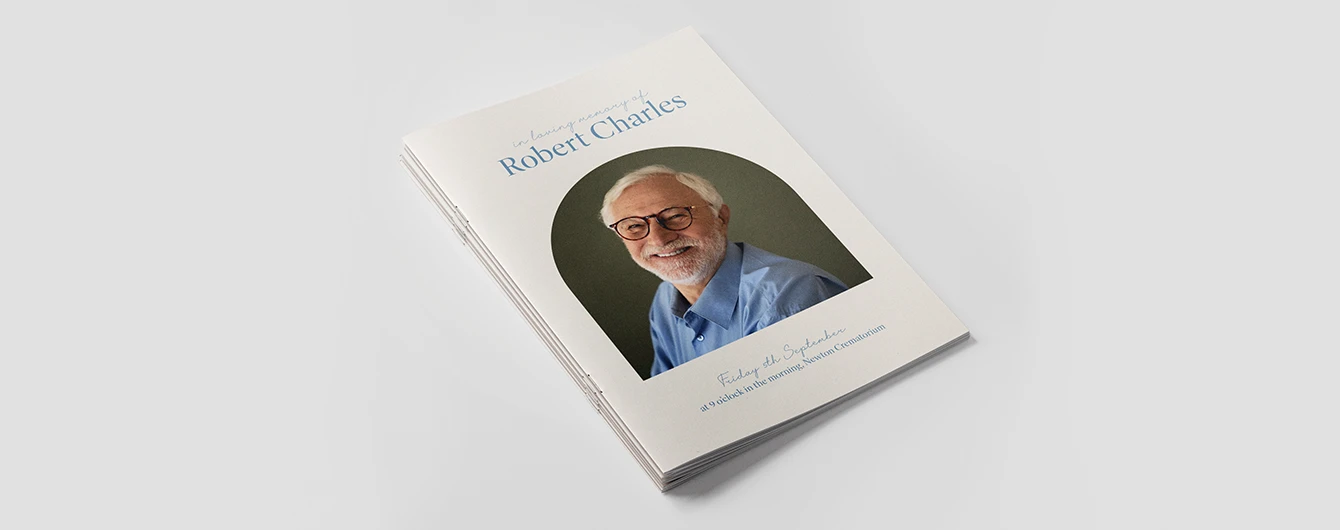
- Funeral Order of Service
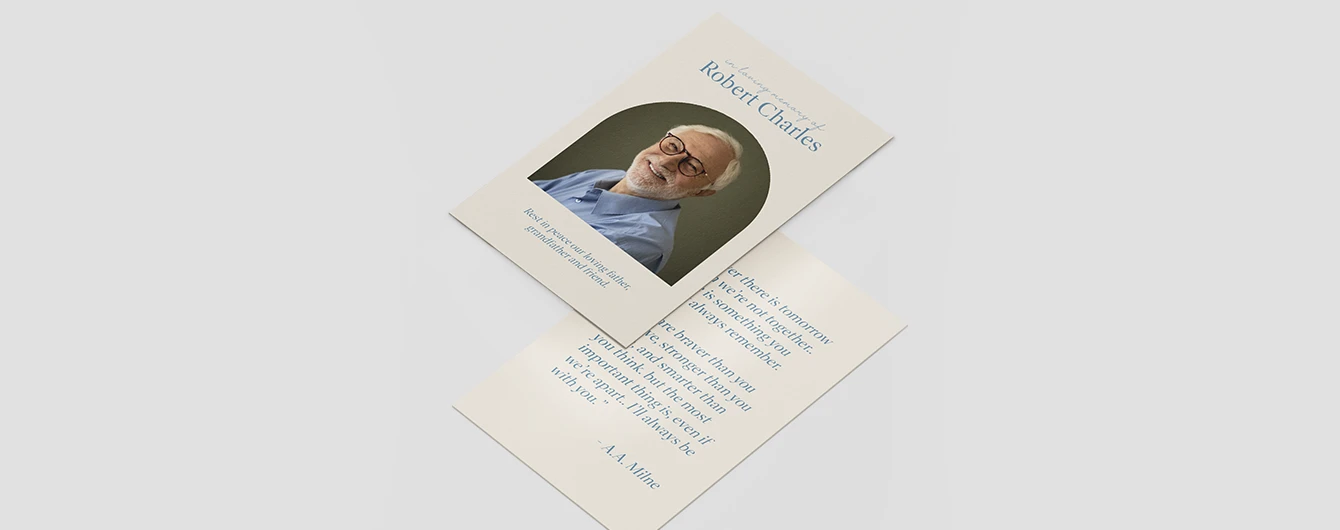
- Funeral Cards
- No elements found. Consider changing the search query.
- List is empty.
- A5 Portrait
- A6 Portrait
- A5 Tent Fold
- A6 Landscape
- A6 Tent Fold
- A7 Landscape
- 5" x 7" Portrait
- 5" x 7" Landscape
- 5" x 7" Tent Fold
- DL Tent Fold
- 148mm x 148mm Portrait
- A7 Portrait
- A5 Landscape
- A7 Tent Fold
- DL Portrait
- DL Landscape
- 148mm x 148mm Tent Fold
- No elements found. Consider changing the search query.
- List is empty.
- Illustrator
- InDesign
- No elements found. Consider changing the search query.
- List is empty.
Sustainable print
At Printed.com, we want to help you reduce your environmental impact. From using innovative packaging and sourcing eco-friendly papers, to minimising waste and promoting recycling, we’re dedicated to giving you more sustainable choices across our range.
Find Out More
More information
At Printed.com, we provide thoughtful and personalised funeral printing services to help honour and celebrate the life of your loved one with elegance and care. We understand how important it is to create a fitting tribute, and our wide range of products is tailored to help you do just that. From Funeral Order of Service Booklets and Sympathy Cards to Welcome Signs and Thank You Cards, each piece is designed to reflect a heartfelt and meaningful farewell. We’re proud to now offer Seed Paper Printing options, which allow you to create sustainable keepsakes that grow into wildflowers. This eco-friendly option combines sustainability with elegance, offering a truly unique and lasting tribute to your loved one. Choose from premium paper stocks, unique finishes, and fully customisable templates to ensure your stationery reflects your vision. Our focus on quality, fast delivery, and attention to detail ensures this process is as smooth and stress-free as possible. Whether you're planning as a bereaved family, a funeral director, or a celebrant, Printed.com is here to support you every step of the way, providing a service you can rely on during difficult times.
Frequently asked questions
Got a question? We might have answered it here. If not, feel free to get in touch with The Team, we’re here to help!
How long will my print take to arrive?
Find out how quickly you can get your print by filling in your selected options in the product builder, and check out the delivery options at the bottom. You can also explore the available delivery options from your basket once you’ve added a product.
What should I know before preparing artwork for print?
What is a Professional File Check?
For a small fee, an expert member of our technical team will manually review your artwork before it goes to print so you can press 'go' with complete confidence.
- Image resolution for print quality
- Bleed and safe areas
- Page count and page order on folded products
- Corrupt, blank or password-protected files
- Templates left on artwork
- Folds, cut lines, drill holes and binding areas (where applicable)
- Foil alignment and minimum line widths (where applicable)
- Personalisation files and version quantities (where applicable)
- Spelling, grammar or proofreading
- Design, layout or text sizing advice
- Colour accuracy or colour mode checks (RGB/CMYK)
- QR code testing
- Calendar date checks
- Post-print quality inspection beyond our standard production processes
What can you print for a funeral?
We provide a wide range of funeral printing services to help you create heartfelt keepsakes and tributes for your loved ones. Our services include:
- Welcome Signs and Memory Boards: Thoughtfully designed to honor your loved one and warmly welcome guests.
- Order of Service Booklets: Customised booklets to guide attendees through the service with care.
- Funeral Cards: Personal, meaningful cards to share ceremony details with love and remembrance.
Are there templates to help me with my designs?
Absolutely. We offer templates in all shapes and sizes to make designing easier for your funeral printing. Simply head to the "downloadable templates" section of the product page to access them.
If I select a shape, do I need to supply a cutter guide for my design?
No, there's no need to provide a cutter guide. Simply choose your desired shape, and we'll take care of the rest. Just make sure to follow our design tips—like extending the bleed area by 3mm and removing any cutter guides before submitting your artwork—to ensure the best print results.
More products you might like

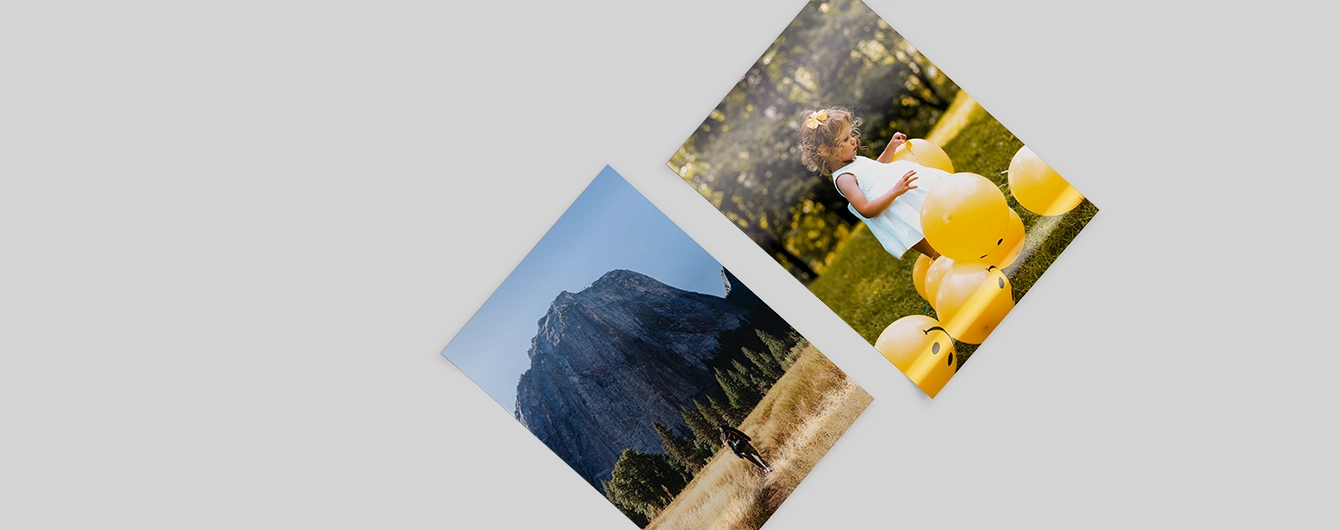
Sympathy Cards
Our product presets
Our product presets
Build your own or choose from one of our preset options
Fold type
Fold type
Shape
Use our free downloadable templates available on the product webpage, or in the artwork upload area to make sure your print comes off the presses perfectly. Make sure to choose the right template for your design, and remember to delete the template layers before you save your artwork.
Shape
Use our free downloadable templates available on the product webpage, or in the artwork upload area to make sure your print comes off the presses perfectly. Make sure to choose the right template for your design, and remember to delete the template layers before you save your artwork.
Size
Size
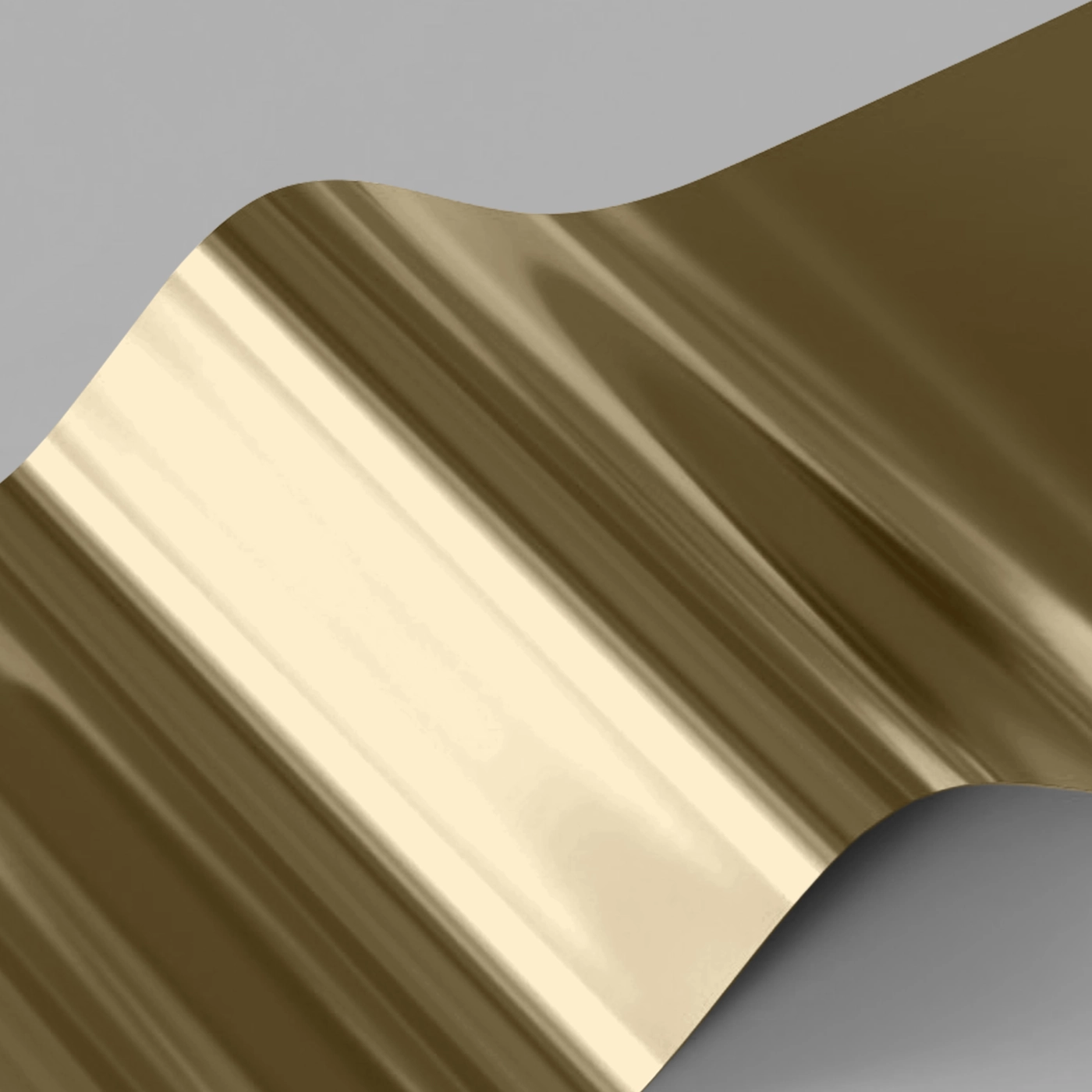
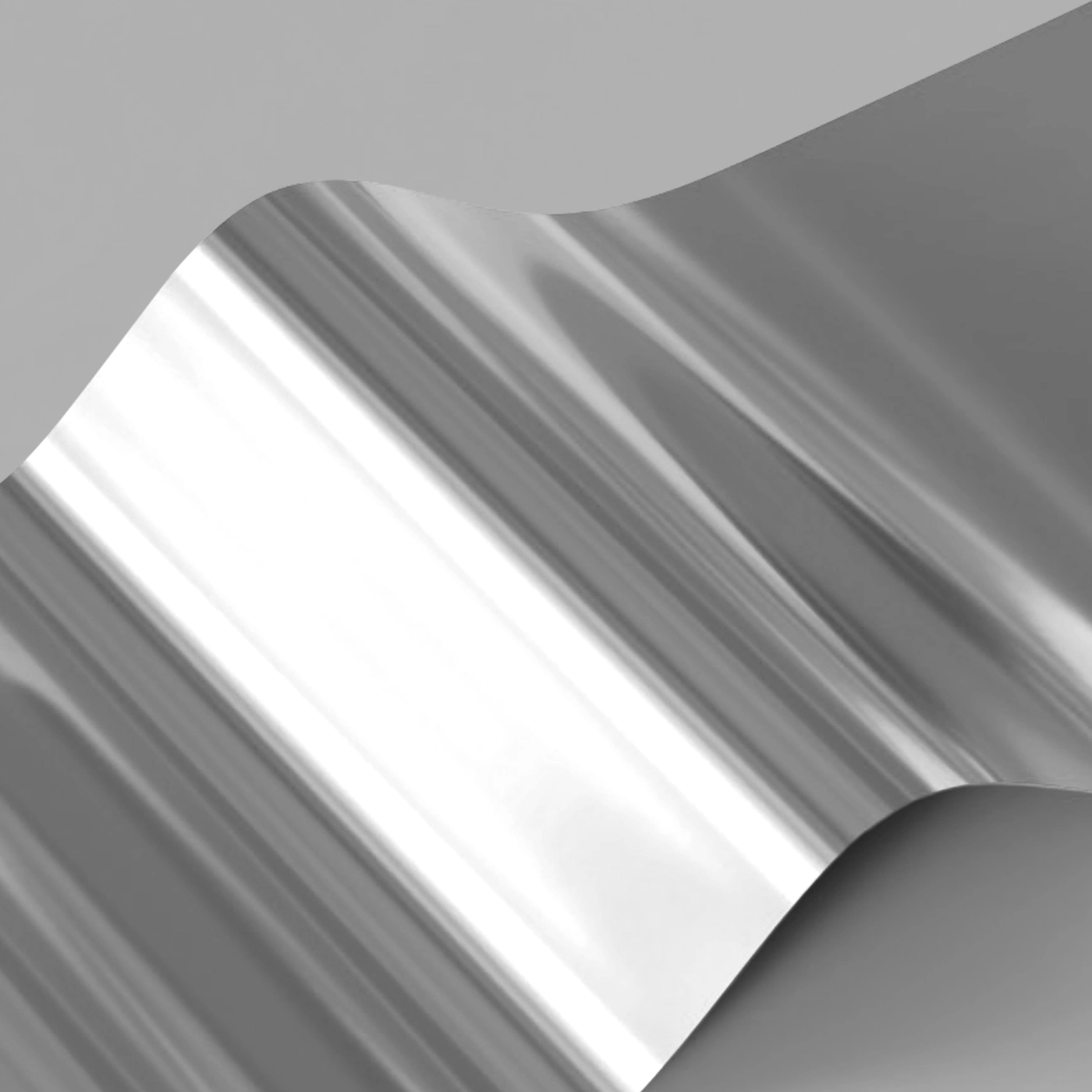
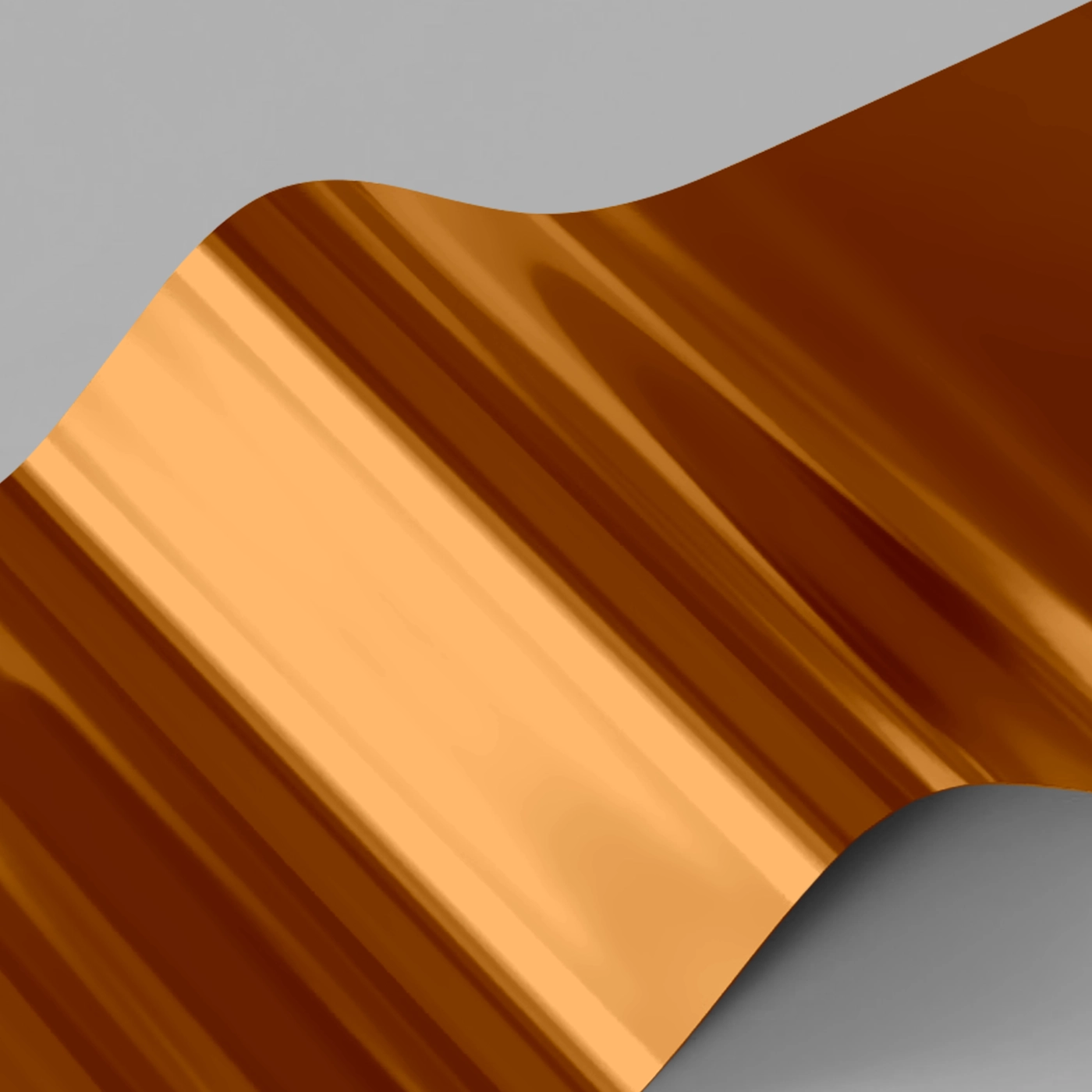
Foiling
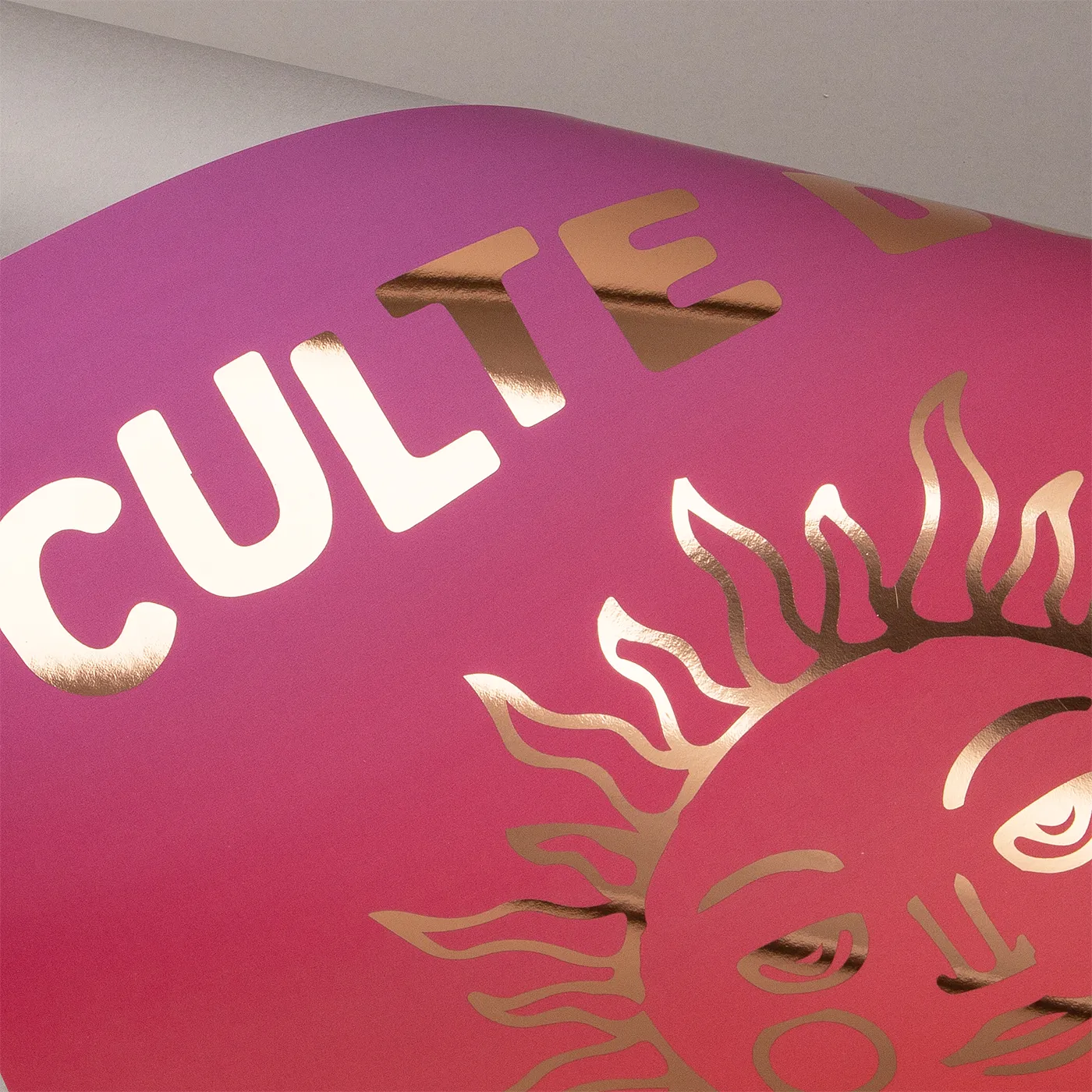
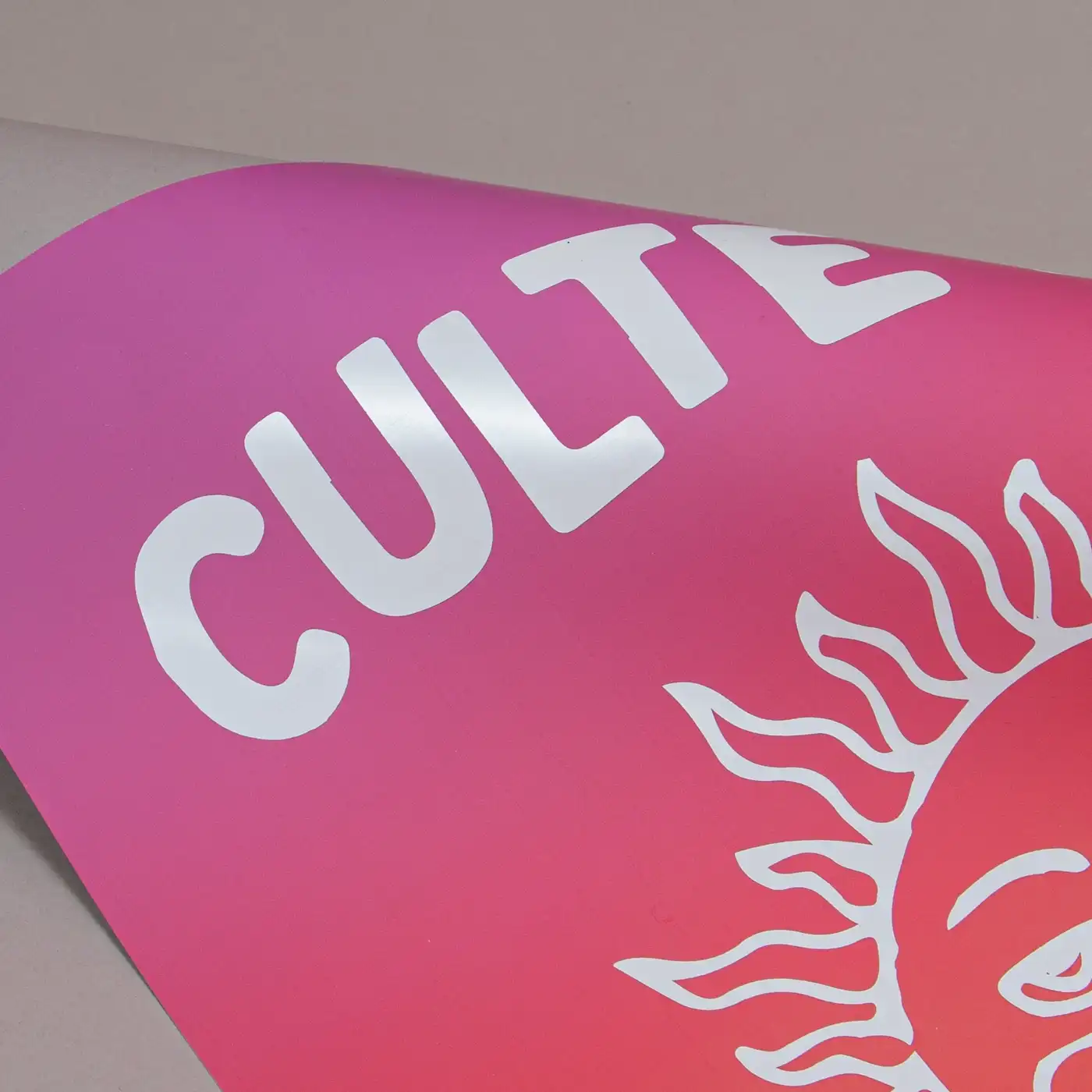
One-sided foil While your print can be double sided, you can only apply Foil to one side of your design.
Whichever side you choose to add Foiling to must be velvet laminated (this protects your Foil from slipping or scratching).
If you would like Foil on both sides of your print, please contact our Bespoke Team. Foiled Stickers cannot be laminated and can only be foiled on one side
Foiling
One-sided foil While your print can be double sided, you can only apply Foil to one side of your design.
Whichever side you choose to add Foiling to must be velvet laminated (this protects your Foil from slipping or scratching).
If you would like Foil on both sides of your print, please contact our Bespoke Team. Foiled Stickers cannot be laminated and can only be foiled on one side
One-sided foil
While your print can be double sided, you can only apply Foil to one side of your design.





Printed sides
One side: Print your design on one side of the product only. The reverse side will remain unprinted.
Both sides: Print your design on both sides of the product. Choose this option when you want to apply a design on both the front and back.
Printed sides
One side: Print your design on one side of the product only. The reverse side will remain unprinted.
Both sides: Print your design on both sides of the product. Choose this option when you want to apply a design on both the front and back.
Paper
Paper
Quantity
Please enter a quantity larger than 1
If there is a paper stock, size, quantity or finish you want but can't find, fill in our bespoke order form or contact our team .
The options you have chosen mean that your leaflets will be delivered creased but not folded. If you'd like your print to arrive already folded, please enter a lower quantity or a lighter paper weight.
Extras
Lamination
Lamination types
Matt: Protects your print while giving a subtle and soft finish.
Gloss: Offers a high shine that works well with images and solid colours.
Velvet: Gives a soft, touchable texture and non-shine finish.
Anti-Bacterial Gloss: This high-shine gloss is embedded with silver ions that prevents 99% of bacteria surviving.
Lamination Sides
None: Without lamination, you can feel the real texture of the paper, and it's easy to write on.
One side: We will always laminate on page 1 of your PDF when ‘one side’ is selected. If that isn't the page you want laminated, just swap the page order in your PDF.
Both sides: The most popular choice when laminating – choose both sides when you want double the protection.
Remember: Laminating will protect your print but you will not be able to write on it with certain types of pen. If you're printing with heavy ink coverage, we recommend using lamination to protect the print and prevent damage.
Corners
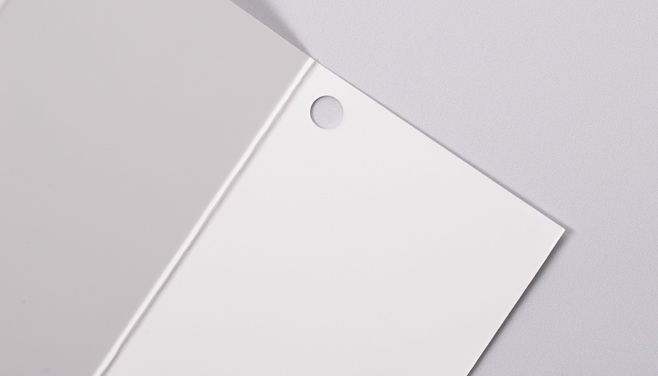
Square corners: Leave your corners square for a traditional, professional finish.
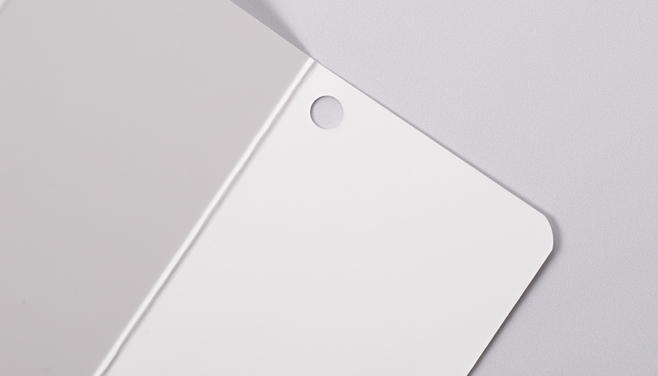
Round corners: Give your print a modern edge with a rounded finish. Our corners are rounded at a 7mm radius so don't leave anything important too close to the corners.
Personalisation
You can personalise your print with guests names and addresses.
We offer two ways to personalise your print so you can choose the route that best suits your needs. Click on the options below to get a quick explanation on how they each work.
Further information on how to set up your files, along with some helpful downloadable sample files, are in the next step.
Use Personalisation if you need to put a different name or address on each of your prints.
Choose "None" if you don't have any names or addresses which will differ on each print. You can still upload your custom design as normal!
You should select this option if you have already merged names or addresses within your artwork and are ready to upload your finished PDF.
If your design is double-sided please arrange your pages as follows, Page 1 Front, Page 2 Back and so on.
If the back of your design is the same for all versions, we ask that you still include a back page for every front in your file.
If you would like our team to take your artwork and merge it with your names and addresses, you can upload your design PDF with placeholder text in the font and position you would like, as well as a CSV file containing the list of names or address that will differ on each print. Our team will take it from there.
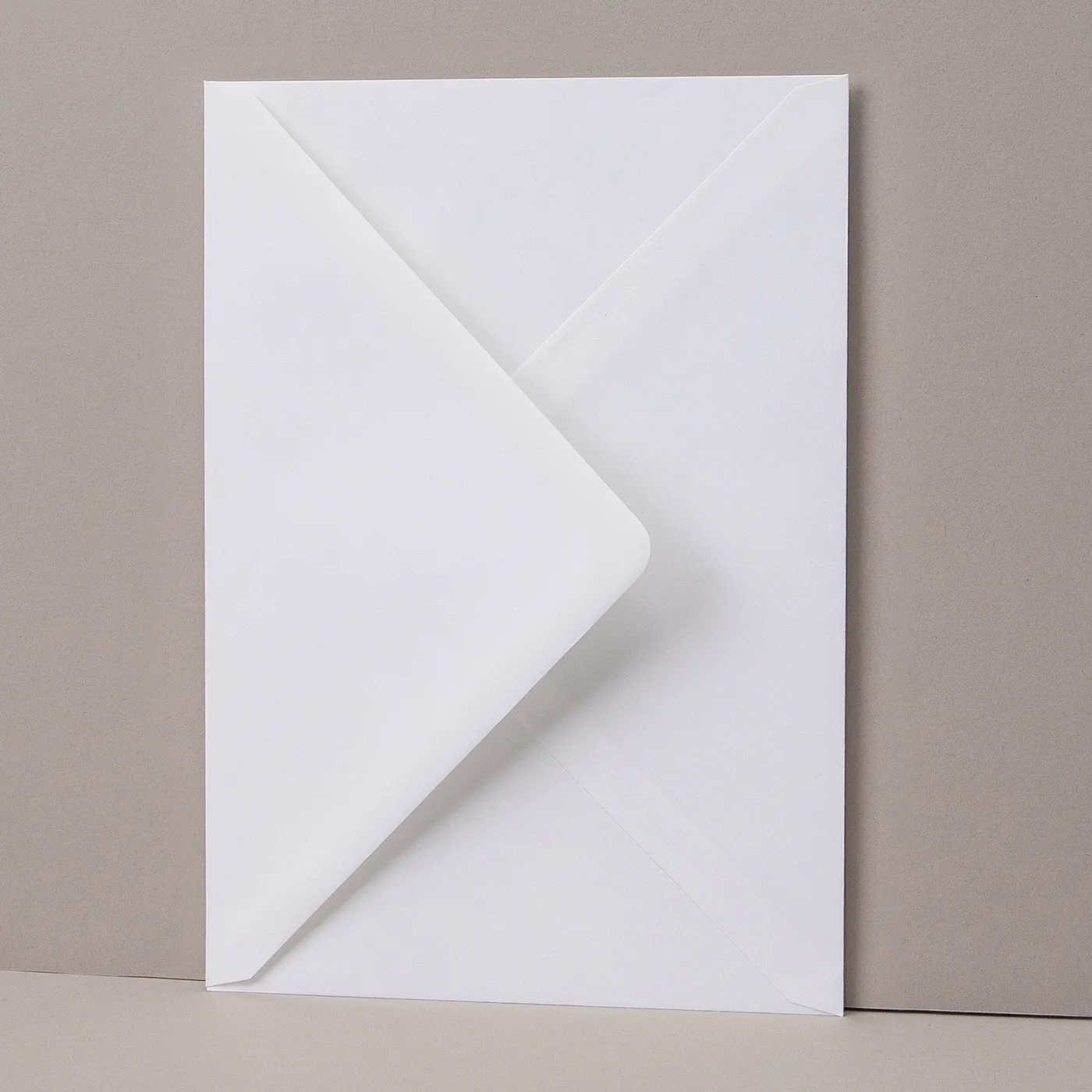
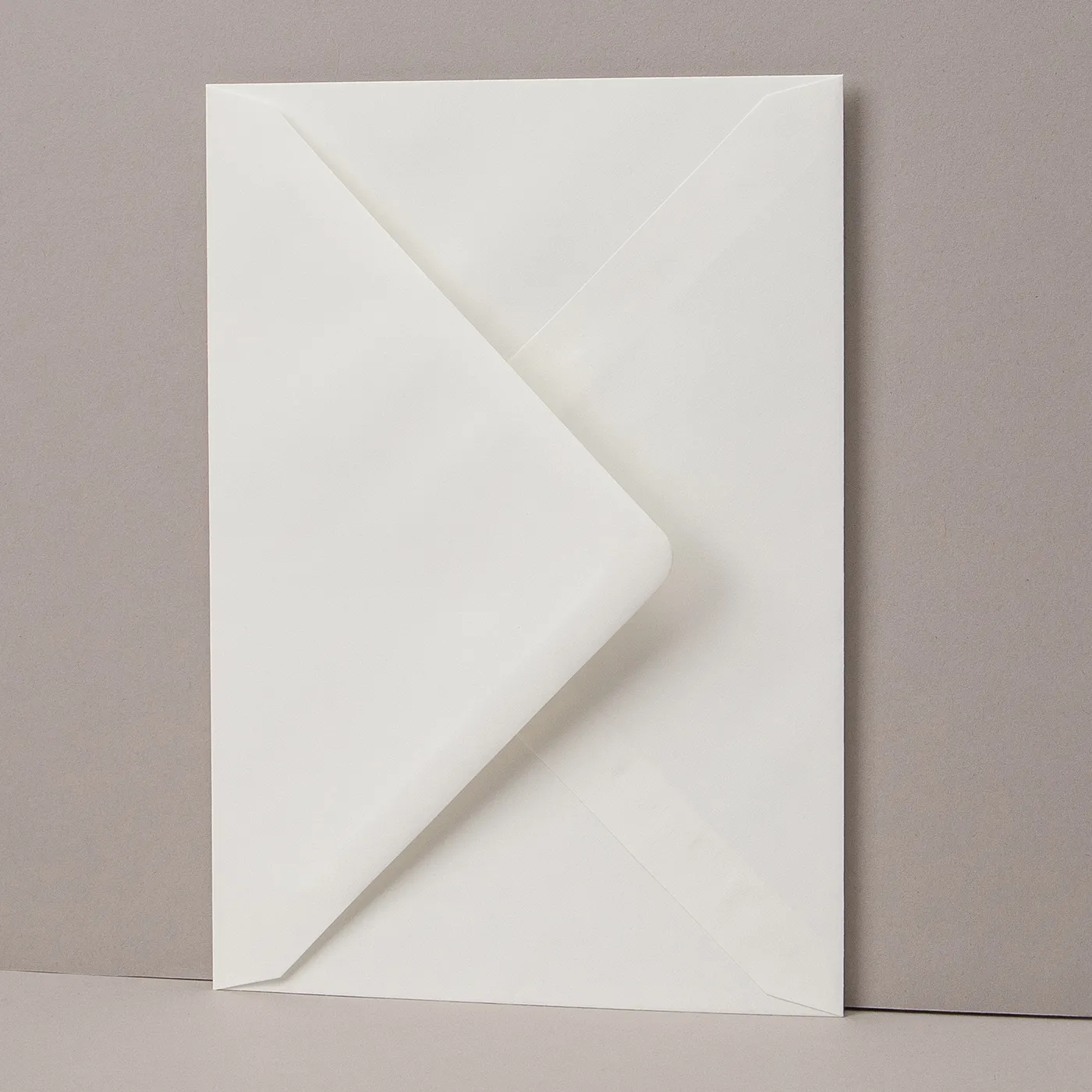
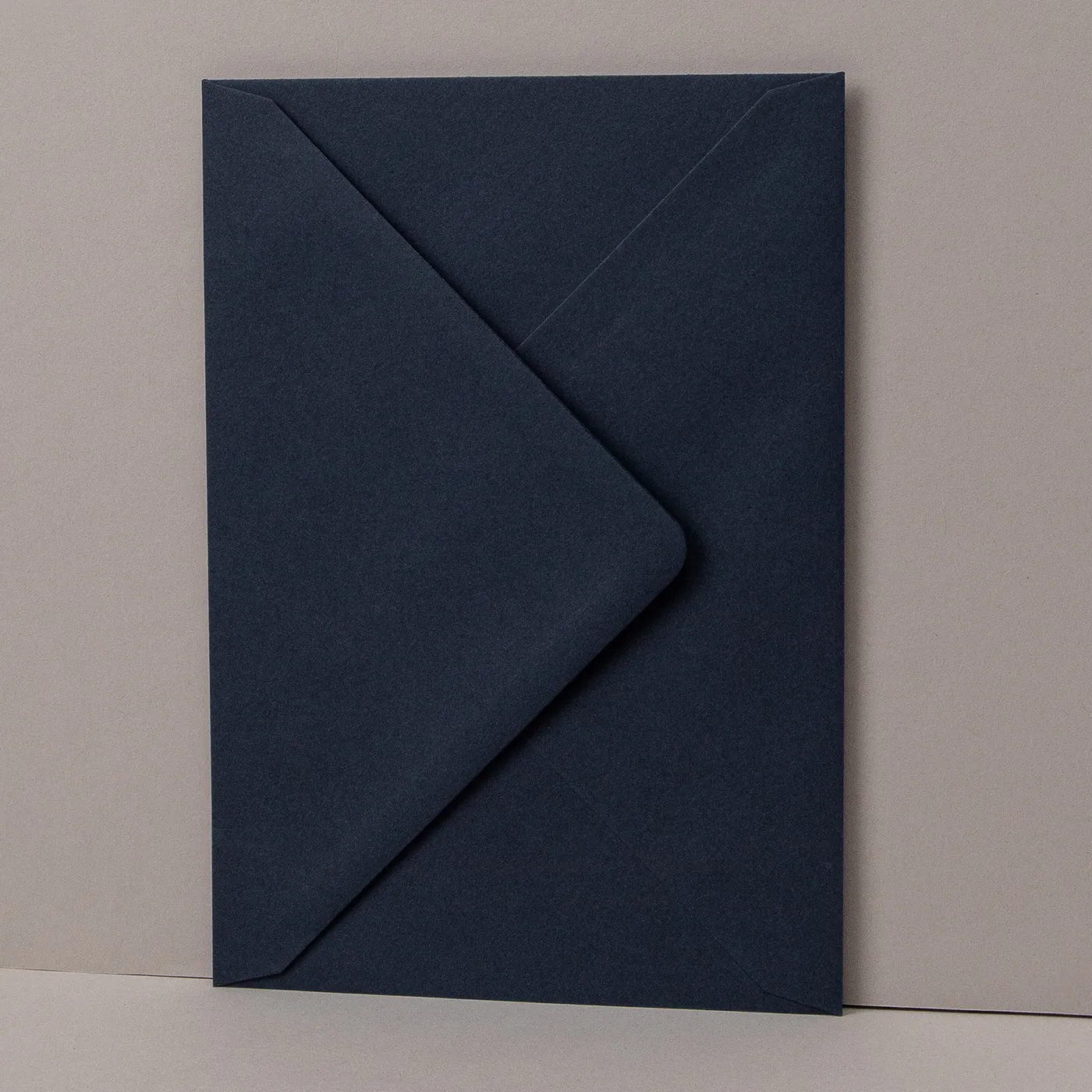
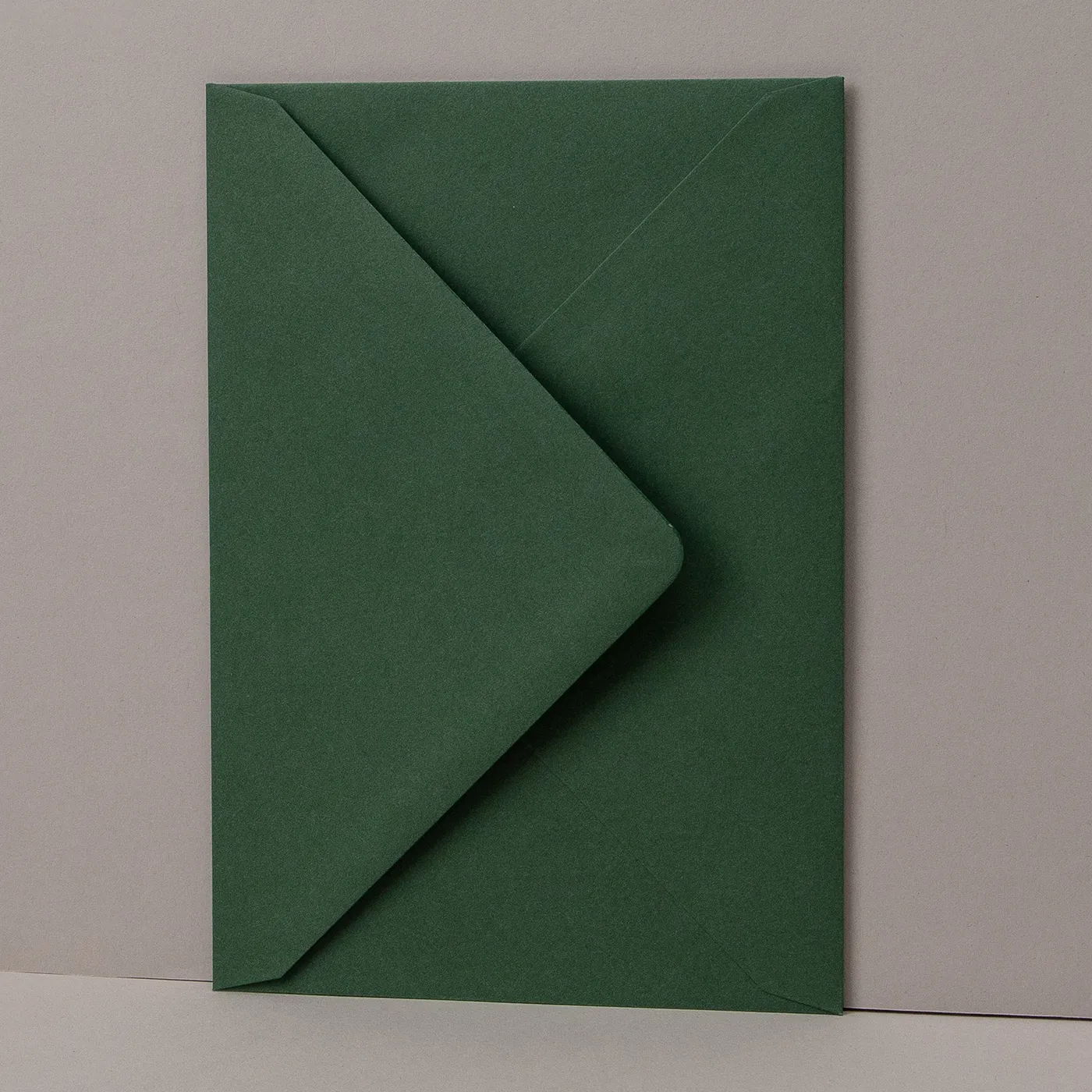
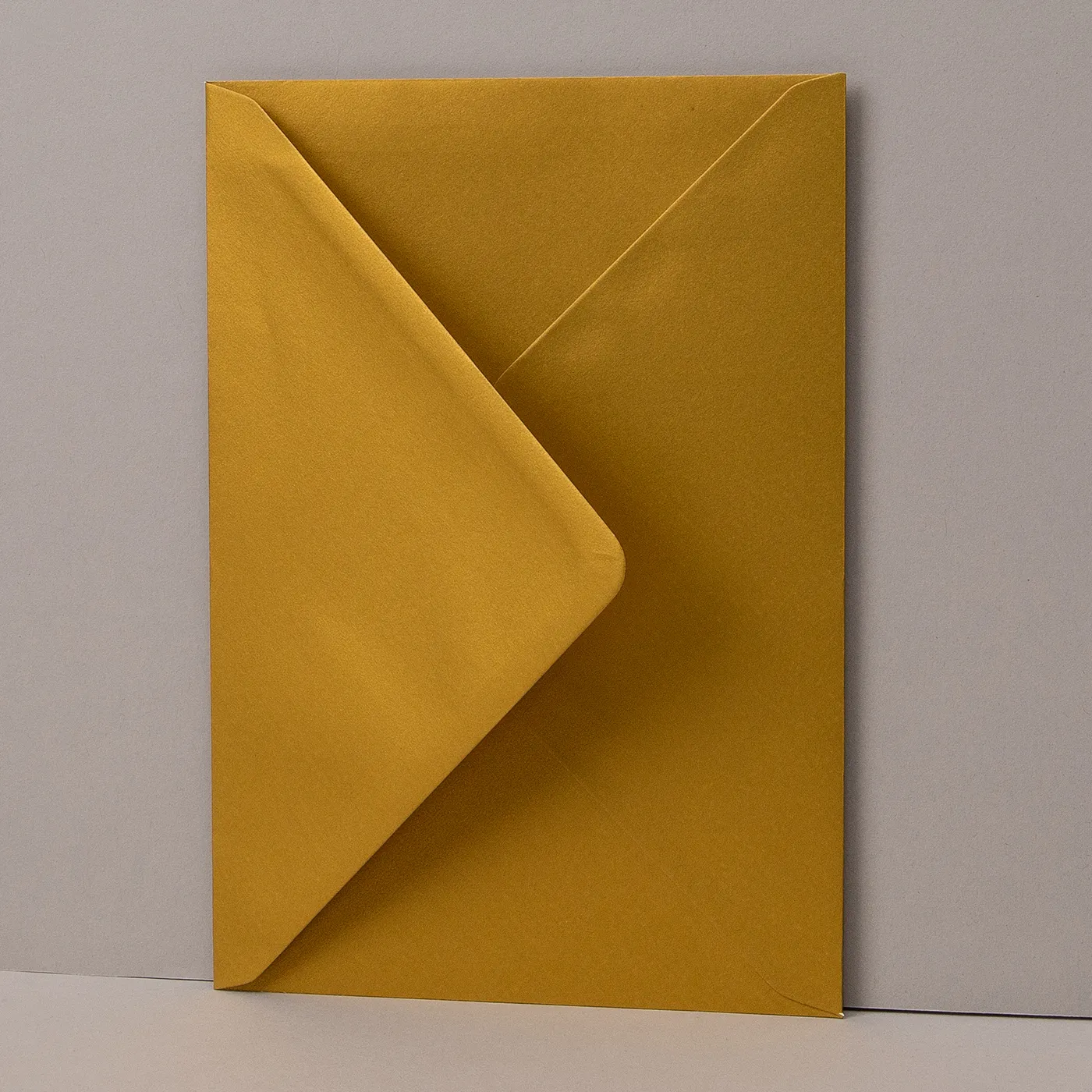
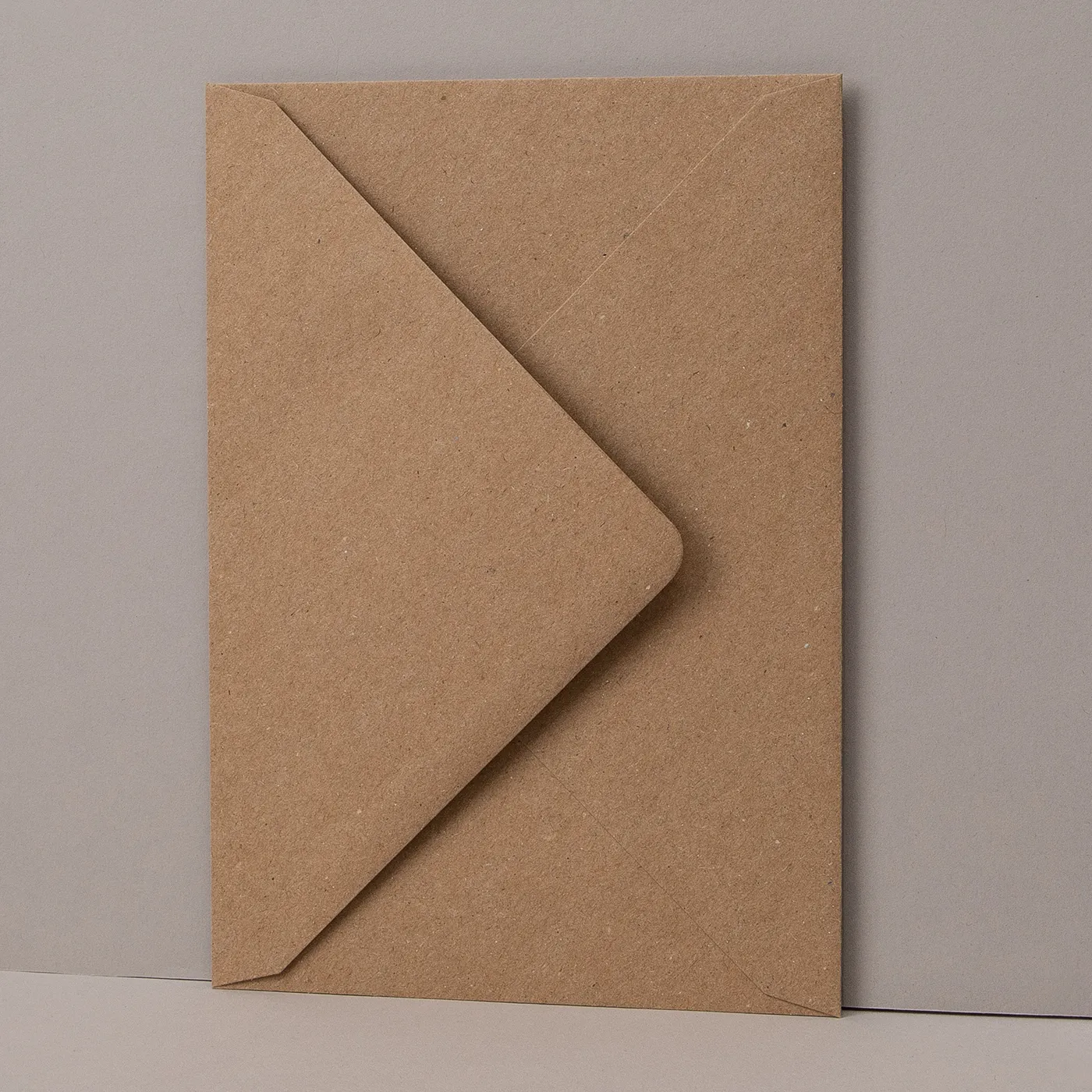
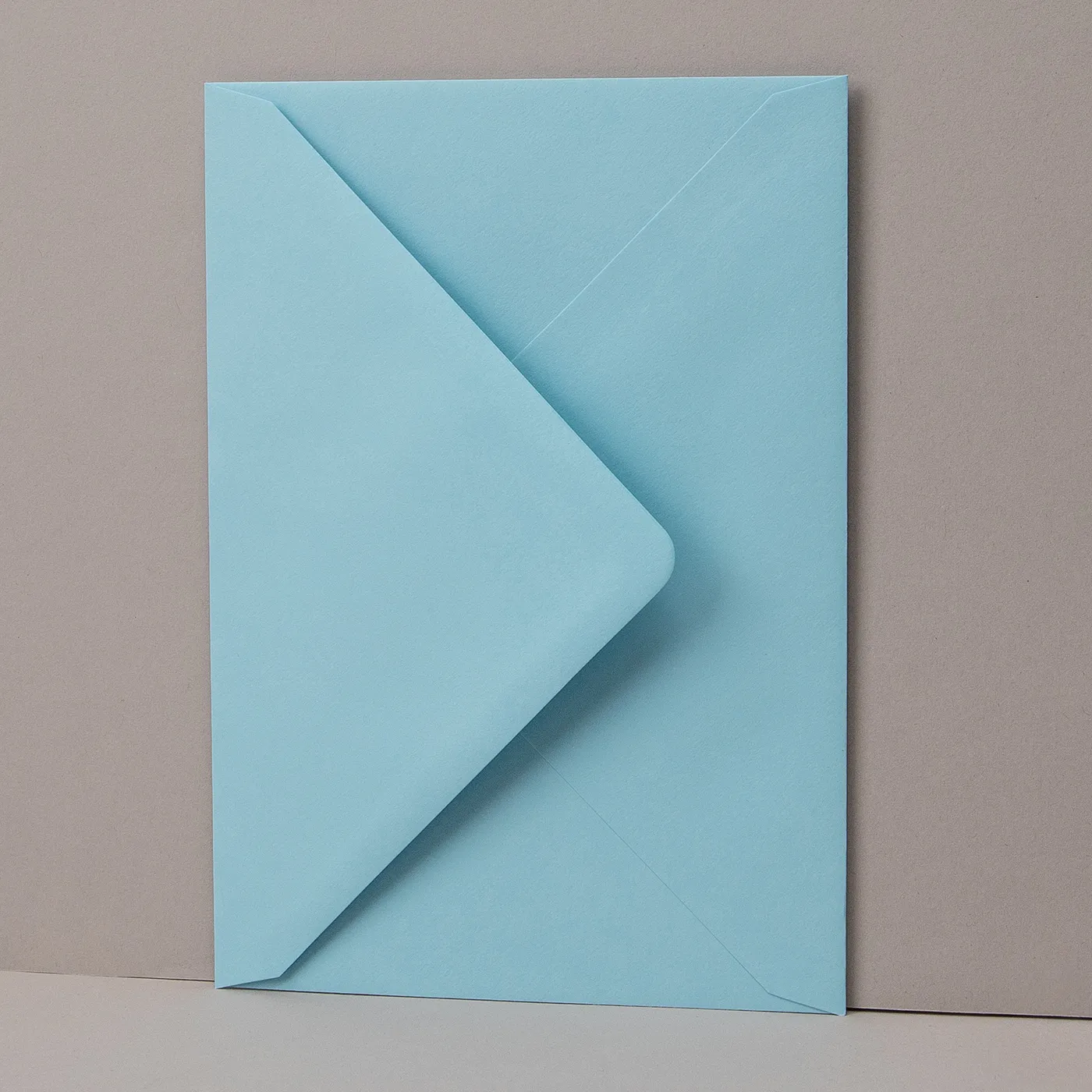
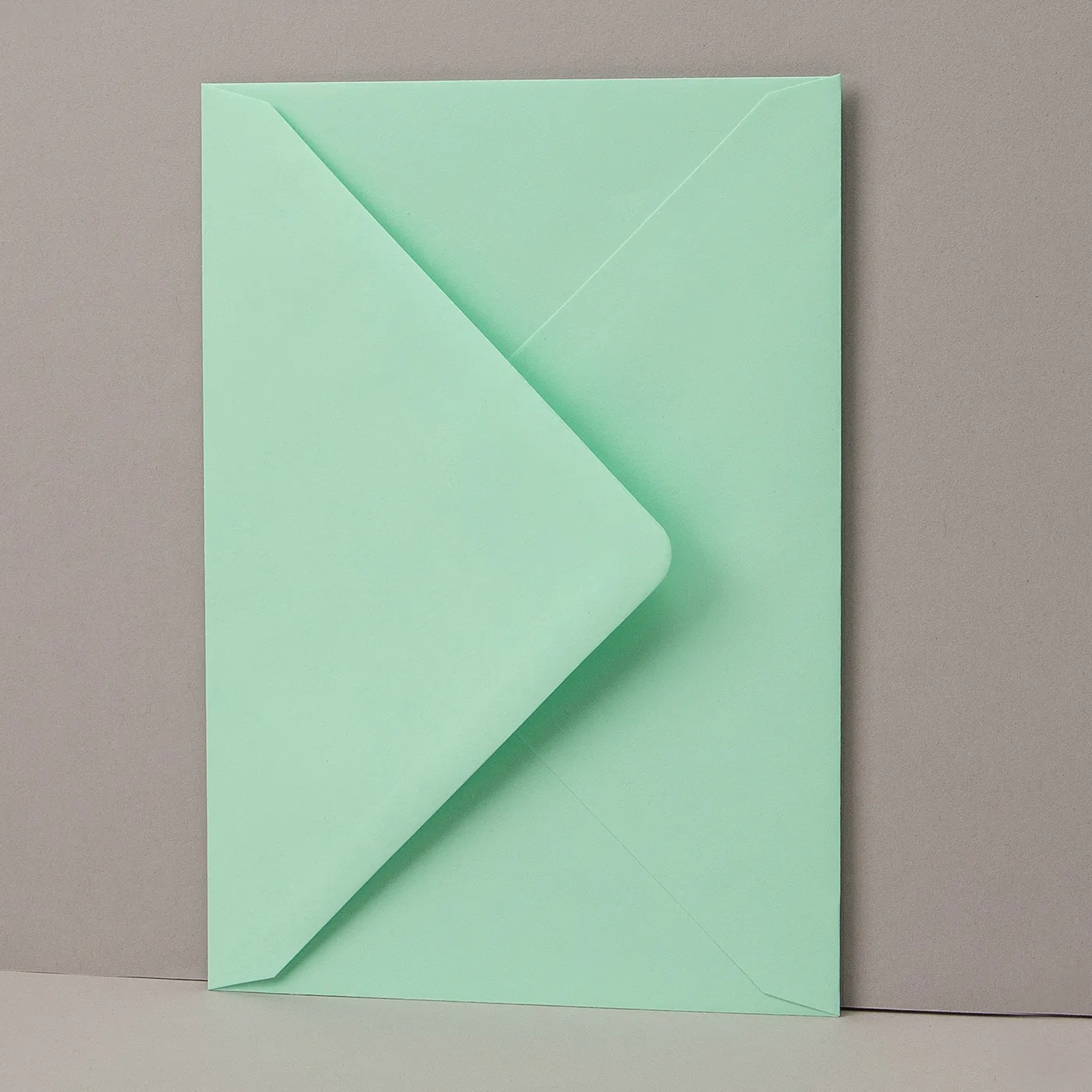
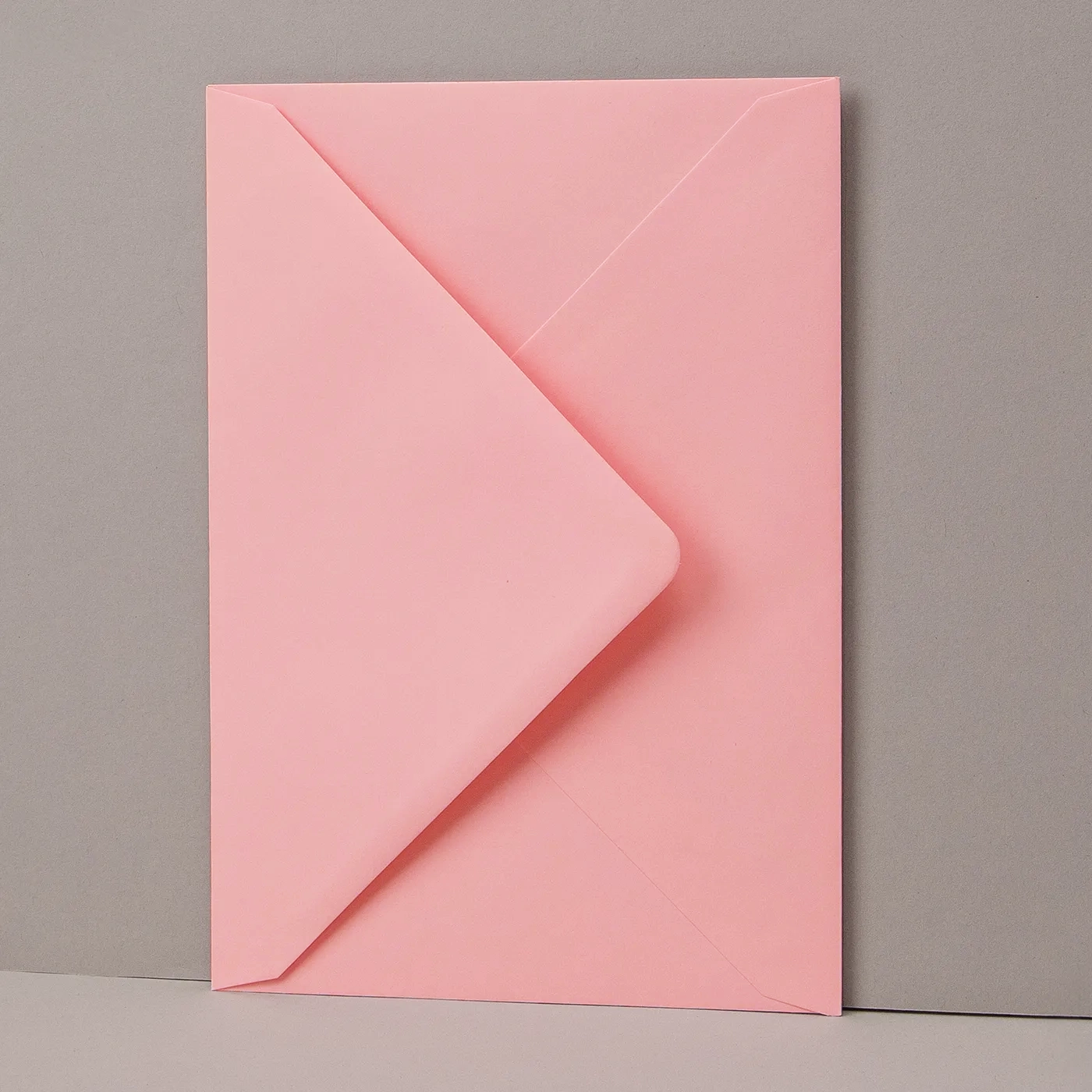
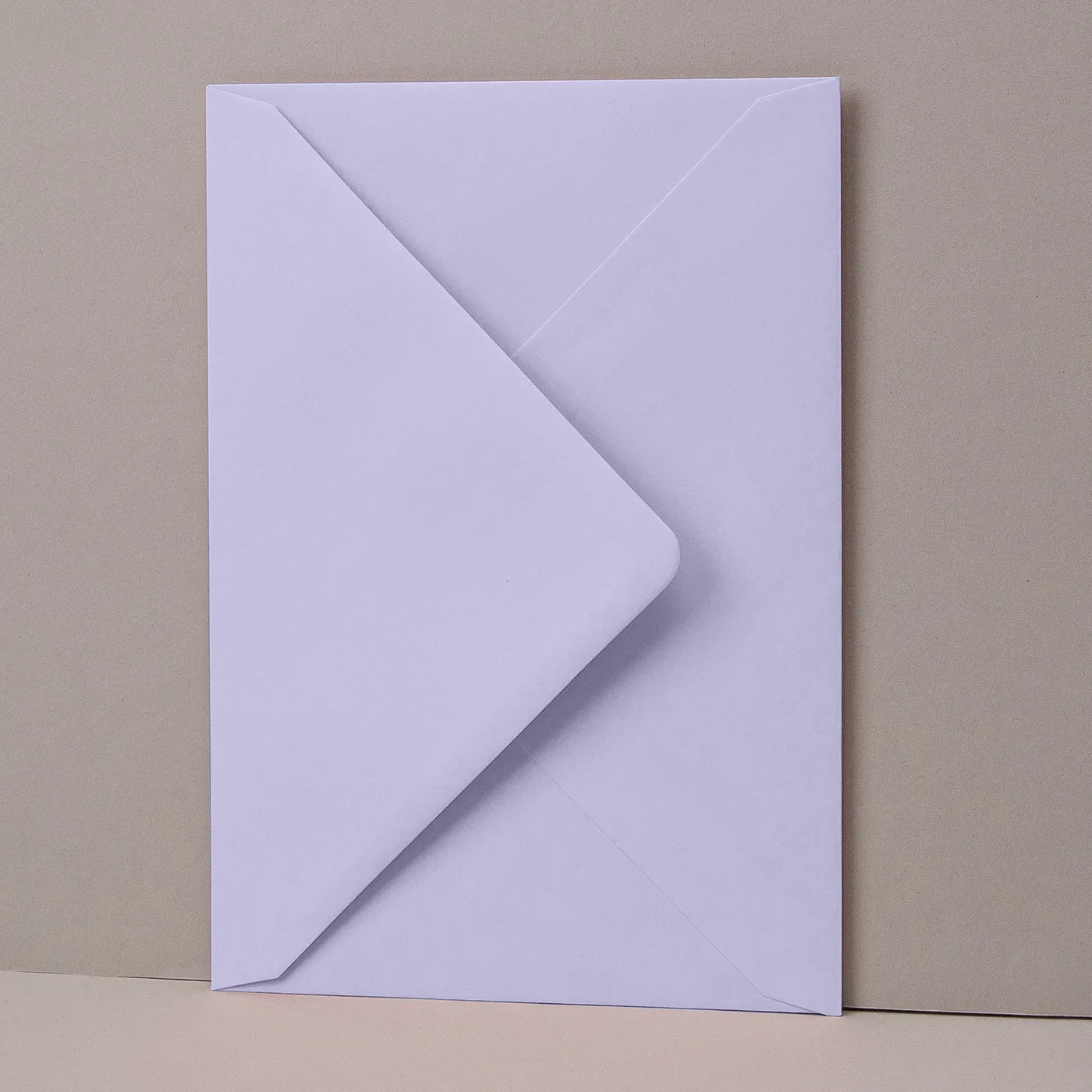
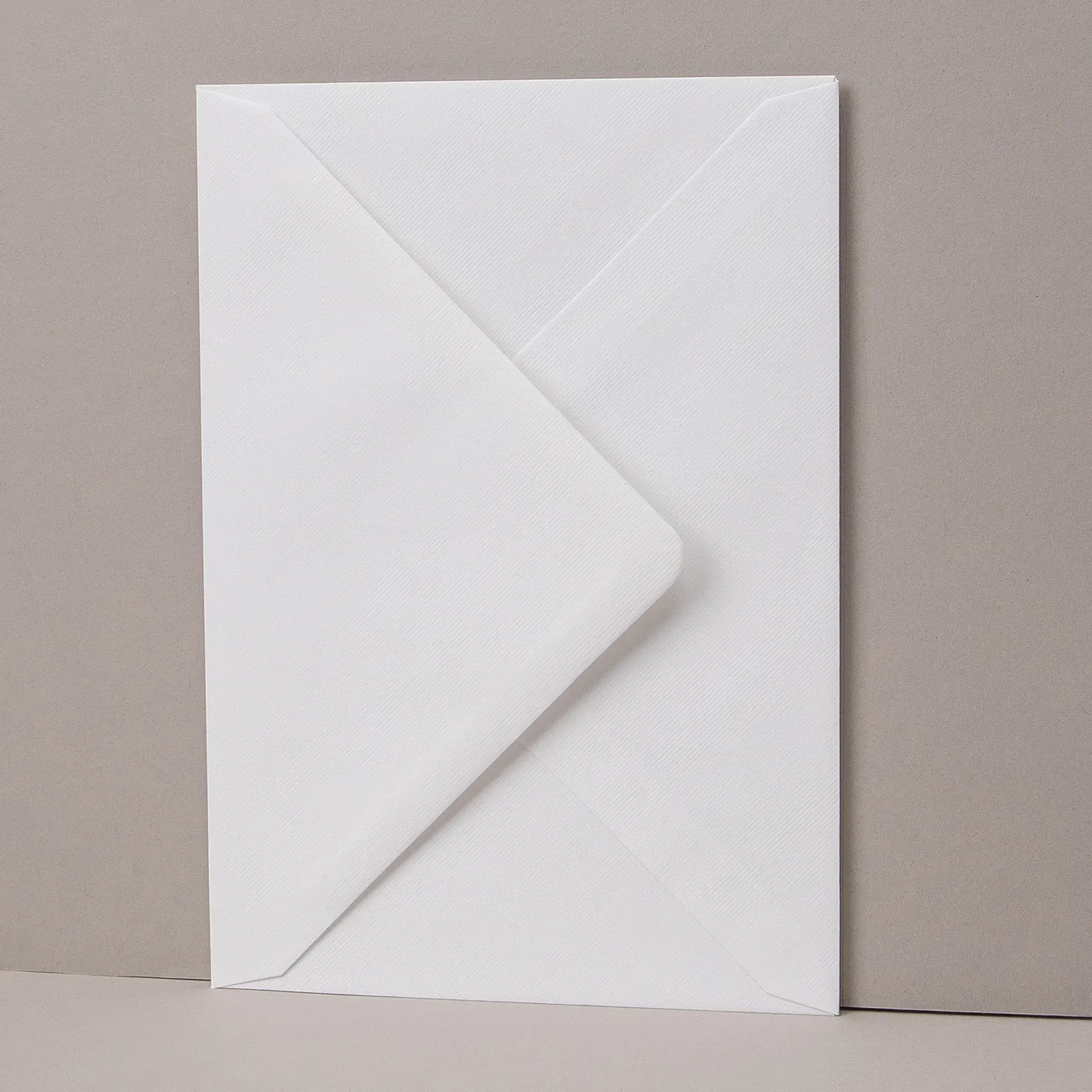
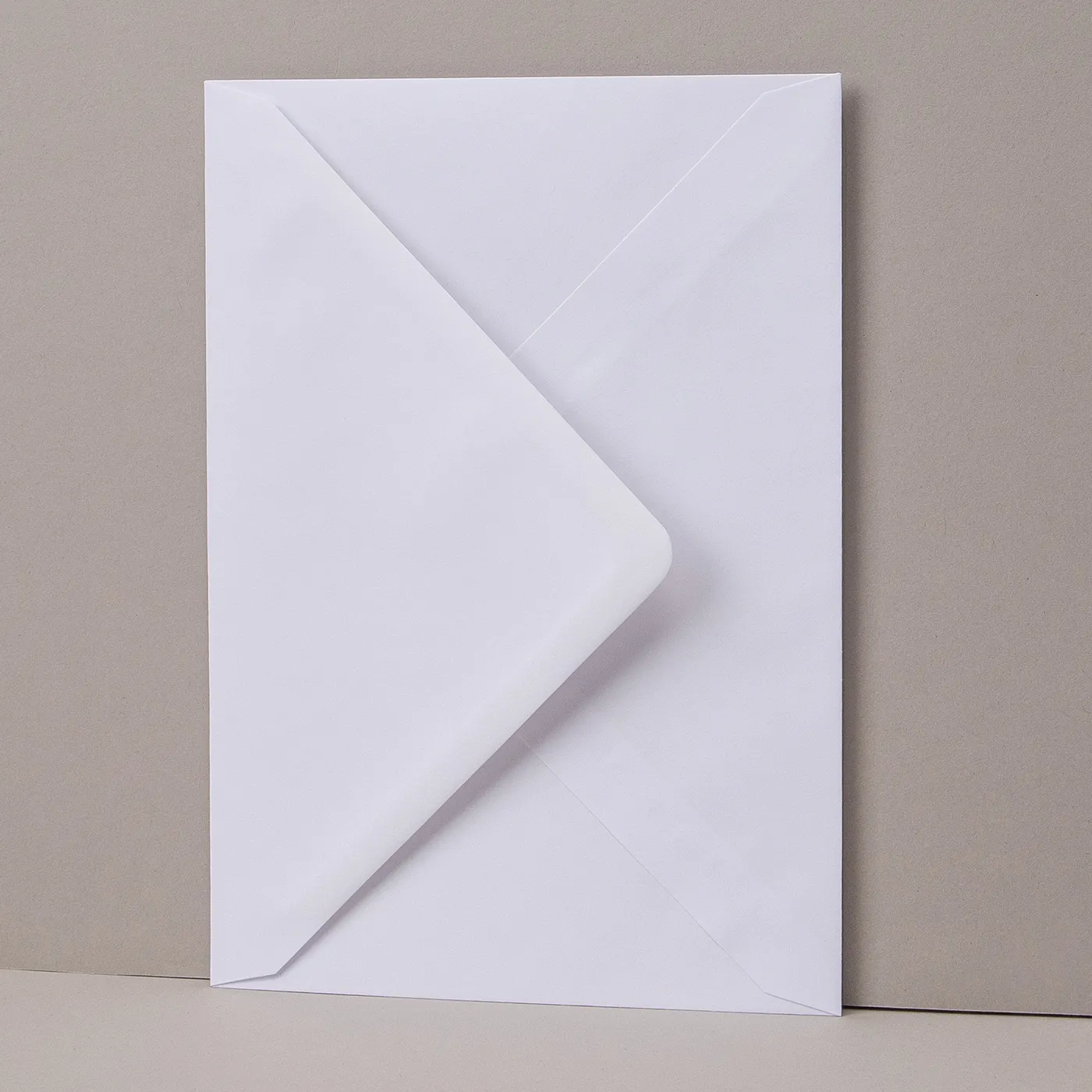
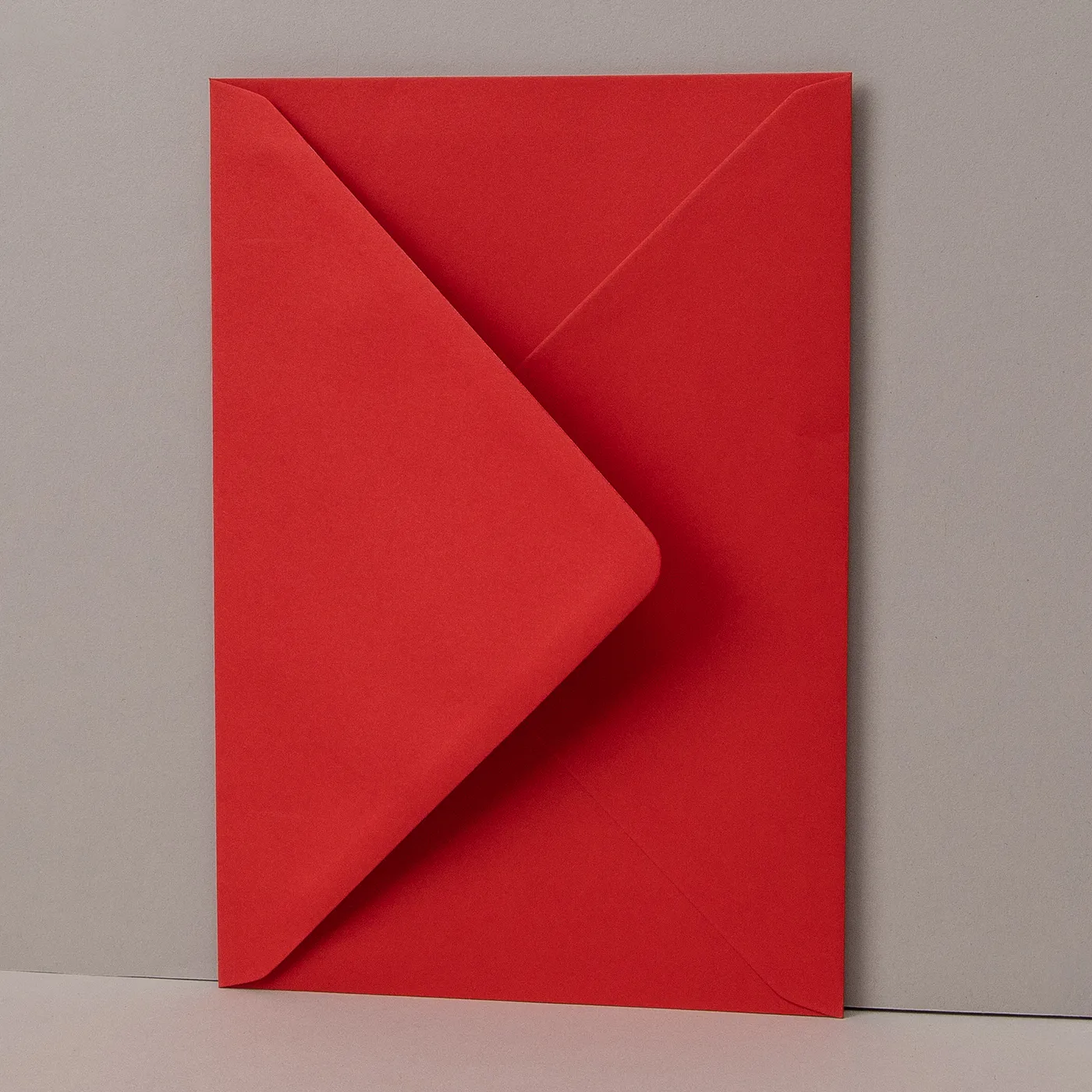
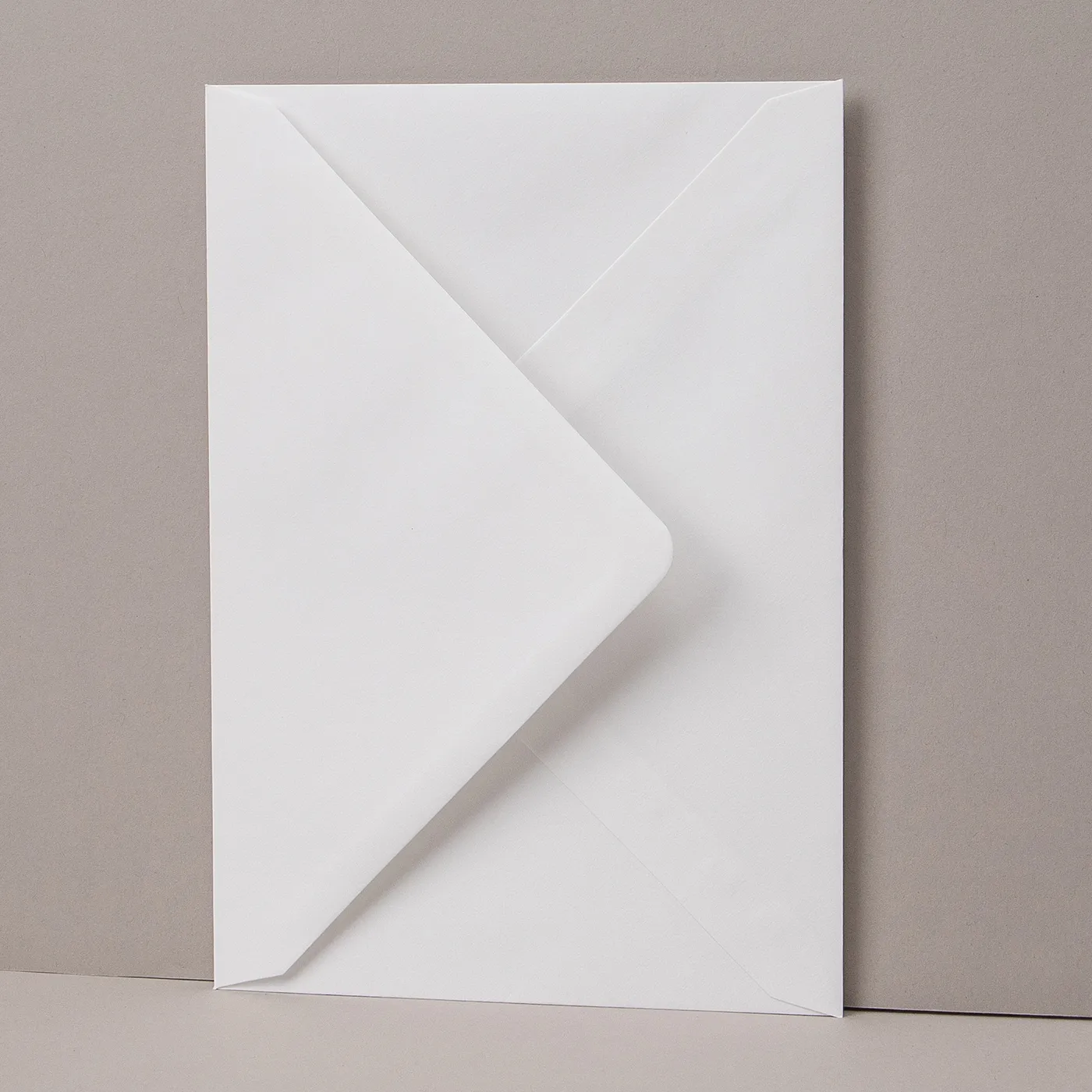
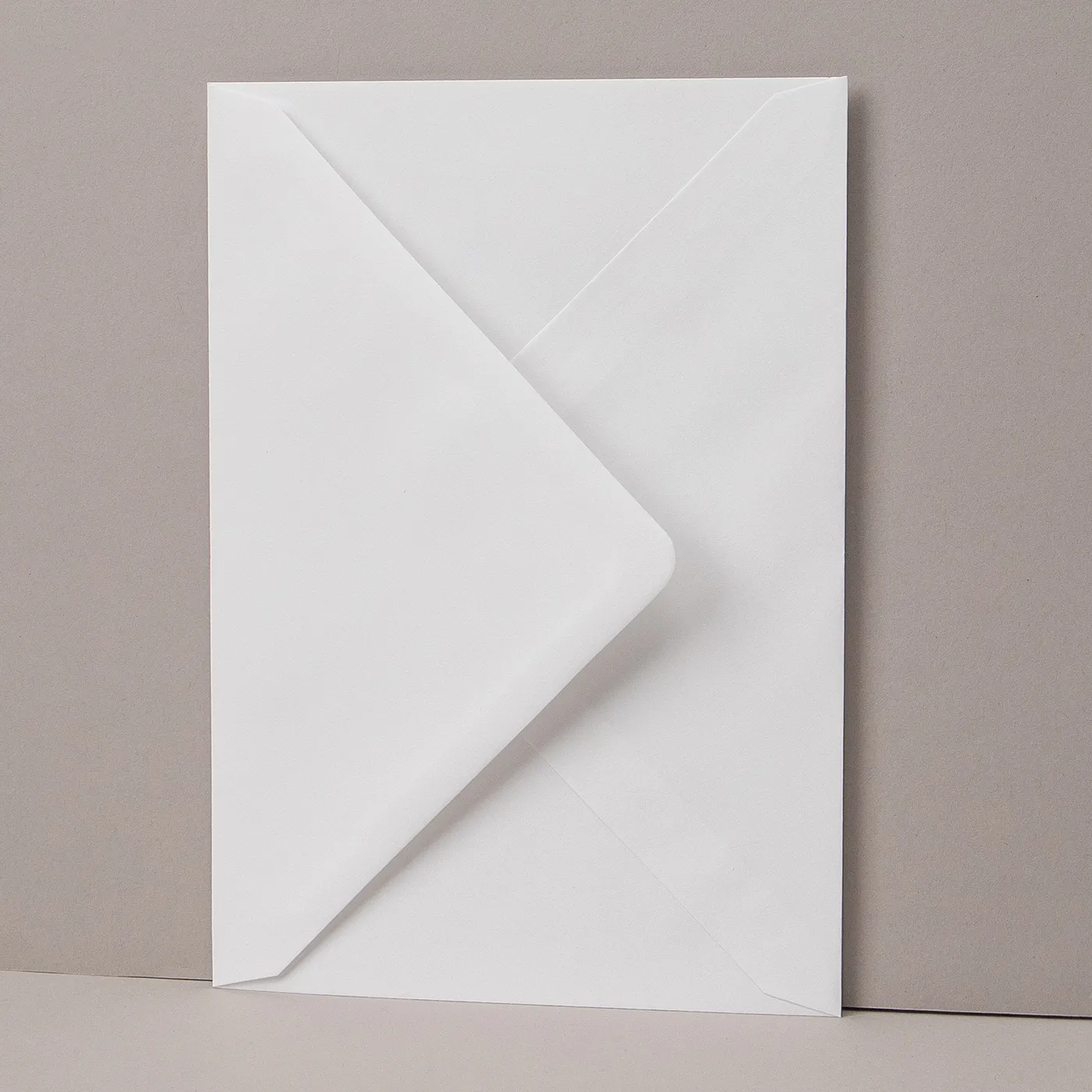
Envelopes
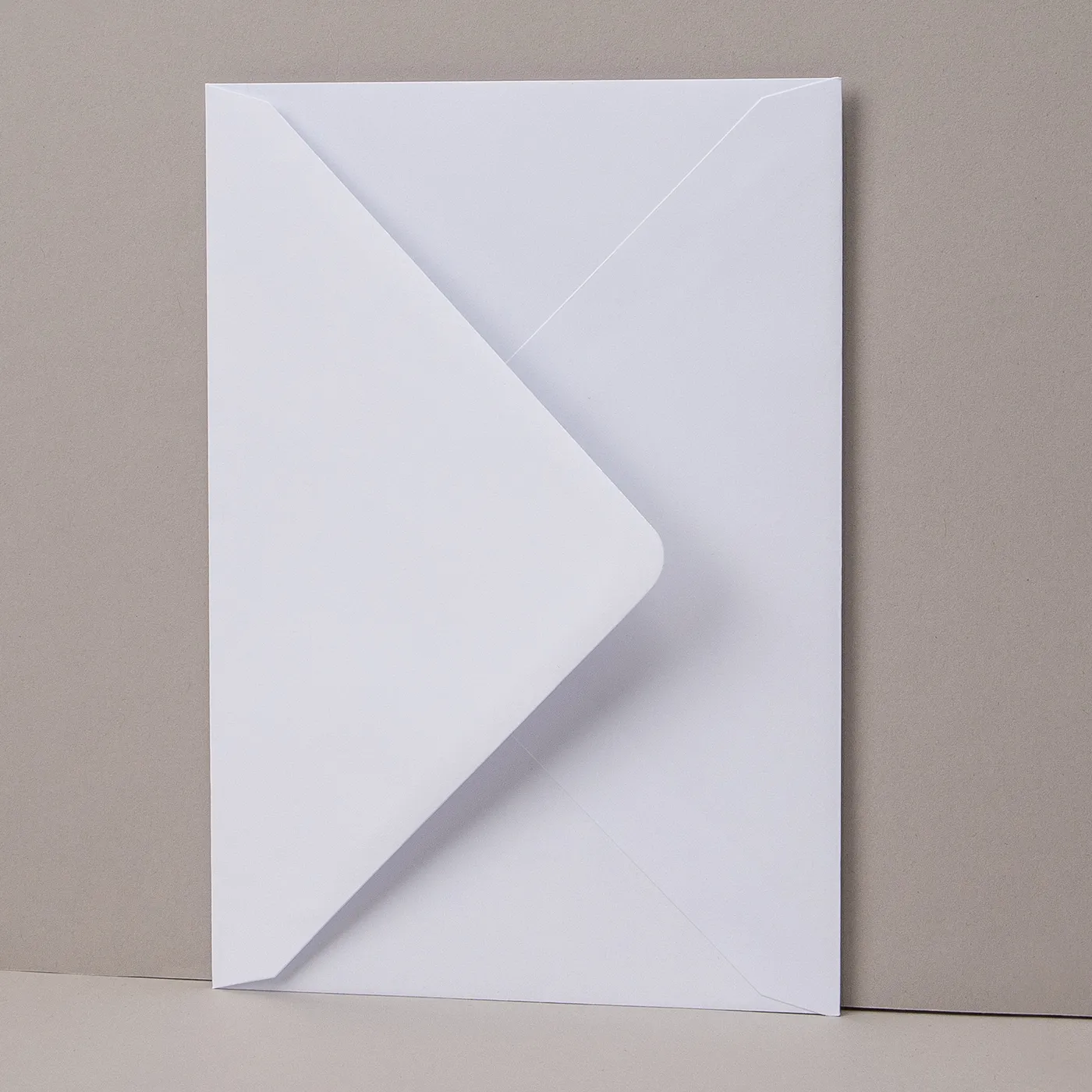
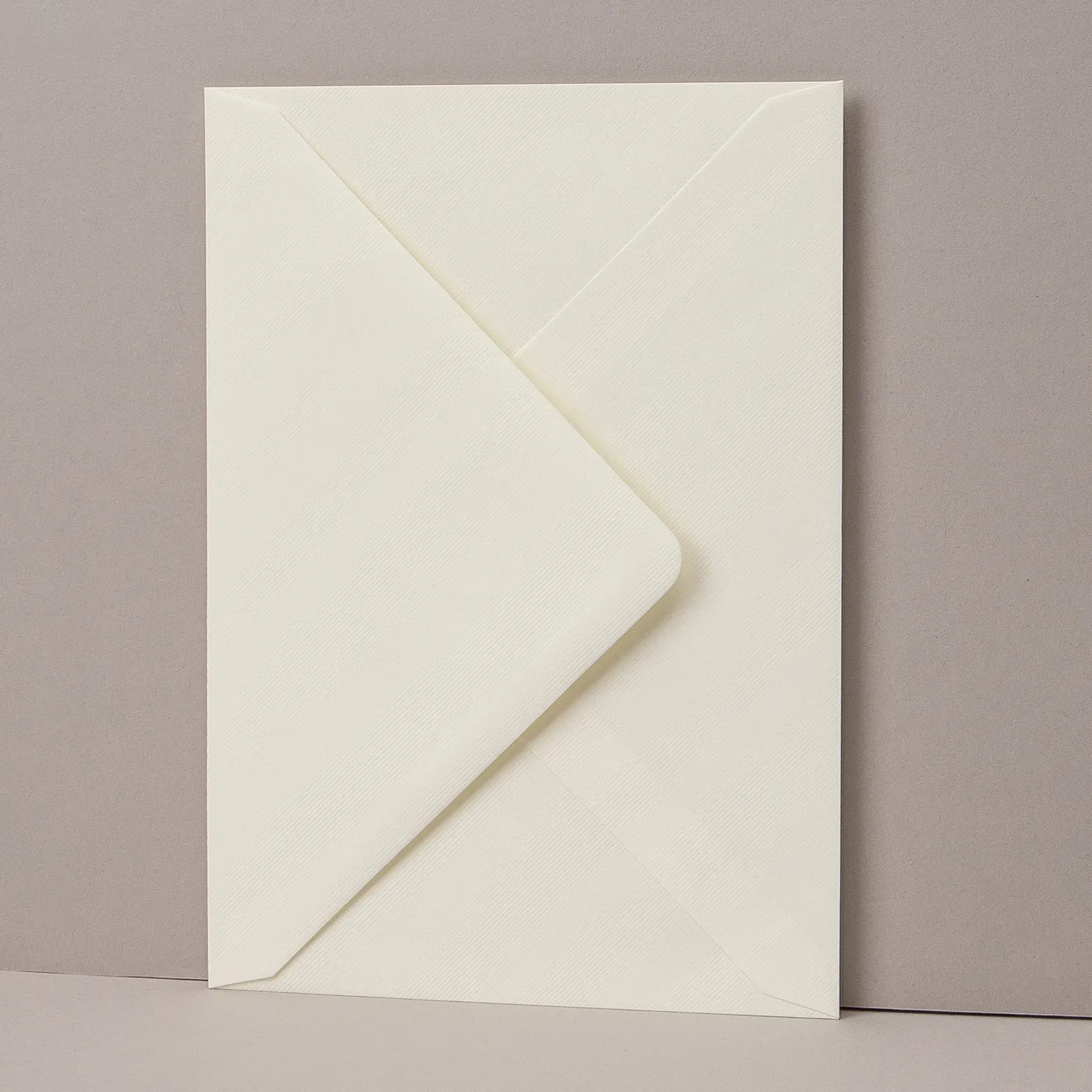
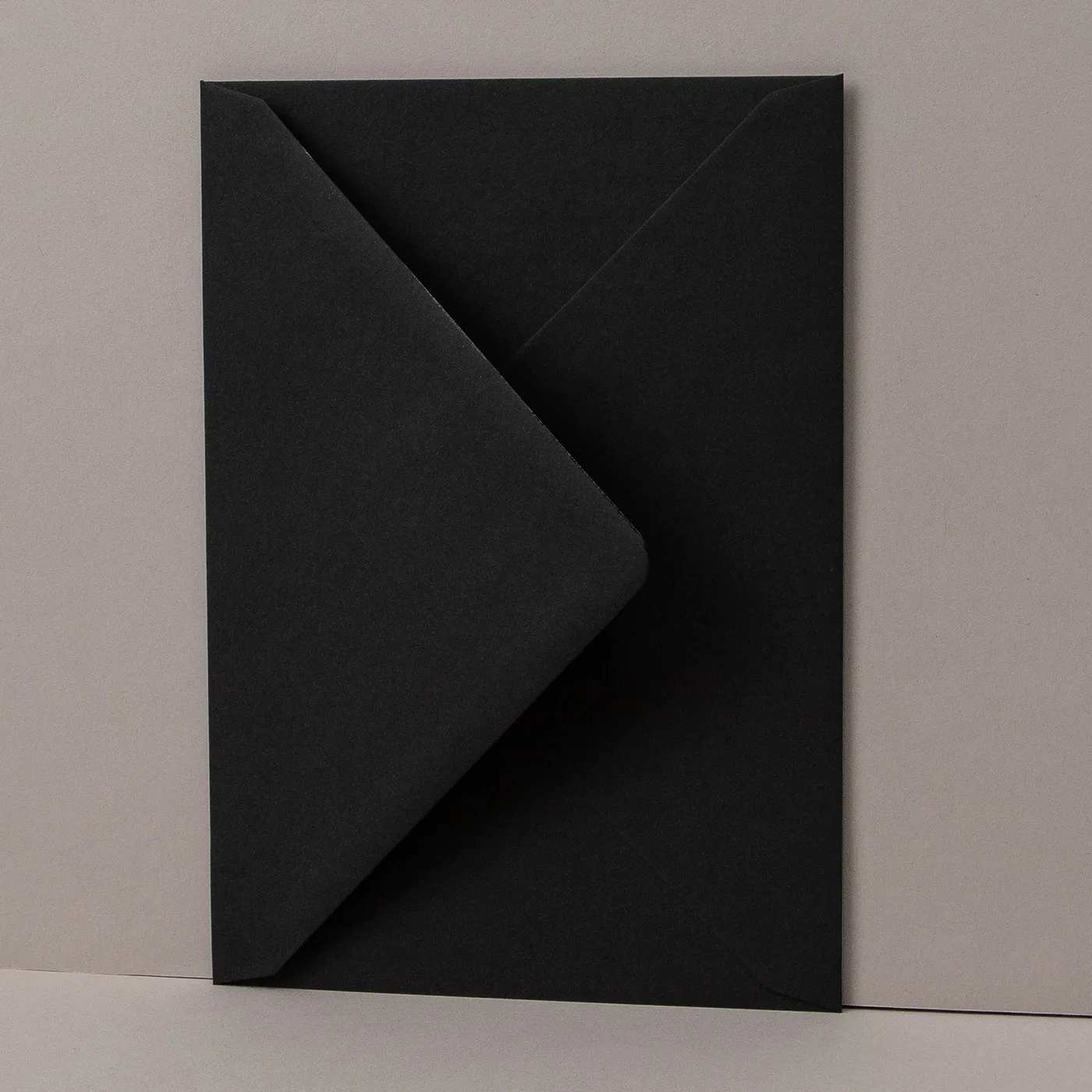
Some of our Envelopes are made from thinner paper than others. Make sure to check the weights below before ordering. To give you an idea, standard thin home printer paper is 80gsm. If you can't find exactly what you are looking for, please contact our Bespoke Team.
Our Envelopes match our paper types, so you can easily choose something that complements your print.



Cellophane Bags
Easily package your print with a professional poly or biodegradable cellophane bag.
Standard cellophane bags
- Neat closure self-seal strip
- Re-sealable
- High clarity 30-micron polypropylene
- Fast and efficient packaging
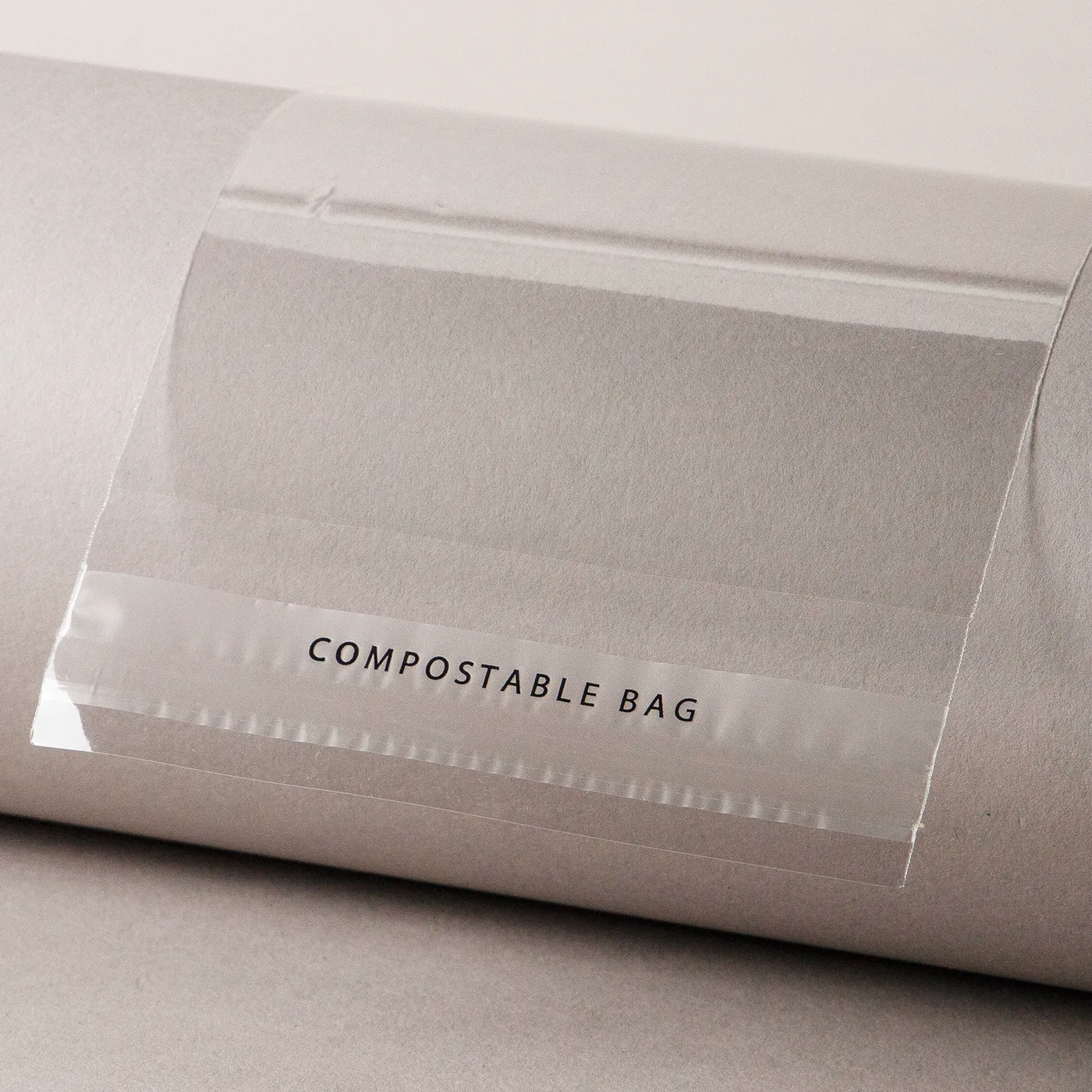
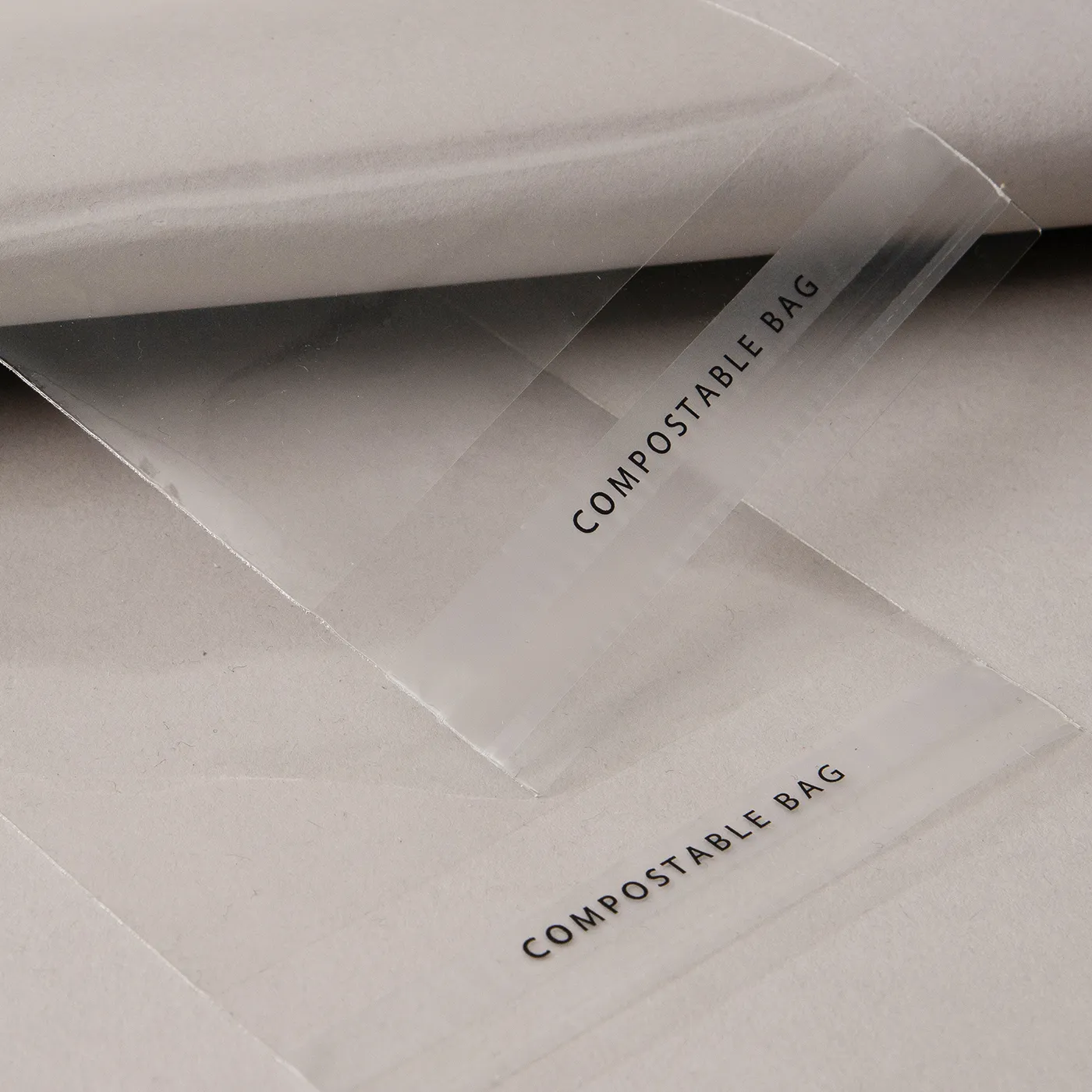
Compostable cellophane bags
- Made with renewable corn and other sugar starches
- 100% compostable film
- 30-micron film
- If stored in a cool, dark area, life expectancy is 6 months
Select your Delivery options
Delivery type
As you have previously selected a delivery option for a previous product we have grouped these items to lower your delivery costs. Due to the items added to your basket we are no longer able to offer your selected delivery option. Please reselect your delivery from the options below. If you are sending to multiple addresses you can ungroup your items.
Delivery type
The paper you have chosen is not available at this quantity.
To keep your paper choice please enter a quantity than .
- Cream - 400gsm
- Tintoretto Gesso - 250gsm
- Tintoretto Gesso - 300gsm
- Kraft - 300gsm
- Laid - 300gsm
- Nettuno - 280gsm
- Recycled Silk - 350gsm
- Recycled Uncoated - 350gsm
- Silk - 300gsm
- Silk - 350gsm
- Pearl Polar - 300gsm
- Acquerello - 280gsm
- TruCard - 300gsm
- Pearl Oyster - 300gsm
- Fresco Gesso - 300gsm
- Ice Gold - 300gsm
- Rives Shetland - 250gsm
- Uncoated - 350gsm
For documents with this number of pages, the maximum quantity available is units.
If you require a larger quantity, please reduce your number of pages to less than 1 or get in touch with our Bespoke Team.
This reorder job does not allow editing the original artwork. You may still upload a new piece of artwork but doing so will remove the original artwork. Do you want to continue?