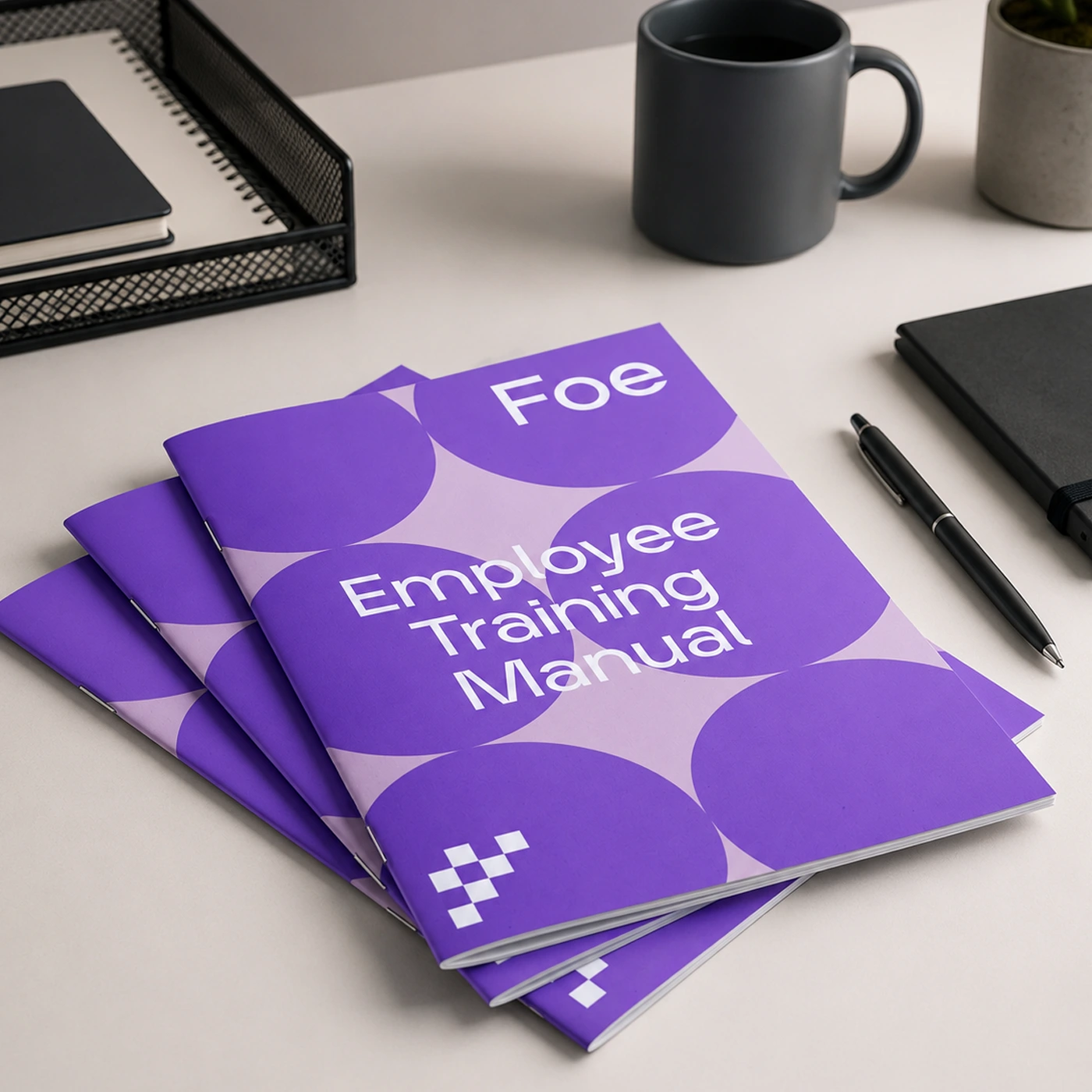
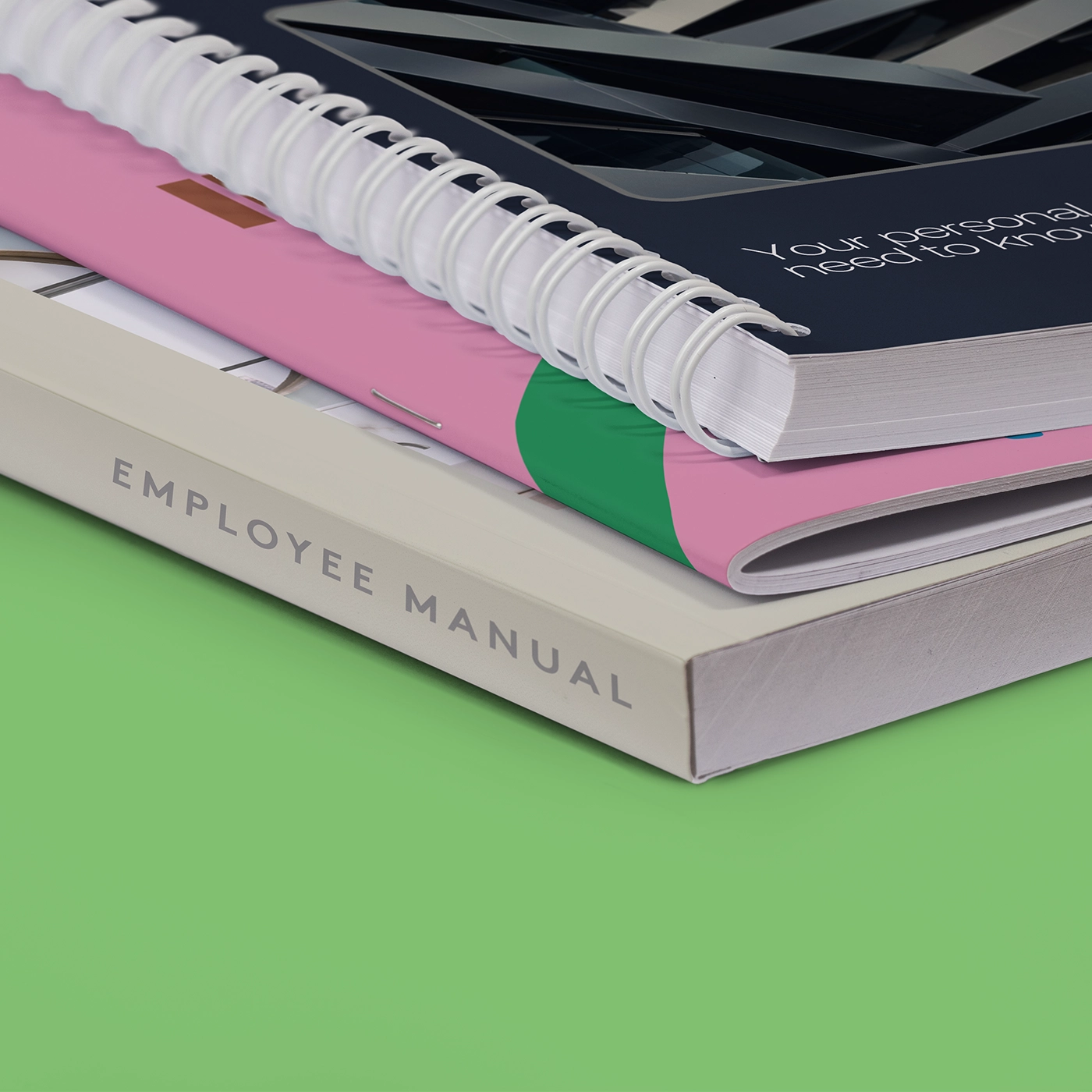
Saddle stitch "Employee Training Manual" stack on an office desk.
Spiral Bound, Perfect Bound and Saddle Stitch Manuals
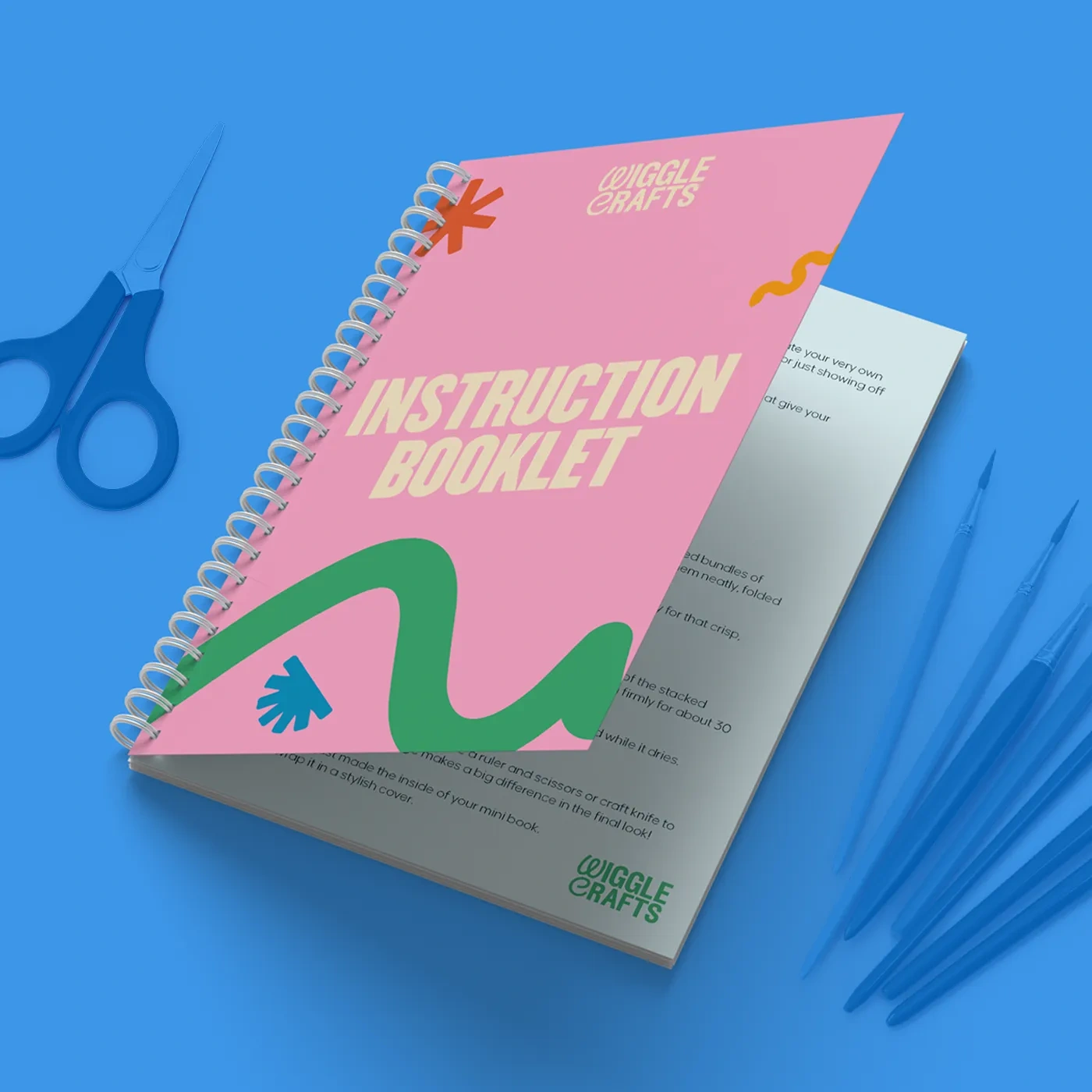
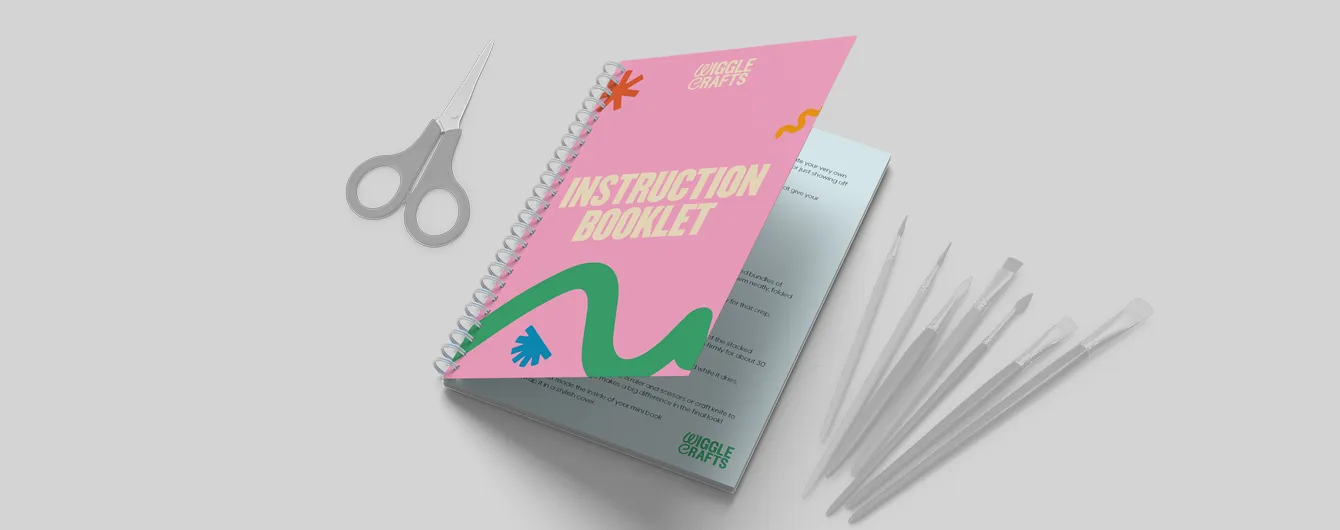
Spiral Bound "Instruction Booklet" Manual
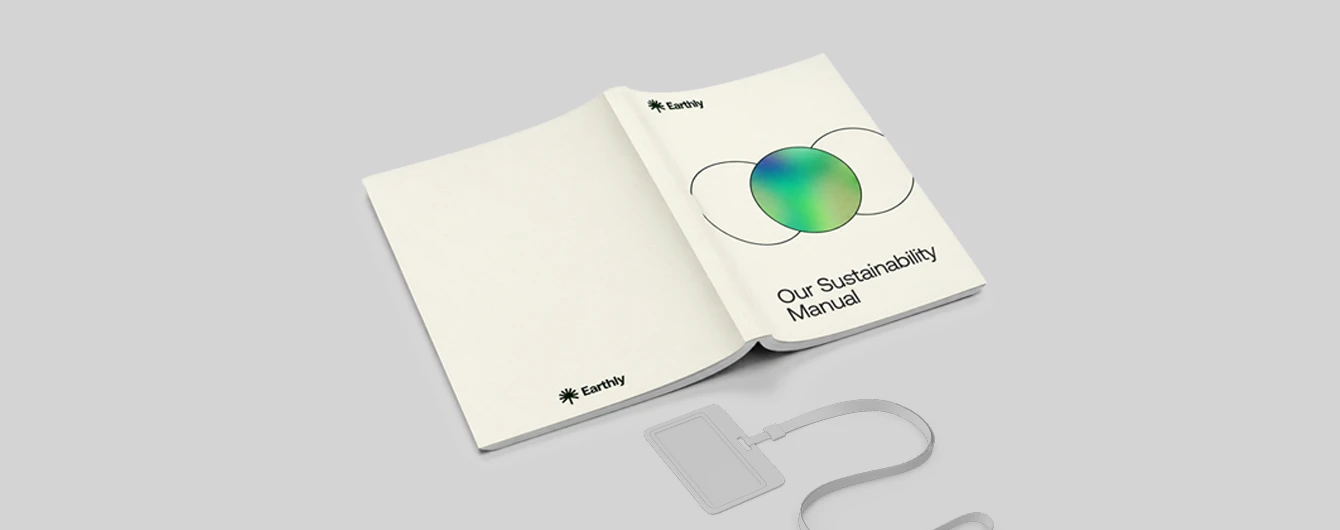
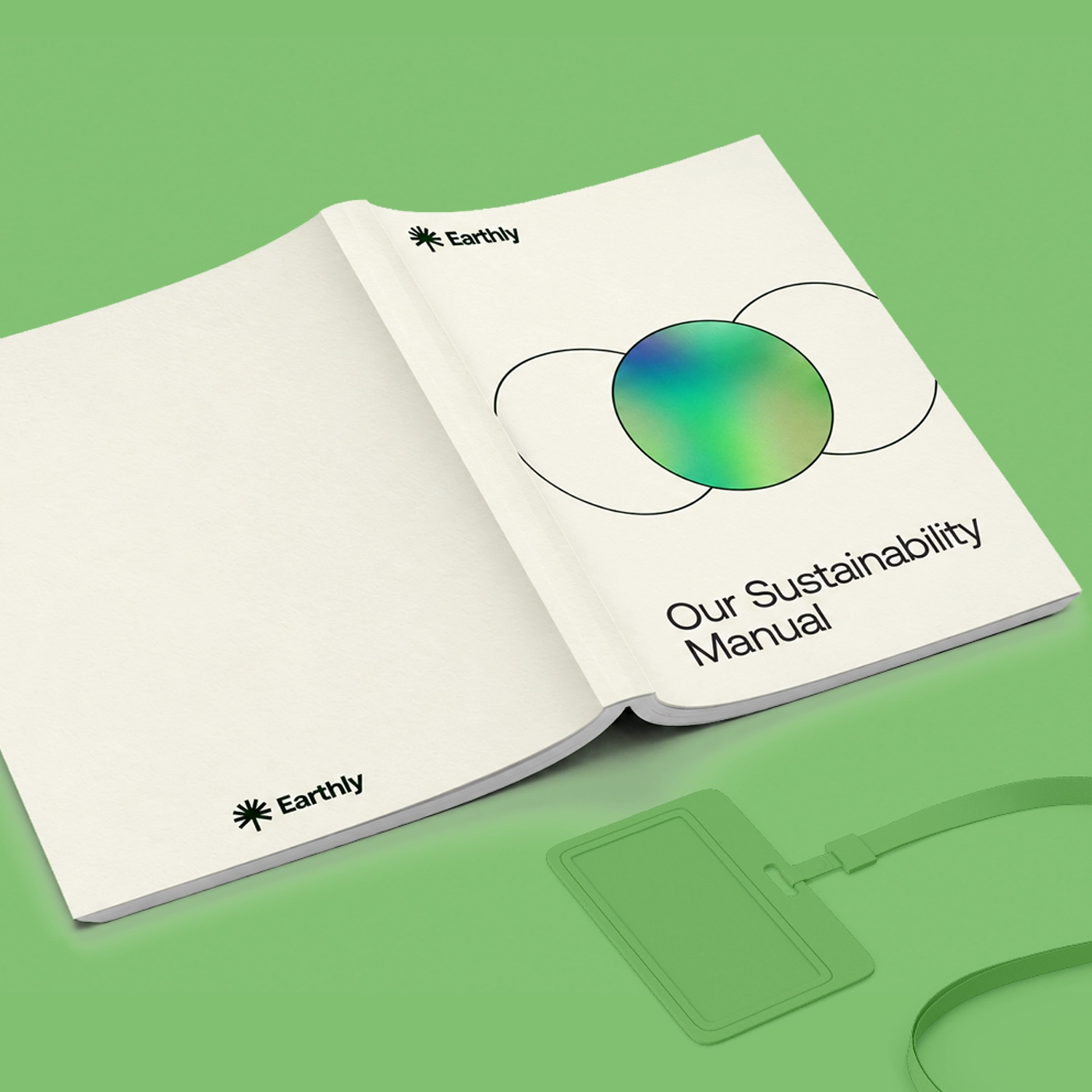
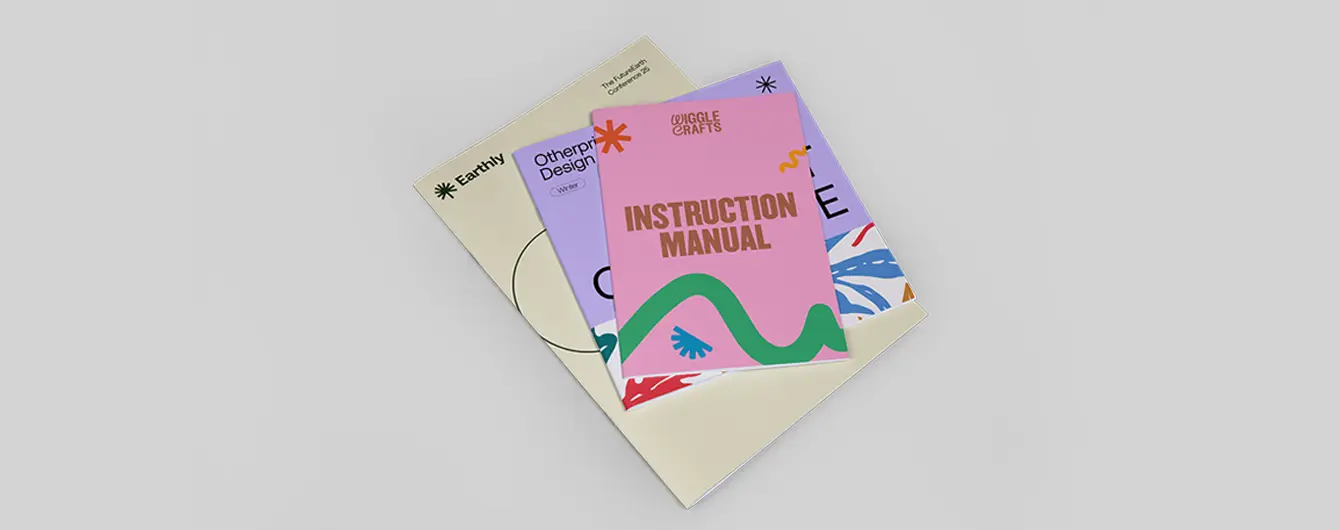
Perfect bound "Our Sustainability Manual"
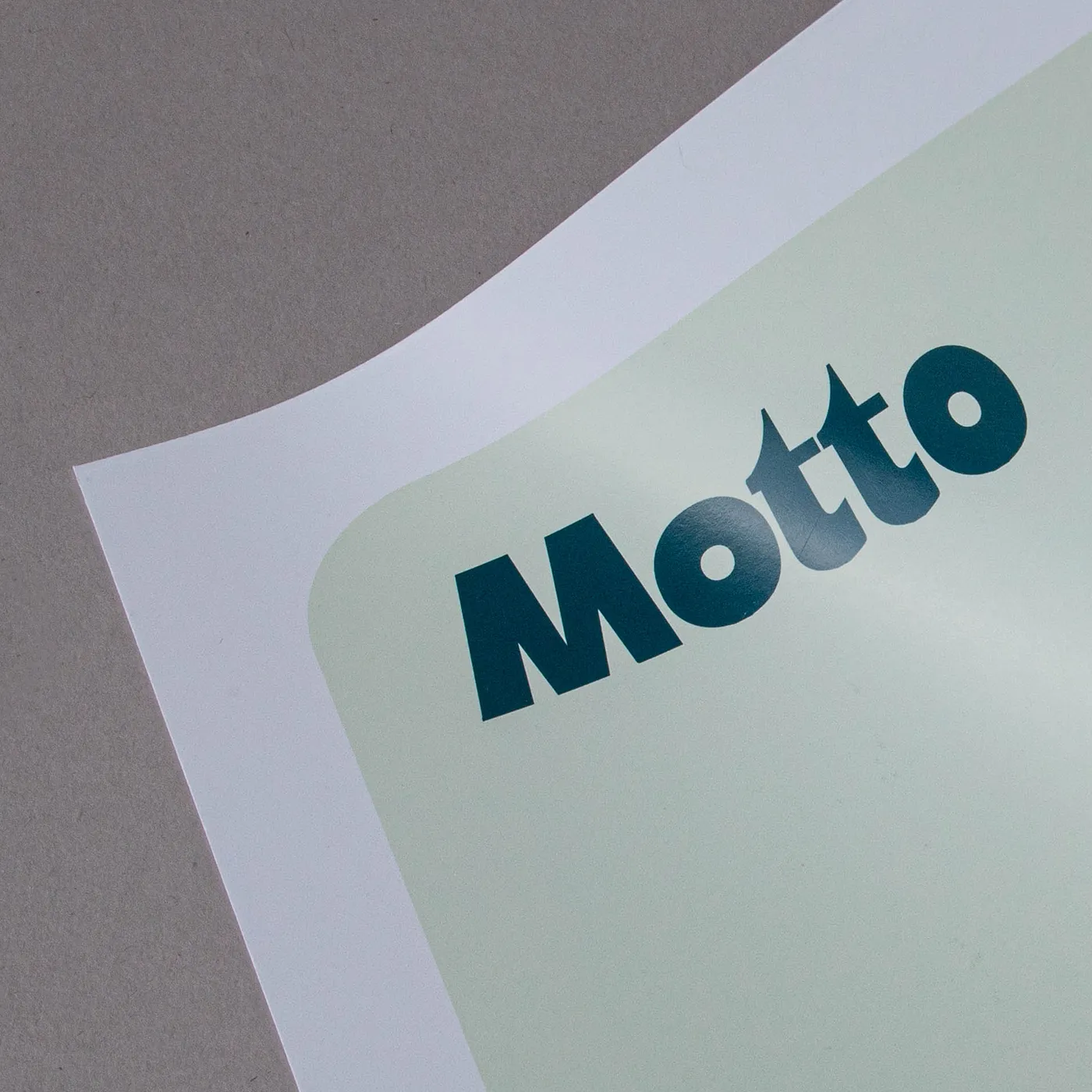
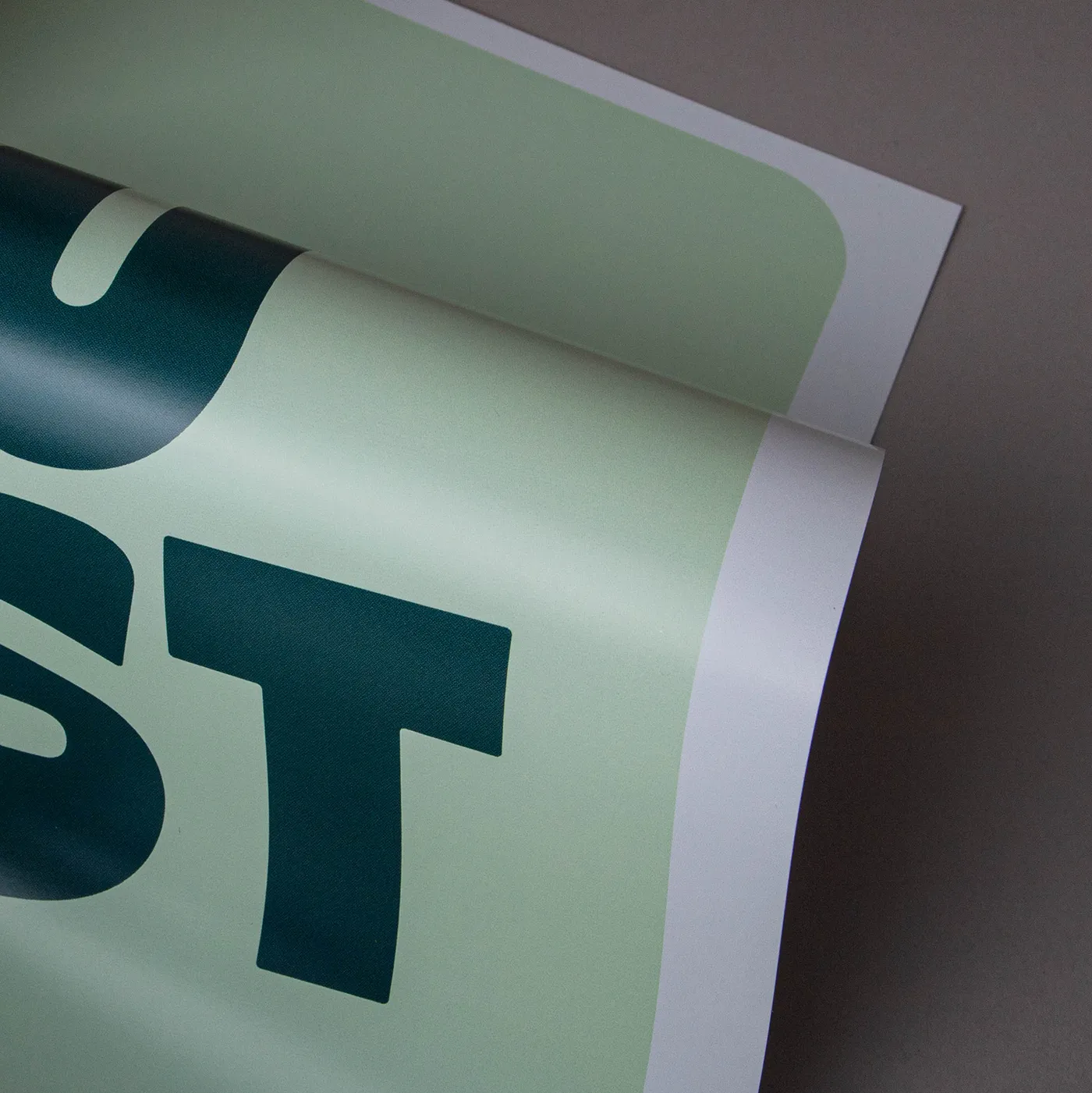
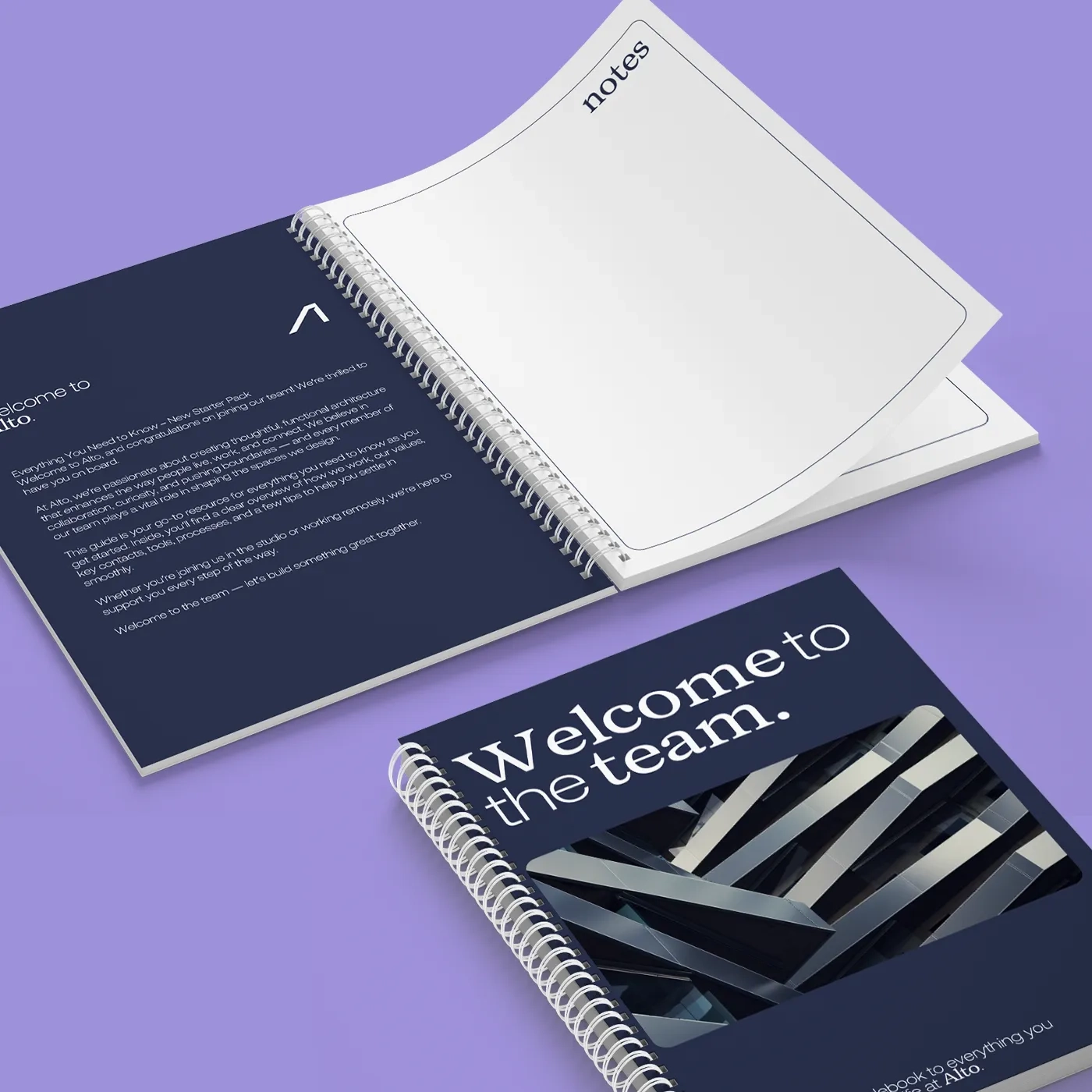
"Welcome to the team" Spiral Bound Manuals
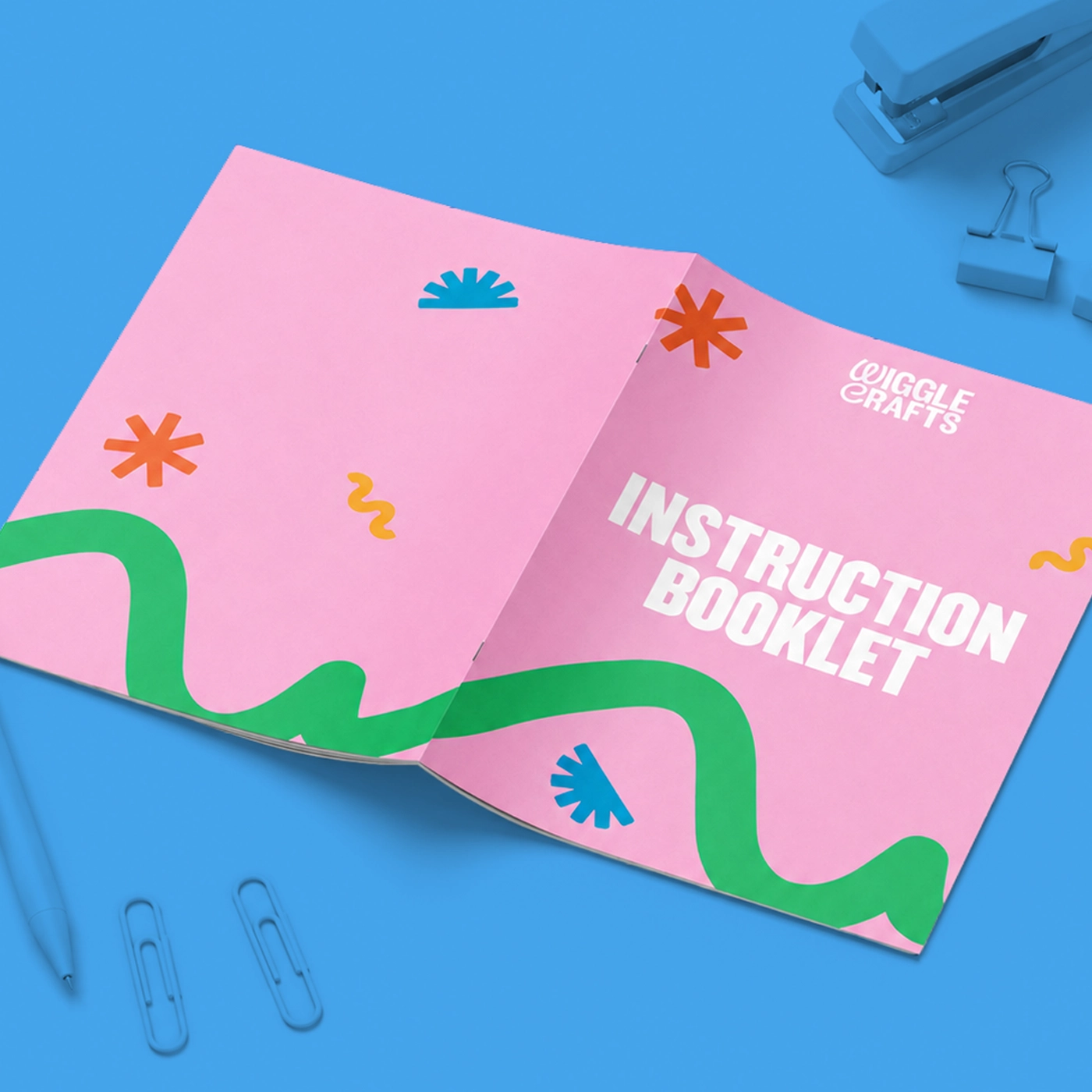
Saddle stitch "Instruction Booklet" Manual laid flat open.
Saddle stitch "Employee Training Manual" stack on an office desk.
Spiral Bound, Perfect Bound and Saddle Stitch Manuals

Manuals

From  £ 15.00 (ex VAT)

Excellent 4.6
Deliver your workplace documentation with professionalism using our versatile Manual printing services. Choose cost effective saddle stitch binding for lightweight user guides, retail quality perfect binding for heavy-duty training modules and compliance policies, or spiral binding for lay flat, hands-free reference. Customisable with your chosen size and sustainable or premium paper stocks, each format can be tailored to your needs. Finish with protective cover lamination or elegant foiling for added durability and impact. More information

  • 3 versatile binding styles 
  • Flexible page counts 
  • Customisable cover and inner pages
  • Explore our book printing guide here
Build Your Own

Customise your product to your exact specification. We’ve got all the options you need to bring your print to life. Let’s make it real!
Popular this week

Our stocks

Find your perfect match

Showing 1-61-4 of 8Showing 3-85-8 of 8

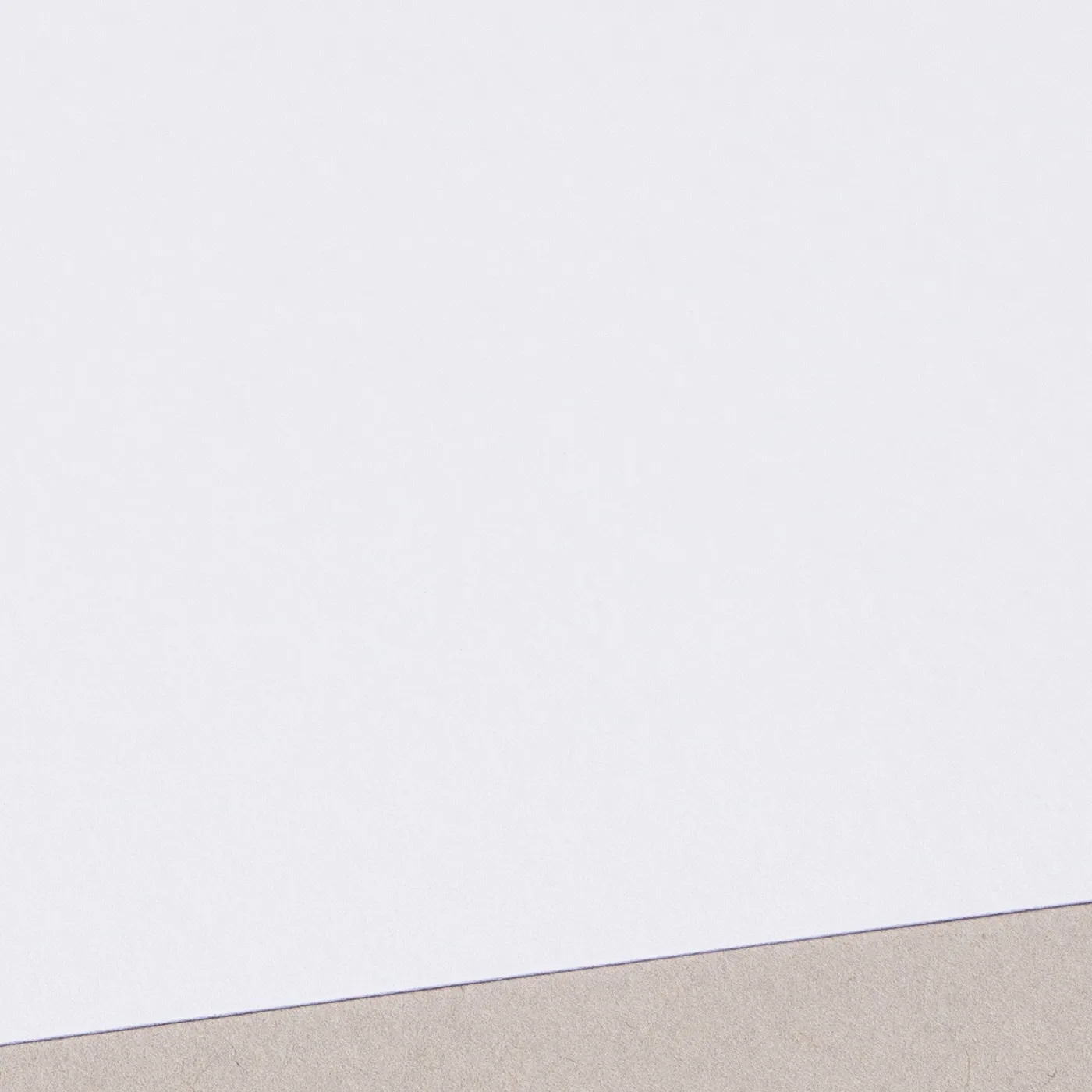
Silk

Our most popular paper choice, the smooth satin finish of Silk paper gives a clean, crisp look to printed colours and designs.

Gloss

The smooth and shiny finish of our versatile Gloss paper creates the most vibrant, eye-catching print with defined and sharp colours, without the need to laminate.

Uncoated

For a flat modern finish with no surface coating, Uncoated paper offers a soft, touchable texture that's ideal for writing on. It gives print colours a sophisticated feel and a muted finish.
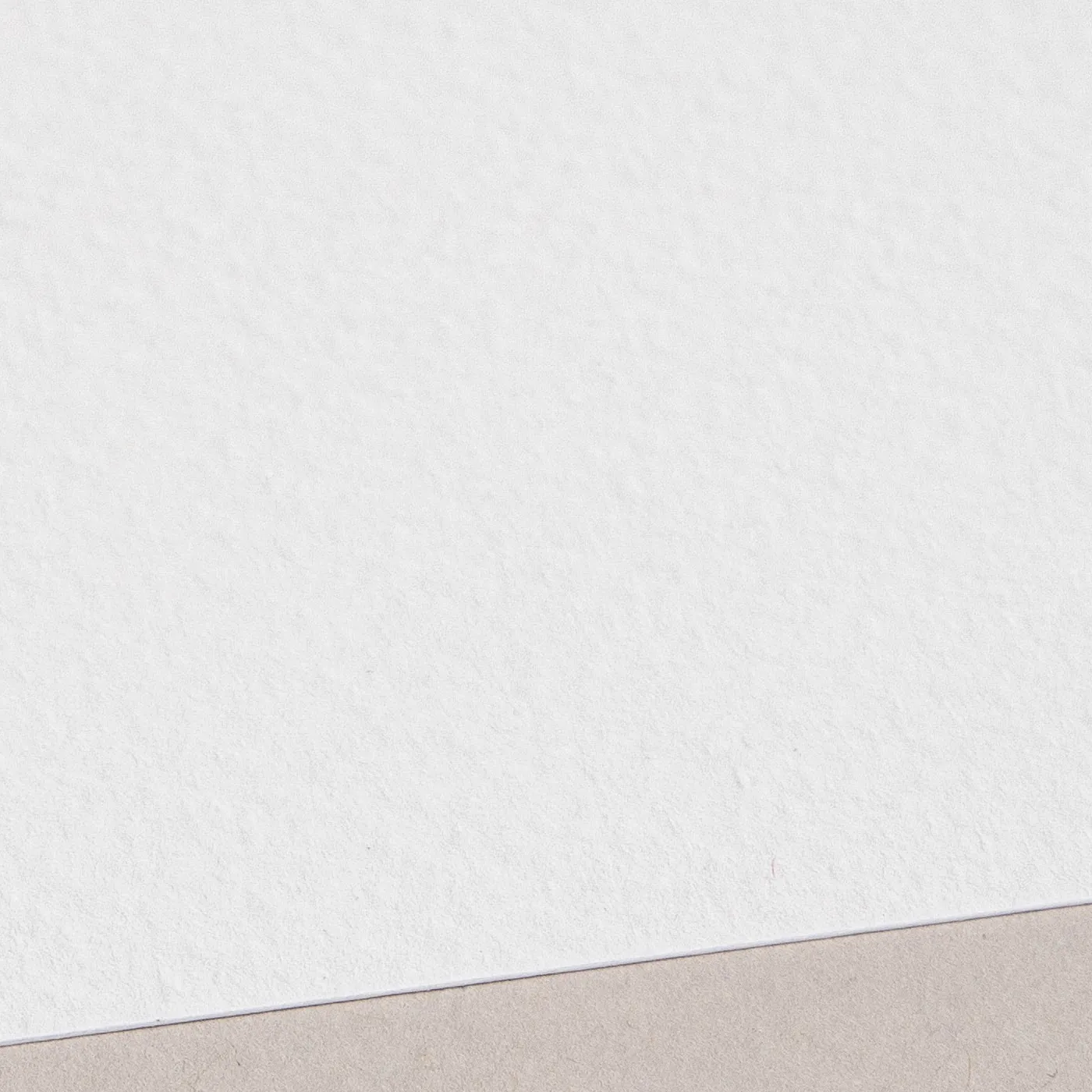
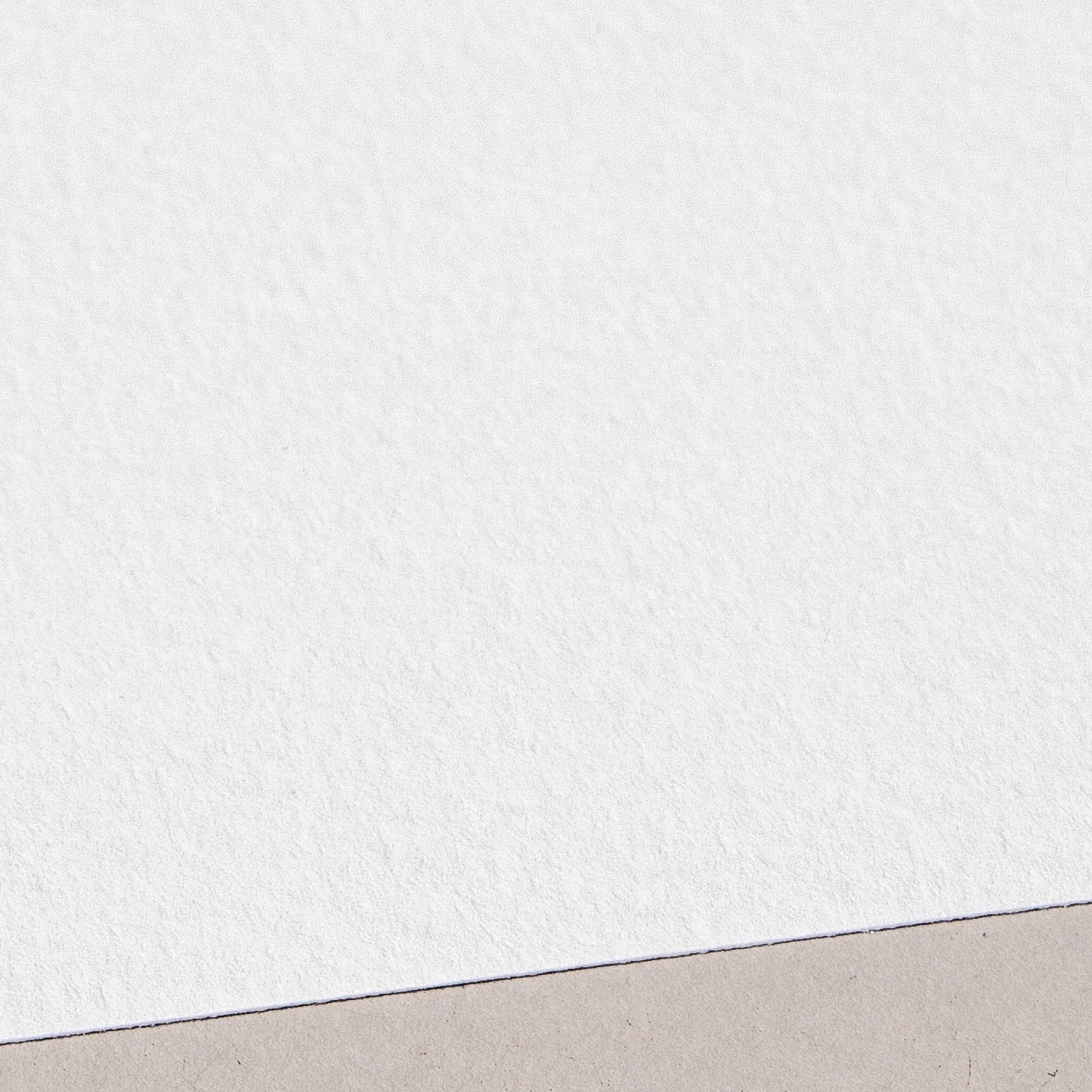
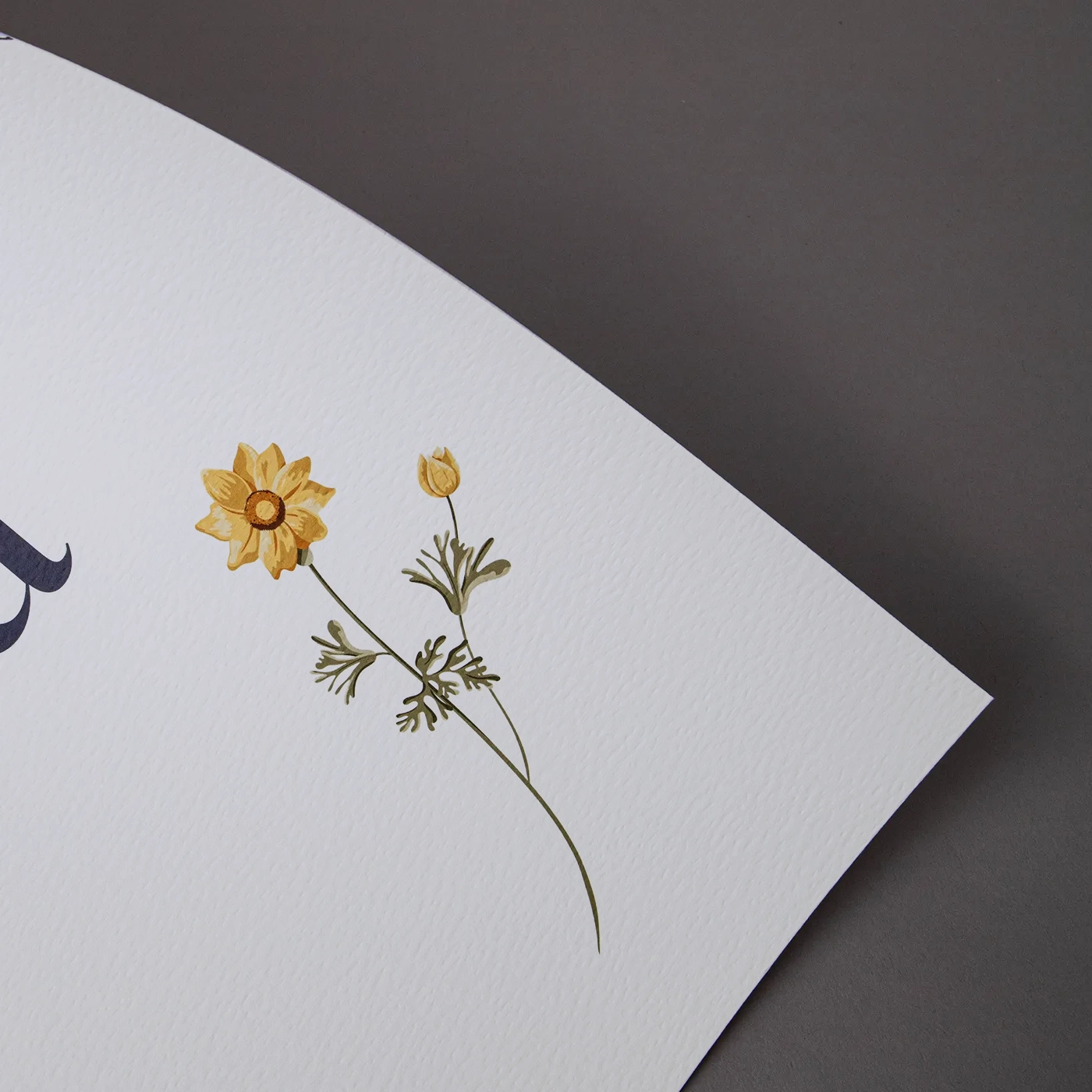
Tintoretto Gesso

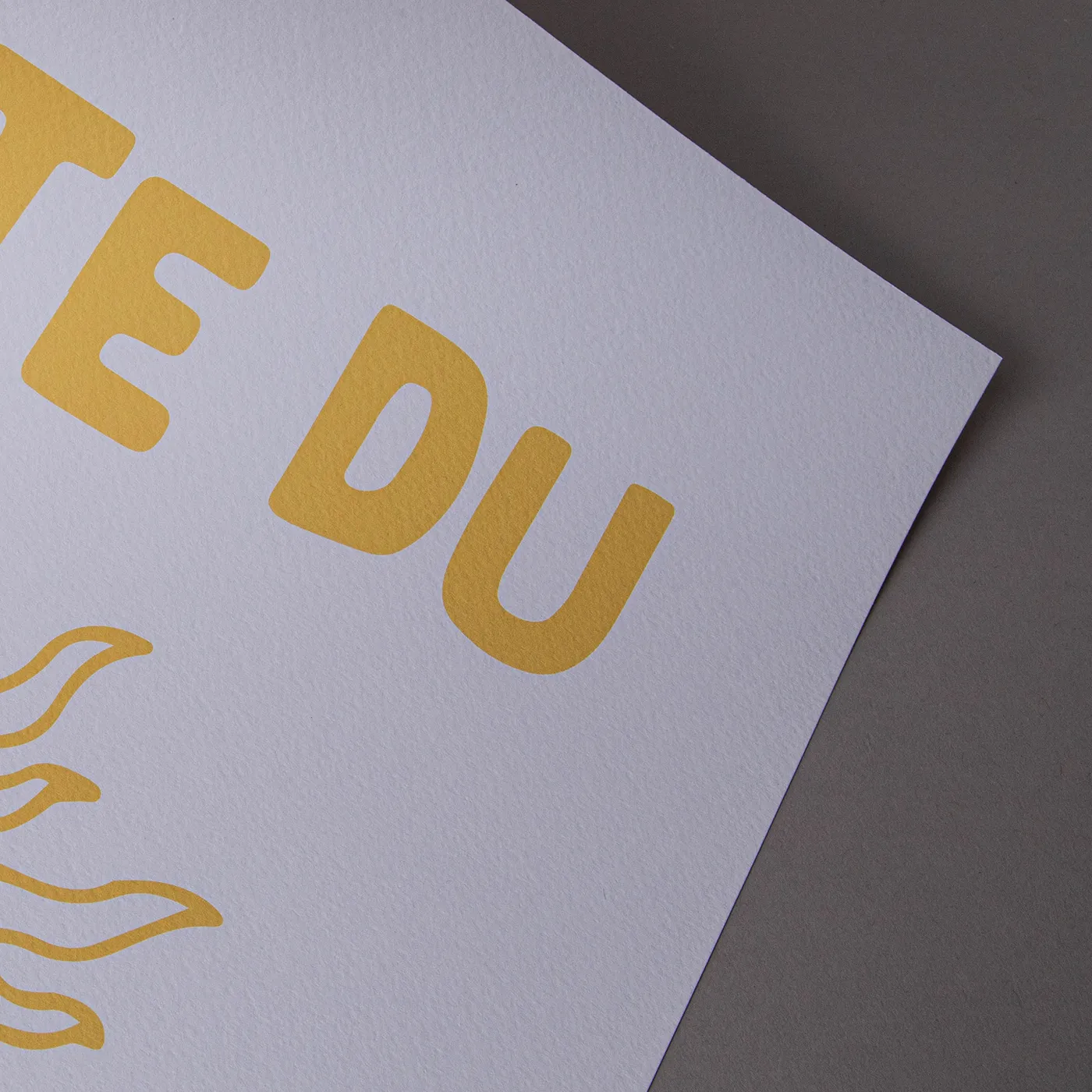
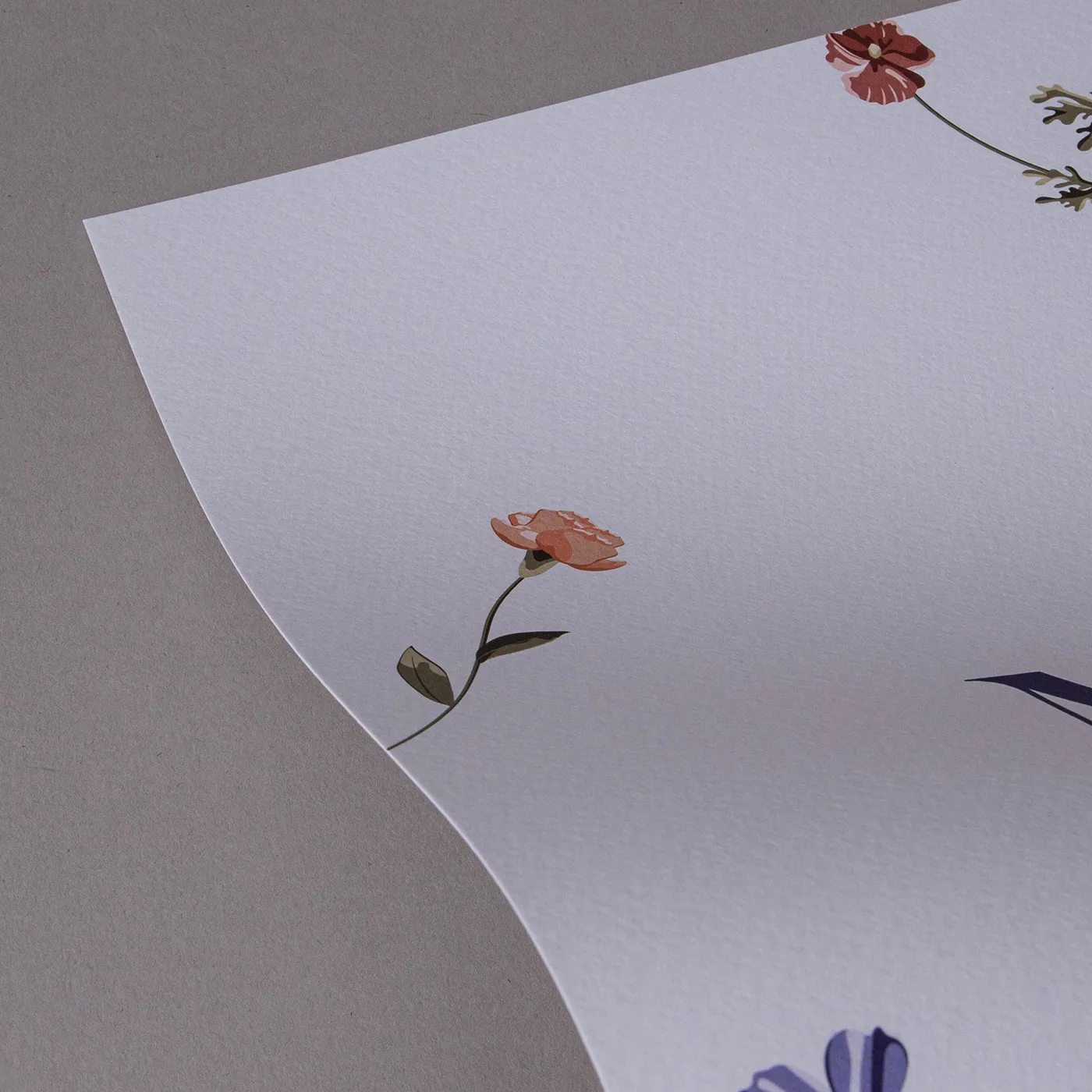
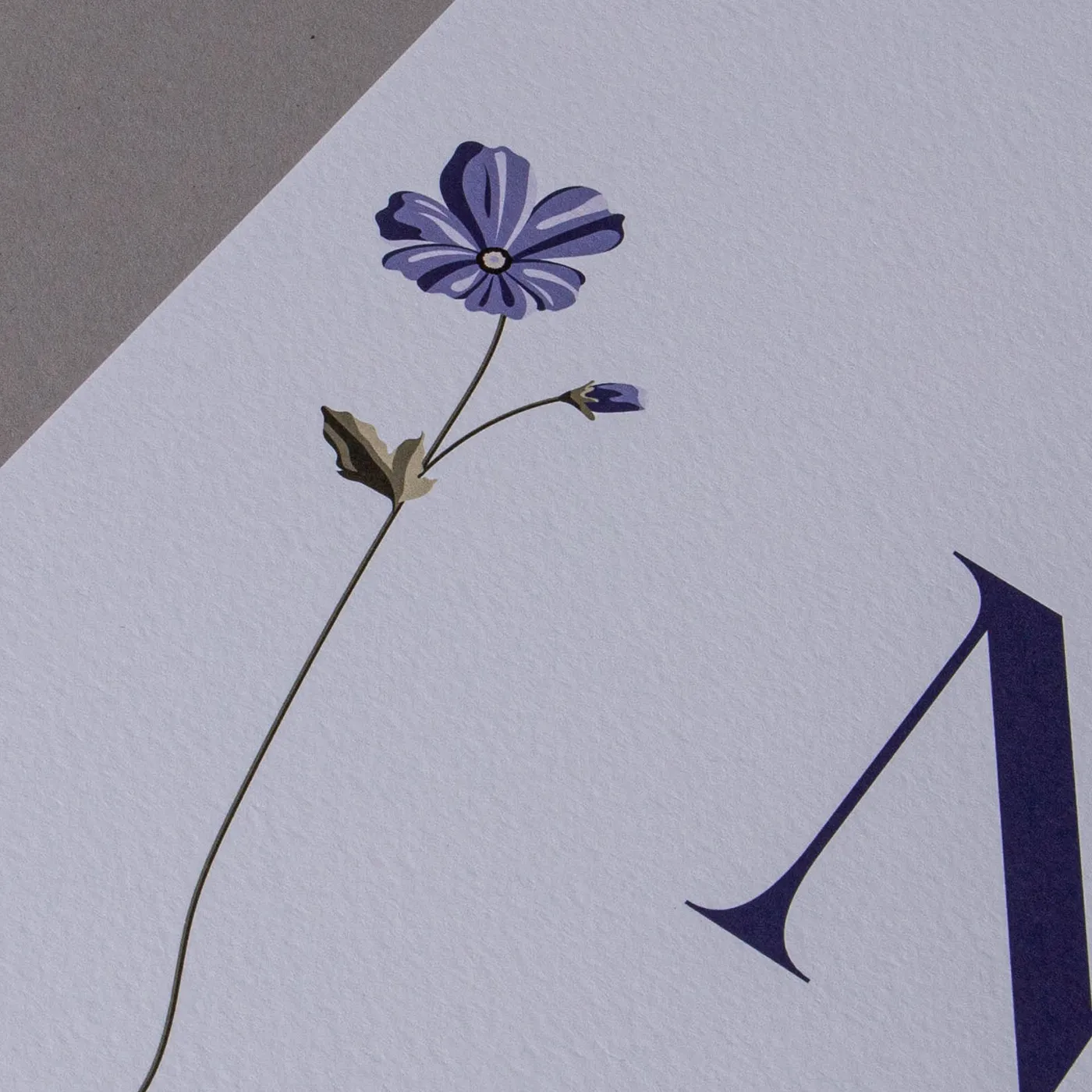
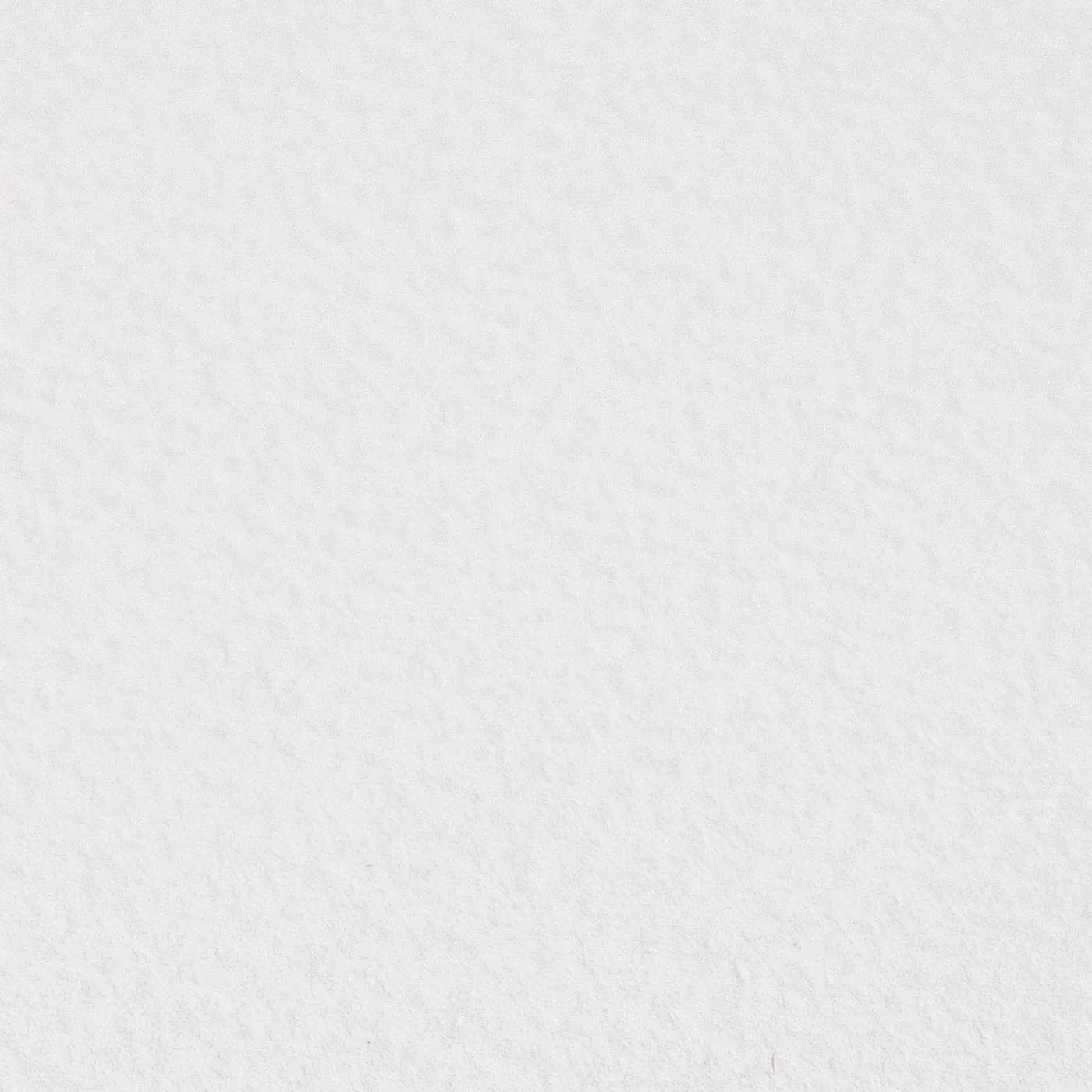
Meet our finest Italian Fedrigoni paper. With a warm off-white hue and a hammered finish, Tintoretto Gesso brings a layer of prestige to your print. It's ideal for luxury designs.
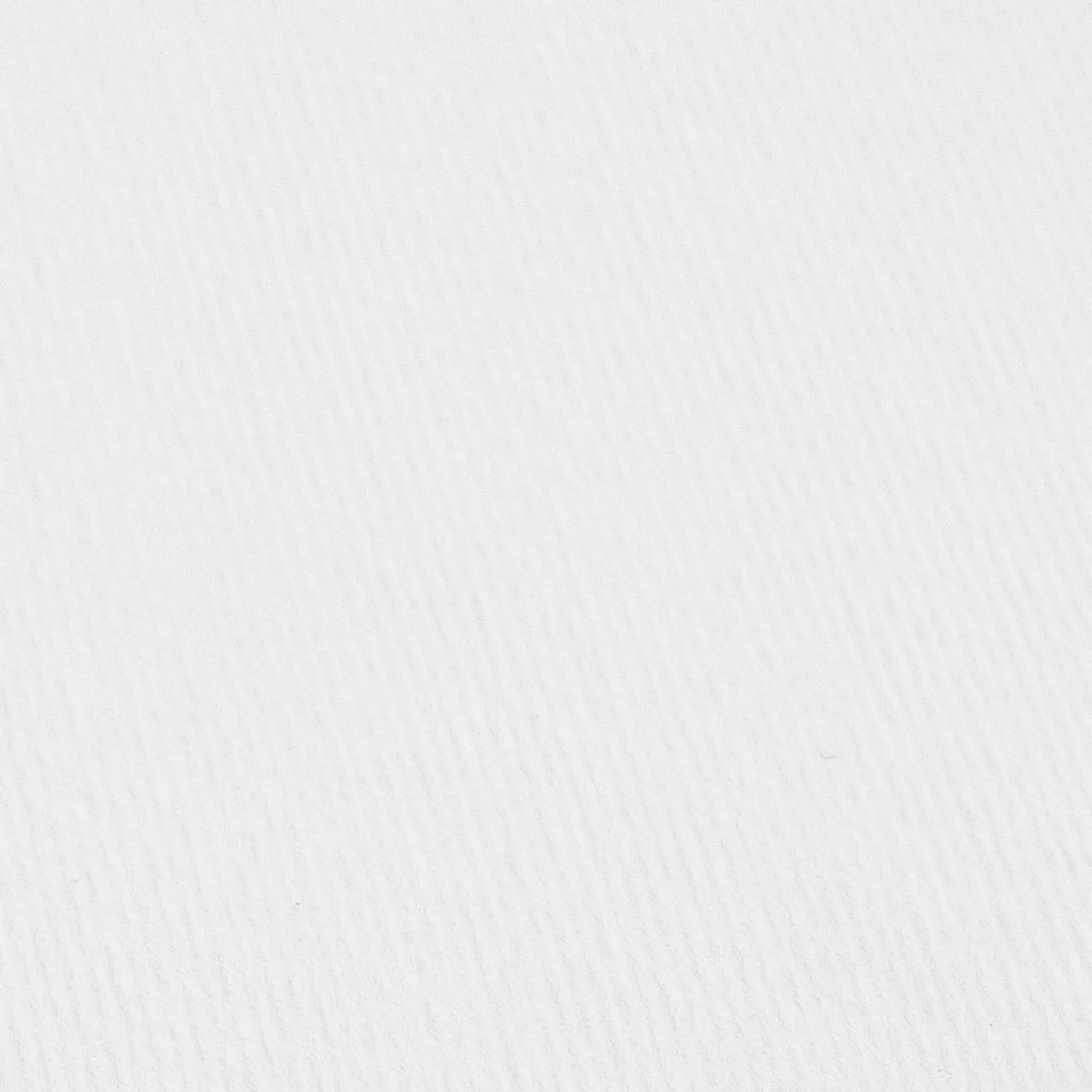
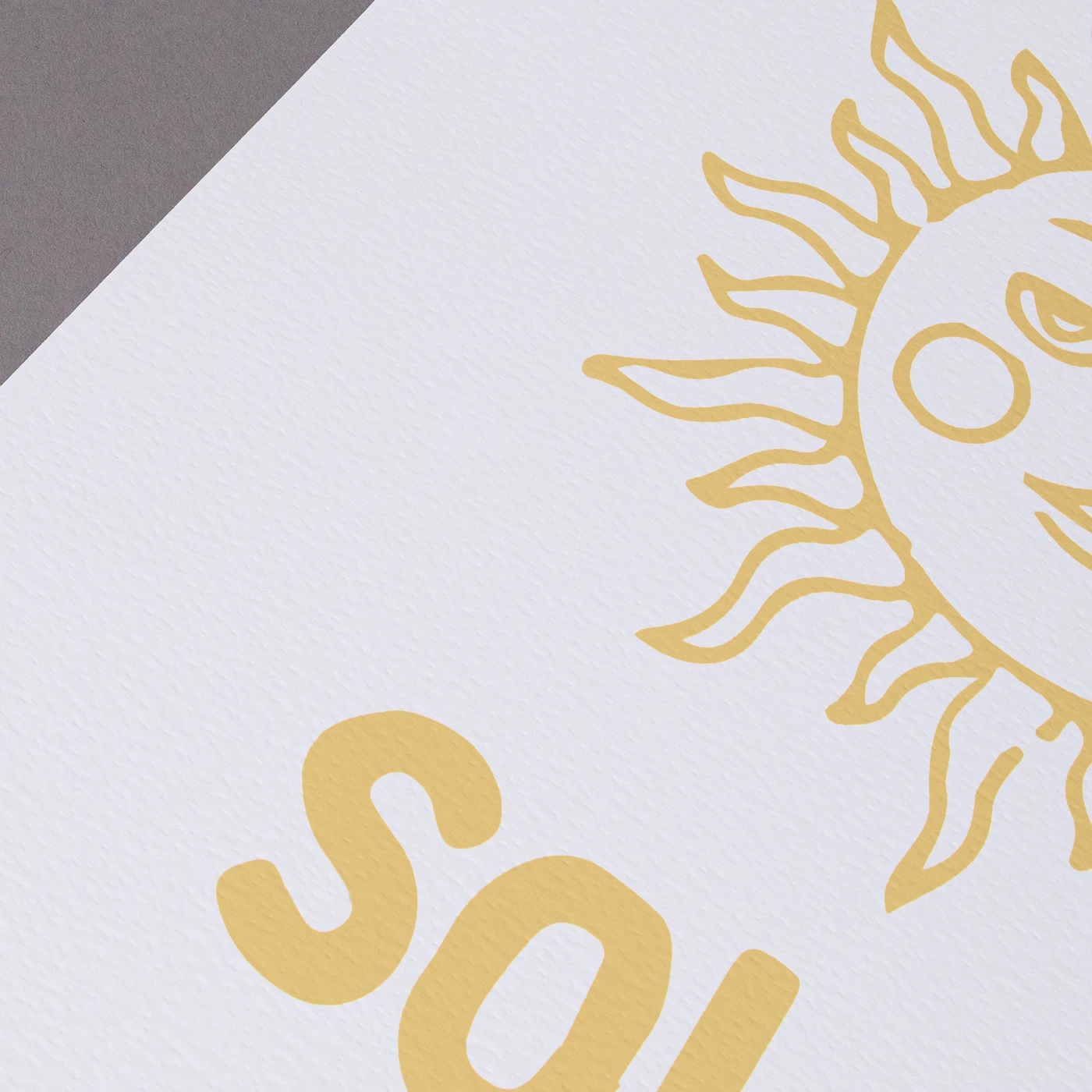
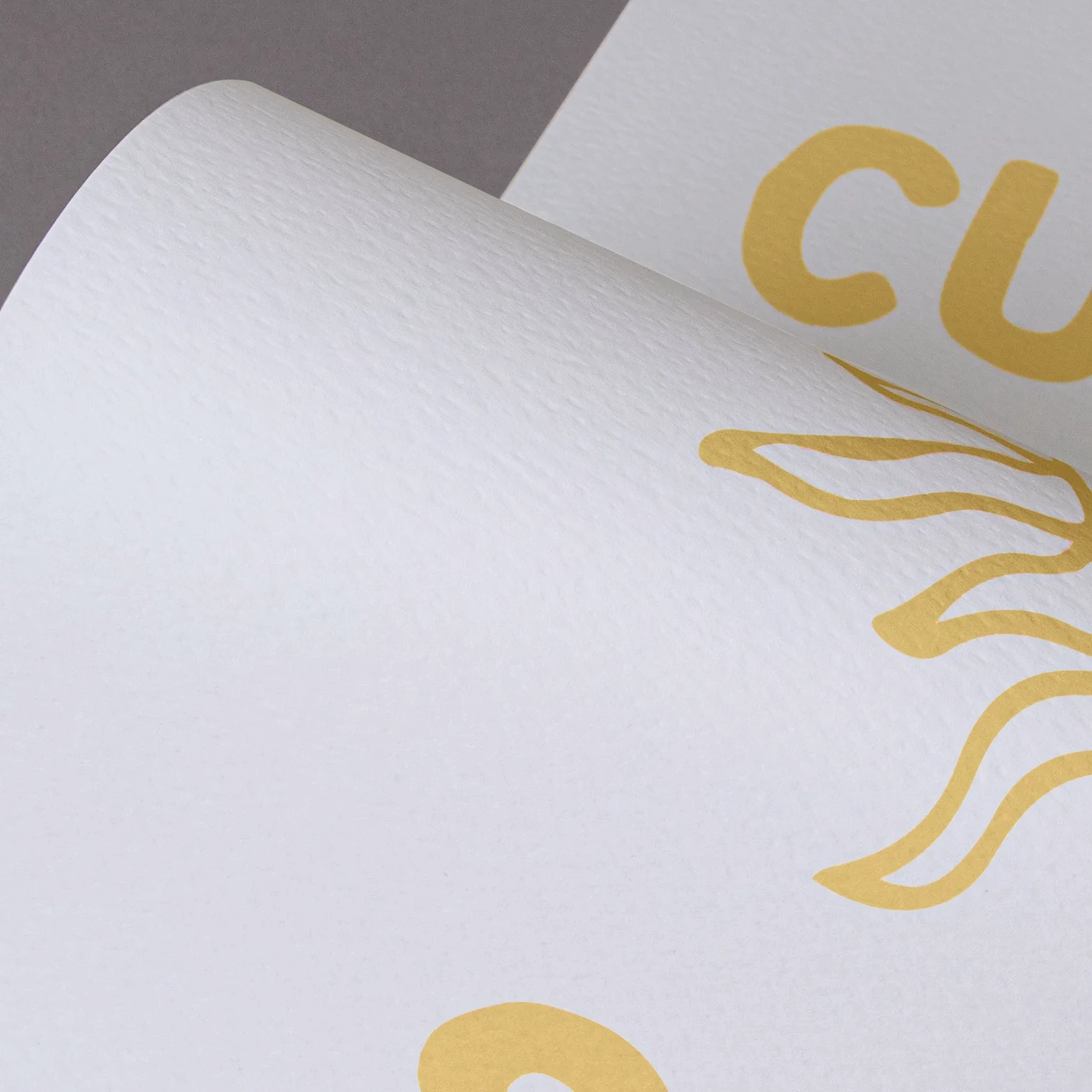
Nettuno

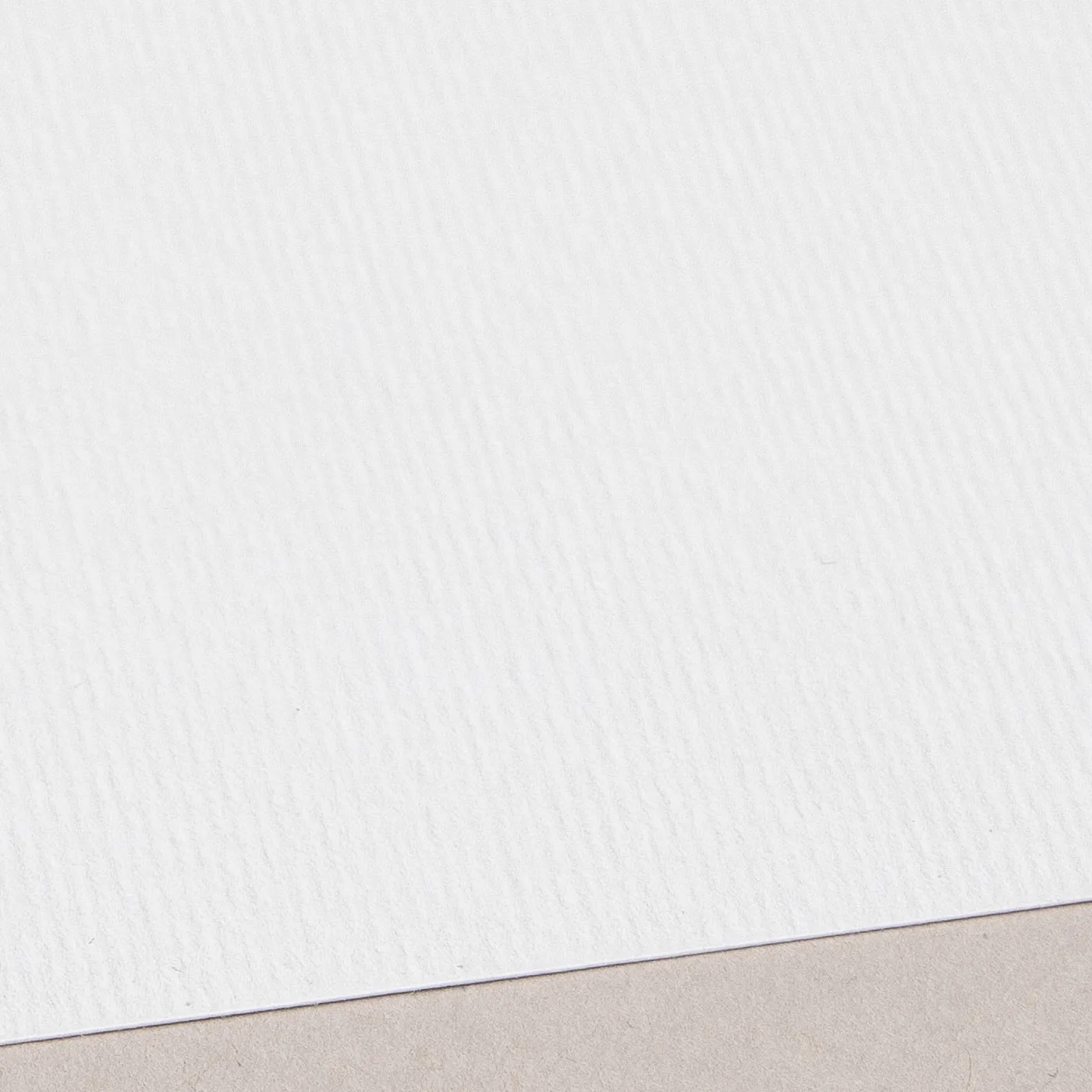
Add a touch of class with Nettuno. Featuring a fine-lined texture, it has an understated simplicity that brings print to life with a retro feel.
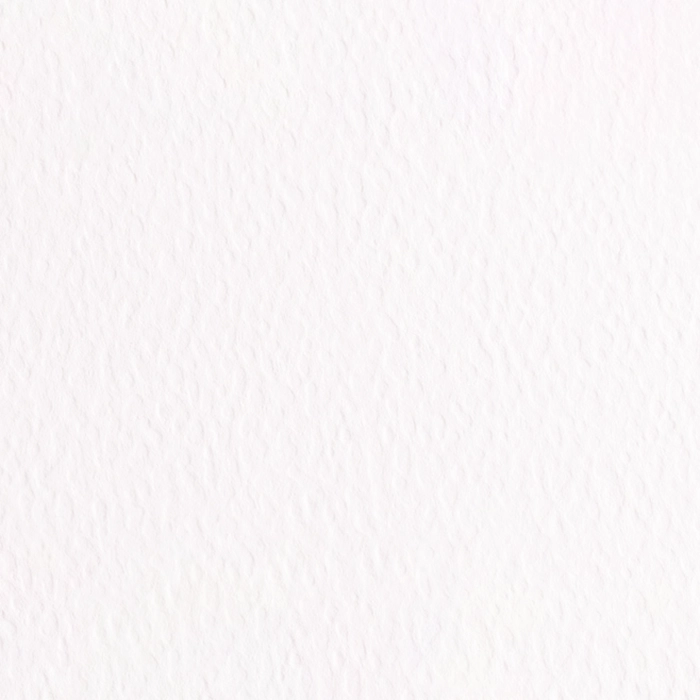
Fresco Gesso

This GF Smith paper delivers the same luxury finish of Tintoretto Gesso, but with a brighter white finish and a slightly deeper hammered texture. Perfect for extra-special print.

Recycled Silk

Our most popular paper just got an eco-upgrade! Discover all the features of your favourite stock, now manufactured sustainably with 100% recycled fibres.
Recycled Uncoated

A 100% post-consumer recycled, off-white Sticker material with a smooth, uncoated matt finish and subtle organic flecks. Free from protective coatings, it gives colours a softer appearance, while the natural off-white tone creates a contemporary finish.
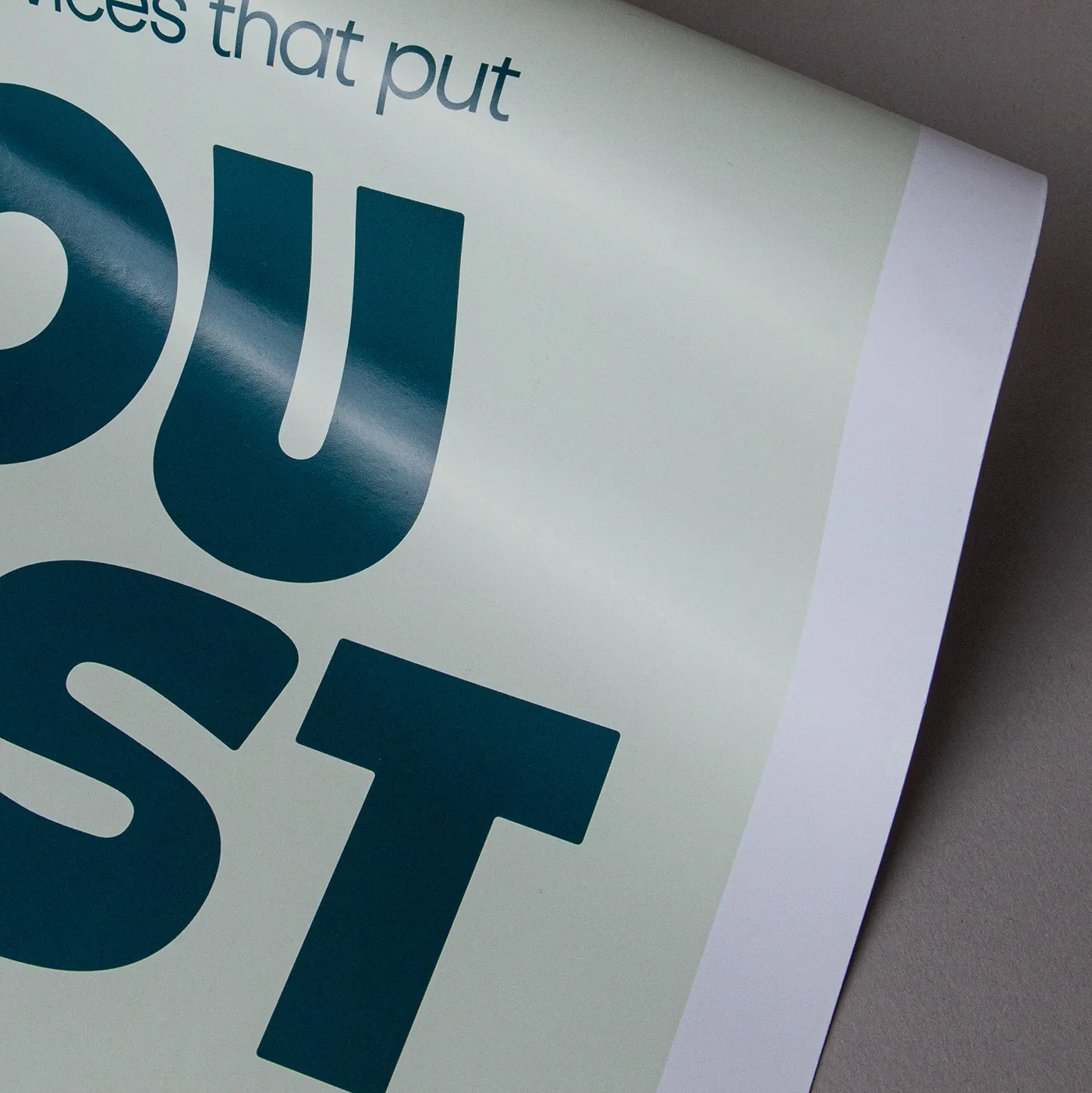
Silk

Our most popular paper choice, the smooth satin finish of Silk paper gives a clean, crisp look to printed colours and designs.

Available weights

  • 115gsm
  • 130gsm
  • 150gsm
  • 170gsm
  • 200gsm
  • 250gsm
  • 300gsm
  • 350gsm

Best for

  • Vibrant designs
  • Affordable print
  • Versatile print

Credentials

  • Recyclable
  • Biodegradable
  • FSC certified
  • Chlorine-free

Gloss

The smooth and shiny finish of our versatile Gloss paper creates the most vibrant, eye-catching print with defined and sharp colours, without the need to laminate.

Available weights

  • 115gsm
  • 130gsm
  • 150gsm
  • 170gsm
  • 200gsm
  • 250gsm
  • 300gsm

Best for

  • Versatile print
  • A vibrant shine
  • Bold colours

Credentials

  • Recyclable
  • FSC certified
  • Chlorine-free
  • Wood-free

Uncoated

For a flat modern finish with no surface coating, Uncoated paper offers a soft, touchable texture that's ideal for writing on. It gives print colours a sophisticated feel and a muted finish.

Available weights

  • 120gsm
  • 170gsm
  • 250gsm
  • 350gsm

Best for

  • Versatile print
  • Affordable print
  • A matt finish

Credentials

  • Recyclable
  • FSC certified
  • Chlorine-free

Tintoretto Gesso

Meet our finest Italian Fedrigoni paper. With a warm off-white hue and a hammered finish, Tintoretto Gesso brings a layer of prestige to your print. It's ideal for luxury designs.

Available weights

  • 150gsm
  • 250gsm
  • 300gsm

Best for

  • Watercolours
  • Illustrated designs
  • Wedding Stationery
  • Business Stationery

Credentials

  • Recyclable
  • FSC certified
  • Sustainably sourced
  • Chlorine-free

Nettuno

Add a touch of class with Nettuno. Featuring a fine-lined texture, it has an understated simplicity that brings print to life with a retro feel.

Available weights

  • 140gsm
  • 280gsm

Best for

  • Luxury Business Stationery
  • Wedding Stationery
  • Greeting Cards

Credentials

  • Recyclable
  • FSC certified
  • Sustainably sourced
  • Chlorine-free

Fresco Gesso

This GF Smith paper delivers the same luxury finish of Tintoretto Gesso, but with a brighter white finish and a slightly deeper hammered texture. Perfect for extra-special print.

Available weights

  • 300gsm

Best for

  • Watercolours or illustrations
  • Wedding Stationery
  • Luxury Postcards

Credentials

  • Recyclable
  • FSC certified
  • Sustainably sourced
  • Chlorine-free

Recycled Silk

Our most popular paper just got an eco-upgrade! Discover all the features of your favourite stock, now manufactured sustainably with 100% recycled fibres.

Available weights

  • 130gsm
  • 150gsm
  • 250gsm
  • 350gsm

Best for

  • An eco upgrade
  • Versatile print
  • A sharp and vibrant finish

Credentials

  • Recyclable
  • Recycled
  • FSC certified
  • Chlorine-free

Recycled Uncoated

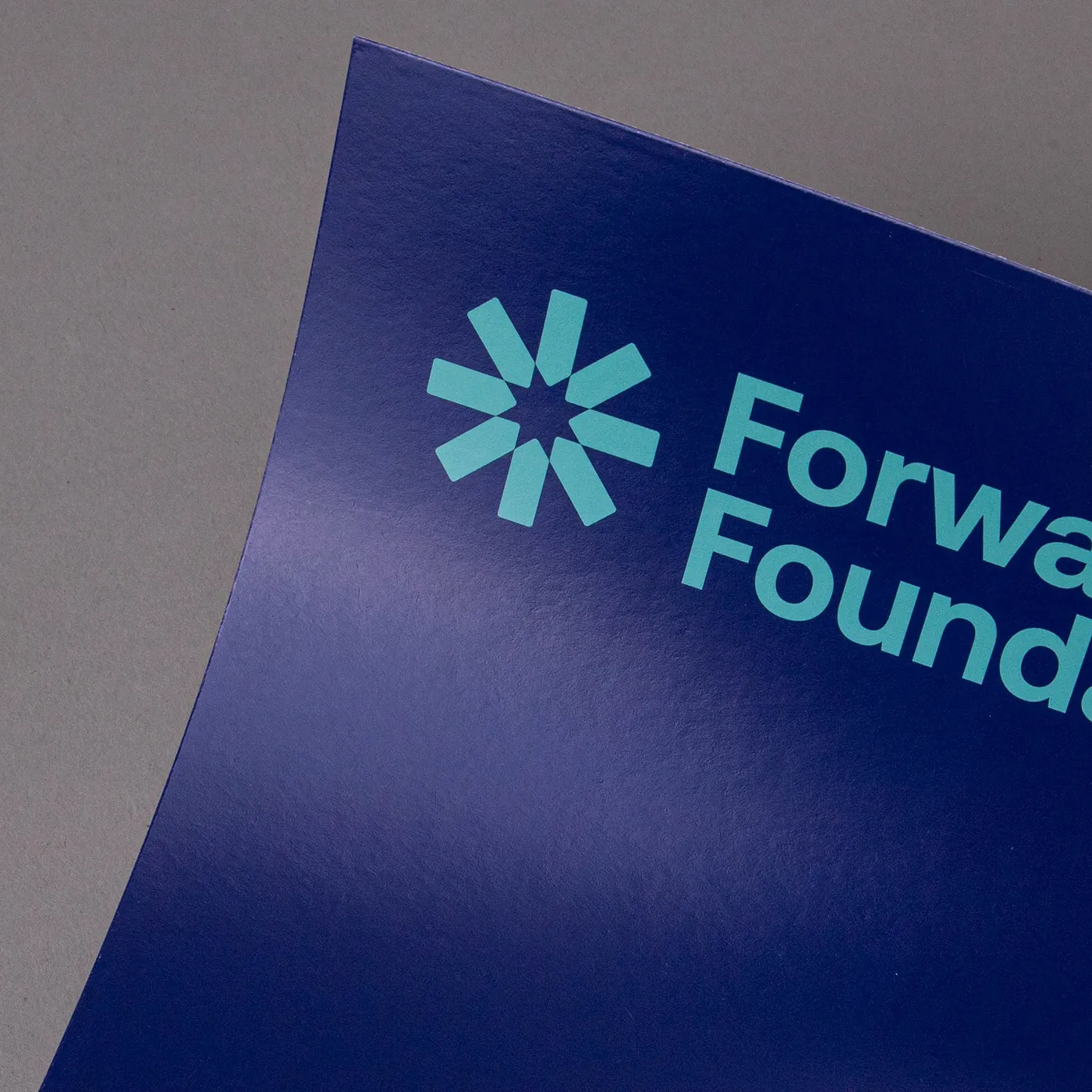
A 100% post-consumer recycled, off-white Sticker material with a smooth, uncoated matt finish and subtle organic flecks. Free from protective coatings, it gives colours a softer appearance, while the natural off-white tone creates a contemporary finish.
Available weights

  • 120gsm
  • 160gsm
  • 200gsm
  • 250gsm
  • 300gsm
  • 350gsm

Best for

  • Eco-conscious branding
  • Recycled product packaging
  • Natural product labelling

Credentials

  • Recyclable
  • 100% post consumer waste
  • FSC® certified
  • Chlorine-free
  • Vegan-friendly inks

Guide to perfect print

Get your print to the presses perfectly with everything you need to get set up

Sample Packs

Get a feel for our range of quality products, papers and special finishes in our free Sample Packs.

Order Now

Downloadable Templates

Use our free templates to create your artwork and make sure your print is set up perfectly for the presses.

Find A Template

Bespoke Service

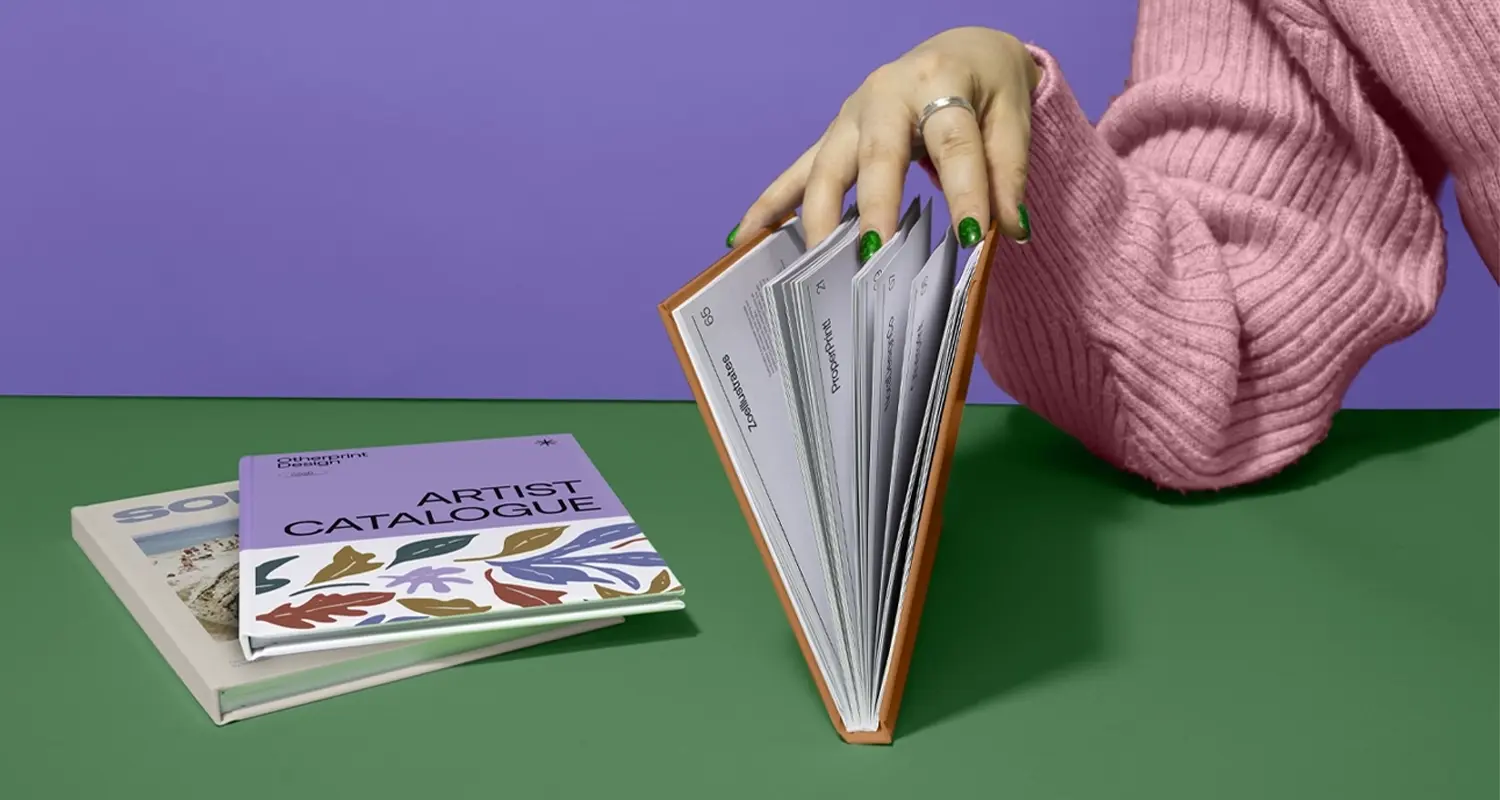
Can’t find the print you’re looking for? From unique papers to custom sizes and finishes, our Bespoke Team can help with your request.

Get A Quote

Safe area

Templates

Product
Template Size
File type

Quick tips to print perfection

Which file types can I use? arrow
We like to be as flexible as possible, so you can upload your files as PDF, JPEG, TIFF and PNG. PDF's and JPEGs are the most accepted file type across all our products, so we recommend using those wherever possible.
What is bleed? arrow
Bleed is an area of print outside the document that must be added to your artwork before it’s sent off for print. By adding the all-important bleed (a minimum of 3mm on all edges), there’ll be no risk of white space left on your document and it'll be trimmed correctly without cutting into any design. Some products require a different amount of bleed, so be sure to check our downloadable templates to find out the correct amount.
What is safe area? arrow
The safe area is the space inside where your print will be trimmed. Keeping any important parts of your design away from this area will make sure that they aren’t accidentally trimmed off due to the natural movement while your print gets finished. Our downloadable templates will indicate the recommended amount of safe area for your print.
What’s the difference between RGB and CMYK? arrow
​​RGB is the colour gamut used to display images on a computer screen, and stands for Red, Green and Blue. CMYK is the colour gamut used for conventional printing, and stands for Cyan, Magenta, Yellow and Black. Unless you’re printing Giclée Fine Art Prints or Photographic Prints, please set up your artwork in CMYK.
What are Versions? arrow
Our Versions service lets you print multiple designs using the same product specifications. For instance, if you have five different designs that share the same size, orientation, and paper stock, you can print them all at once using this service. By opting for Versions, you're increasing your overall quantity, which means you'll enjoy a lower cost per unit. To use Versions, simply select "yes" in the product builder when prompted with "Do you want to print more than one design?". When using Versions, the quantity you enter in the product builder applies to each design. For example, if you choose a quantity of 10 with 5 Versions, you'll receive a total of 50 prints.
What is personalisation? arrow
Personalisation is a simple, cost-effective way to tailor each of your individual prints. You can use personalisation for different text elements like names, addresses, and even personalised messages. However, if the text content on your design is the same for all prints, you don't need personalisation. There are two main options for personalising your print - you can either choose to add the personalised elements to your artwork yourself, or send us your artwork with a placeholder and a CSV containing a list of all the names/ personalised elements, and we’ll merge the two for you.
Why do I need to embed fonts? arrow
If you don’t embed fonts and your document is opened on another computer system that doesn’t have access to the original fonts, different fonts will be substituted instead. This could really affect the look of your finished print. Embedding fonts into your original design will stop them from changing.
Everything you need to know about resolution arrow
Remember to save your artwork out at a minimum of 300dpi resolution. This will ensure that when printed, your artwork quality is as crisp as possible.
Where can I find templates for shapes? arrow
If you've chosen a shape for your print (such as arch, wavy, circle or pebble where available), you'll find templates for these shapes on additional layers within the standard square or rectangular template. Download the template for the correct size, then delete the layers you don't need, leaving the layer for your chosen shape as a guide while creating your artwork. Delete all template layers before saving and uploading your artwork. This will prevent the template from being printed on top of your design.

Your guide to great book printing

Explore our expert guidance, practical tips and inspiration to help you create a book that's right for your project. 

Learn More
Banner image

More information

Our professional Manual printing services are designed to deliver critical workplace documentation cleanly, durably, and effectively. To suit your exact requirements, we offer three versatile binding styles with flexible page counts for every printed Manual: cost effective saddle stitching (up to 84 pages) for lightweight user guides, commercial-grade perfect binding (up to 420 pages) for comprehensive training Manuals, or left/top edge wire spiral binding (up to 412 pages) for effortless, lay flat browsing. Fully customisable to reflect your brand’s standards, all Manuals are available in multiple sizes and printed on eco-conscious recycled or premium paper stocks. To protect your materials against daily wear and tear, upgrade outer covers with gloss, matt, or velvet lamination, or add a premium touch with optional foiling.

Frequently asked questions

Got a question? We might have answered it here. If not, feel free to get in touch with The Team, we’re here to help! 

How long will my print take to arrive?

Find out how quickly you can get your print by filling in your selected options in the product builder, and check out the delivery options at the bottom. You can also explore the available delivery options from your basket once you’ve added a product. 


You’ll notice that if you put multiple items into your basket, they may be sorted into “delivery groups” based on delivery days, in order to help us ship your items as quickly and efficiently as possible. Find out more about delivery groups here.

Once your order has been dispatched you’ll get an email from us which includes a tracking code. You can also easily track the status of your delivery at any time by logging into your Account and checking the Orders page. 

Find out more about our delivery services here, including details of delivery options based on your region. 

What should I know before preparing artwork for print?

Here are the 7 key things you need to know before preparing your artwork to be printed with us:

1. We provide downloadable templates:
On most of our product pages, you can find free downloadable templates to help you set up your artwork for print. They’re available in AI, IDML and PDF formats to suit the design software you’re working in. Our downloadable templates include key information on creating artwork as well as instructions on how to save out your print-ready PDF. 

2. You need to include bleed:
Bleed is an area of print outside the document that must be added to your artwork before it’s sent off for print. By adding the all-important bleed (a minimum of 3mm on all edges), there’ll be no risk of white space left on your document and it'll be trimmed correctly without cutting into any design. Some products require a different amount of bleed, so be sure to check our downloadable templates to find out the correct amount. 

3. Keep in mind the safe area:
The safe area is the space inside where your print will be trimmed. Keeping any important parts of your design away from this area will make sure that they aren’t accidentally trimmed off due to the natural movement while your print gets finished. Our downloadable templates will indicate the recommended amount of safe area for your print. 

4. The difference between RGB and CMYK:
​​RGB is the colour gamut used to display images on a computer screen, and stands for Red, Green and Blue. CMYK is the colour gamut used for conventional printing, and stands for Cyan, Magenta, Yellow and Black. Unless you’re printing Giclée Fine Art Prints or Photographic Prints, please set up your artwork in CMYK. 

5. Embed your fonts:
If you don’t embed fonts and your document is opened on another computer system that doesn’t have access to the original fonts, different fonts will be substituted instead. This could really affect the look of your finished print. Embedding fonts into your original design will stop them from changing. Find out how to embed your fonts here.

6. Check your image resolution:
For the best print results, all artwork files should be at least 300dpi (dots per inch) when saved at the actual size they will appear in your design. This ensures that your final printed project is sharp and clear, not blurry or pixelated.

7. How to export a PDF:
Exporting your design into a print-ready PDF is easy. We’ve created some handy video guides which will take you through the process which you can find here.

Find lots more artwork tips here, including if you’re printing any special finishes such as foiling. For products with multiple pages, such as Brochures or Booklets, explore our book printing guide here. 

What is a Professional File Check?

For a small fee, an expert member of our technical team will manually review your artwork before it goes to print so you can press 'go' with complete confidence. 


If you've ordered multiple products, you can choose to add a Professional File Check to individual jobs or your entire order. We'll check your file for common print setup issues and, where possible, fix them before production. If we find anything that needs your attention, we'll contact you and place your order on hold until you've updated and re-uploaded your artwork. 

We'll check things like: 
  • Image resolution for print quality 
  • Bleed and safe areas 
  • Page count and page order on folded products
  • Corrupt, blank or password-protected files 
  • Templates left on artwork 
  • Folds, cut lines, drill holes and binding areas (where applicable) 
  • Foil alignment and minimum line widths (where applicable) 
  • Personalisation files and version quantities (where applicable) 

A Professional File Check doesn't include: 
  • Spelling, grammar or proofreading 
  • Design, layout or text sizing advice 
  • Colour accuracy or colour mode checks (RGB/CMYK) 
  • QR code testing 
  • Calendar date checks 
  • Post-print quality inspection beyond our standard production processes 
See a full list of what's included here. 

Adding a Professional File Check won't delay your estimated delivery date, unless we need you to amend and re-upload your artwork after we've reviewed it.

To upgrade to a Professional File Check, simply select the option when you upload your artwork. We'll take care of the rest and let you know if we spot anything that needs your attention before your job goes to print.

How do I print with Canva?

Printing with Canva is quick and easy with Printed.com. Select your product, create your artwork in Canva, and export it as a print-ready PDF. Once uploaded to Printed.com, we handle the rest! 

For help with accurate sizing, bleed and export settings, please visit our Canva Support page for step-by-step guides and video tutorials. Plus, you can explore our library of free pre-formatted Canva templates to get started.

What is Manual printing?

Our Manual printing service helps you produce comprehensive documents, like training Manuals, guides, or product Manuals with a professional, high-quality finish.


Choose from three binding types: saddle stitch, perfect bound or spiral bound, and a range of high-quality papers to ensure your printed Manual is durable and easy to use. 

It’s a great way to transform instructional text into a helpful resource!

Please see our book printing guide for further information on our binding styles.

How do I print a training Manual for my business?

You can print your training Manual by uploading your artwork as a high-quality PDF file in CMYK colour mode, choosing a binding type, paper stock and adding lamination for a durable, long-lasting finish. 


Our free downloadable templates make designing your Manual a breeze, but if you get stuck, just get in touch with The Team. We’re here to help! 

Which binding type should I choose for my printed Manual?

The best choice depends entirely on your page count and how your Manuals will be used: 


  • Saddle Stitching (Up to 84 pages): This is our most cost-effective option, using secure spine staples. It is perfect for lightweight user guides, quick-reference booklets, and short instructional materials that need to be crisp and budget-friendly. 
  • Perfect Binding (Up to 420 pages): This bookstore-grade style uses a high-strength adhesive spine for a clean, square-backed finish. It is the ideal premium choice for a thick, heavy-duty training Manual or corporate compliance policy that requires a professional, executive look. 
  • Spiral Binding (Up to 412 pages): Featuring a durable metal white wire coil (in your choice of top or left edge positioning), this highly functional option offers a 360-degree folding mechanism. It is the ultimate choice for technical or hands-free reference guides because it allows the Manual to lay completely flat on a desk or workbench.
You can view our helpful book printing guide for further information on our binding styles.

Perfect Bound Manuals

1

Our product presets

Build your own or choose from one of our preset options

2

Product

3

Type

Can’t see what you’re looking for? Talk to one of our experts.
4

Choose number of pages

Maximum page quantity is 420 pages. 
The maximum page quantity may differ depending on your paper choices, i.e. the thinner your paper (lower GSM), the more pages you can fit into your document.
i

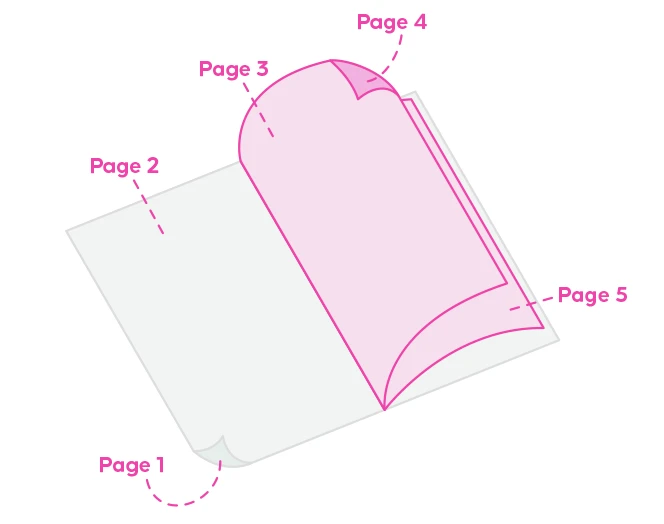
Page 1 is the front outer cover, page 2 is the front inner cover, page 3 is the front of the first inner page, and so on.

Total number of pages includes 4 pages for your cover and any blanks. 
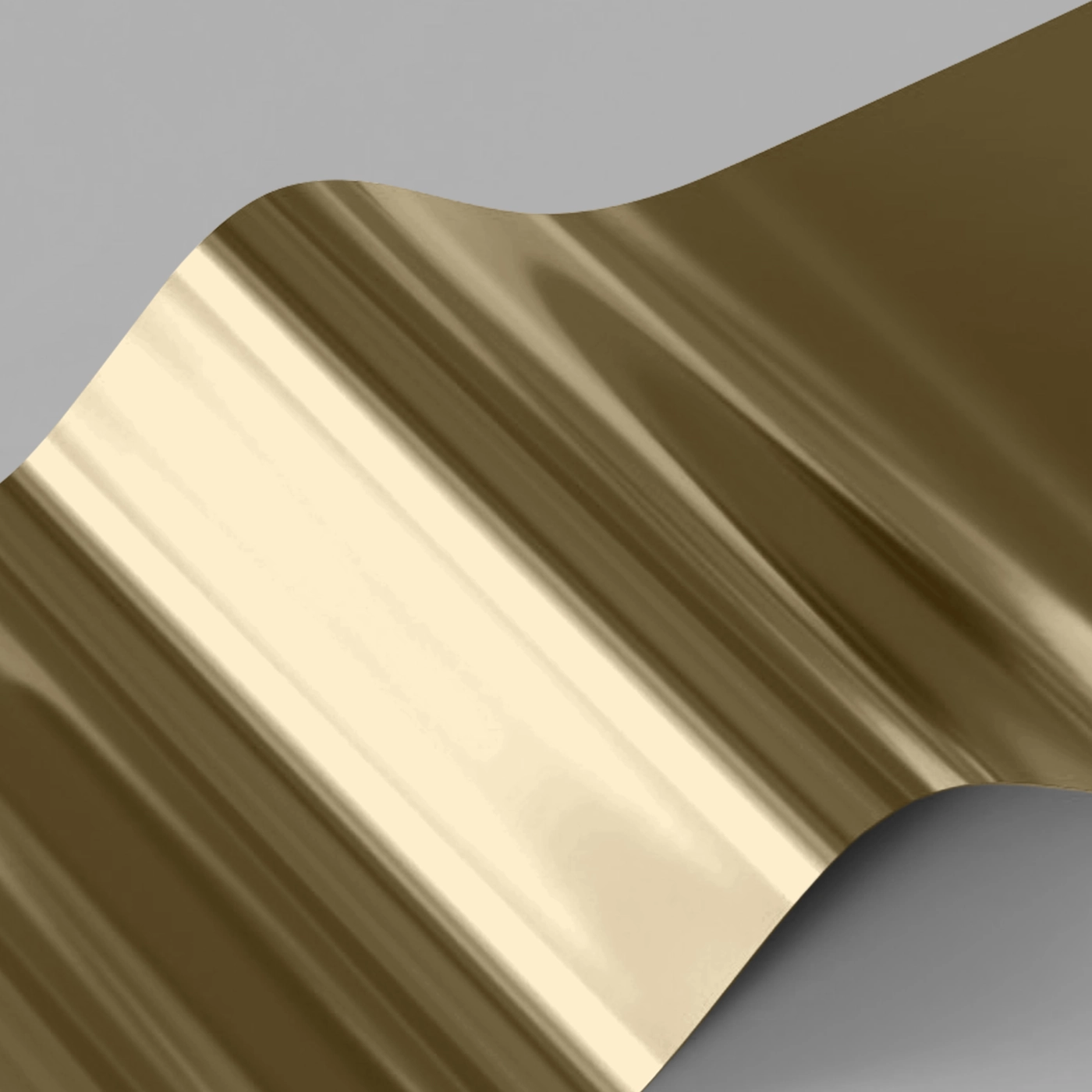
2 pages = 1 leaf of paper. 
Number of pages should be in multiples of 2.

5

Size

6

Orientation

7

Cover

8

Inners

9

Quantity

10

Select your Delivery options

Delivery type

Product Summary

Our product presets

Build Your Own

Product

Perfect Bound Manuals

Type

Standard

Binding Type

Perfect Bound

Number of Pages

-

Size

-

Orientation

-

Printed sides

Both Sides

Cover Paper

-

Cover Paper weight

-

Cover Lamination

-

Inner Paper

-

Inner Paper weight

-

Inner Lamination

-

Quantity

-

Loading...