


 UK
UK 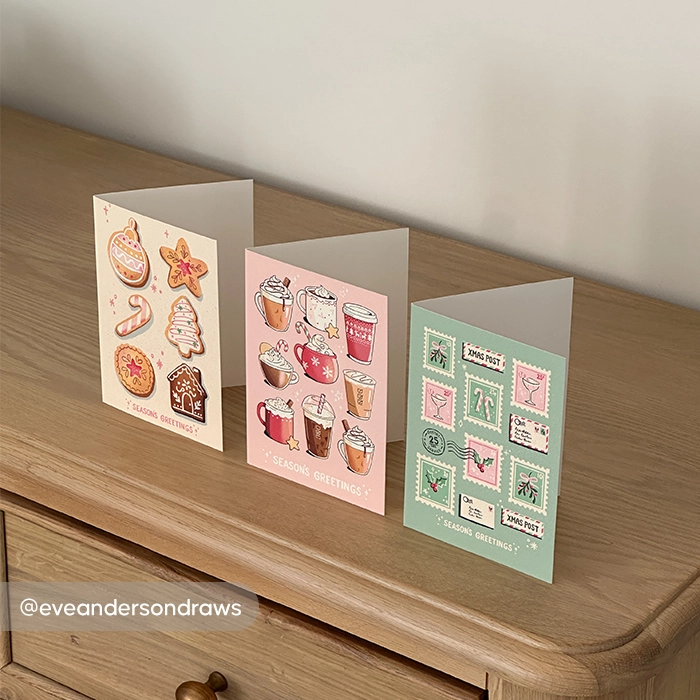
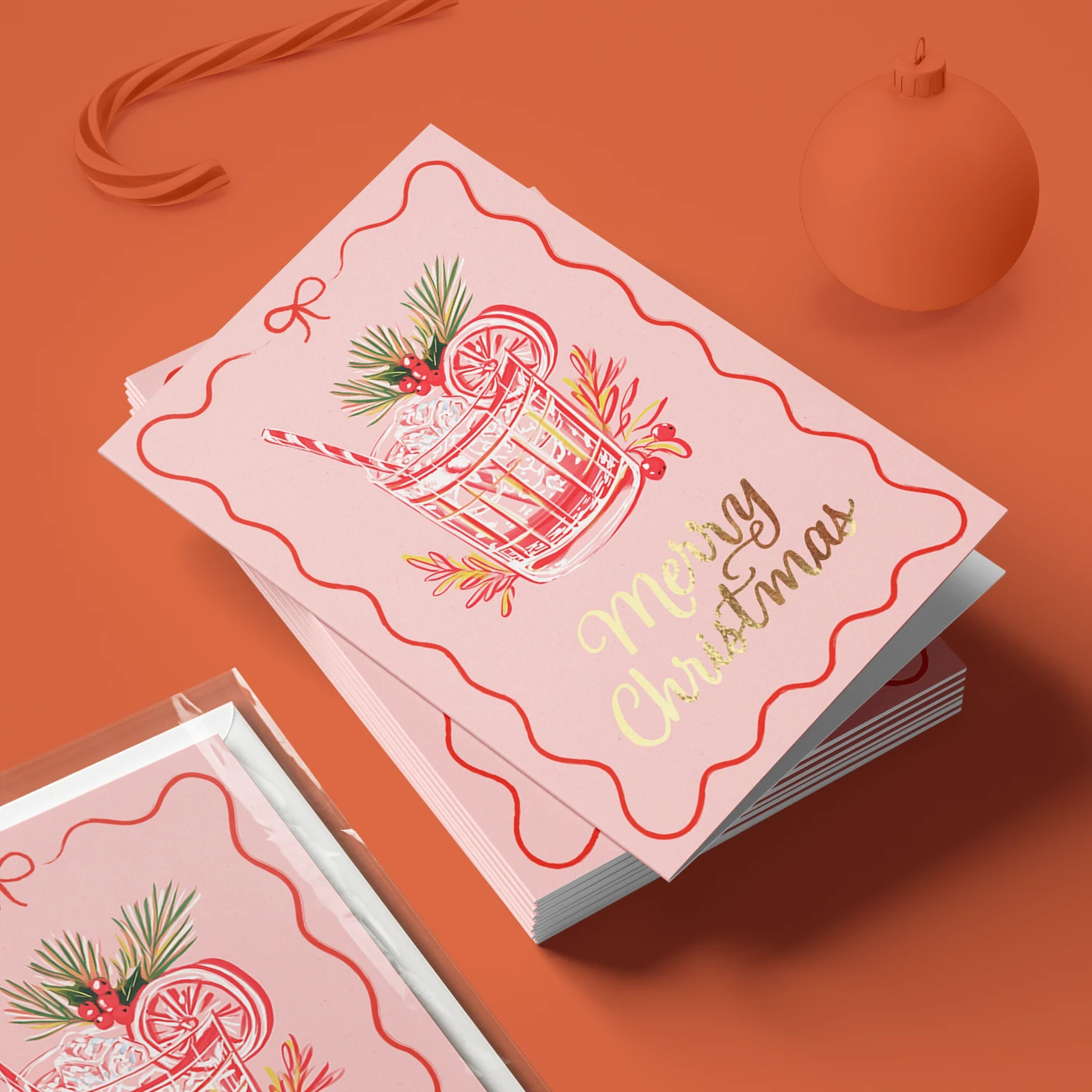
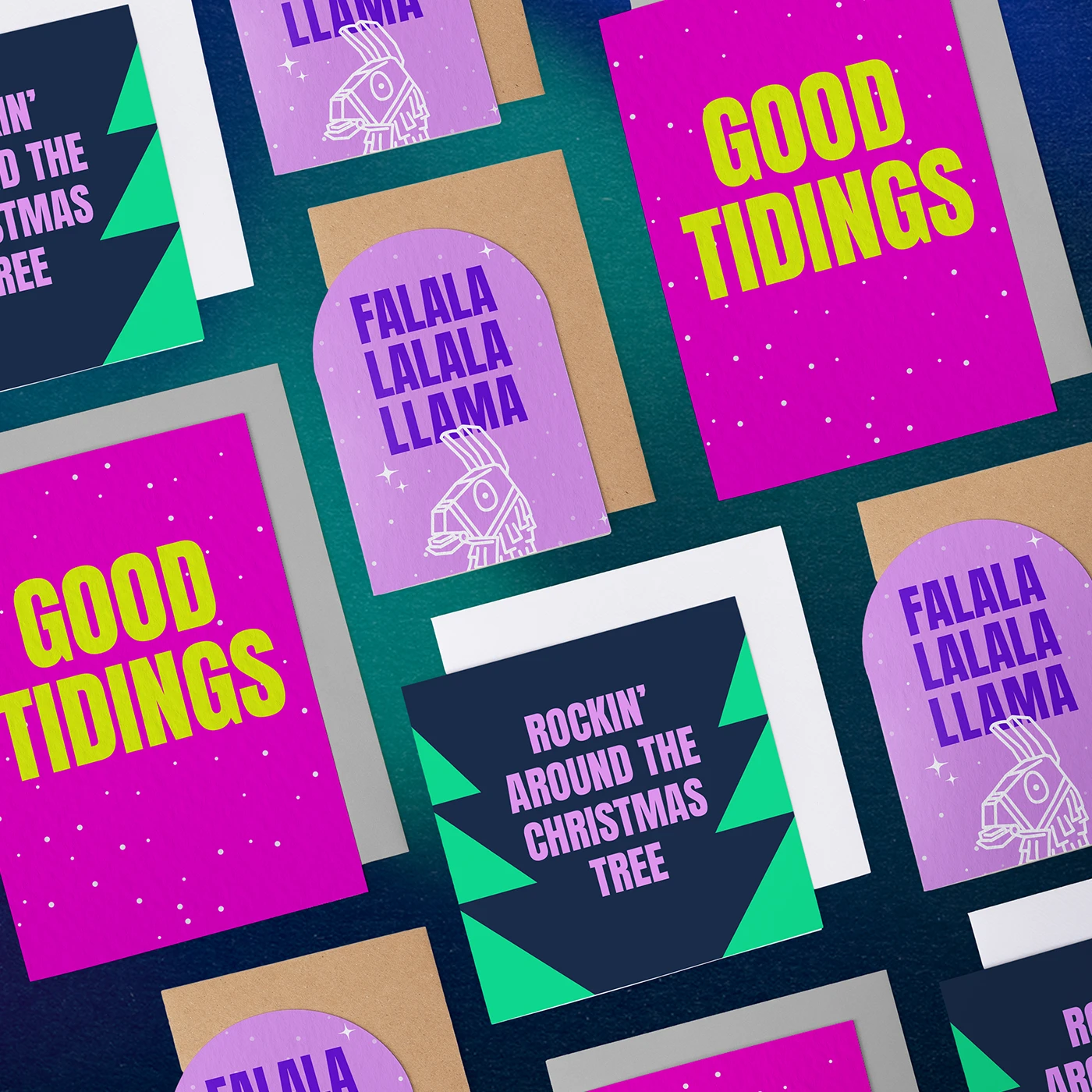
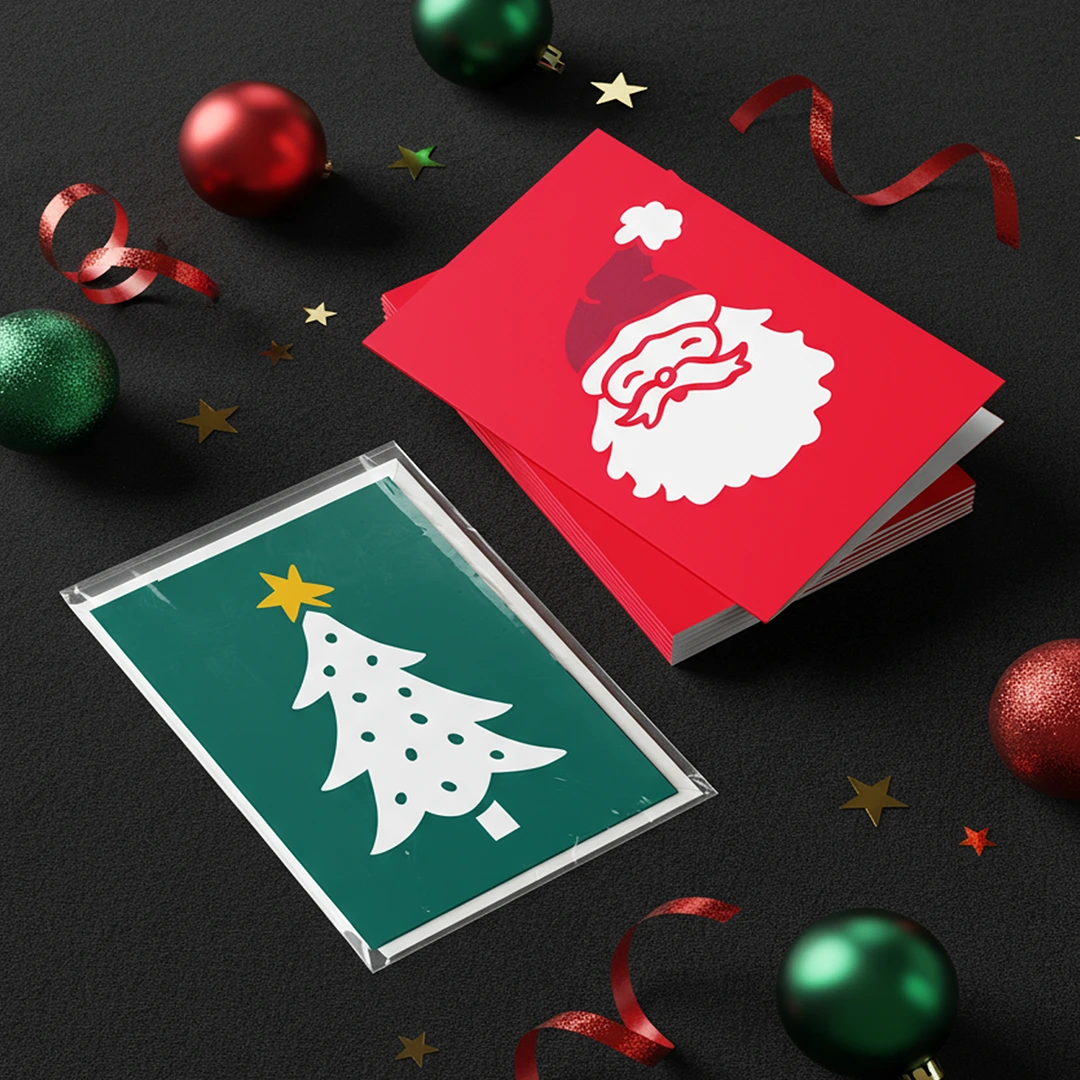
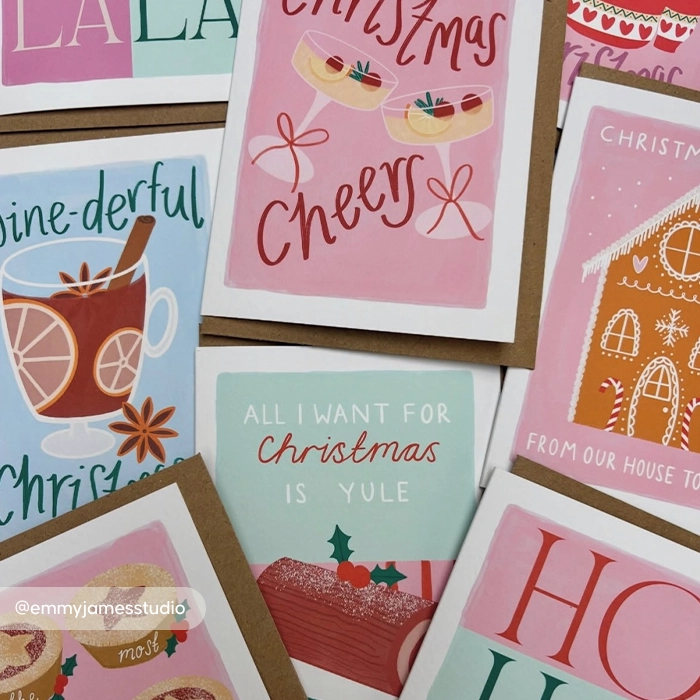

Custom Christmas Cards
From £ 12.50 (ex VAT)

 4.6
4.6
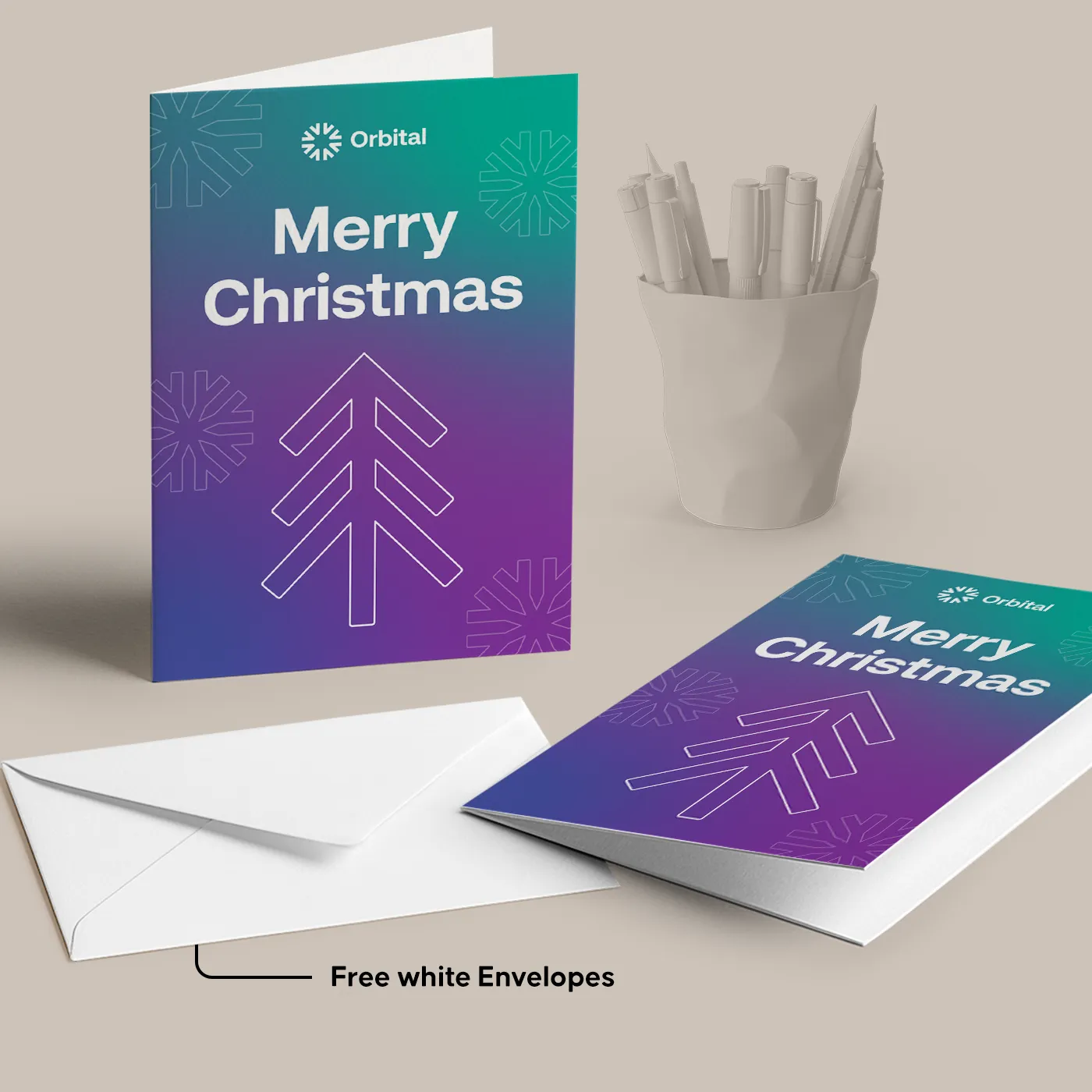
- Our White Envelopes are free!
- Next day delivery on selected options
- Explore extra finishes like foiling, lamination and round corners
- Keep Cards and Envelopes neat with optional Belly Bands or cellophane bags, including biodegradable options
Customise your product to your exact specification. We’ve got all the options you need to bring your print to life. Let’s make it real!
Most Popular
A6 finished size long edge folded cards, printed on the outside of 300gsm TruCard paper. Supplied with White Envelopes.
Eco
A6 finished size long edge folded cards, printed on the outside of 350gsm Recycled Silk paper. Supplied with Recycled Envelopes.
Luxury
A6 finished size long edge folded cards, printed on the outside of 250gsm Tintoretto Gesso paper. Supplied with matching Envelopes.
Our stocks
Find your perfect match

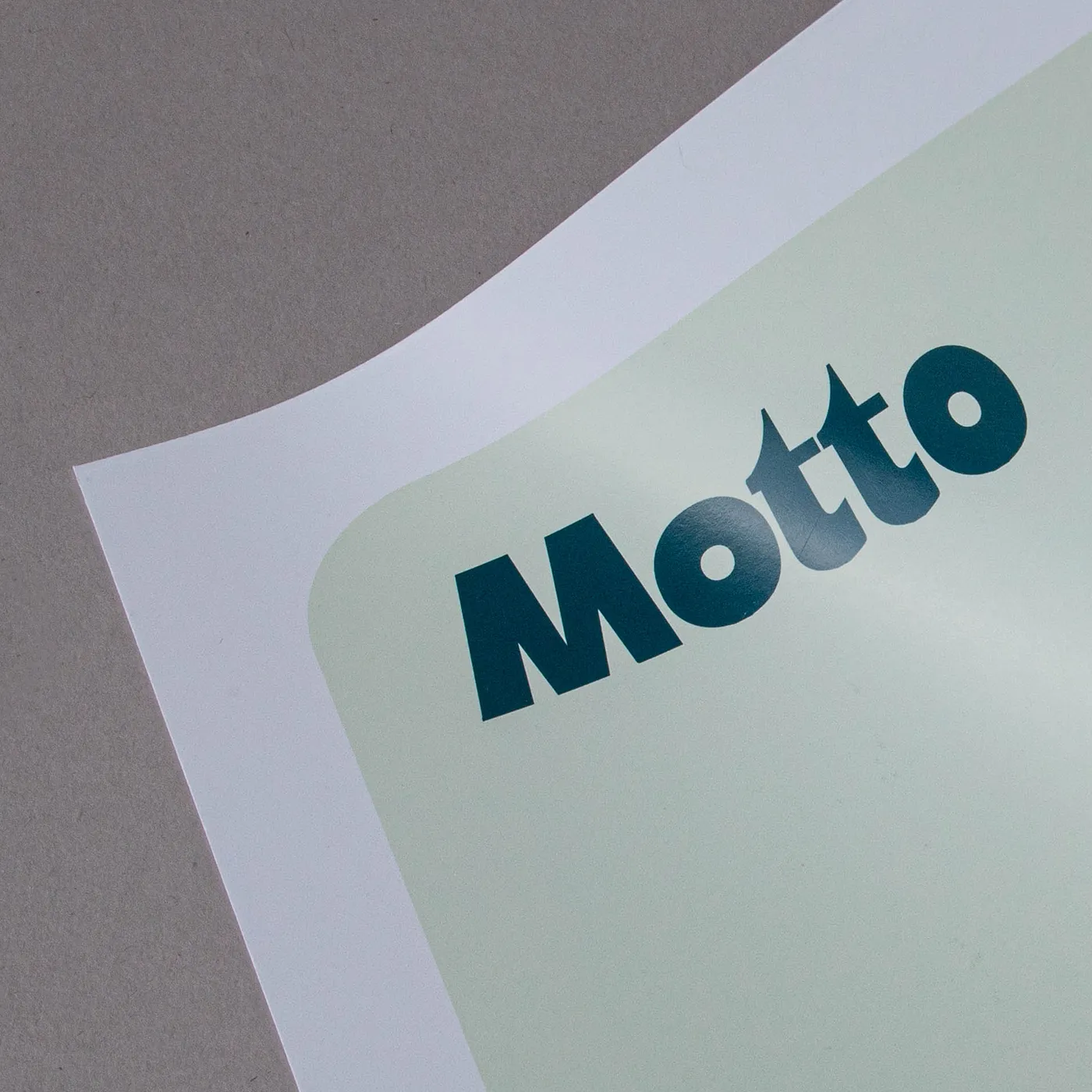
TruCard
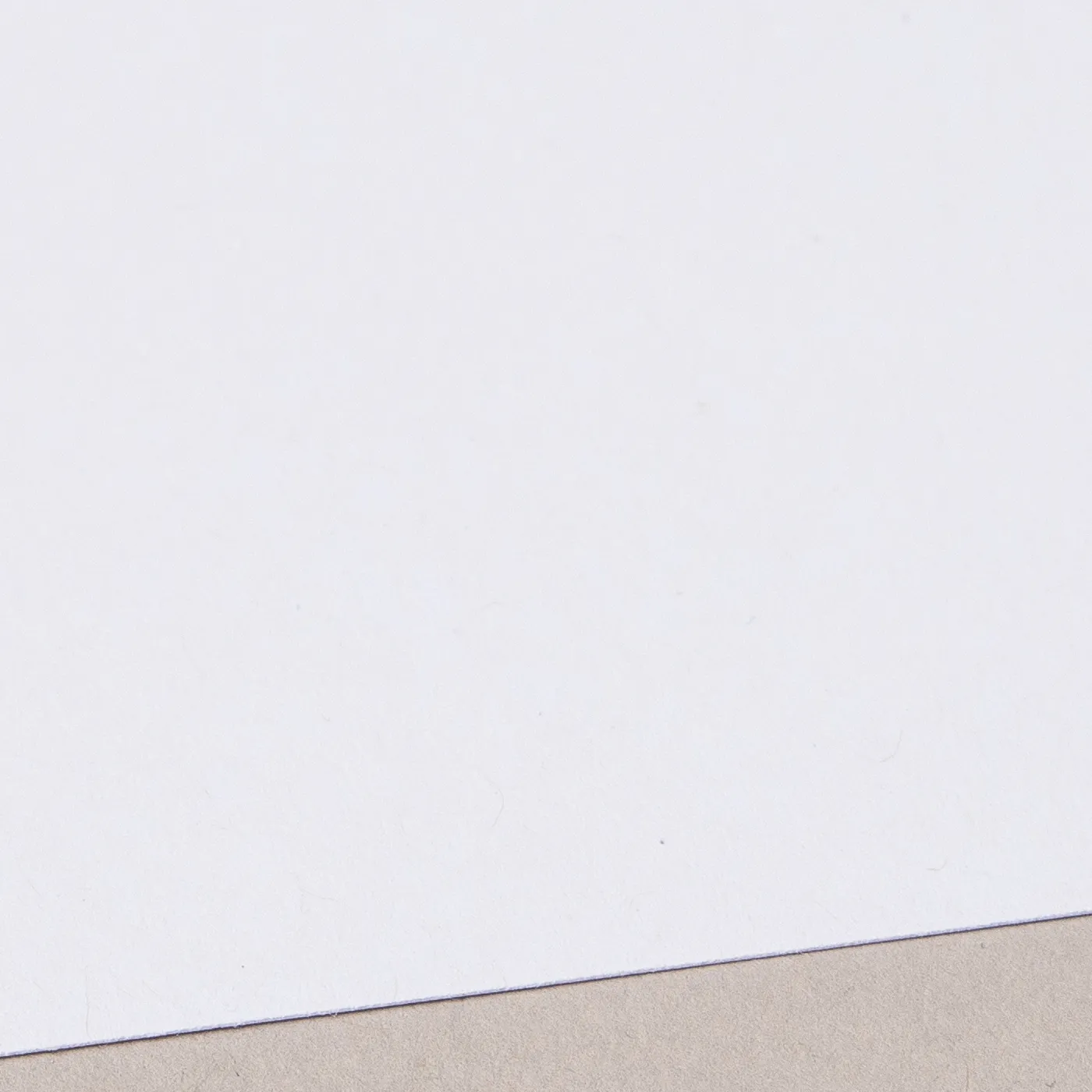
TruCard is glossy and scratchproof on one side with an off-white hue, giving a vibrant print. It's bright-white and uncoated on the other side, so you can easily write on it.

Silk
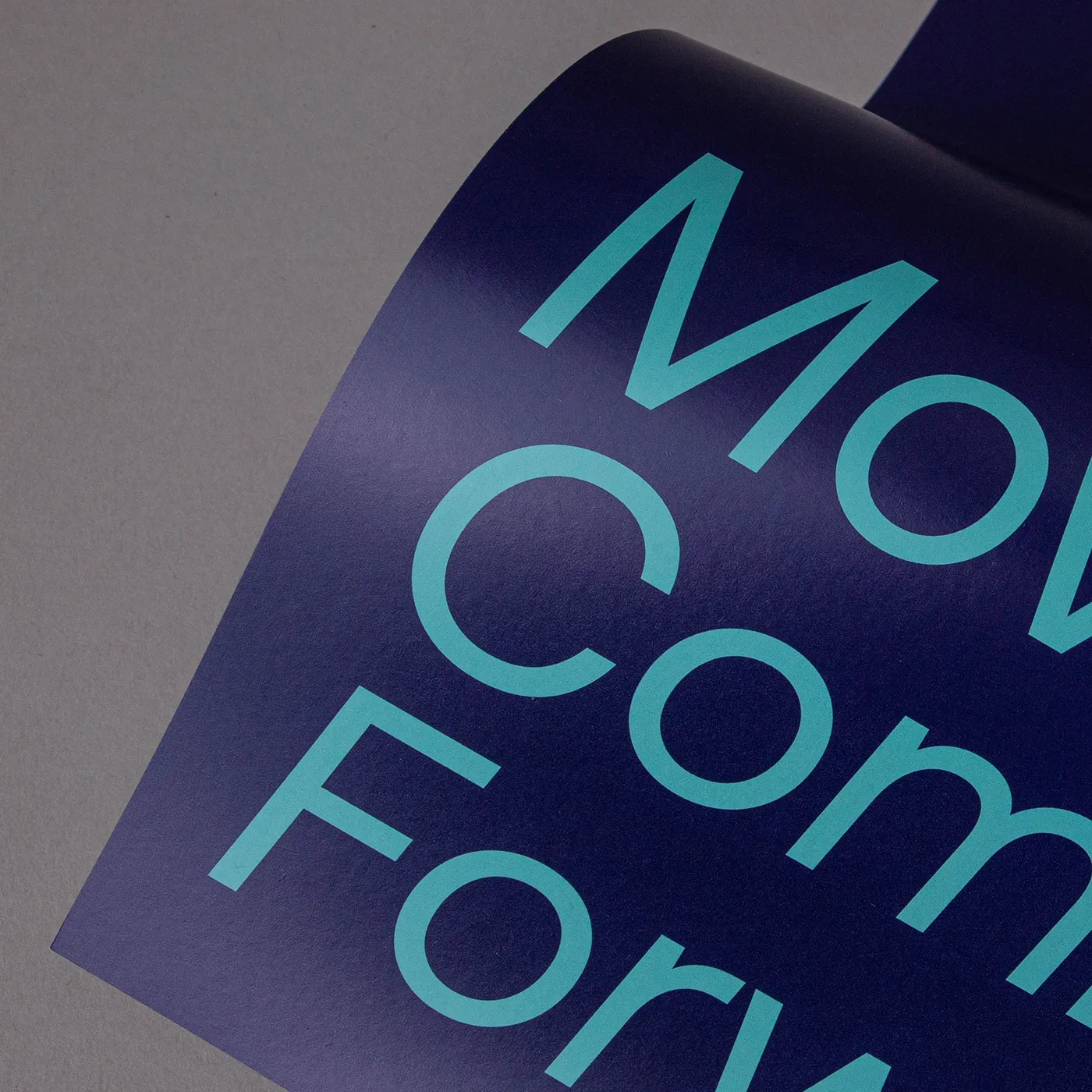
Our most popular paper choice, the clean and crisp finish of Silk paper gives a sharp, defined finish to printed colours and designs.

Recycled Silk
Our most popular paper just got an eco-upgrade! Discover all the features of your favourite stock, now manufactured sustainably with 100% recycled fibres.

Uncoated
For a flat modern finish with no surface coating, Uncoated paper offers a soft, touchable texture that's ideal for writing on.

Recycled Uncoated
Recycled Uncoated is off-white, with a coarse texture and rustic flecks throughout. It's uncoated surface gives print colours a sophisticated feel and a slightly muted finish.
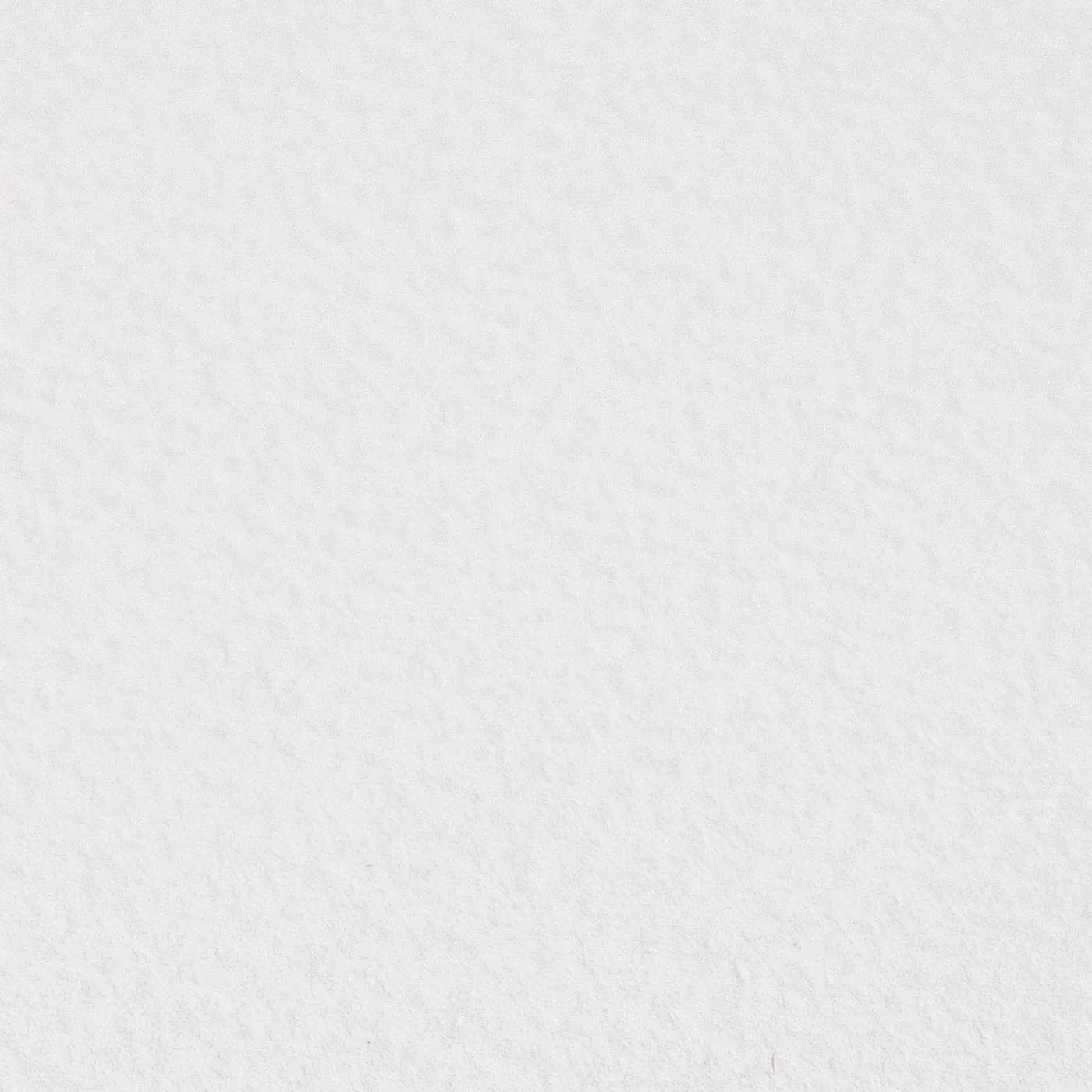
Tintoretto Gesso
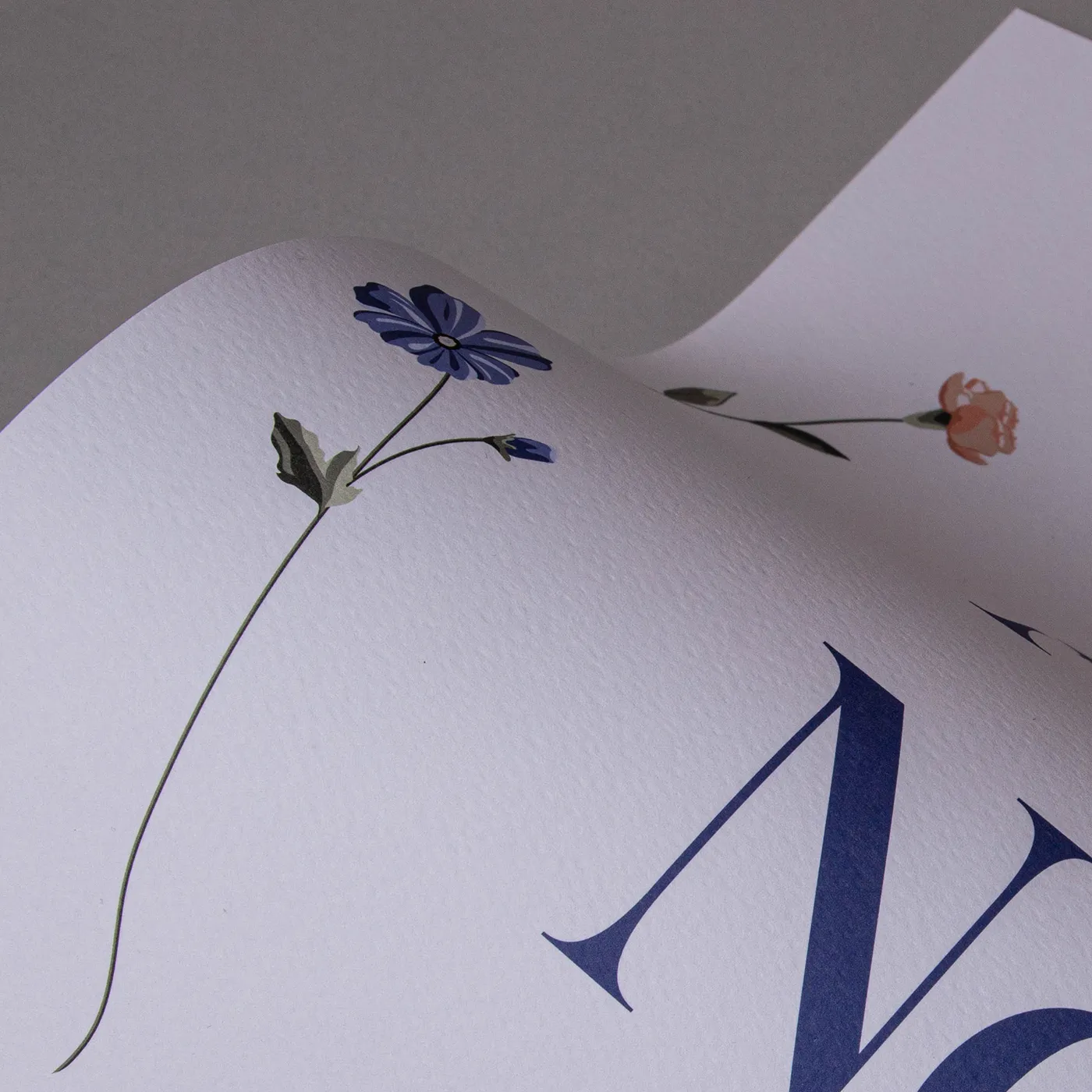
Meet our finest Italian paper. With a warm off-white hue and a hammered finish, Tintoretto Gesso brings a layer of prestige to your print. It's ideal for luxury designs.

Acquerello
With a rich cream colour and fine textured lines impressed on both sides, Acquerello evokes an old world warmth that’s ideal for both retro and elegant modern designs.

Cream
The soft warmth of Cream paper gives a premium feel to any design. With a light uncoated texture, inks are absorbed leaving a flatter, muted finish.

Fresco Gesso
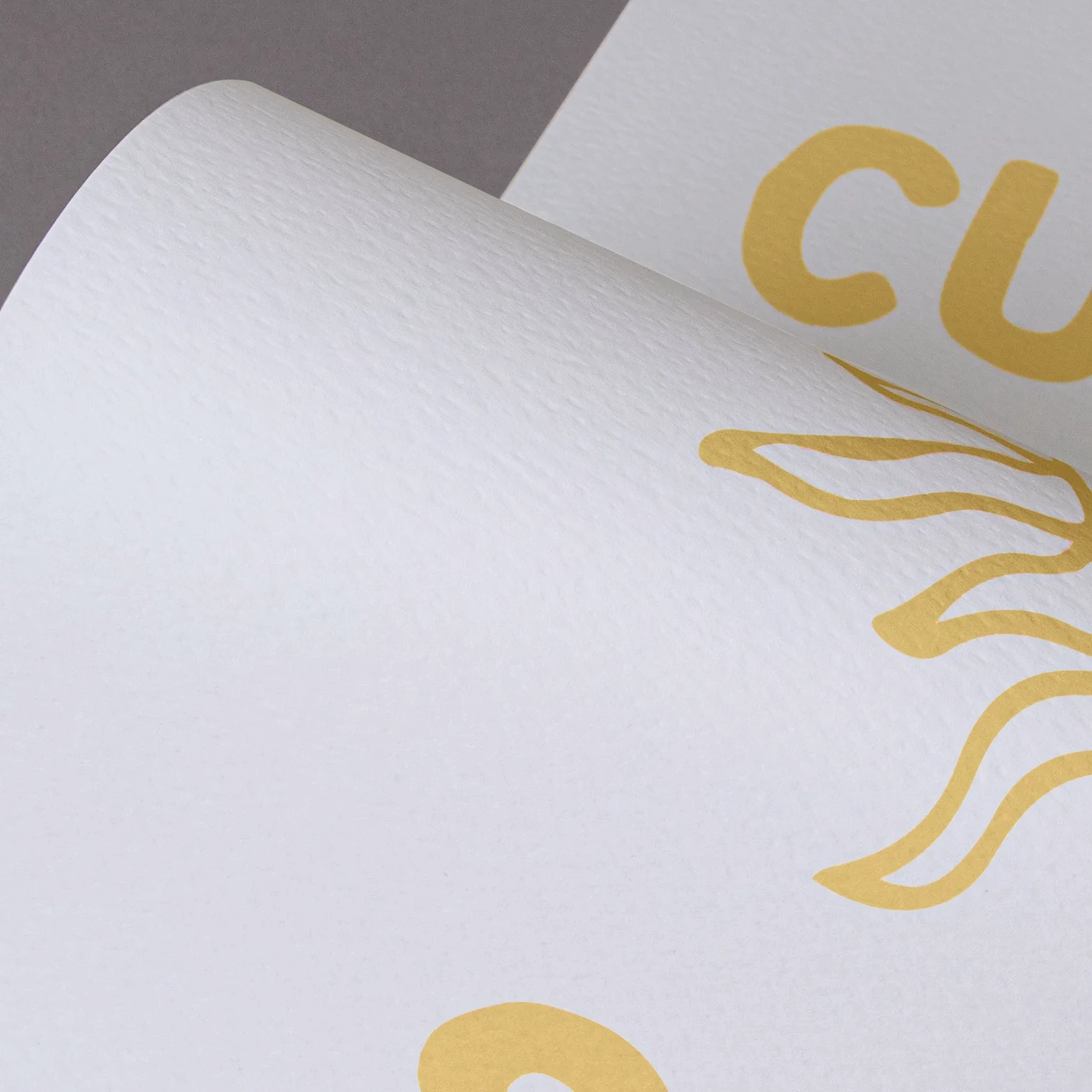
This paper delivers the same luxury and textured finish of Tintoretto Gesso, but with a brighter white finish. Perfect for extra-special print.
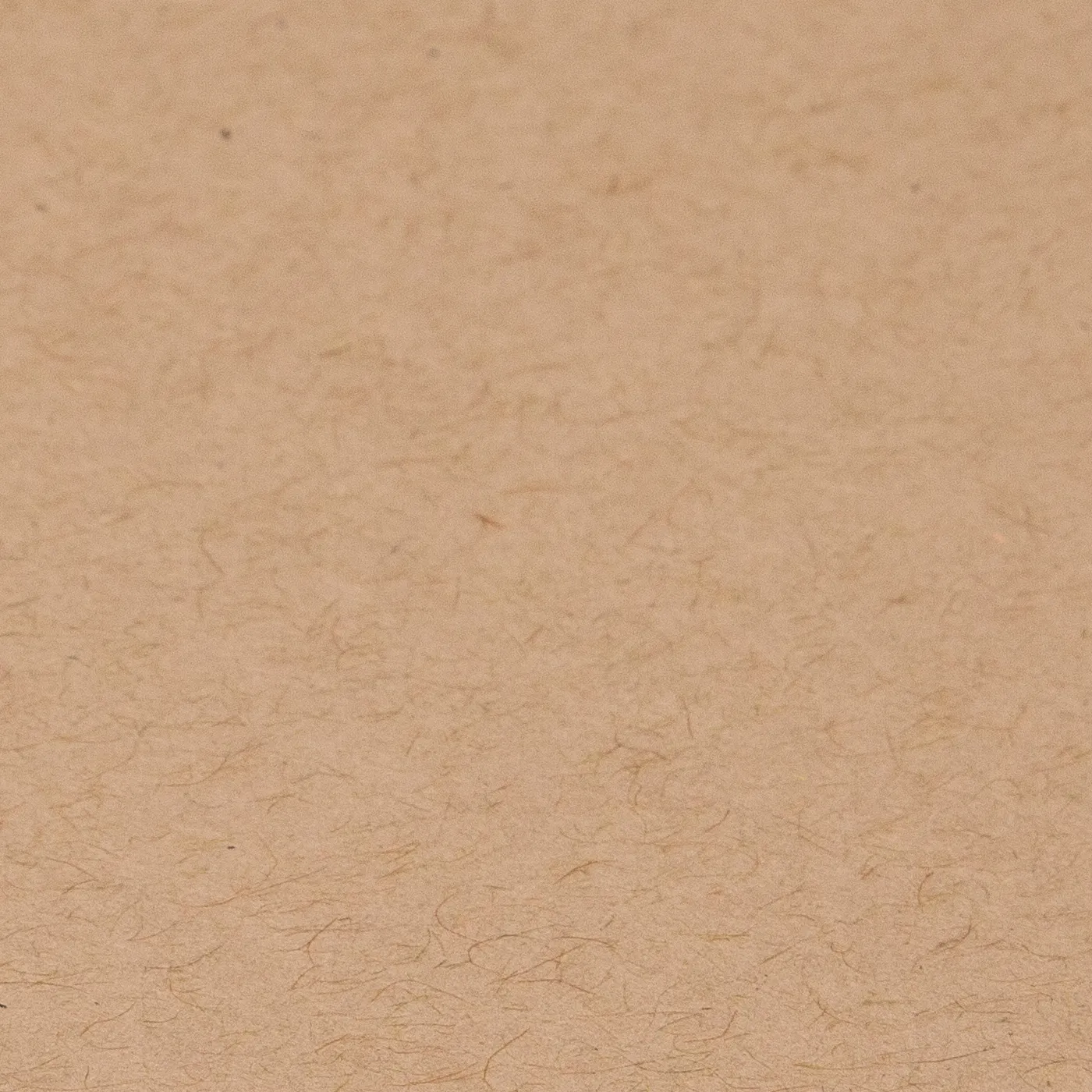
Kraft
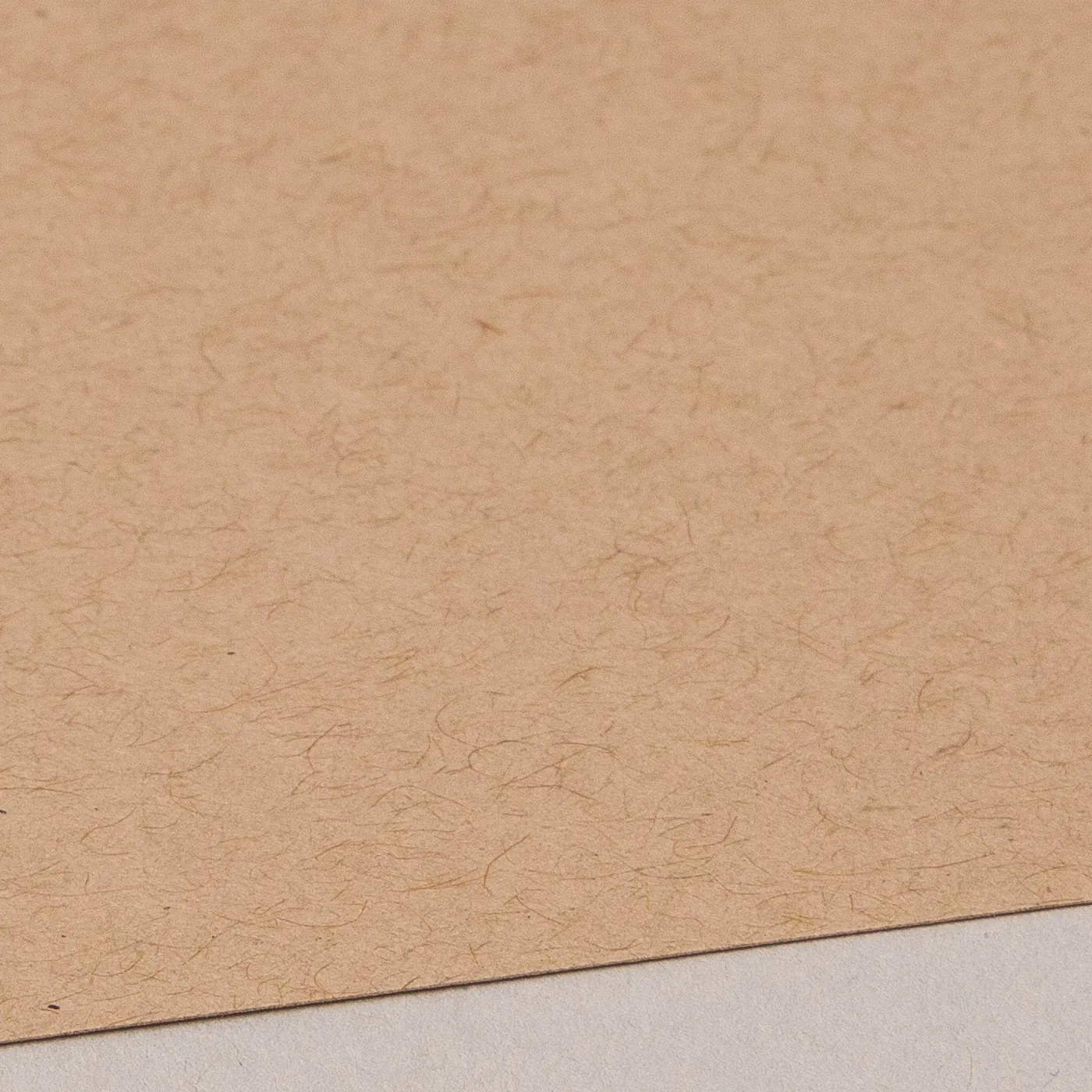
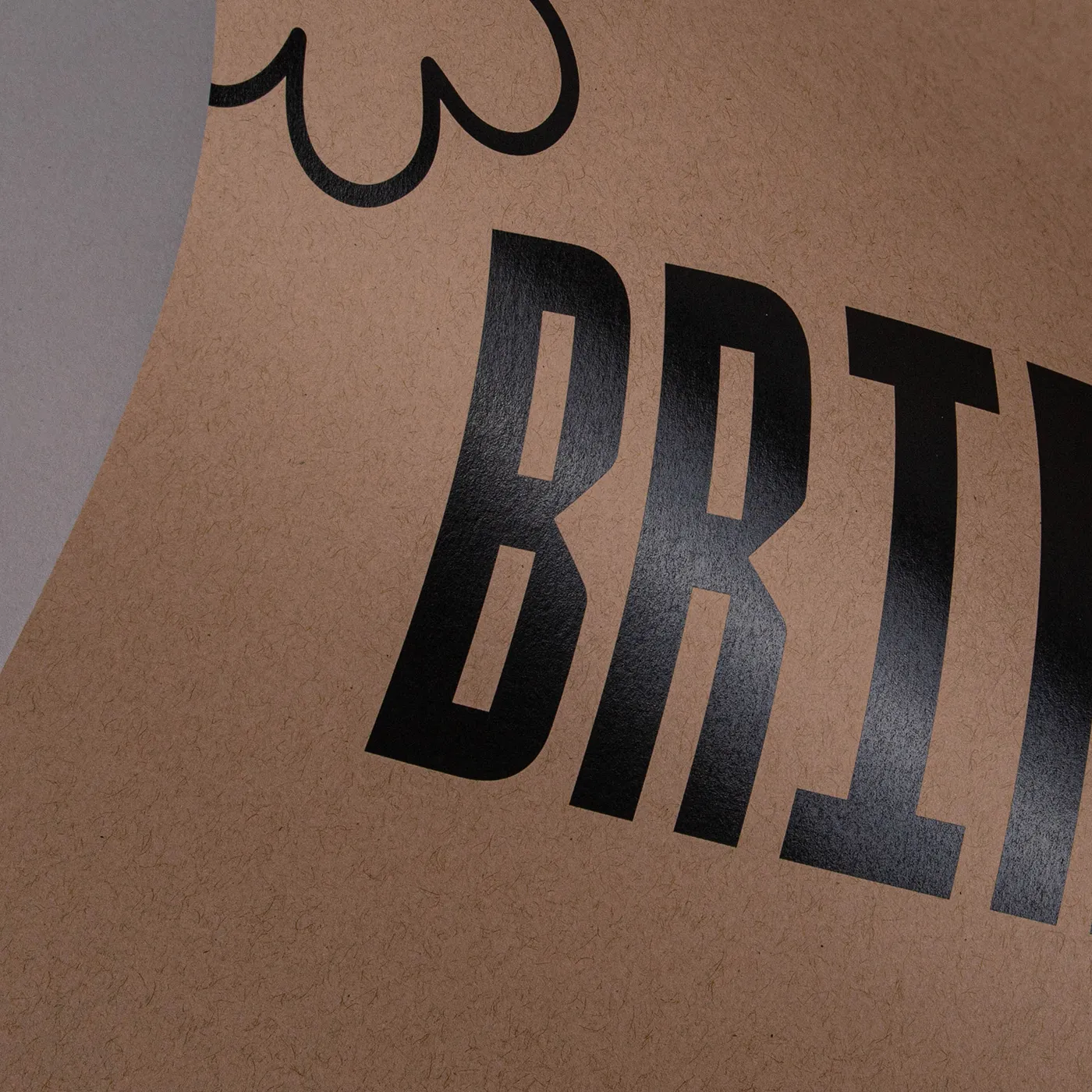
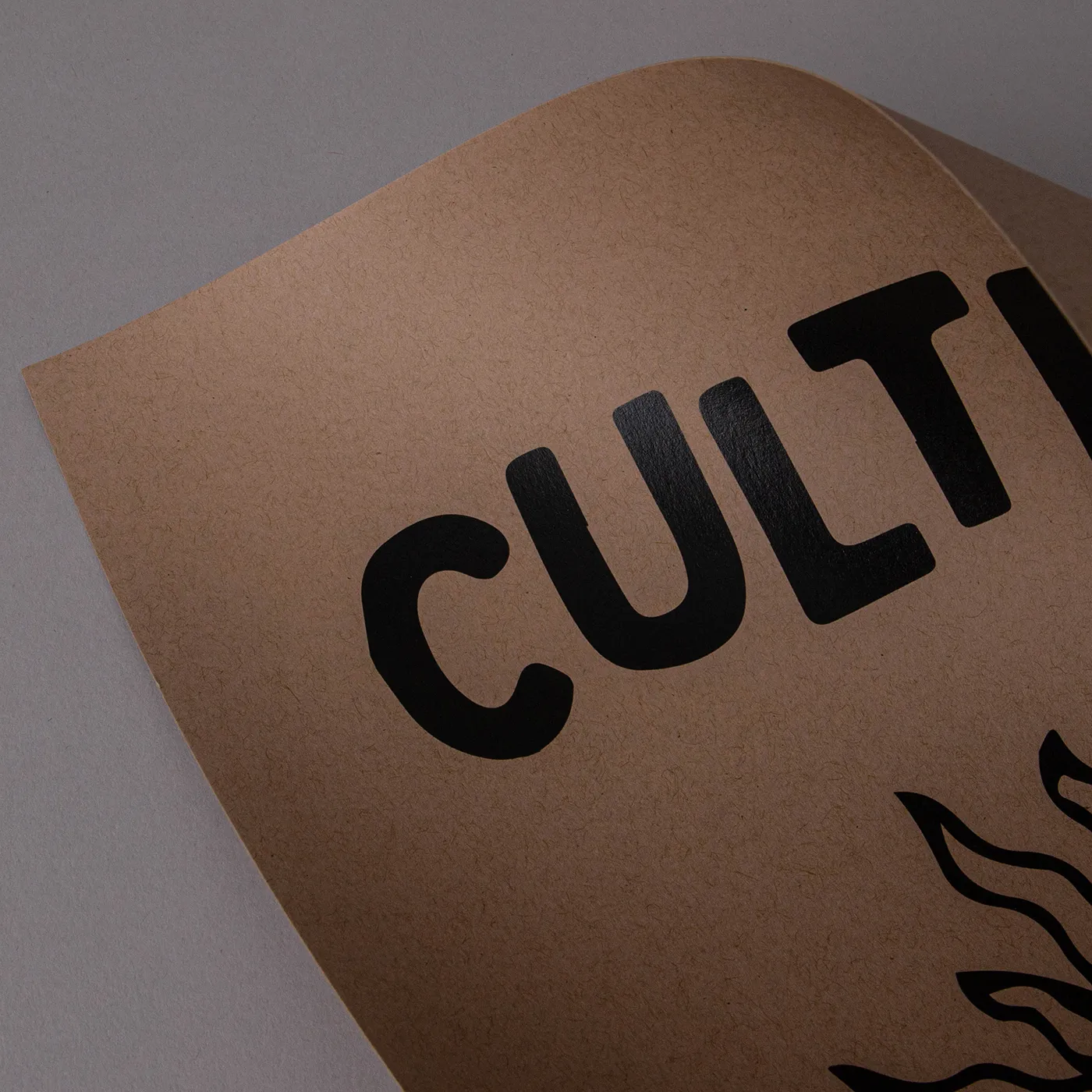
Get a rustic feel with the earthy tones of Kraft paper, made entirely from post-consumer waste. White areas of your design won't be printed, unless you've chosen our white ink finish.
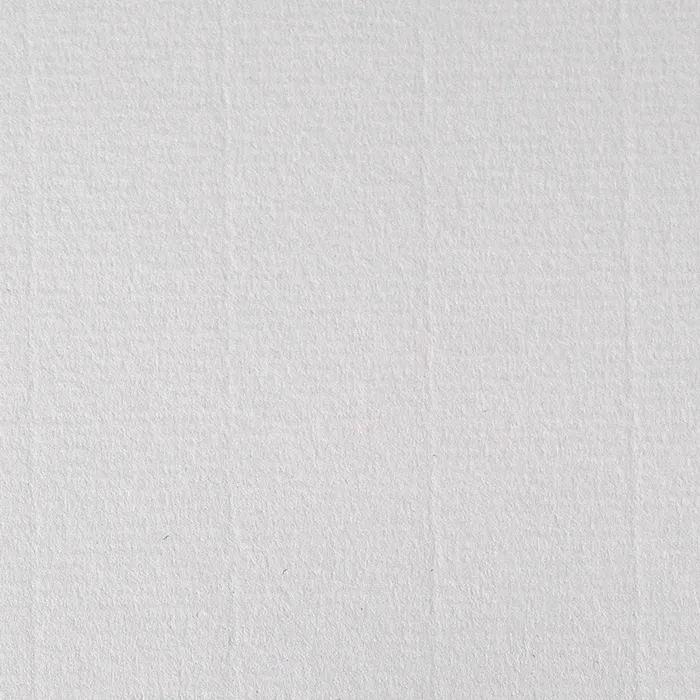
Laid
Add a touch of texture with the subtle, fine-lined finish of Laid paper. With an off-white hue, it's uncoated for a soft feel and is made from 10% cotton fibres.

Nettuno
Add a touch of class with Nettuno. Featuring a fine-lined texture, it has an understated simplicity that brings print to life with a retro feel.
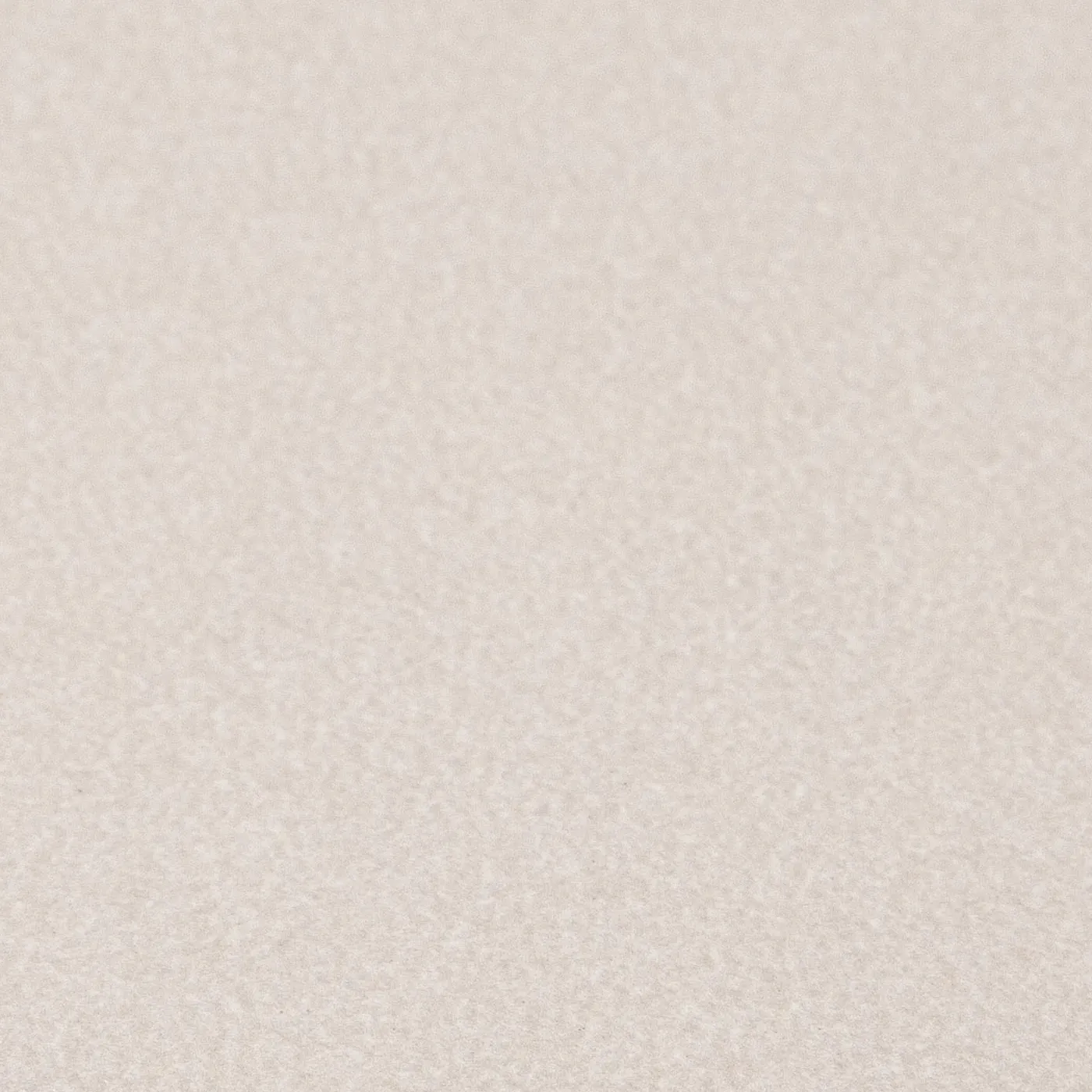
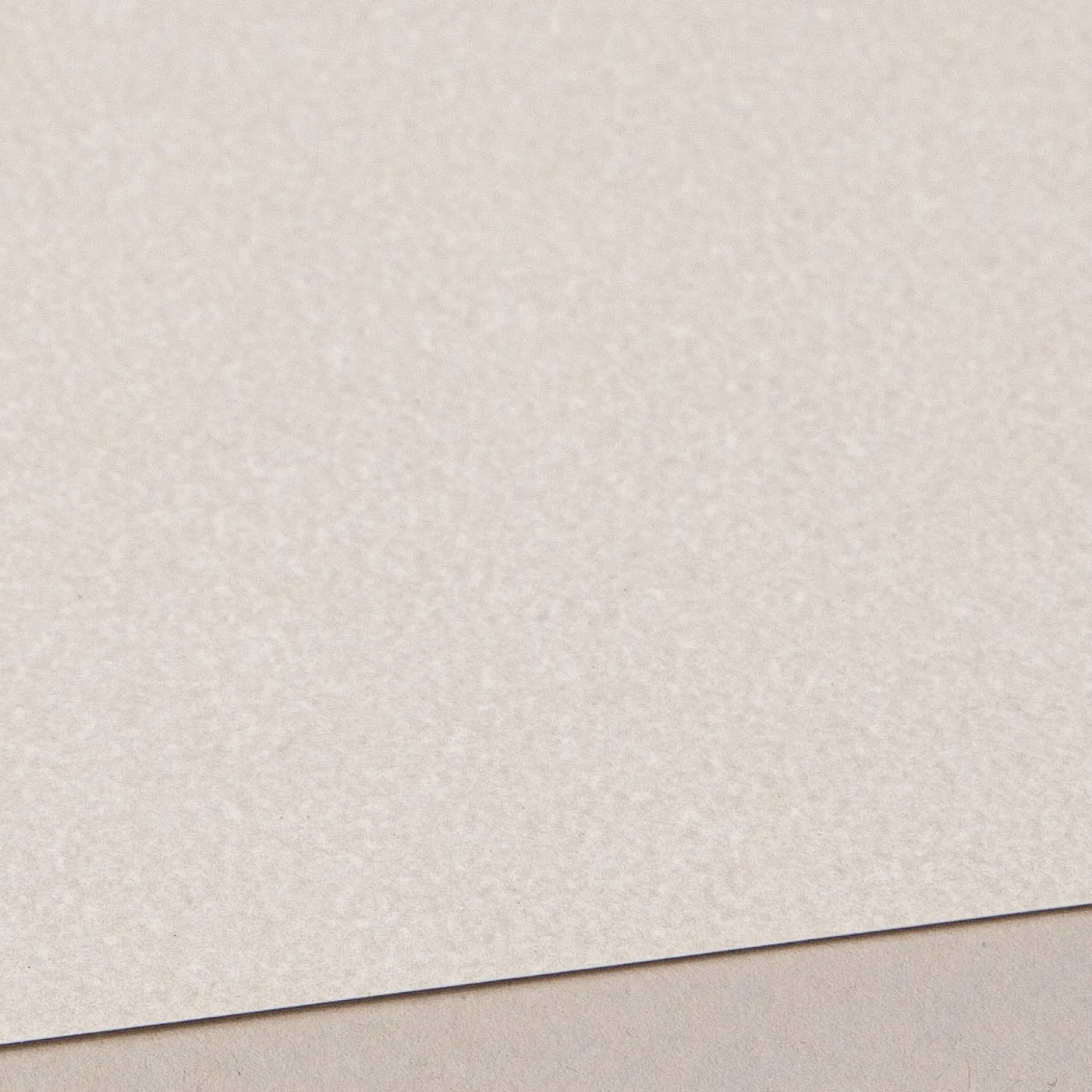
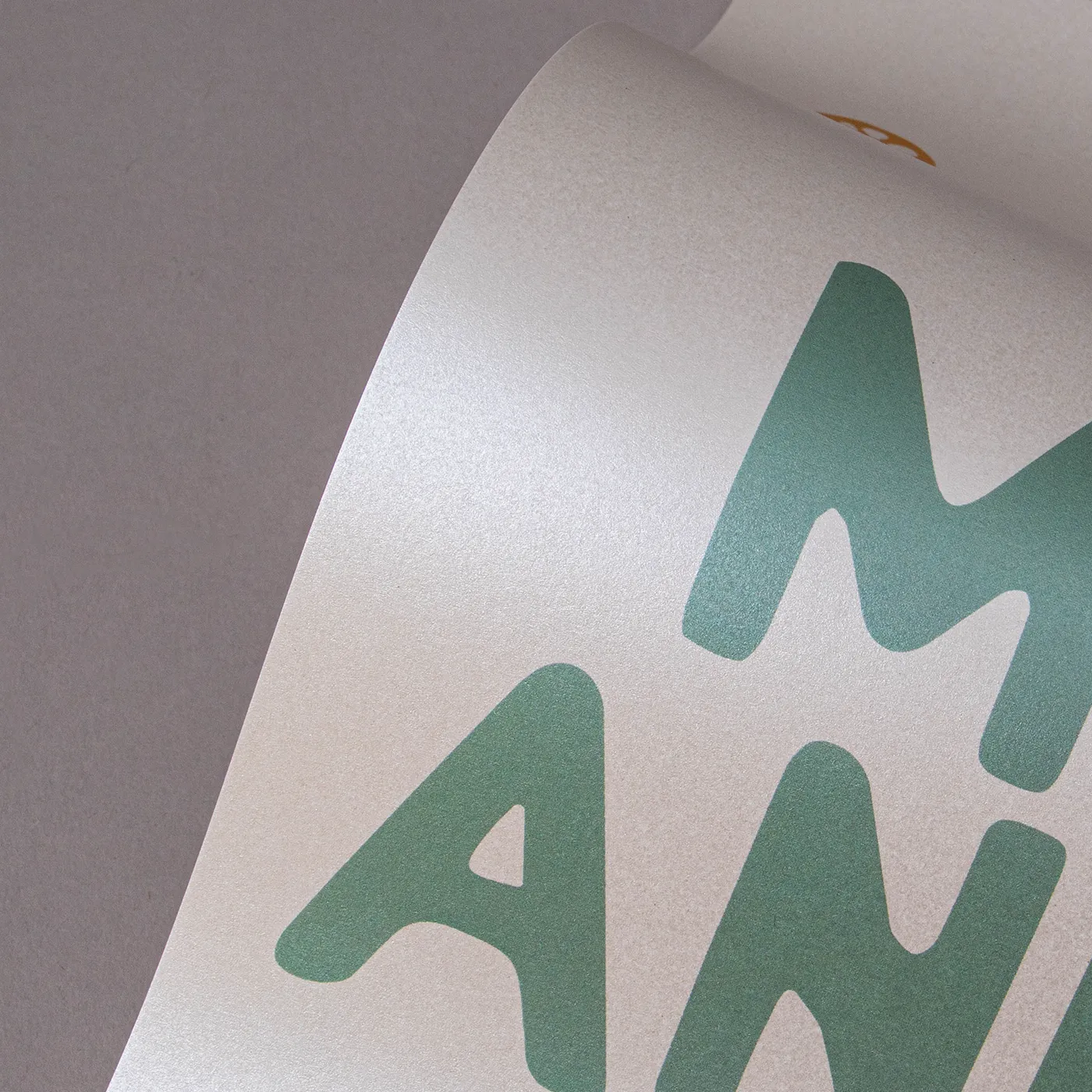
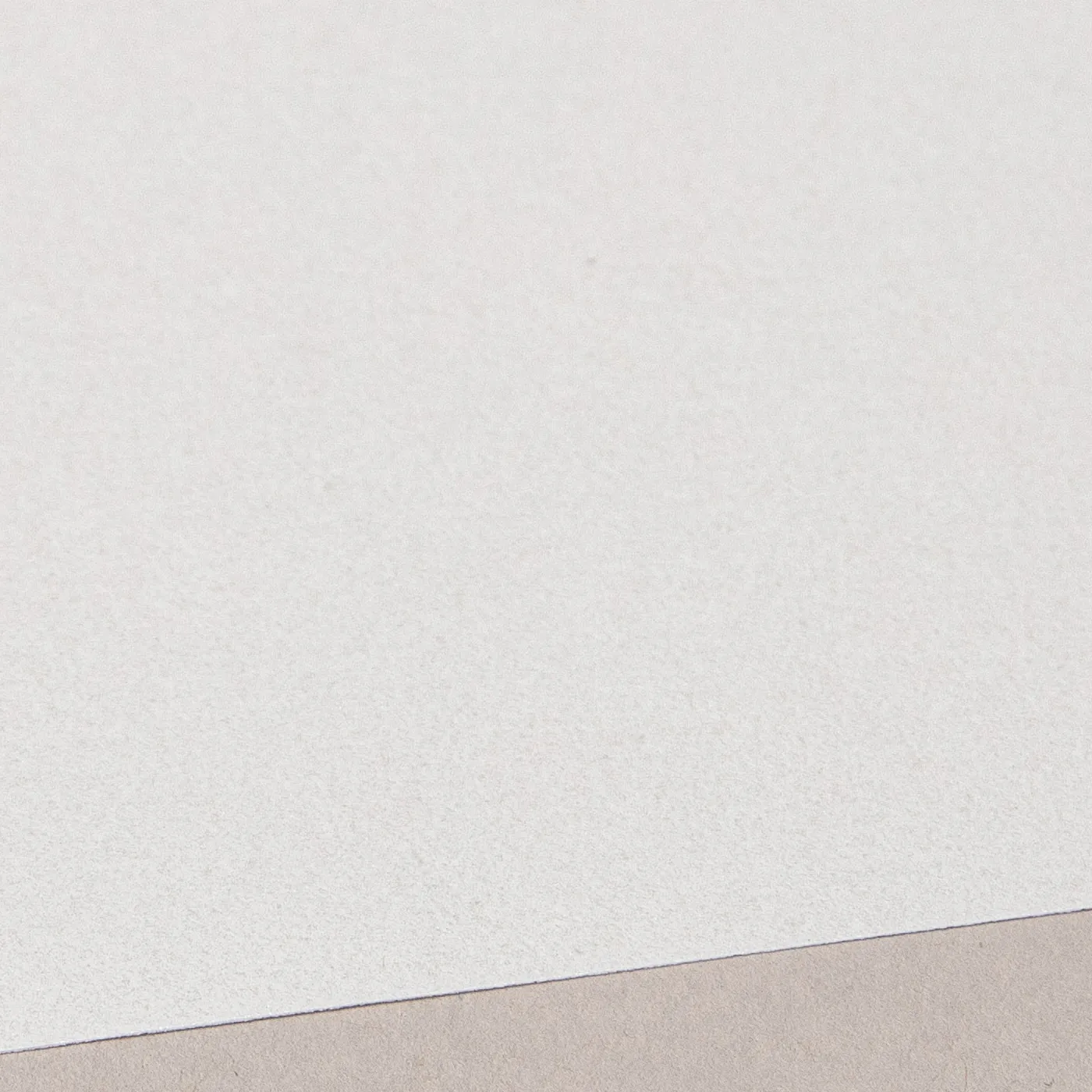
Pearl Oyster
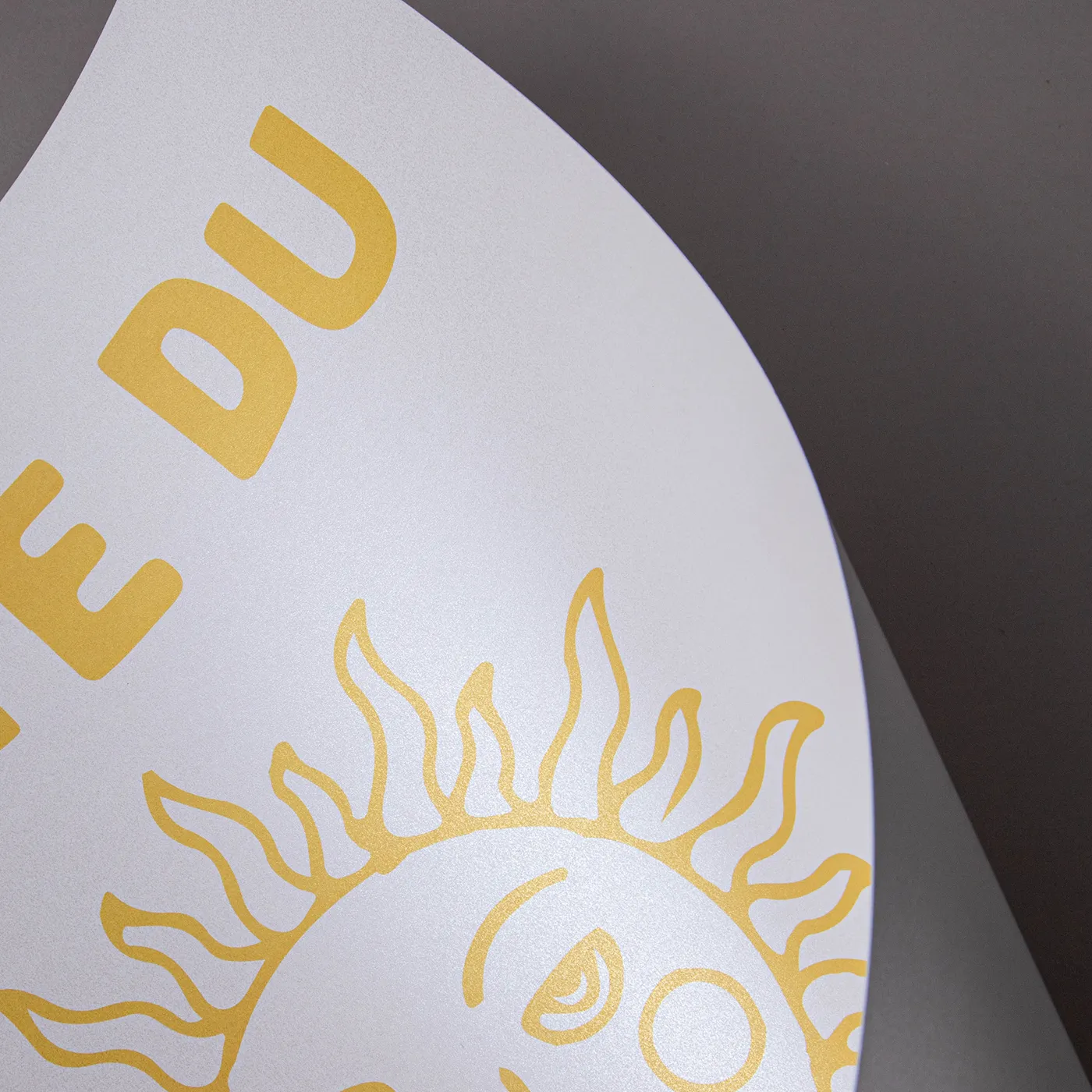
Sparkling with cool icy tones, this pearlescent paper brings an extra dimension to printed designs with a subtle, yet standout shine.
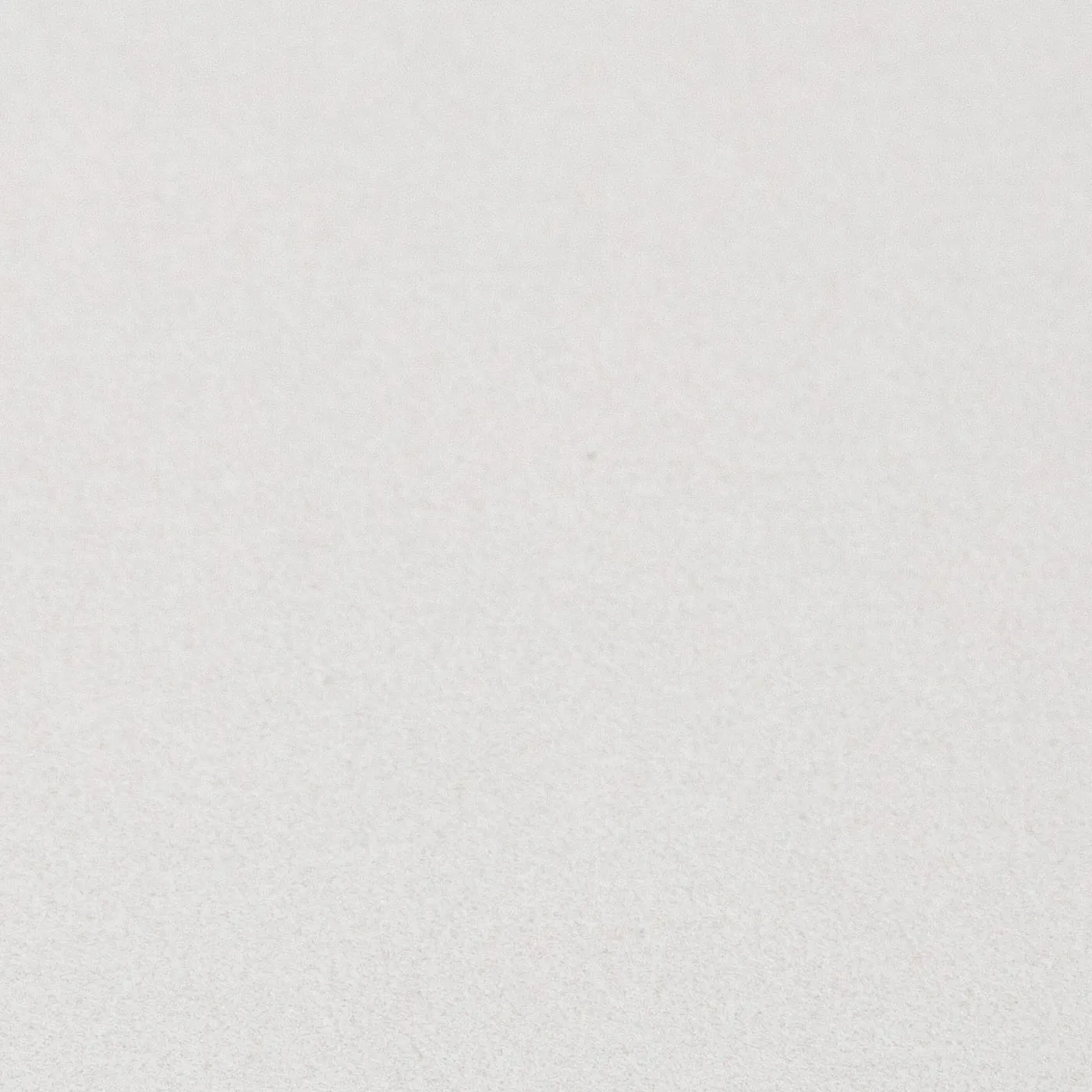
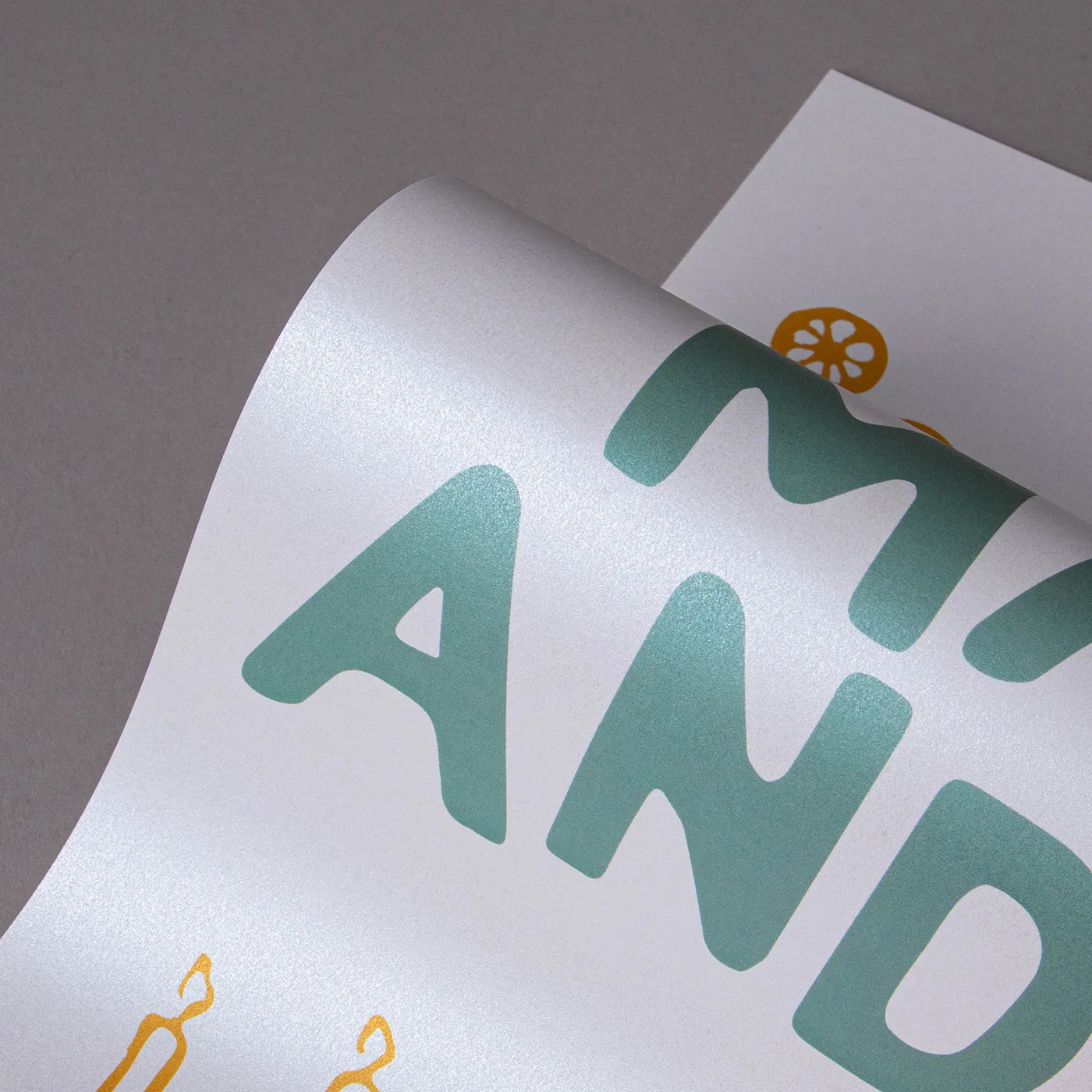
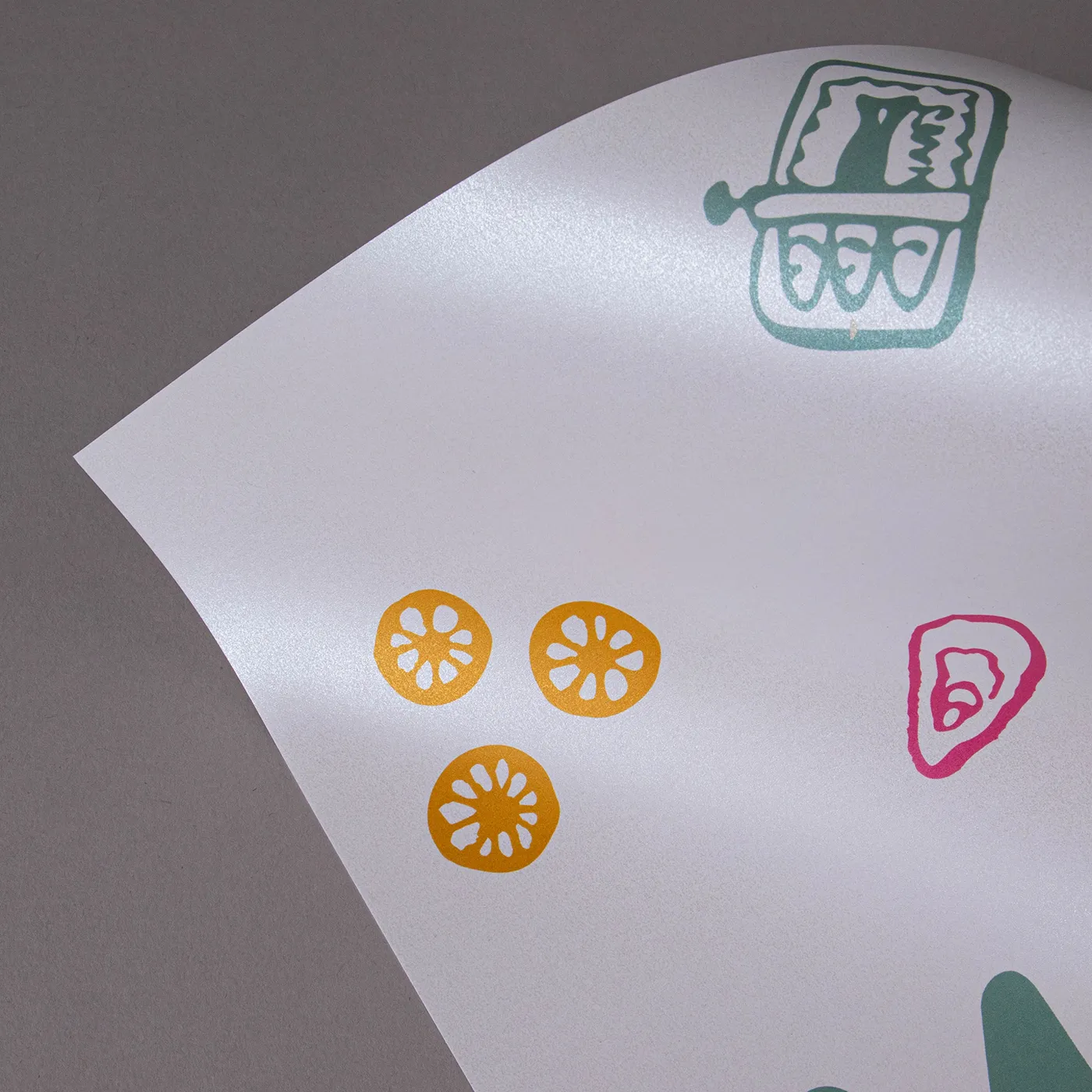
Pearl Polar
Featuring a cool pearlescent sheen, this paper weaves a shimmering tone throughout its surface for a subtle, yet eye-catching finish.
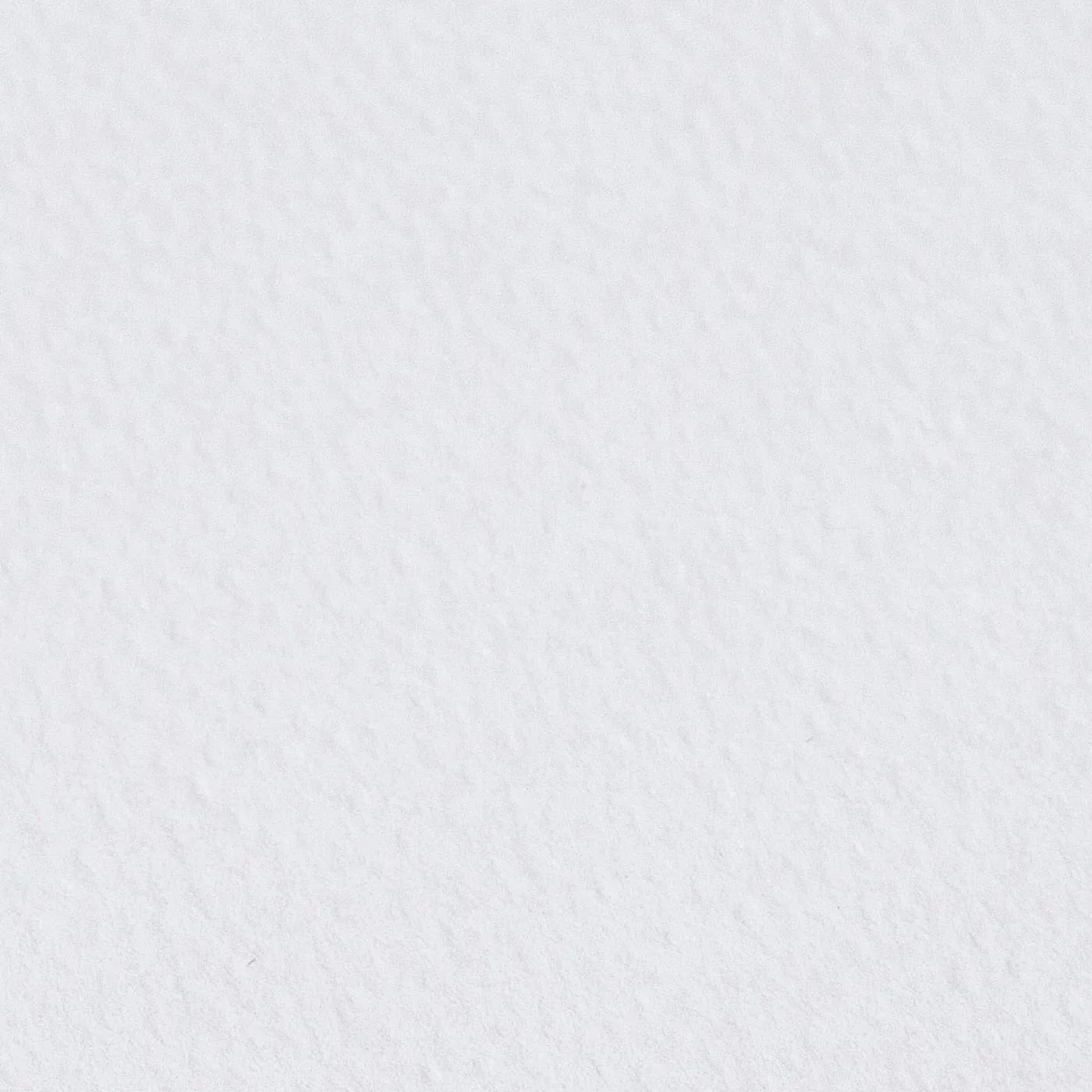
Rives Shetland
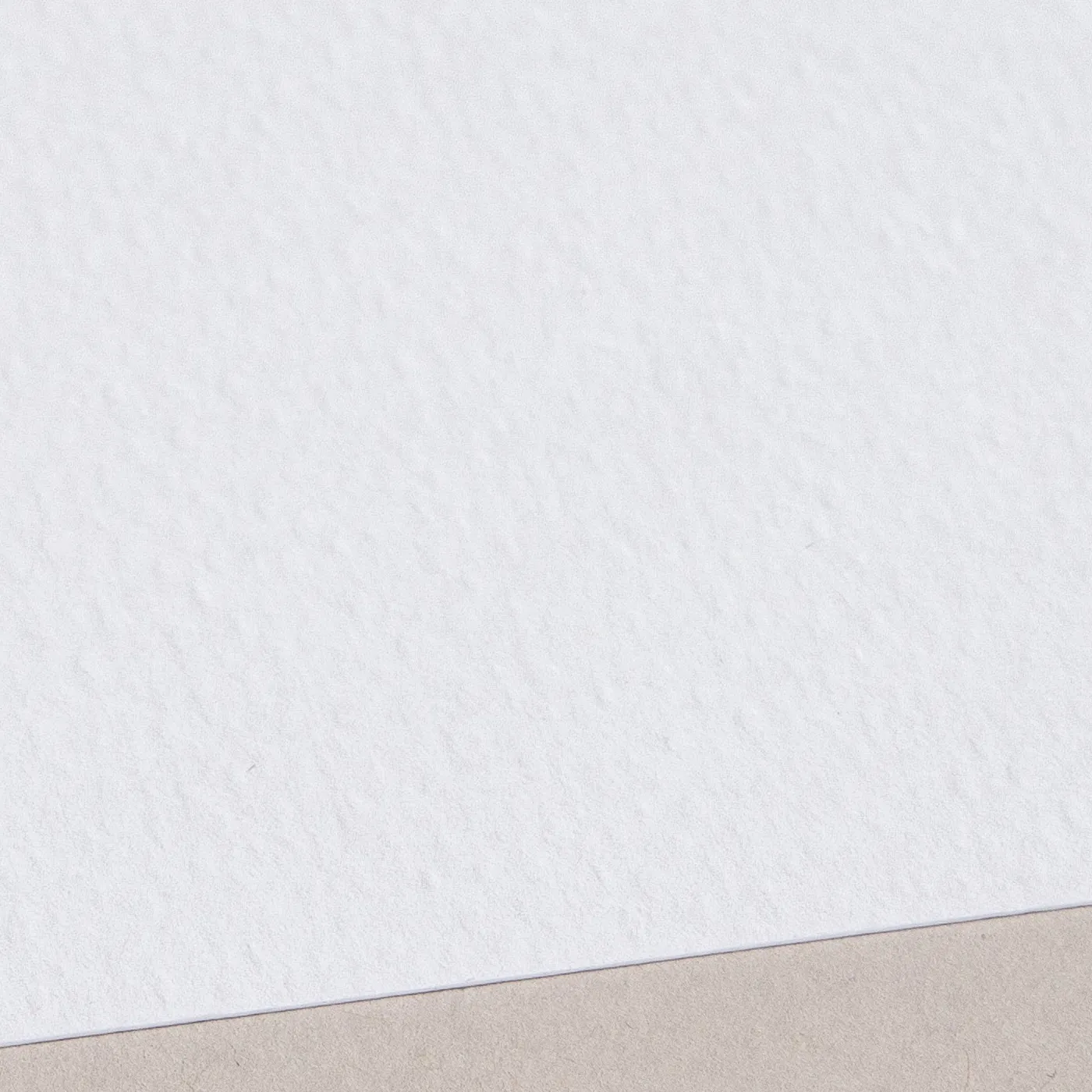
Featuring a weave-like texture across its bright white surface, the stylish uncoated finish of Rives Shetland adds a tactile element to contemporary print designs.
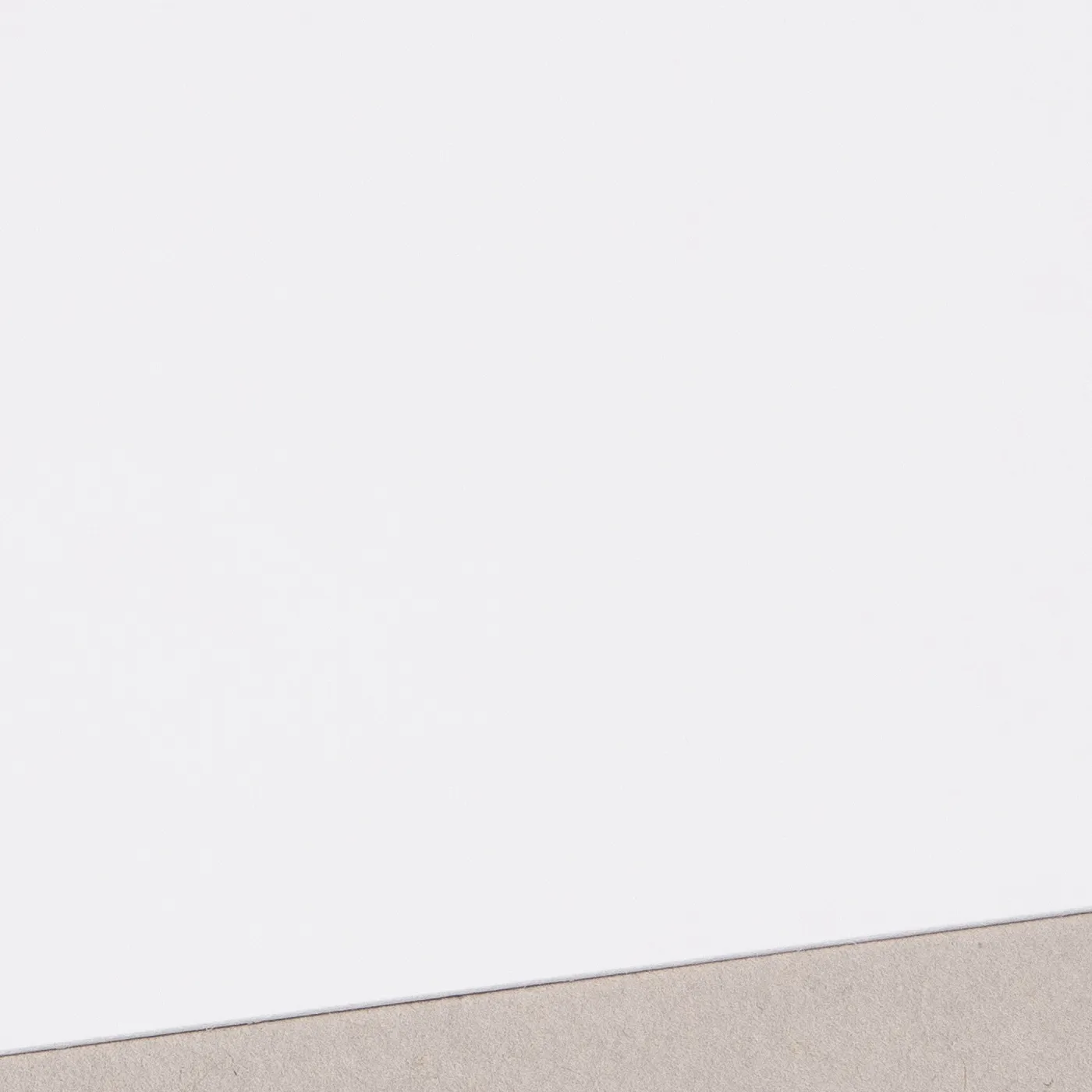
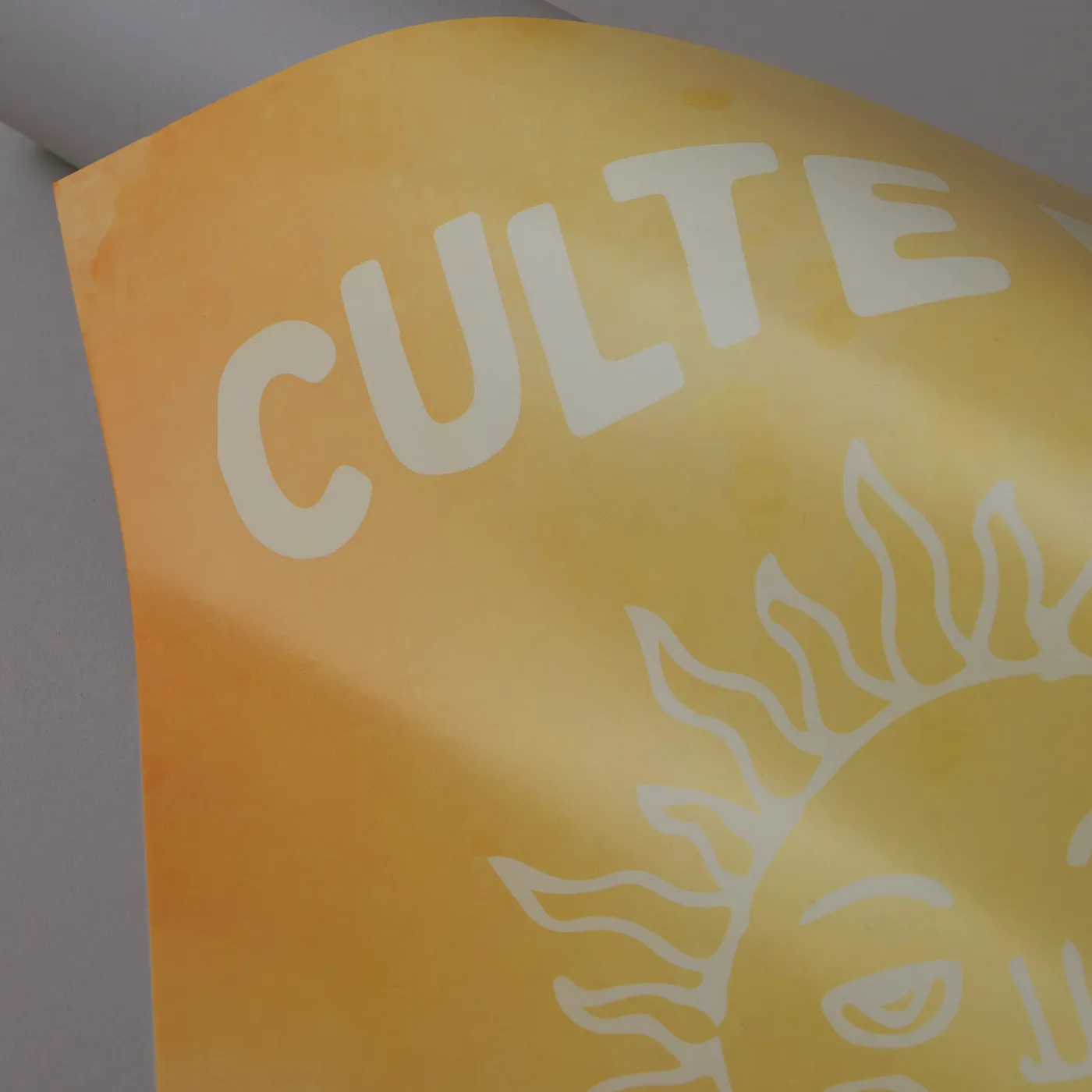
TruCard
TruCard is glossy and scratchproof on one side with an off-white hue, giving a vibrant print. It's bright-white and uncoated on the other side, so you can easily write on it.
Available weights
- 300gsm
Best for
- Greeting Cards
- Postcards
- Writing on one side
Credentials
- Recyclable
- FSC certified
- Sustainably sourced
- Chlorine-free
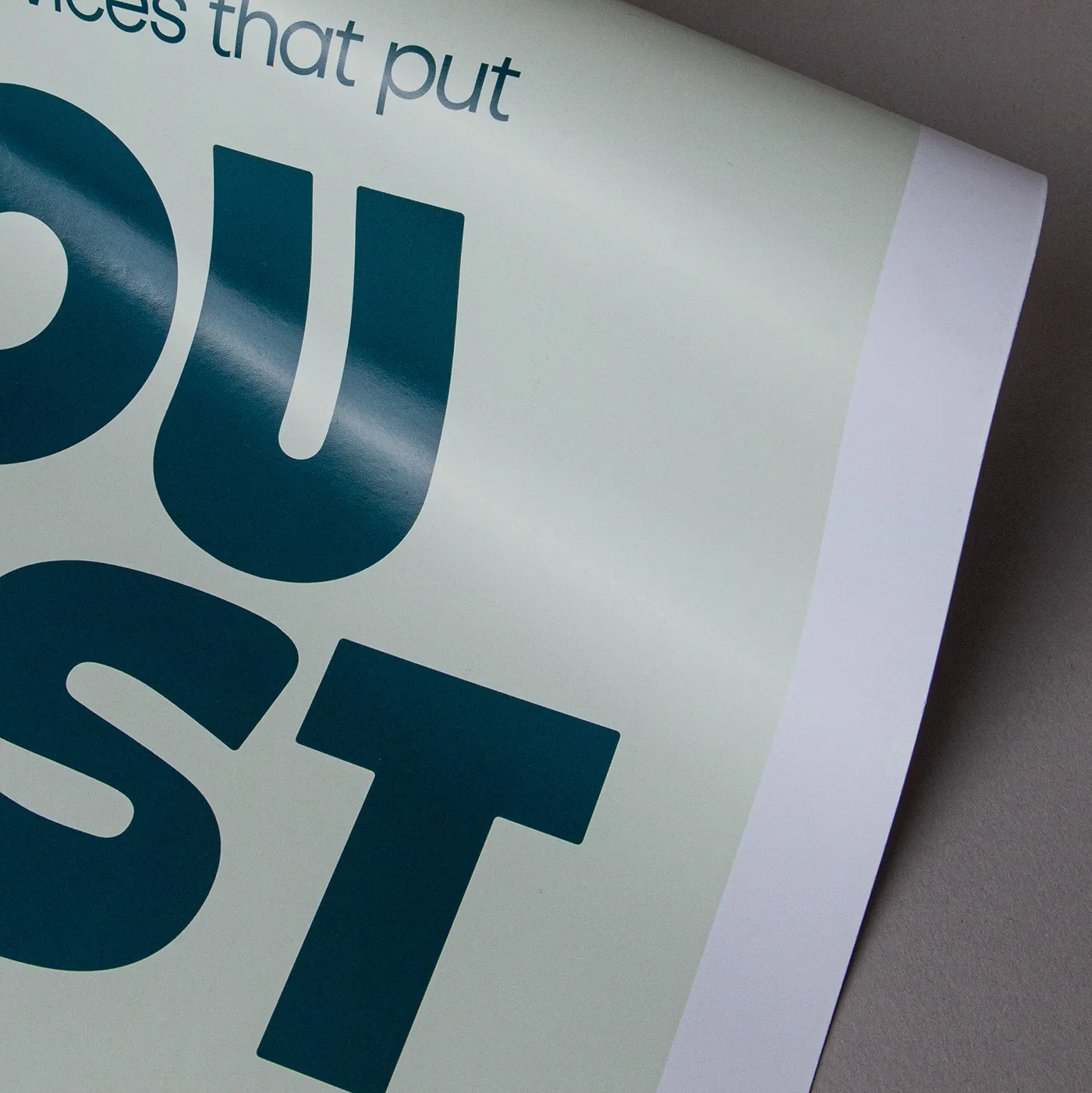
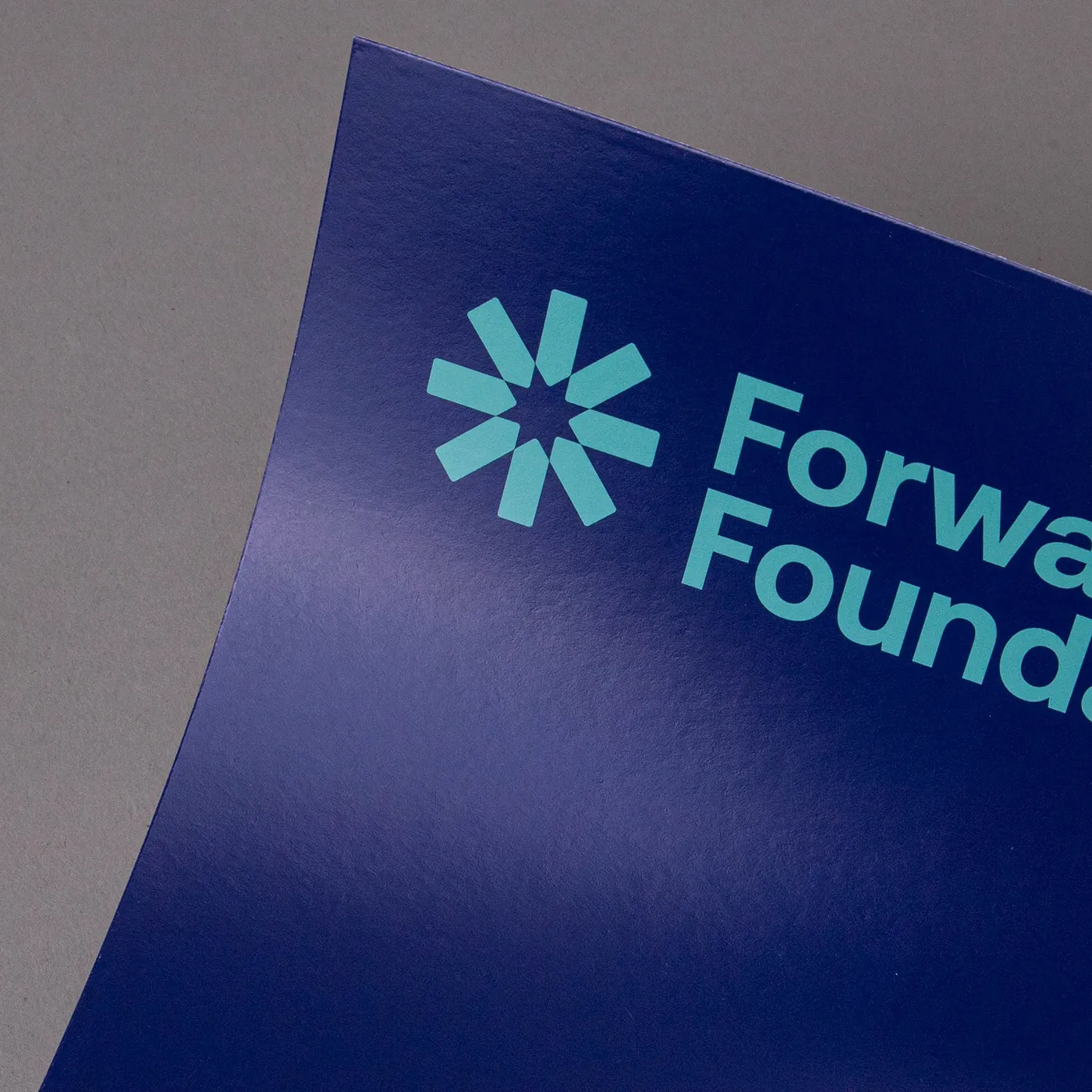
Silk
Our most popular paper choice, the clean and crisp finish of Silk paper gives a sharp, defined finish to printed colours and designs.
Available weights
- 300gsm
- 350gsm
Best for
- Vibrant designs
- Affordable print
- Versatile print
Credentials
- Recyclable
- Biodegradable
- FSC certified
- Chlorine-free
Recycled Silk
Our most popular paper just got an eco-upgrade! Discover all the features of your favourite stock, now manufactured sustainably with 100% recycled fibres.
Available weights
- 350gsm
Best for
- An eco upgrade
- Versatile print
- A sharp and vibrant finish
Credentials
- Recyclable
- Recycled
- FSC certified
- Chlorine-free


Uncoated
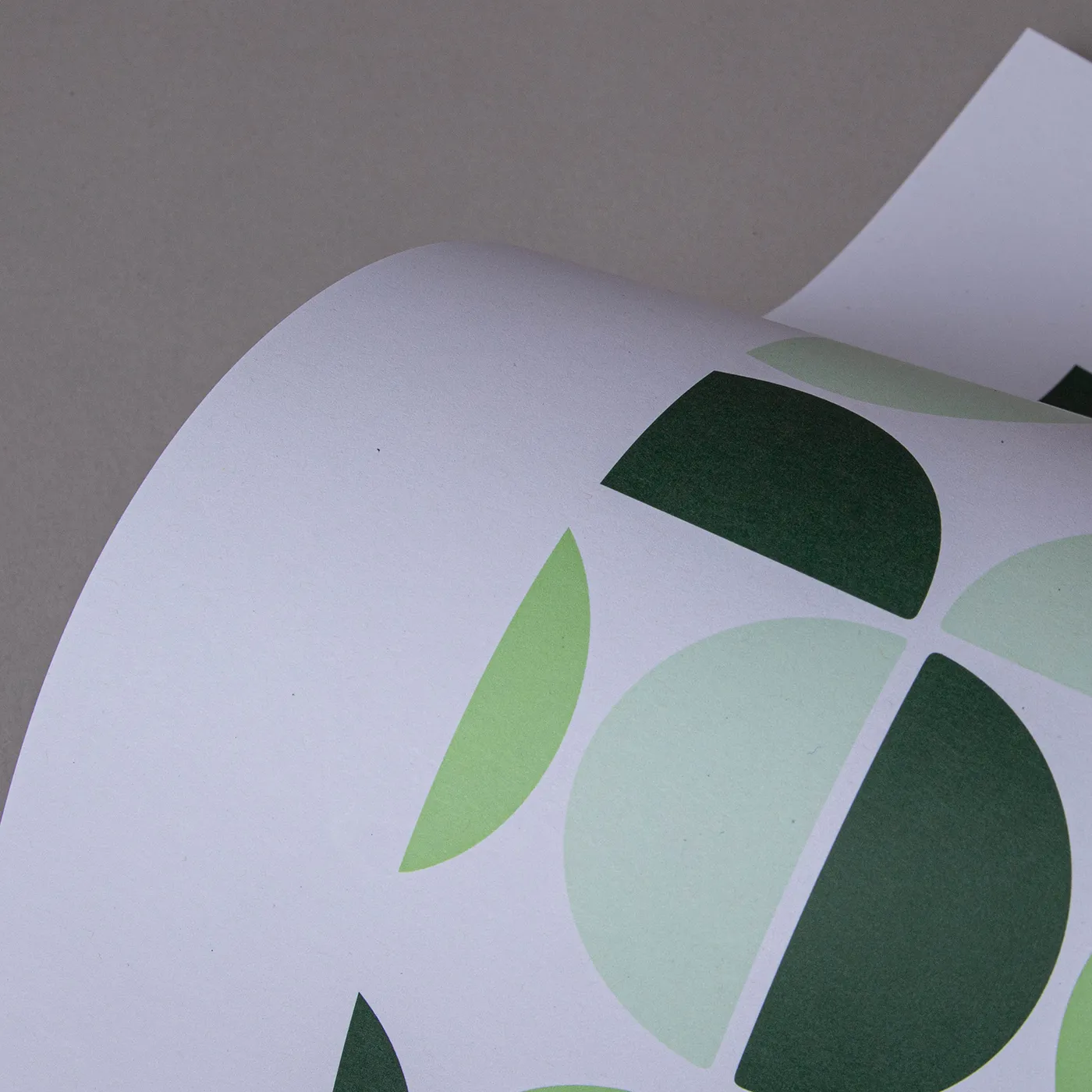
For a flat modern finish with no surface coating, Uncoated paper offers a soft, touchable texture that's ideal for writing on.
Available weights
- 350gsm
Best for
- Versatile print
- Affordable print
- A matt finish
Credentials
- Recyclable
- FSC certified
- Chlorine-free
Recycled Uncoated
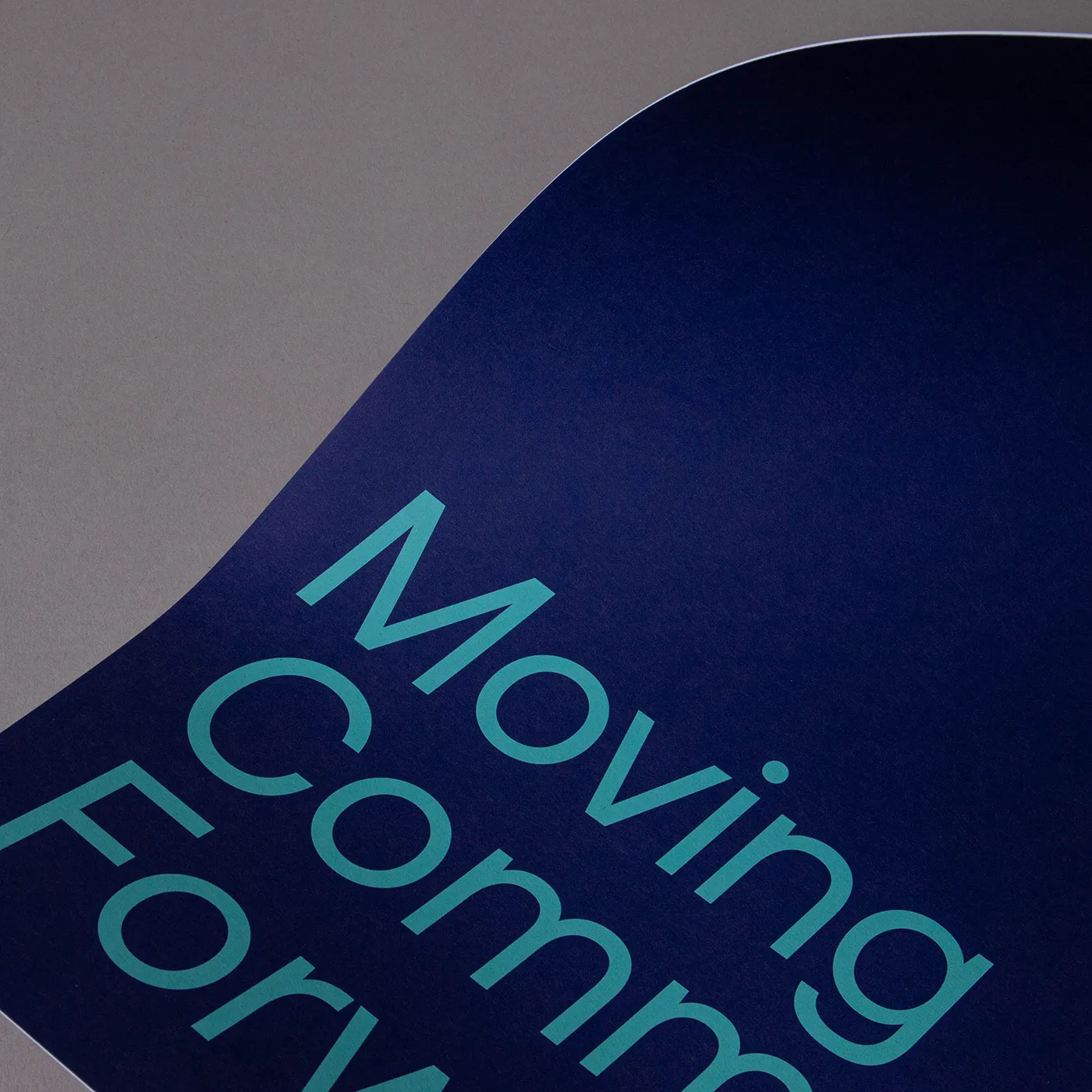
Recycled Uncoated is off-white, with a coarse texture and rustic flecks throughout. It's uncoated surface gives print colours a sophisticated feel and a slightly muted finish.
Available weights
- 350gsm
Best for
- Eco-conscious branding
- Recycled product packaging
- Natural product labelling
Credentials
- Recyclable
- 100% post consumer waste
- FSC® certified
- Chlorine-free
- Vegan-friendly inks
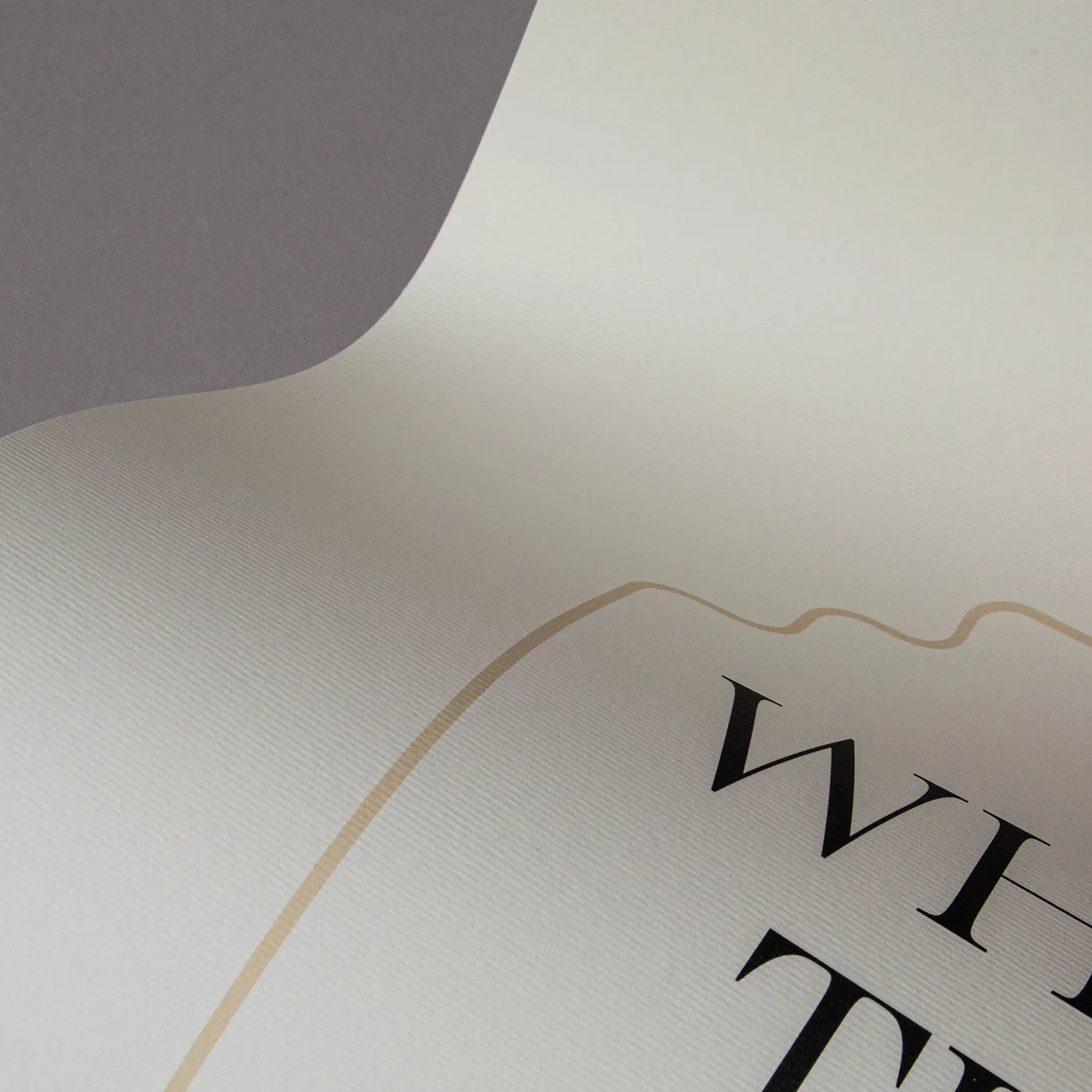
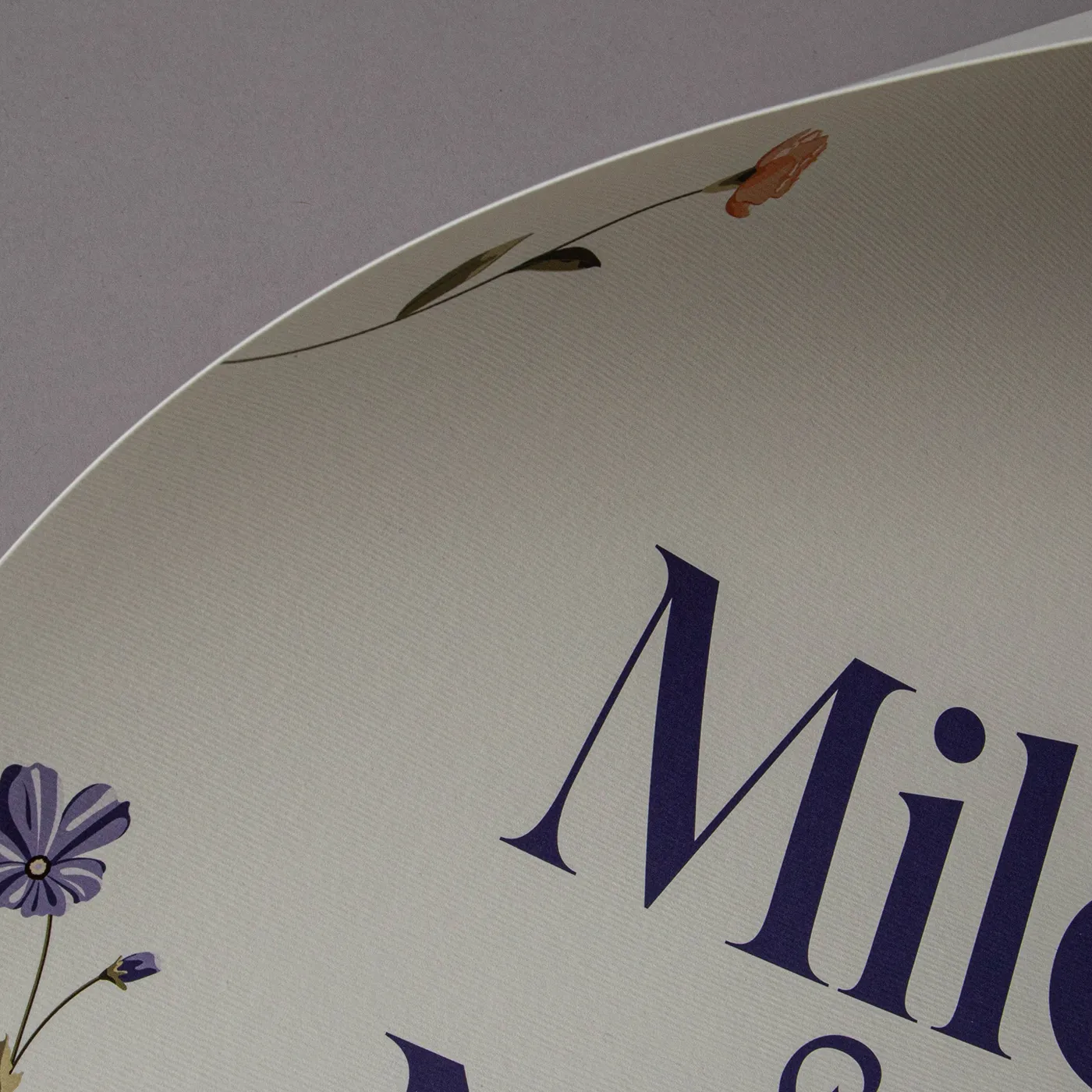
Tintoretto Gesso
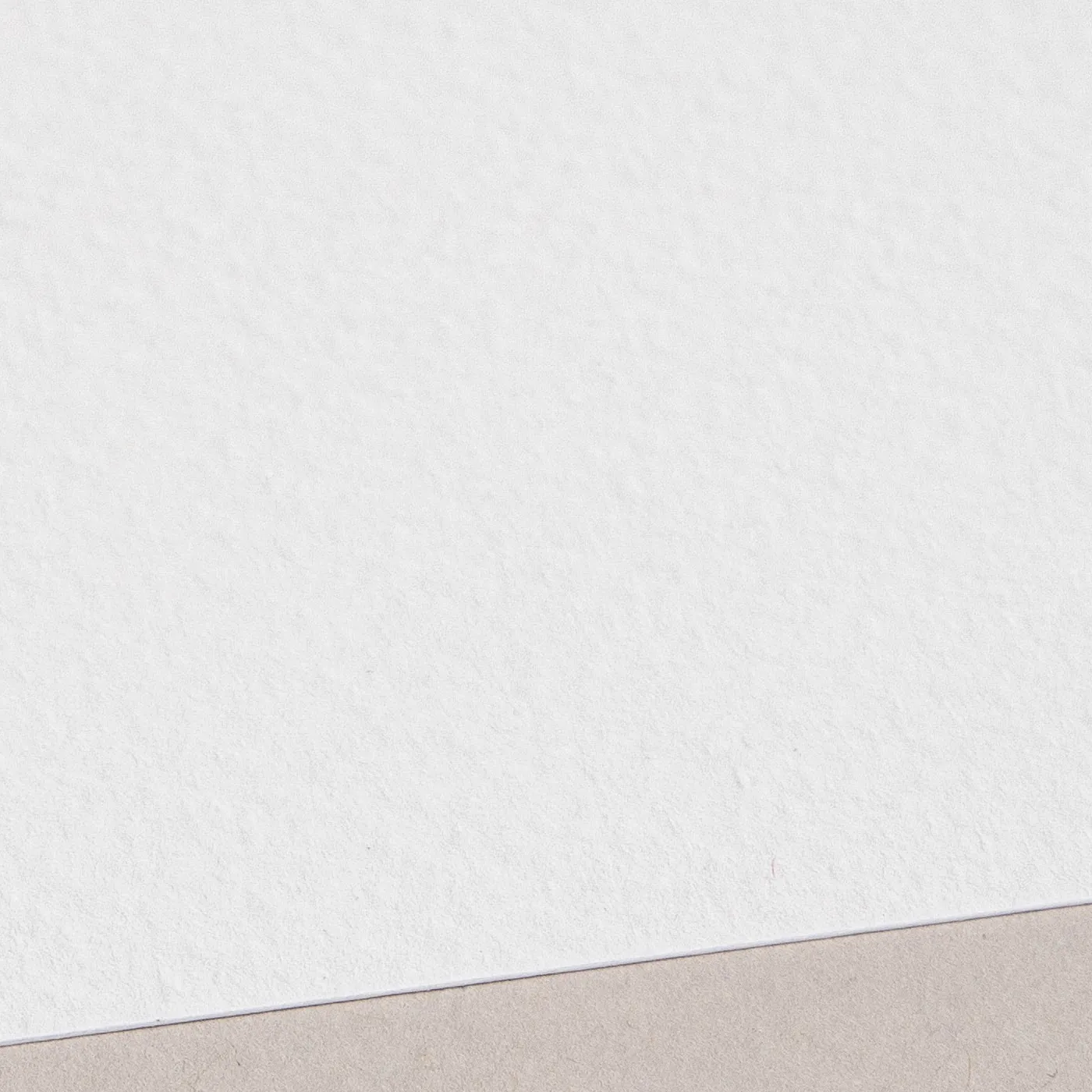
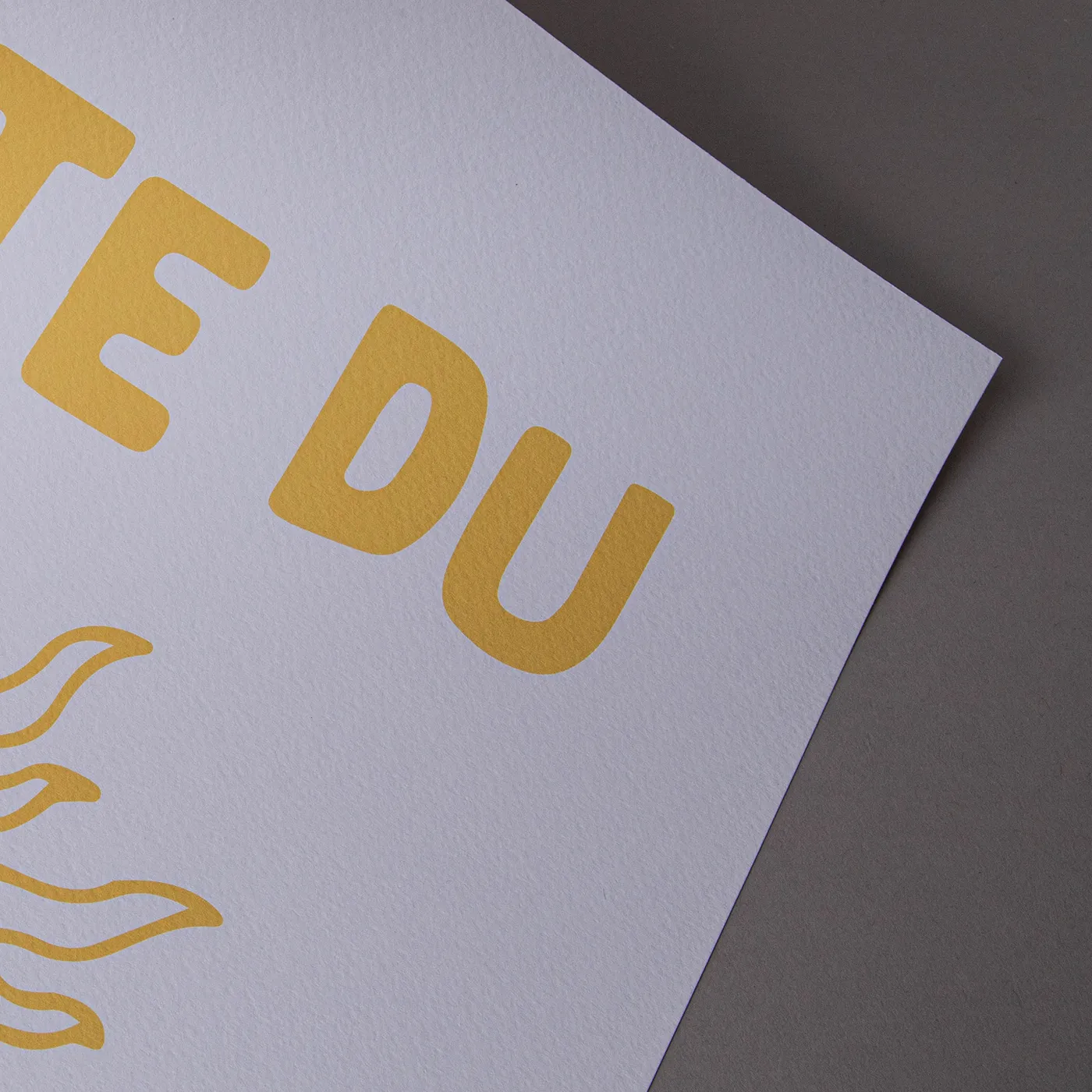
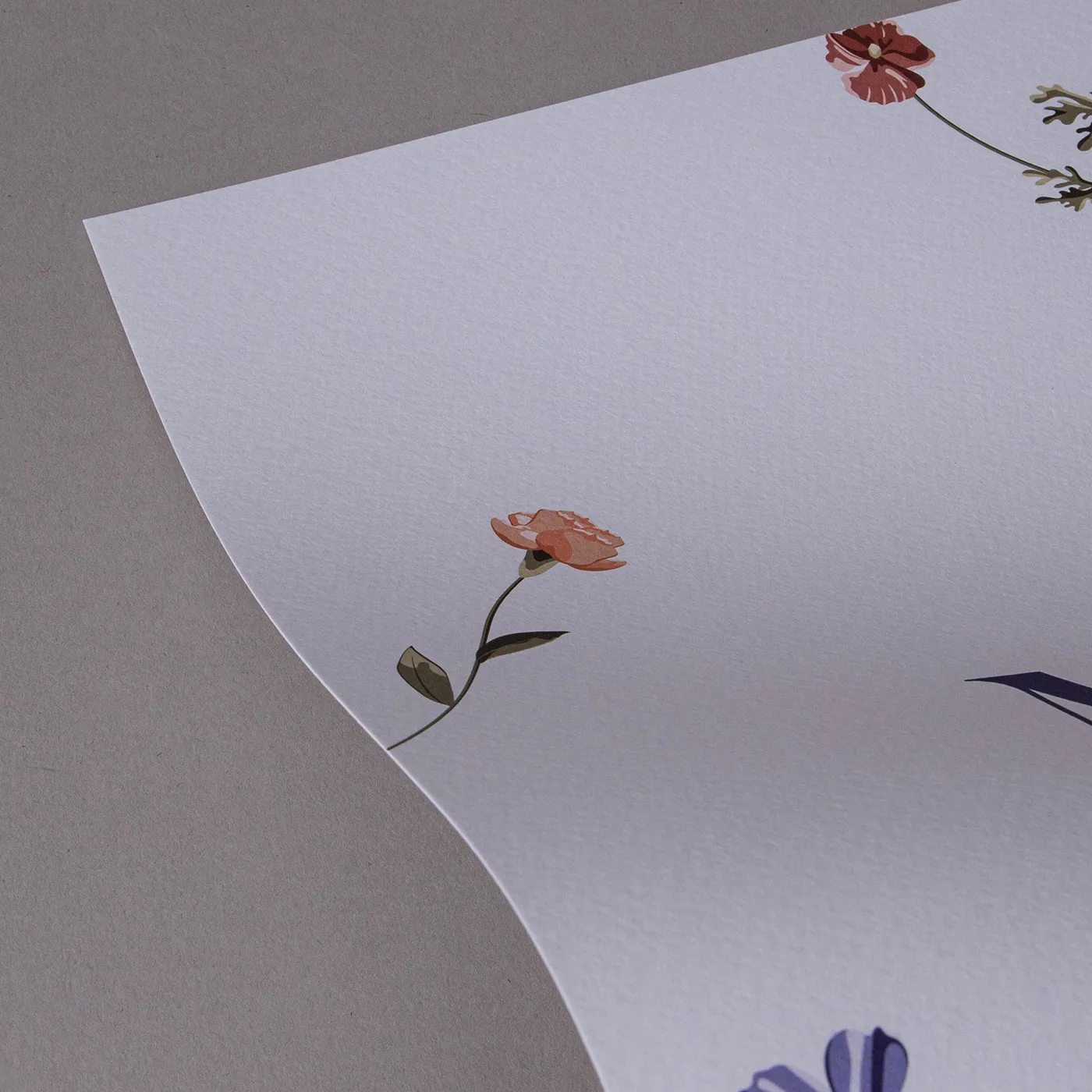
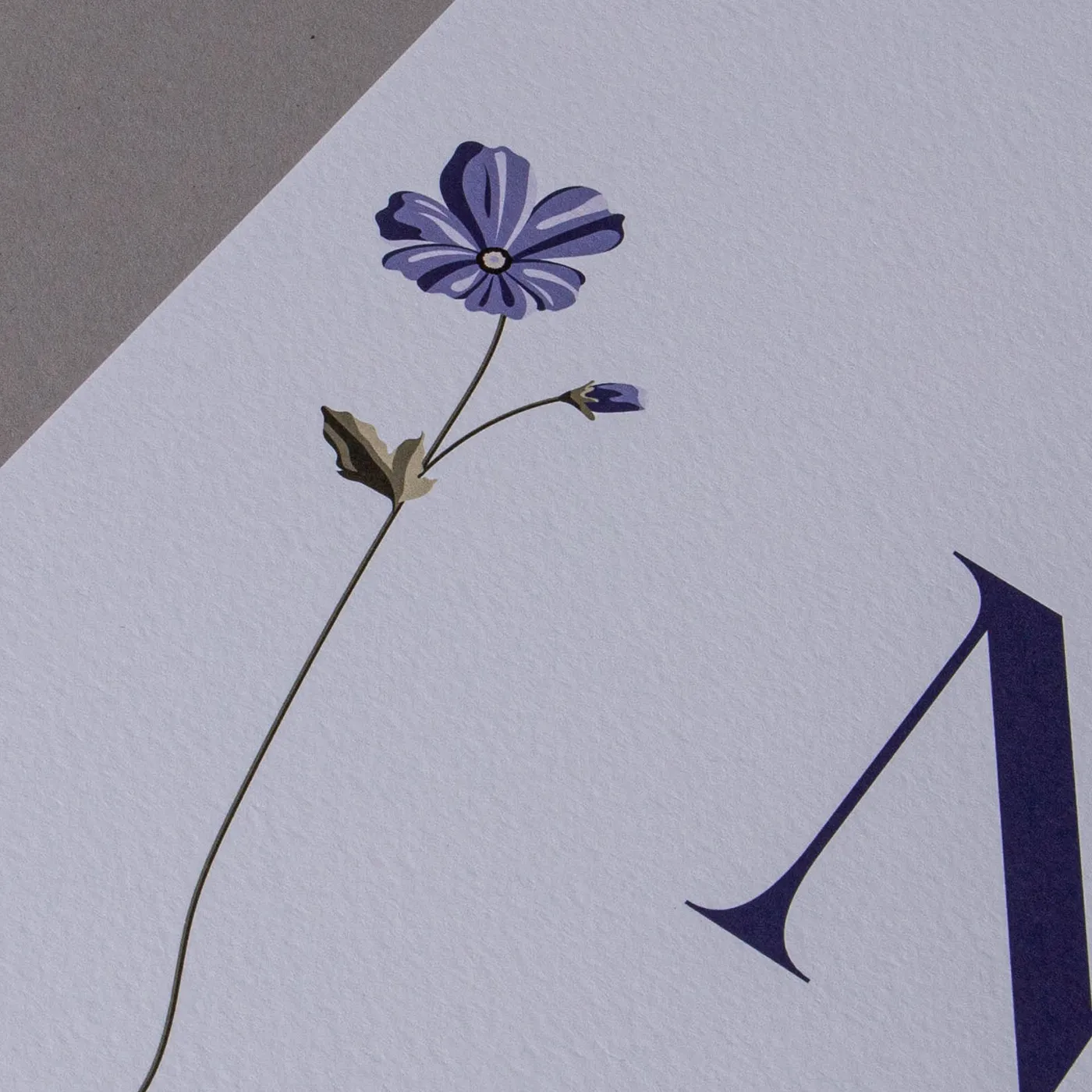
Meet our finest Italian paper. With a warm off-white hue and a hammered finish, Tintoretto Gesso brings a layer of prestige to your print. It's ideal for luxury designs.
Available weights
- 250gsm
- 300gsm
Best for
- Watercolours
- Illustrated designs
- Wedding Stationery
- Business Stationery
Credentials
- Recyclable
- FSC certified
- Sustainably sourced
- Chlorine-free

Acquerello
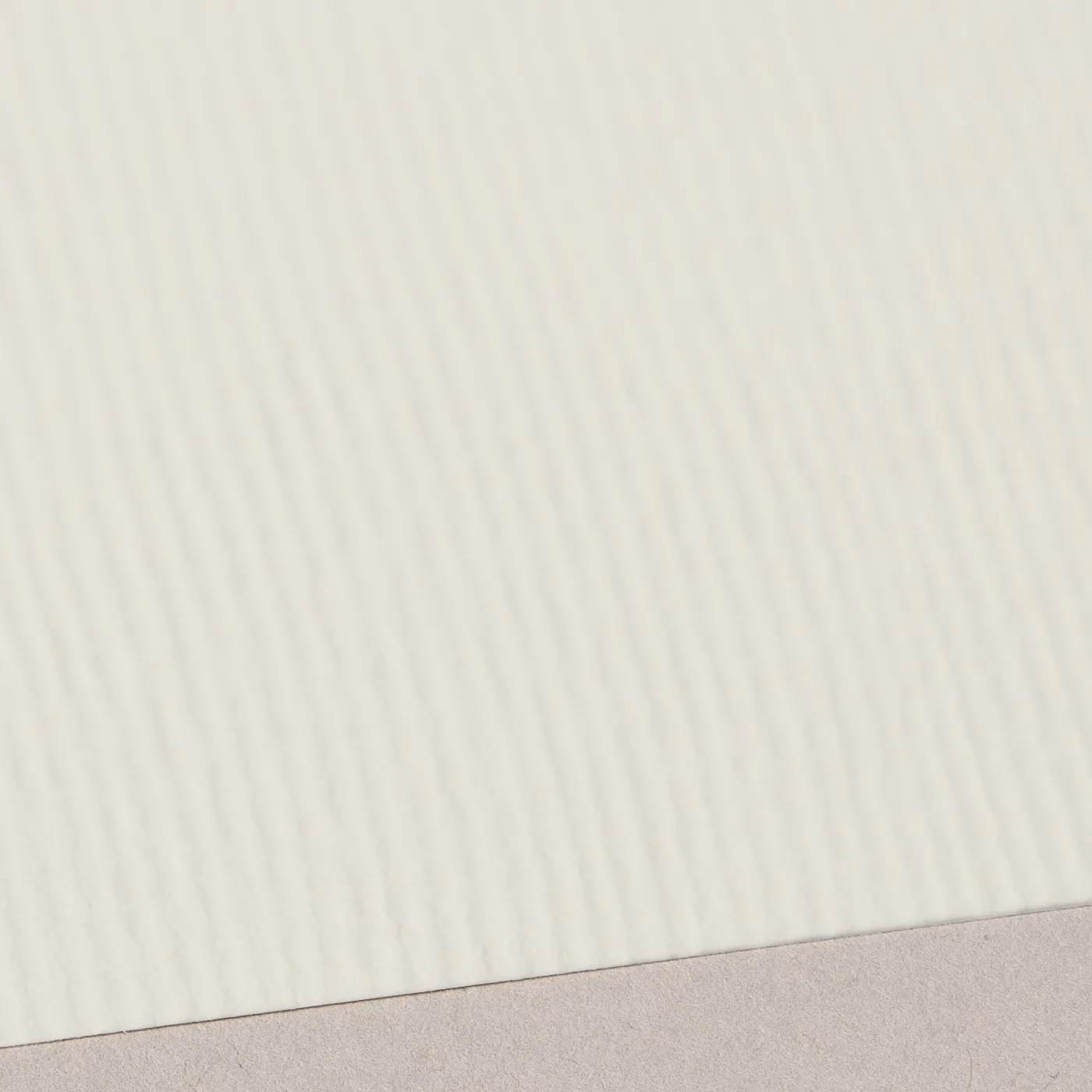
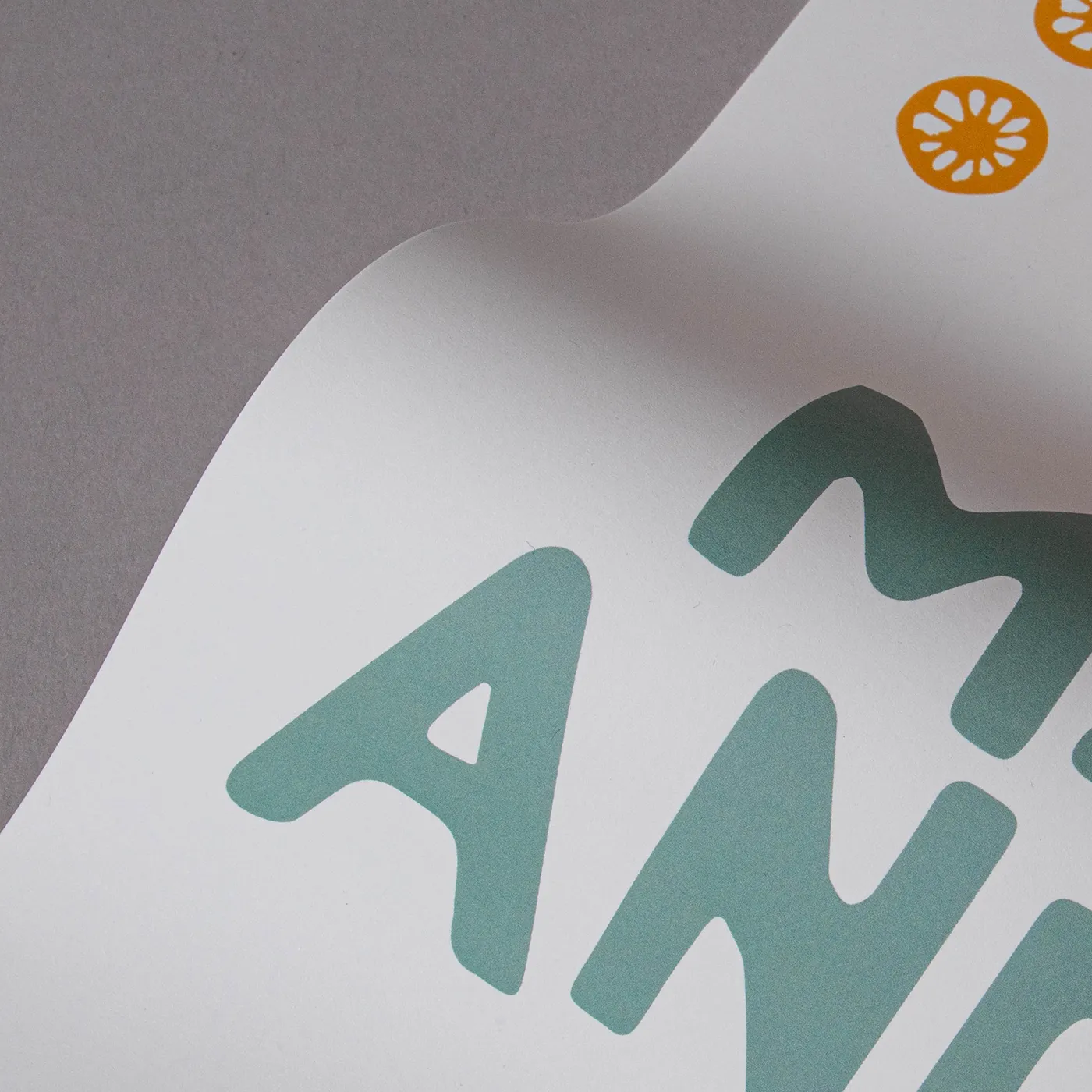
With a rich cream colour and fine textured lines impressed on both sides, Acquerello evokes an old world warmth that’s ideal for both retro and elegant modern designs.
Available weights
- 280gsm
Best for
- Business Stationery
- Wedding Stationery
- Greeting Cards
- Postcards
Credentials
- Recyclable
- FSC certified
- Sustainably sourced
- Chlorine-free
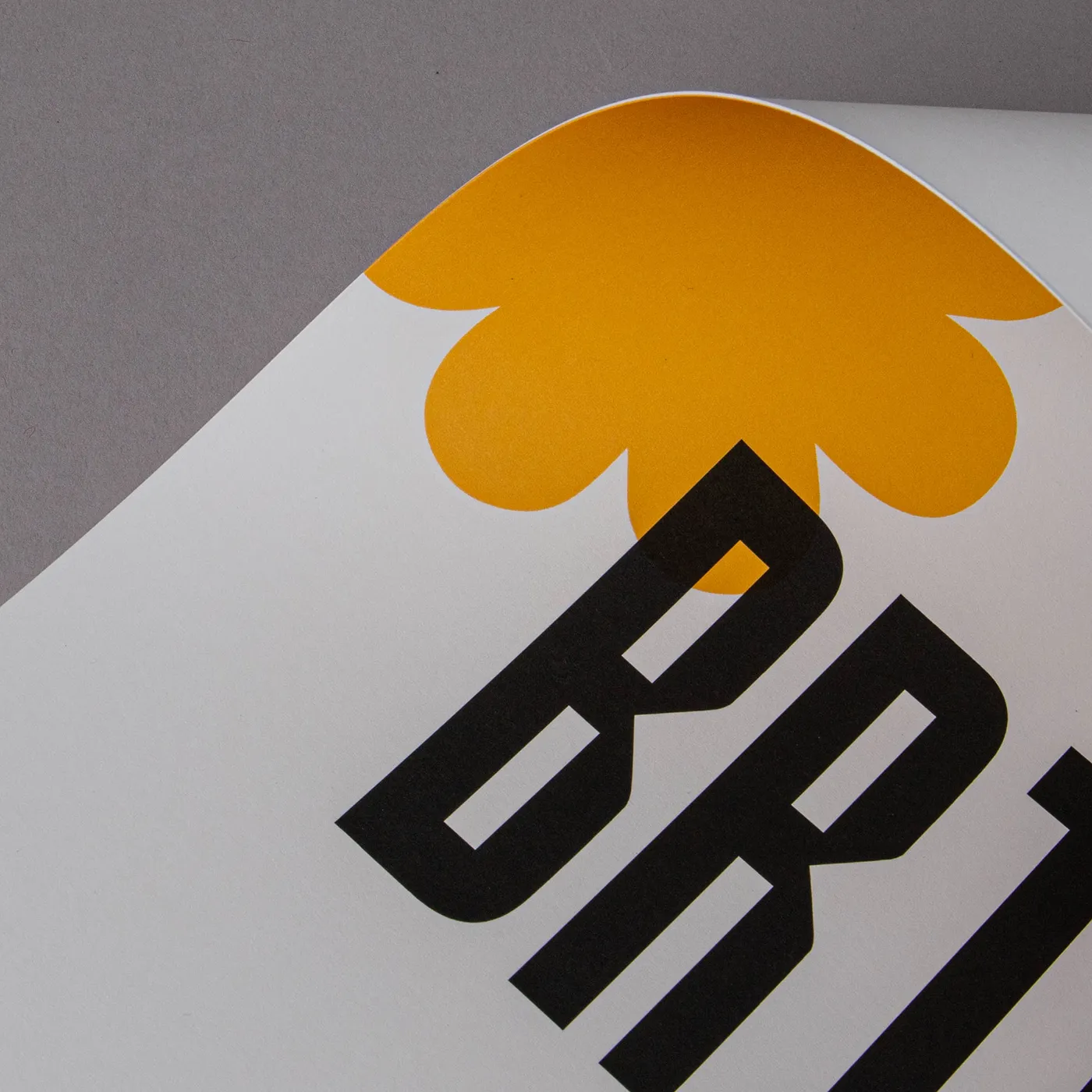
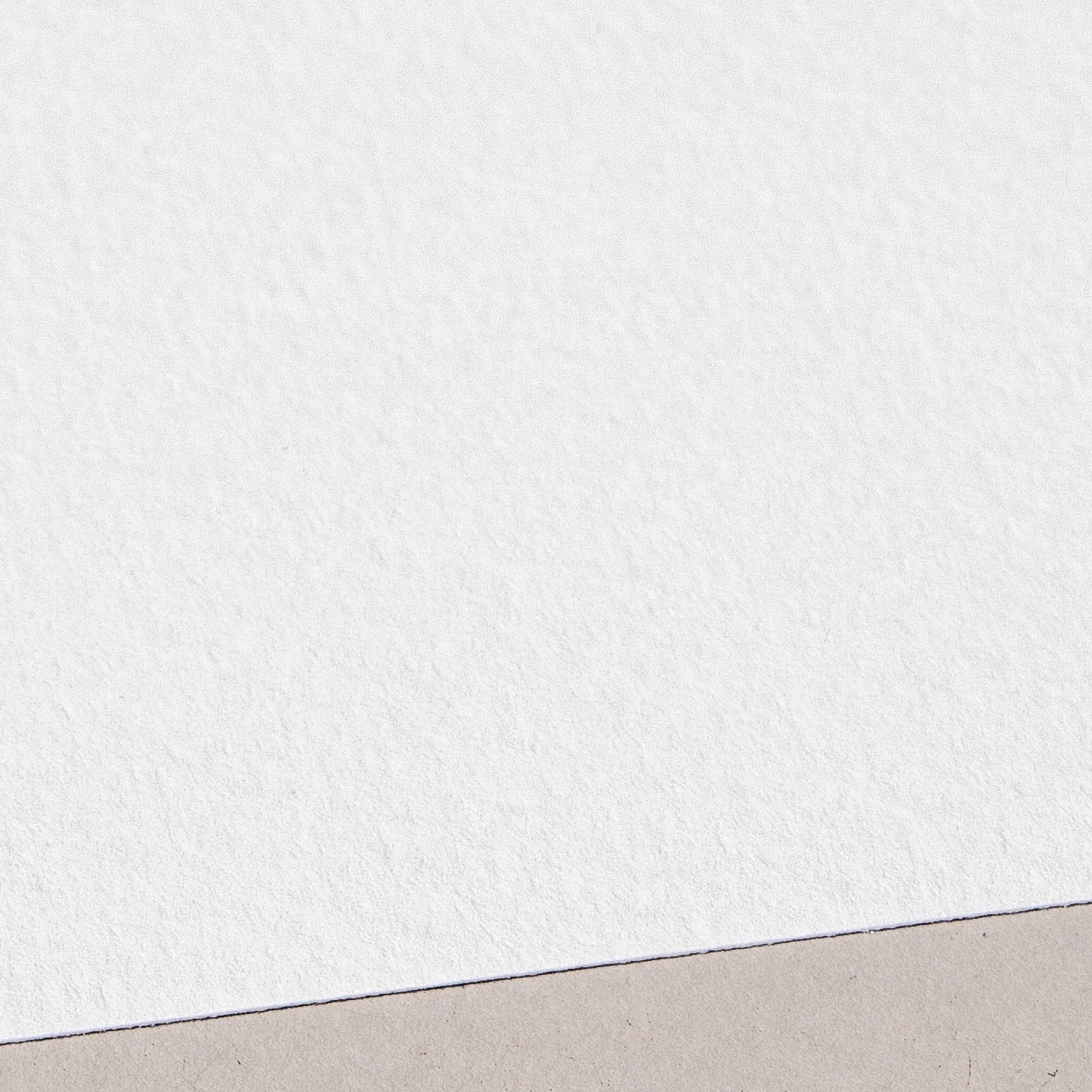
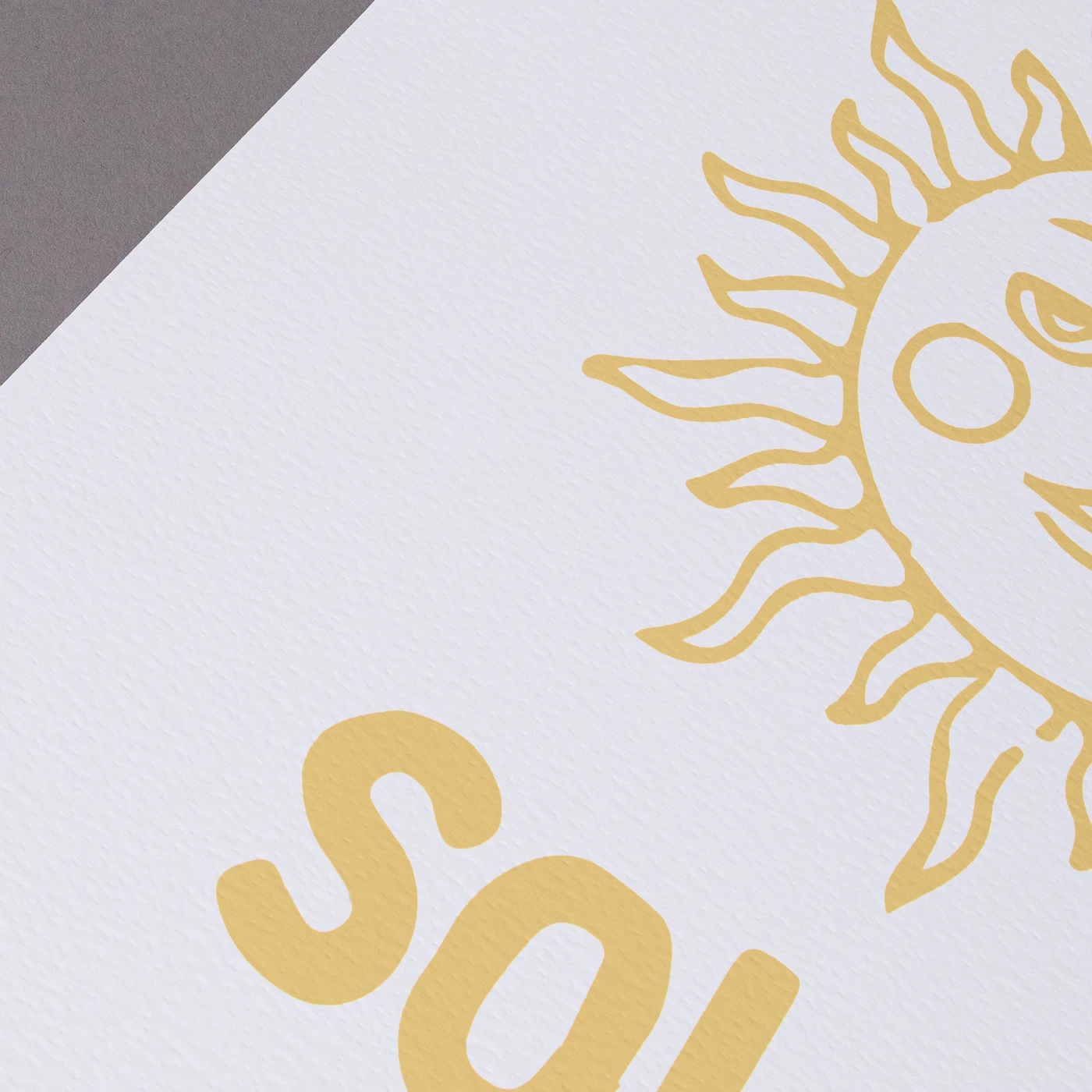
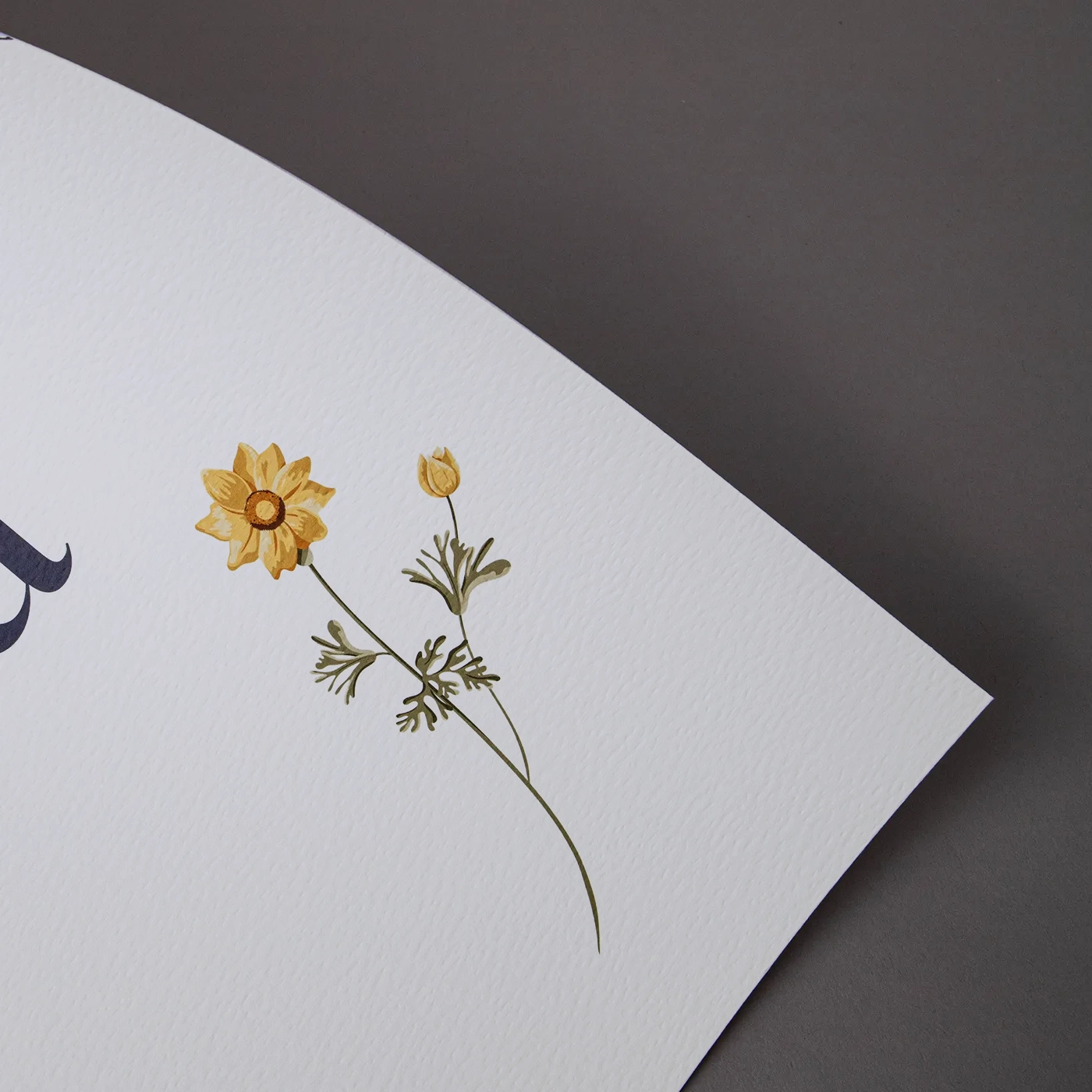
Cream
The soft warmth of Cream paper gives a premium feel to any design. With a light uncoated texture, inks are absorbed leaving a flatter, muted finish.
Available weights
- 400gsm
Best for
- Wedding Stationery
- Postcards
- Greeting Cards
Credentials
- Recyclable
- FSC certified
- Sustainably sourced
- Chlorine-free
Fresco Gesso
This paper delivers the same luxury and textured finish of Tintoretto Gesso, but with a brighter white finish. Perfect for extra-special print.
Available weights
- 300gsm
Best for
- Watercolours or illustrations
- Wedding Stationery
- Luxury Postcards
Credentials
- Recyclable
- FSC certified
- Sustainably sourced
- Chlorine-free
Kraft
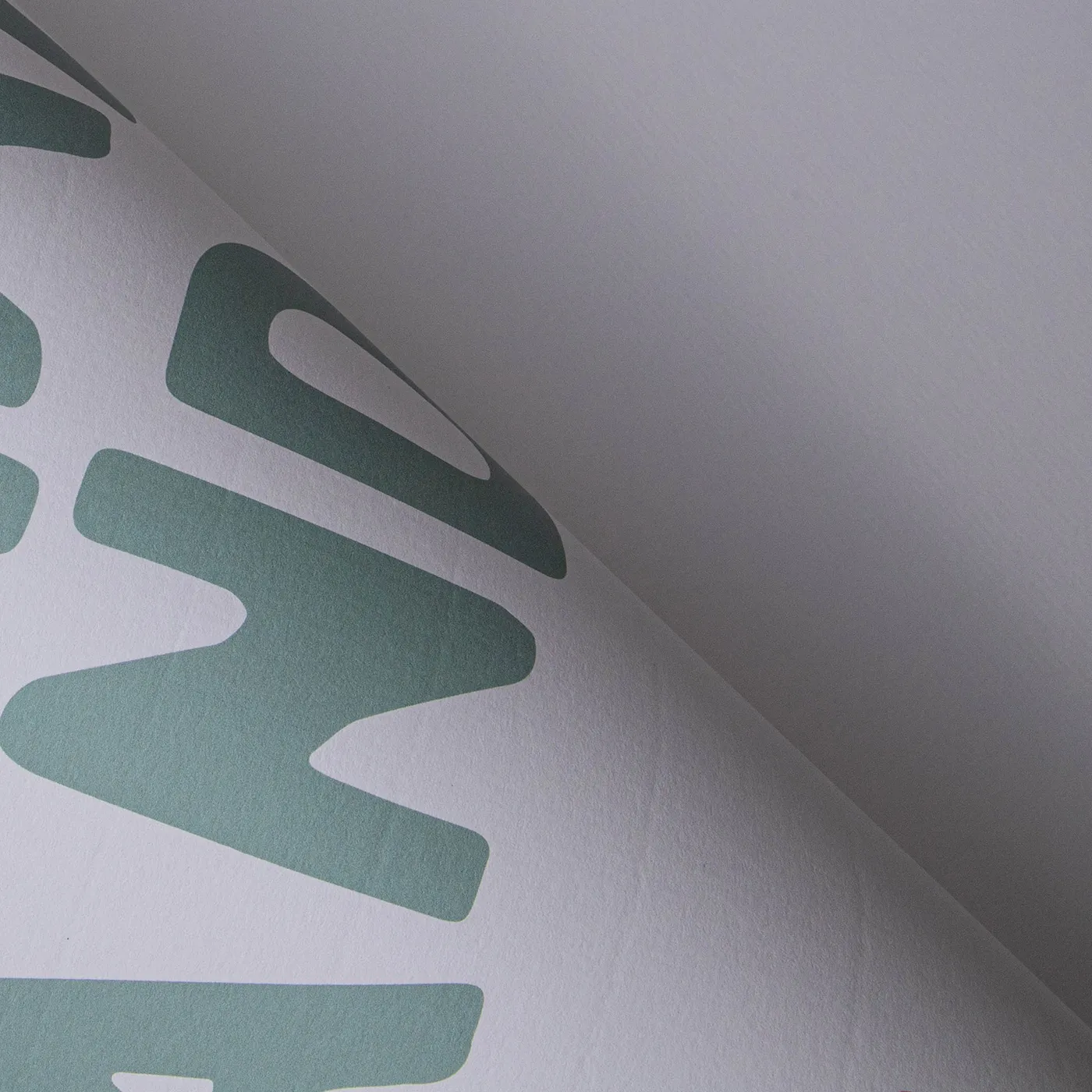
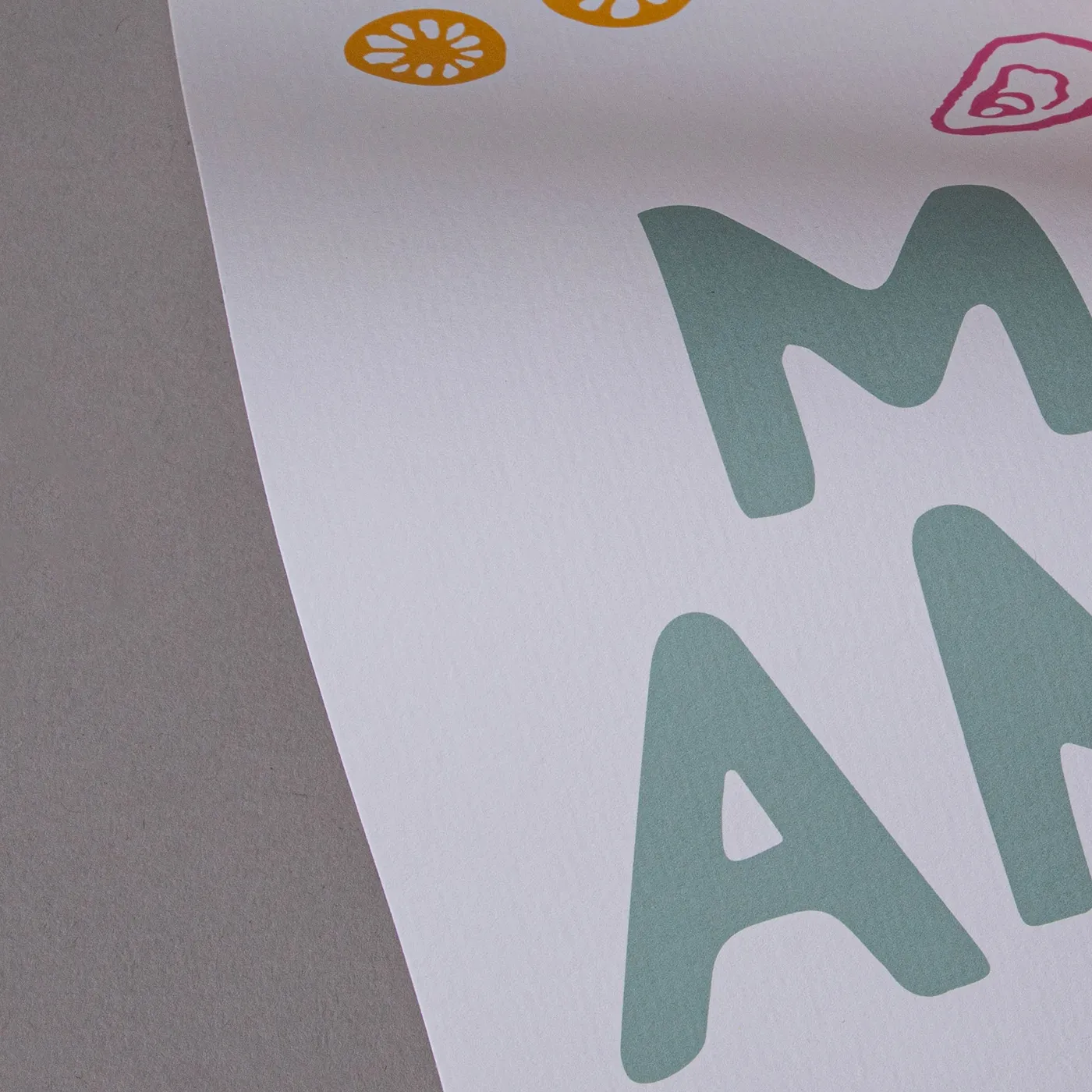
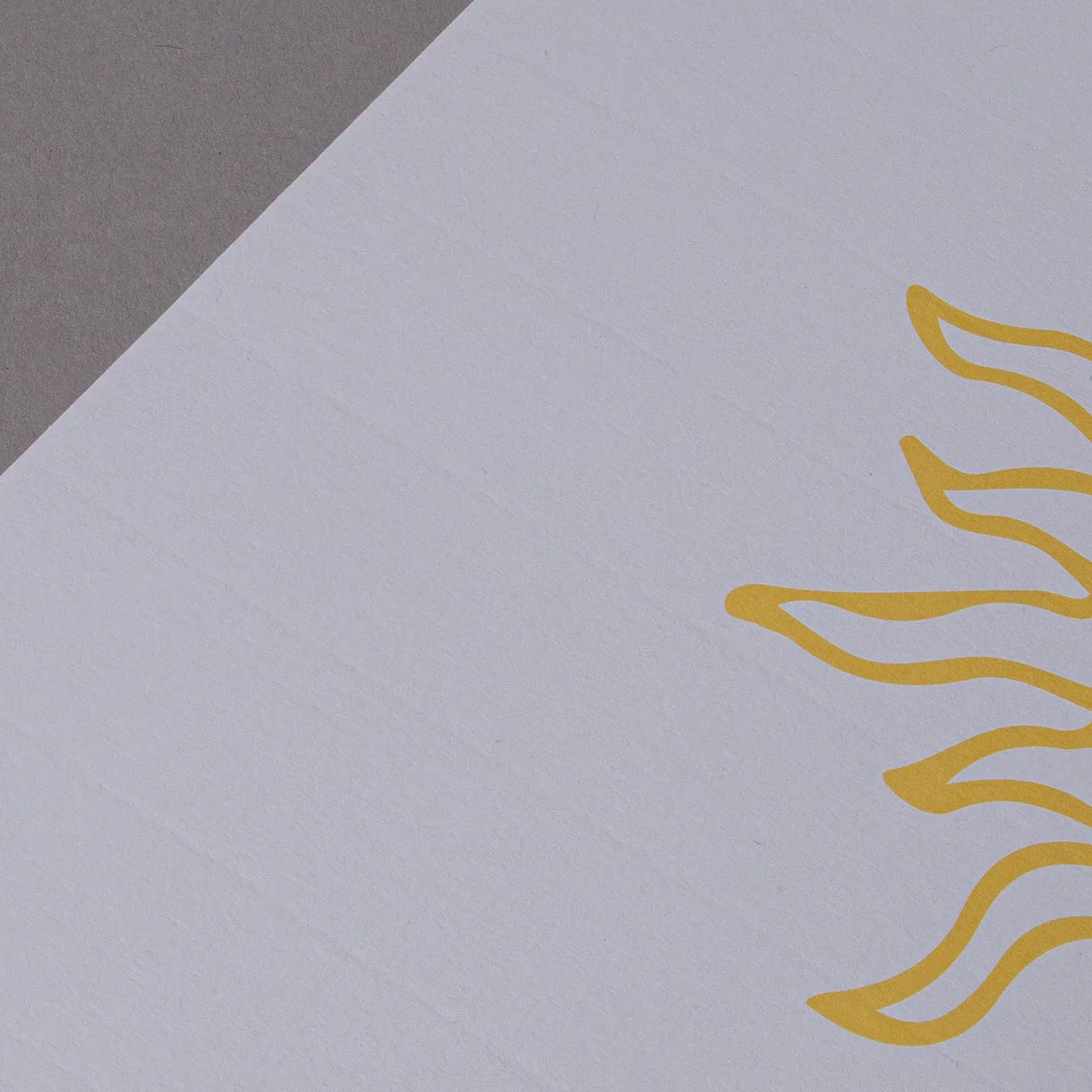
Get a rustic feel with the earthy tones of Kraft paper, made entirely from post-consumer waste. White areas of your design won't be printed, unless you've chosen our white ink finish.
Available weights
- 300gsm
Best for
- Eco-conscious products
- Rustic and handmade look
- Simple black or dark-colour designs
Credentials
- Recyclable
- 100% post-consumer waste
- Chlorine free
- Carbon neutral
- Vegan-friendly inks
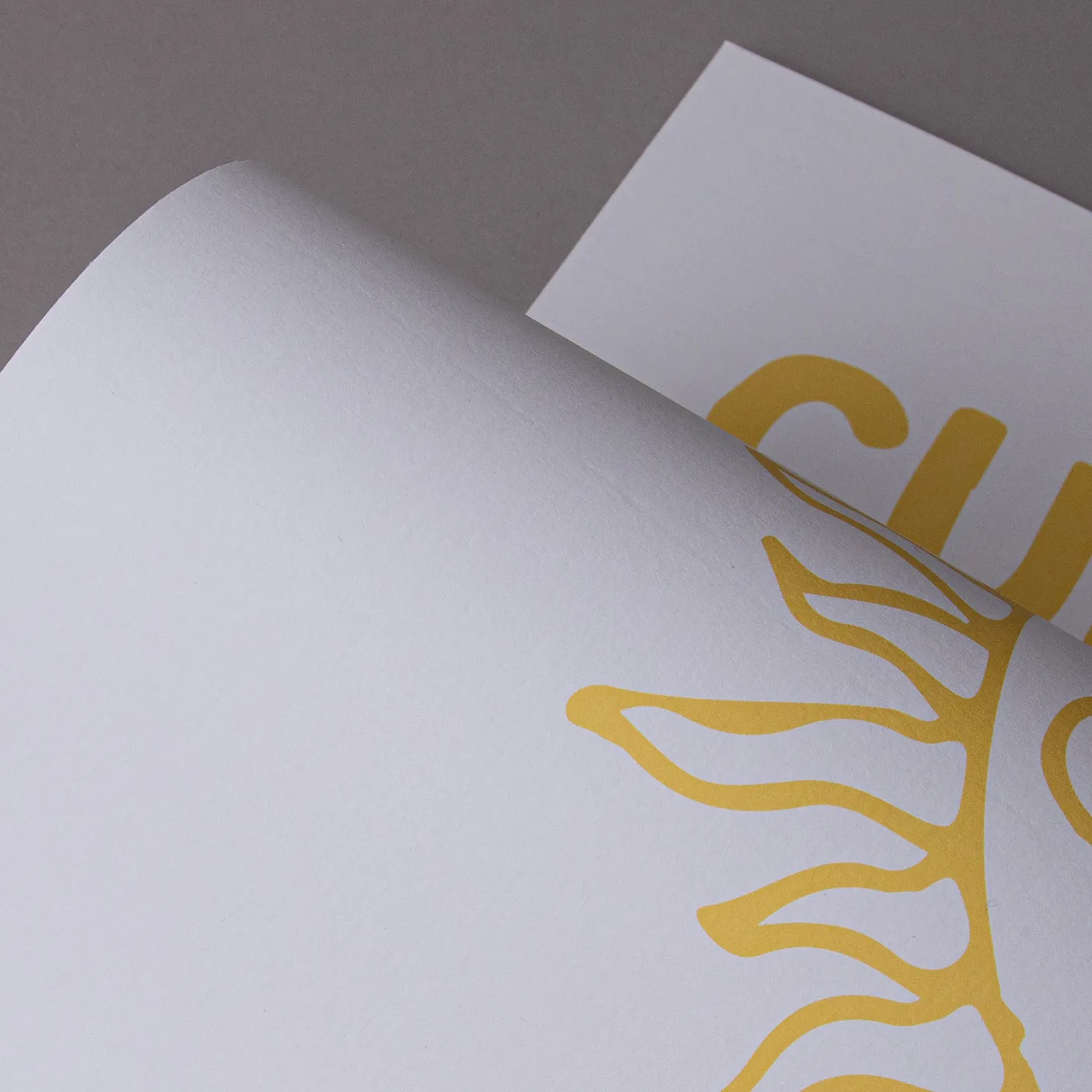
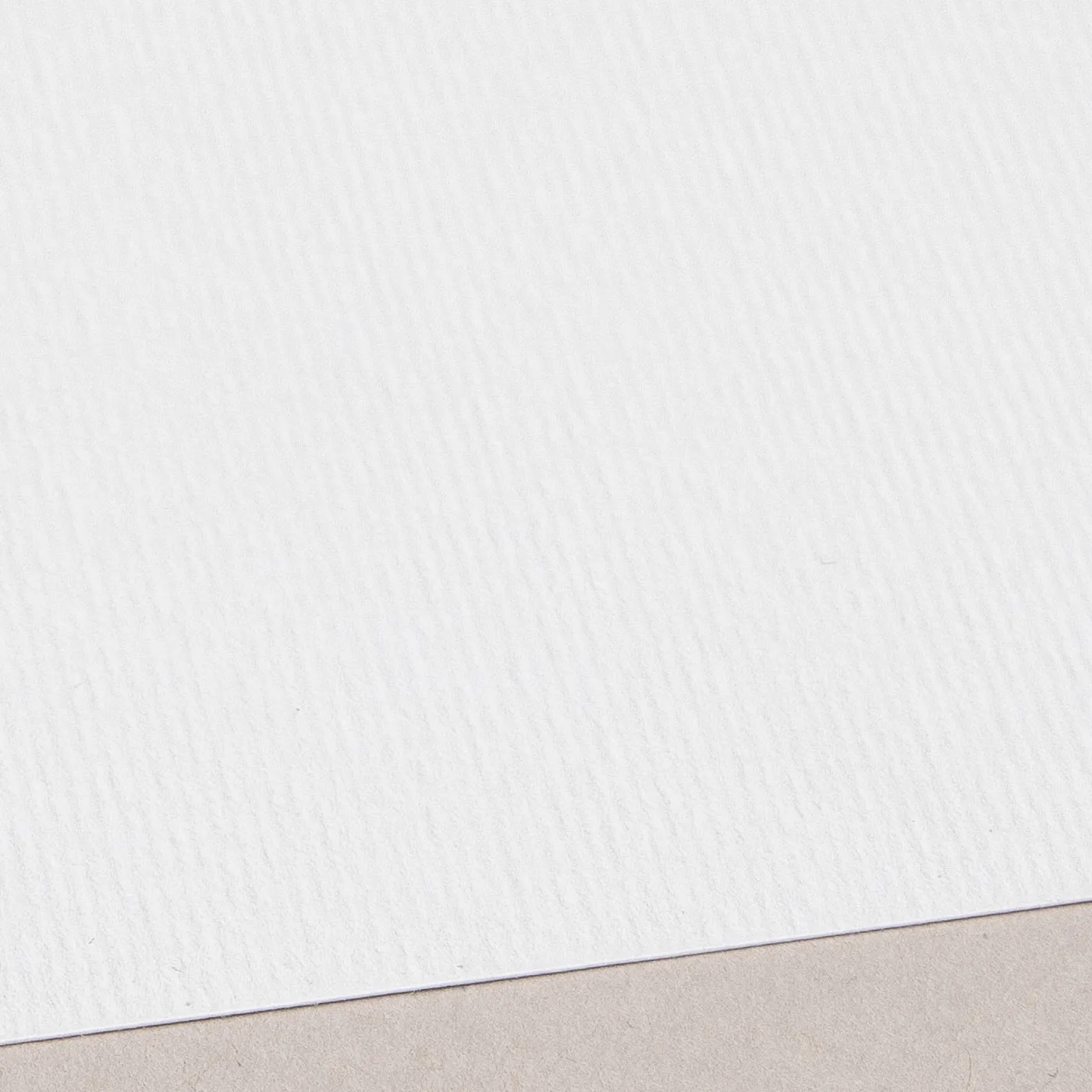
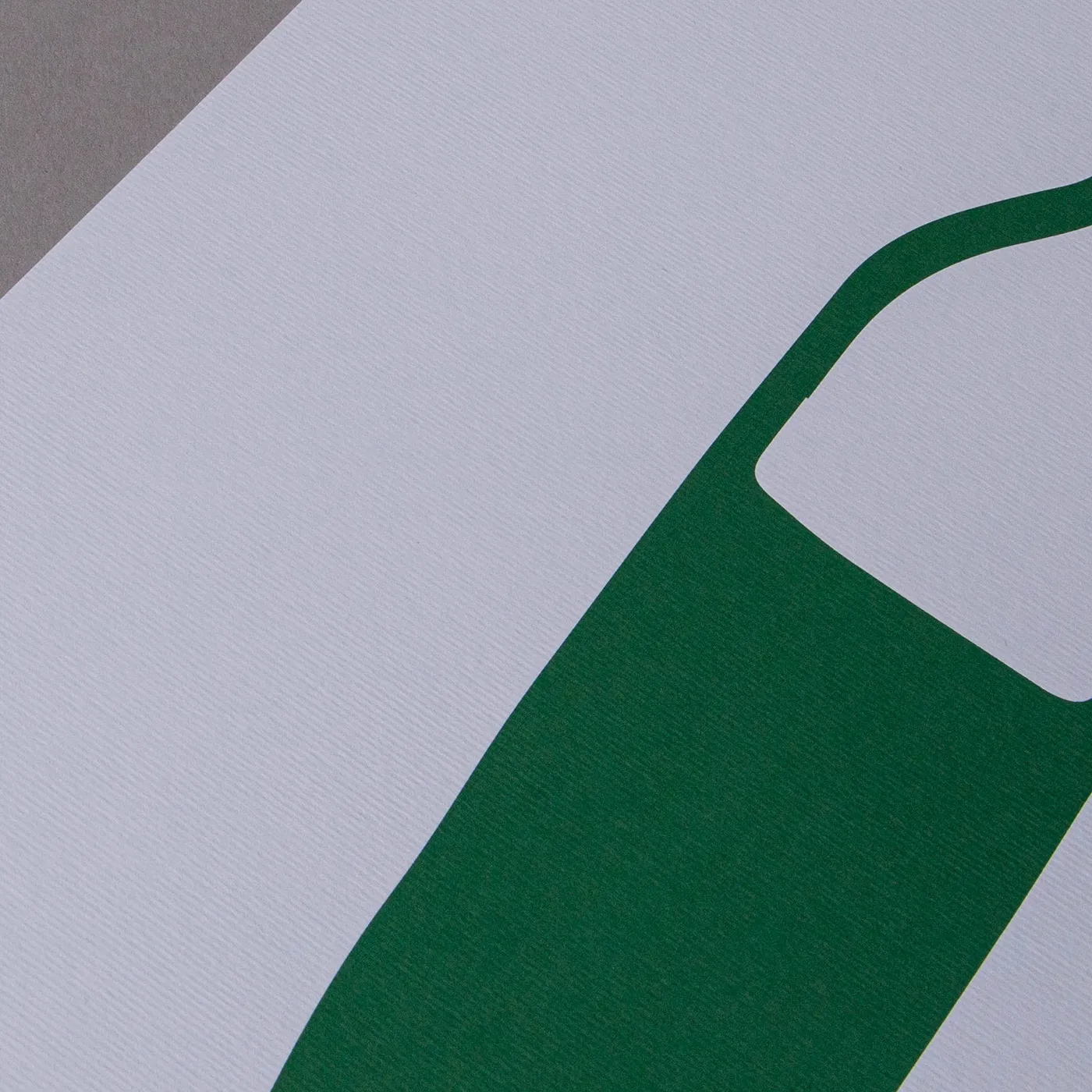
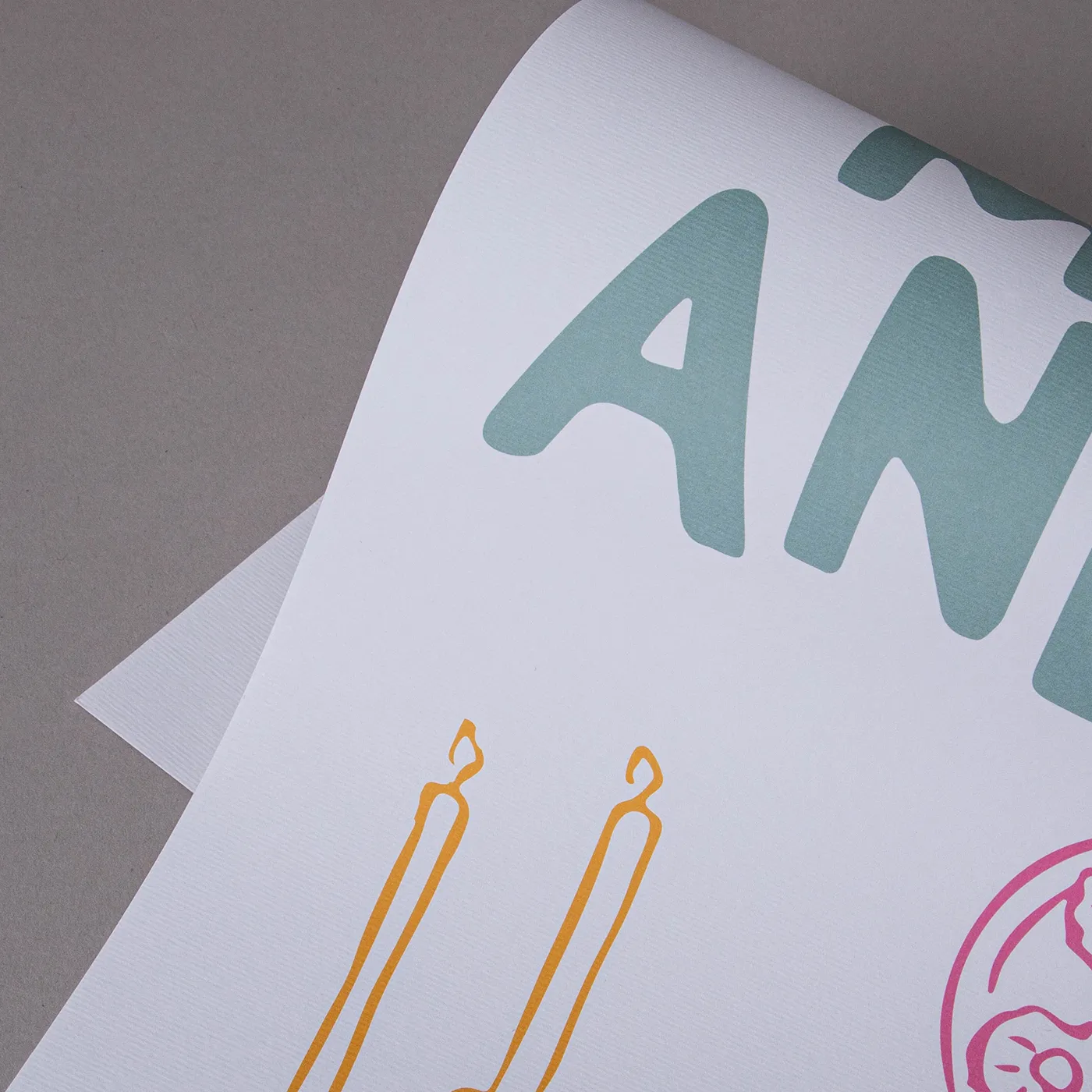
Laid
Add a touch of texture with the subtle, fine-lined finish of Laid paper. With an off-white hue, it's uncoated for a soft feel and is made from 10% cotton fibres.
Available weights
- 300gsm
Best for
- Invitations
- Greeting Cards
- Luxury Postcards
Credentials
- Recyclable
- FSC certified
- Chlorine-free
- Lines appear approx. 1 inch apart
Nettuno
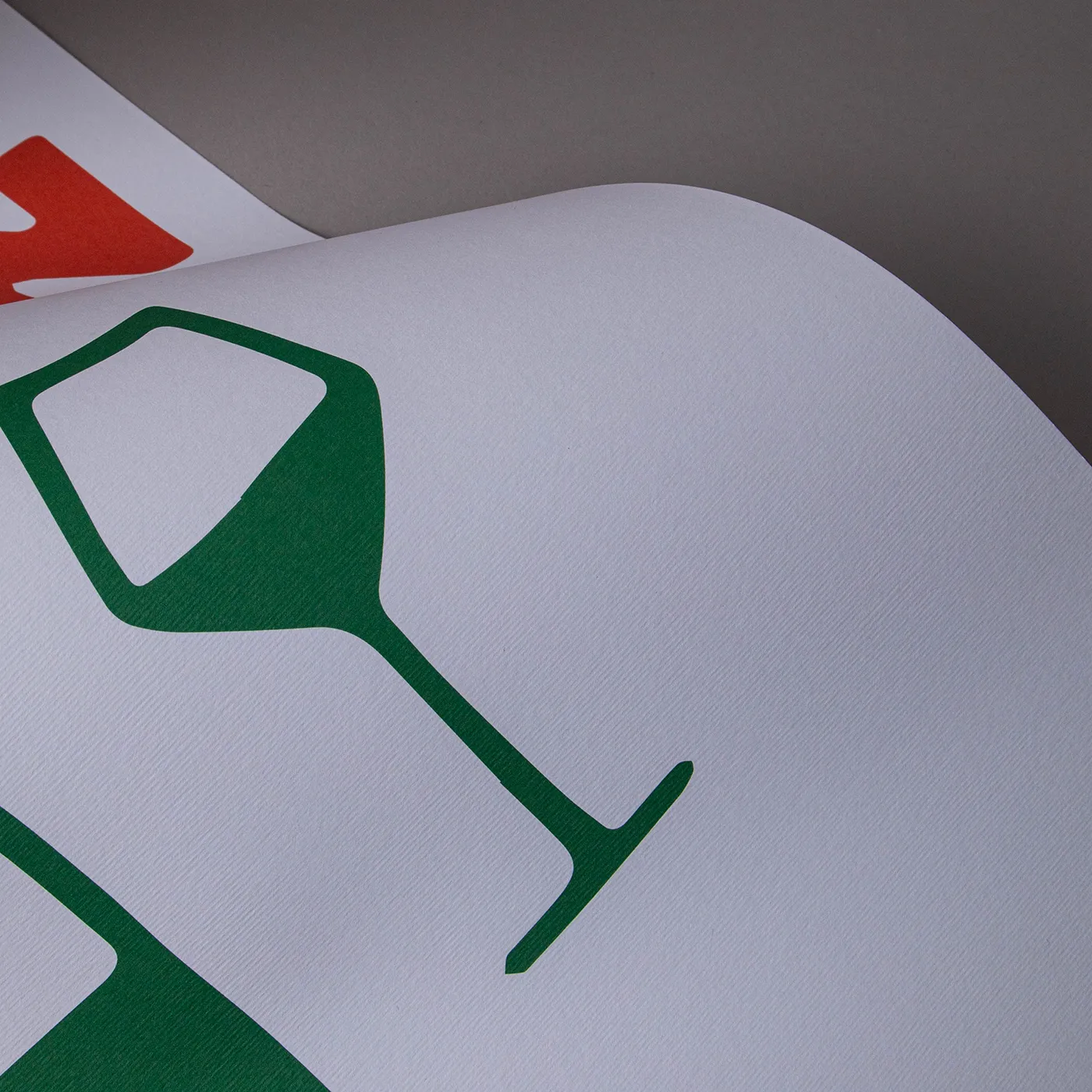
Add a touch of class with Nettuno. Featuring a fine-lined texture, it has an understated simplicity that brings print to life with a retro feel.
Available weights
- 280gsm
Best for
- Luxury Business Stationery
- Wedding Stationery
- Greeting Cards
Credentials
- Recyclable
- FSC certified
- Sustainably sourced
- Chlorine-free
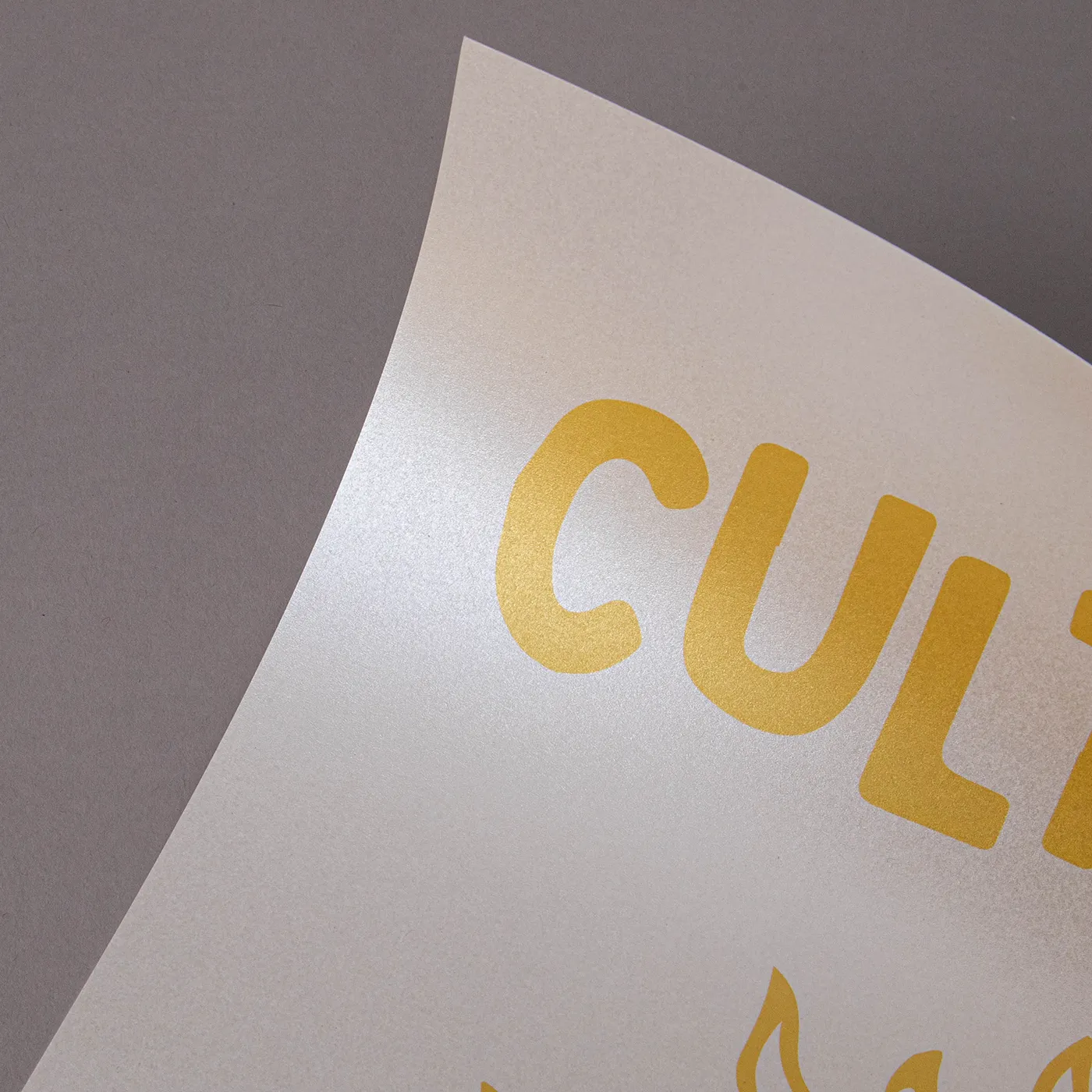
Pearl Oyster
Sparkling with cool icy tones, this pearlescent paper brings an extra dimension to printed designs with a subtle, yet standout shine.
Available weights
- 300gsm
Best for
- Wedding Stationery
- Greeting Cards
- Invitations
Credentials
- Recyclable
- FSC certified
- Sustainably sourced
- Chlorine-free
Pearl Polar
Featuring a cool pearlescent sheen, this paper weaves a shimmering tone throughout its surface for a subtle, yet eye-catching finish.
Available weights
- 300gsm
Best for
- Wedding Stationery
- Greeting Cards
- Invitations
Credentials
- Recyclable
- FSC certified
- Sustainably sourced
- Chlorine-free
Rives Shetland
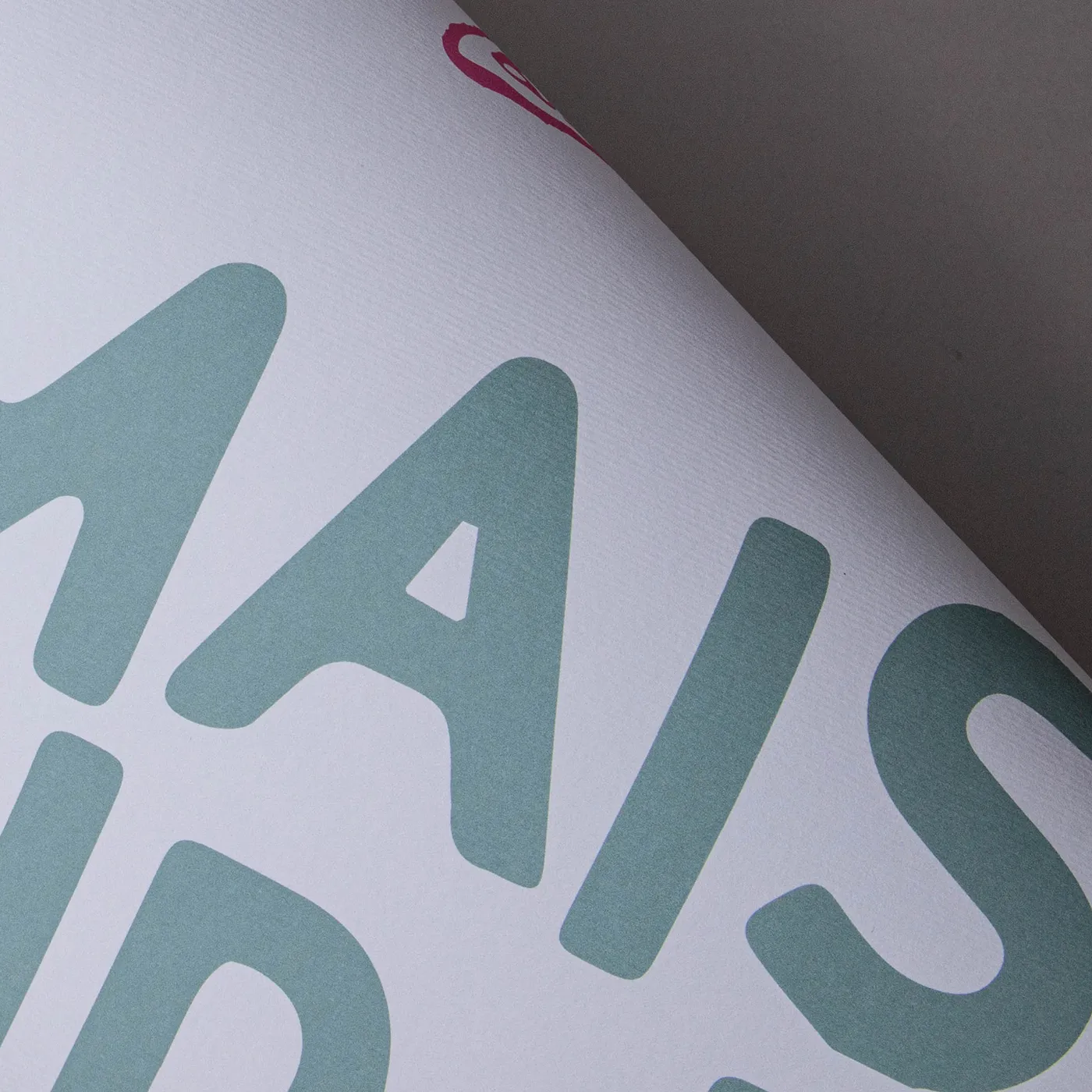
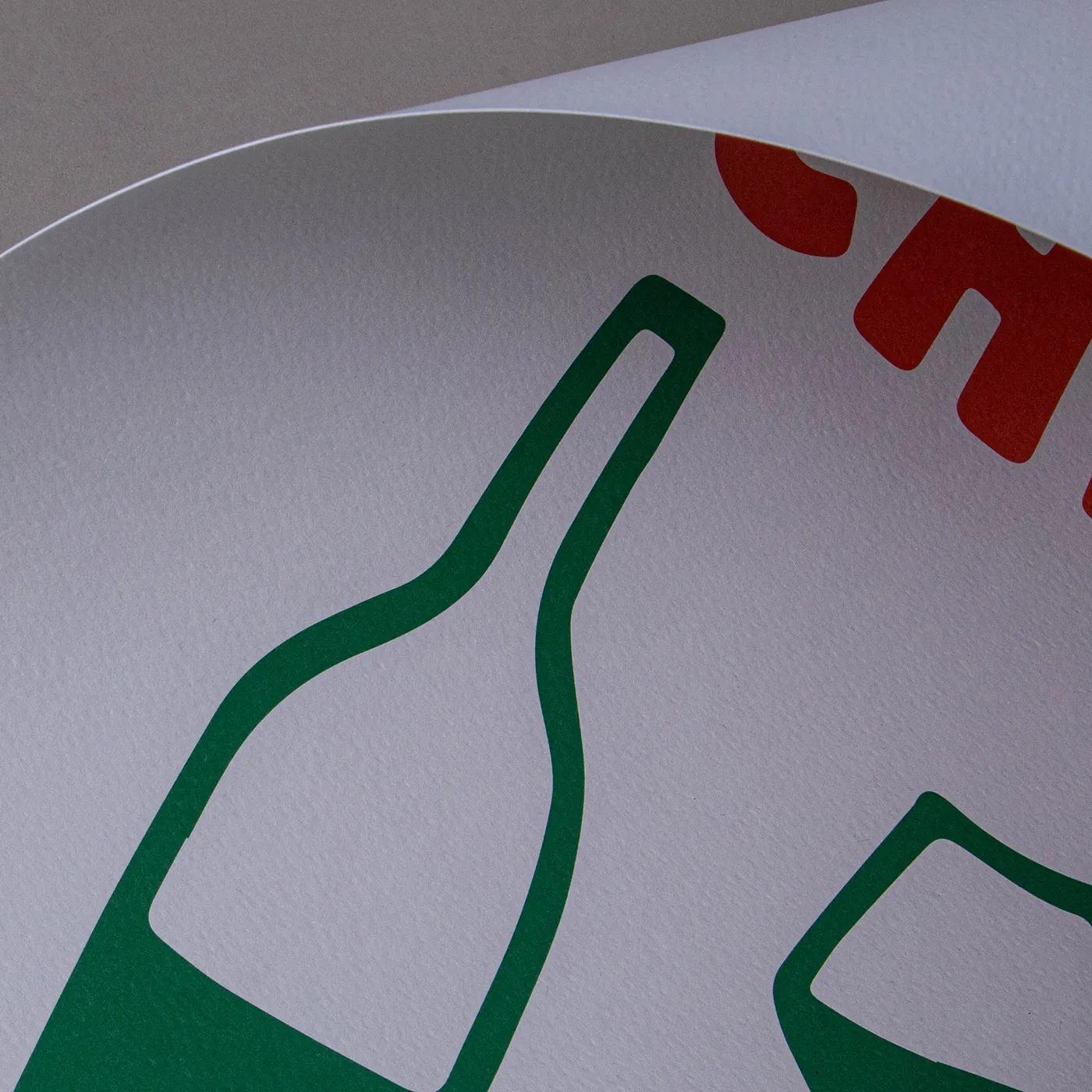
Featuring a weave-like texture across its bright white surface, the stylish uncoated finish of Rives Shetland adds a tactile element to contemporary print designs.
Available weights
- 250gsm
Best for
- Greeting Cards
- Postcards
- Wedding Stationery
Credentials
- Recyclable
- FSC certified
- Chlorine-free
- Wood-free
Guide to perfect print
Get your print to the presses perfectly with everything you need to get set up
Sample Packs
Get a feel for our range of quality products, papers and special finishes in our free Sample Packs.
Downloadable Templates
Use our free templates to create your artwork and make sure your print is set up perfectly for the presses.
Bespoke Service
Can’t find the print you’re looking for? From unique papers to custom sizes and finishes, our Bespoke Team can help with your request.
Safe area
Templates
- Christmas Cards
- No elements found. Consider changing the search query.
- List is empty.
- A6 long edge christmas card
- 148mm x 148mm square christmas card
- A5 long edge fold christmas card
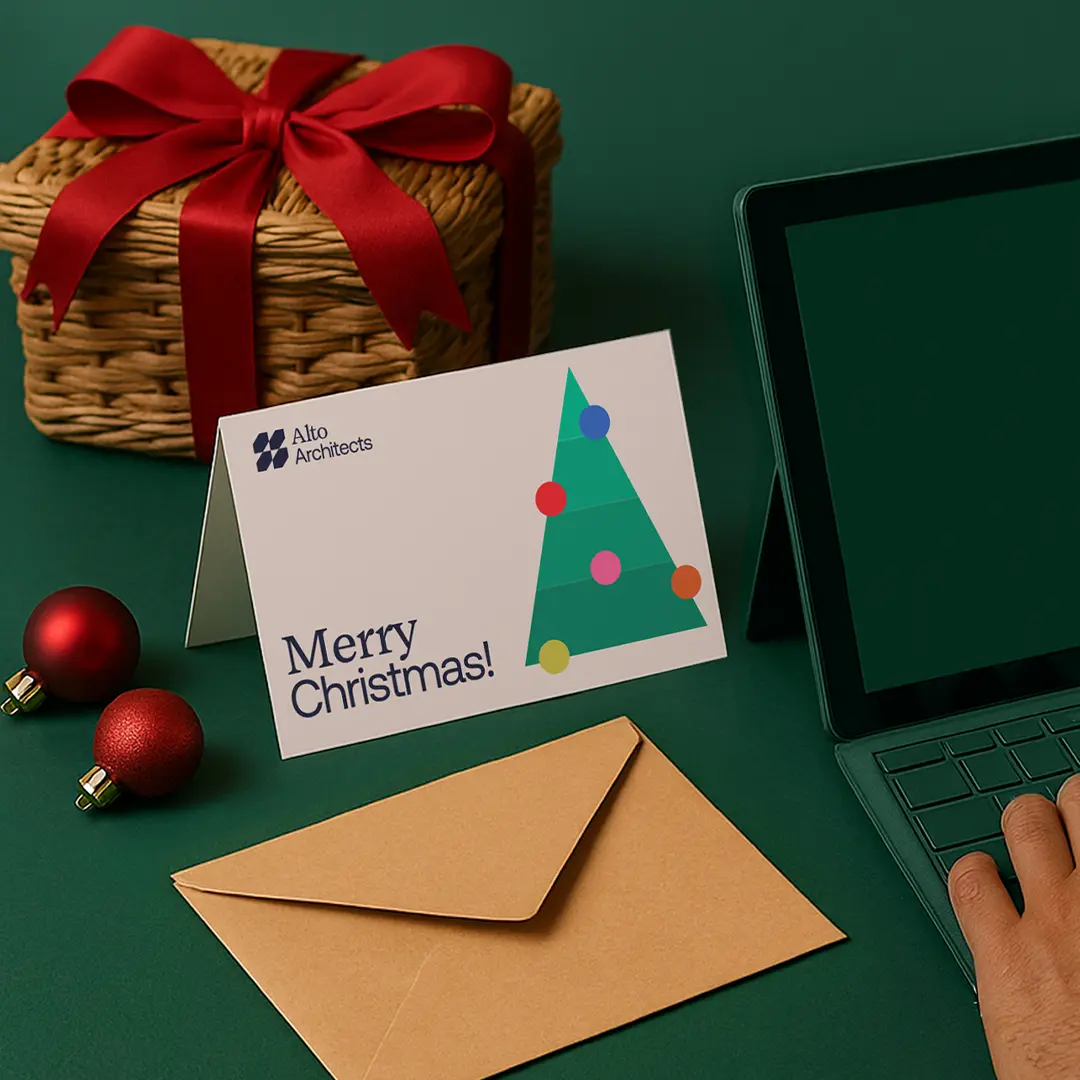
- A6 tent fold christmas card
- 5" x 7" long edge christmas card
- A5 landscape tent fold christmas card
- A6 short edge fold christmas card
- A5 short edge fold christmas card
- 5" x 7" short edge fold christmas card
- 148mm x 148mm tent fold christmas card
- 5" x 7" tent fold christmas card
- A7 tent fold christmas card
- DL short edge fold christmas card
- A7 long edge fold christmas card
- DL landscape tent fold christmas card
- A7 short edge fold christmas card
- DL long edge fold christmas card
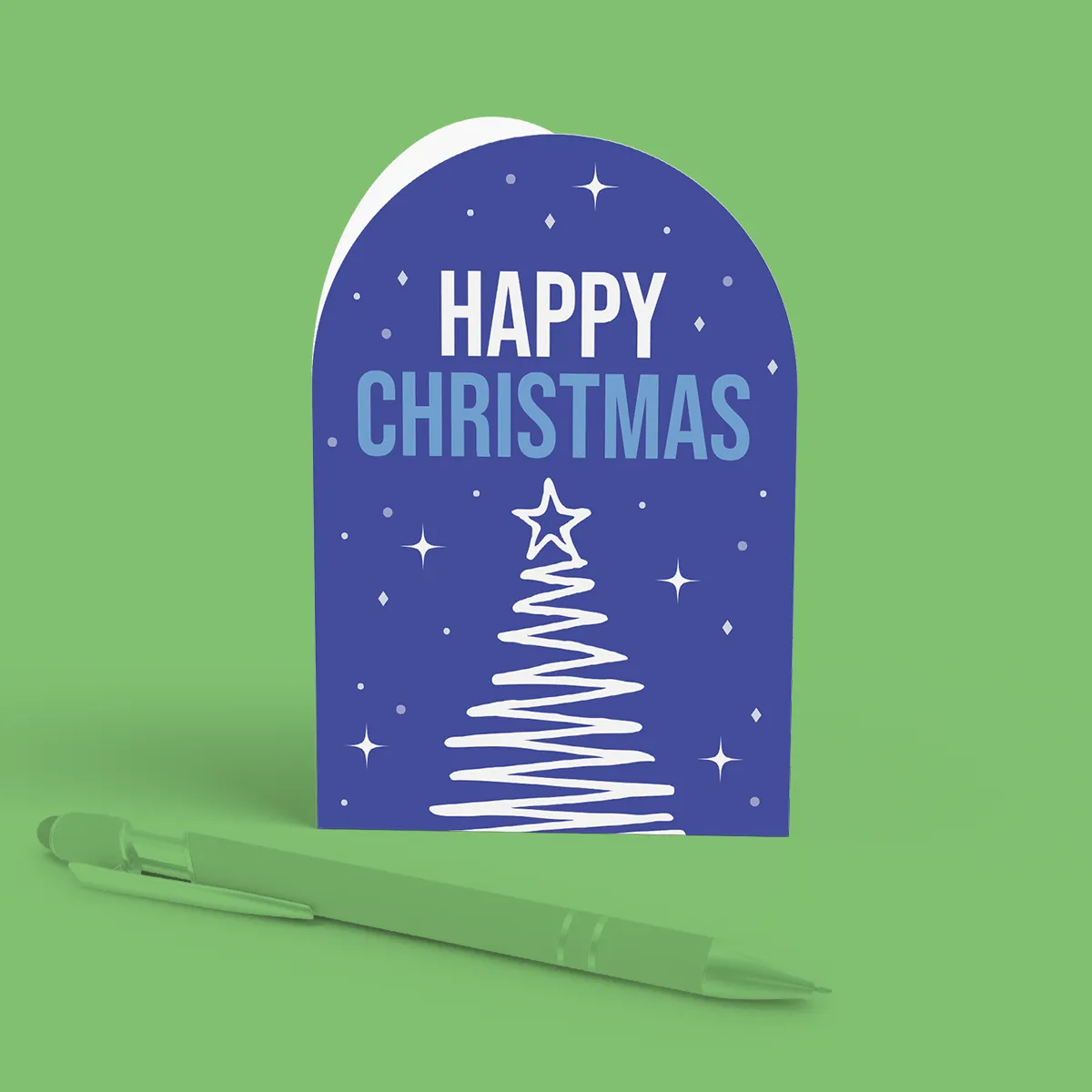
- A6 upper arch christmas card
- 5" x 7" upper arch christmas card
- A5 upper arch greeting card
- A7 upper arch christmas card
- No elements found. Consider changing the search query.
- List is empty.
- Illustrator
- InDesign
- No elements found. Consider changing the search query.
- List is empty.
Quick tips to print perfection

Level up your designs with special finishes
From shimmering foiling to tactile embossing, the right finish transforms great design into unforgettable product. Explore our curated special finishes hub for details, FAQs, inspiration and artwork support.
Find Out More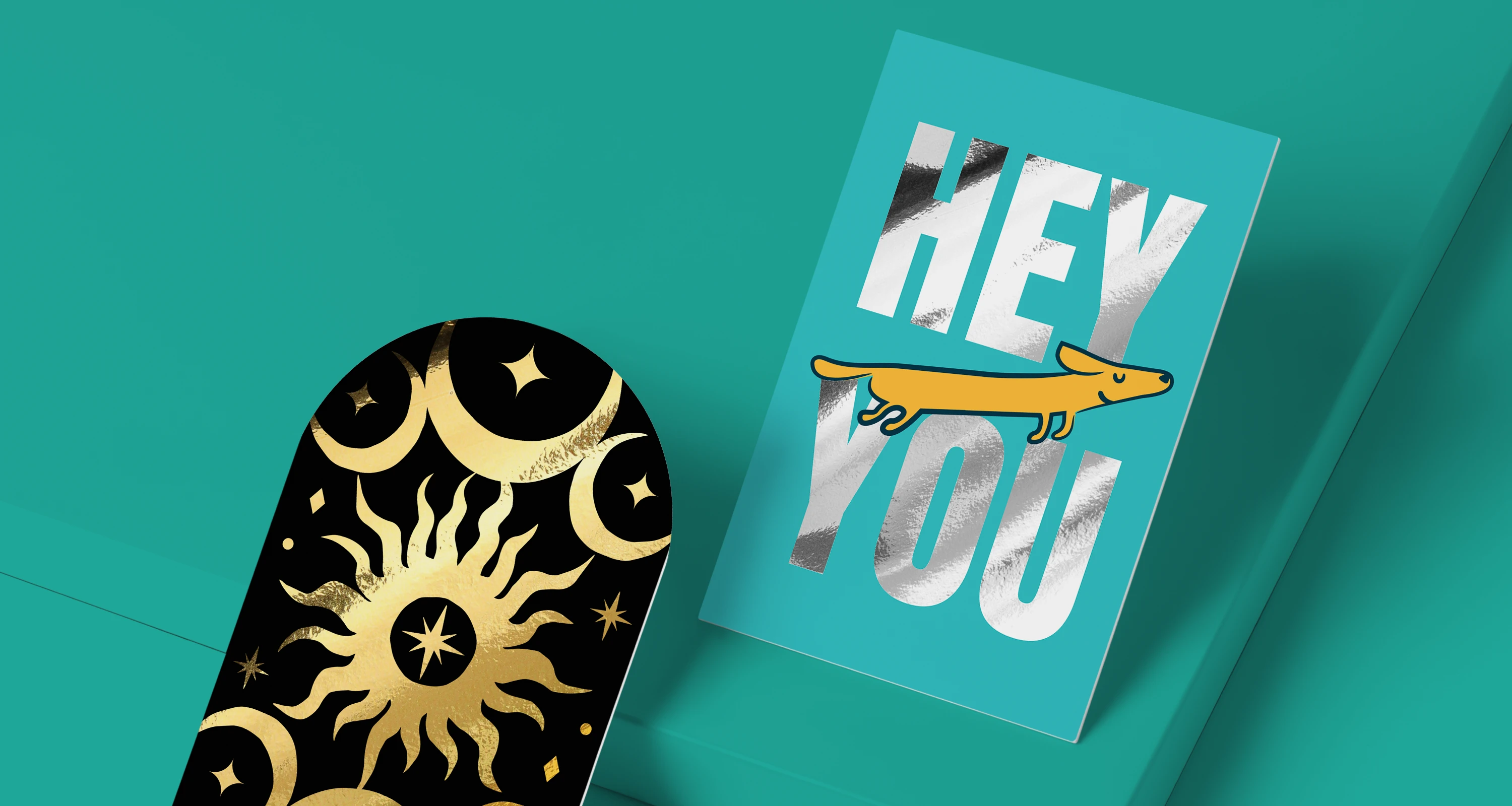
More information
Print your own Christmas Cards this festive season with premium quality and creative designs – perfect for corporate gifting, personal use, or reselling your own designs. Whether you’re printing for your brand, customers, or loved ones, our service makes it easy to create standout custom Christmas Cards that combine quality with creativity.
Frequently asked questions
Got a question? We might have answered it here. If not, feel free to get in touch with The Team, we’re here to help!
- How long will my print take to arrive?
- What should I know before preparing artwork for print?
- What is a Professional File Check?
- How do I print with Canva?
- How to make your own Christmas Cards stand out?
- How to send Christmas Cards to multiple addresses?
- Should I set up my artwork as spreads or single pages?
- How do I use Personalisation on my Christmas Cards?
- What is a file copy?
- What is the difference between single sided and double sided Christmas Cards?
- What is reordering?
- Can I add foiling to my Christmas Cards?
- Can I add Envelopes to my Christmas Cards?
- Can I create eco-friendly Christmas Cards?
- How do I set up my Christmas Card artwork for foiling?
How long will my print take to arrive?
Find out how quickly you can get your print by filling in your selected options in the product builder, and check out the delivery options at the bottom. You can also explore the available delivery options from your basket once you’ve added a product.
What should I know before preparing artwork for print?
What is a Professional File Check?
For a small fee, an expert member of our technical team will manually review your artwork before it goes to print so you can press 'go' with complete confidence.
- Image resolution for print quality
- Bleed and safe areas
- Page count and page order on folded products
- Corrupt, blank or password-protected files
- Templates left on artwork
- Folds, cut lines, drill holes and binding areas (where applicable)
- Foil alignment and minimum line widths (where applicable)
- Personalisation files and version quantities (where applicable)
- Spelling, grammar or proofreading
- Design, layout or text sizing advice
- Colour accuracy or colour mode checks (RGB/CMYK)
- QR code testing
- Calendar date checks
- Post-print quality inspection beyond our standard production processes
How do I print with Canva?
How to make your own Christmas Cards stand out?
To make your personalised Christmas Cards stand out, focus on the details that create a memorable first impression. Choose a unique design, premium paper stock and a heartfelt message that reflects your personality or brand.
How to send Christmas Cards to multiple addresses?
Sending Christmas Cards to multiple addresses can be simple with a bit of planning and a helping hand from us, we have two options to help make this easier for you:
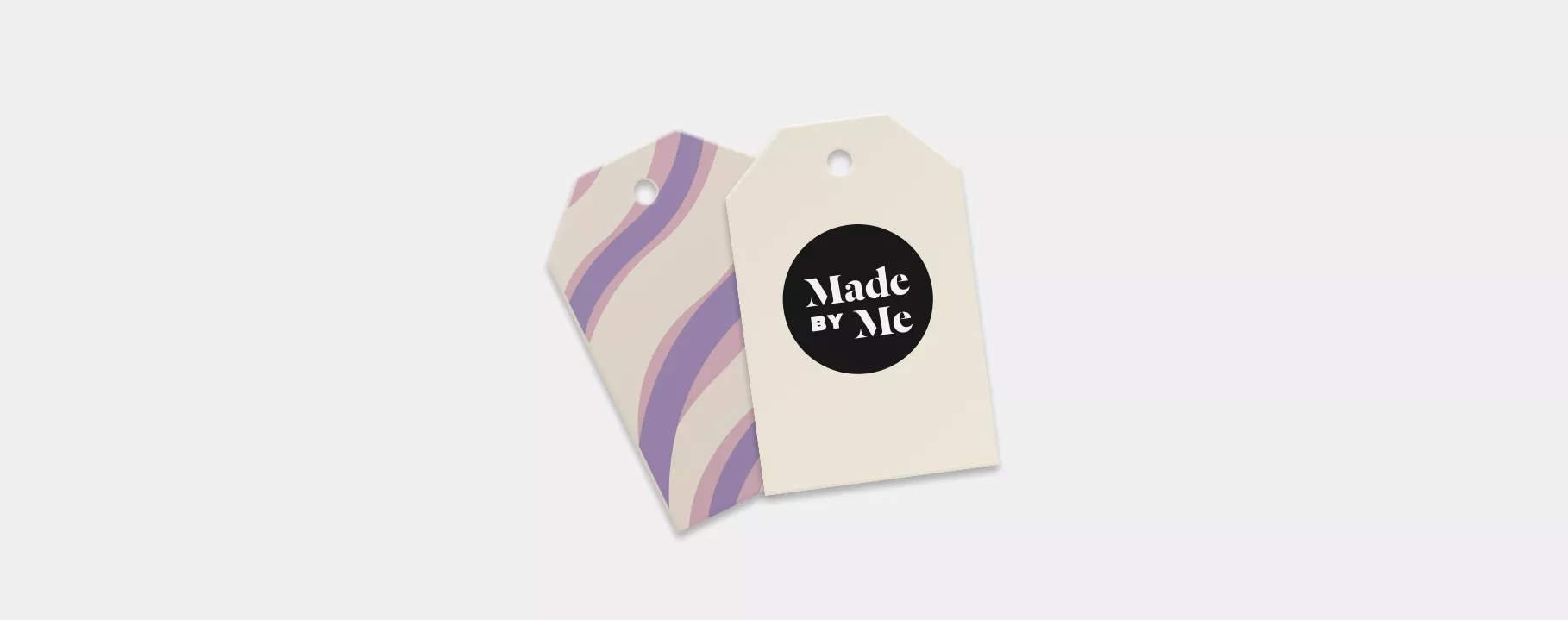
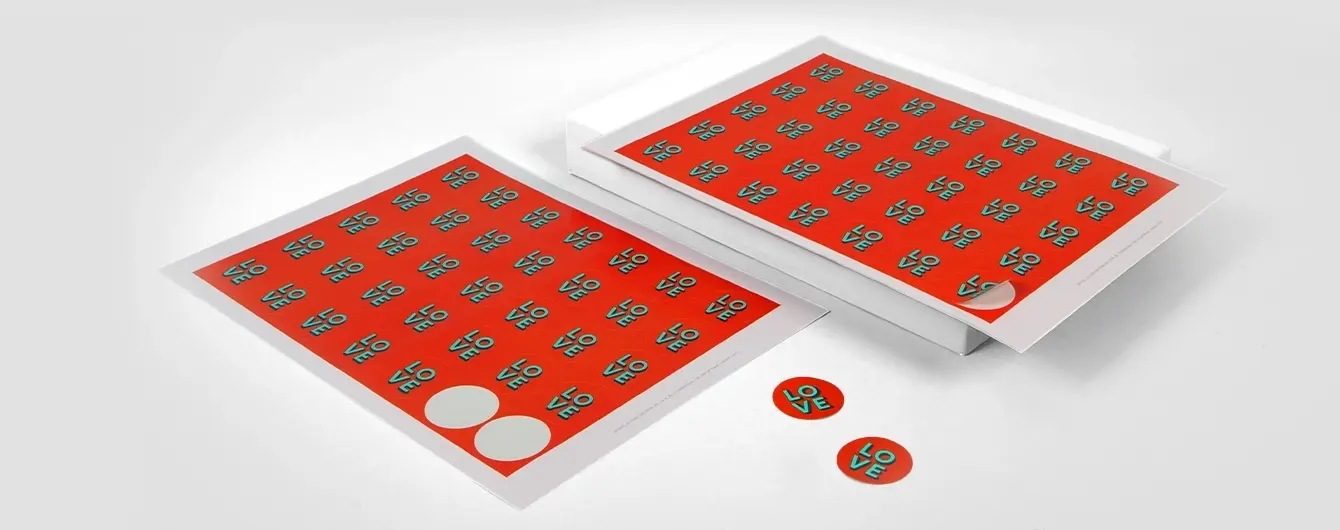
- Address Labels: To make the process easier, print Address Labels instead of writing each address by hand. This not only saves time but also gives your cards a polished look.
- Printed Envelopes: Choose our Printed Envelopes option which can be personalised with addresses, branded with a logo or even adorned with more detailed artwork to make them extra special.
Should I set up my artwork as spreads or single pages?
Ready to print your personalised Christmas Cards? Setting up your Cards for print might seem tricky, but don't worry - we’re here to help. Follow these simple steps, and your designs will be ready in no time.
- Two separate pages split down the middle (this is where the fold will be)
- Four separate pages (making up the outer and inner sides of your card)
- Page 1: Back Cover, Front Cover
- Page 2: Inside Front, Inside Back
- Or as four separate pages in this order: Front Cover, Inside Front, Inside Back, Back Cover.
- Page 1: Front Cover (upside down), Back Cover
- Page 2: Inside Front, Inside Back
- Or as four separate pages in this order: Front Cover (upside down), Inside Front, Inside Back, Back Cover.
How do I use Personalisation on my Christmas Cards?
Personalising your Christmas Cards is easy with Printed.com's Personalisation service! We offer two simple methods to personalise your prints:
- Page 1 is the front
- Page 2 is the back
- If the back design is the same for all versions, still include a back page for every front.
- Replace any variable text in your artwork with `[personalise here]`.
- Create a spreadsheet with all your variable names or addresses in one column.
- Ensure correct spelling and capitalisation.
- Save your spreadsheet as a .CSV file.
- Upload your PDF and .CSV file with your order.
What is a file copy?
A file copy is an extra print from your order for personal reference or record-keeping, making it a great tool for reviewing your work before or after sending the main order to your client. Perfect for creatives, business owners, or anyone needing to keep a record of their prints, it’s ideal for future use, presentations, or archiving.
What is the difference between single sided and double sided Christmas Cards?
When it comes to Christmas Card printing, the main difference between single sided and double sided cards lies in the amount of printable surface available for your design or message:
- Single sided cards: Single sided cards include the front and back outer sides. The inner sides remain blank and unprintable, offering a simpler option if you prefer a focus on the exterior design without additional content inside.
- Double sided cards: Double sided cards provide printable surfaces on all four sides, covering the front and back outer sides, as well as both inner sides. This option is ideal for adding more personalisation, like text, images, or branding inside the card.
What is reordering?
Need to reorder your designs for a restock? We keep all your previous order details and artwork in your account, so you'll be able to bring your previous orders to life again with just a few clicks.
Can I add foiling to my Christmas Cards?
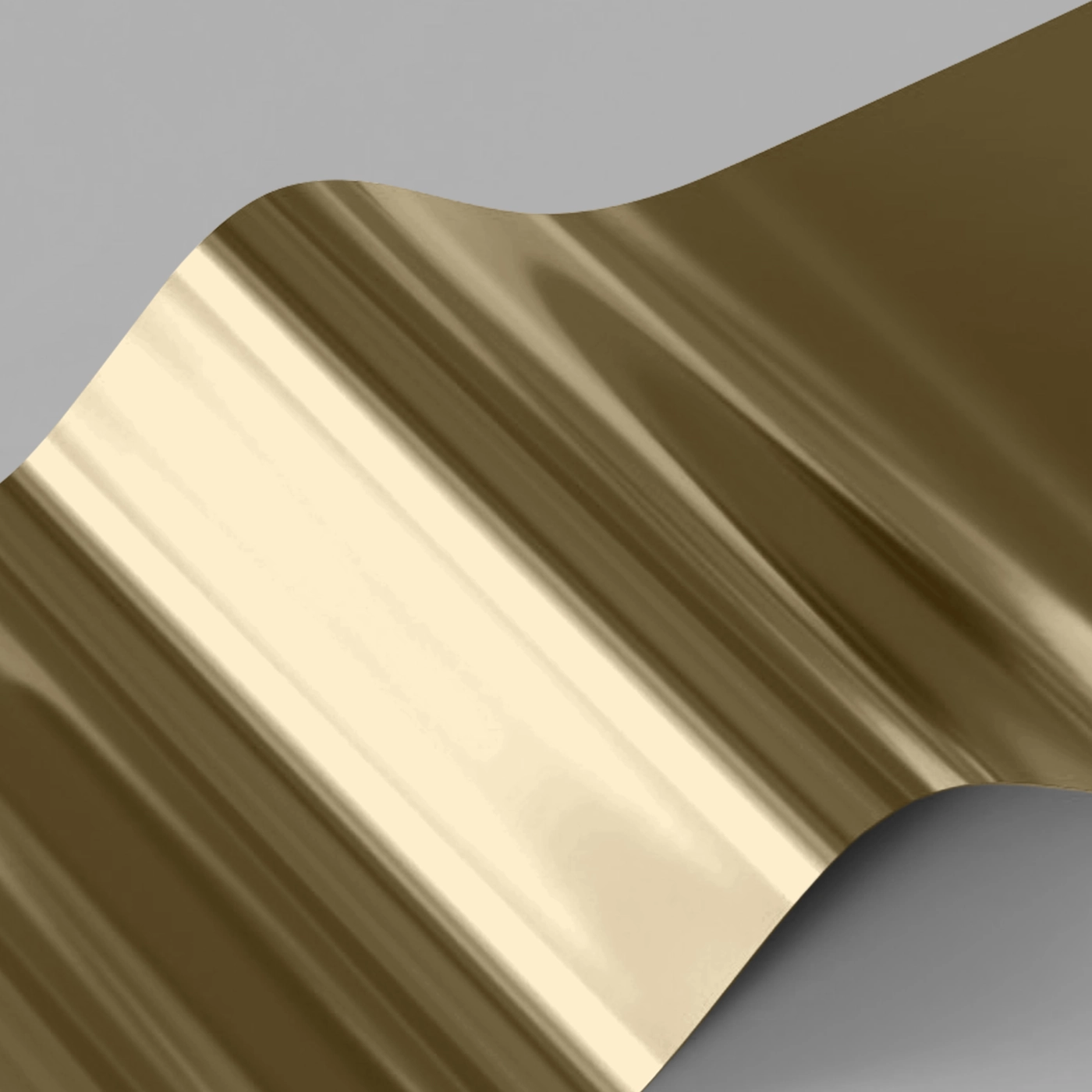
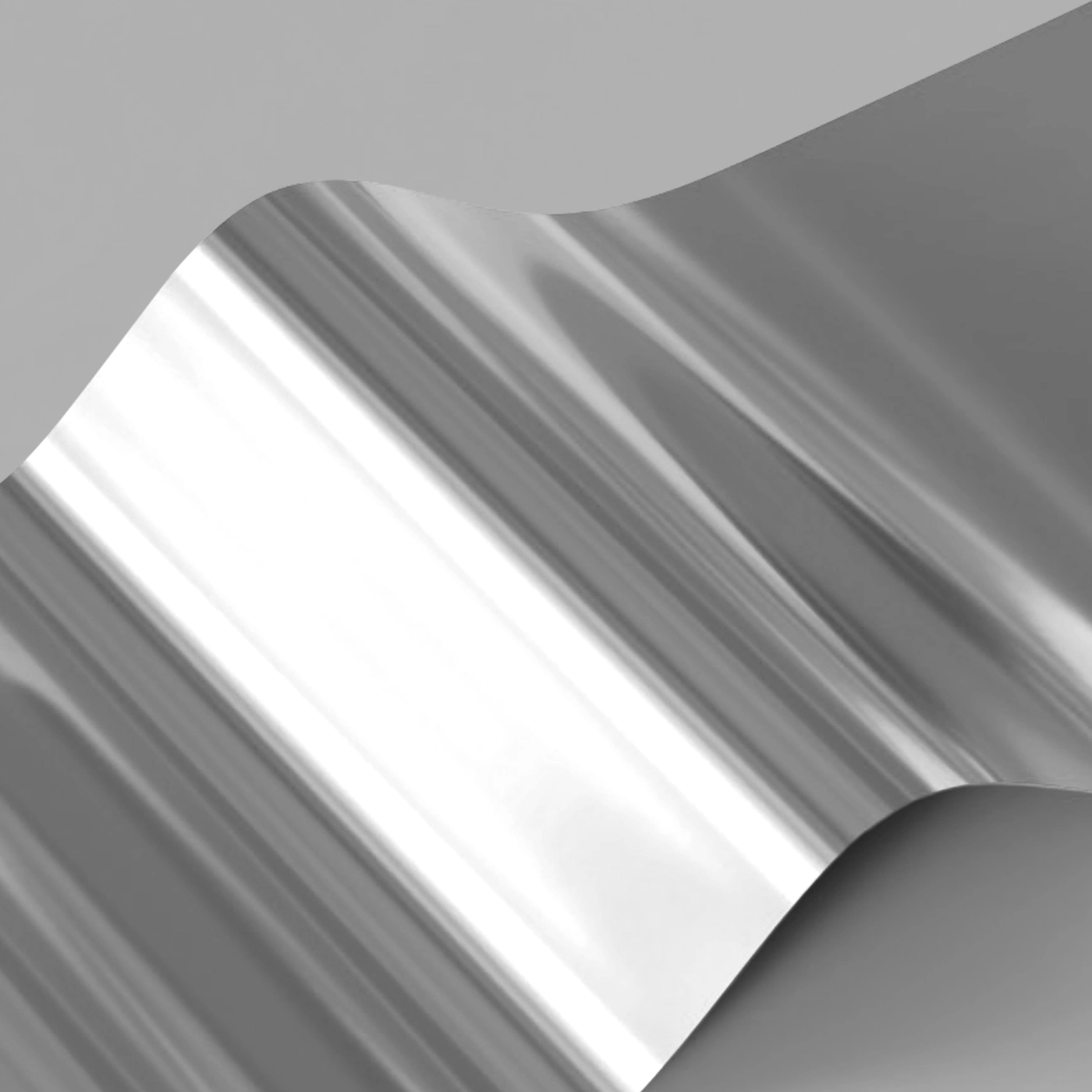
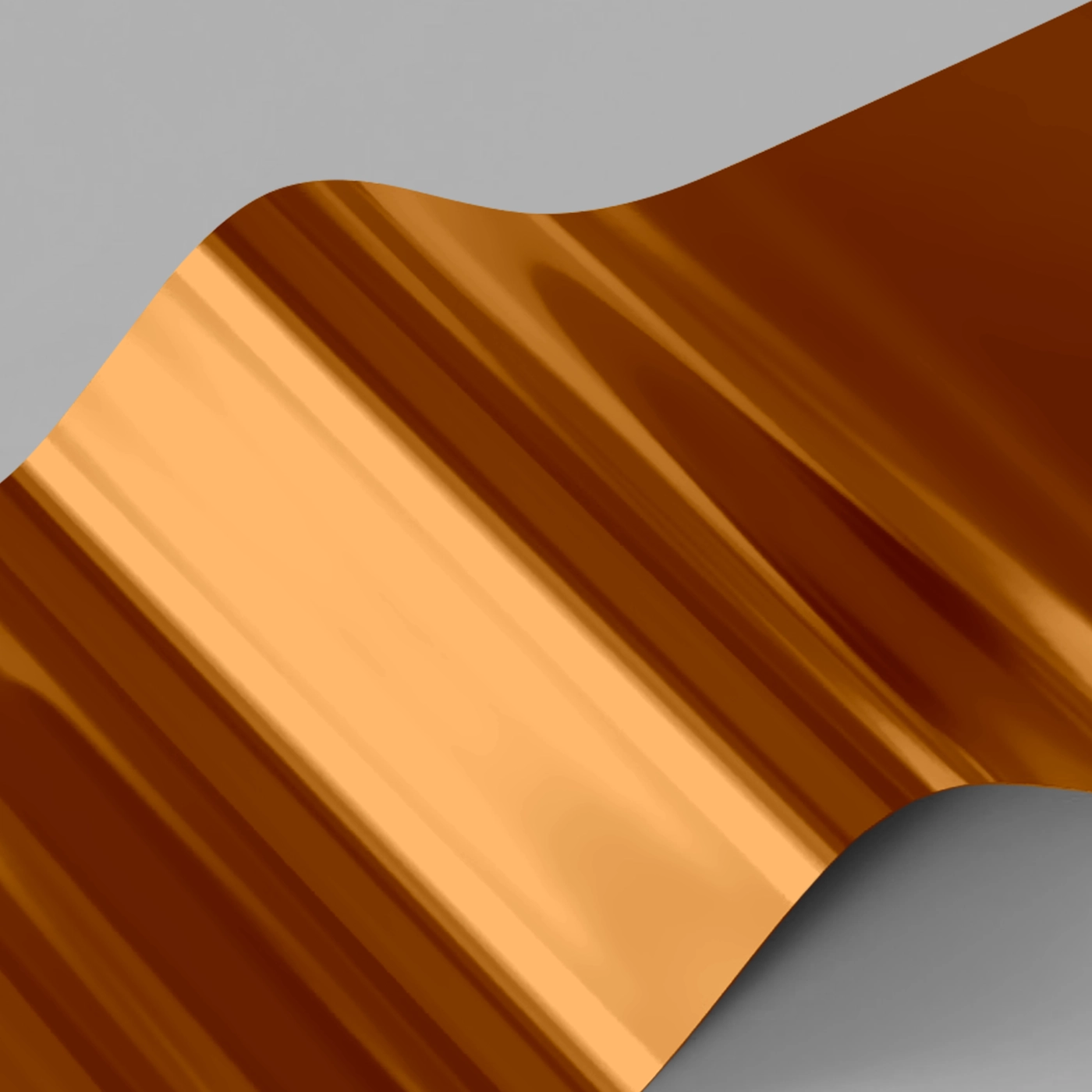
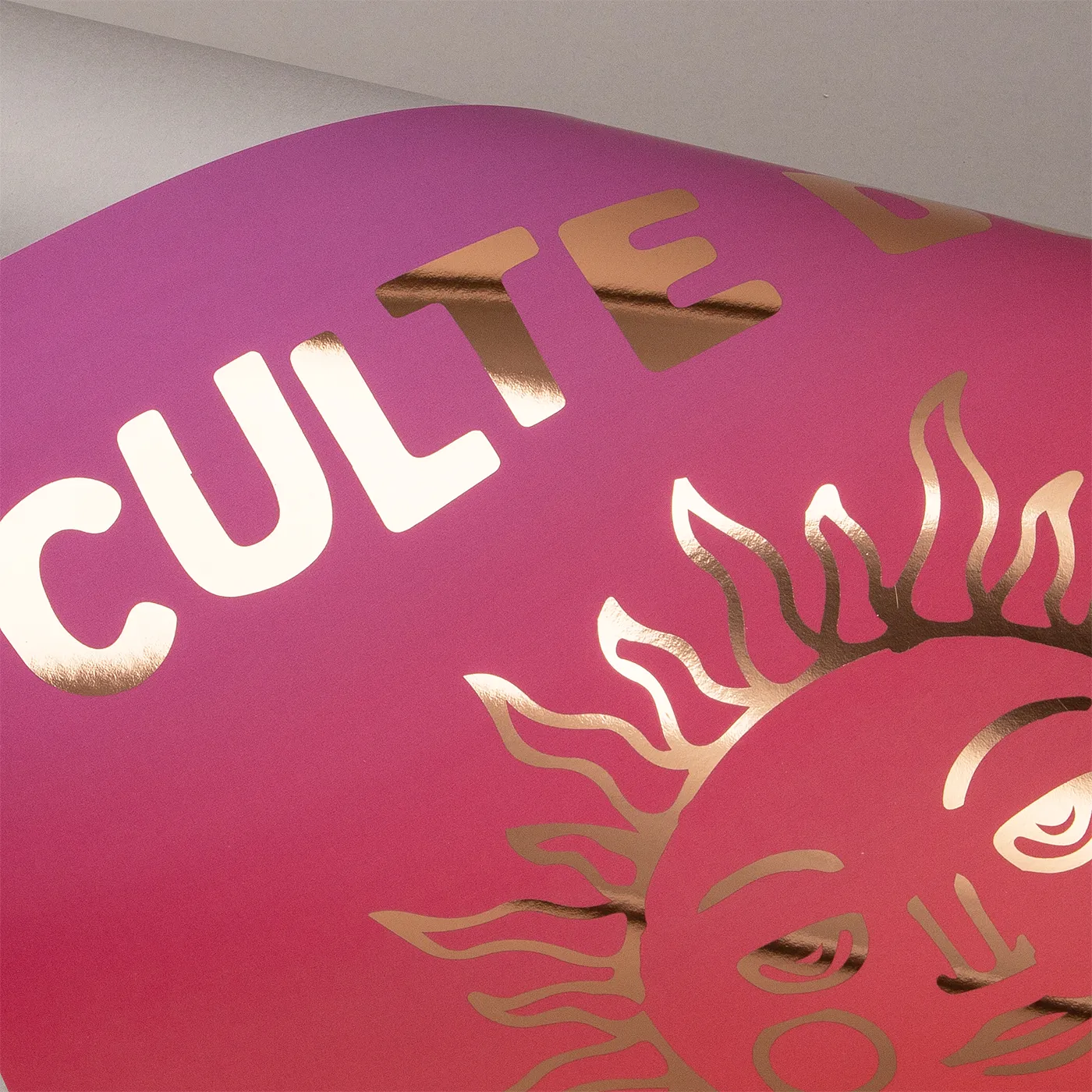
Yes, metallic foil printing is a great way to add a luxurious, festive finish to your Christmas Cards. Available in a range of foil colours, including classic gold and silver, foil can be used to highlight names, greetings, logos and decorative design elements, helping key details stand out with an eye-catching shine. Whether you're creating personalised Christmas Cards for friends and family or branded cards for your business, foil accents add an extra touch of elegance and make your design feel even more special.
Can I add Envelopes to my Christmas Cards?
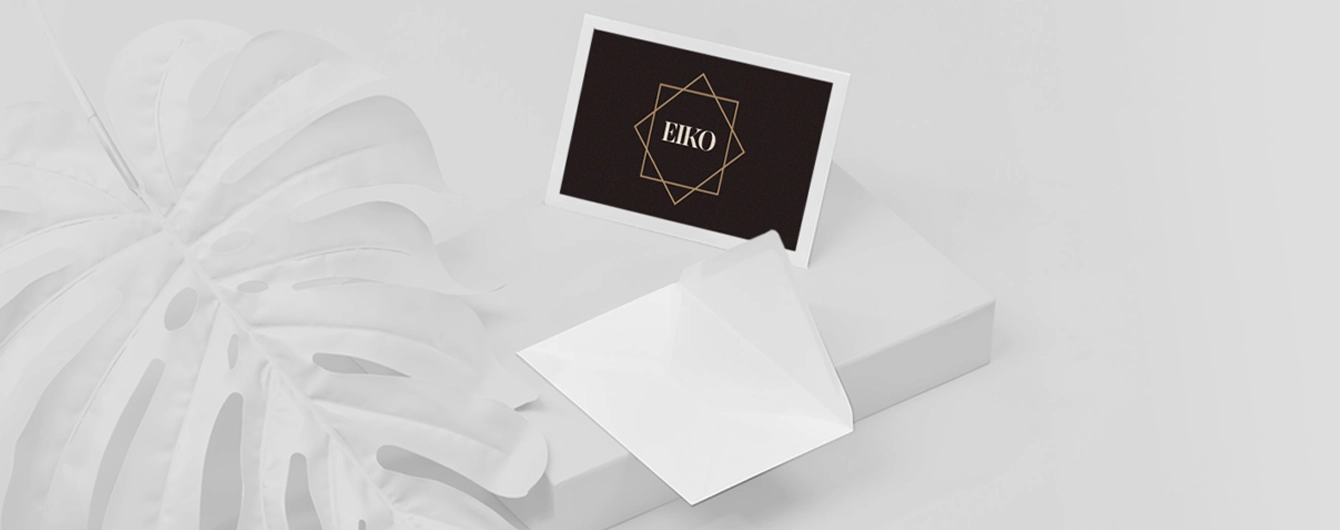
Yes, of course!. Every order includes free white Envelopes, making it easy to send your Christmas Cards straight away. For a more premium presentation, you can also choose from a selection of coloured Envelopes or different papers including eco-friendly Kraft and luxurious Tintoretto Gesso options. Choosing a matching Envelope is a simple way to elevate your Christmas Cards and create a memorable first impression before the card is even opened.
Can I create eco-friendly Christmas Cards?
Yes, absolutely! We offer a range of eco-friendly Christmas Card stocks, including Kraft, Recycled Uncoated and Recycled Silk. These recyclable options are ideal for brands looking to reduce their environmental impact while maintaining a high-quality, professional finish.
How do I set up my Christmas Card artwork for foiling?
Adding foil to your design is a great way to create a bold, eye-catching finish. The set-up process for this is slightly different, so to ensure your artwork is set up correctly please follow our handy step-by-step artwork guide here. This will show you how to prepare your file, specify your foil areas and create a design that’s ready for professional printing.


Christmas Cards
Our product presets
Our product presets
Build your own or choose from one of our preset options
Fold type
Fold type
Shape
Use our free downloadable templates available on the product webpage, or in the artwork upload area to make sure your print comes off the presses perfectly. Make sure to choose the right template for your design, and remember to delete the template layers before you save your artwork.
Shape
Use our free downloadable templates available on the product webpage, or in the artwork upload area to make sure your print comes off the presses perfectly. Make sure to choose the right template for your design, and remember to delete the template layers before you save your artwork.
Size
Size
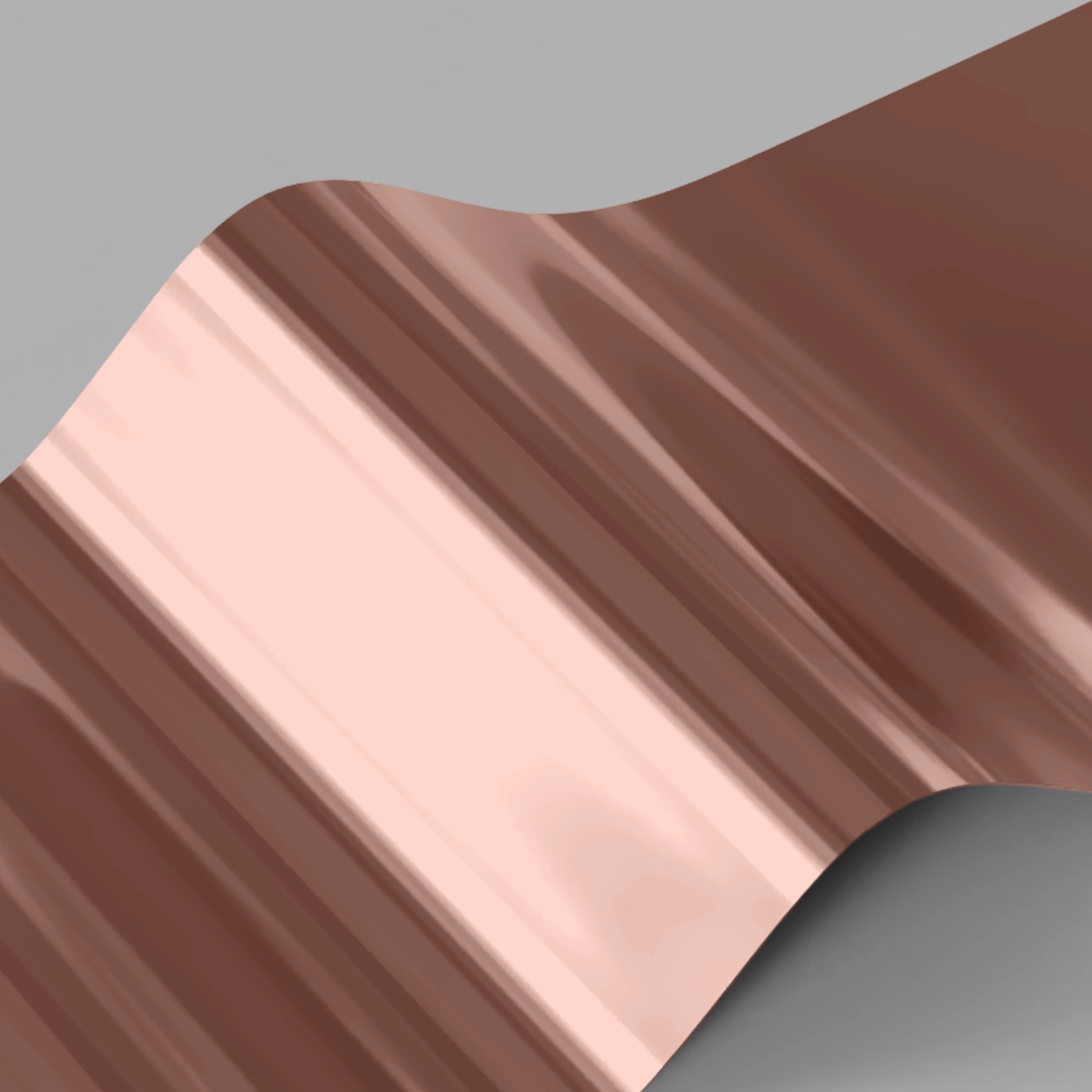
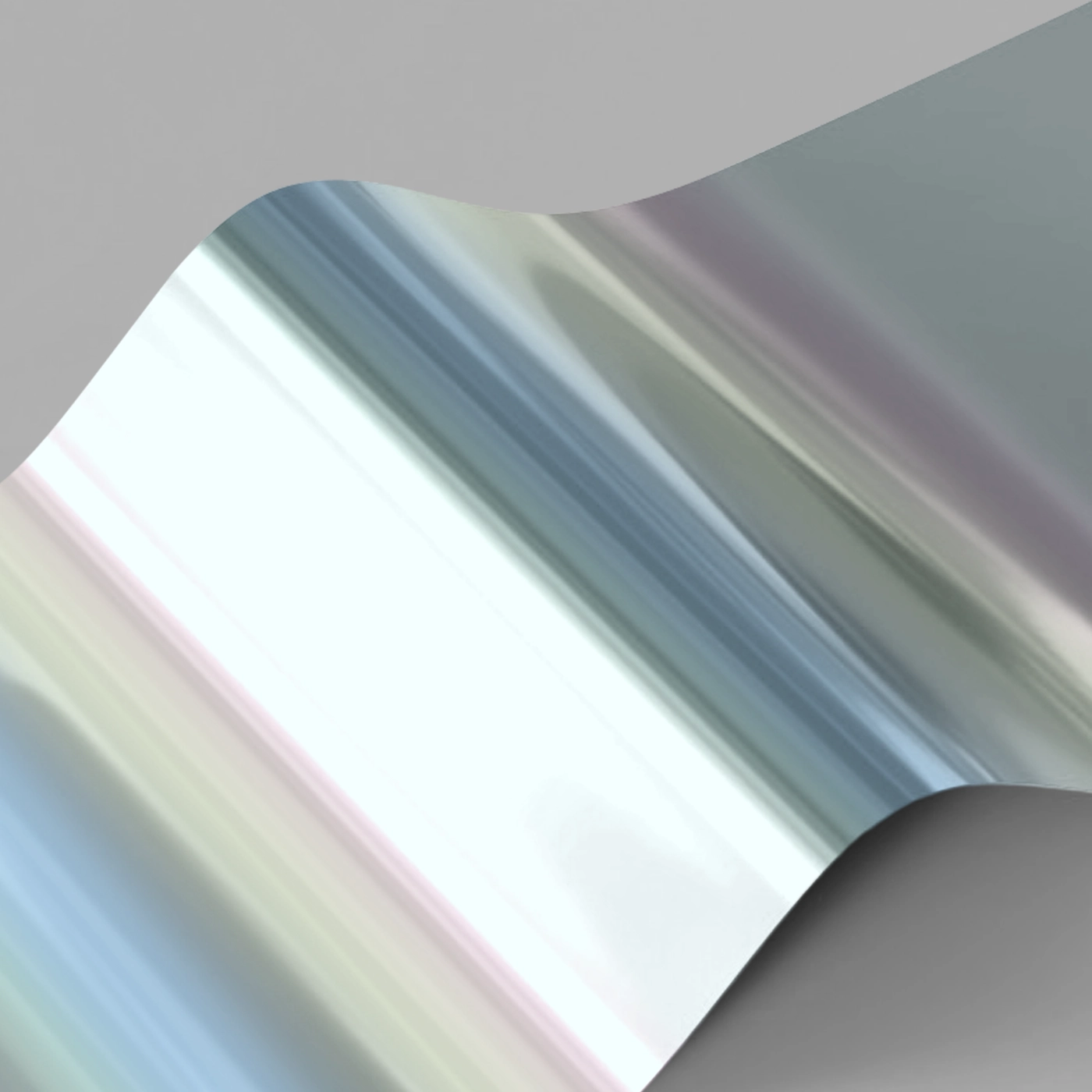
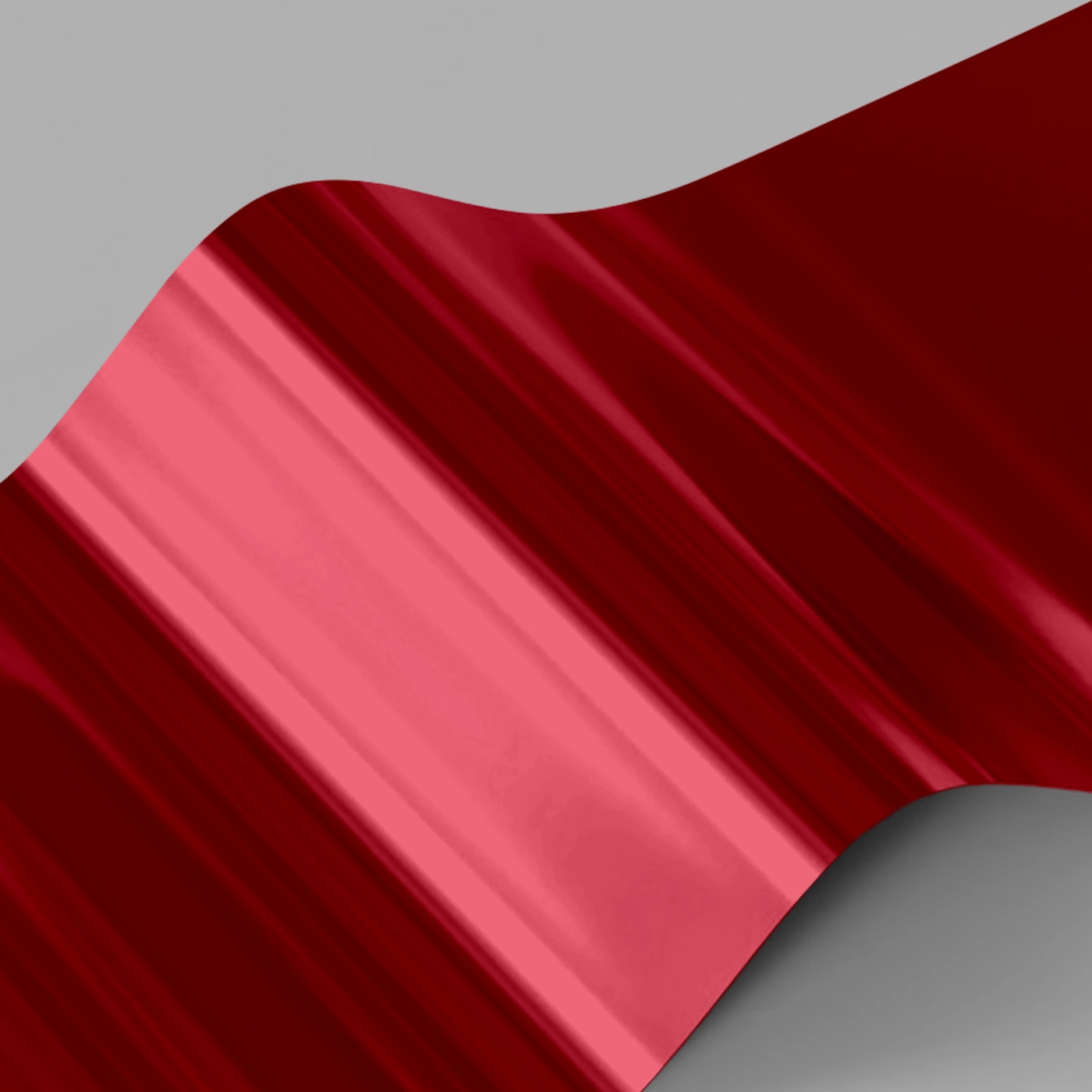
Foiling
One-sided foil While your print can be double sided, you can only apply Foil to one side of your design.
Whichever side you choose to add Foiling to must be velvet laminated (this protects your Foil from slipping or scratching).
If you would like Foil on both sides of your print, please contact our Bespoke Team. Foiled Stickers cannot be laminated and can only be foiled on one side
Foiling
One-sided foil While your print can be double sided, you can only apply Foil to one side of your design.
Whichever side you choose to add Foiling to must be velvet laminated (this protects your Foil from slipping or scratching).
If you would like Foil on both sides of your print, please contact our Bespoke Team. Foiled Stickers cannot be laminated and can only be foiled on one side
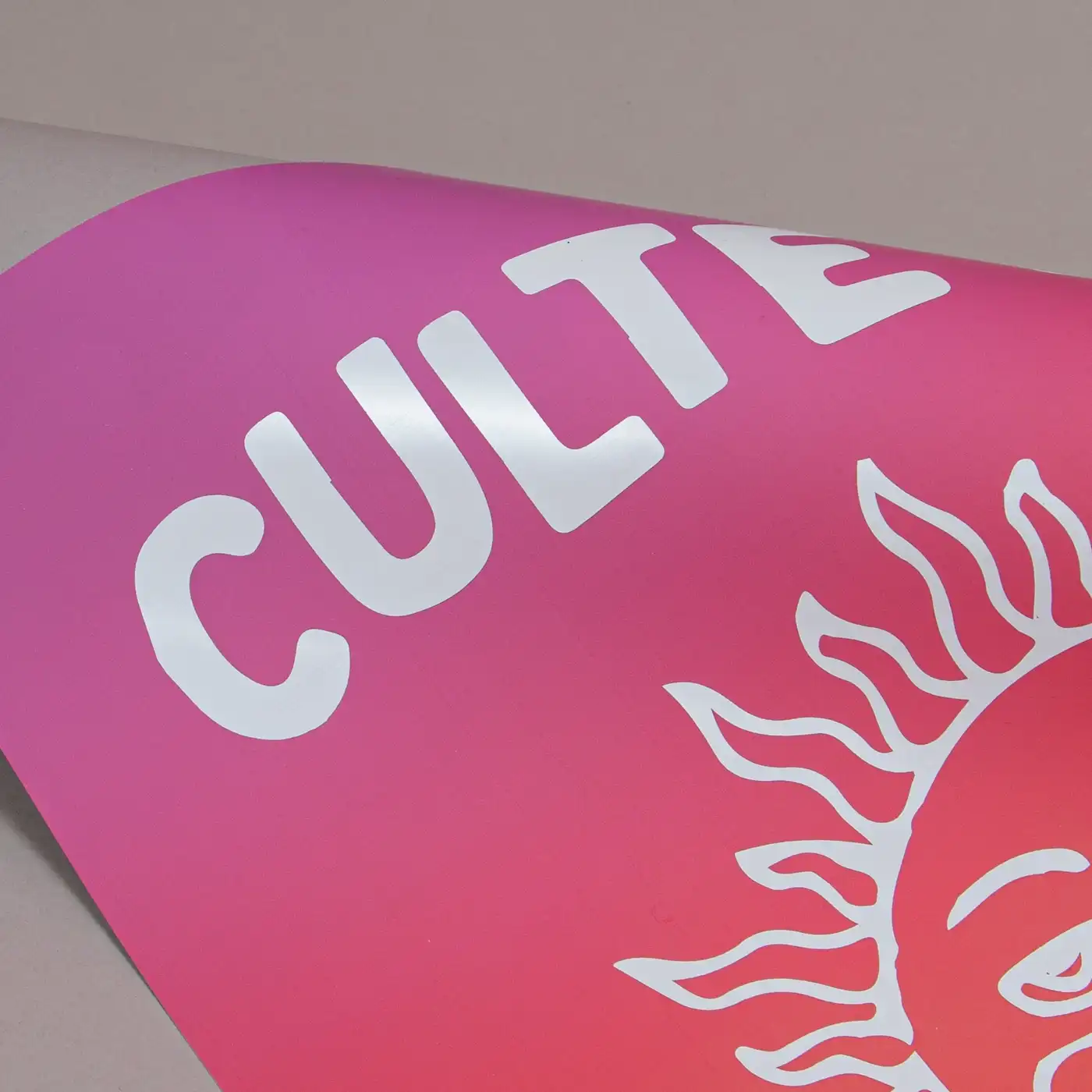
One-sided foil
While your print can be double sided, you can only apply Foil to one side of your design.





Printed sides
One side: Select this if you just want to print on the outside of your card (this includes print on the front and back once the card is folded). The inside of your card will stay blank and the colour of the paper.
Both sides: Printed designs and text will appear on the front, back, and inside of your card. This is also known as double-sided or duplex.
Printed sides
One side: Select this if you just want to print on the outside of your card (this includes print on the front and back once the card is folded). The inside of your card will stay blank and the colour of the paper.
Both sides: Printed designs and text will appear on the front, back, and inside of your card. This is also known as double-sided or duplex.
One side: Your design will feature on the front and reverse of your folded card, on the outside only.
Both sides: Your design will feature on the inside of your card as well as the front and reverse.
Paper
Paper
Quantity
Please enter a quantity larger than 1
If there is a paper stock, size, quantity or finish you want but can't find, fill in our bespoke order form or contact our team .
The options you have chosen mean that your leaflets will be delivered creased but not folded. If you'd like your print to arrive already folded, please enter a lower quantity or a lighter paper weight.
Extras
Lamination
Lamination types
Matt: Protects your print while giving a subtle and soft finish.
Gloss: Offers a high shine that works well with images and solid colours.
Velvet: Gives a soft, touchable texture and non-shine finish.
Anti-Bacterial Gloss: This high-shine gloss is embedded with silver ions that prevents 99% of bacteria surviving.
Lamination Sides
None: Without lamination, you can feel the real texture of the paper, and it's easy to write on.
One side: We will always laminate on page 1 of your PDF when ‘one side’ is selected. If that isn't the page you want laminated, just swap the page order in your PDF.
Both sides: The most popular choice when laminating – choose both sides when you want double the protection.
Remember: Laminating will protect your print but you will not be able to write on it with certain types of pen. If you're printing with heavy ink coverage, we recommend using lamination to protect the print and prevent damage.
Corners
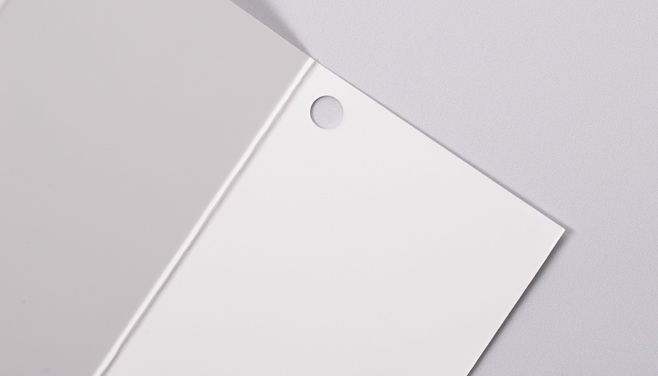
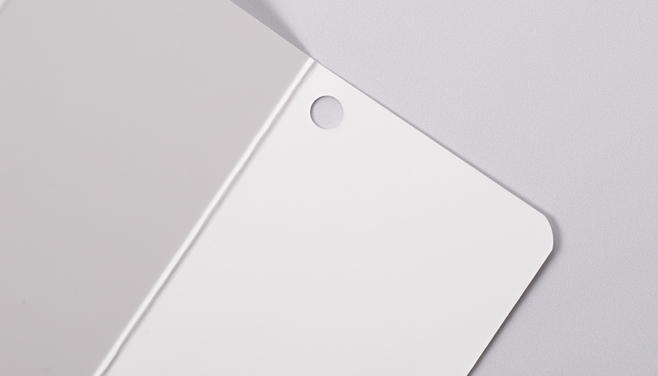
Square corners: Leave your corners square for a traditional, professional finish.
Round corners: Give your print a modern edge with a rounded finish. Our corners are rounded at a 7mm radius so don't leave anything important too close to the corners.
Personalisation
You can personalise your print with guests names and addresses.
We offer two ways to personalise your print so you can choose the route that best suits your needs. Click on the options below to get a quick explanation on how they each work.
Further information on how to set up your files, along with some helpful downloadable sample files, are in the next step.
Use Personalisation if you need to put a different name or address on each of your prints.
Choose "None" if you don't have any names or addresses which will differ on each print. You can still upload your custom design as normal!
You should select this option if you have already merged names or addresses within your artwork and are ready to upload your finished PDF.
If your design is double-sided please arrange your pages as follows, Page 1 Front, Page 2 Back and so on.
If the back of your design is the same for all versions, we ask that you still include a back page for every front in your file.
If you would like our team to take your artwork and merge it with your names and addresses, you can upload your design PDF with placeholder text in the font and position you would like, as well as a CSV file containing the list of names or address that will differ on each print. Our team will take it from there.
Envelopes
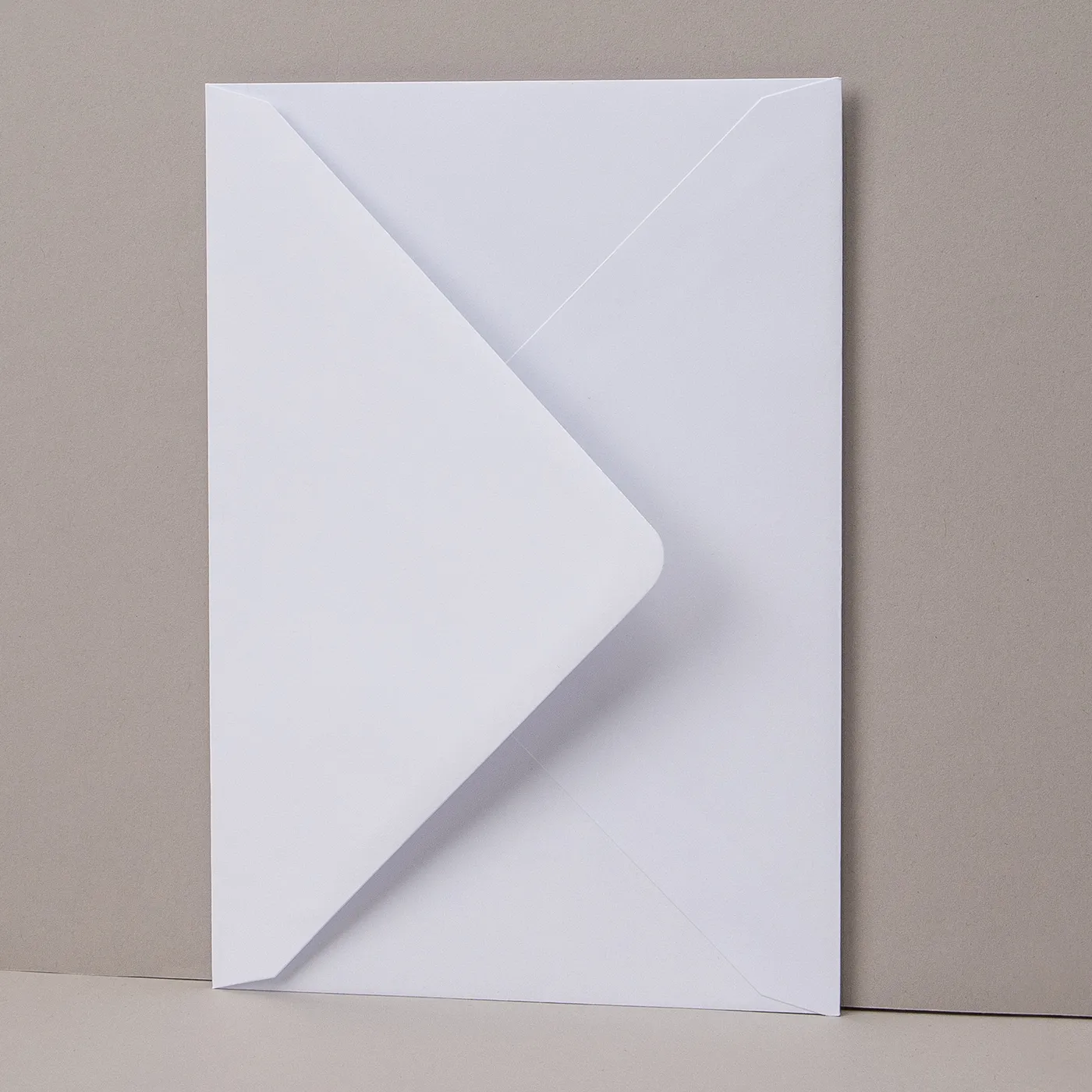
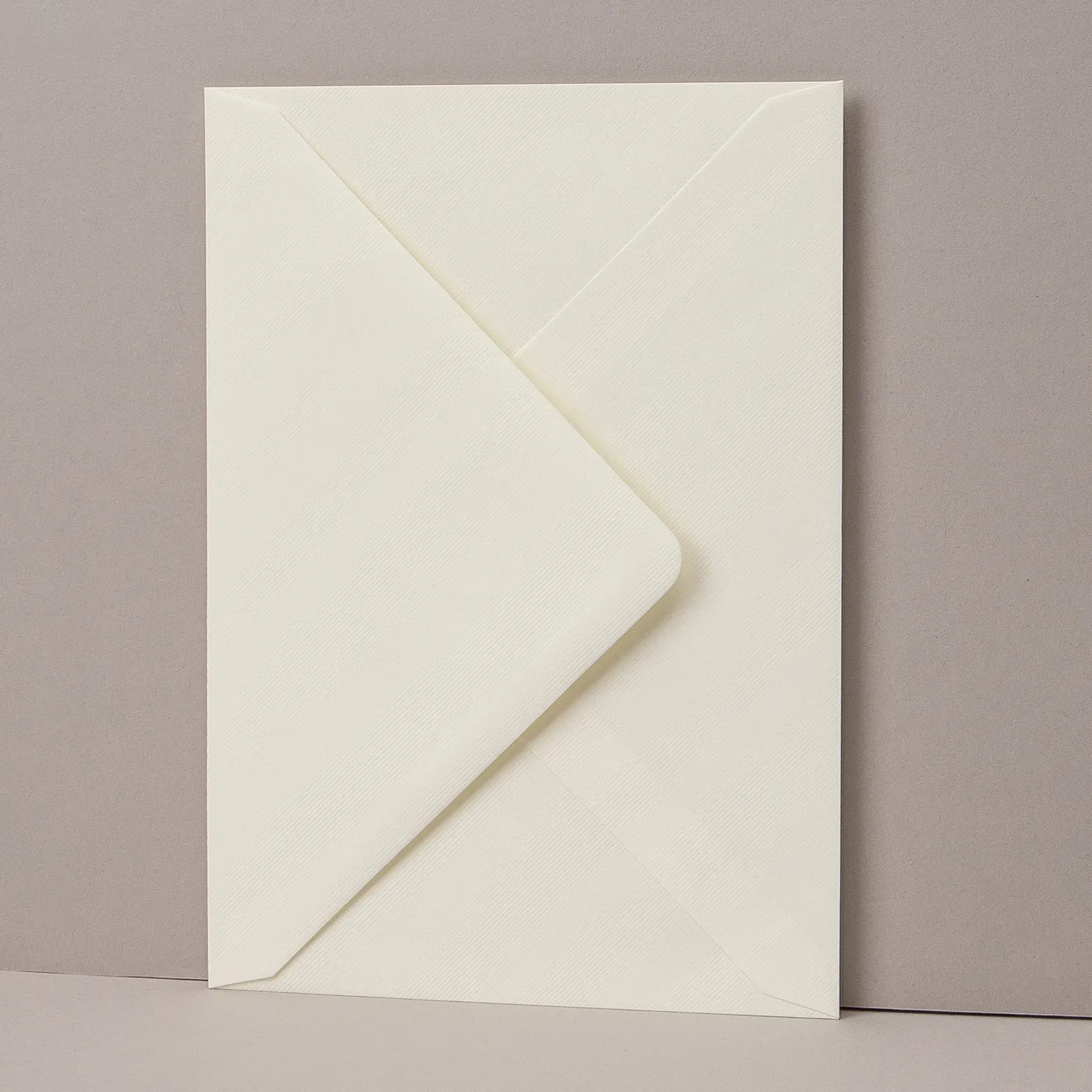
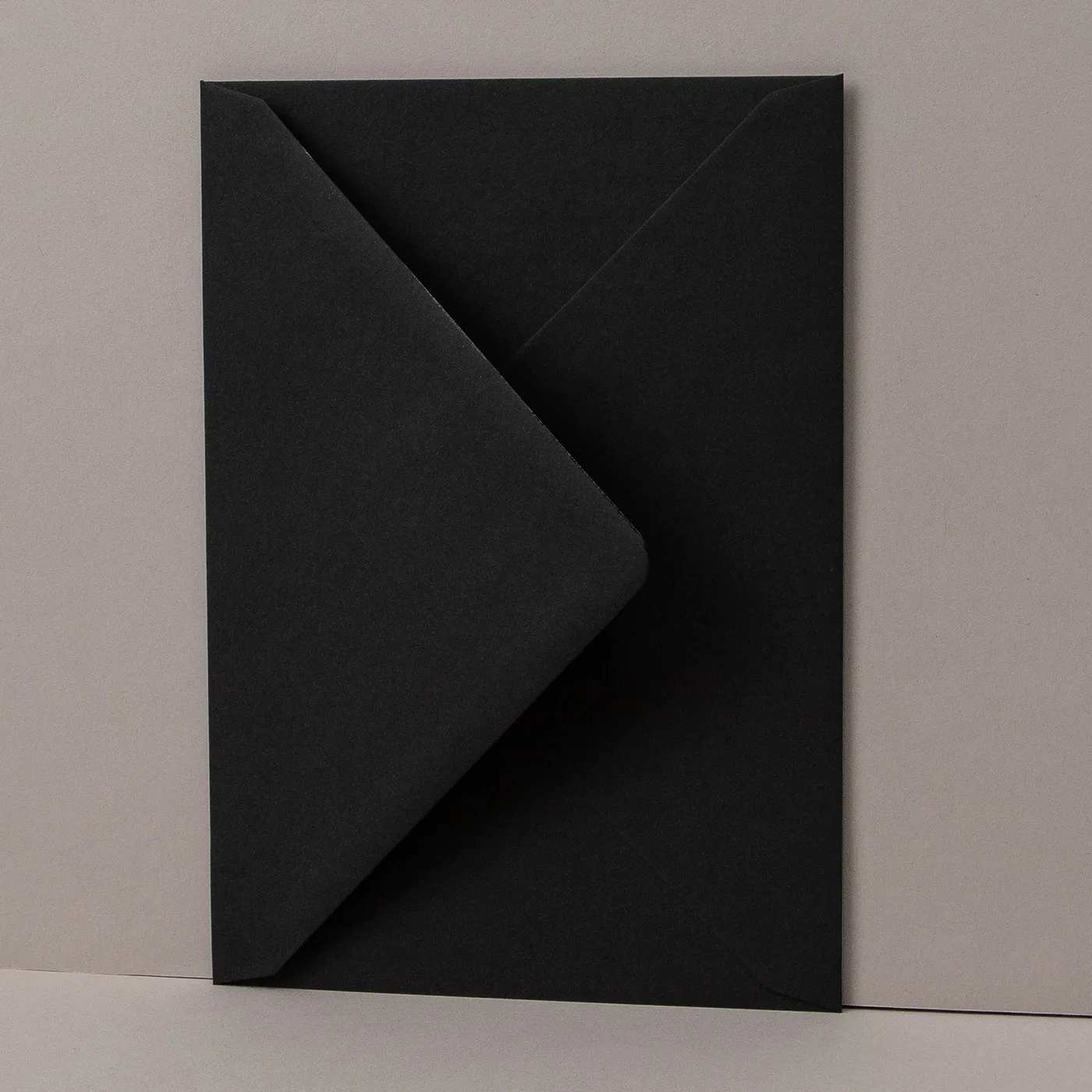
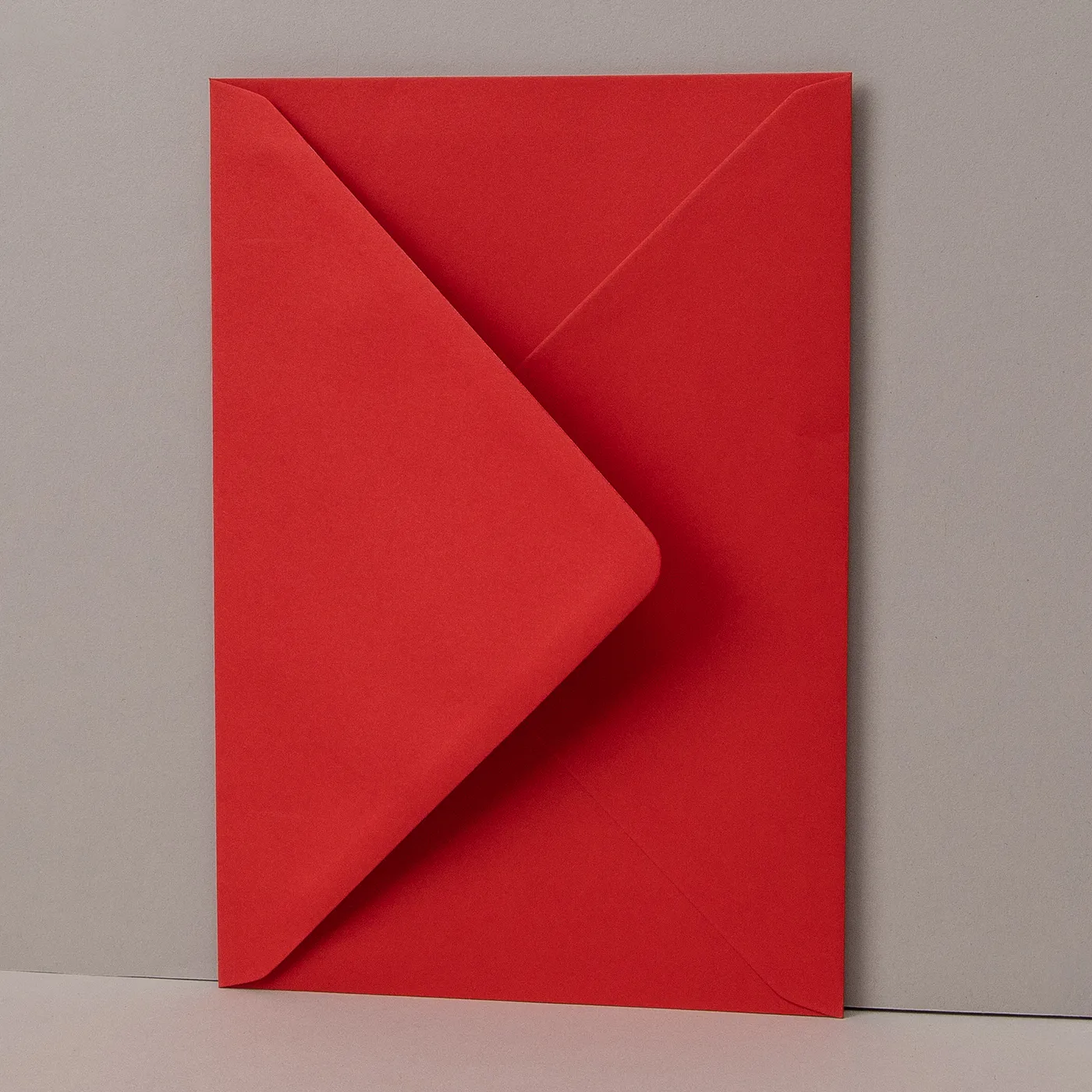
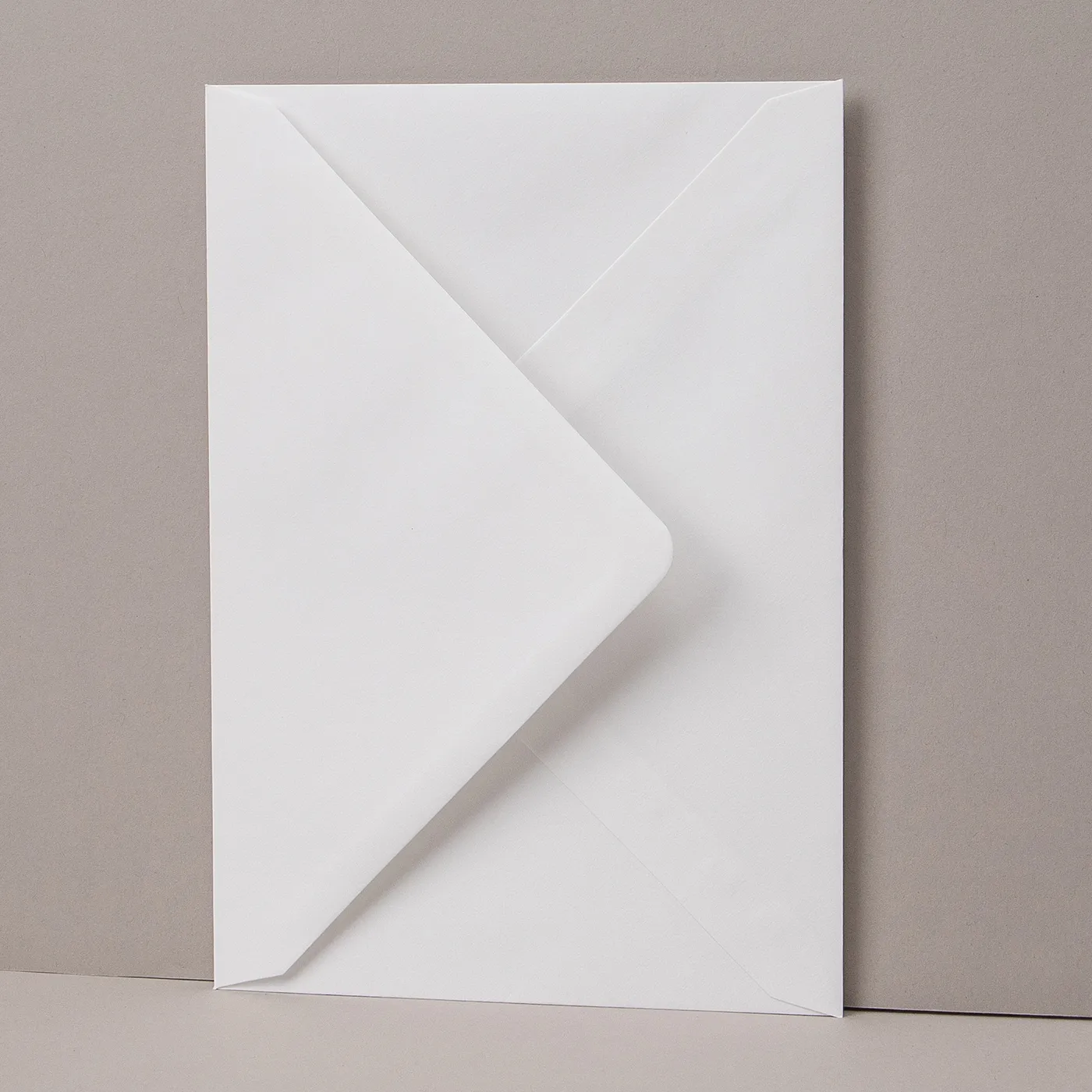
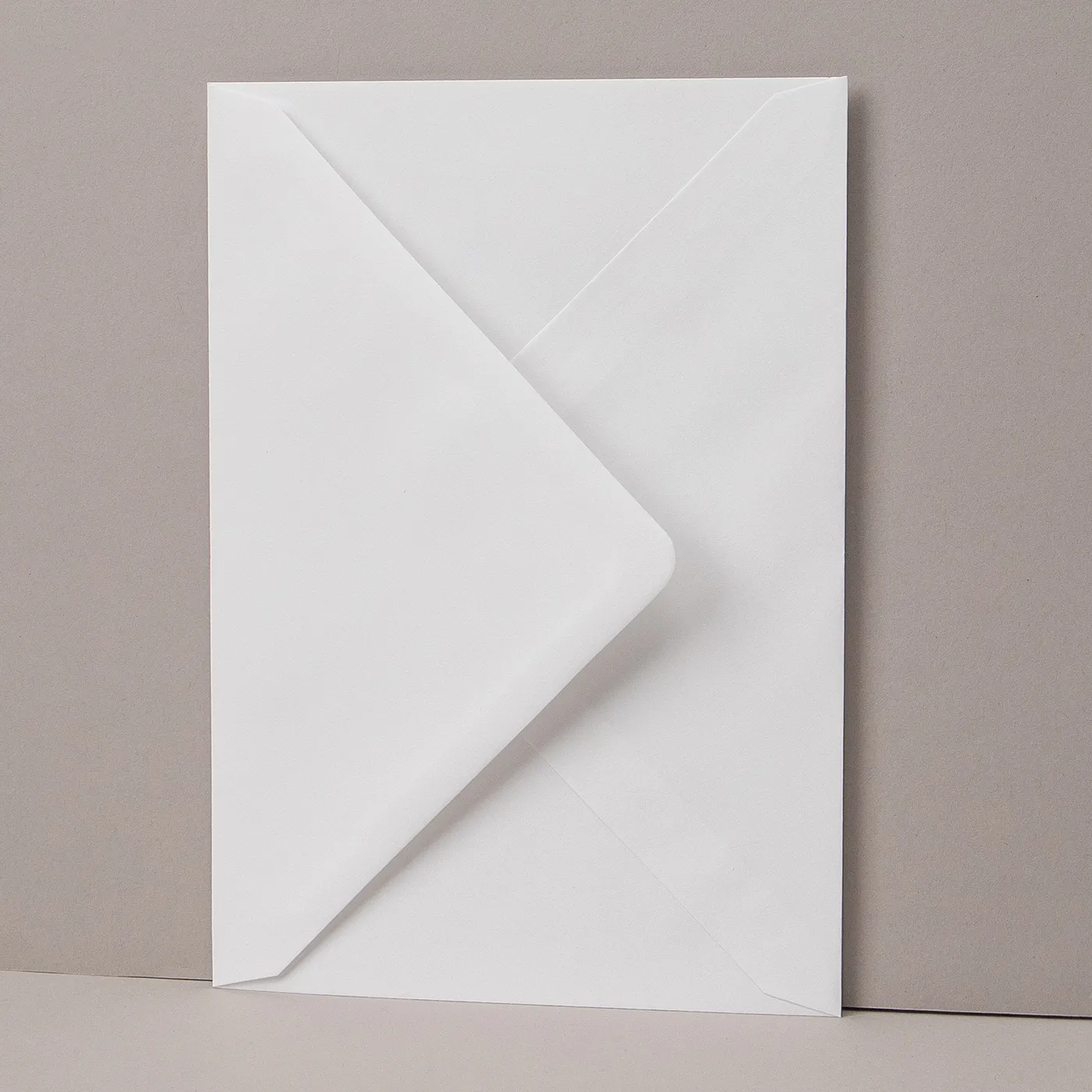
Some of our Envelopes are made from thinner paper than others. Make sure to check the weights below before ordering. To give you an idea, standard thin home printer paper is 80gsm. If you can't find exactly what you are looking for, please contact our Bespoke Team.
Our Envelopes match our paper types, so you can easily choose something that complements your print.
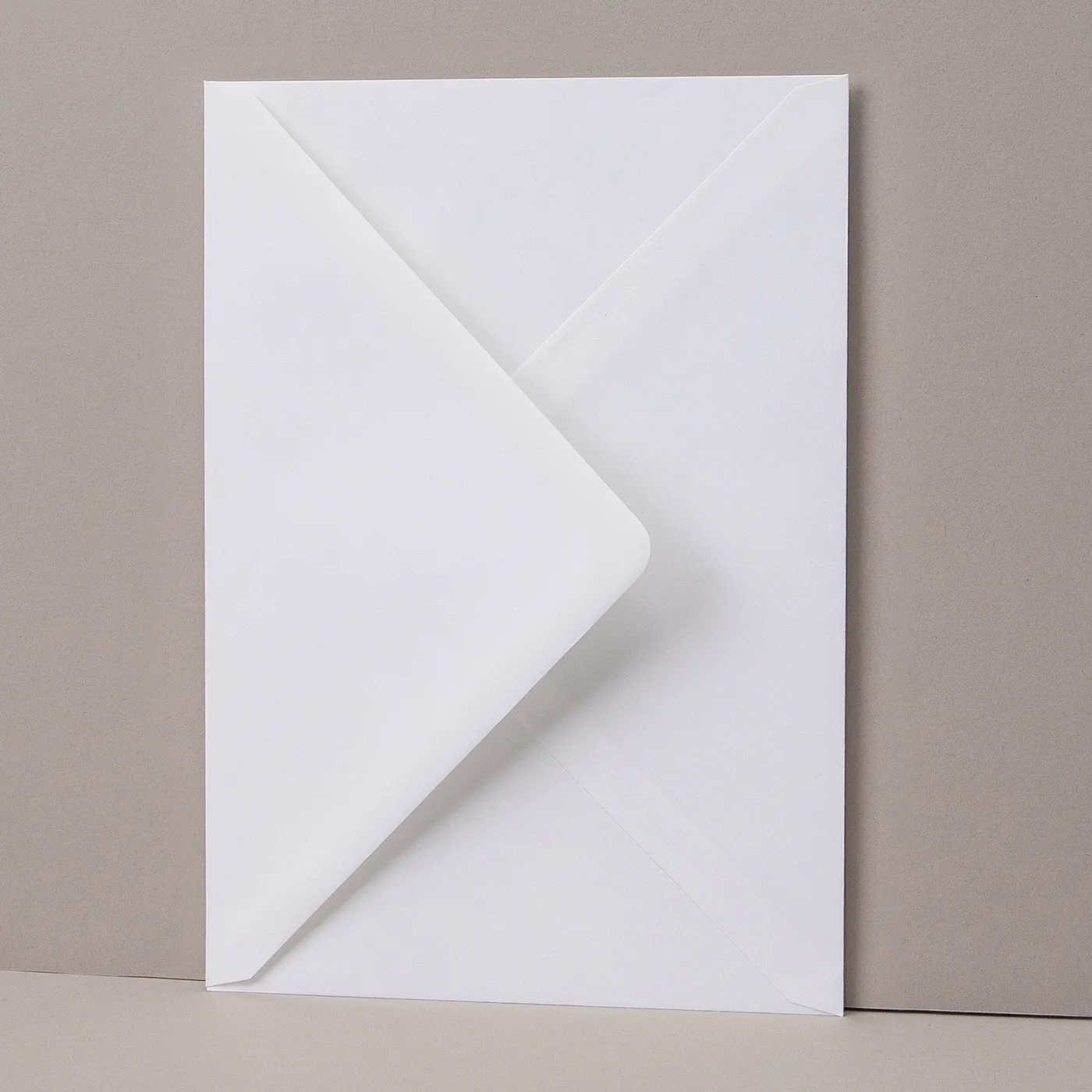
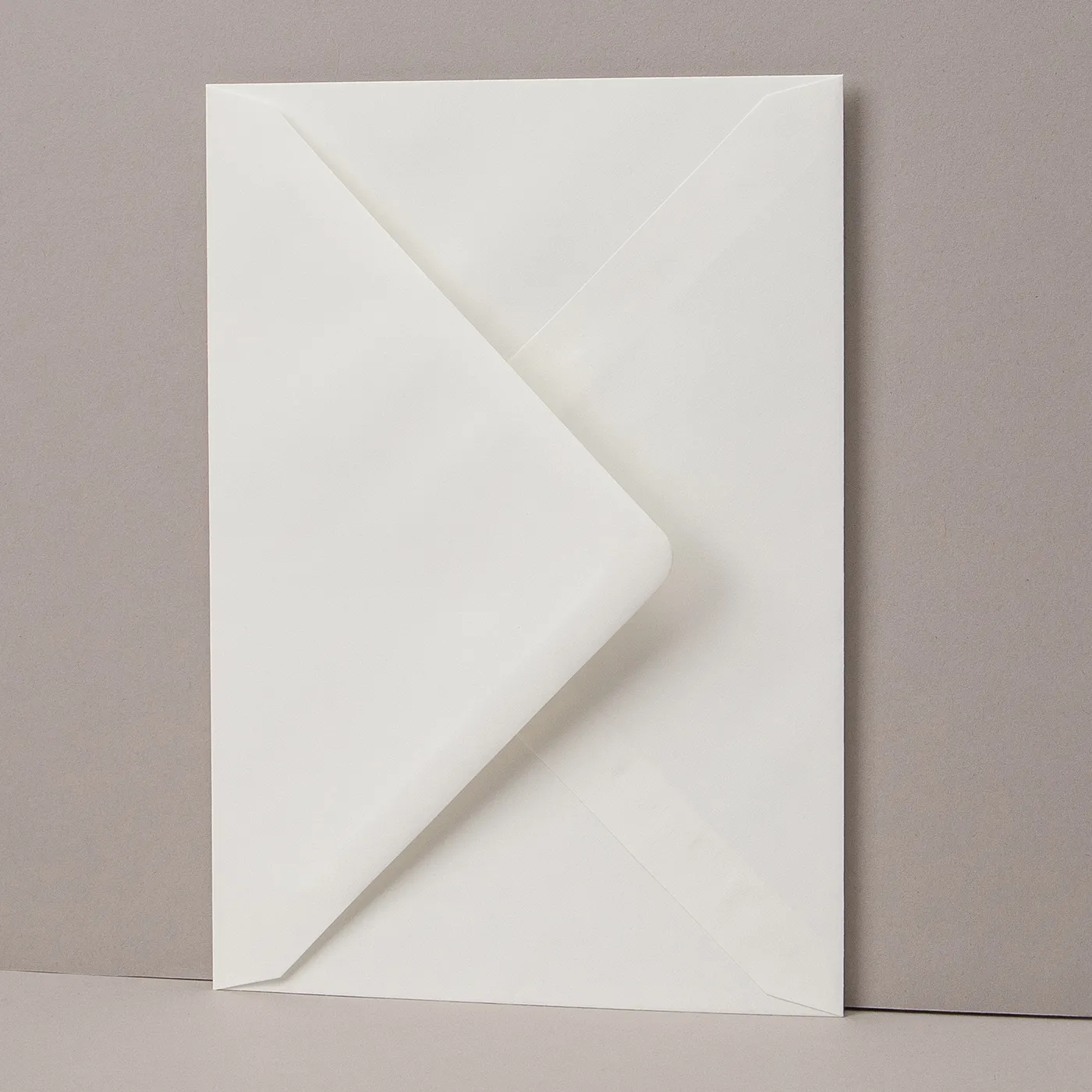
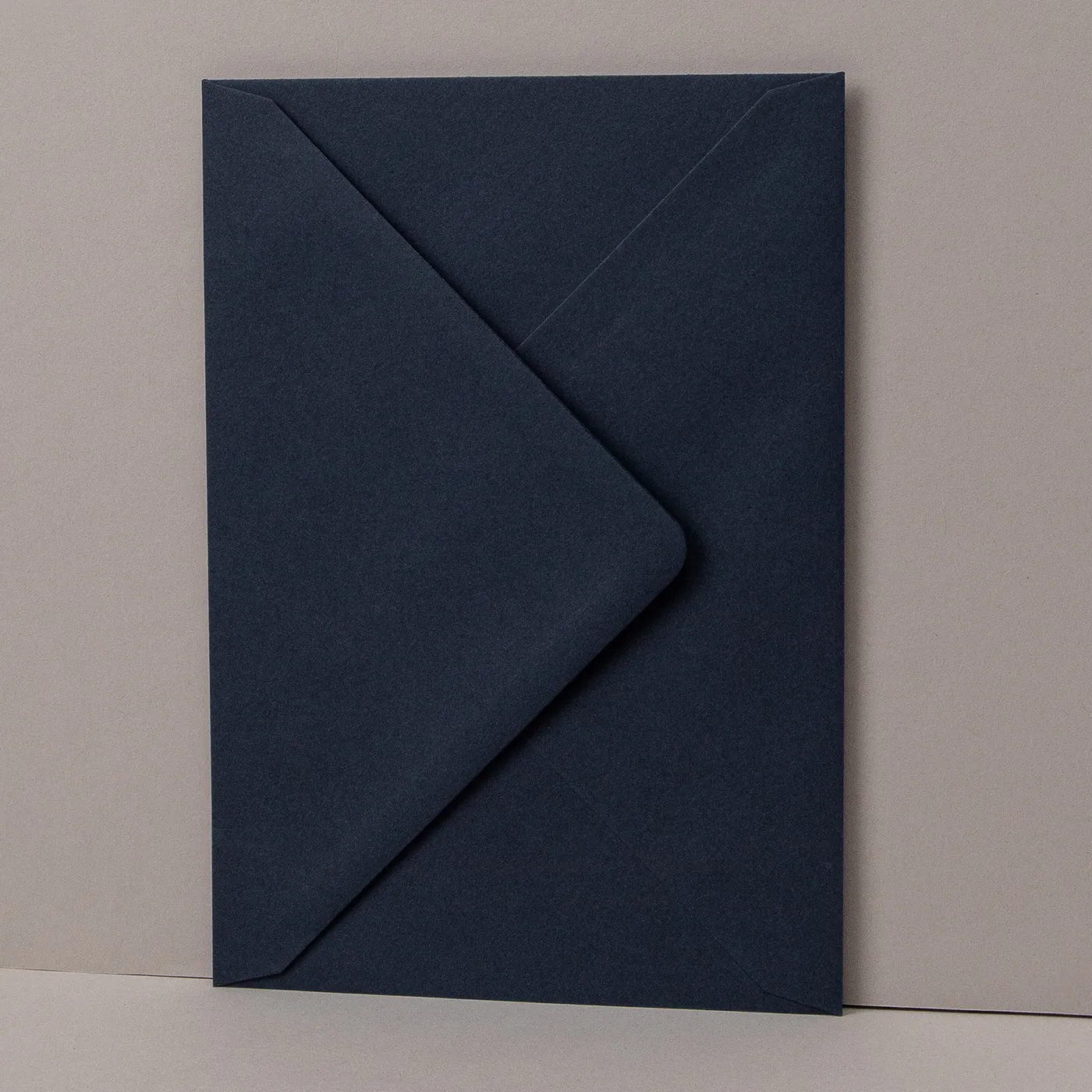
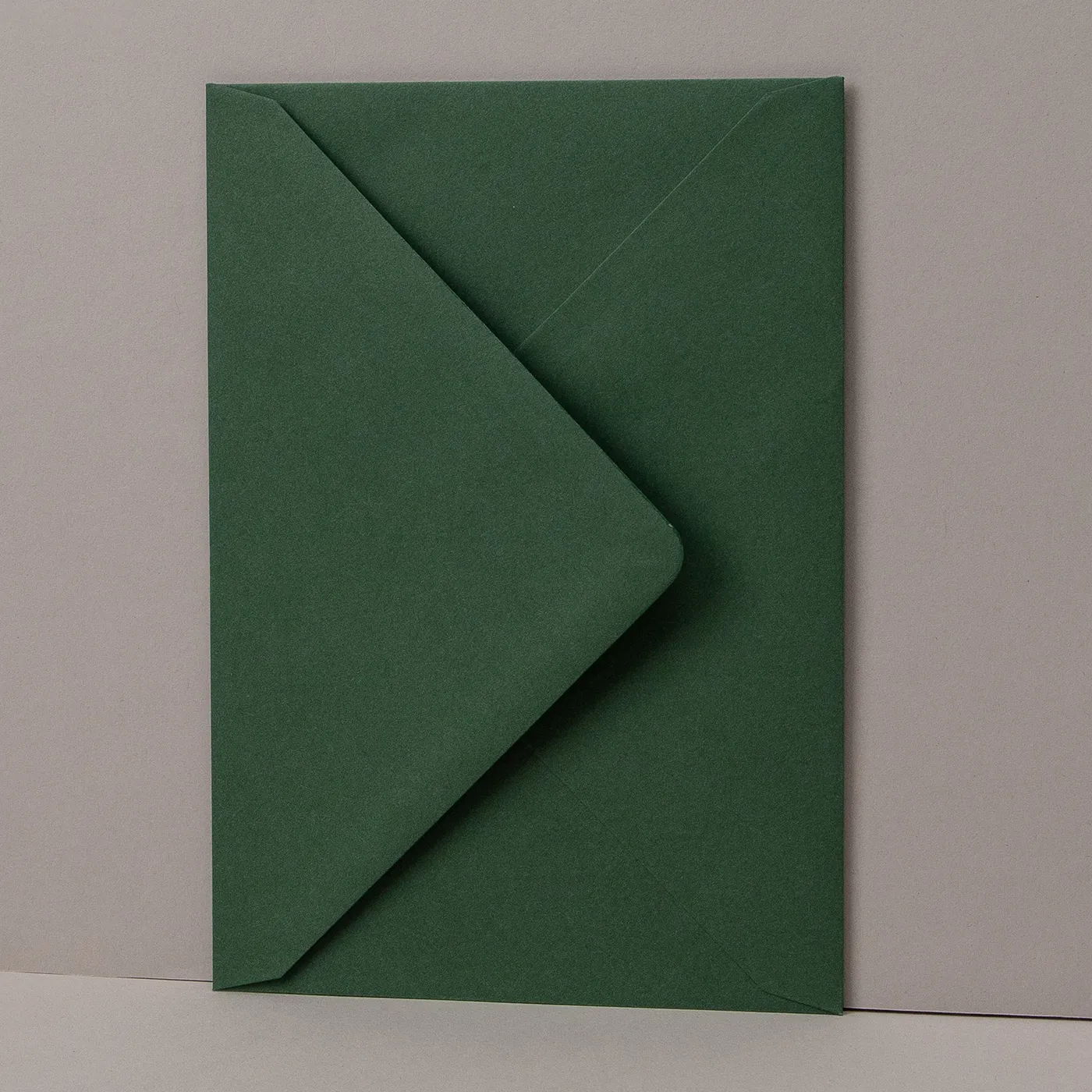
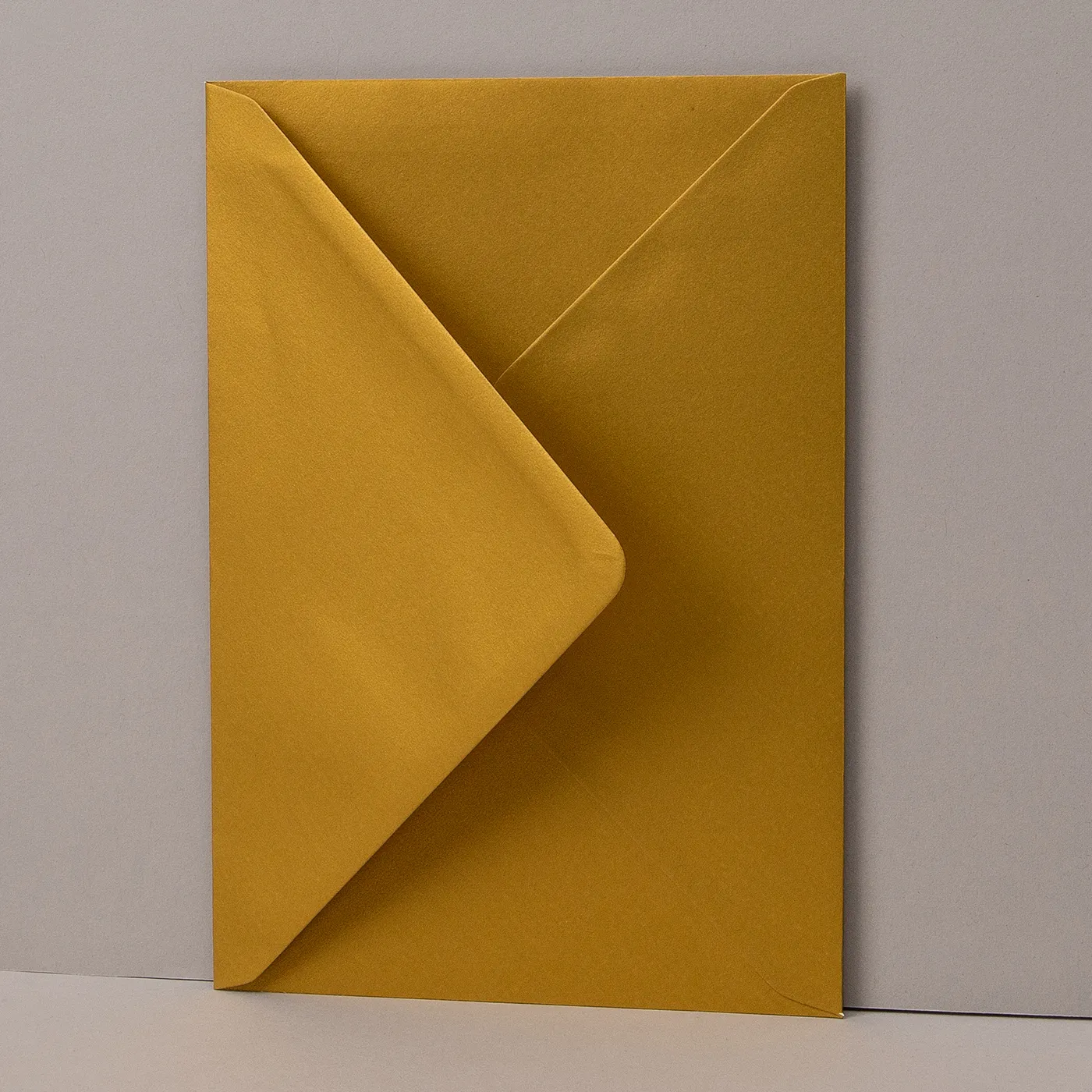
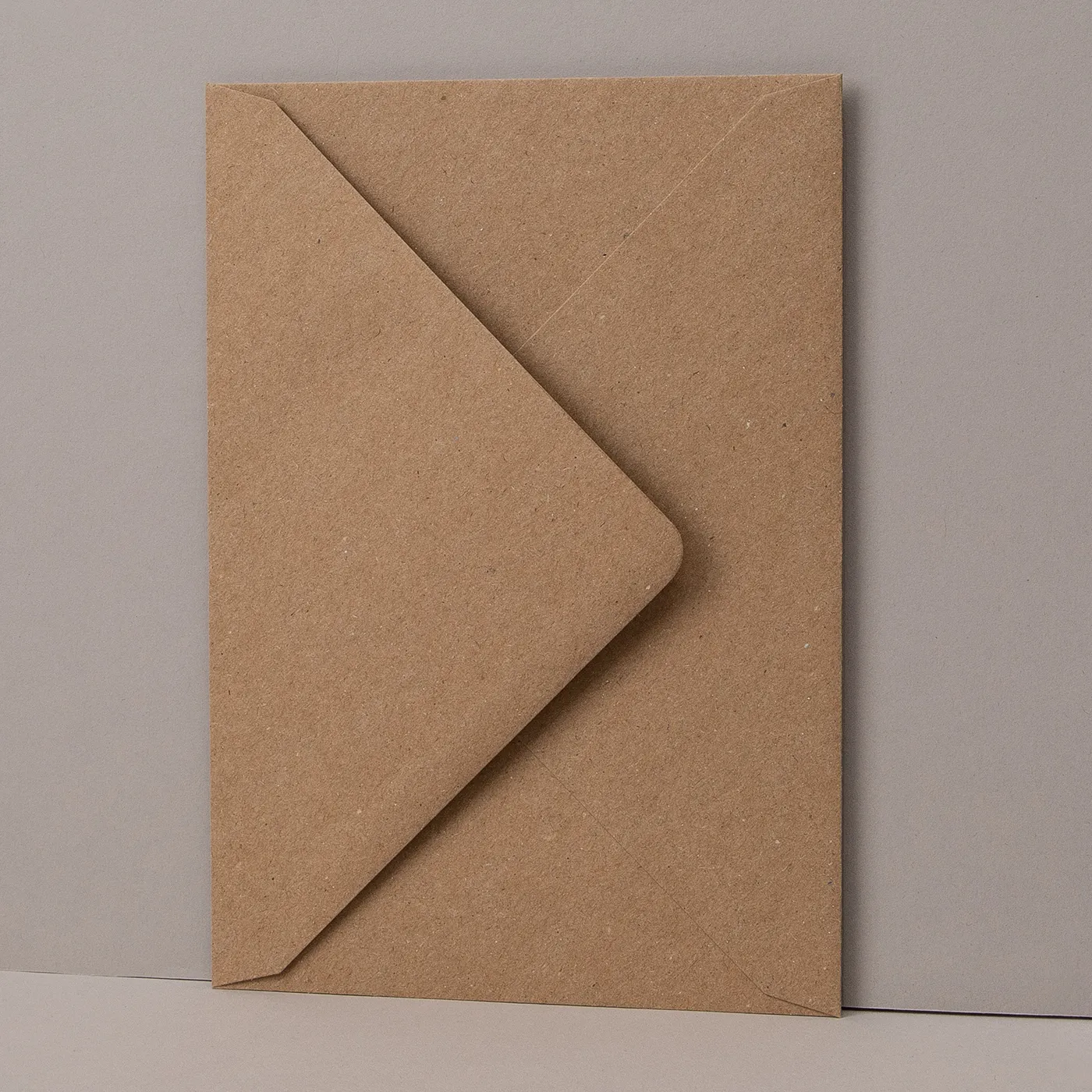
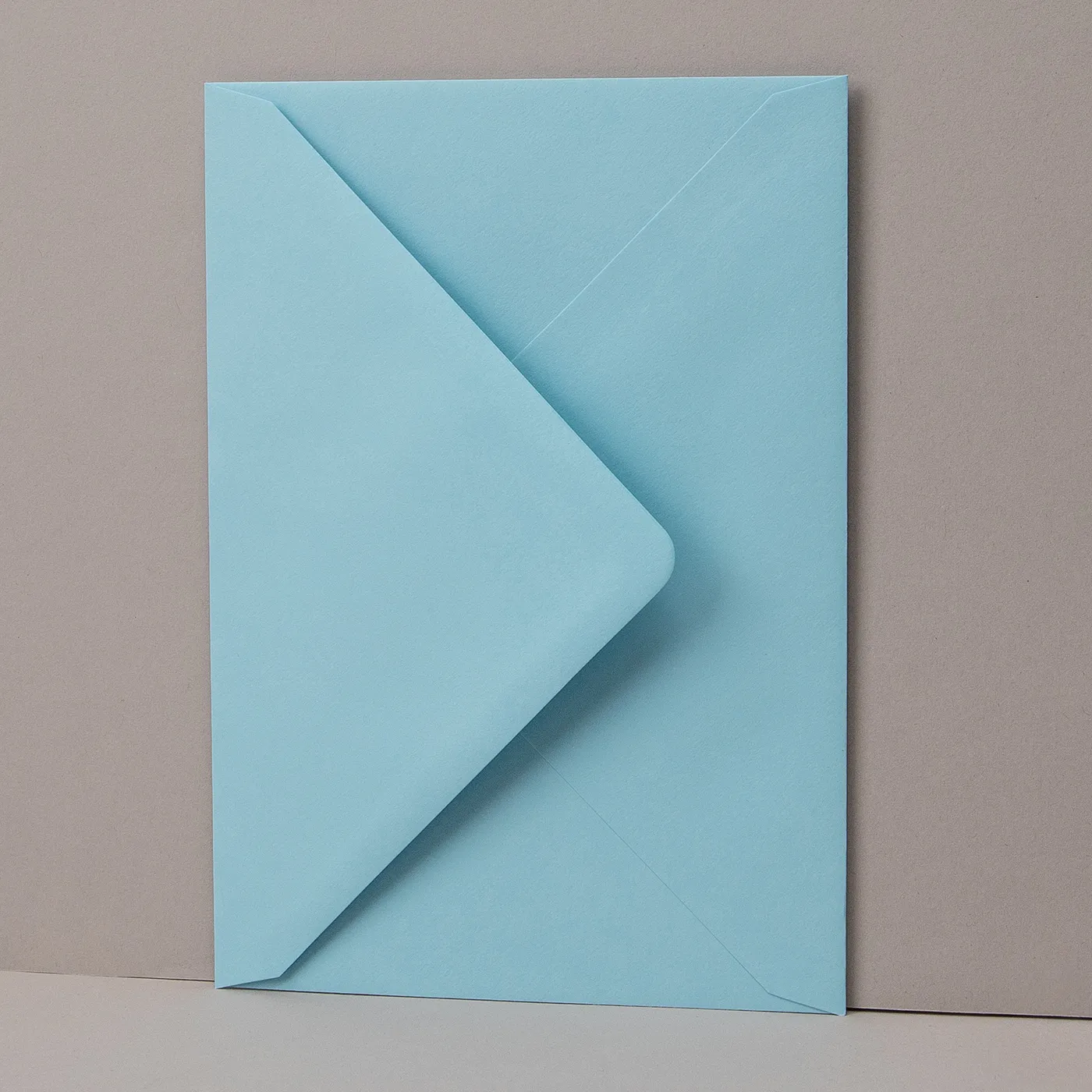
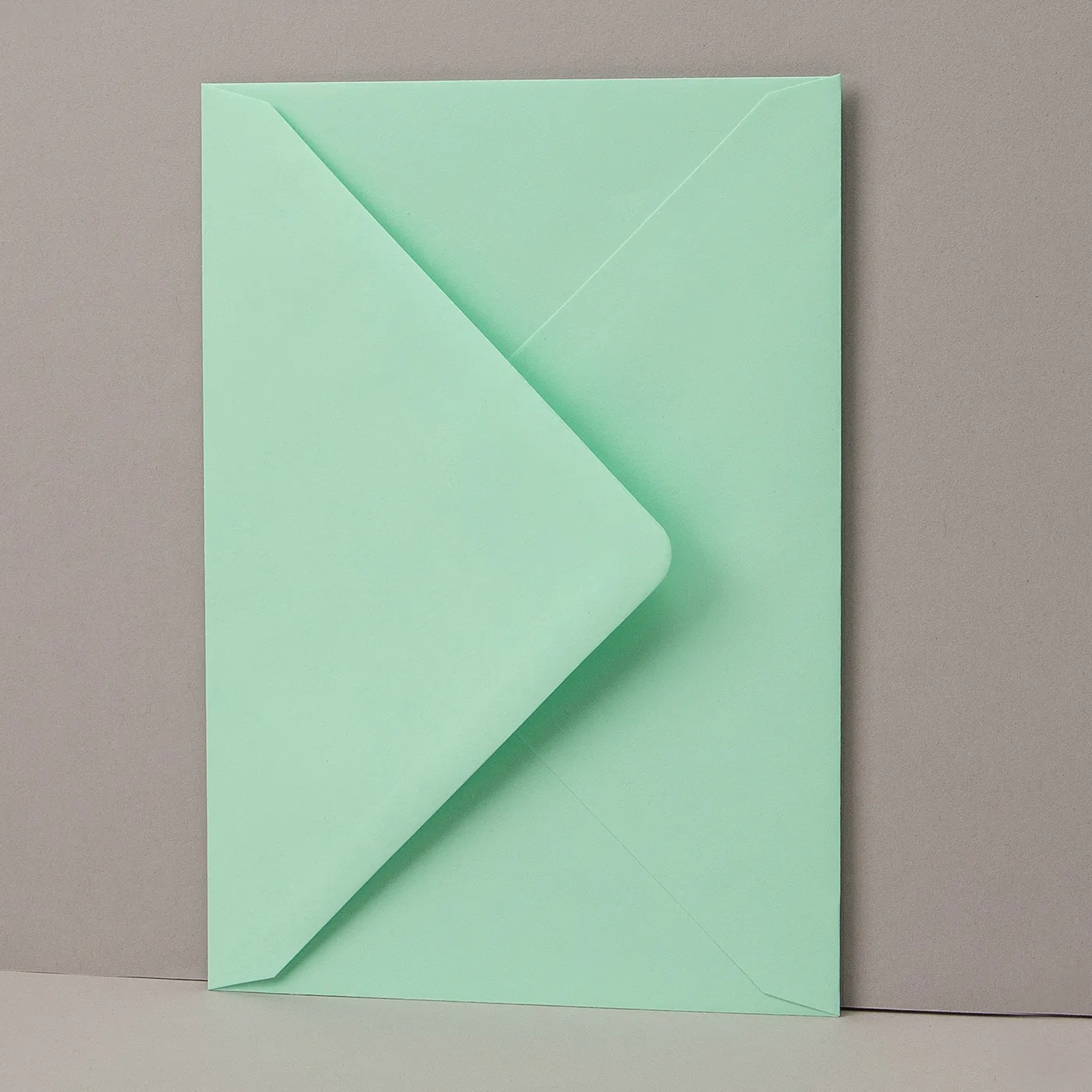
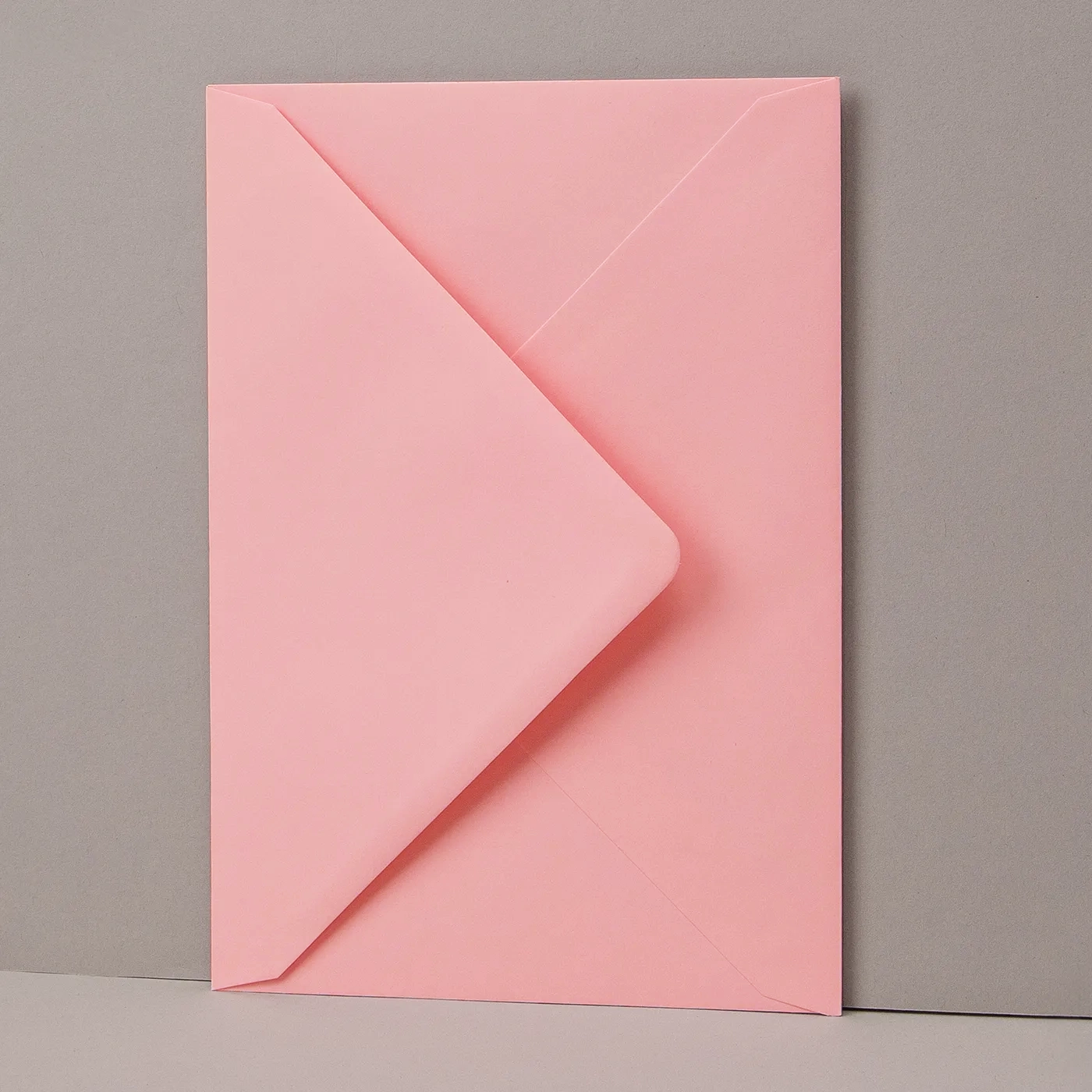
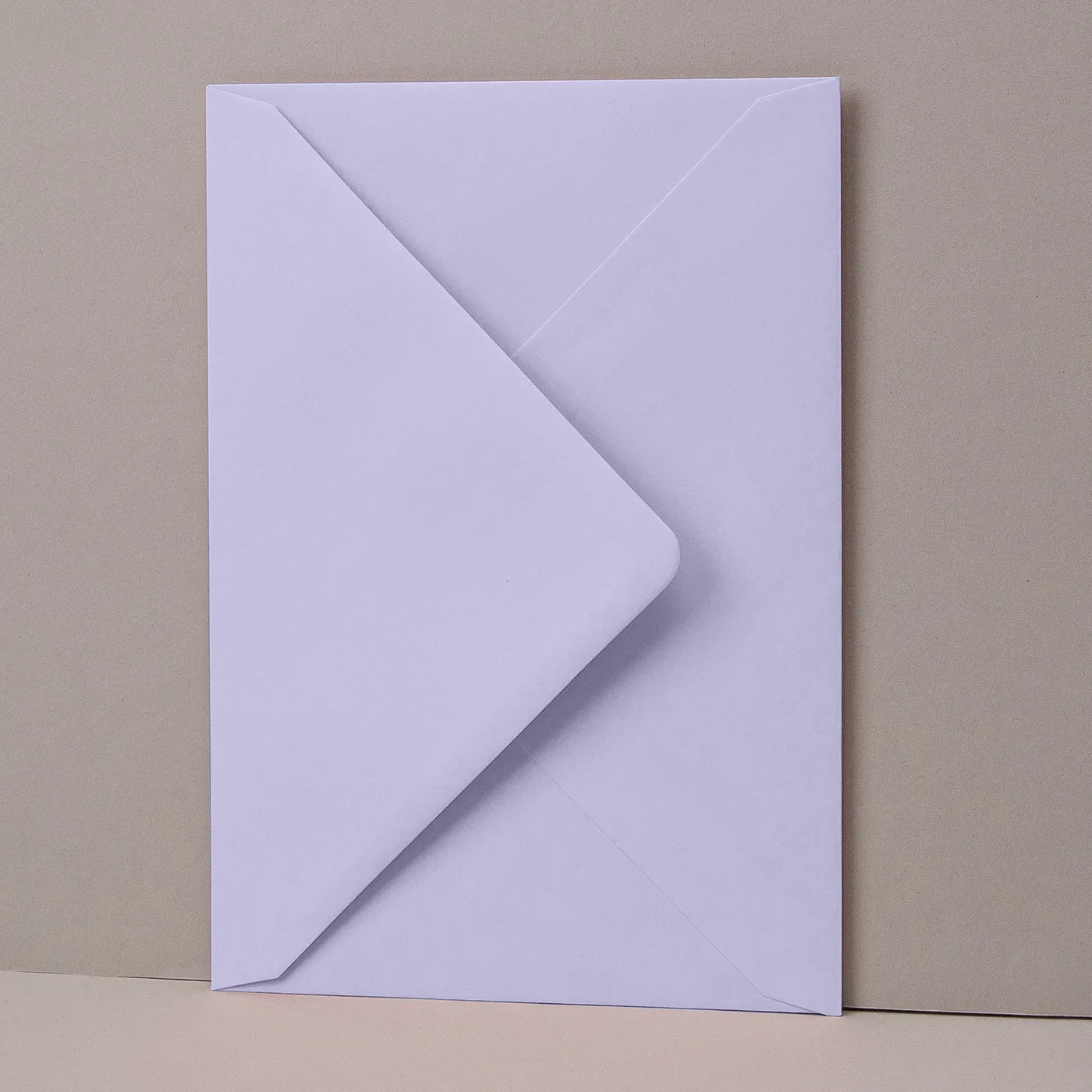
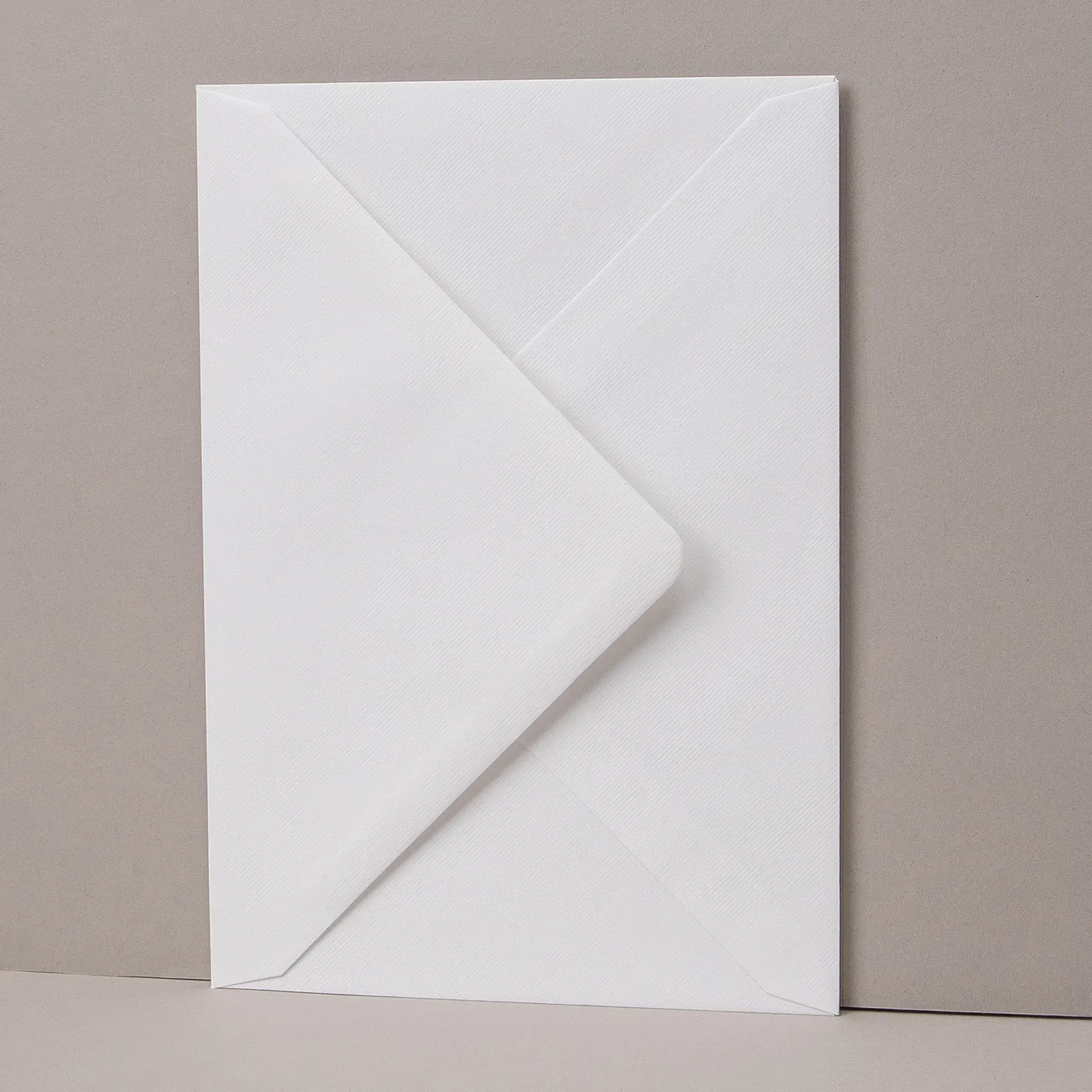


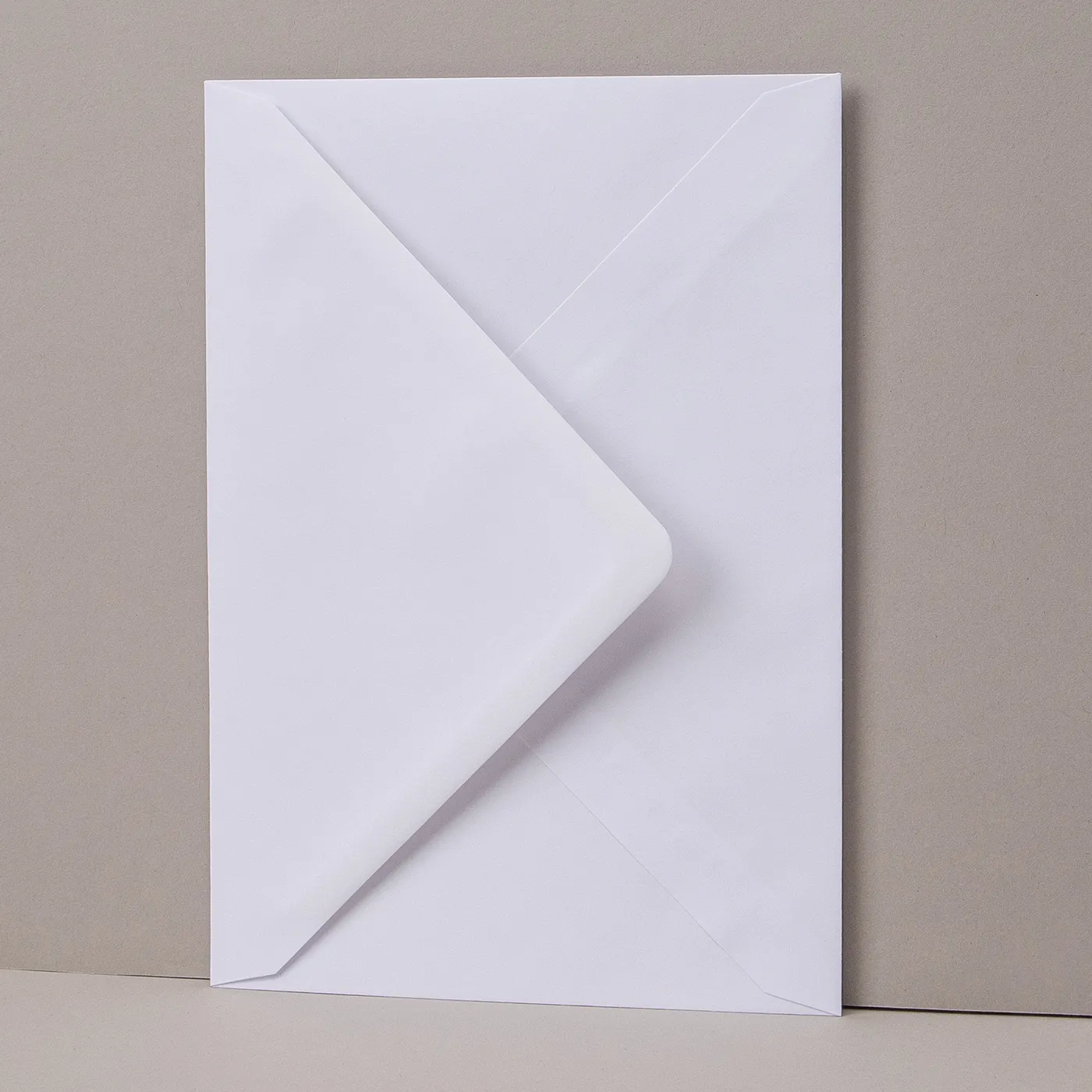

Cellophane Bags
Easily package your print with a professional poly or biodegradable cellophane bag.
Standard cellophane bags
- Neat closure self-seal strip
- Re-sealable
- High clarity 30-micron polypropylene
- Fast and efficient packaging
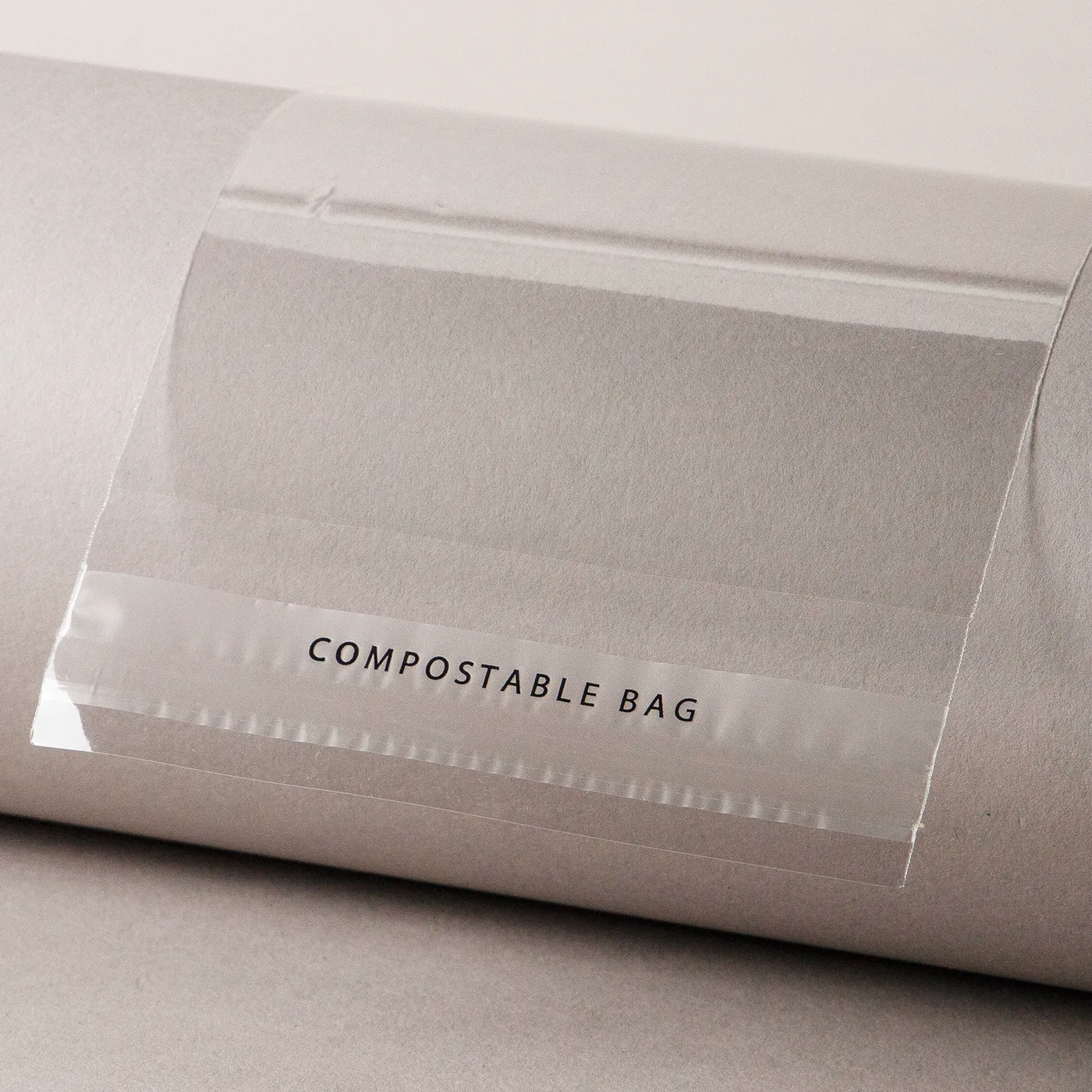
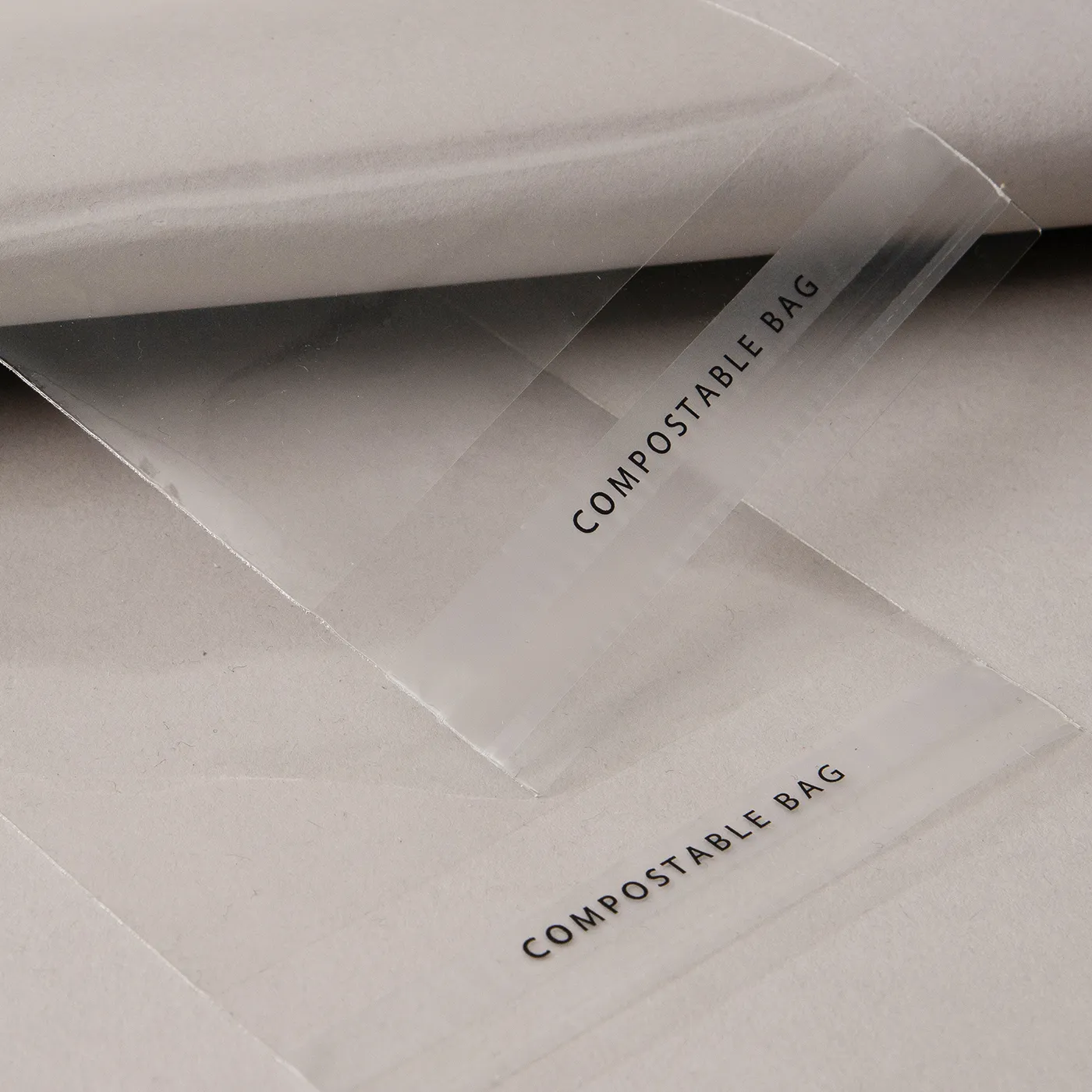
Compostable cellophane bags
- Made with renewable corn and other sugar starches
- 100% compostable film
- 30-micron film
- If stored in a cool, dark area, life expectancy is 6+ months
Select your Delivery options
Delivery type
As you have previously selected a delivery option for a previous product we have grouped these items to lower your delivery costs. Due to the items added to your basket we are no longer able to offer your selected delivery option. Please reselect your delivery from the options below. If you are sending to multiple addresses you can ungroup your items.
Delivery type
The paper you have chosen is not available at this quantity.
To keep your paper choice please enter a quantity than .
- Cream - 400gsm
- Tintoretto Gesso - 250gsm
- Tintoretto Gesso - 300gsm
- Kraft - 300gsm
- Laid - 300gsm
- Nettuno - 280gsm
- Recycled Silk - 350gsm
- Recycled Uncoated - 350gsm
- Silk - 300gsm
- Silk - 350gsm
- Pearl Polar - 300gsm
- Acquerello - 280gsm
- Fresco Gesso - 300gsm
- Rives Shetland - 250gsm
- Uncoated - 350gsm
- Pearl Oyster - 300gsm
- TruCard - 300gsm
For documents with this number of pages, the maximum quantity available is units.
If you require a larger quantity, please reduce your number of pages to less than 1 or get in touch with our Bespoke Team.
This reorder job does not allow editing the original artwork. You may still upload a new piece of artwork but doing so will remove the original artwork. Do you want to continue?