


 UK
UK 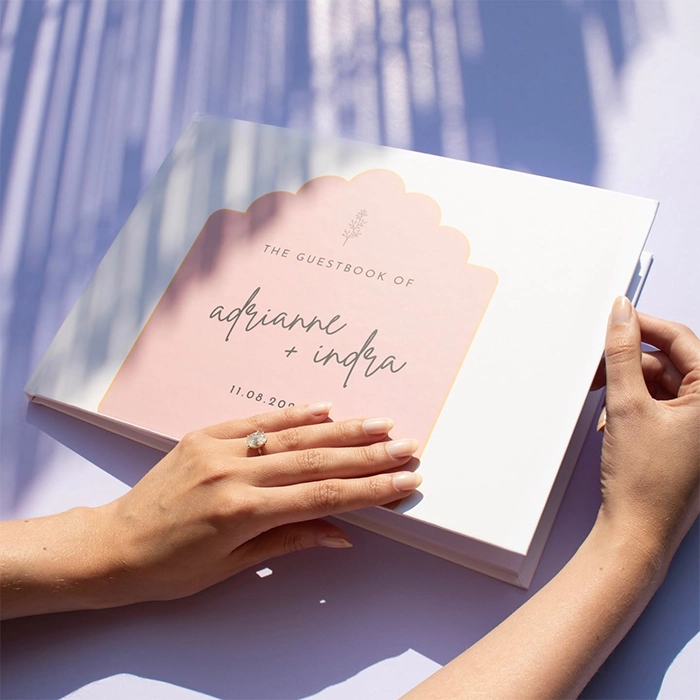
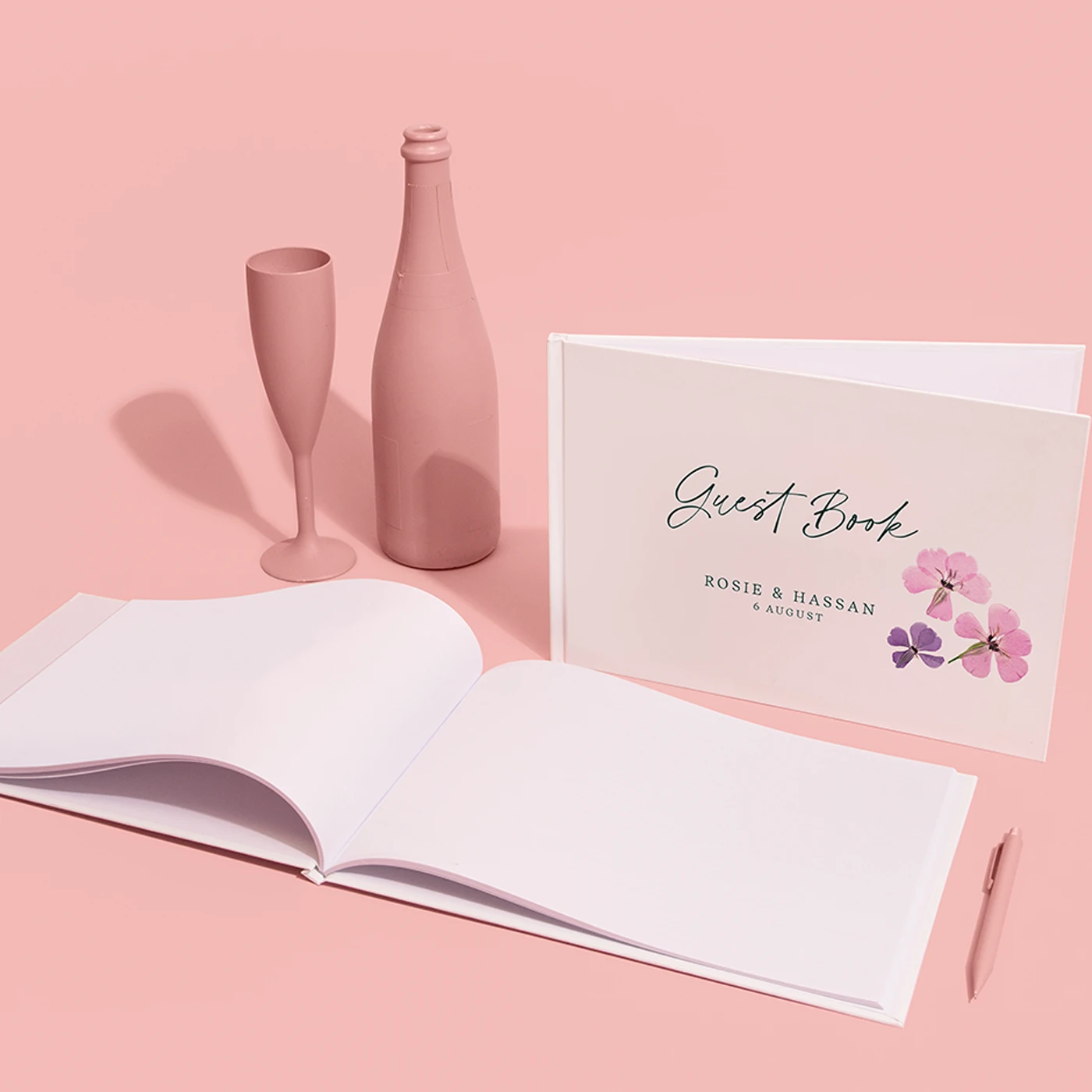
Wedding Guest Books
From £ 28.00 (ex VAT)

 4.6
4.6
- A4 landscape
- Customised outer covers
- 50 blank inner pages front & back (25 sheets)
Customise your product to your exact specification. We’ve got all the options you need to bring your print to life. Let’s make it real!


Our stocks
Find your perfect match

Silk
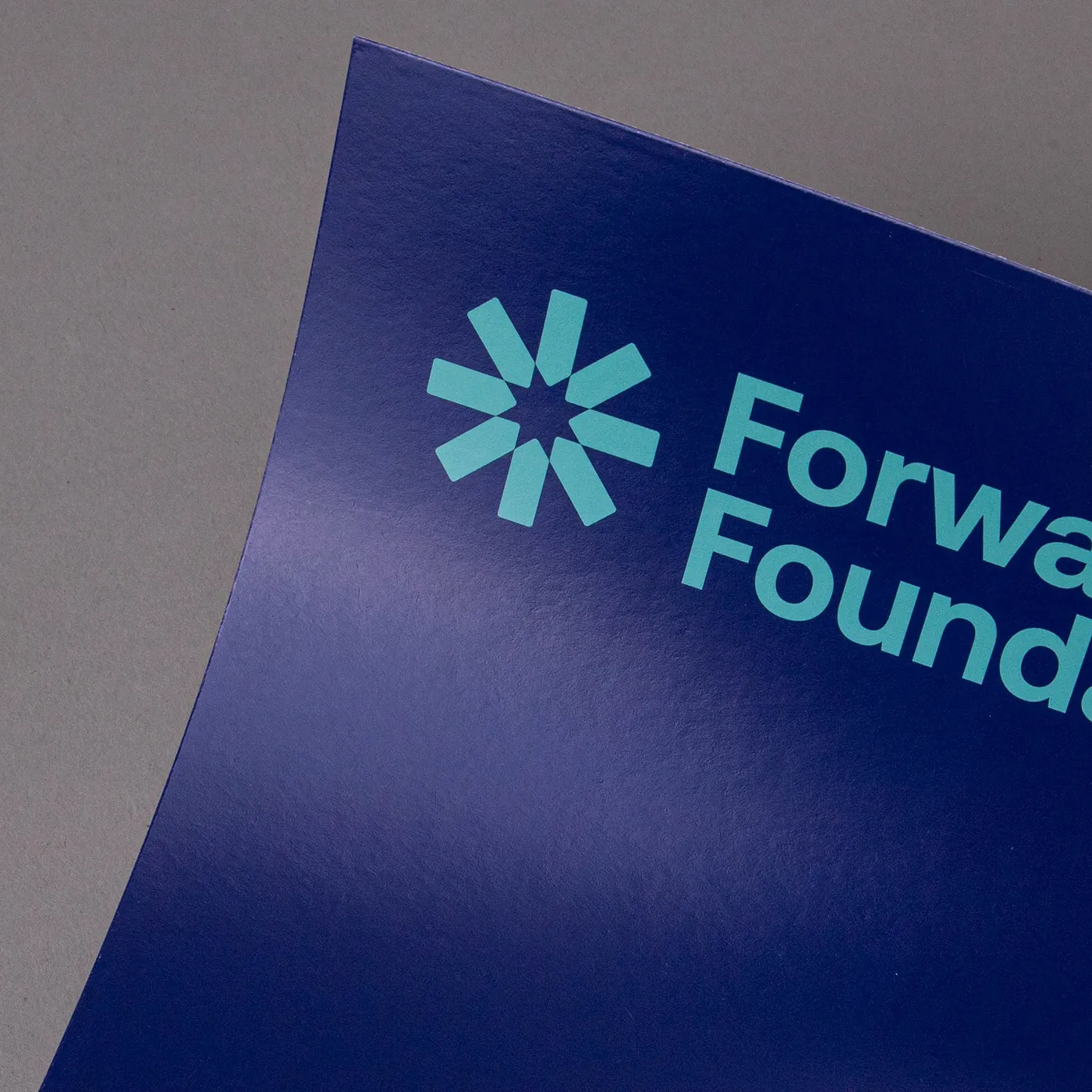
Our most popular paper choice, the smooth satin finish of Silk paper gives a clean, crisp look to printed colours and designs.

Uncoated
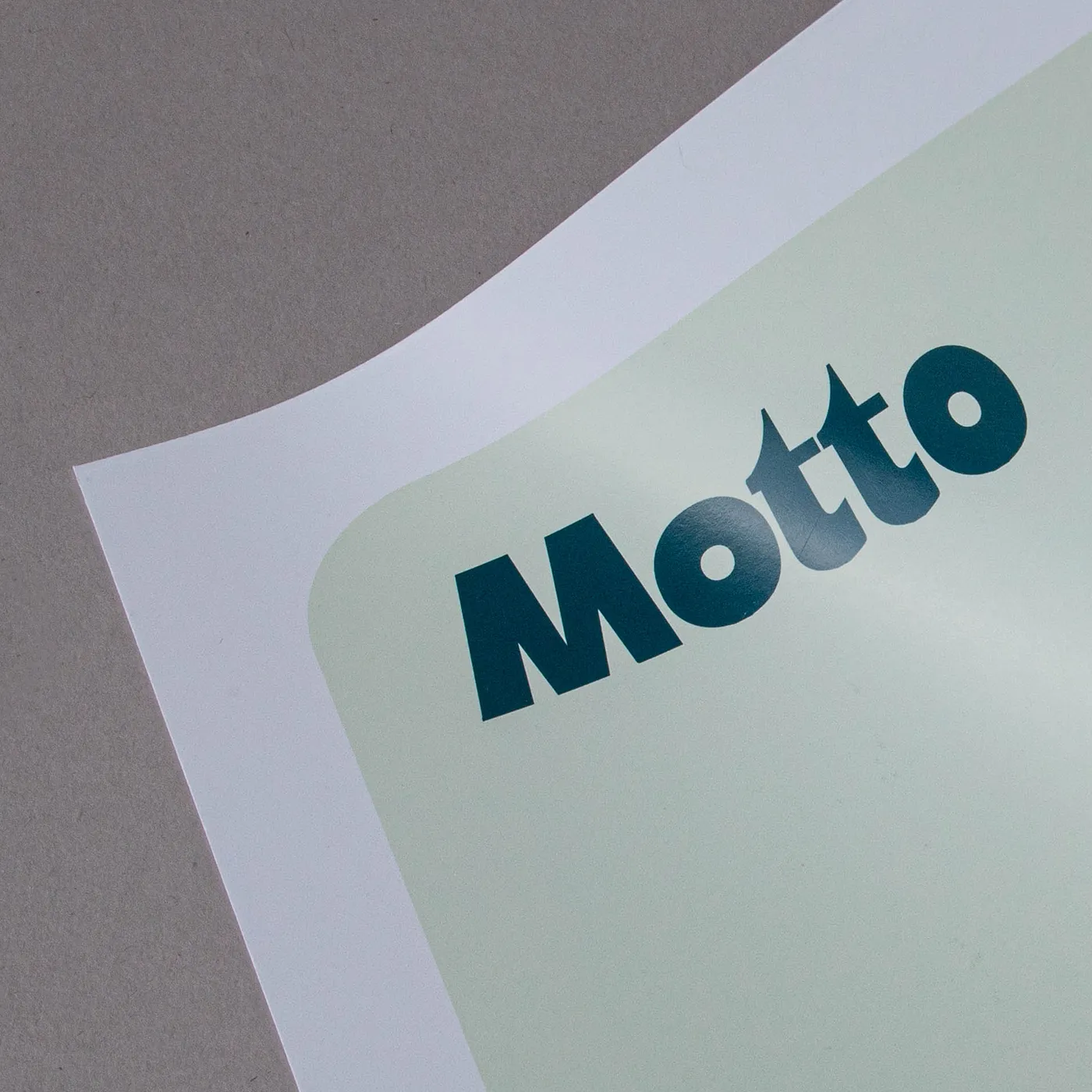
For a flat modern finish with no surface coating, Uncoated paper offers a soft, touchable texture that's ideal for writing on. It gives print colours a sophisticated feel and a muted finish.
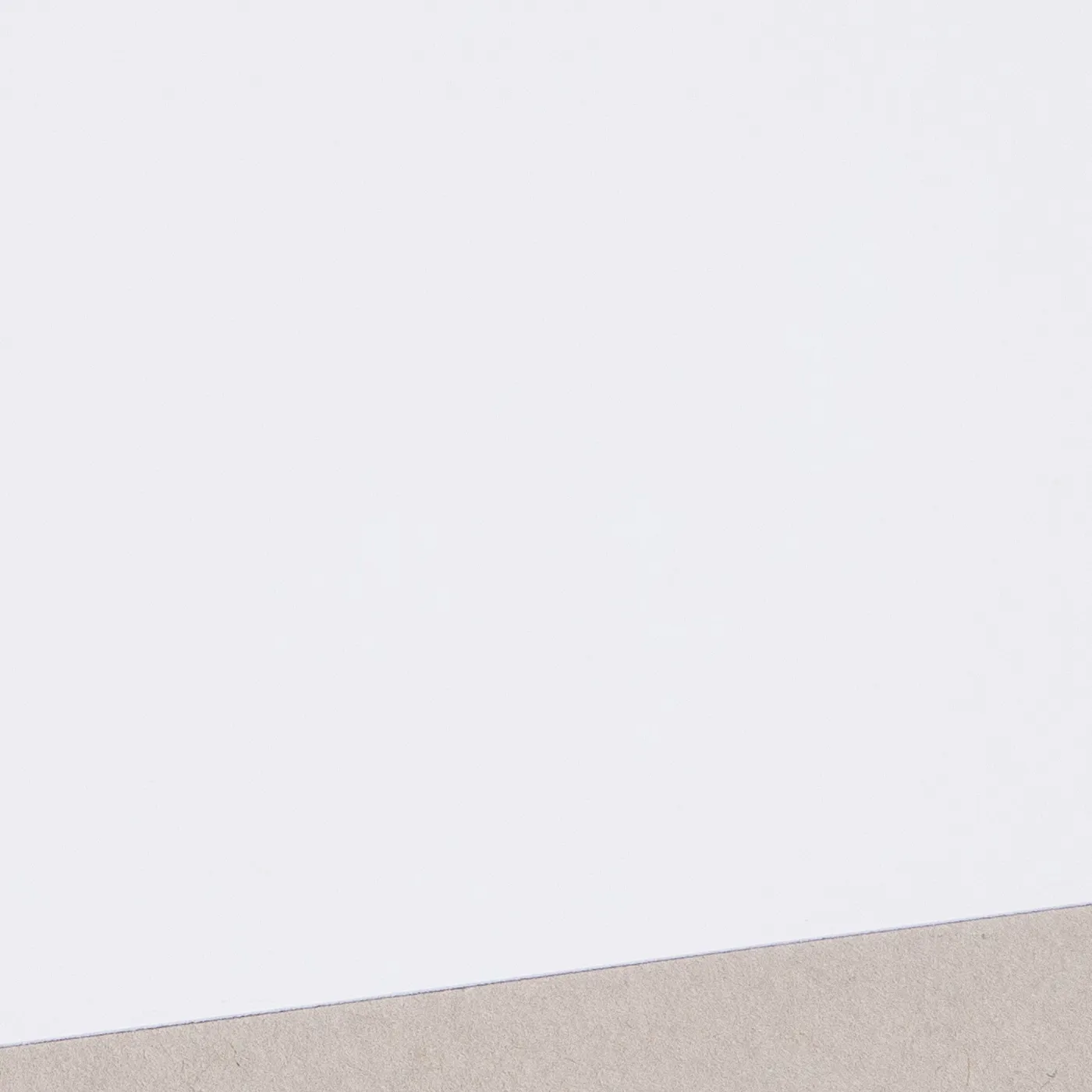
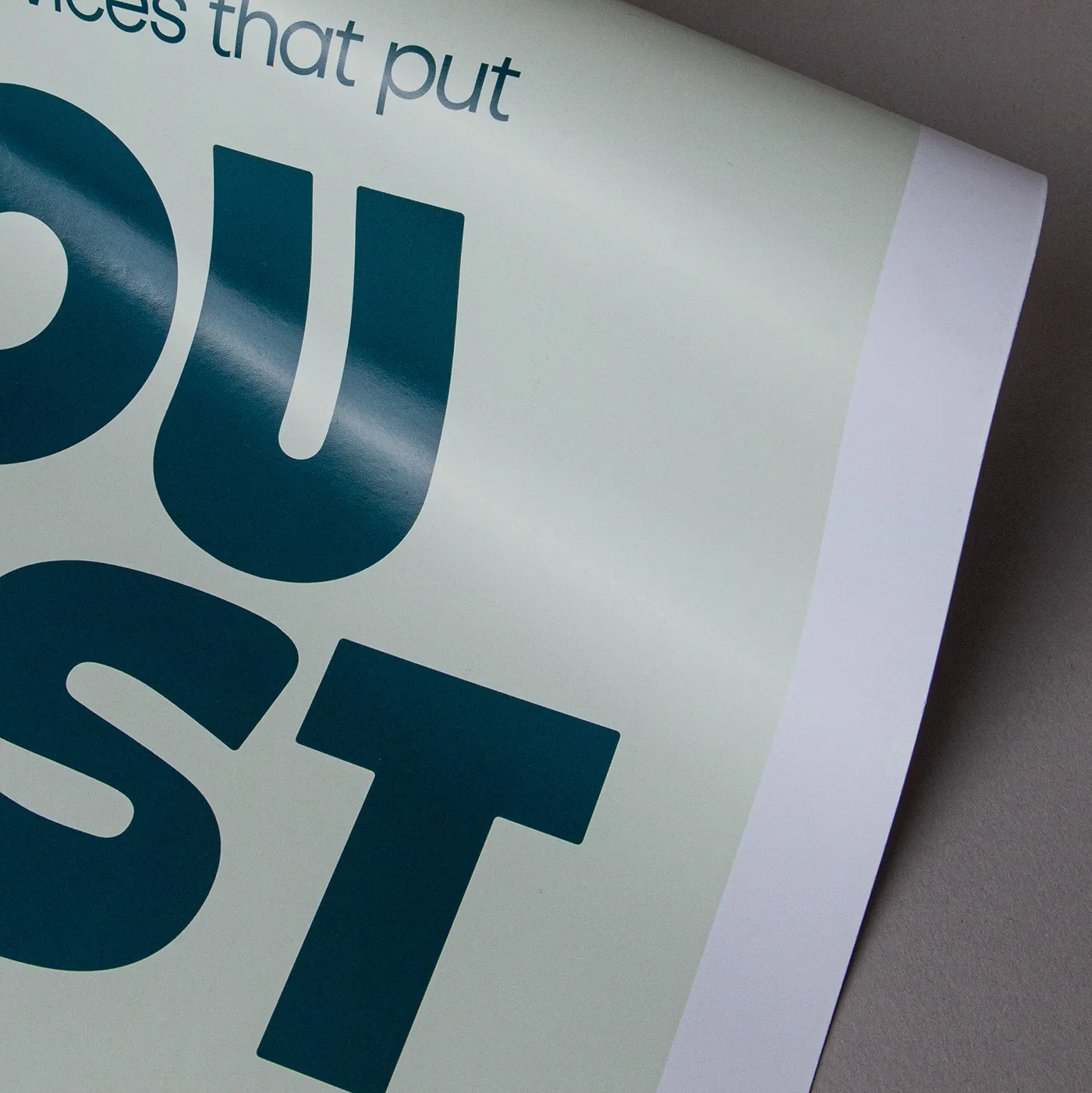
Silk
Our most popular paper choice, the smooth satin finish of Silk paper gives a clean, crisp look to printed colours and designs.
Available weights
- 170gsm
Best for
- Vibrant designs
- Affordable print
- Versatile print
Credentials
- Recyclable
- Biodegradable
- FSC certified
- Chlorine-free


Uncoated
For a flat modern finish with no surface coating, Uncoated paper offers a soft, touchable texture that's ideal for writing on. It gives print colours a sophisticated feel and a muted finish.
Available weights
- 140gsm
Best for
- Versatile print
- Affordable print
- A matt finish
Credentials
- Recyclable
- FSC certified
- Chlorine-free
Guide to perfect print
Get your print to the presses perfectly with everything you need to get set up
Sample Packs
Get a feel for our range of quality products, papers and special finishes in our free Sample Packs.
Downloadable Templates
Use our free templates to create your artwork and make sure your print is set up perfectly for the presses.
Bespoke Service
Can’t find the print you’re looking for? From unique papers to custom sizes and finishes, our Bespoke Team can help with your request.
Safe area
Templates
- Wedding Guest Books
- No elements found. Consider changing the search query.
- List is empty.
- A4 Landscape Wedding Guest Book (flat size: 216mm x 614mm)
- No elements found. Consider changing the search query.
- List is empty.
- Illustrator
- InDesign
- No elements found. Consider changing the search query.
- List is empty.
Quick tips to print perfection

Sustainable print
At Printed.com, we want to help you reduce your environmental impact. From using innovative packaging and sourcing eco-friendly papers, to minimising waste and promoting recycling, we’re dedicated to giving you more sustainable choices across our range.
Find Out More
More information
Capture the love and cherished memories of the special day with our personalised Wedding Guest Books. Expertly crafted for those who appreciate elegance and quality, each Wedding Guest Book is case bound with a matt laminated cover, offering a sophisticated finish. Featuring 50 uncoated blank inner pages, this A4 landscape Guest Book provides ample space for guests to leave heartfelt messages and well-wishes. Tailor your printed Guest Book with a customised outer cover, making it uniquely yours. Ideal for wedding stationers, brides, and grooms seeking a timeless keepsake, elevate your wedding memorabilia with our exquisite Wedding Book printing service.
Frequently asked questions
Got a question? We might have answered it here. If not, feel free to get in touch with The Team, we’re here to help!
How long will my print take to arrive?
Find out how quickly you can get your print by filling in your selected options in the product builder, and check out the delivery options at the bottom. You can also explore the available delivery options from your basket once you’ve added a product.
What should I know before preparing artwork for print?
What is a Professional File Check?
For a small fee, an expert member of our technical team will manually review your artwork before it goes to print so you can press 'go' with complete confidence.
- Image resolution for print quality
- Bleed and safe areas
- Page count and page order on folded products
- Corrupt, blank or password-protected files
- Templates left on artwork
- Folds, cut lines, drill holes and binding areas (where applicable)
- Foil alignment and minimum line widths (where applicable)
- Personalisation files and version quantities (where applicable)
- Spelling, grammar or proofreading
- Design, layout or text sizing advice
- Colour accuracy or colour mode checks (RGB/CMYK)
- QR code testing
- Calendar date checks
- Post-print quality inspection beyond our standard production processes
What is a Wedding Guest Book?
A Wedding Guest Book is a cherished keepsake that allows guests to leave heartfelt messages, well-wishes, and signatures for the couple on their special day. It serves as a beautiful reminder of the love and support shared by family and friends during the celebration. Plus, it’s a fun way to look back and remember all the wonderful moments shared with loved ones.
Do I need a Wedding Guest Book?
While a Wedding Guest Book isn't mandatory, it is a lovely way to capture the memories and sentiments of your guests. Many couples find it valuable as it offers a tangible memento to look back on in the years to come. For those who enjoy crafting unique keepsakes, a personalised Guest Book can also be an integral part of the wedding decor, reflecting the theme and style of the event.
Do you provide downloadable templates?
Yes! To ensure your artwork is ready for print, start by downloading one of our free templates from the product page, which also includes the correct spine size for your Guest Book. Insert your design into the template and carefully follow the included instructions before saving it as a PDF and uploading it.
What paper stock is used for the inner pages of Wedding Guest Books?
The inner pages of our Wedding Guest Books are made from 140gsm Uncoated paper. Ideal for a modern look with a soft texture, and perfect for writing heartfelt messages with a normal pen or pencil.

Wedding Guest Books
Binding Type
Binding Type
Choose number of pages
For documents over pages, the maximum quantity available is 10 units. For more than 10 units, choose less than NaN pages or contact our Bespoke Team.
Size
Size
Orientation
Orientation
Printed sides
One side: Print your design on one side of the product only. The reverse side will remain unprinted.
Both sides: Print your design on both sides of the product. Choose this option when you want to apply a design on both the front and back.
Printed sides
One side: Print your design on one side of the product only. The reverse side will remain unprinted.
Both sides: Print your design on both sides of the product. Choose this option when you want to apply a design on both the front and back.
Cover
Paper
Paper
Lamination
Lamination types
Matt: Protects your print while giving a subtle and soft finish.
Gloss: Offers a high shine that works well with images and solid colours.
Velvet: Gives a soft, touchable texture and non-shine finish.
Anti-Bacterial Gloss: This high-shine gloss is embedded with silver ions that prevents 99% of bacteria surviving.
Lamination Sides
None: Without lamination, you can feel the real texture of the paper, and it's easy to write on.
One side: We will always laminate on page 1 of your PDF when ‘one side’ is selected. If that isn't the page you want laminated, just swap the page order in your PDF.
Both sides: The most popular choice when laminating – choose both sides when you want double the protection.
Remember: Laminating will protect your print but you will not be able to write on it with certain types of pen. If you're printing with heavy ink coverage, we recommend using lamination to protect the print and prevent damage.

Unfortunately this option is not available.
Sides
Inners
Paper
Paper
Lamination
Lamination types
Matt: Protects your print while giving a subtle and soft finish.
Gloss: Offers a high shine that works well with images and solid colours.
Velvet: Gives a soft, touchable texture and non-shine finish.
Anti-Bacterial Gloss: This high-shine gloss is embedded with silver ions that prevents 99% of bacteria surviving.
Lamination Sides
None: Without lamination, you can feel the real texture of the paper, and it's easy to write on.
One side: We will always laminate on page 1 of your PDF when ‘one side’ is selected. If that isn't the page you want laminated, just swap the page order in your PDF.
Both sides: The most popular choice when laminating – choose both sides when you want double the protection.
Remember: Laminating will protect your print but you will not be able to write on it with certain types of pen. If you're printing with heavy ink coverage, we recommend using lamination to protect the print and prevent damage.
Unfortunately this option is not available.
Quantity
If there is a paper stock, size, quantity or finish you want but can't find, fill in our bespoke order form or contact our team .
The options you have chosen mean that your leaflets will be delivered creased but not folded. If you'd like your print to arrive already folded, please enter a lower quantity or a lighter paper weight.
Select your Delivery options
Delivery type
As you have previously selected a delivery option for a previous product we have grouped these items to lower your delivery costs. Due to the items added to your basket we are no longer able to offer your selected delivery option. Please reselect your delivery from the options below. If you are sending to multiple addresses you can ungroup your items.
Delivery type
The paper you have chosen is not available at this quantity.
To keep your paper choice please enter a quantity than .
- Silk - 170gsm
For documents with this number of pages, the maximum quantity available is units.
If you require a larger quantity, please reduce your number of pages to less than 1 or get in touch with our Bespoke Team.
This reorder job does not allow editing the original artwork. You may still upload a new piece of artwork but doing so will remove the original artwork. Do you want to continue?