Templates Downloadable Templates
The bleed area extends out an extra mm from the edge of your finished artwork. Make sure that you don't place any important content or artwork elements in this area, as it will get trimmed off.
Safe area (mm): mm x mm
We recommend that no text is placed in this area as anything placed outside of this box will risk being cut off.
The bleed area extends out an extra mm from the edge of your finished artwork. Make sure that you don't place any important content or artwork elements in this area, as it will get trimmed off.
Safe area (mm): mm x mm
We recommend that no text is placed in this area as anything placed outside of this box will risk being cut off.
The bleed area extends out an extra mm from the edge of your finished artwork. Make sure that you don't place any important content or artwork elements in this area, as it will get trimmed off.
Safe area (mm): mm x mm
We recommend that no text is placed in this area as anything placed outside of this box will risk being cut off.
The bleed area extends out an extra mm from the edge of your finished artwork. Make sure that you don't place any important content or artwork elements in this area, as it will get trimmed off.
Safe area (mm): mm x mm
We recommend that no text is placed in this area as anything placed outside of this box will risk being cut off.
The bleed area extends out an extra mm from the edge of your finished artwork. Make sure that you don't place any important content or artwork elements in this area, as it will get trimmed off.
Safe area (mm): mm x mm
We recommend that no text is placed in this area as anything placed outside of this box will risk being cut off.
The bleed area extends out an extra mm from the edge of your finished artwork. Make sure that you don't place any important content or artwork elements in this area, as it will get trimmed off.
Safe area (mm): mm x mm
We recommend that no text is placed in this area as anything placed outside of this box will risk being cut off.
The bleed area extends out an extra mm from the edge of your finished artwork. Make sure that you don't place any important content or artwork elements in this area, as it will get trimmed off.
Safe area (mm): mm x mm
We recommend that no text is placed in this area as anything placed outside of this box will risk being cut off.
The bleed area extends out an extra mm from the edge of your finished artwork. Make sure that you don't place any important content or artwork elements in this area, as it will get trimmed off.
Safe area (mm): mm x mm
We recommend that no text is placed in this area as anything placed outside of this box will risk being cut off.
The bleed area extends out an extra mm from the edge of your finished artwork. Make sure that you don't place any important content or artwork elements in this area, as it will get trimmed off.
Safe area (mm): mm x mm
We recommend that no text is placed in this area as anything placed outside of this box will risk being cut off.
The bleed area extends out an extra mm from the edge of your finished artwork. Make sure that you don't place any important content or artwork elements in this area, as it will get trimmed off.
Safe area (mm): mm x mm
We recommend that no text is placed in this area as anything placed outside of this box will risk being cut off.
Bespoke Service Bleed is an area of print outside the document that must be added to your artwork before it’s sent off for print. By adding the all-important bleed (a minimum of 3mm on all edges), there’ll be no risk of white space left on your document and it'll be trimmed correctly without cutting into any design. Some products require a different amount of bleed, so be sure to check our downloadable templates to find out the correct amount.
How do I print with Canva?
What is bleed?
What is bleed?
Bleed is an area of print outside the document that must be added to your artwork before it’s sent off for print. By adding the all-important bleed (a minimum of 3mm on all edges), there’ll be no risk of white space left on your document and it'll be trimmed correctly without cutting into any design. Some products require a different amount of bleed, so be sure to check our downloadable templates to find out the correct amount.
What is safe area?
What is safe area?
What's the difference between RGB and CMYK?
Why do I need to embed fonts?
What resolution should my artwork be?
Where can I find templates for shapes?
Can I print multiple designs at once?

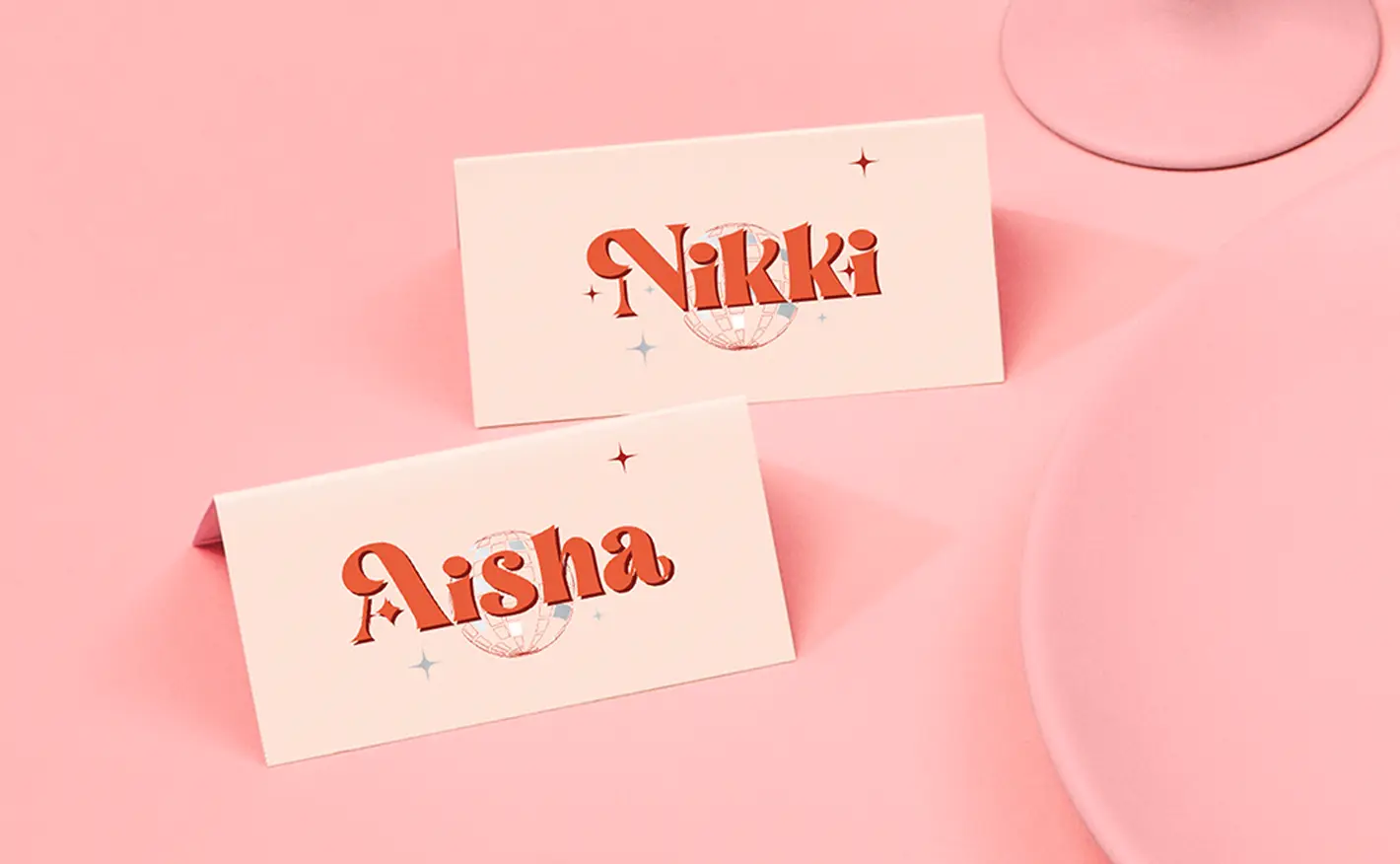
Two cream-coloured place cards on a pink surface featuring retro red typography that reads "Nikki" and "Aisha" over small disco ball illustrations.

Canva support with Printed.com The paper you have chosen is not available at this quantity.
To keep your paper choice please enter a quantity than .
For documents with this number of pages, the maximum quantity available is units.
If you require a larger quantity, please reduce your number of pages to less than 1 or get in touch with our Bespoke Team.
This reorder job does not allow editing the original artwork. You may still upload a new piece of artwork but doing so will remove the original artwork. Do you want to continue?