


 UK
UK 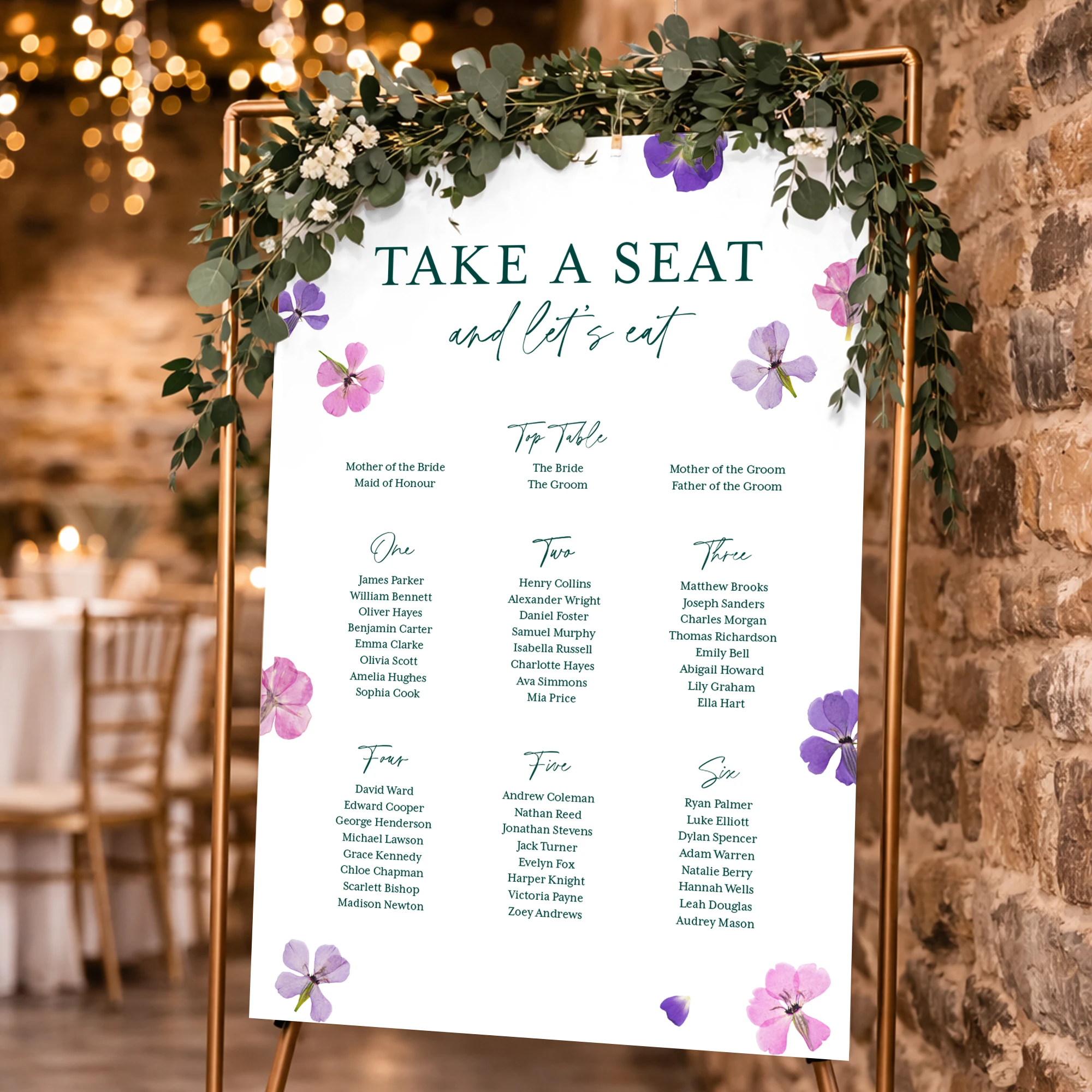
Wedding Table Plan Posters
From £ 15.00 (ex VAT)

 4.6
4.6
- 190gsm Satin paper
- Gloss and matt lamination available
- Next day delivery option
Customise your product to your exact specification. We’ve got all the options you need to bring your print to life. Let’s make it real!


Most Popular
A1 size portrait Posters, printed on one side of Satin 190gsm paper.
Luxury
A1 size portrait Posters, printed on one side of Satin 190gsm paper, with matt lamination.
Our stocks
Find your perfect match

Satin
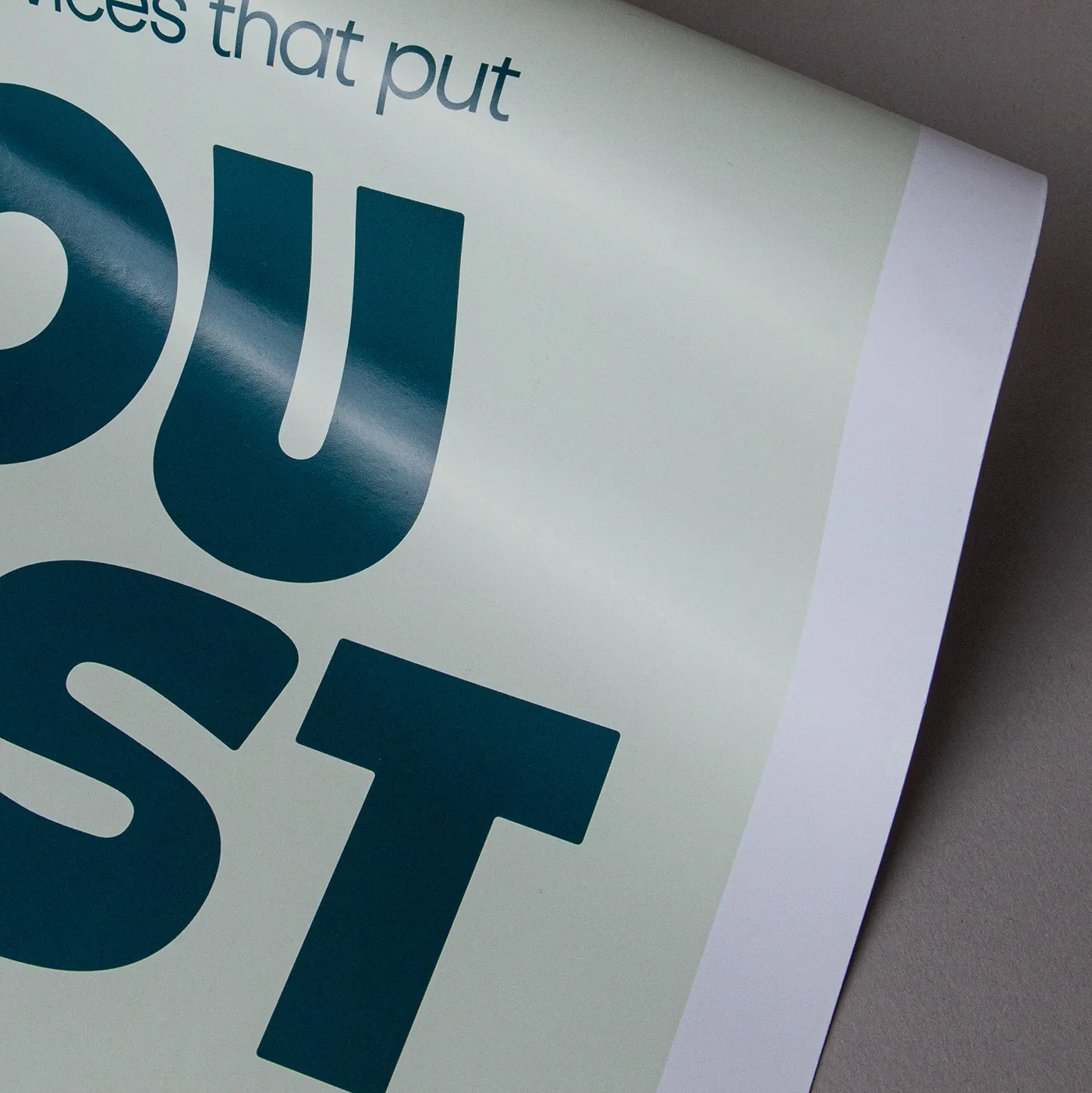
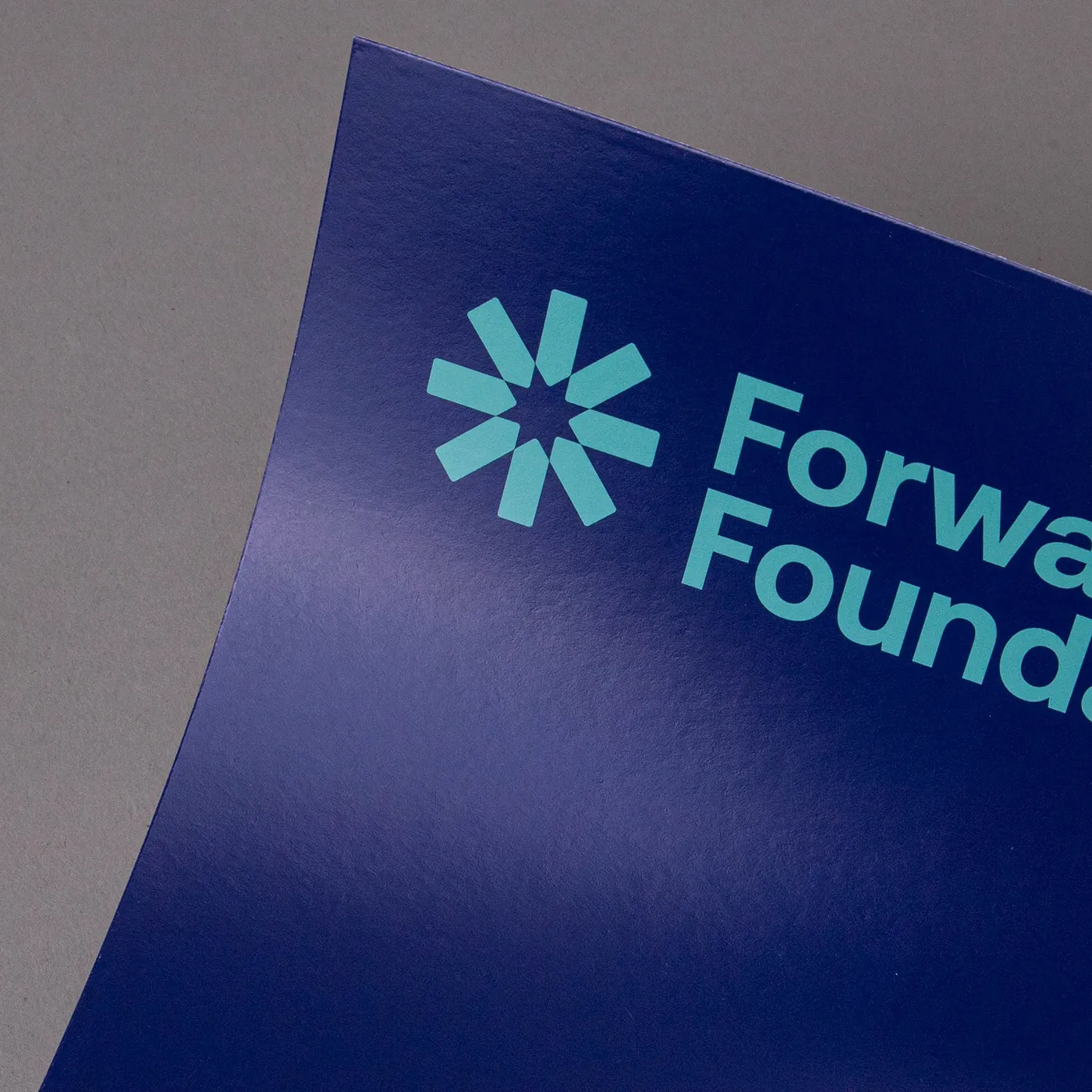
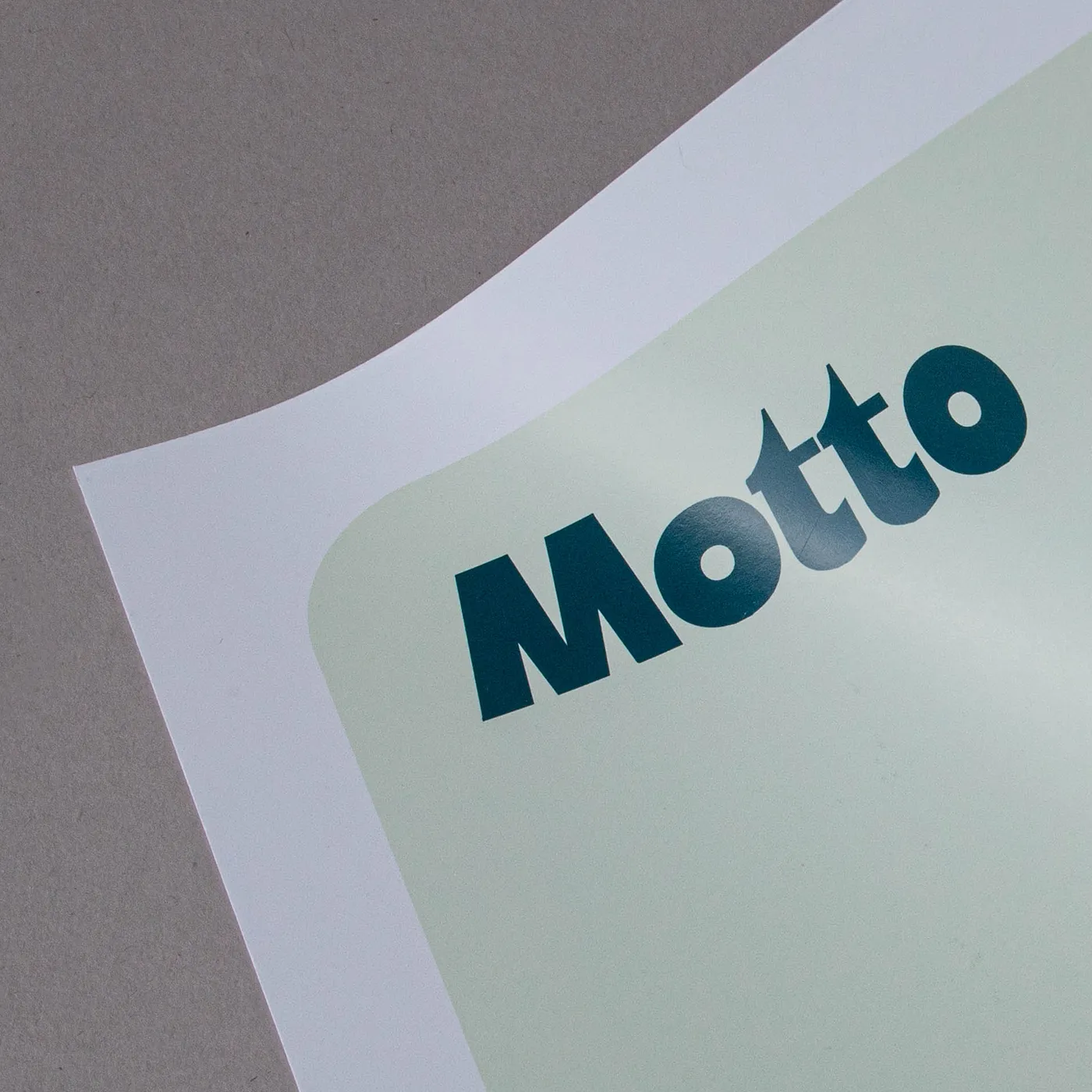
Excellent for coloured graphics, Satin paper gives a vibrant finish to your designs. Available with durable gloss or matt lamination.
Satin
Excellent for coloured graphics, Satin paper gives a vibrant finish to your designs. Available with durable gloss or matt lamination.
Available weights
- 190gsm
Best for
- Vibrant colours
- Photo quality finish
- Eye-catching print
Credentials
- Recyclable
- Sustainably sourced
Guide to perfect print
Get your print to the presses perfectly with everything you need to get set up
Sample Packs
Get a feel for our range of quality products, papers and special finishes in our free Sample Packs.
Downloadable Templates
Use our free templates to create your artwork and make sure your print is set up perfectly for the presses.
Bespoke Service
Can’t find the print you’re looking for? From unique papers to custom sizes and finishes, our Bespoke Team can help with your request.
Safe area
Templates
- Wedding Table Plan Posters
- No elements found. Consider changing the search query.
- List is empty.
- A1 Portrait
- A1 Landscape
- A2 Portrait
- A2 Landscape
- A0 Portrait
- A0 Landscape
- No elements found. Consider changing the search query.
- List is empty.
- Illustrator
- InDesign
- No elements found. Consider changing the search query.
- List is empty.
Quick tips to print perfection



Sustainable print
At Printed.com, we want to help you reduce your environmental impact. From using innovative packaging and sourcing eco-friendly papers, to minimising waste and promoting recycling, we’re dedicated to giving you more sustainable choices across our range.
Find Out More
More information
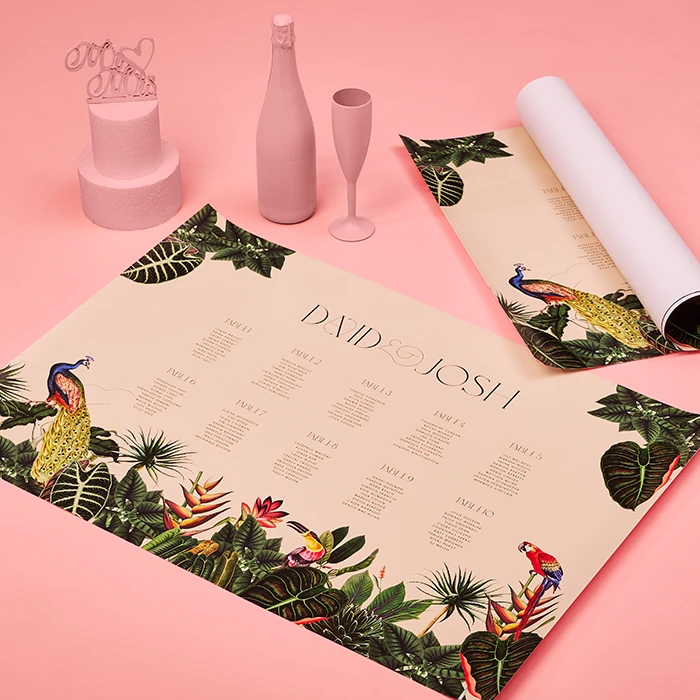
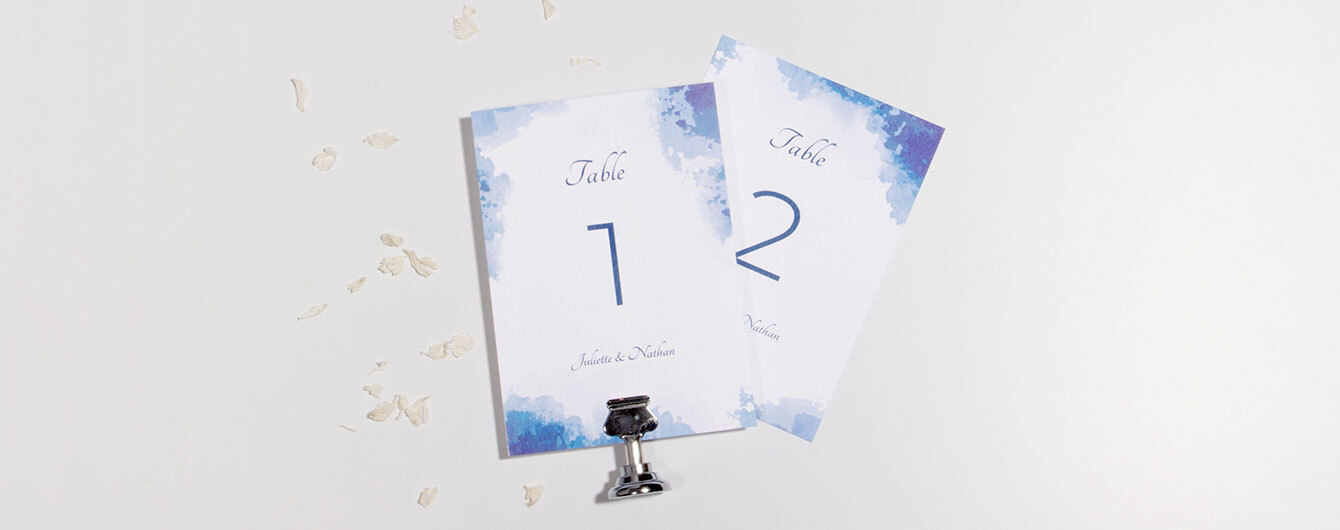
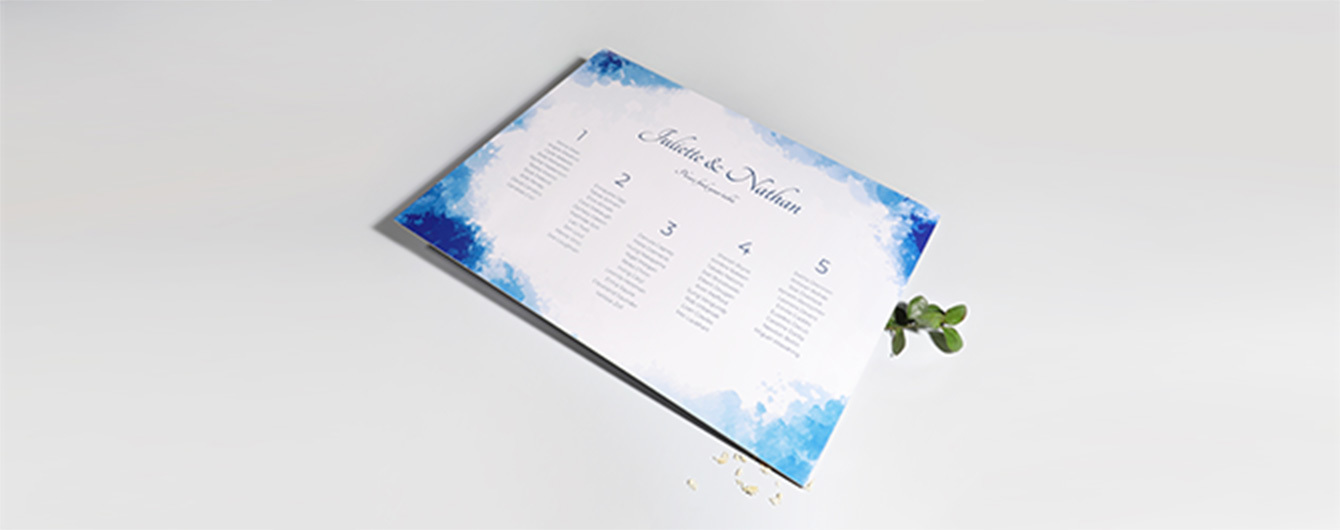
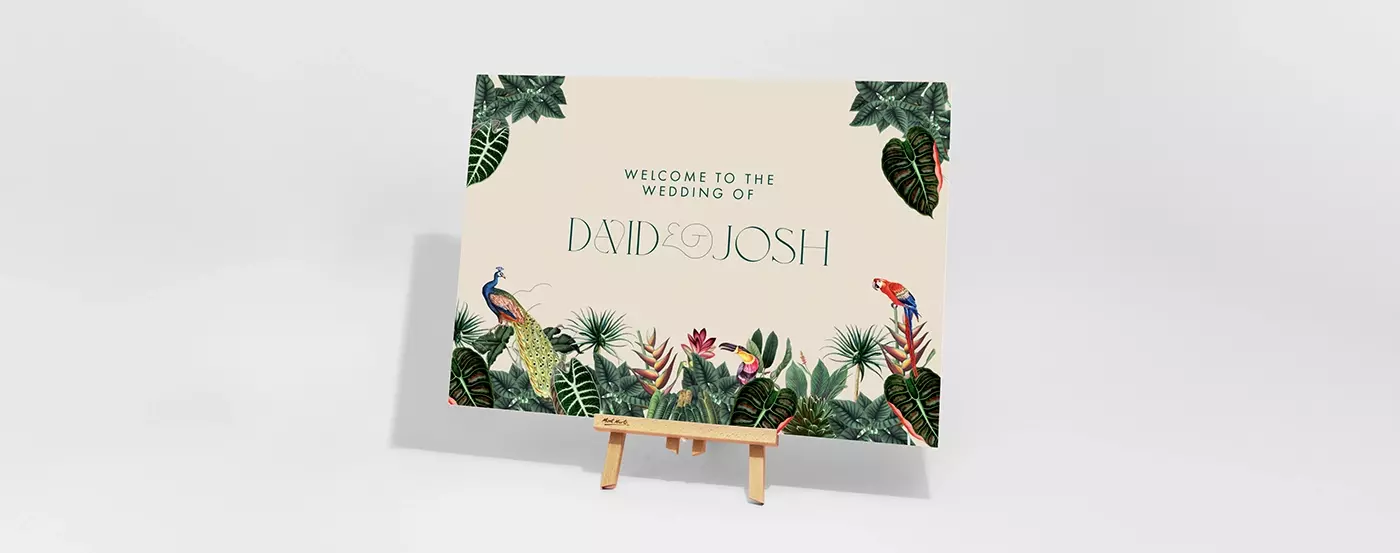
Our Wedding Table Plan Posters combine beauty and functionality, helping guests find their seats effortlessly while adding a touch of sophistication to your special day. Crafted from high-quality Satin paper, they provide a luxurious look and feel. Available in various sizes to suit any wedding theme or venue, you can also choose between gloss or matt lamination for added durability and visual appeal. Not just practical, these Posters also serve as stylish keepsakes for your memorable day and will look perfect in the photos.
Frequently asked questions
Got a question? We might have answered it here. If not, feel free to get in touch with The Team, we’re here to help!
- How long will my print take to arrive?
- What should I know before preparing artwork for print?
- What is a Professional File Check?
- How do I print with Canva?
- Who should sit where at a wedding?
- How to do a wedding seating plan?
- How big should a Wedding Table Plan Poster be?
- Can I order a custom size poster?
- What is a file copy?
How long will my print take to arrive?
Find out how quickly you can get your print by filling in your selected options in the product builder, and check out the delivery options at the bottom. You can also explore the available delivery options from your basket once you’ve added a product.
What should I know before preparing artwork for print?
What is a Professional File Check?
For a small fee, an expert member of our technical team will manually review your artwork before it goes to print so you can press 'go' with complete confidence.
- Image resolution for print quality
- Bleed and safe areas
- Page count and page order on folded products
- Corrupt, blank or password-protected files
- Templates left on artwork
- Folds, cut lines, drill holes and binding areas (where applicable)
- Foil alignment and minimum line widths (where applicable)
- Personalisation files and version quantities (where applicable)
- Spelling, grammar or proofreading
- Design, layout or text sizing advice
- Colour accuracy or colour mode checks (RGB/CMYK)
- QR code testing
- Calendar date checks
- Post-print quality inspection beyond our standard production processes
How do I print with Canva?
Who should sit where at a wedding?
Seating arrangements at a wedding can be tricky, but there are some traditional guidelines to help you get started:
- The top table: the happy couple, parents, best man and maid of honour.
- Immediate family: Close family members, such as siblings and grandparents, often sit at tables nearest to the top table.
- Bridal party: Bridesmaids and groomsmen can be seated together or mixed with other guests to encourage mingling.
- Friends and extended family: Friends and extended family are generally seated further from the top table.
- Children: If you have young guests, consider having a separate kids’ table with activities to keep them entertained.
- Special considerations: Be mindful of any special needs your guests might have, such as mobility issues or dietary requirements, and seat them accordingly.
How to do a wedding seating plan?
Planning a wedding seating arrangement? Here's how to make it a breeze:
- First, confirm your guest list.
- Once you've got it, start to think about how you want the tables laid out.
- Next, start grouping guests and drafting a seating plan, keeping relationships in mind to make sure everyone has the best day possible.
- Then, finalise and print the arrangement with a design that matches your wedding decor.
- Finally, communicate everything with the venue.
How big should a Wedding Table Plan Poster be?
The size of your Wedding Table Plan Poster depends on factors like the venue size and display location. Consider these common sizes:
- Small venues or intimate gatherings: A sign around A2 is usually sufficient. It's easy to read up close and won’t overwhelm the space.
- Medium to large venues: For larger spaces, a sign at around A1 ensures your message is visible from a distance and catches guests' eyes as they arrive.
- Outdoor or grand entrances: For outdoor weddings or grand entrances, signs measuring A0 or more make a bold statement.
Can I order a custom size poster?
Absolutely! We understand that print isn't one size fits all. That's why we've created our Bespoke Service. You can easily order a custom size Wedding Table Plan Poster. Just fill out our quick form, and our dedicated team will bring your print idea to life.
What is a file copy?
A file copy is an extra print from your order for personal reference or record-keeping, making it a great tool for reviewing your work before or after sending the main order to your client. Perfect for creatives, business owners, or anyone needing to keep a record of their prints, it’s ideal for future use, presentations, or archiving.
More products you might like
Wedding Table Plan Posters
Our product presets
Our product presets
Product
Product
Size
Size
Orientation
Orientation
Printed sides
One side: Print your design on one side of the product only. The reverse side will remain unprinted.
Both sides: Print your design on both sides of the product. Choose this option when you want to apply a design on both the front and back.
Printed sides
One side: Print your design on one side of the product only. The reverse side will remain unprinted.
Both sides: Print your design on both sides of the product. Choose this option when you want to apply a design on both the front and back.
Paper
Paper
Quantity
Please enter a quantity larger than 1
If there is a paper stock, size, quantity or finish you want but can't find, fill in our bespoke order form or contact our team .
The options you have chosen mean that your leaflets will be delivered creased but not folded. If you'd like your print to arrive already folded, please enter a lower quantity or a lighter paper weight.
Extras
Lamination
Lamination types
Matt: Protects your print while giving a subtle and soft finish.
Gloss: Offers a high shine that works well with images and solid colours.
Velvet: Gives a soft, touchable texture and non-shine finish.
Anti-Bacterial Gloss: This high-shine gloss is embedded with silver ions that prevents 99% of bacteria surviving.
Lamination Sides
None: Without lamination, you can feel the real texture of the paper, and it's easy to write on.
One side: We will always laminate on page 1 of your PDF when ‘one side’ is selected. If that isn't the page you want laminated, just swap the page order in your PDF.
Both sides: The most popular choice when laminating – choose both sides when you want double the protection.
Remember: Laminating will protect your print but you will not be able to write on it with certain types of pen. If you're printing with heavy ink coverage, we recommend using lamination to protect the print and prevent damage.
Select your Delivery options
Delivery type
As you have previously selected a delivery option for a previous product we have grouped these items to lower your delivery costs. Due to the items added to your basket we are no longer able to offer your selected delivery option. Please reselect your delivery from the options below. If you are sending to multiple addresses you can ungroup your items.
Delivery type
The paper you have chosen is not available at this quantity.
To keep your paper choice please enter a quantity than .
- Satin - 190gsm
For documents with this number of pages, the maximum quantity available is units.
If you require a larger quantity, please reduce your number of pages to less than 1 or get in touch with our Bespoke Team.
This reorder job does not allow editing the original artwork. You may still upload a new piece of artwork but doing so will remove the original artwork. Do you want to continue?