


 UK
UK 


Single Page Wall Calendars
From £ 15.00 (ex VAT)

 4.6
4.6
- Premium finishes available, such as foiling and lamination
- Mix and match paper types for covers and inner pages
- No minimum order quantities
Customise your product to your exact specification. We’ve got all the options you need to bring your print to life. Let’s make it real!


Most Popular
A3 portrait Calendars with 14 pages, printed on one side of 250gsm Silk paper throughout. Bound with white wire.
Eco
A3 portrait Calendars with 14 pages, printed on one side of 250gsm Recycled Uncoated paper throughout. Bound with white wire.
Foiled
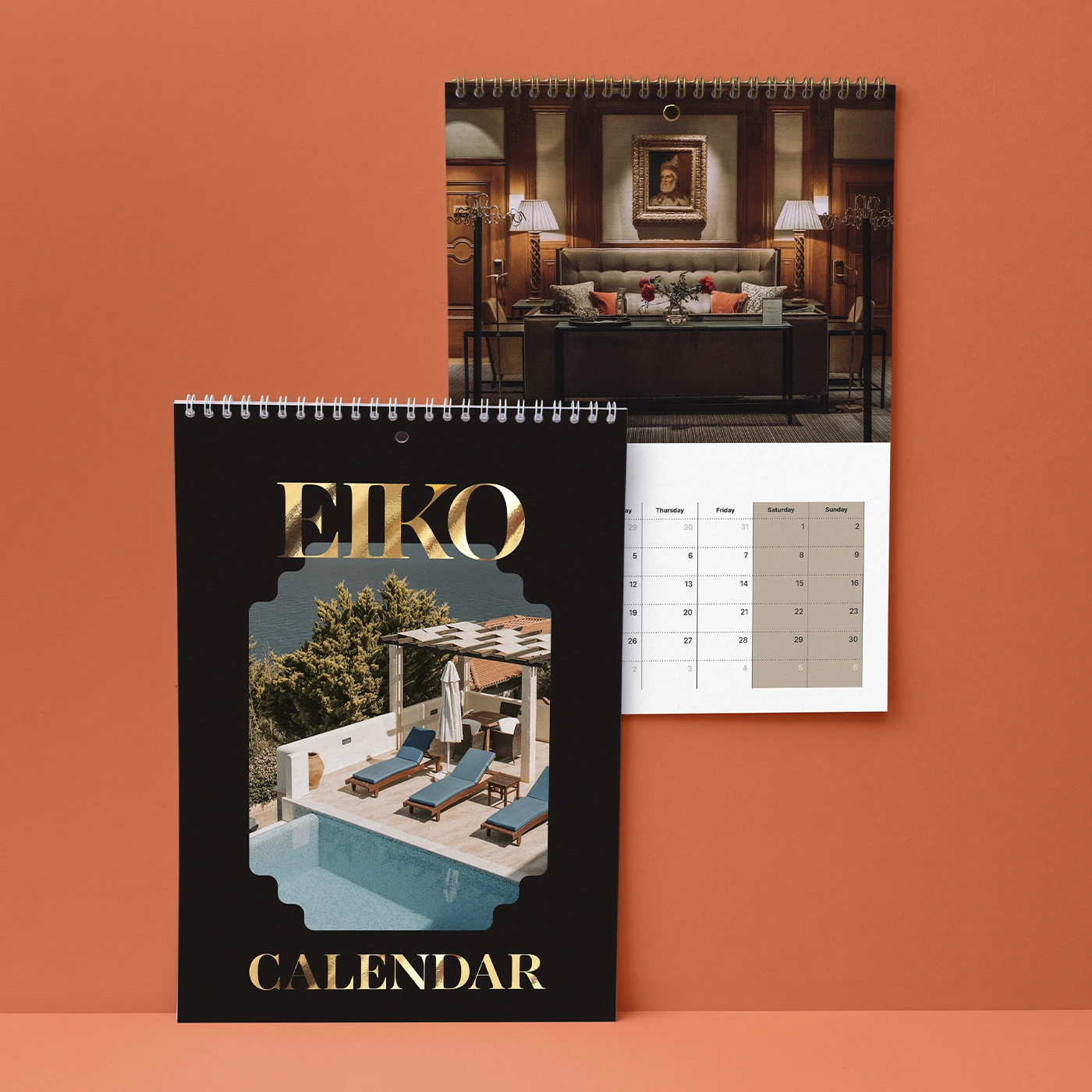
A3 portrait Calendars with 14 pages, printed on one side of Silk paper throughout. With 350gsm velvet laminated covers and gold foiling, and 250gsm inner pages bound with gold wire.
Our stocks
Find your perfect match

Silk
Our most popular paper choice, the clean and crisp finish of Silk paper gives a sharp, defined finish to printed colours and designs.

Uncoated
For a flat modern finish with no surface coating, Uncoated paper offers a soft, touchable texture that's ideal for writing on. It gives print colours a sophisticated feel and a slightly muted finish.

Recycled Uncoated
Recycled Uncoated is off-white, with a coarse texture and rustic flecks throughout. It's uncoated surface gives print colours a sophisticated feel and a slightly muted finish.
Silk
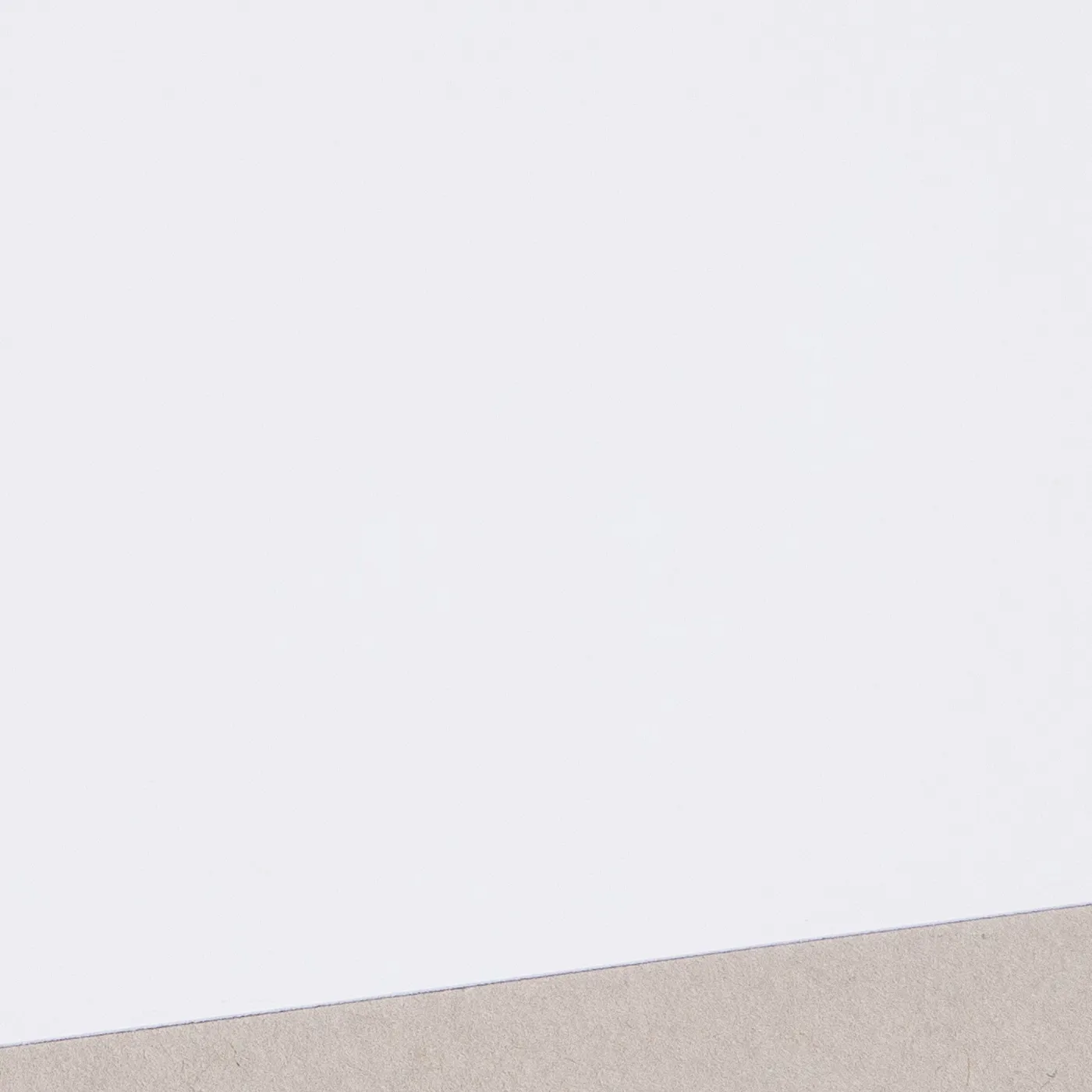
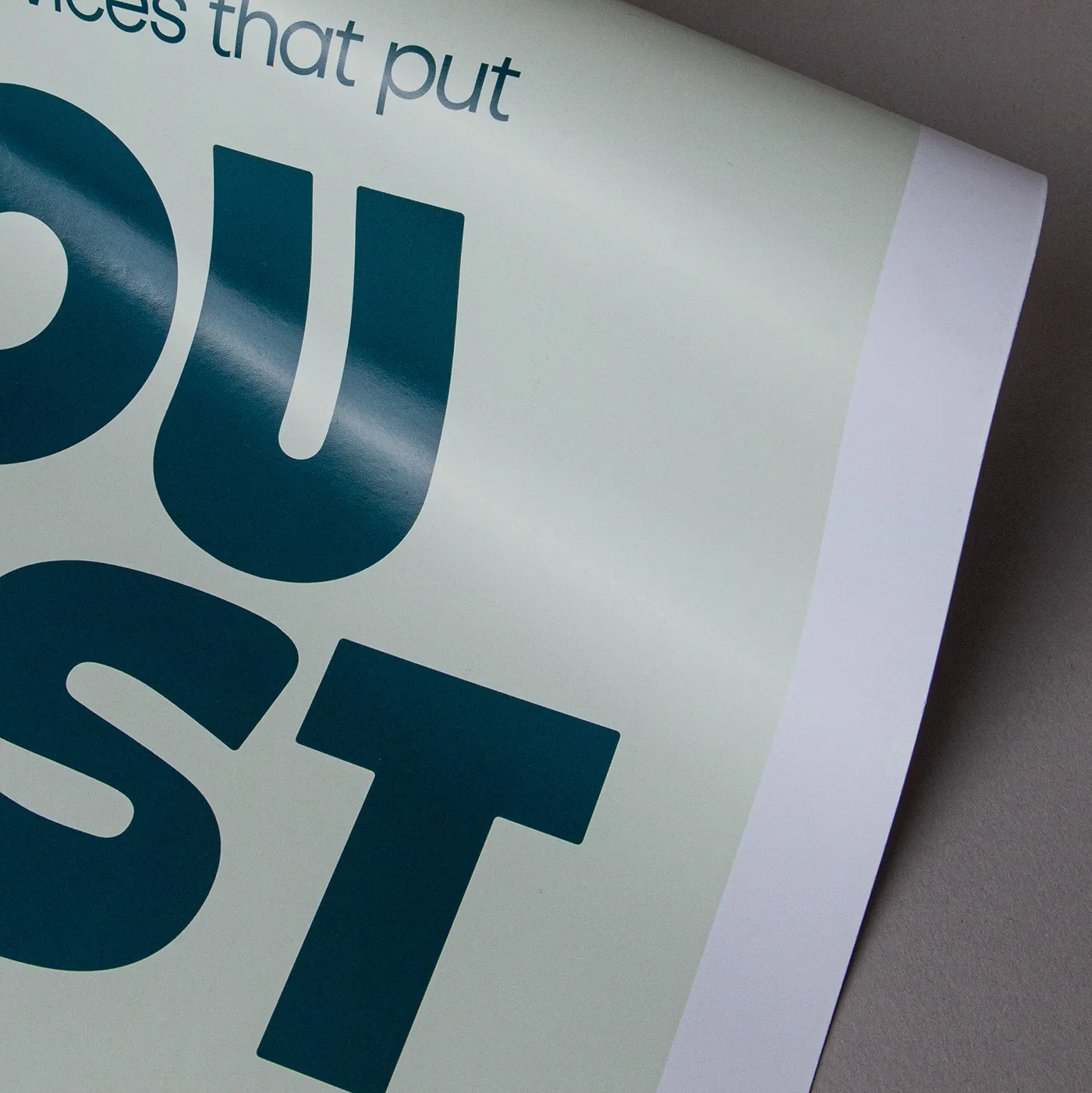
Our most popular paper choice, the clean and crisp finish of Silk paper gives a sharp, defined finish to printed colours and designs.
Available weights
- 130gsm
- 170gsm
- 250gsm
- 300gsm
- 350gsm
Best for
- Vibrant designs
- Affordable print
- Versatile print
Credentials
- Recyclable
- Biodegradable
- FSC certified
- Chlorine-free


Uncoated
For a flat modern finish with no surface coating, Uncoated paper offers a soft, touchable texture that's ideal for writing on. It gives print colours a sophisticated feel and a slightly muted finish.
Available weights
- 170gsm
- 250gsm
- 350gsm
Best for
- Versatile print
- Affordable print
- A matt finish
Credentials
- Recyclable
- FSC certified
- Chlorine-free
Recycled Uncoated
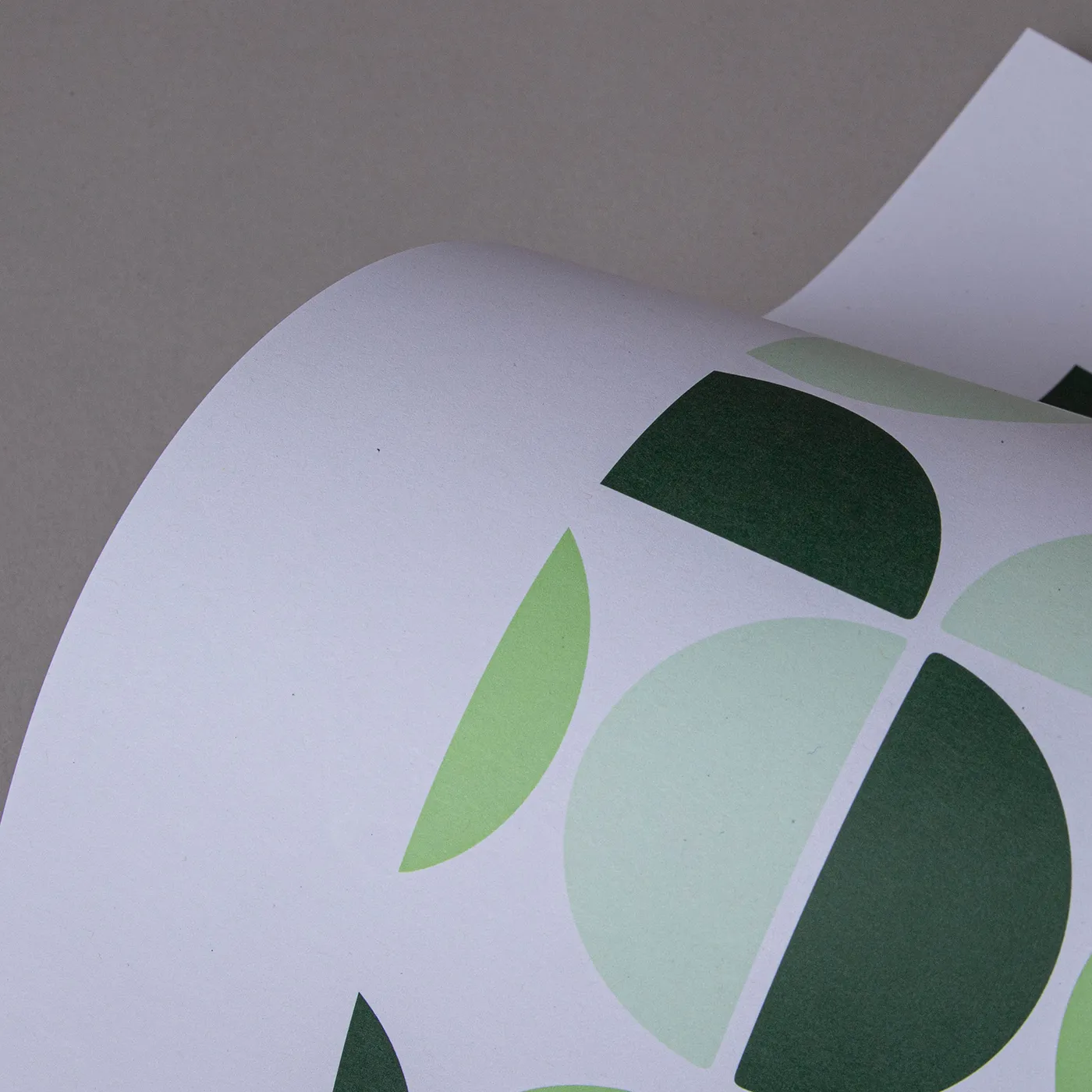
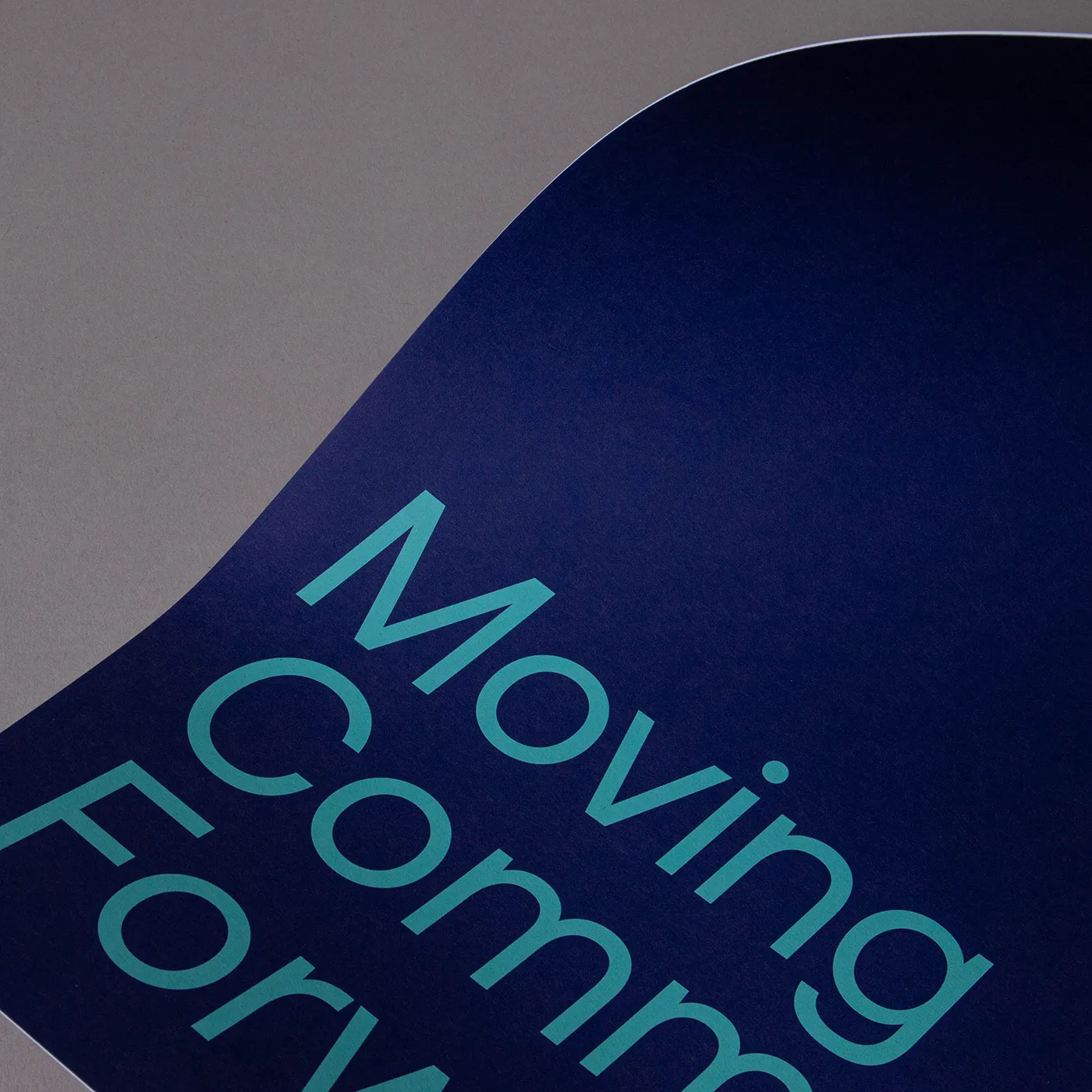
Recycled Uncoated is off-white, with a coarse texture and rustic flecks throughout. It's uncoated surface gives print colours a sophisticated feel and a slightly muted finish.
Available weights
- 160gsm
- 250gsm
- 350gsm
Best for
- Eco-conscious branding
- Recycled product packaging
- Natural product labelling
Credentials
- Recyclable
- 100% post consumer waste
- FSC® certified
- Chlorine-free
- Vegan-friendly inks
Guide to perfect print
Get your print to the presses perfectly with everything you need to get set up
Sample Packs
Get a feel for our range of quality products, papers and special finishes in our free Sample Packs.
Downloadable Templates
Use our free templates to create your artwork and make sure your print is set up perfectly for the presses.
Bespoke Service
Can’t find the print you’re looking for? From unique papers to custom sizes and finishes, our Bespoke Team can help with your request.
Safe area
Templates
- Single Page Wall Calendars
- No elements found. Consider changing the search query.
- List is empty.
- A4 portrait single page wall calendar
- A3 portrait single page wall calendar
- A4 landscape single page wall calendar
- A5 portrait single page wall calendar
- 148mm x 420mm portrait single page wall calendar
- 135mm x 297mm portrait single page wall calendar
- A5 landscape single page wall calendar
- DL landscape single page wall calendar
- 420mm x 148mm portrait single page wall calendar
- DL portrait single page wall calendar
- 297mm x 135mm landscape single page wall calendar
- 300mm x 300mm single page wall calendar
- No elements found. Consider changing the search query.
- List is empty.
- Illustrator
- InDesign
- No elements found. Consider changing the search query.
- List is empty.
Quick tips to print perfection


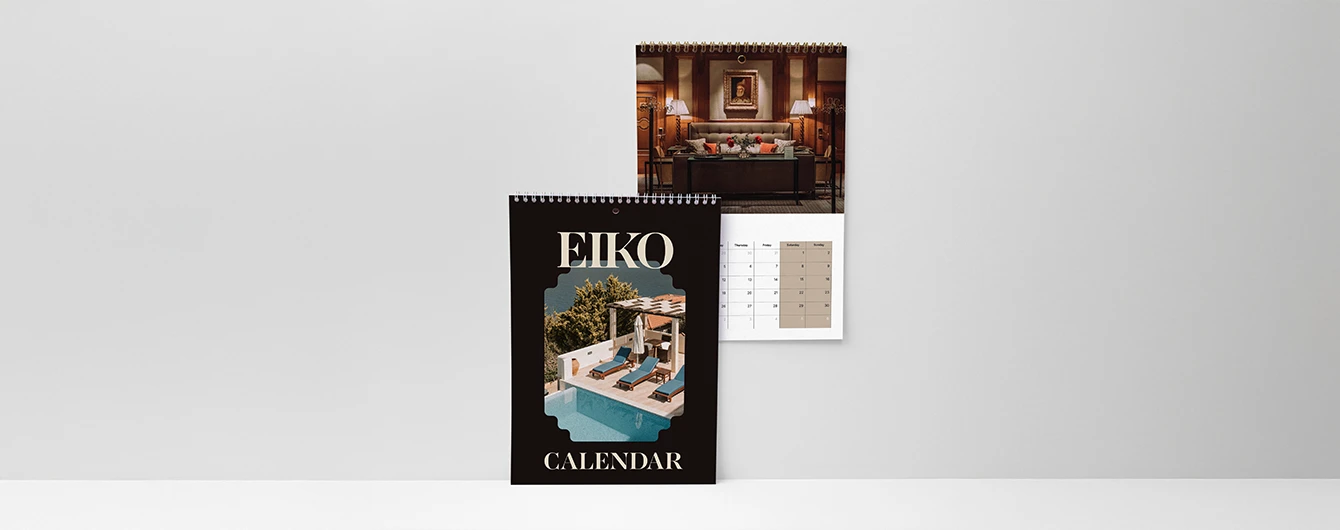
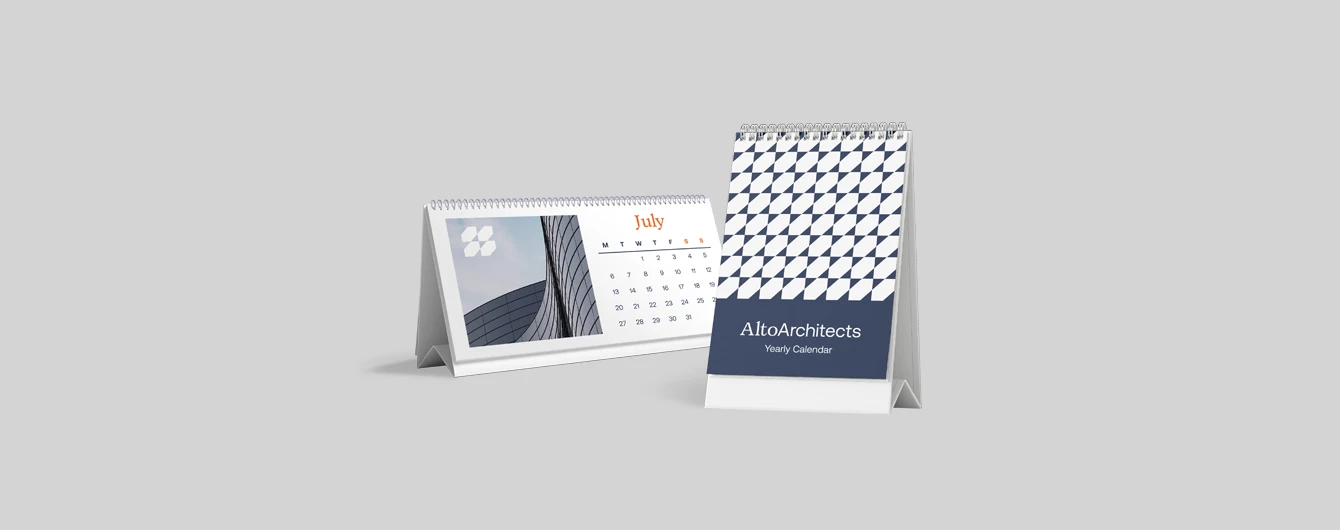
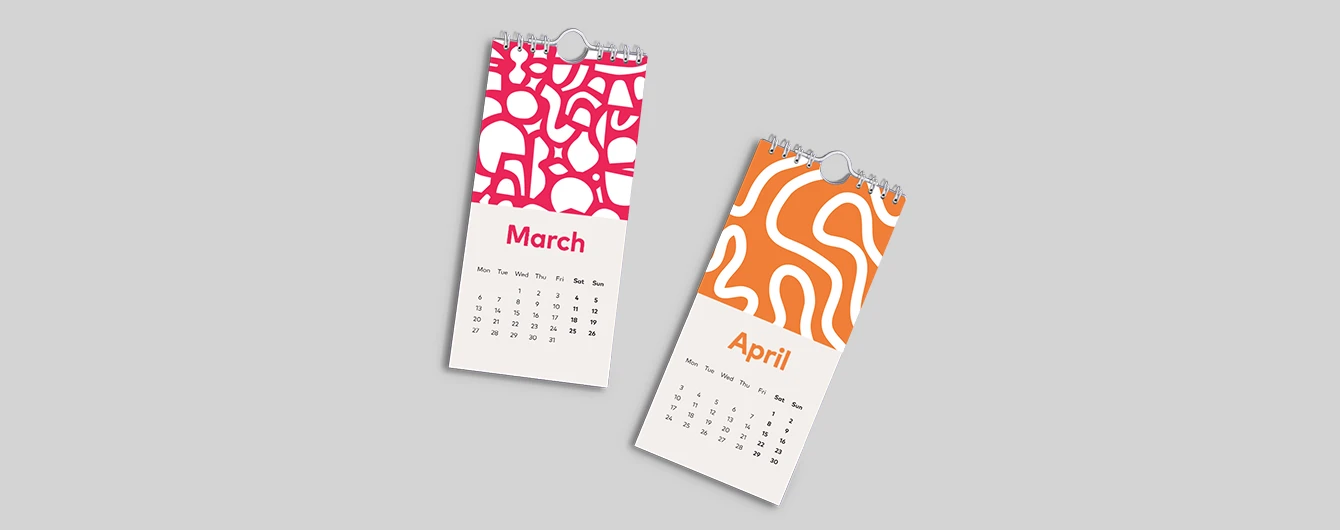
Sustainable print
At Printed.com, we want to help you reduce your environmental impact. From using innovative packaging and sourcing eco-friendly papers, to minimising waste and promoting recycling, we’re dedicated to giving you more sustainable choices across our range.
Find Out More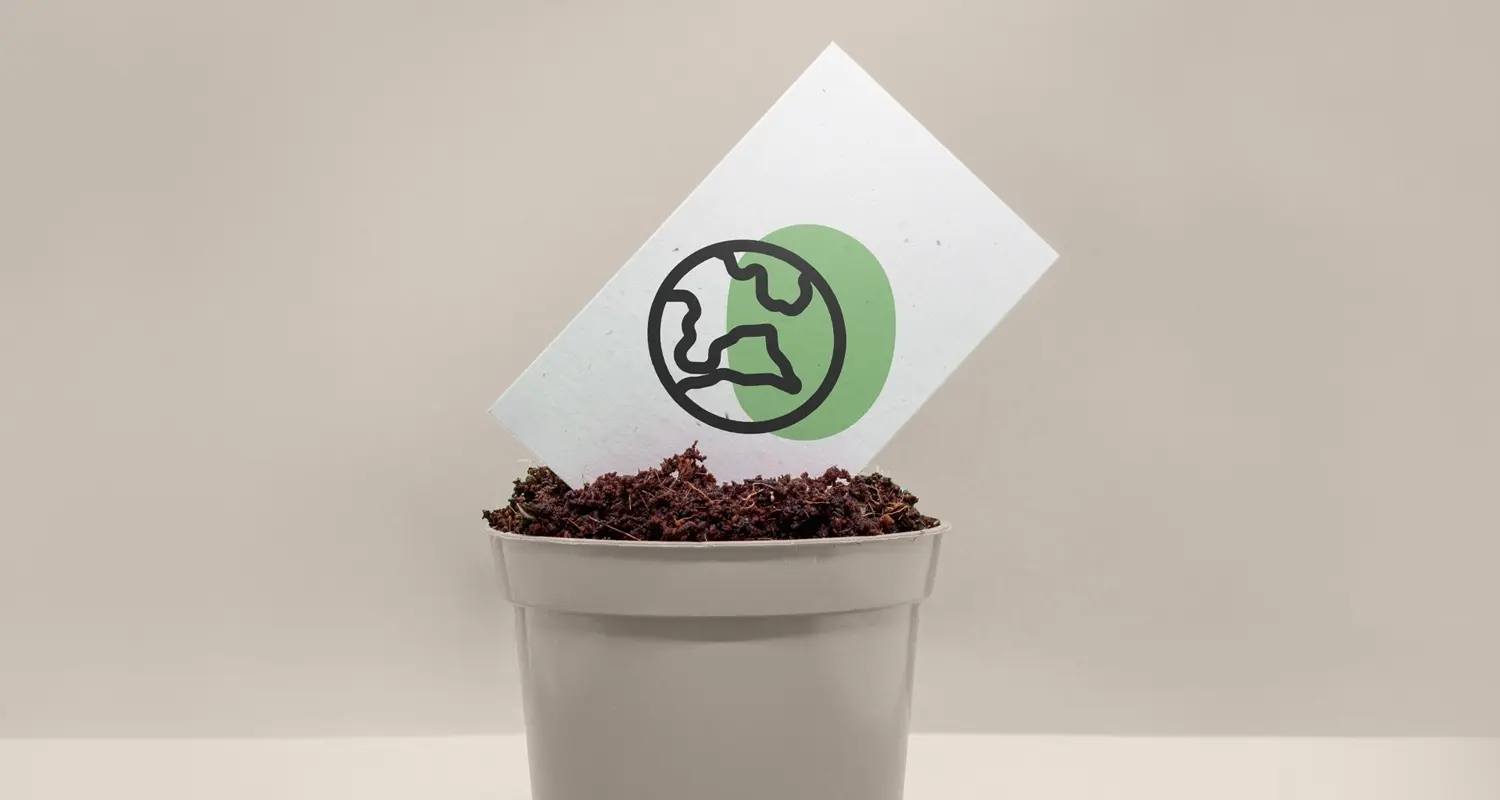
More information
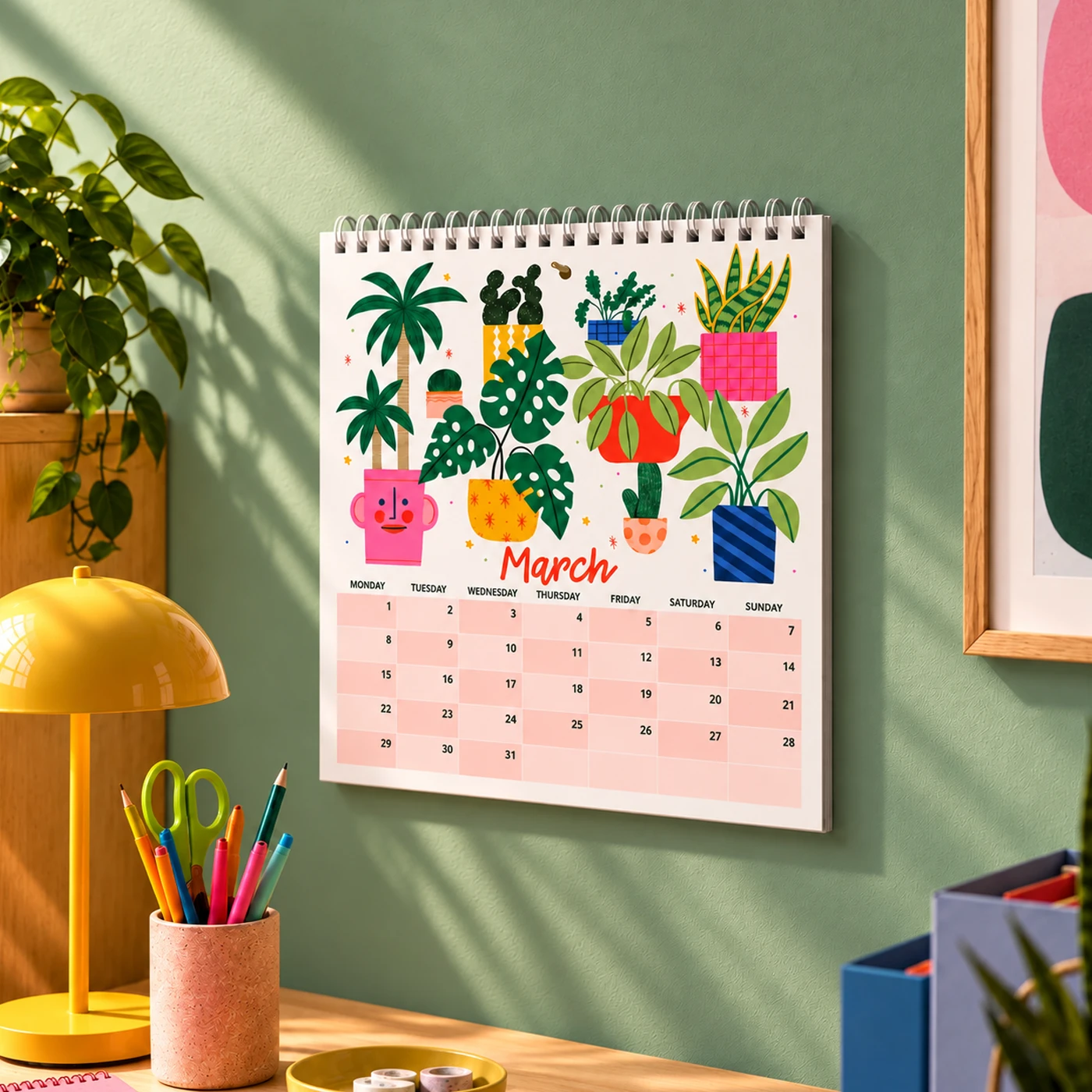
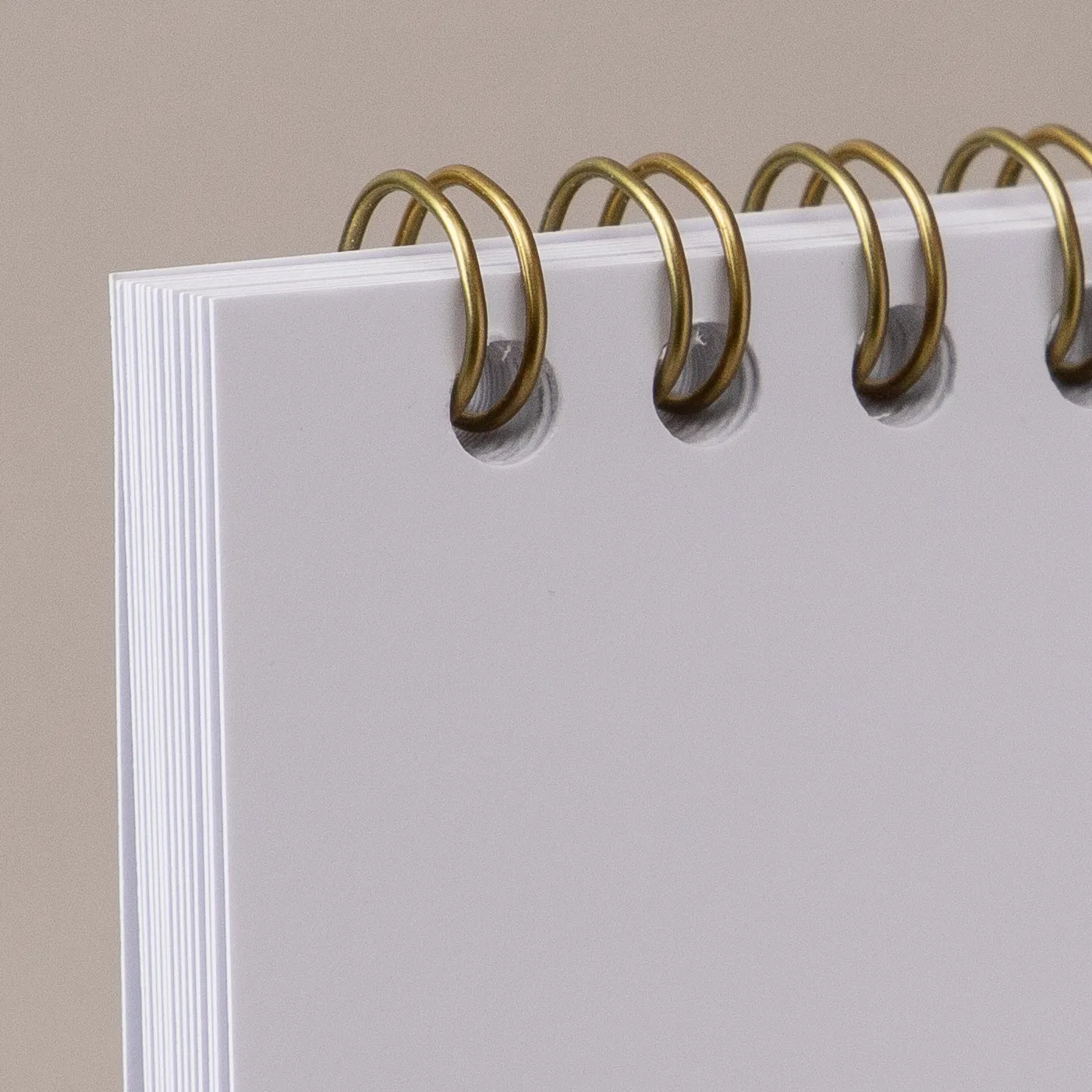
Boost your business with our premium Single Page Wall Calendars – a must-have for retailers seeking high quality, practical products that customers will love all year round, or brands looking to elevate their marketing strategy. With your design and monthly grid displayed on a single sheet per month, these Calendars offer a clean, straightforward layout - perfect for those who prefer simple functionality. Choose from our luxury paper stocks, including Silk and Recycled Uncoated, or mix and match cover and inner options for a unique, multi-textured finish. Elevate your design with lamination or foiling, and choose between classic white or brushed gold wire binding. Each Calendar also comes with a pre-punched hole for effortless hanging. With flexible sizing, there’s a perfect fit for every space – from compact A5 and versatile DL to large-format A3 for maximum impact. Starting from a low minimum order cost with no minimum quantity, our Wall Calendar printing services are ideal for testing new designs, fulfilling custom requests, or expanding your product range with confidence.
Frequently asked questions
Got a question? We might have answered it here. If not, feel free to get in touch with The Team, we’re here to help!
- How long will my print take to arrive?
- What should I know before preparing artwork for print?
- What is a Professional File Check?
- How do I print with Canva?
- How to make your own Calendar printable?
- How to make your own Calendar with photos?
- Will the back page of my Calendar be flipped before binding?
- What is the difference between leaves and pages?
- What is a file copy?
- What's the difference between our Calendar types?
How long will my print take to arrive?
Find out how quickly you can get your print by filling in your selected options in the product builder, and check out the delivery options at the bottom. You can also explore the available delivery options from your basket once you’ve added a product.
What should I know before preparing artwork for print?
What is a Professional File Check?
For a small fee, an expert member of our technical team will manually review your artwork before it goes to print so you can press 'go' with complete confidence.
- Image resolution for print quality
- Bleed and safe areas
- Page count and page order on folded products
- Corrupt, blank or password-protected files
- Templates left on artwork
- Folds, cut lines, drill holes and binding areas (where applicable)
- Foil alignment and minimum line widths (where applicable)
- Personalisation files and version quantities (where applicable)
- Spelling, grammar or proofreading
- Design, layout or text sizing advice
- Colour accuracy or colour mode checks (RGB/CMYK)
- QR code testing
- Calendar date checks
- Post-print quality inspection beyond our standard production processes
How do I print with Canva?
How to make your own Calendar printable?
Creating a printable Calendar is a breeze with our custom Calendar printing service. Here's how you can get started; create your Calendar using professional design software, options include Canva or an Abobe programme of your choice, personalise it with special dates and events, upload your favourite pictures or photos, and review your design. Finally, to ensure a high quality finish we recommend your design is uploaded in a PDF format at 300dpi resolution with the colour mode set to CMYK.
How to make your own Calendar with photos?
Creating your own photo Calendar might be easier than you expected. The first step would be to start by creating your design, which can be made simple, by choosing a template that many design platforms offer (just make sure it's the right size and includes 3mm bleed) or use our free templates. Next upload your photos in the layout you prefer, for the best results, use high-resolution photos. This will ensure your Calendar looks sharp and professional. A photo Calendar can be a perfect gift or place to showcase your favourite memories!
Will the back page of my Calendar be flipped before binding?
To make sure your back page faces the correct way when you receive it, these are the guidelines we follow before binding your single-sided personalised Calendar:
- If last page contains months, back cover will not be flipped.
- If last page doesn’t contain months or shows a preview of all months (i.e, is clearly a back cover), back cover will be flipped.
What is the difference between leaves and pages?
A "page" refers to one side of a sheet of paper, so when you open a Single Page Wall Calendar, you're looking at one page. A "leaf," on the other hand, is a single sheet of paper in the Calendar, which has two pages (front and back). Therefore, if you have 100 pages, you actually have 50 leaves.
What is a file copy?
A file copy is an extra print from your order for personal reference or record-keeping, making it a great tool for reviewing your work before or after sending the main order to your client. Perfect for creatives, business owners, or anyone needing to keep a record of their prints, it’s ideal for future use, presentations, or archiving.
What's the difference between our Calendar types?
Single Page Wall Calendar:
More products you might like
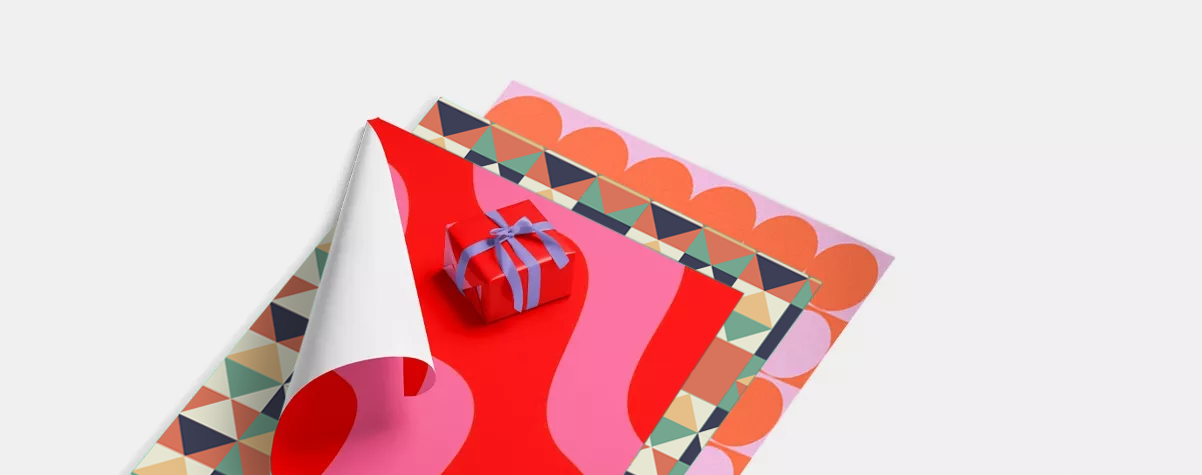

Single Page Wall Calendars
Our product presets
Our product presets
Build your own or choose from one of our preset options
Product
Product
Calendar Type
Calendar Type
Binding Type
Binding Type
Printed sides
Because of the way we create Calendars, your page quantity should be in multiples of 1 if you're printing single-sided, and multiples of 2 if you're printing double-sided.
Printed sides
Because of the way we create Calendars, your page quantity should be in multiples of 1 if you're printing single-sided, and multiples of 2 if you're printing double-sided.
Choose number of pages
i
Because of the way we create Single Page Wall Calendars, you should add your page quantity in multiples of 1 and start with a minimum of 2.
Because of the way we create Single Page Wall Calendars, you should add your page quantity in multiples of 1 and start with a minimum of 2.
For documents over pages, the maximum quantity available is 50000 units. For more than 50000 units, choose less than NaN pages or contact our Bespoke Team.
Size
Size
Orientation
Orientation
Cover
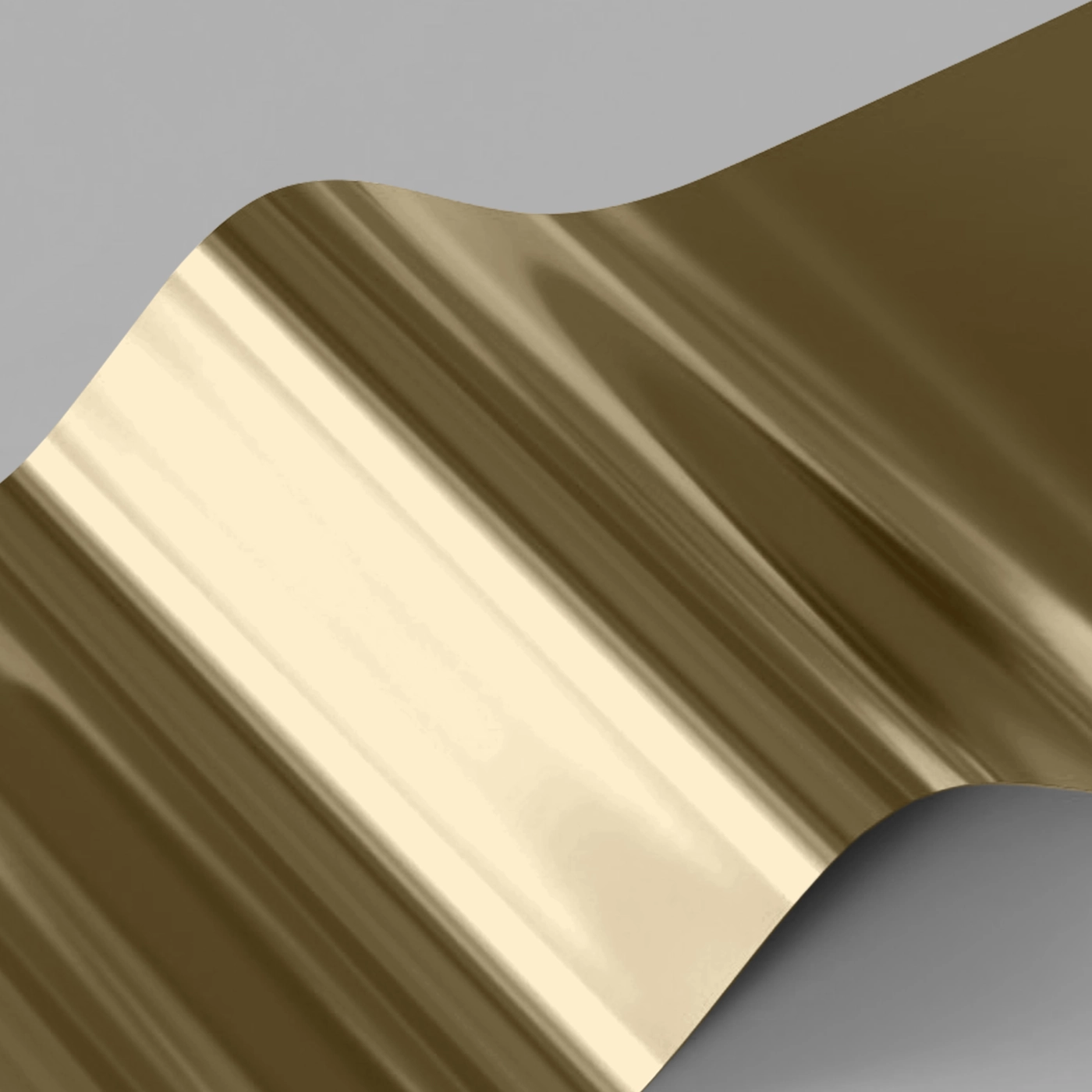
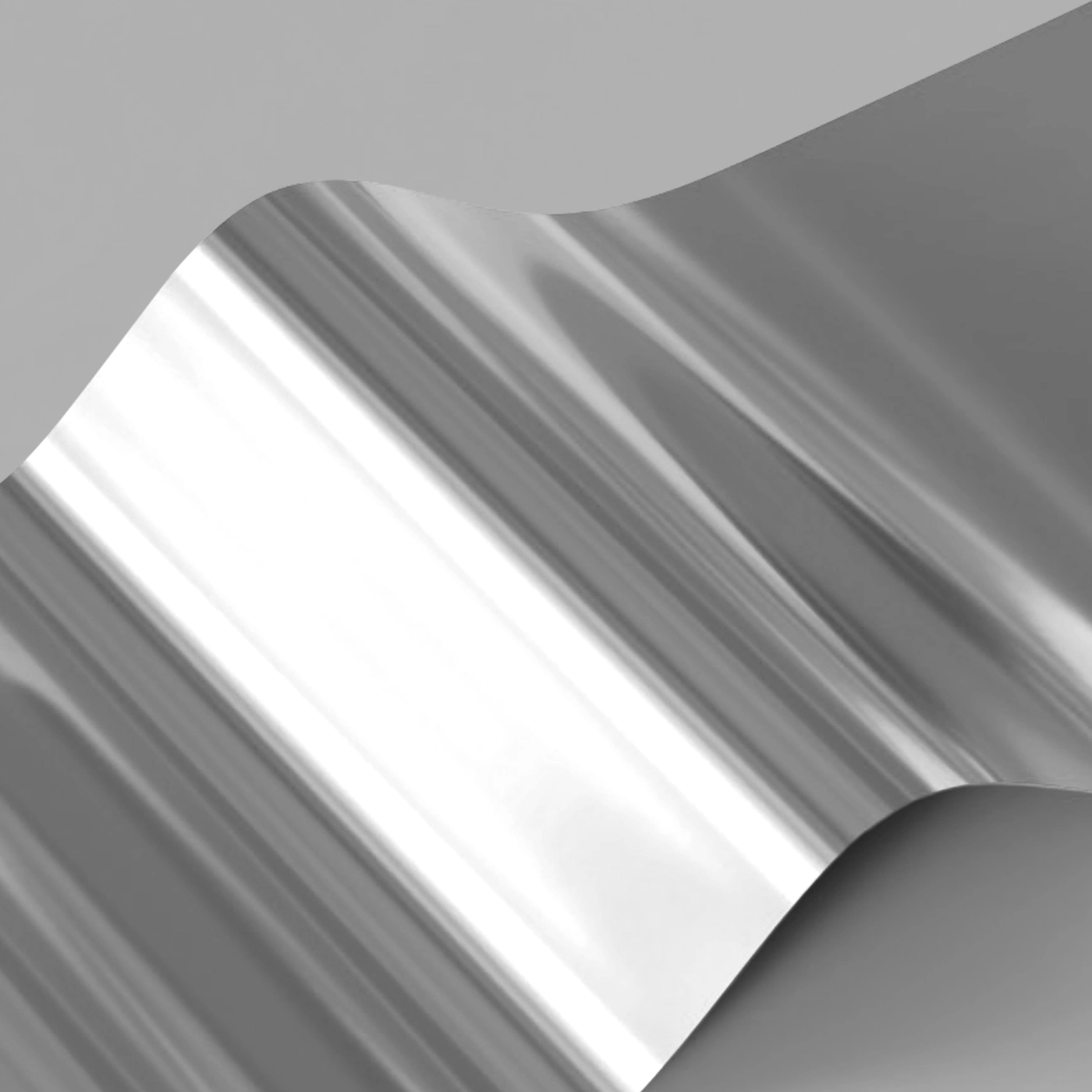
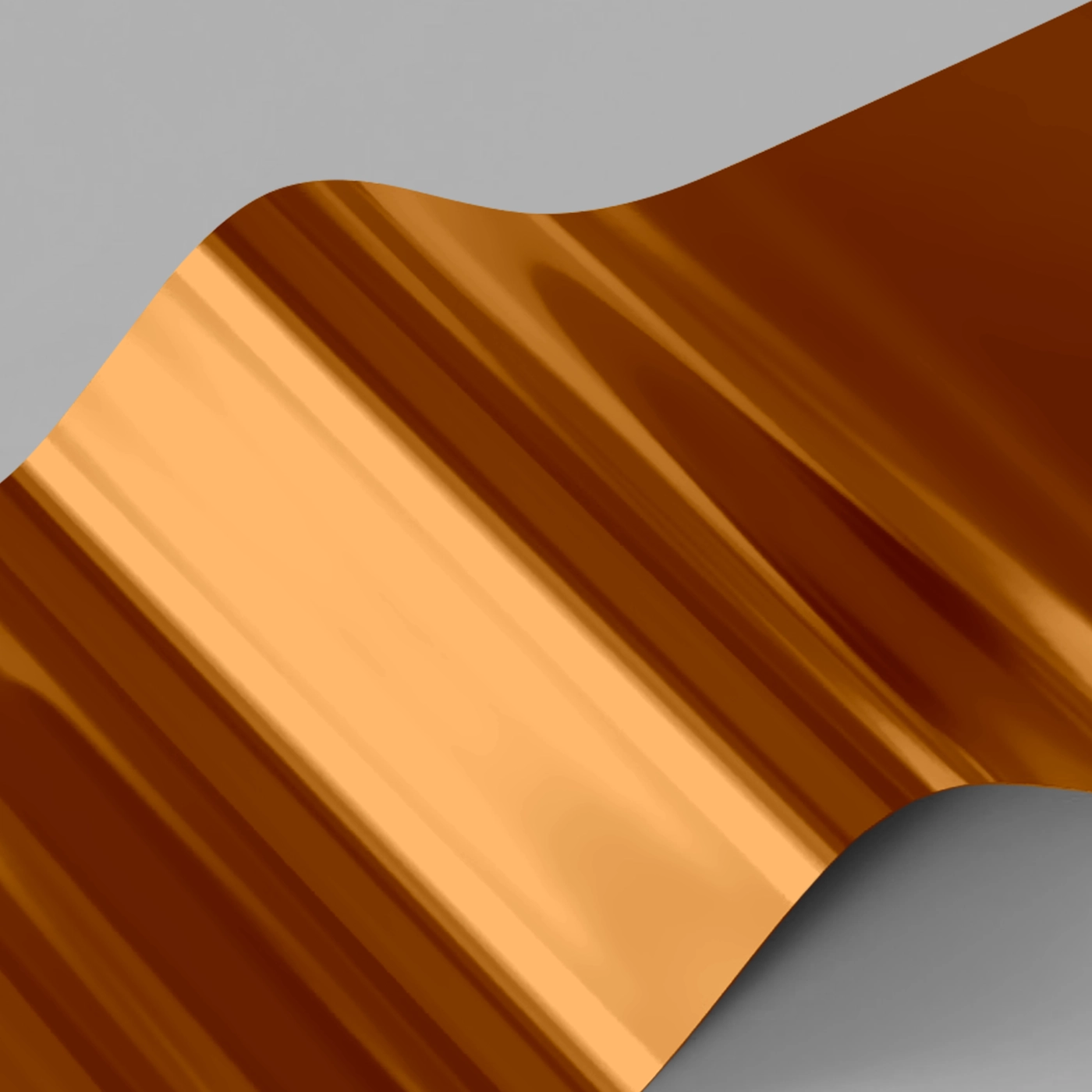
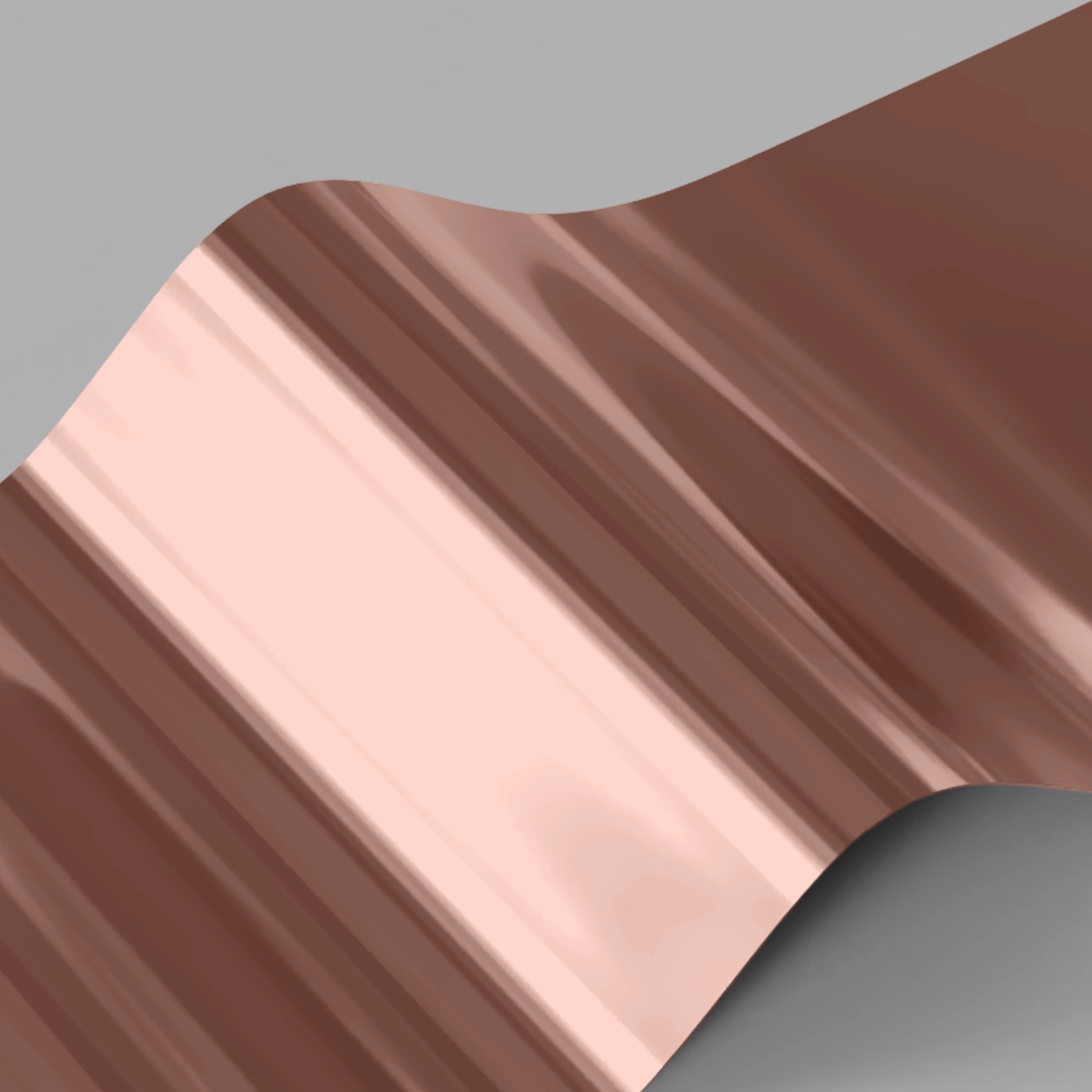
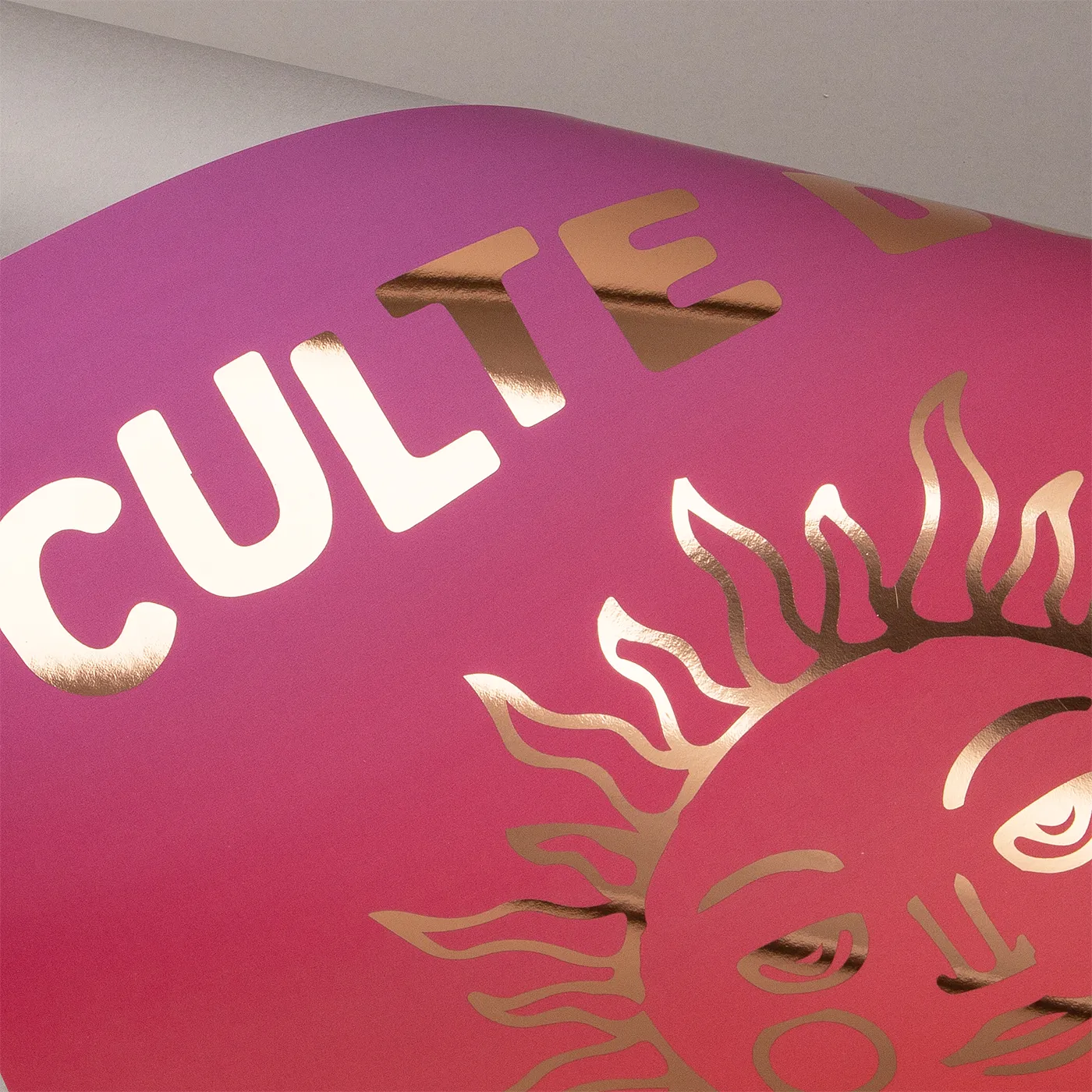
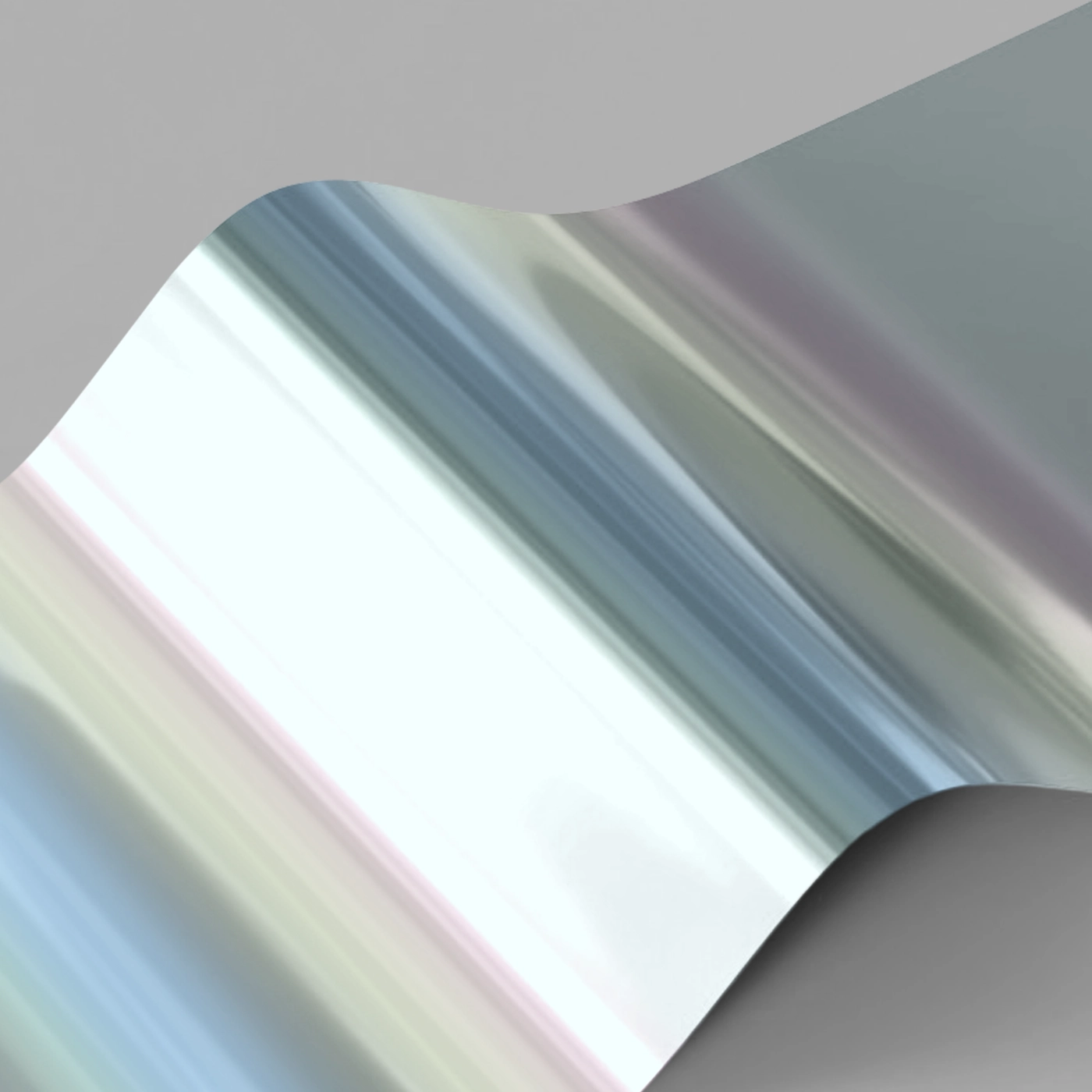
Foiling
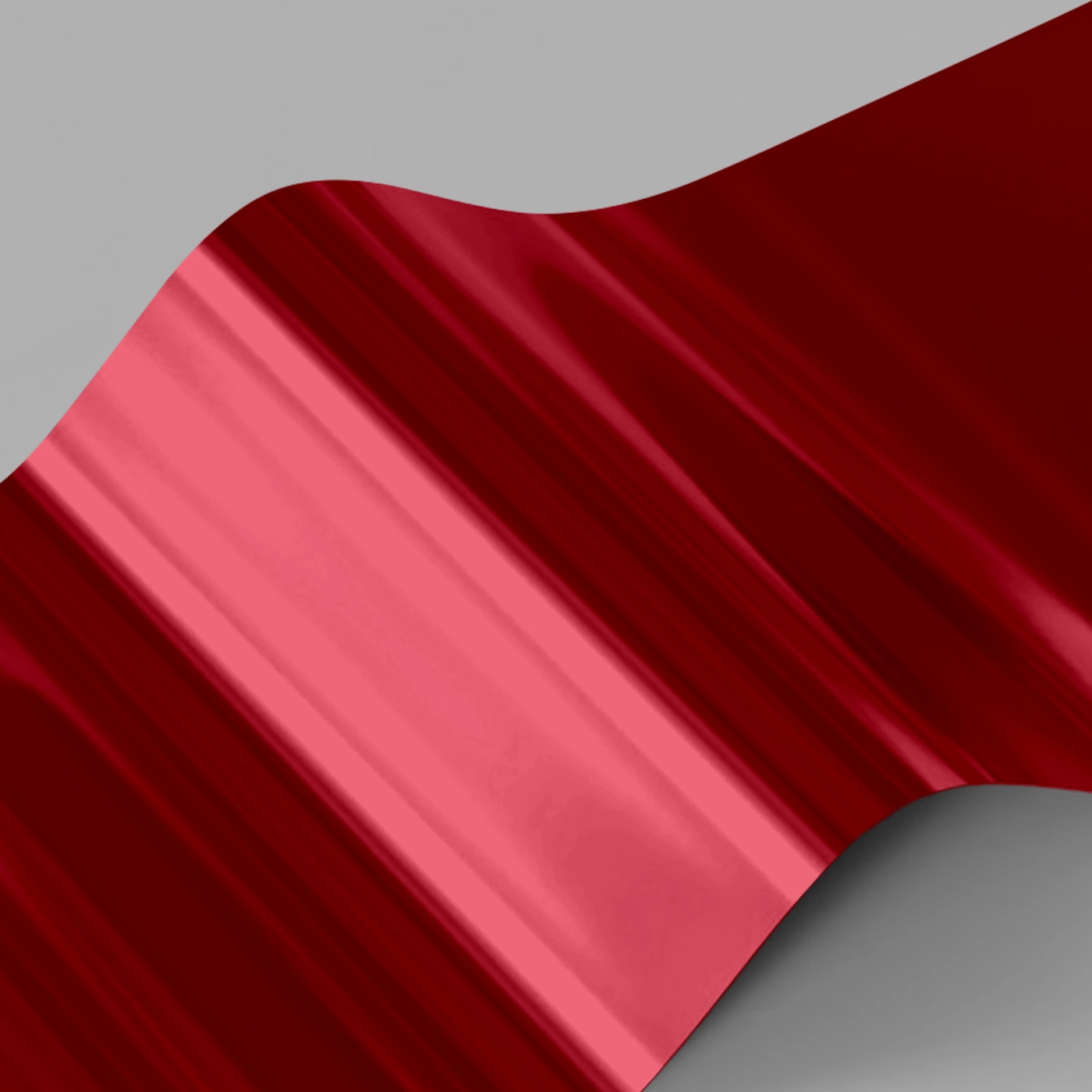
One-sided foil While your print can be double sided, you can only apply Foil to one side of your design.
Whichever side you choose to add Foiling to must be velvet laminated (this protects your Foil from slipping or scratching).
If you would like Foil on both sides of your print, please contact our Bespoke Team. Foiled Stickers cannot be laminated and can only be foiled on one side
Foiling
One-sided foil While your print can be double sided, you can only apply Foil to one side of your design.
Whichever side you choose to add Foiling to must be velvet laminated (this protects your Foil from slipping or scratching).
If you would like Foil on both sides of your print, please contact our Bespoke Team. Foiled Stickers cannot be laminated and can only be foiled on one side
For the best result, we advise using foiling on the front cover of your Calendar only, and not the back cover.
One-sided foil
While your print can be double sided, you can only apply Foil to one side of your design.






Paper
Paper
Lamination
Lamination types
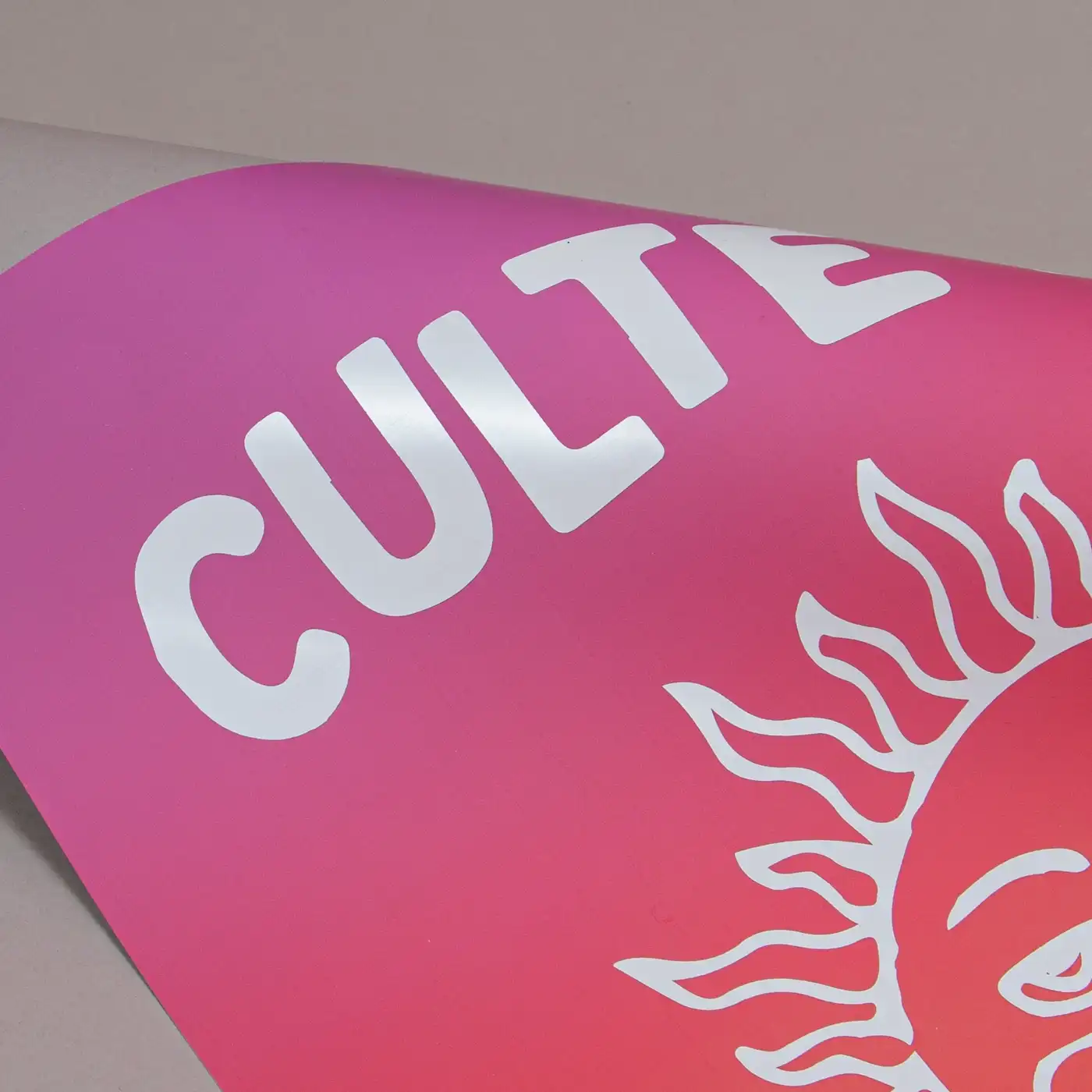
Matt: Protects your print while giving a subtle and soft finish.
Gloss: Offers a high shine that works well with images and solid colours.
Velvet: Gives a soft, touchable texture and non-shine finish.
Anti-Bacterial Gloss: This high-shine gloss is embedded with silver ions that prevents 99% of bacteria surviving.
Lamination Sides
None: Without lamination, you can feel the real texture of the paper, and it's easy to write on.
One side: We will always laminate on page 1 of your PDF when ‘one side’ is selected. If that isn't the page you want laminated, just swap the page order in your PDF.
Both sides: The most popular choice when laminating – choose both sides when you want double the protection.
Remember: Laminating will protect your print but you will not be able to write on it with certain types of pen. If you're printing with heavy ink coverage, we recommend using lamination to protect the print and prevent damage.
Inners
Foiling
One-sided foil While your print can be double sided, you can only apply Foil to one side of your design.
Whichever side you choose to add Foiling to must be velvet laminated (this protects your Foil from slipping or scratching).
If you would like Foil on both sides of your print, please contact our Bespoke Team. Foiled Stickers cannot be laminated and can only be foiled on one side
Foiling
One-sided foil While your print can be double sided, you can only apply Foil to one side of your design.
Whichever side you choose to add Foiling to must be velvet laminated (this protects your Foil from slipping or scratching).
If you would like Foil on both sides of your print, please contact our Bespoke Team. Foiled Stickers cannot be laminated and can only be foiled on one side
Paper
Paper
Lamination
Lamination types
Matt: Protects your print while giving a subtle and soft finish.
Gloss: Offers a high shine that works well with images and solid colours.
Velvet: Gives a soft, touchable texture and non-shine finish.
Anti-Bacterial Gloss: This high-shine gloss is embedded with silver ions that prevents 99% of bacteria surviving.
Lamination Sides
None: Without lamination, you can feel the real texture of the paper, and it's easy to write on.
One side: We will always laminate on page 1 of your PDF when ‘one side’ is selected. If that isn't the page you want laminated, just swap the page order in your PDF.
Both sides: The most popular choice when laminating – choose both sides when you want double the protection.
Remember: Laminating will protect your print but you will not be able to write on it with certain types of pen. If you're printing with heavy ink coverage, we recommend using lamination to protect the print and prevent damage.
Binding Colour
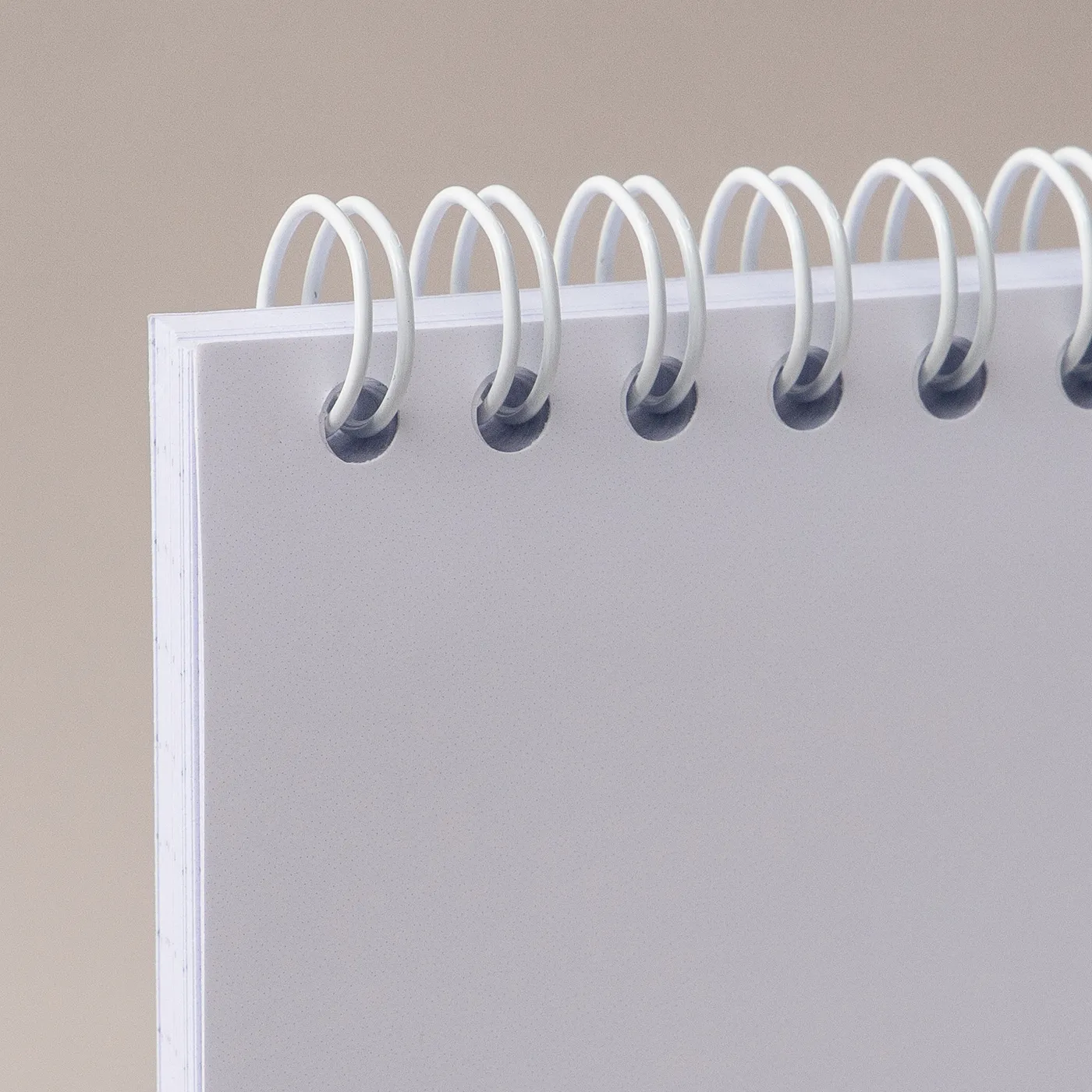
You can choose to finish your notebooks with black or white wire binding to complement the finished look. If you would like a different coloured wire, please contact our Bespoke Team
Binding Colour
You can choose to finish your notebooks with black or white wire binding to complement the finished look. If you would like a different coloured wire, please contact our Bespoke Team
Quantity
Please enter a quantity larger than 1
If there is a paper stock, size, quantity or finish you want but can't find, fill in our bespoke order form or contact our team .
The options you have chosen mean that your leaflets will be delivered creased but not folded. If you'd like your print to arrive already folded, please enter a lower quantity or a lighter paper weight.
Select your Delivery options
Delivery type
As you have previously selected a delivery option for a previous product we have grouped these items to lower your delivery costs. Due to the items added to your basket we are no longer able to offer your selected delivery option. Please reselect your delivery from the options below. If you are sending to multiple addresses you can ungroup your items.
Delivery type
Product Summary
The paper you have chosen is not available at this quantity.
To keep your paper choice please enter a quantity than .
- Recycled Uncoated - 250gsm
- Recycled Uncoated - 350gsm
- Silk - 250gsm
- Silk - 300gsm
- Silk - 350gsm
- Uncoated - 250gsm
- Uncoated - 350gsm
For documents with this number of pages, the maximum quantity available is units.
If you require a larger quantity, please reduce your number of pages to less than 1 or get in touch with our Bespoke Team.
This reorder job does not allow editing the original artwork. You may still upload a new piece of artwork but doing so will remove the original artwork. Do you want to continue?