We use essential cookies to make our site work. With your consent, we may also use non-essential cookies to improve user experience and analyze website traffic. For these reasons, we may share your site usage data with our social media and analytics partners. By clicking “Accept,” you agree to our website's cookie use as described in our Cookie Policy. You can change your cookie settings at any time by clicking “Preferences.”

Visiting from outside the United States?

Our UK site offers faster & international shipping, local payment options and region-specific products.

Printed.com

Stickers & Labels

From  $46.99

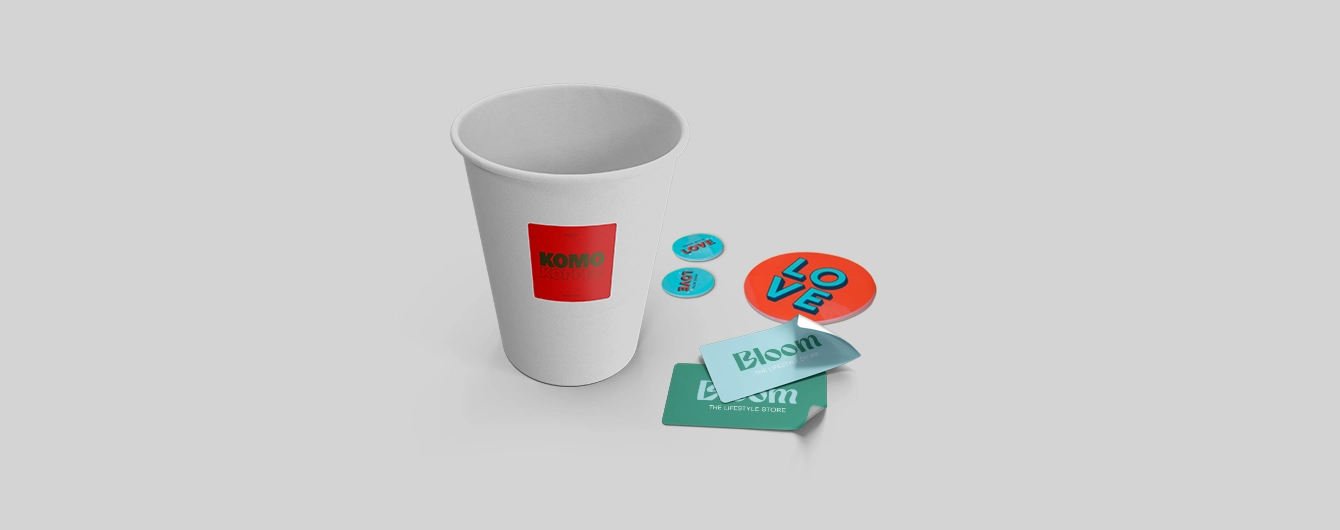
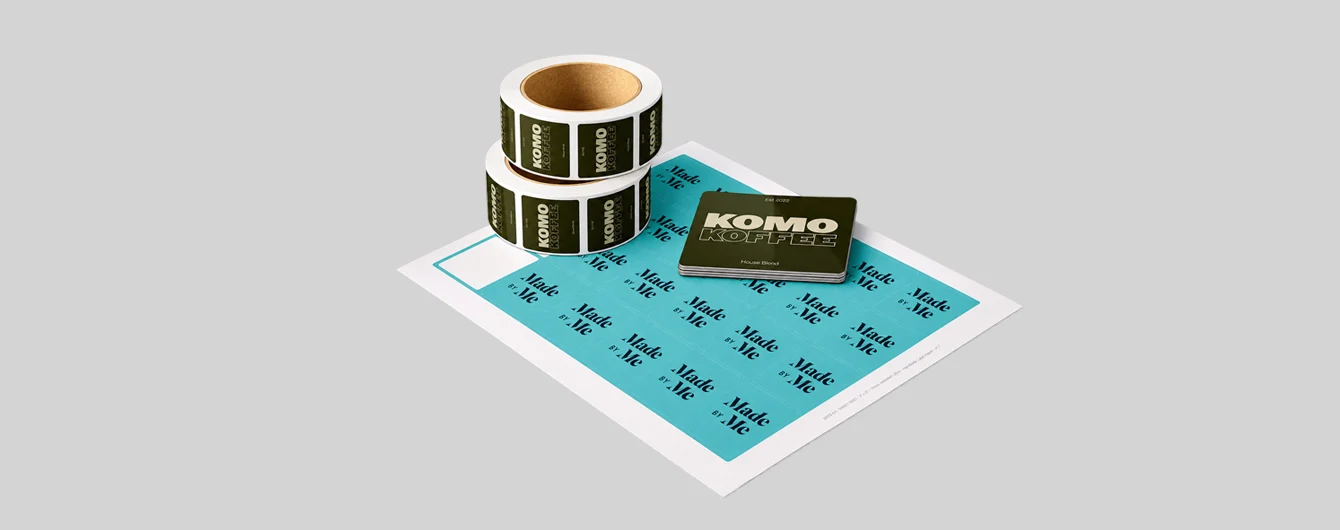
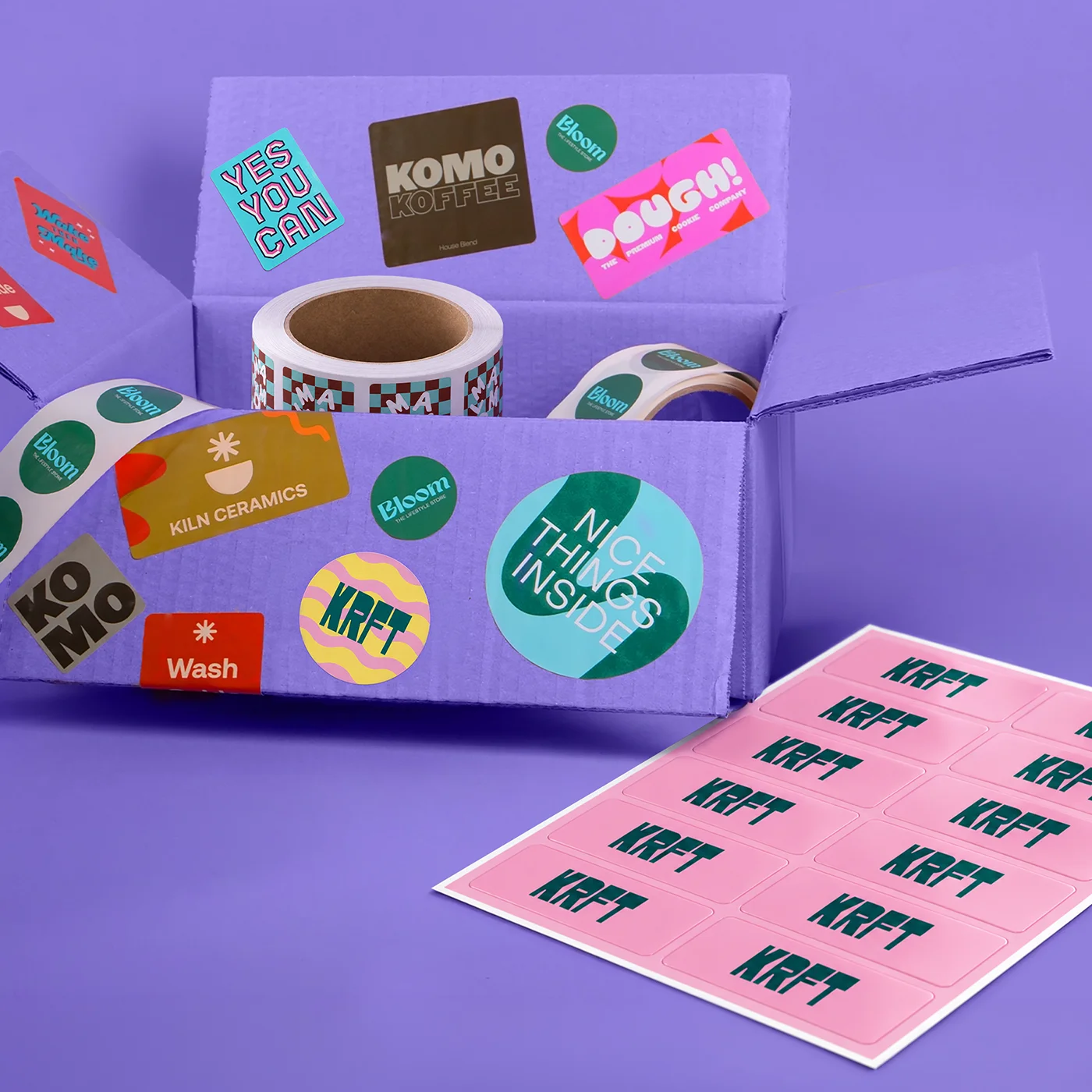
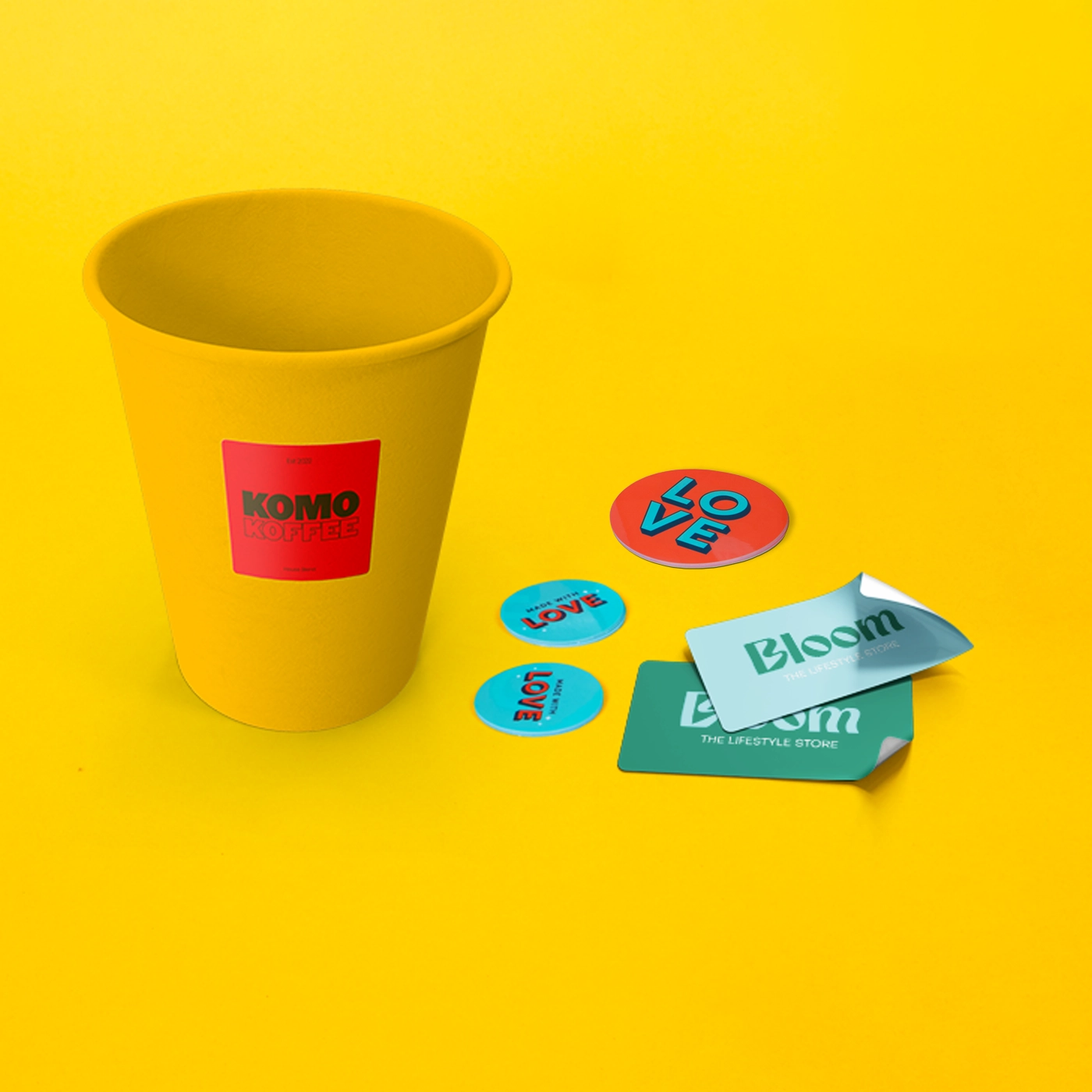
Bring your designs to life with premium Sticker printing from Printed.com. Available in versatile formats including die cut, sheets, and rolls, our Stickers are perfect for branding, packaging, promotions, and personal projects. Choose from popular shapes including square, rectangle, and circle Stickers, and customize your designs with your own artwork, logos, or messaging. Whether you need individual Stickers, multiple designs on a sheet, or easy-to-apply labels on a roll, we make it simple to create Stickers that stand out. More information

  • Choose from circle, square and rectangle shapes
  • Sheets, Rolls, and Die Cut formats 
  • Range of papers, including an eco option
  • Wide range of sizes available

The range
Sustainable printing

At Printed.com, we’re committed to reducing our environmental impact by striving to use responsibly sourced materials and sustainable production practices to help protect the planet.

Find Out More
Banner image

More information

Create standout designs with premium Stickers. Ideal for businesses, events, packaging, and creative projects, our custom Stickers are a simple way to showcase your brand and add a professional finish. From eye-catching logo Stickers to product branding and promotional designs, you can create Stickers that make your brand memorable. Available in flexible formats including Die Cut Stickers, Sticker Sheets, and Sticker Rolls, you can choose from popular shapes such as circle, square, and rectangle to suit your design. Whether you want to print Stickers for packaging, promotions, or events, our high-quality printing brings your ideas to life. Our labels are ideal for products, packaging, mailing, and more, with options to print labels that complement your branding. 


Whether you're ready to order Stickers for a large campaign or a small project, creating professional custom designs online is quick and easy. Ready to create Stickers that are uniquely yours? Simply upload your artwork or create your own Stickers using your preferred format, shape, and stock, and we'll take care of the rest.

Frequently asked questions

Got a question? We might have answered it here. If not, feel free to get in touch with The Team, we’re here to help! 

How long will my print take to arrive?

Find out how quickly you can get your print by filling out your selected options in the product builder, and check the delivery choices in your cart once you've added the product. Once your order has shipped, you’ll receive an email with a tracking code. You can also track the status of your delivery anytime by logging into your account and checking the Orders page.
How do I set up my artwork for print?

Do you provide downloadable templates? 

Yes! On our product pages, you’ll find free PDF templates to help you set up your artwork for print. Each template is pre-built with the correct bleed and safe area, so your design is ready to print perfectly. 

What is bleed? 
Bleed is the extra area that extends past the edge of your final document size. Adding bleed (at least 0.125" on all sides) ensures your design prints edge-to-edge with no white borders. Some products may need a different bleed size - check our templates or Artwork Editor for details. 

What is safe area? 
The safe area is the margin inside your document where important elements should stay. Keeping text and key design parts within the safe area prevents them from being trimmed off during finishing. Our templates and Artwork Editor show you the recommended safe area for each product. 

What’s the difference between RGB and CMYK? 
RGB (Red, Green, Blue) is the color mode used for screens. CMYK (Cyan, Magenta, Yellow, Black) is the color mode for printing. Always set up your artwork in CMYK for the best results. 

Why do I need to embed fonts? 
If fonts aren’t embedded, another computer may substitute them with defaults, changing the look of your design. Embedding fonts locks them in so your print matches your original file. 

Which file type should I upload? 
Please upload a print-ready PDF or build your design using our Artwork Editor for the best quality and smoothest results.

Which stock should I choose?

The kind of paper or material you choose for your print will affect how your colors look. For example, uncoated paper creates a softer, more muted finish and is great for writing on, while coated paper is best for bright, vibrant colors. 


Don’t forget to consider weight as well: 

Text vs. Cover 
  • Text stock is lighter and more flexible - think Brochures, Flyers, or the inside pages of a book. 
  • Cover stock is thicker and sturdier - perfect for Postcards, Business Cards, or book covers. 

lbs (Pounds) vs. pt (Points) 
  • Pounds (lbs) measure paper weight - the higher the number, the heavier the stock. An 80lb text sheet is thinner than an 80lb cover sheet, as they’re measured on different scales. 
  • Points (pt) measure thickness. One point = one-thousandth of an inch. For example, 10pt cover stock is 0.010" thick. 
  • An 80lb text stock is roughly 4pt, and an 80lb cover stock is roughly 10pt, however this can differ per paper type.
Boards and materials 
  • While standard paper stocks are typically measured in pounds (lbs) or points (pt), some large format and specialty materials use different measurements depending on the product. 
  • oz (Ounces) are commonly used for banners, fabrics, and flexible signage materials. A higher ounce number typically means a heavier, more durable material. For example, a 9oz Banner is lighter and more flexible than an 15oz Banner. 
  • mm (Millimeters) & inches measure material thickness and are often used for rigid signs and large format boards, such as Foam Board or Corrugated Plastic. Thicker boards are generally more rigid and durable, while thinner options are lighter and easier to display or transport.

Can I get free shipping on my order?

Yes - free shipping is available on selected orders. Depending on the shipping zip code, orders may qualify if the total weight is under 10 lb. If your order qualifies, you’ll see the free shipping option at checkout.

What is the difference between Stickers and Labels?

Though you'll often hear Stickers and Labels used interchangeably, there's a subtle difference! Stickers are typically distributed individually for promotional or decorative purposes, while Labels usually come on rolls or sheets for quick, seamless application to product packaging. 


Not sure which one's right for you? No worries! Both our Stickers and Labels are made with premium adhesives and rich, vibrant inks. Here's a quick breakdown to help point you in the right direction: 

  • Stickers: Perfect for handing out at event or popping into order packages as a fun freebie. 
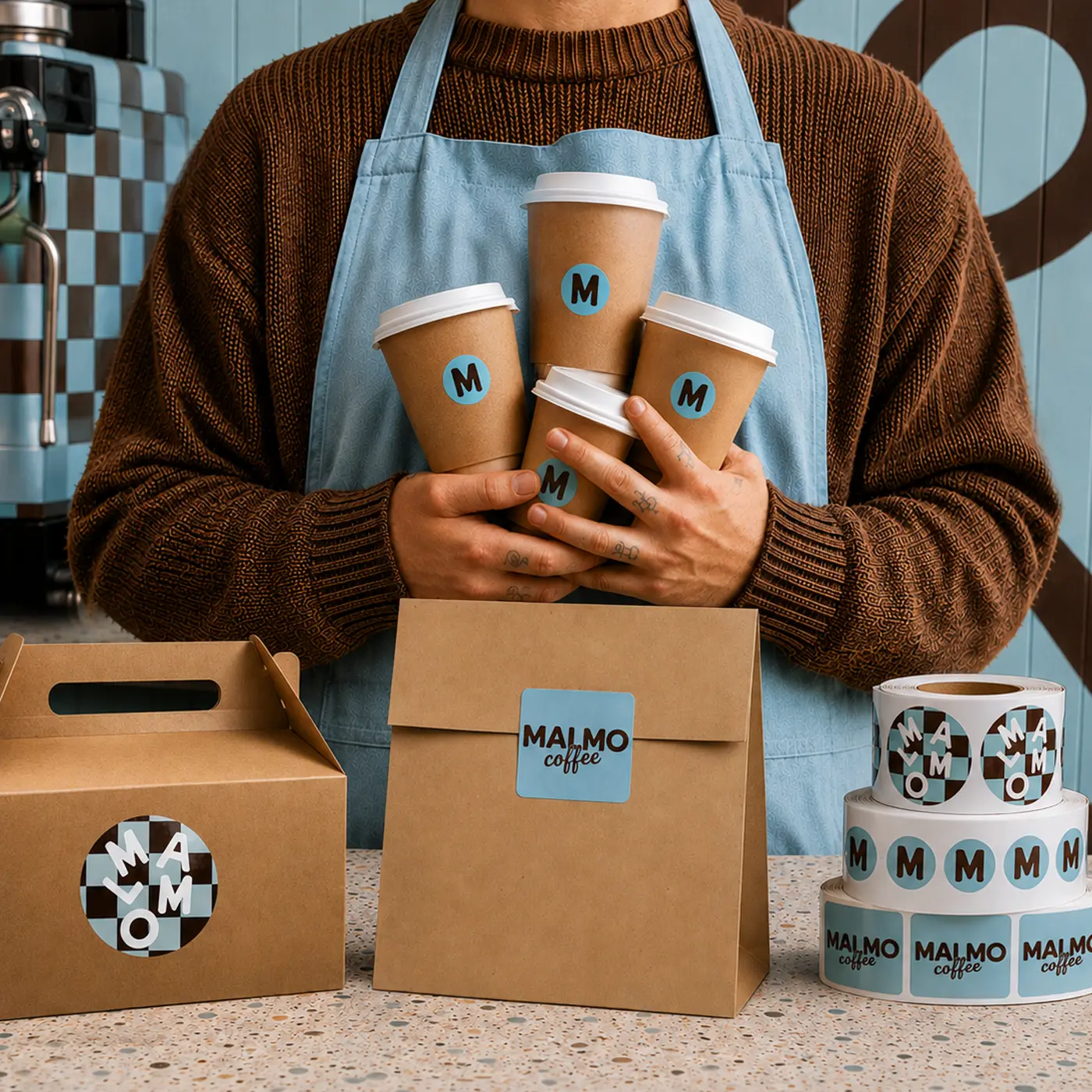
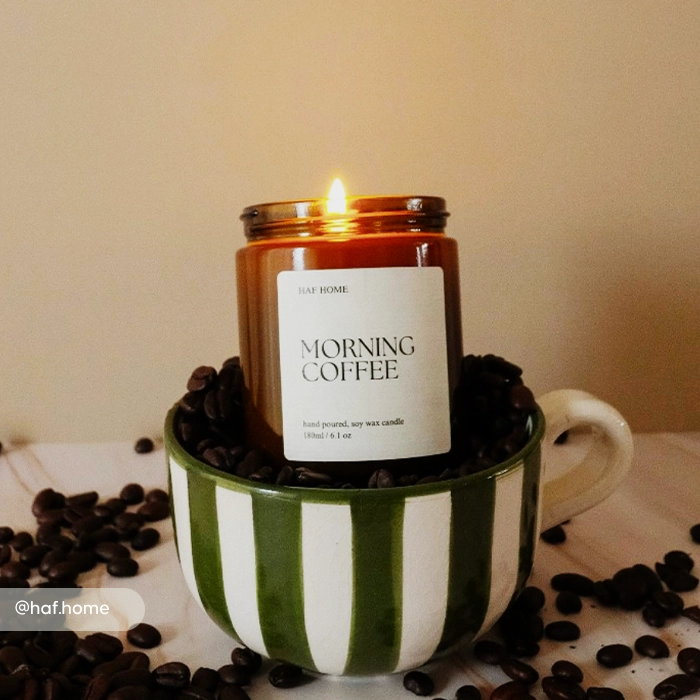
  • Labels: Ideal for branding jars, bottles, boxes and mailers quickly and efficiently. 
We'd recommend exploring all the options to find what's right for your project. And if you're still unsure, our friendly team is always happy to help!

How do I make Stickers?

You can make your own Stickers in three simple steps: choose a printing method that suits your volume, design your artwork using a downloadable template, and export it as a print-ready file. It's easier than you might think! 


Here's how to get started: 
  • Pick your printing method: Choose the option that best fits your volume needs, whether you're after a small batch or a big run. 
  • Design with ease: Use our downloadable templates alongside user-friendly software like our Artwork Editor, Canva, Photoshop or Adobe Illustrator. 
  • Export the right way: Save your design as a PDF print file in CMYK colour mode. This ensures the colours you see on screen are beautifully matched on the printed version. 
Sticker printing shouldn't be a stressful experience, so we're here to help every step of the way! If you need a hand, just reach out to our friendly team here.

What Sticker formats are available?

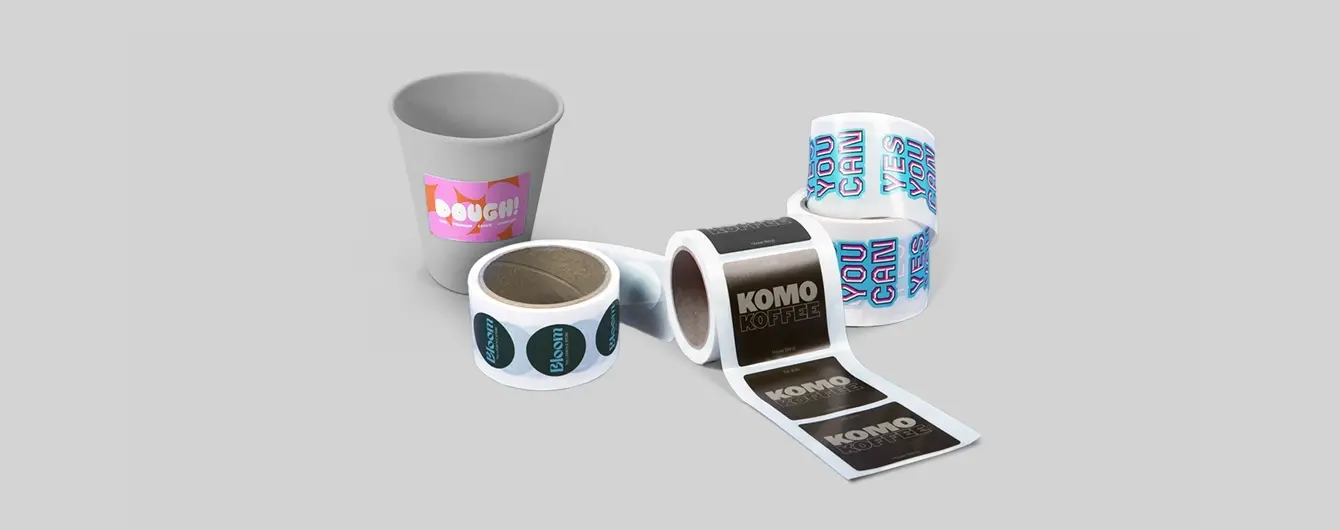
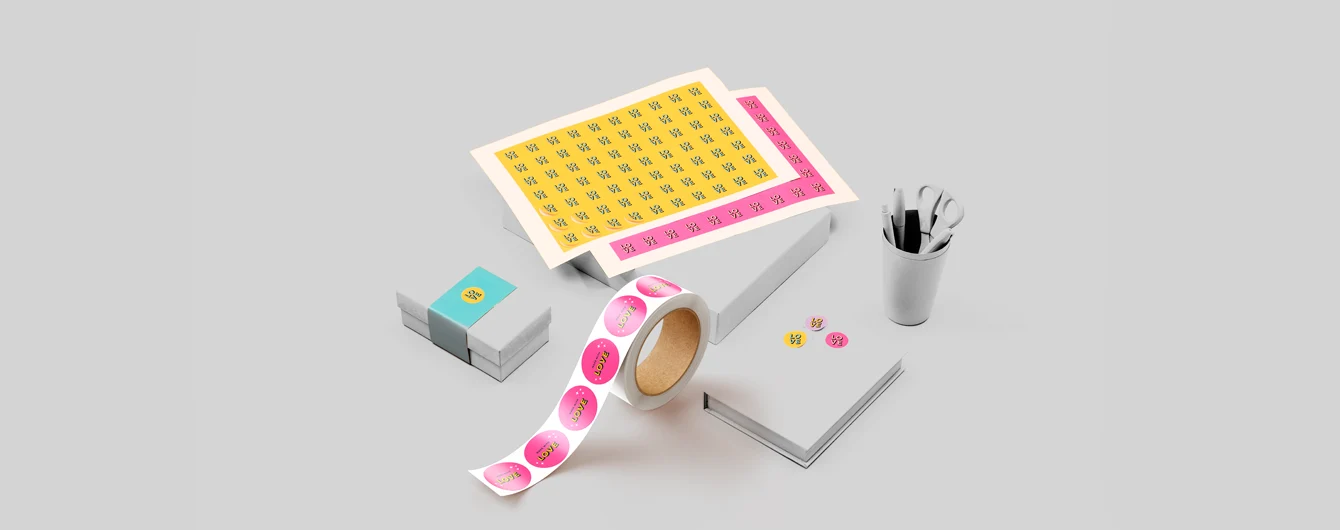
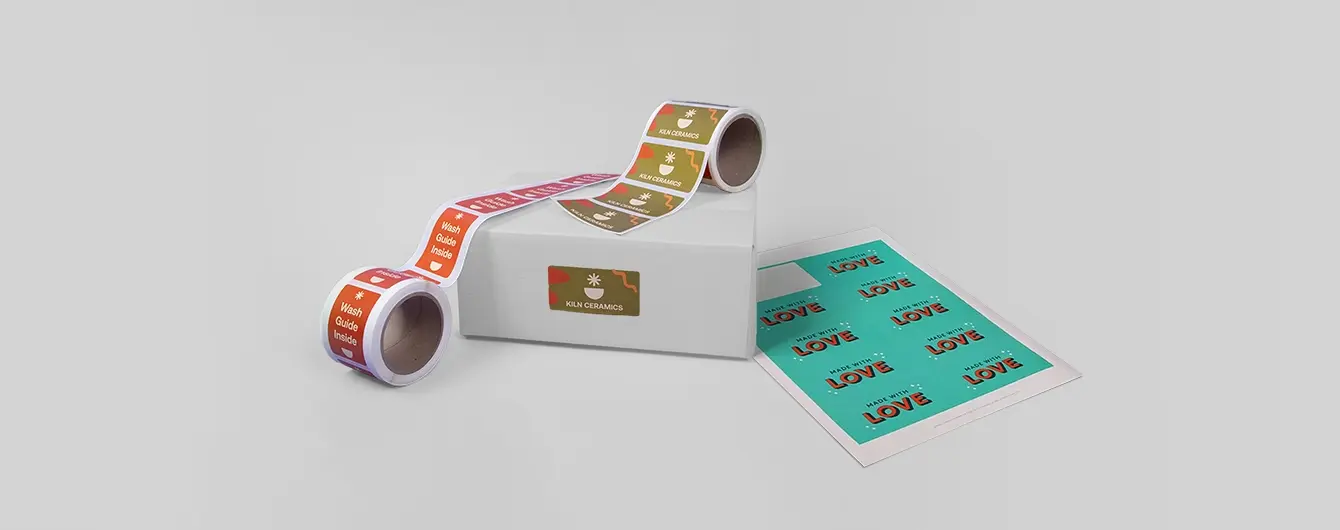
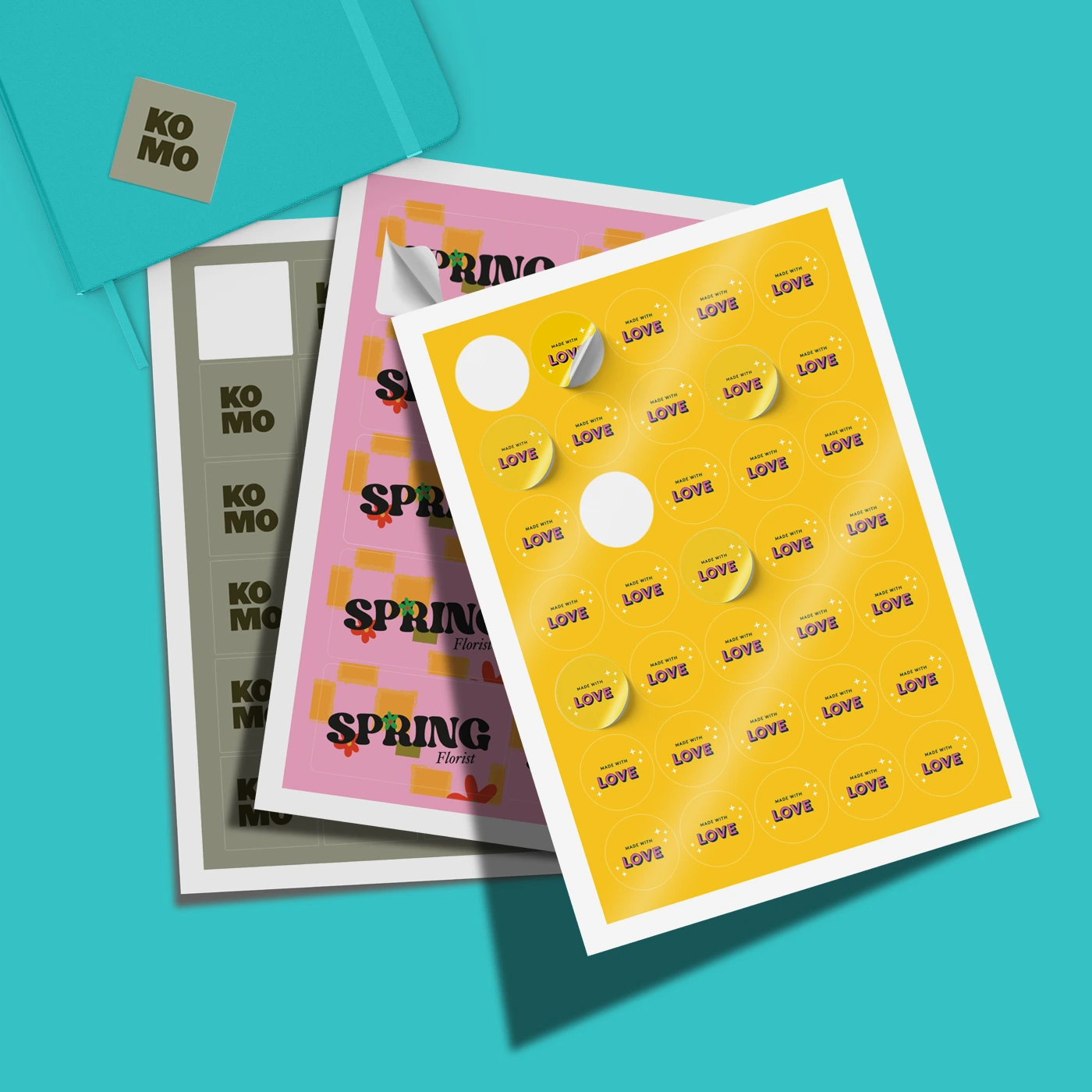
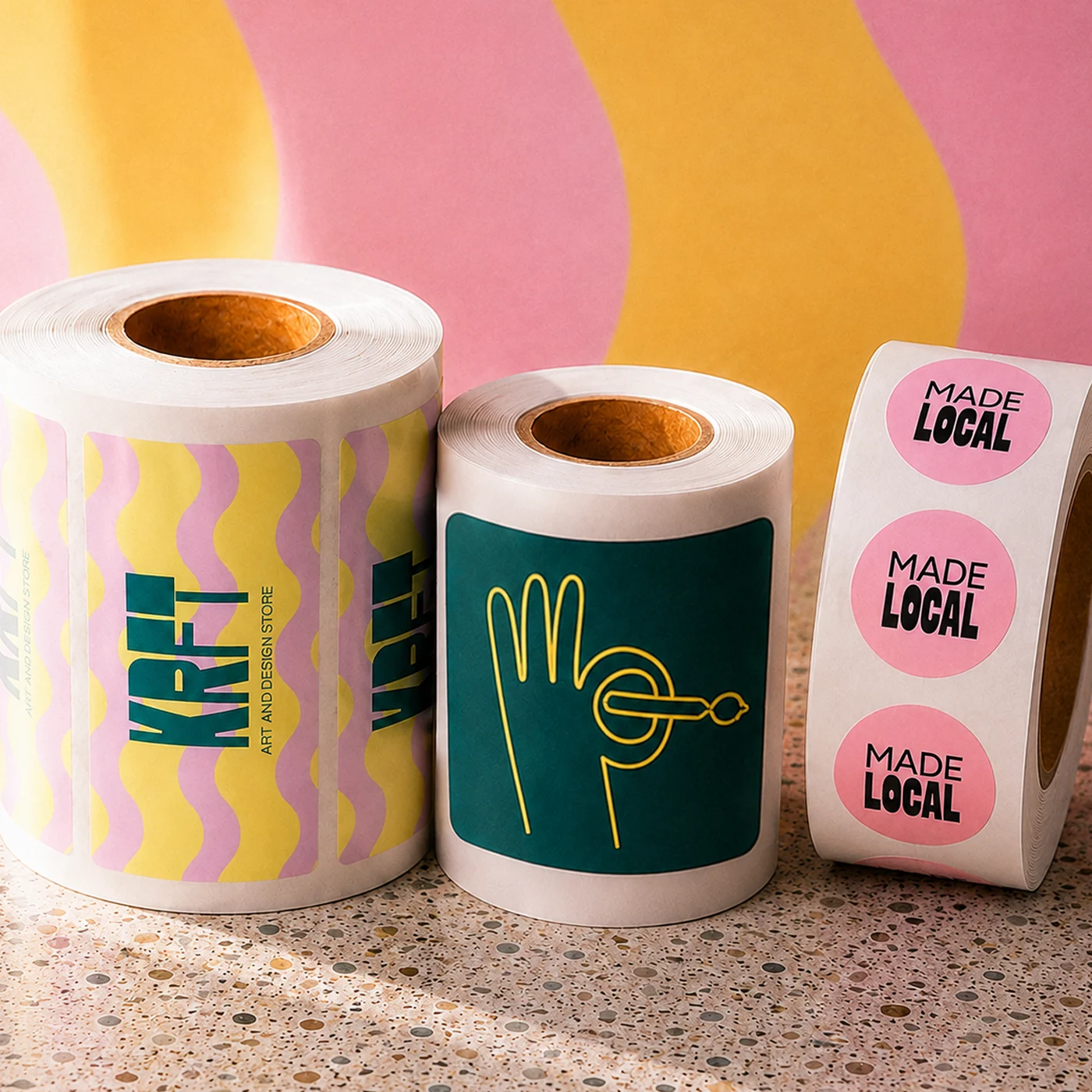
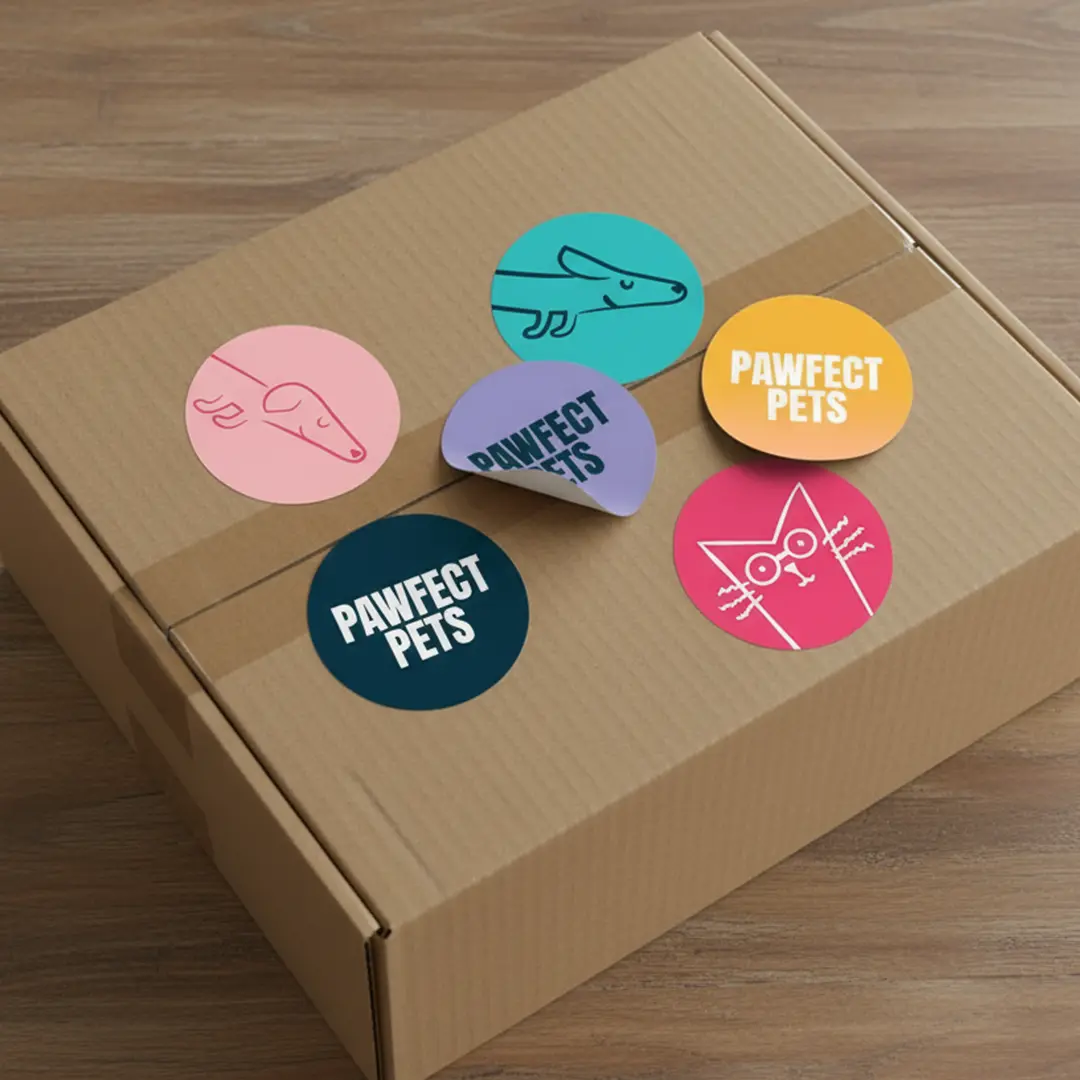
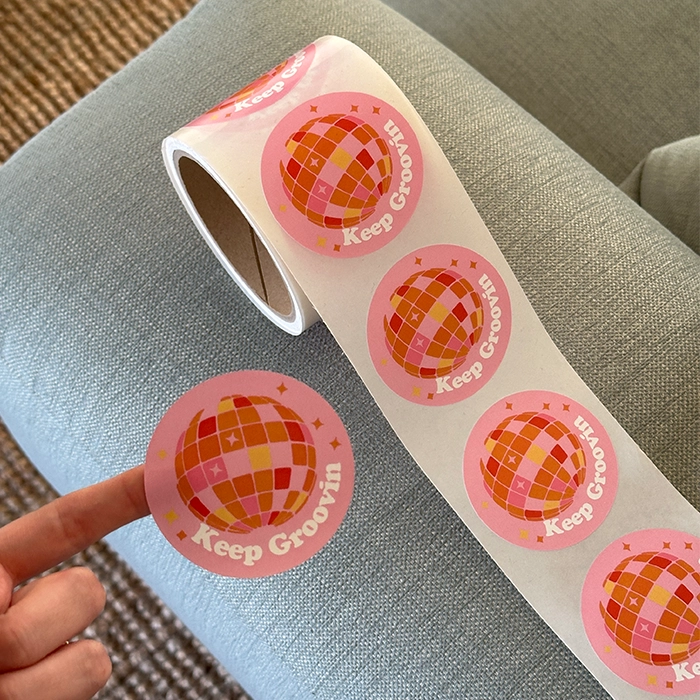
Our Stickers are available in three formats and shapes to suit different projects and application needs: Sticker Sheets, Rolls and individual Die Cut in circle, square or rectangle. Choose sheets for easy storage and versatile application, rolls for fast, efficient application at higher volumes, or die cut when you want individual Stickers that are ready to peel and use.

How to choose the best paper for Sticker printing?

The best Sticker material depends on where you’ll be using your Stickers and the finish you’re looking for: 


  • White Vinyl – A durable, versatile option for Stickers that need to withstand handling and exposure to the elements. Ideal for products, packaging, promotional Stickers and outdoor applications.
  • White Eco Vinyl – A more environmentally conscious alternative to traditional vinyl, while still offering a durable and versatile Sticker solution. A great choice when sustainability is an important consideration and you want the plastic feel but with the eco credentials.
  • Biodegradable Uncoated – A natural, uncoated paper option with a soft, tactile finish. Ideal for packaging, branding, labels and other indoor applications where a more premium, eco-friendly look and feel is preferred. 
Our White Eco Vinyl and Biodegradable Uncoated stocks are both food safe and suitable for contact with dry, non fatty foods.

If you’re unsure which material is right for your project, consider where your Stickers will be used, how durable they need to be and the finish you want to achieve.

What is the difference between Die Cut and Kiss Cut Stickers?

The key difference is in the paper backing. Die Cut Stickers are cut through the backing to match your design's shape, while kiss cut Stickers leave the backing paper intact. 


Here's a quick guide: 
  • Die Cut Stickers: Cut into a custom shape, they have a premium look perfect for events or promotional giveaways. 
  • Kiss Cut Stickers: The larger backing makes them easy to peel, which is great for quickly labelling products or packaging.
Here's how this applies to our Sticker formats:
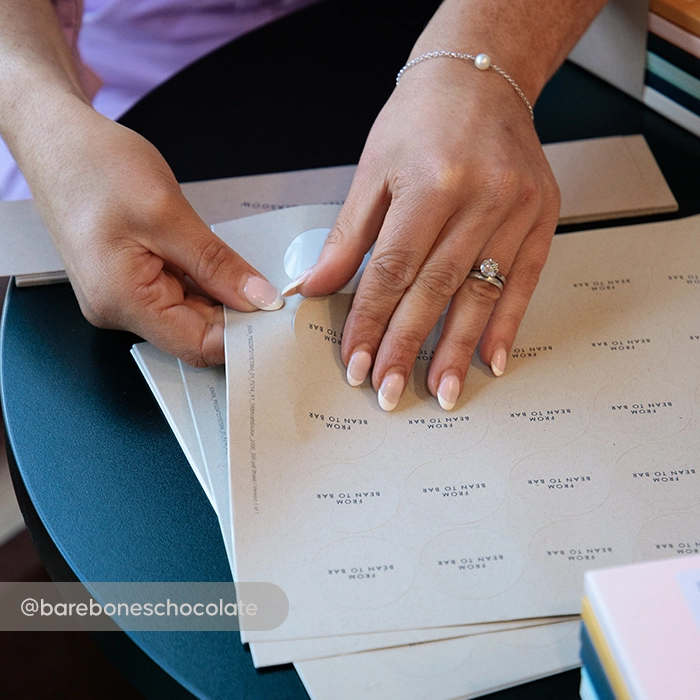
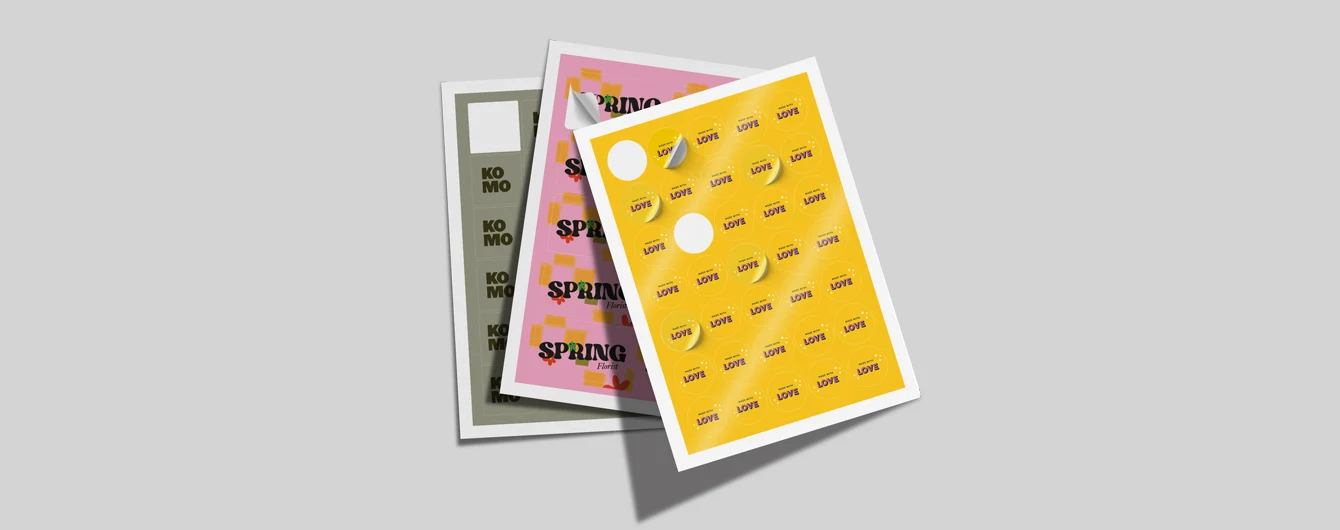
  • Sticker Sheets are typically kiss cut, with multiple Stickers arranged on a single sheet. 
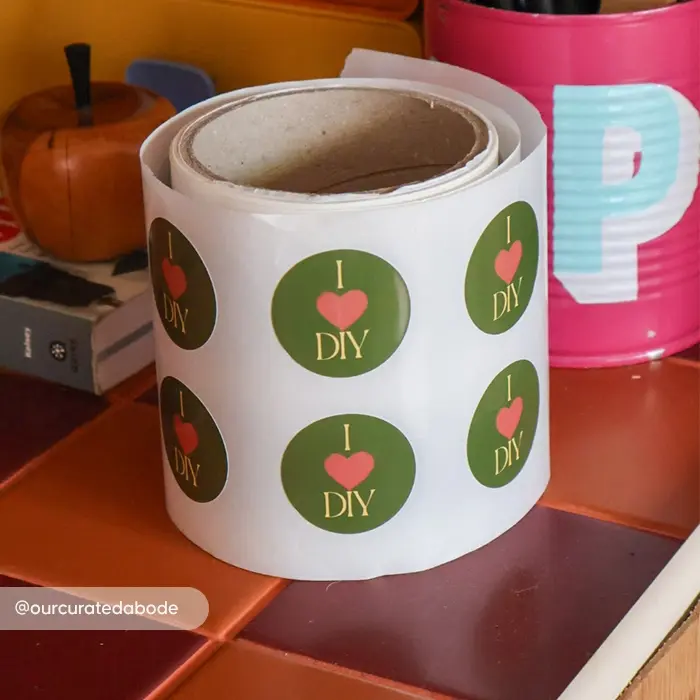
  • Sticker Rolls are typically supplied as kiss cut labels on a continuous roll with the backing intact for fast, efficient application. 
  • Die Cut Stickers are cut all the way through the Sticker and backing material to create individual custom-shaped stickers. 

What Sticker shapes do you offer?

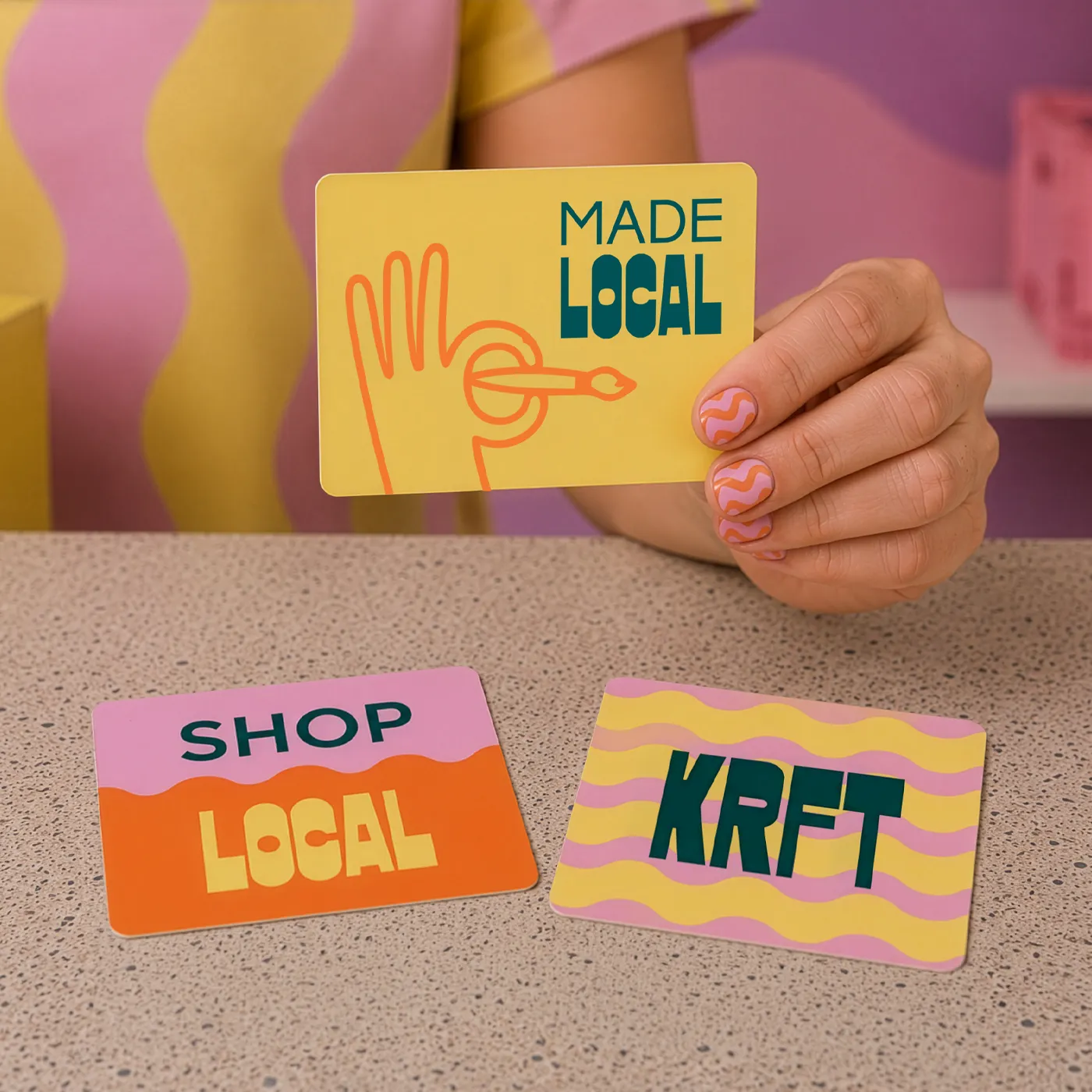
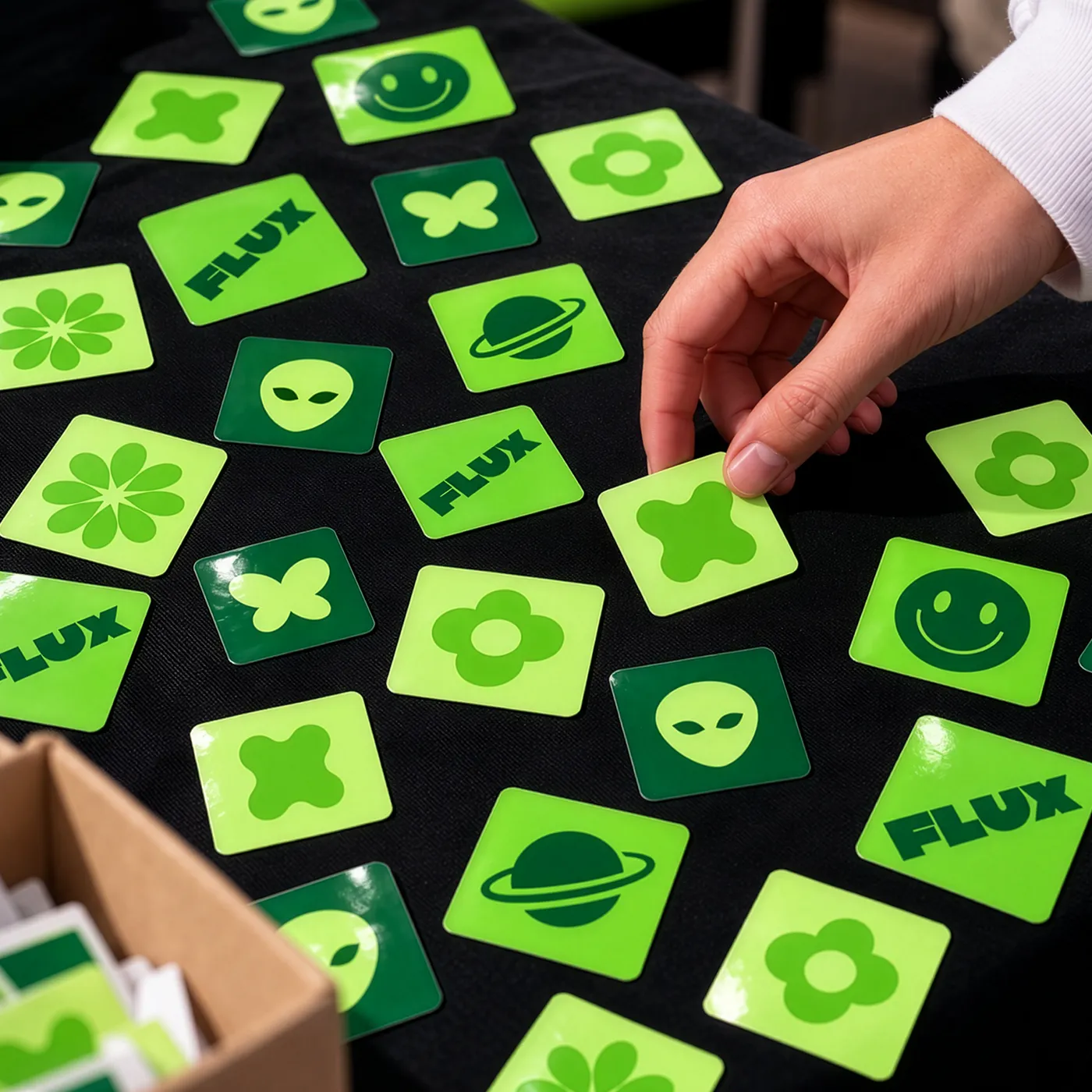
We offer three classic Sticker shapes to suit your needs: square, circle and rectangle. Choose the shape that best complements your design and brings your Stickers to life!

Circle Stickers

1

Format

2

Size

Please select a size to continue
3

Paper

Please select a paper option to continue
4

Quantity

5

Shipping options

Product Summary

Format

Sheets

Shape

Circle

Size

-

Orientation

Round

Printed sides

One Side

Paper

-

Paper weight

-

Quantity

-

Loading...