
We use essential cookies to make our site work. With your consent, we may also use non-essential cookies to improve user experience and analyze website traffic. For these reasons, we may share your site usage data with our social media and analytics partners. By clicking “Accept,” you agree to our website's cookie use as described in our Cookie Policy. You can change your cookie settings at any time by clicking “Preferences.”

Visiting from outside the United States?

Our UK site offers faster & international shipping, local payment options and region-specific products.

Printed.com
Artwork Editor - Create print‑ready artwork with confidence.

Artwork Editor

Create print‑ready artwork with confidence.
 
Say goodbye to artwork stress and guesswork, and say hello to flawless prints you can trust, thanks to Artwork Editor. Upload, tweak and preview your artwork design, and know exactly what you’ll get before it hits the press.

Artwork Editor

Create print‑ready artwork with confidence.
 
Say goodbye to artwork stress and guesswork, and say hello to flawless prints you can trust, thanks to Artwork Editor.
 
Upload, tweak and preview your artwork design, and know exactly what you’ll get before it hits the press.

How to get started

Start by browsing our print range and choosing your preferred product. Select your specifications, then click the Upload Artwork button to open the Artwork Editor instantly.  From here, you’re in full control - tweak your design, preview it realistically and get your artwork print-ready before checkout. 
 
Want to keep browsing? Add your products to your basket - Artwork Editor will be available from there when you’re ready.

Complete control at every step
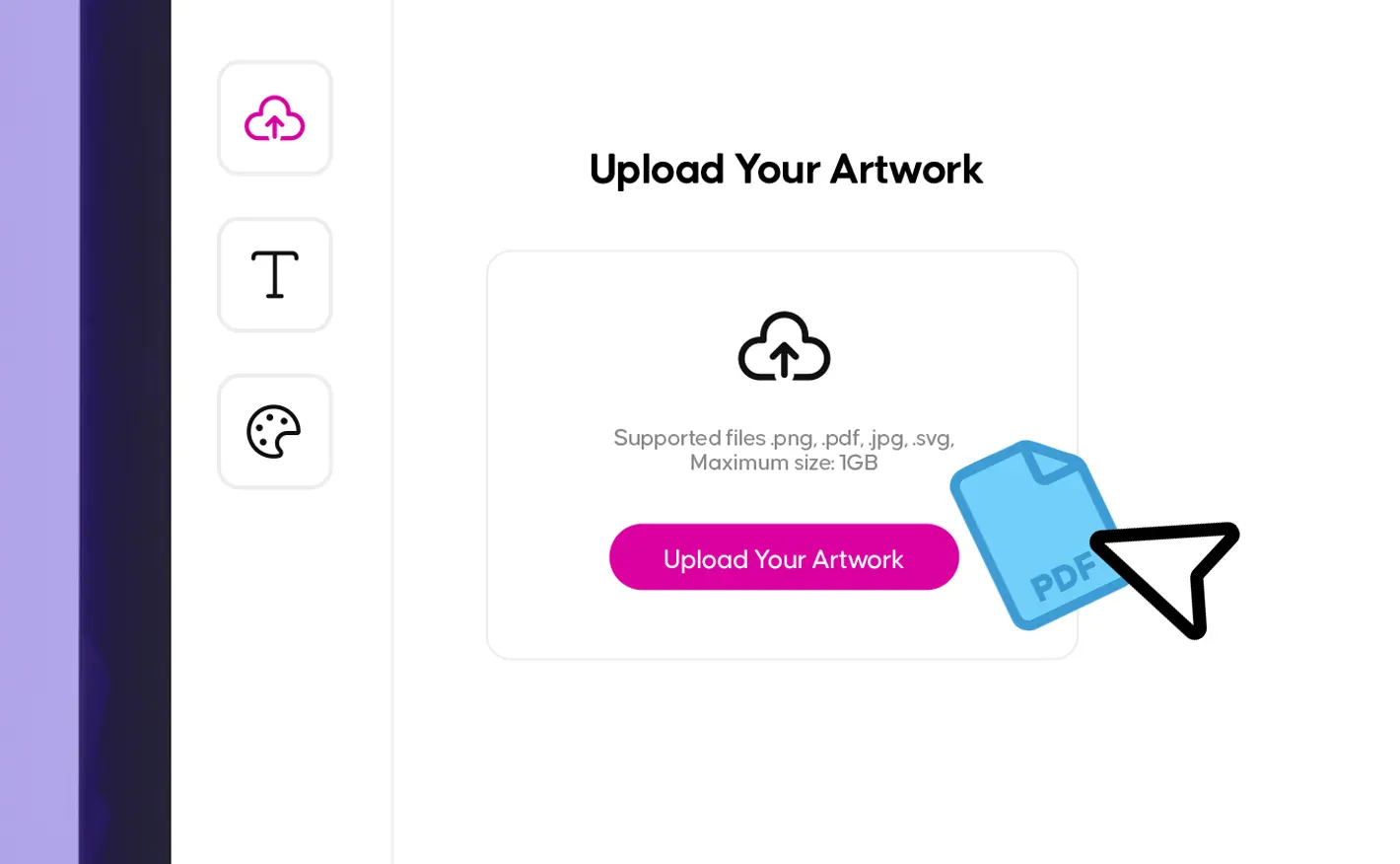
Upload in seconds.

Upload in seconds

Just drag and drop or upload your files and see them appear instantly on the canvas. We support a wide range of file types like PDF, JPG, PNG and SVG, so you can use your existing artwork without extra prep.
 
Upload quickly, preview immediately and  refine your design with confidence.
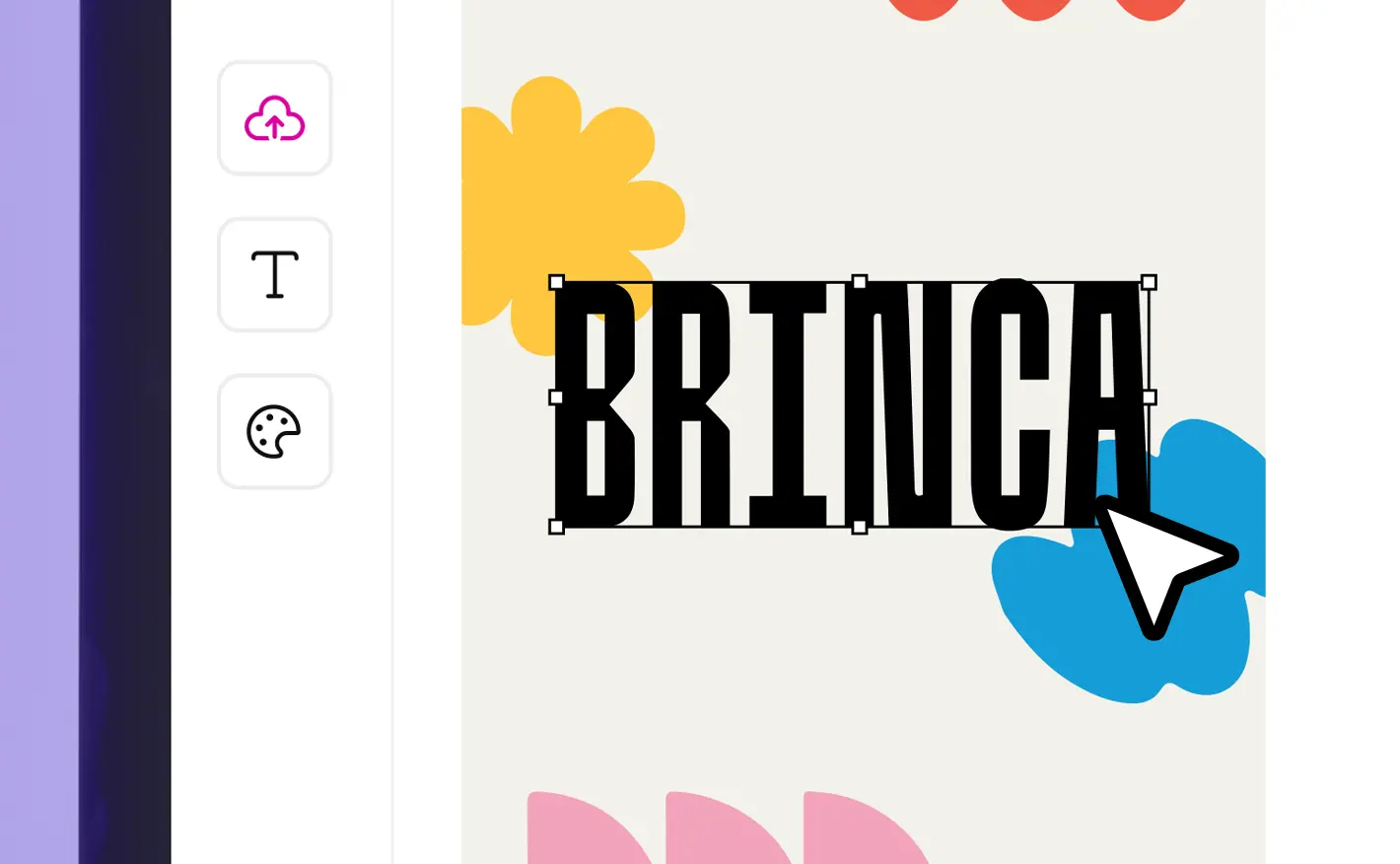
Edit with ease.

Edit with ease

Our built-in tools let you perfect your artwork design in moments. Move and position elements precisely, resize, crop or rotate and add text and brand colors.
 
Artwork Editor puts you in the driver’s seat, so every detail looks exactly as it should.
Upload in seconds.

Upload in seconds

Just drag and drop or upload your files and see them appear instantly on the canvas. We support a wide range of file types like PDF, JPG, PNG and SVG, so you can use your existing artwork without extra prep.
 
Upload quickly, preview immediately and  refine your design with confidence.

Edit with ease.

Edit with ease

Our built-in tools let you perfect your artwork design in moments. Move and position elements precisely, resize, crop or rotate and add text and brand colors.
 
Artwork Editor puts you in the driver’s seat, so every detail looks exactly as it should.

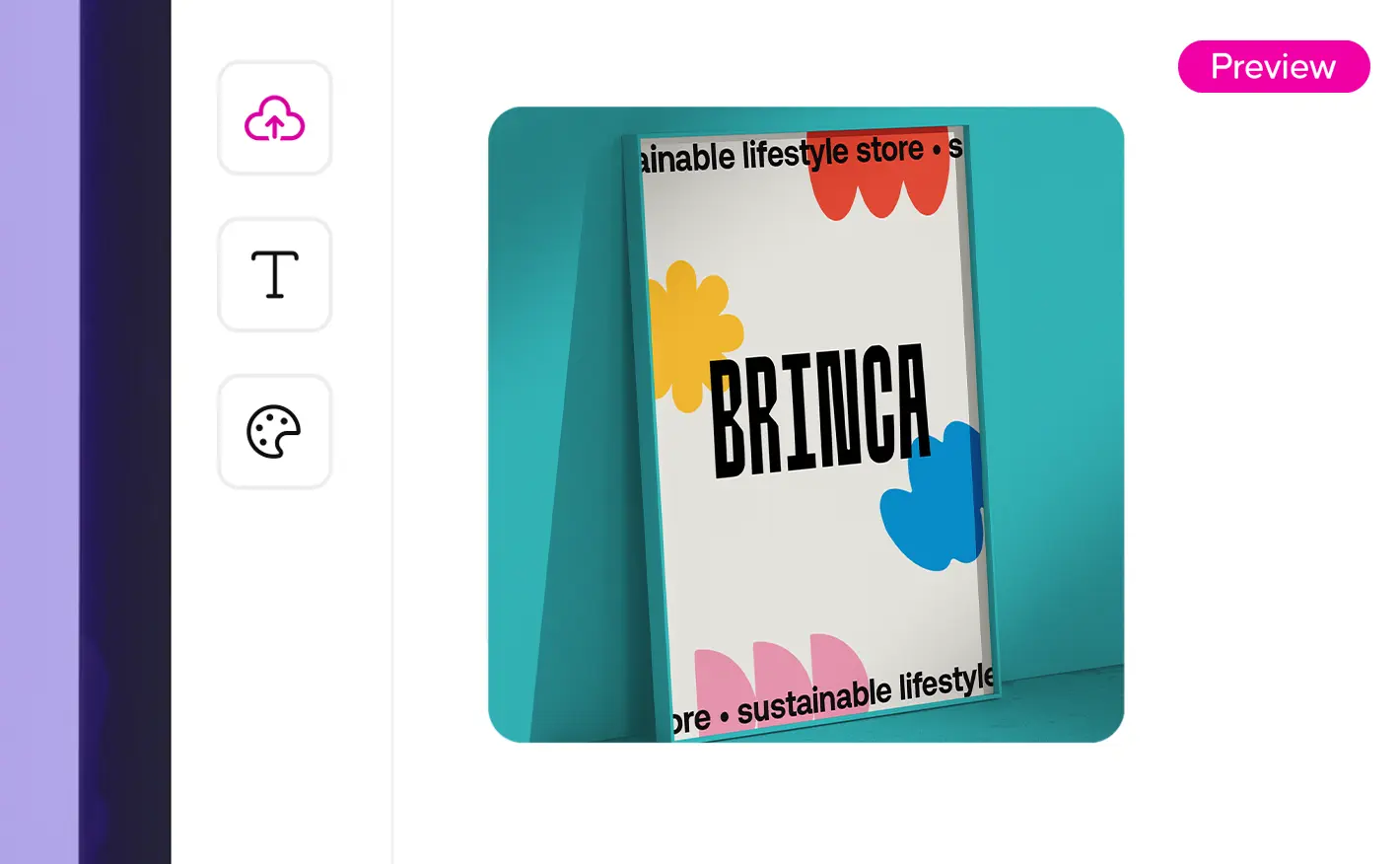
Preview every angle.

Preview every angle

See your design exactly as it will print before it hits the press.  Our interactive preview brings your design to life, showing folds, edges and pages in full detail.
 
On selected items, flip your product around, view it from every angle and know that you see on screen is exactly what you’ll receive.
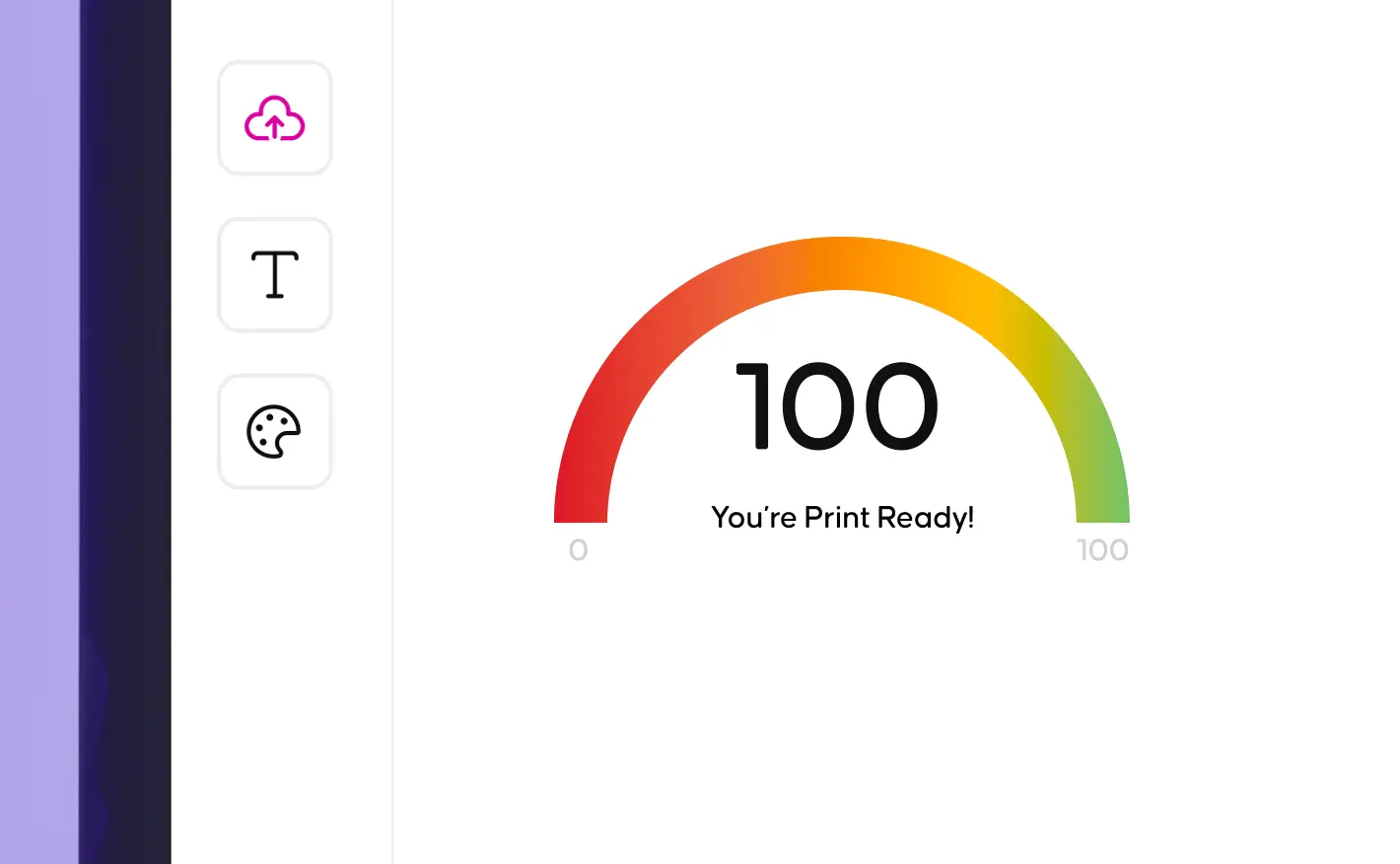
Check your print's ready with our print score.

Check your print's ready

Before your design heads to print, our Print Ready Score makes sure everything is spot-on. Hit 100% and you’re ready to print.
 
Need a quick fix? One click of the Auto-Fix button instantly corrects common issues like bleed and margins, so your project prints perfectly every time.

Preview every angle.

Preview every angle

See your design exactly as it will print before it hits the press.  Our interactive preview brings your design to life, showing folds, edges and pages in full detail.
 
On selected items, flip your product around, view it from every angle and know that you see on screen is exactly what you’ll receive.

Check your print's ready with our print score.

Check your print's ready

Before your design heads to print, our Print Ready Score makes sure everything is spot-on. Hit 100% and you’re ready to print.
 
Need a quick fix? One click of the Auto-Fix button instantly corrects common issues like bleed and margins, so your project prints perfectly every time.

More ways to support you
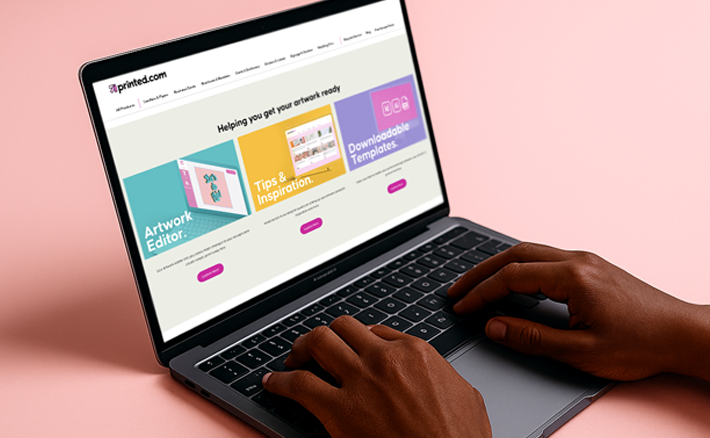
A persons typing on a laptop, on a soft pink background.

Tools & services

Discover the ways we can make printing your next project easier than ever.

Two smiling customer service reps with headsets in a bright office.

Help centre

Explore the answers to our most frequently asked questions, or get in touch with the team.

A single business card printed with a black and green earth icon, placed on an angle in the top of a plant pot containing soil.

Sustainability & print practices

Find out more about our dedication to improving our sustainability and our wider printing practices.

A persons typing on a laptop, on a soft pink background.

Tools & services

Discover the ways we can make printing your next project easier than ever.

Two smiling customer service reps with headsets in a bright office.

Help centre

Explore the answers to our most frequently asked questions, or get in touch with the team.

A single business card printed with a black and green earth icon, placed on an angle in the top of a plant pot containing soil.

Sustainability & print practices

Find out more about our dedication to improving our sustainability and our wider printing practices.

Loading...
Loading...

Product Summary

Loading...
Loading...