
Artwork Help & Print Tips, Wedding, Wedding Tips & Tricks
Your Guide to Canva Fonts
Finding the perfect font can be a tricky task. Gone are the days of choosing between Times New Roman or Comic Sans, you’ve now got thousands of different fonts at your fingertips thanks to design tools like Canva. Having so many fonts to help get your message across is amazing, but can be a little overwhelming! But don’t worry, we’re here to help.
We’ve answered some of your burning questions, and picked out some of our favourite different styles to get you inspired.
Table of contents
Are Canva fonts free for commercial use?
Are Canva fonts copyright free?
Can you upload fonts to Canva free?

The best fonts on Canva
With hundreds of fonts to choose from, it’s tricky to know where to begin! We’ve picked out some of the best Canva fonts in popular styles to help you find the perfect fit for your project.
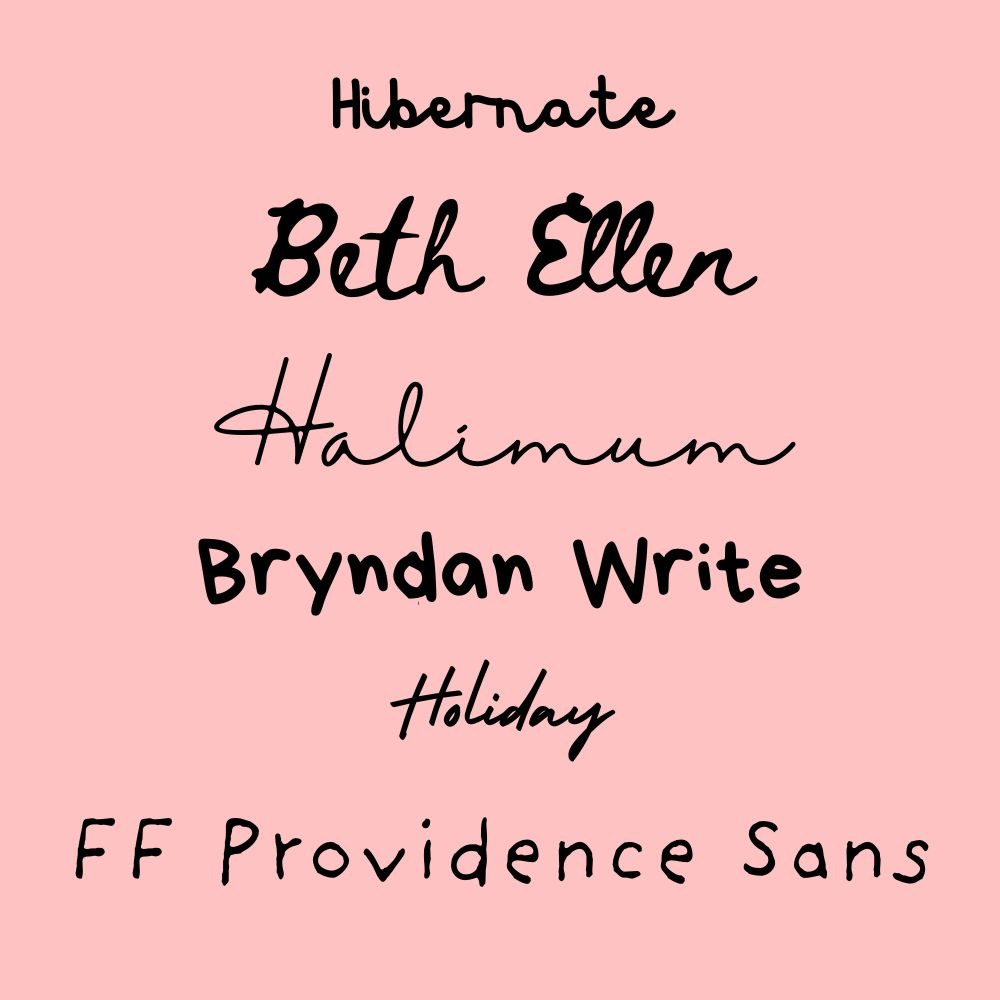
Canva handwritten fonts
Canva’s handwritten fonts are some of the most popular choices! They’re versatile, stylish, and add personality to your designs. A handwritten style is best for using in your logo or as an accent font, especially if you want your branding to have a personal, playful touch – we think they’d look fab on a Zine!
- Hibernate
- Beth Ellen
- Halimum
- Bryndan Write
- Holiday
- FF Providence Sans
Canva Sans fonts
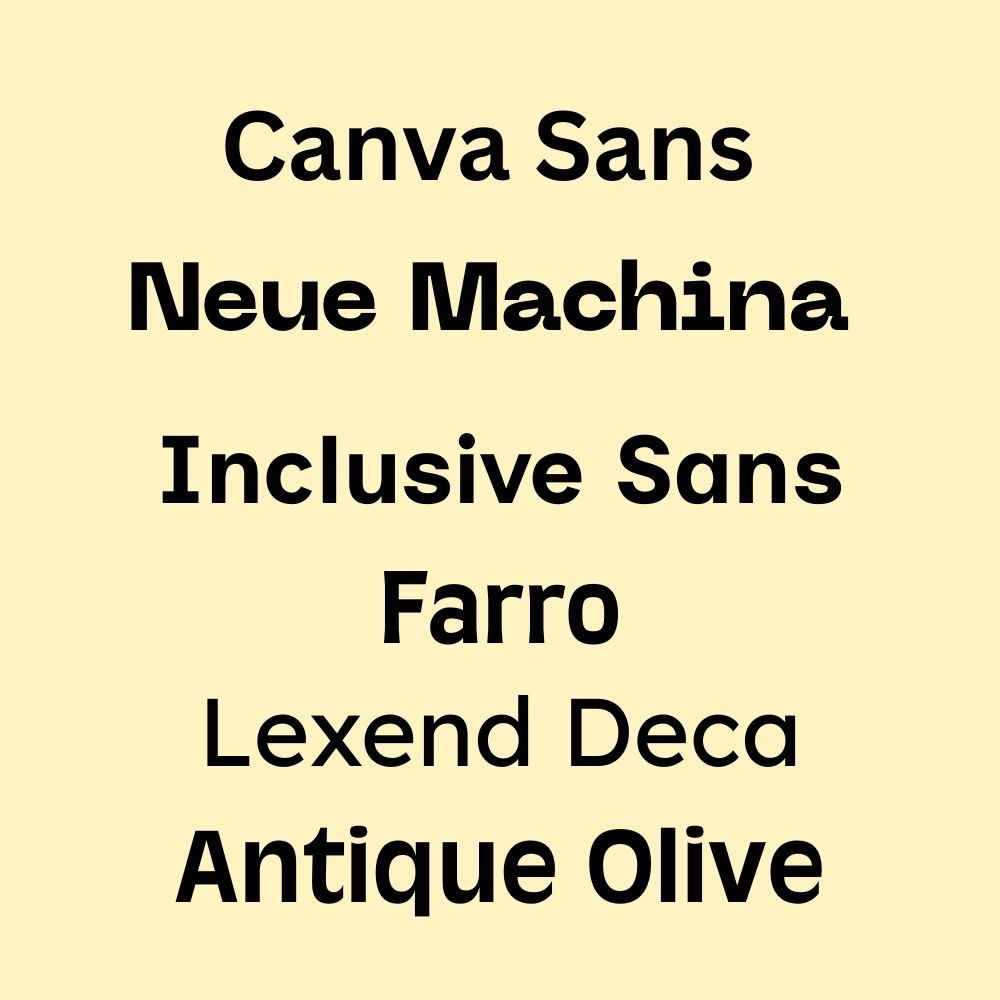
Canva Sans fonts are a modern alternative to classics like Times New Roman or Arial. They’re a great choice for readability, with fonts like ‘Inclusive Sans’ designed specifically with legibility and accessibility in mind. For straight-forward, bold designs, Canva Sans fonts are the way to go!
- Canva Sans
- Neue Machina
- Inclusive Sans
- Farro
- Lexend Deca
- Antique Olive
Elegant Canva fonts
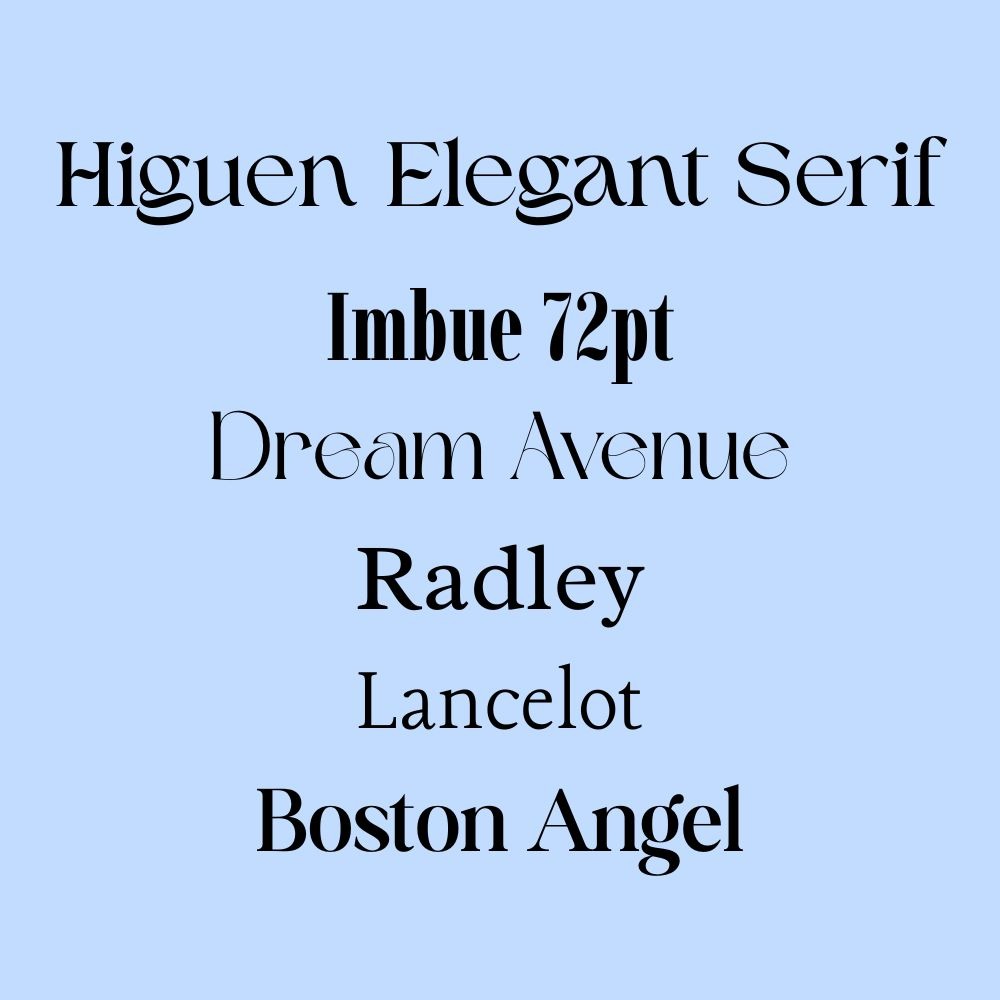
If you want to convey a luxe, high-end feeling, elegant fonts are the perfect fit. They offer the same stylish feel as handwritten fonts with more readability. They’re great for logos or as accent fonts – especially on Wedding Invitations.
- Higuen Elegant Serif
- Imbue 72pt
- Dream Avenue
- Radley
- Lancelot
- Boston Angel
Vintage fonts in Canva
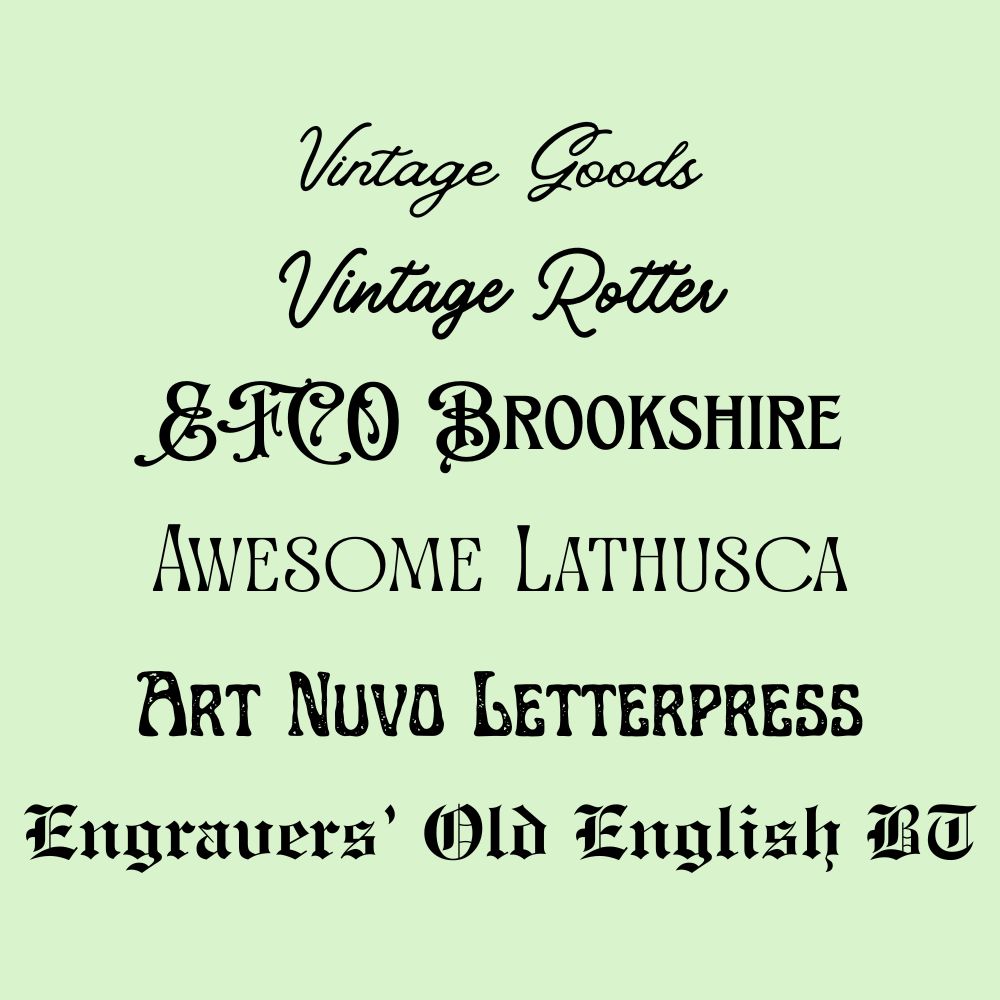
A vintage font is great for adding personality to your designs. There are so many to choose from in Canva, and they range from traditional newspaper style fonts like ‘Engravers’ Old English BT’ to more alternative styles like ‘Awesome Lathusca’. Vintage fonts are great for fun and quirky branding.
- Vintage Goods
- Vintage Rotter
- EFCO Brookshire
- Awesome Lathusca
- Art Nuvo Letterpress
- Engravers’ Old English BT
Canva font pairings
Sometimes one just isn’t enough! To take the guesswork out of creating font pairings, we’ve put some together that you can use for everything from branding to weddings and everything in between.
Best Canva fonts for branding
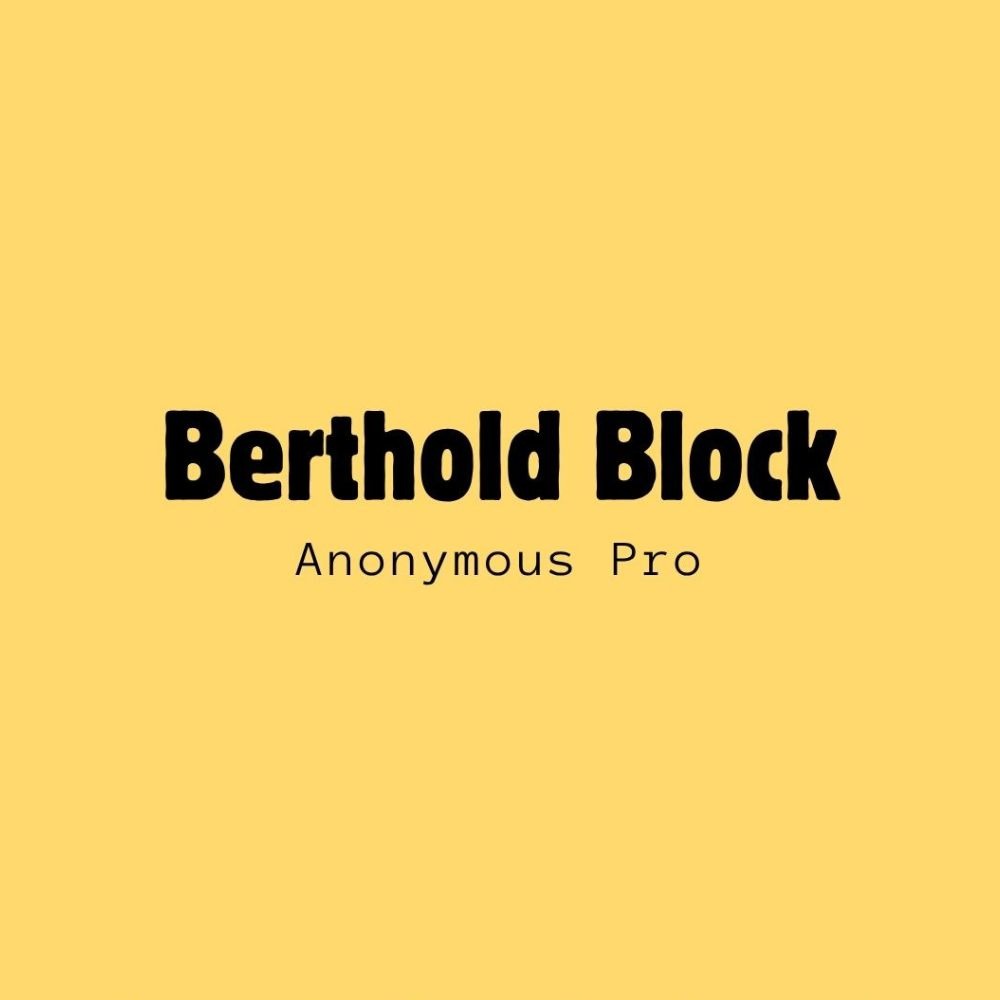
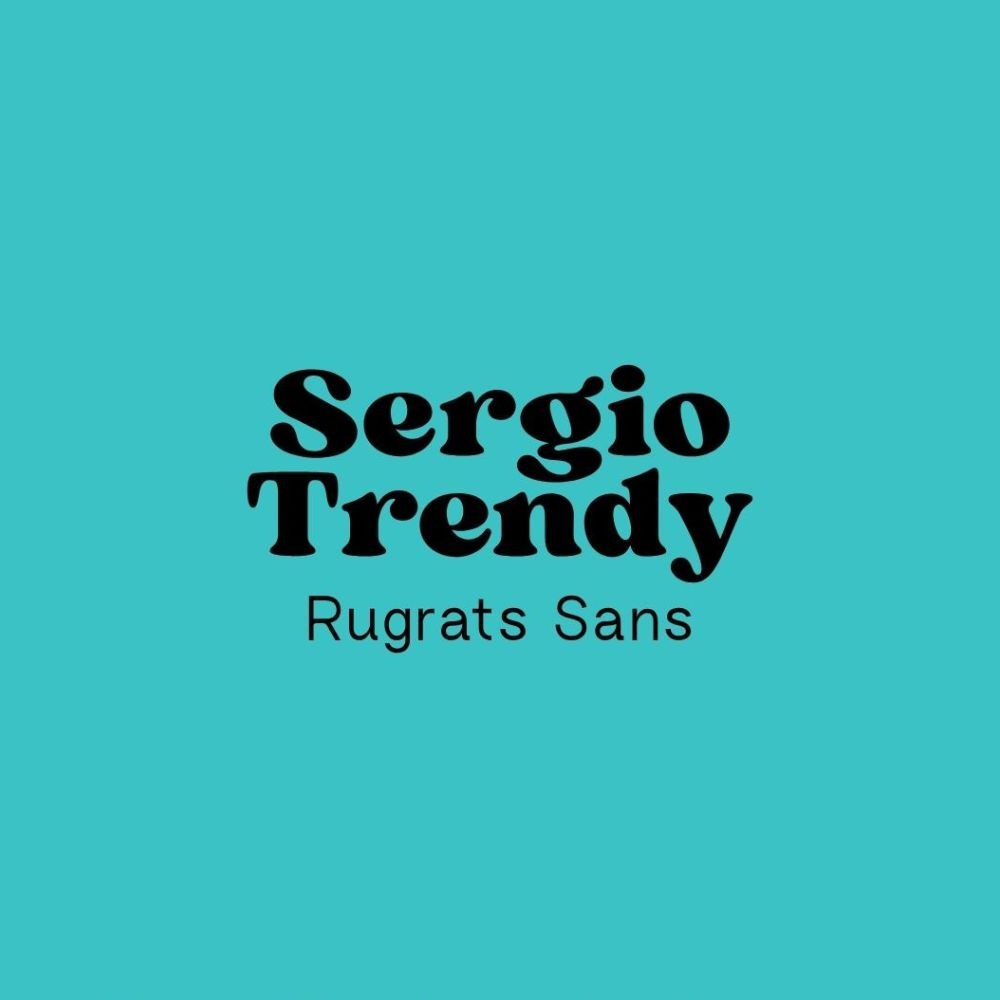
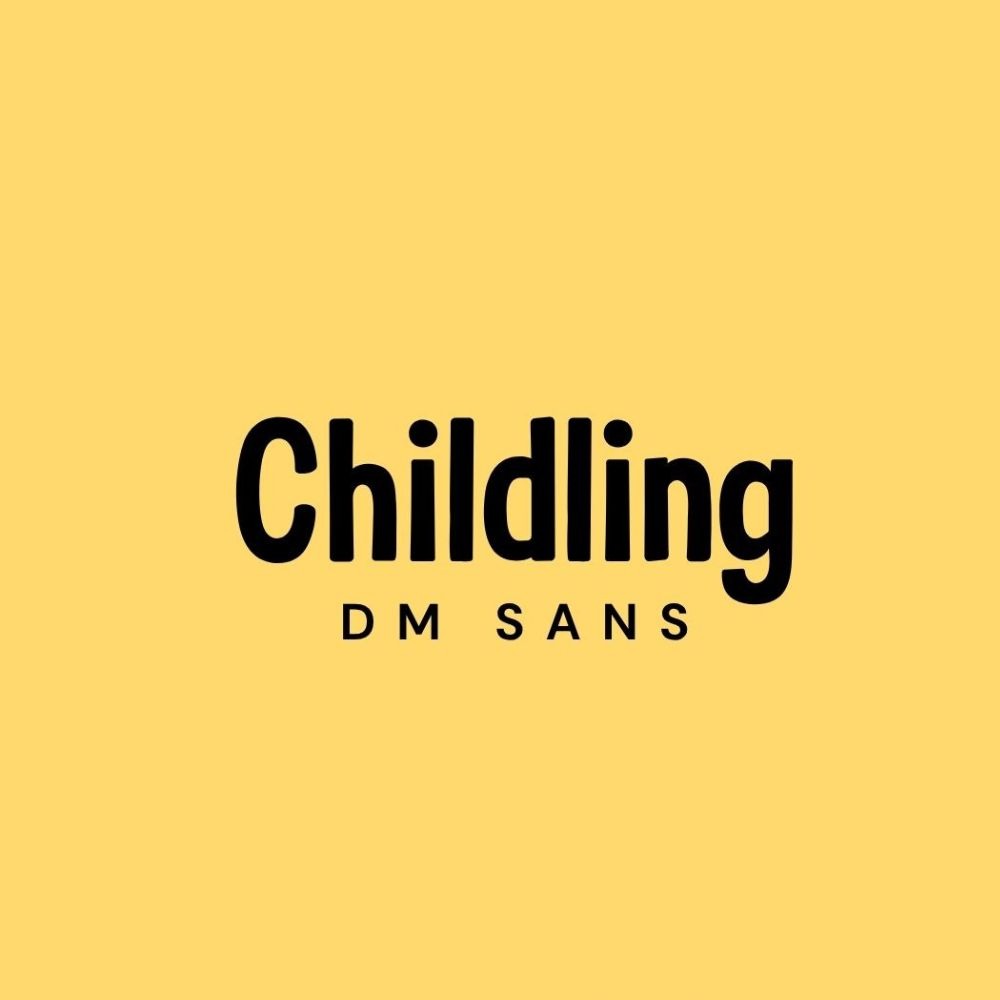
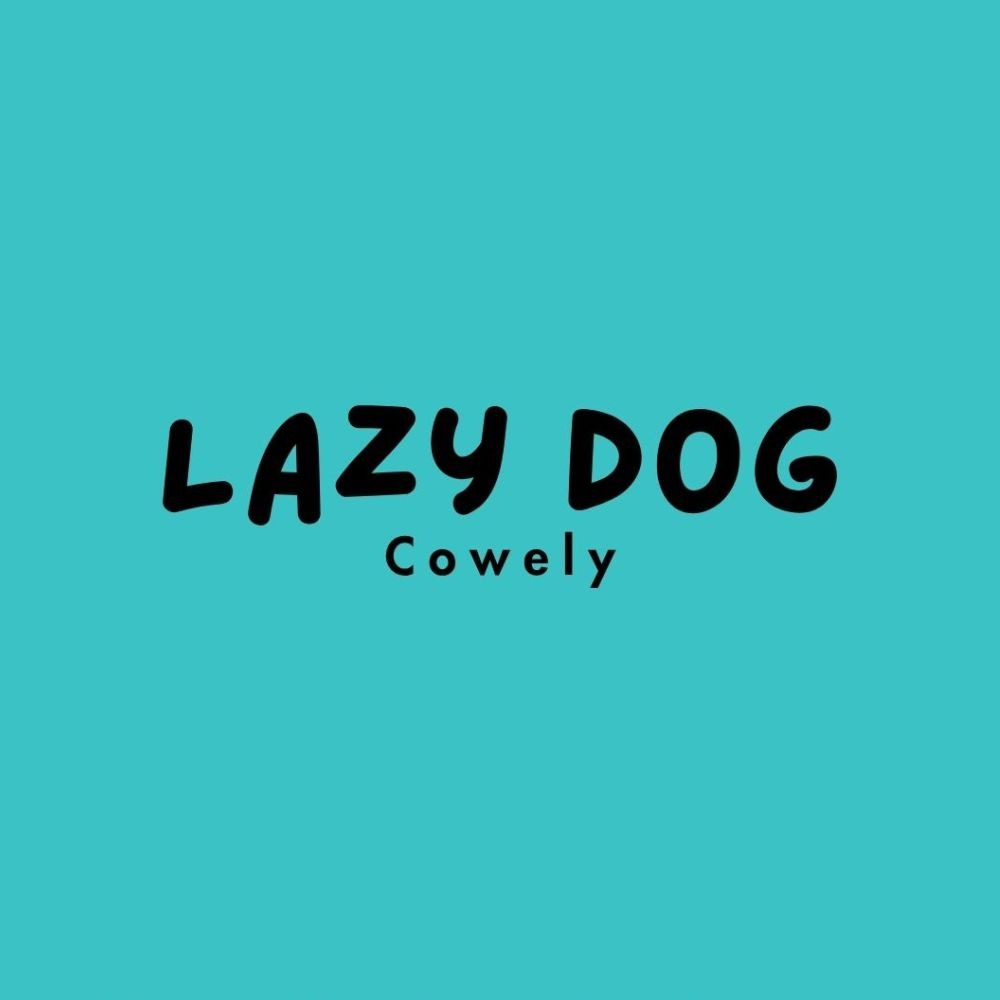
From minimal and modern to playful and trendy, here are some of our favourite font pairings for branding.


Wedding font pairings
Stylish, sophisticated and chic – these font pairings are the perfect match for your Wedding Stationery!
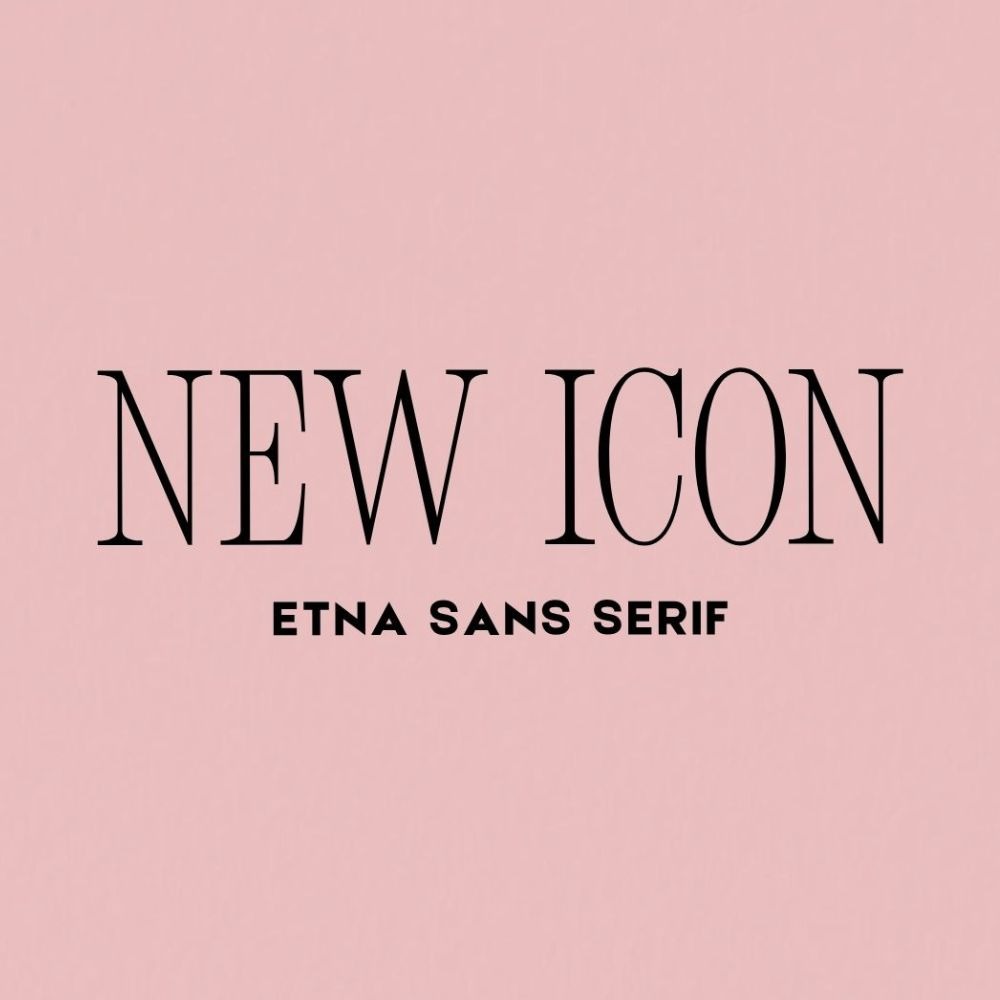
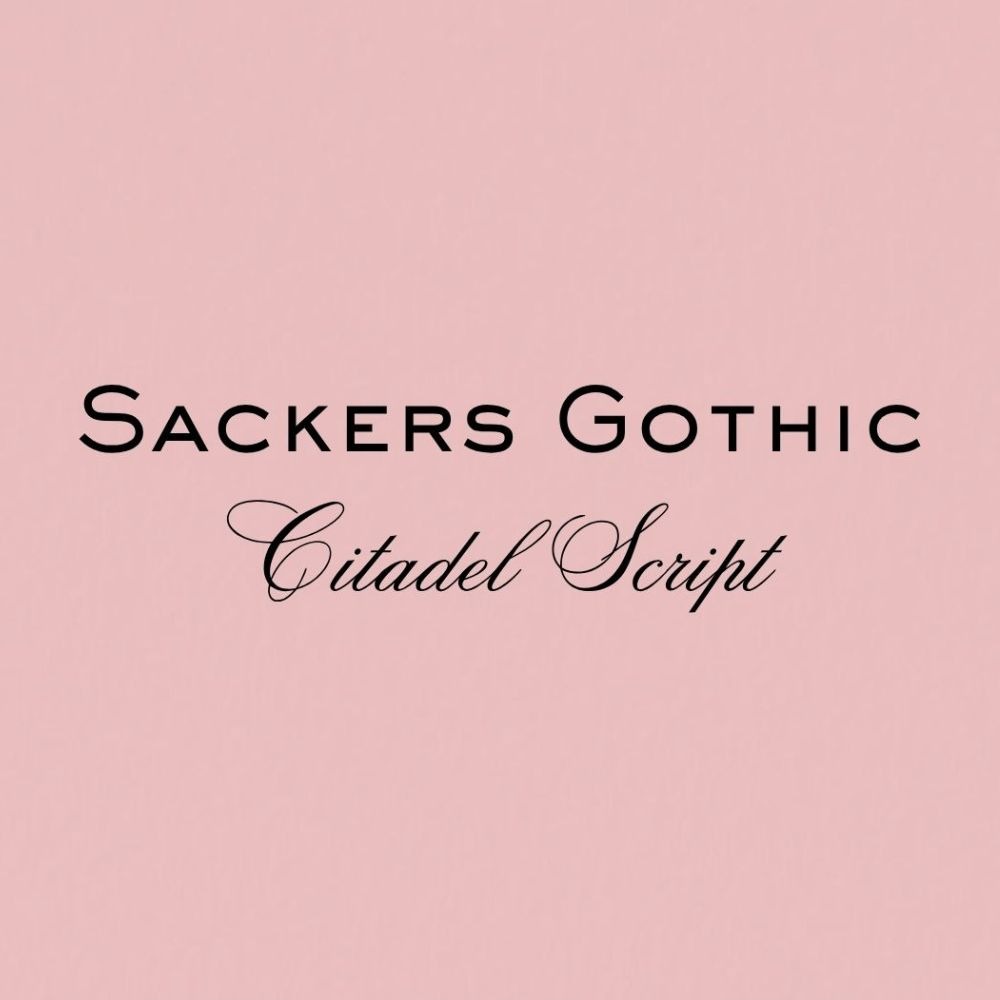
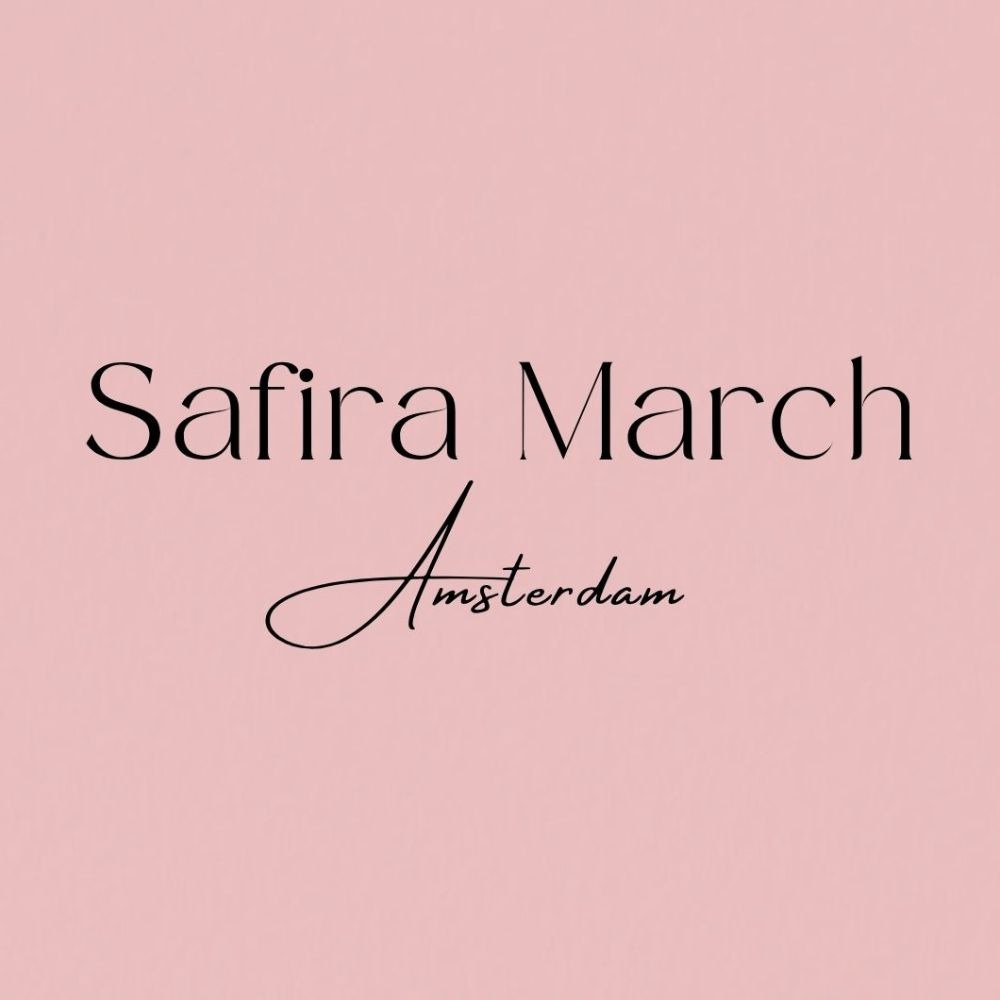
Are you a bride or groom looking for inspiration for your Wedding Stationery?
Are Canva fonts free for commercial use?
Yes, you can use all fonts included in Canva’s library, both free and Pro, for commercial use. However, you can only use them within Canva to create your final design. If you upload your own font to Canva Pro, you’re not covered by Canva’s license, so you’ll need to ensure you have the commercial rights for any font you upload from outside of the program.
Are Canva’s fonts copyright free?
While you can freely use Canva fonts inside the platform, you don’t own the copyright to the font files themselves. This means you can’t extract them to use in any other software such as the Adobe suite or Microsoft without a separate license.
It’s also worth noting that while you can use Canva fonts in logo designs, you can’t legally trademark a logo that incorporates any stock elements or fonts as other users have access to the exact same typography.
Can you upload fonts to Canva free?
No, you can’t upload custom fonts to a free Canva account. This functionality is limited to the paid plans like Canva Pro, Teams, Education, and Nonprofit. If you have a paid plan, you can upload your font by navigating to your Brand Kit, then clicking “add new” under fonts, and uploading your OTF or TTF file.
Bring your Canva designs to life with Printed.com
Turning your Canva masterpiece into a premium product is easy with Printed.com! Whether you’re looking for a sleek Business Card, a professional Brochure or the Wedding Invitations of your dreams, we’ve got you covered!
For more guidance, check out our Canva blogs. They have everything you need to know to create print-ready designs:
- The Ultimate Canva Poster Size Guide
- Designing Wedding Invites & Save the Dates with Canva
- How to Design, Create & Print Canva Business Cards
Ready to make it real?

About the author
Meet Tasmine, our Social Media & Content Manager! When she’s not busy creating content, she’s out on a run, enjoying iced coffee, or daydreaming about Daschunds.


